# Light Cloud Blog
> Tutorials, comparisons and essays from the Light Cloud team. Tutorials walk through deploying web apps, APIs and Postgres databases on Light Cloud step by step; comparisons price hosting platforms side by side with the math shown; essays cover cloud pricing, sovereignty and where the industry is heading. Light Cloud is a deployment platform for web apps, APIs and Postgres databases.
# Preview Environment Pricing Compared
Preview environment pricing comes down to one question: does a preview that nobody is looking at keep billing? On Light Cloud, Vercel and Netlify it doesn't, so four open previews of a full-stack app add close to nothing to the month. Railway, Heroku and Render run each preview as another copy of your app, and four of them add about $8 to $19, $48 and $78.20.
That's for an app with a real backend. If your site is frontend only, previews cost nothing extra on Vercel, Netlify and Cloudflare Pages, and the only question left is which one you like working in.
We make Light Cloud, which comes first here, partly on a tie-break I'll explain. Every other number links to the vendor's own page.
## How we ranked
The reference app is a React frontend, an API that runs as a container, and PostgreSQL. Four pull requests are open all month, and each preview gets opened a few times, by the author and a reviewer, and otherwise sits there. That's a normal week for a small team.
The figure in the table is what those four previews add on top of the app's own bill, using list prices checked on 2026-10-13 and again on 2026-11-02 for Railway, Fly.io and Netlify. If a platform only offers full-stack previews on a higher plan, the upgrade counts. Where a platform bills by usage I state the assumption and price that usage, not the plan's starting fee. Light Cloud and Vercel both come out at about zero, so the tie goes to the cheaper plan the whole app runs on.
One thing the price doesn't show is what's inside the preview's database. A fresh, empty database, a branch of production, or production itself are three very different things for a reviewer, so that's the first column.
## The ranking
| # | Platform | 4 open previews add a month | Database in each preview | Plan it needs |
|---|---|---|---|---|
| 1 | Light Cloud | $0 (about $0.24 of builds, inside Lite's included $5) | Shares production until you change it | Every plan; Postgres from Lite at $5 |
| 2 | Vercel | about $0 | Branch from a partner such as Neon | Pro, $20 per seat, for commercial use |
| 3 | Netlify | $0, plus database branches whose price isn't published | Branch with a copy of production data | Every plan; serverless functions, not containers |
| 4 | Fly.io | about $0.60 of disk | None in the default workflow | Pay as you go |
| 5 | Railway | $8 to $19 (API asleep or awake) | Copy of the database service | Every plan |
| 6 | Heroku | $48 | Postgres add-on from app.json | Billed as normal apps |
| 7 | Render | $78.20 | Fresh datastores, no data copied | Pro workspace, $25 a month |
List prices from each vendor's pricing and docs pages, checked 2026-10-13, US dollars. Railway assumes each preview's API idles at about 250 MB of RAM and its Postgres at 200 MB. Fly.io assumes a 1 GB image per stopped machine. Netlify doesn't publish a price for Netlify Database. Heroku uses a Basic dyno and Essential-0 Postgres per review app. Render counts the Pro workspace plus a $7 web service and a $6 Postgres with 1 GB per preview.
### 1. Light Cloud
**Best for:** container and API previews that cost nothing while they sit idle.
Every branch you push gets an environment and its own URL, and preview URLs are unlimited on every plan, Free included ([docs](https://docs.light-cloud.com/platform/preview-environments)). Containers scale to zero when nobody uses them, so the only fixed cost is the build: the pricing page counts two 2-minute builds at $0.01 a minute for a server app and two cents for a static preview ([pricing](https://light-cloud.com/pricing)). Four previews of the reference app come to about $0.24 a month. The app itself uses about $4.24 of Lite's included $5, so the invoice stays at $5. That's the case for [preview environment pricing](https://light-cloud.com) that follows traffic instead of time.
[Per-branch preview environments](https://light-cloud.com/previews) don't count against the plan's server-app limit, and you can [deploy a Dockerfile, Django or Spring Boot app](https://light-cloud.com/frameworks) as the API, not only JavaScript. Deleting the branch deletes the environment, which [the branch preview tutorial](/tutorials/preview-url-for-every-branch) shows end to end.
The weak spot is the database. A preview starts from the app's environment variables, so it talks to the production database until you point it somewhere else. On Starter and up you can give previews a [Postgres database of their own](https://light-cloud.com/databases) for about $4 a month, and Lite allows only one database in total. Nothing on our side copies production data into a branch, which is safe and also means the reviewer starts with whatever you seed.
### 2. Vercel
**Best for:** Next.js teams on Pro that want a database branch in every preview.
Vercel builds a preview for pushes and pull requests on every plan ([docs](https://vercel.com/docs/deployments/environments)), and a container running on its Container Runtime, in beta, [scales down after 30 seconds without traffic](https://vercel.com/docs/functions/runtimes/container) in a preview. Idle previews therefore cost about nothing. I found no separate preview fee. A commercial project needs Pro, $20 per deploying seat, because Hobby is [for non-commercial use](https://vercel.com/docs/limits/fair-use-guidelines).
The database comes from a Marketplace partner. With Neon's Vercel integration, every preview deployment [gets its own branch](https://neon.com/docs/introduction/branching), a copy-on-write clone that costs almost nothing while idle; Neon's Free plan allows 10 branches per project. That's a better reviewer experience than ours, at the price of one more vendor and one more bill.
### 3. Netlify
**Best for:** apps whose backend fits in serverless functions.
Deploy previews and branch deploys [use no credits](https://docs.netlify.com/manage/accounts-and-billing/billing/billing-for-credit-based-plans/credit-based-pricing-plans/) on any plan, and functions bill only while they run. With Netlify Database, each deploy preview [gets its own database branch with a copy of the production data](https://docs.netlify.com/build/data-and-storage/netlify-database/), taken when the preview is first created. On paper this is the best preview in the table, for $0 in credits. Netlify doesn't publish a price for Netlify Database, so what the branches add is unknown.
It ranks third because the reference API is a container, and Netlify runs functions: 60 seconds for a normal request, up to 15 minutes in the background. If your API is an Express app you can split into functions, Netlify is the answer. A Django, Spring Boot or Go server that wants to stay a server has no home there. Copying production data into previews is also a decision your compliance person may want a say in.
### 4. Fly.io
**Best for:** teams who'll maintain their own preview workflow.
Fly's [review apps guide](https://docs.fly.io/blueprints/review-apps-guide) uses a GitHub Action that deploys one app per pull request. Machines can stop when idle, and a stopped machine is billed only for its root file system at $0.15 per GB a month ([pricing](https://docs.fly.io/about/pricing)), so four idle previews with 1 GB images cost about $0.60, plus a few cents for the minutes they run when someone opens them.
The default workflow starts a single app with no database. Anything more, a Postgres per preview or several apps, means customizing the workflow yourself, and Fly has no billing alerts to warn you if a preview forgets to stop.
### 5. Railway
**Best for:** whole-app copies per pull request, extras included.
Railway creates an environment for each pull request and deletes it when the pull request is merged or closed. It deploys [a mirror copy of your workloads](https://docs.railway.com/pricing/faqs) and bills them as normal usage: RAM at $10 per GB a month and CPU at $20 per vCPU a month. A small API usually idles at about 250 MB and Postgres at about 200 MB, so a preview holds about 450 MB: $4.50 a month of RAM plus about $0.20 of CPU, about $19 for four. Your number will differ; Railway bills what the services actually use.
Sleep is opt-in. Turn on [Serverless](https://docs.railway.com/deployments/serverless) for the API and it stops 5 to 10 minutes after its last outbound traffic, which takes most of the API out of that figure. The database keeps running, so four previews come to about $8. In exchange you get the closest thing to a real copy of the app.
### 6. Heroku
**Best for:** teams already on Heroku Pipelines.
Review apps are [charged exactly like normal apps](https://devcenter.heroku.com/articles/github-integration-review-apps), prorated to the second, and they can create their own Postgres from `app.json`. With a Basic dyno at $7 and Essential-0 Postgres at $5 ([pricing](https://www.heroku.com/pricing)), each open review app is $12 a month, so four add $48.
A Basic dyno never sleeps, which is why this is expensive for something people look at twice. Heroku moved to a [sustaining engineering model](https://www.heroku.com/blog/an-update-on-heroku/) on 2026-02-06, so don't expect this to change.
### 7. Render
**Best for:** full-stack previews with fresh services, datastores and a private network.
Render's preview environments copy your services and datastores, though not their data, for every pull request. They [need the Pro workspace](https://render.com/docs/preview-environments) at $25 a month and are billed like normal services, prorated by the second. With a $7 web service and a $6 Postgres plus $0.30 for a gigabyte of storage, each preview is $13.30 a month ([pricing](https://render.com/pricing)). Four of them plus Pro: $78.20.
The free Hobby workspace gets single-service previews, one web service or static site per pull request, with no database. For a frontend that's enough, and free if the base is a free static site.
## Where the others beat us
The database is where we lose. Netlify copies production data into every preview, Vercel with Neon gives each one a copy-on-write branch, and Railway and Render create a fresh database service per pull request. Ours shares production until you change a variable. If reviewers need realistic data without touching production, all four are better today; [part 5 of the microservices series](/tutorials/microservices-on-light-cloud-part-5-branches-and-rollback) shows the workaround on our side: override the preview's variables.
Render and Railway also give services a private network, which we don't have: our services call each other over public HTTPS. And if your whole app is a Next.js frontend with API routes, Vercel is the natural home for it, and its previews cost about what ours do.
Where we're ahead is the plain container case. Your API is a server, maybe not in JavaScript, the team opens a few pull requests a week, and nobody wants to pay for copies that run all night. Here, four previews cost a quarter in build minutes, and the [comparison with Render](/comparisons/render-alternatives) shows what the same app costs outside its previews.
How many previews does your team have open right now, and when did someone last open the oldest one?
---
# SaaS Tech Stack for 2026
The cheapest sensible SaaS stack for 2026 costs $5 a month until someone pays you. Light Cloud runs the app, the API and PostgreSQL on its $5 Lite plan. Clerk, Resend, PostHog and Sentry cover sign-in, email, analytics and errors on free plans. Stripe takes payments with no monthly fee at all. Every slot except hosting is somebody else's product, which is how it should be.
We make Light Cloud, so the hosting slot is ours. The other five belong to other companies, and each one is judged on its own pricing page.
## How we ranked
One pick per slot, seven jobs a SaaS needs on day one: hosting, a database, sign-in, email, payments, analytics and error tracking. Hosting and the database share a row because they share a bill. Within each slot the first test is cost while the product has no paying customers, from the vendor's own pricing page on 2026-10-13. The tiebreaker, since most slots have several $0 options, is how much you still have to build.
The reference product is ordinary: a web app with an API, PostgreSQL, a custom domain, sign-up by email, card payments and a few hundred beta users. Each entry also says where the free plan ends, because that's the number that surprises people.
## The ranking
| # | Pick | Before the first customer | Slot | Free until |
|---|---|---|---|---|
| 1 | Light Cloud | $5 | Hosting and Postgres | Lite at $5 for a database |
| 2 | Clerk | $0 | Sign-in and users | 50,000 retained users |
| 3 | Resend | $0 | Transactional email | 3,000 emails a month |
| 4 | Stripe | $0 | Payments and subscriptions | No monthly fee |
| 5 | PostHog | $0 | Product analytics | 1M events a month |
| 6 | Sentry | $0 | Error tracking | 5,000 errors, one user |
List prices from each vendor's pricing page, checked 2026-10-13. Stripe's per-payment fee depends on your country and starts with the first sale. Total before the first customer: $5 a month.
### 1. Light Cloud
**Best for:** hosting the app, the API and Postgres on one bill that stays at $5 while nobody pays.
The Free plan has no database and no custom domain, so a SaaS starts on Lite: $5 a month with $5 of usage included, your own domain and one shared PostgreSQL database ([pricing](https://light-cloud.com/pricing)). Of that, the database is $4, and an API that answers 1,000 requests a day uses about 20 cents, because containers scale to zero and bill only by the hour they run. That's what [hosting with $5 of usage included](https://light-cloud.com/pricing) means in practice: the invoice is the plan, not the meters. You get [managed Postgres for the app's data](https://light-cloud.com/databases), [your own domain with automatic SSL](https://light-cloud.com/domains) and [a staging preview for every branch](https://light-cloud.com/previews), with a visitor password on any of them.
When does this slot grow? Usage past the included $5 goes on the next invoice at the same rates, with an email at 80% and an optional usage limit set at checkout. Starter, at $19 a month with $19 of usage included, is the next step once you want an always-on instance, a dedicated database tier or a second and third team member. Until one of those is true and usage stays under $5, Lite is the whole bill.
Runner-up: Railway, also $5 including $5 of usage, with cron jobs and background workers that we don't have. [Where to host a SaaS app](/comparisons/where-to-host-a-saas) prices eight hosts for this slot, and [the boilerplate post](/comparisons/deploy-a-saas-boilerplate) covers the kits people start from.
The gaps that touch the other slots: no built-in auth, email or cron, which is why the rest of this list exists. And the shared database tier runs in Belgium only.
### 2. Clerk
**Best for:** sign-up, sign-in and user management without writing the screens.
Free covers the first 50,000 monthly retained users per app, with no card ([pricing](https://clerk.com/pricing)). A user only counts as retained when they come back 24 hours or more after signing up, so a beta with a few hundred people is nowhere near the limit. Pro is $20 a month billed annually, and past 50,000 retained users you have to move to it.
The free alternative that keeps everything in-house is Better Auth, an open source [TypeScript auth framework](https://www.better-auth.com/docs/introduction) that creates and migrates its own tables in your database. It costs nothing and there's no vendor, but you build the screens. If you'd rather have auth and the database from one company, Supabase's free plan includes auth for 50,000 monthly active users, with the catch that free projects pause after a week of low activity ([Supabase pricing](https://supabase.com/pricing)).
### 3. Resend
**Best for:** verification, password-reset and receipt emails from your own domain.
Free is 3,000 emails a month, capped at 100 a day, with up to 3 custom sending domains ([pricing](https://resend.com/pricing)). Pro is $20 a month for 50,000. For a beta, verification and reset emails rarely come close; the 100-a-day cap is the limit you'll hit first, on launch day.
Resend is an API first: you send a message with one HTTP call from the backend. Whatever you pick, set up the sending domain's DNS records early. That part takes longer than the code.
### 4. Stripe
**Best for:** card payments and subscriptions with nothing to pay until a customer does.
Stripe has "no setup fees, monthly fees, or hidden fees" ([pricing](https://stripe.com/us/pricing)); you pay a percentage of each successful payment, and the rate depends on where your business and the card are. Shown in Poland, where I checked, a standard European card costs 1.5% plus 1.00 PLN. Subscriptions through Stripe Billing add 0.7% of billed volume on the pay-as-you-go plan ([Billing pricing](https://stripe.com/us/billing/pricing)). Before the first customer, the bill is zero.
The real decision here is tax. With Stripe you're the seller, so VAT and sales tax are yours, and Stripe Tax adds 0.5% per transaction where you're registered. Paddle and Lemon Squeezy act as merchant of record and take that job off you for [5% plus 50 cents per transaction](https://www.paddle.com/pricing). For a solo founder selling to consumers in many countries, that premium can be cheaper than an accountant.
### 5. PostHog
**Best for:** product analytics, session replay and feature flags in one free allowance.
Every month, free and without a card: 1 million analytics events, 5,000 session recordings, 1 million feature flag requests and 100,000 error-tracking exceptions ([pricing](https://posthog.com/pricing)). Usage stops at the free limits unless you add a card, so it can't bill you by surprise. The free plan has unlimited team members and one project.
A beta with a few hundred users doesn't come near a million events. The one-project limit is the thing to plan around: keep staging out of it, or send staging events nowhere.
### 6. Sentry
**Best for:** a solo founder who wants a stack trace when production breaks.
The Developer plan is free for one user and 5,000 errors a month ([pricing](https://sentry.io/pricing/)). Team is $26 a month billed annually, with unlimited users and 50,000 errors. The day a second developer joins is the day this slot starts to cost money.
Two honest alternatives. PostHog's free plan already includes 100,000 error-tracking exceptions with unlimited team members, so a small team can skip a second tool. And for "what happened at 3 a.m.", our [built-in logs and metrics](https://light-cloud.com/observability) keep runtime logs searchable for 7 days, which helps, but logs aren't error grouping or alerts.
## Where the others beat us
Our row is the only one in the table that isn't free, and it's fair to ask why. You can host for $0 elsewhere: Vercel's Hobby plan is free but limited to non-commercial use, Render's free web services sleep and its free Postgres expires after 30 days, and Supabase's free plan gives you Postgres plus auth, storage and realtime until a quiet week pauses the project. If you want one vendor for the database, sign-in and file storage, Supabase replaces three rows of this list at once and we replace one. And when the app needs a nightly job or a queue worker from the start, Railway has both at our price and we have neither.
What $5 buys on our side is a stack where nothing sleeps, expires or pauses: the app, the API and [SaaS hosting and Postgres in one place](https://light-cloud.com), on a custom domain, with a password-protected staging site ([five-minute setup](/tutorials/password-protect-a-staging-site)) and a preview for every branch. The other five slots stay free until the product has customers to pay for them.
Which slot in your stack started costing money first?
---
# Working With a Monorepo: Shared Packages and npm Workspaces
To share code between the apps of a monorepo on Light Cloud, put it in a workspace package and import it from each app. The static site keeps its own folder as **Root directory** and builds unchanged, because the whole repository is checked out and npm finds the workspace root above the folder. A container cannot see outside its folder, so it gets a `Dockerfile` at the repository root and the root as its Root directory. From then on a change to the shared package redeploys the container by itself; the static site rebuilds when you ask it to.
## What you will build
The two apps from [Part 1](/tutorials/deploy-from-a-monorepo), now importing the same package:
- `packages/shared` exports the product name and a version format,
- `apps/web` shows them in the page,
- `apps/api` uses them in its JSON answer.

Source code: [github.com/light-cloud-com/tutorial-monorepo](https://github.com/light-cloud-com/tutorial-monorepo), tag `part-2`.
## Before you start
- [Part 1](/tutorials/deploy-from-a-monorepo) finished: the two apps deployed from `apps/web` and `apps/api`. To start here, clone the repository at the tag `part-1` and deploy both apps as Part 1 shows.
- [Node.js](https://nodejs.org/) 22 or later; I used Node.js 22.22 with npm 10.9. You need it on your machine this time, to write the lock file.
- [Git](https://git-scm.com/downloads) and a terminal. On Windows, use [PowerShell 7](https://learn.microsoft.com/en-us/powershell/scripting/install/installing-powershell-on-windows).
## Step 1: Create the shared package
npm workspaces let several packages in one repository install together and link to each other. Declare them in a `package.json` at the repository root:
```json title="package.json"
{
"name": "tutorial-monorepo",
"private": true,
"workspaces": [
"apps/*",
"packages/*"
],
"scripts": {
"build:web": "npm run build --workspace apps/web",
"start:api": "npm start --workspace apps/api"
}
}
```
Then the package itself. It is two files:
```json title="packages/shared/package.json"
{
"name": "@tutorial/shared",
"version": "1.0.0",
"description": "Code shared by the web app and the api",
"type": "module",
"main": "index.js"
}
```
```javascript title="packages/shared/index.js"
// Shared by apps/web and apps/api. Change it here, and both apps pick it up
// on their next build.
export const PRODUCT = "One repository, many apps";
export function formatVersion(number) {
return `v${number}.0`;
}
```
## Step 2: Use it in both apps
Add the package to the dependencies of both apps. Its version is `*`: any version, which with workspaces means the folder in this repository.
```json title="apps/web/package.json"
"dependencies": {
"@tutorial/shared": "*",
"react": "^19.2.8",
"react-dom": "^19.2.8"
}
```
```json title="apps/api/package.json"
"dependencies": {
"@tutorial/shared": "*",
"cors": "^2.8.5",
"express": "^5.1.0"
}
```
Import it where each app shows its version. In the web app:
```jsx title="apps/web/src/App.jsx"
import { PRODUCT, formatVersion } from "@tutorial/shared";
```
```jsx title="apps/web/src/App.jsx"
{PRODUCT}
This page is the web app, {formatVersion(2)}.
```
In the API:
```javascript title="apps/api/server.js"
import { formatVersion } from "@tutorial/shared";
```
```javascript title="apps/api/server.js"
res.json({ service: "api", version: formatVersion(VERSION), time: new Date().toISOString() });
```
With workspaces there is one lock file, at the root. Delete the two the apps had and let npm write the new one:
```shell os="macOS,Linux"
$ rm apps/api/package-lock.json apps/web/package-lock.json
$ npm install
added 98 packages, and audited 102 packages in 712ms
found 0 vulnerabilities
```
```shell os="Windows"
PS> Remove-Item apps/api/package-lock.json, apps/web/package-lock.json
PS> npm install
added 98 packages, and audited 102 packages in 712ms
found 0 vulnerabilities
```
npm also prints a line about packages looking for funding; I left it out. The repository root now has `node_modules` with a link `@tutorial/shared` pointing at `packages/shared`, and `package-lock.json` covering all three packages. Try the API on your machine:
```shell os="macOS,Linux"
$ npm run start:api
> start:api
> npm start --workspace apps/api
> api@1.0.0 start
> node server.js
api listening on port 8080
```
```shell os="Windows"
PS> npm run start:api
> start:api
> npm start --workspace apps/api
> api@1.0.0 start
> node server.js
api listening on port 8080
```
In a second terminal, `curl http://localhost:8080/` answers `{"service":"api","version":"v2.0","time":"..."}`: the version now comes through the shared package. Stop the API with Ctrl+C.
## Step 3: Push, and see what builds
Commit everything and push:
```shell os="macOS,Linux"
$ git add -A
$ git commit -m "Shared package with npm workspaces"
$ git push
To https://github.com/YOUR-USERNAME/tutorial-monorepo.git
8c35173..f327c2a main -> main
```
```shell os="Windows"
PS> git add -A
PS> git commit -m "Shared package with npm workspaces"
PS> git push
To https://github.com/YOUR-USERNAME/tutorial-monorepo.git
8c35173..f327c2a main -> main
```
Both folders changed, so both apps redeploy. They end differently.
The web app builds and is live: 15 seconds in my run. Its **Install command** is now `npm install`, because `apps/web` has no lock file of its own, and that is fine: Light Cloud checks out the whole repository and runs the install inside `apps/web`, where npm notices the workspace root one level up and installs from there, shared package included. The page shows the product name and `v2.0` from the package.
The API fails:

The **Build output** on the same page shows why. Light Cloud generated a Dockerfile for the API and built it from `apps/api` alone; trimmed to the lines that matter:
```text
#10 [builder 3/5] COPY package.json ./
#11 [builder 4/5] RUN npm install
#11 4.308 npm error code E404
#11 4.309 npm error 404 Not Found - GET https://registry.npmjs.org/@tutorial%2fshared - Not found
#11 4.311 npm error 404 The requested resource '@tutorial/shared@*' could not be found or you do not have permission to access it.
#11 ERROR: process "/bin/sh -c npm install" did not complete successfully: exit code: 1
```
A container is built from its Root directory only: the Docker build context is `apps/api`, so `packages/shared` is not there, and npm asks the public registry for a package that exists only in your repository. The static site had the whole repository on disk; the container does not.
## Step 4: Build the API from the repository root
The fix has two parts: a `Dockerfile` at the repository root that copies the shared package in, and the API's Root directory moved to the root so that Dockerfile is the one Light Cloud uses.
```dockerfile title="Dockerfile"
# Builds apps/api together with the shared package. The api app's Root
# directory is the repository root, so this file sees every workspace.
FROM node:22-alpine
WORKDIR /app
# The root manifest and lock file, the shared package, then the api itself.
COPY package.json package-lock.json ./
COPY packages ./packages
COPY apps/api ./apps/api
# Install only what apps/api needs; the shared package is linked in.
RUN npm ci --workspace apps/api --omit=dev
ENV NODE_ENV=production
EXPOSE 8080
CMD ["node", "apps/api/server.js"]
```
`npm ci --workspace apps/api` reads the root lock file and installs the API's dependencies, with `@tutorial/shared` as a link to the copied folder. Commit and push the file:
```shell os="macOS,Linux"
$ git add Dockerfile
$ git commit -m "Dockerfile for the api, built from the repository root"
$ git push
To https://github.com/YOUR-USERNAME/tutorial-monorepo.git
f327c2a..717c635 main -> main
```
```shell os="Windows"
PS> git add Dockerfile
PS> git commit -m "Dockerfile for the api, built from the repository root"
PS> git push
To https://github.com/YOUR-USERNAME/tutorial-monorepo.git
f327c2a..717c635 main -> main
```
Nothing deploys on this push: the new file is outside both apps' folders. Now move the API: open the `monorepo-api` app, click **Settings**, clear the **Root Directory** field so that it shows `/ (repository root)`, and click **Save Changes**:

Then open the **Production** environment, its **Deployments** tab, and click **Deploy** (it reads **Redeploy** once an environment has deployed before). This time the build used the Dockerfile: **Deployed in 59s**, and the API answered `{"service":"api","version":"v2.0",...}` 68 seconds after the click. The web page shows both halves coming from the shared package:

A root `Dockerfile` always makes the root a container, which is why the web app keeps `apps/web` as its Root directory: a static site cannot be built from a root that has a Dockerfile.
## Step 5: Change the shared package
This is where the two apps part ways. Change the version format in the shared package from `.0` to `.1`:
```javascript title="packages/shared/index.js"
return `v${number}.1`;
```
```shell os="macOS,Linux"
$ git commit -am "shared: version suffix .1"
$ git push
To https://github.com/YOUR-USERNAME/tutorial-monorepo.git
717c635..4a9c93a main -> main
```
```shell os="Windows"
PS> git commit -am "shared: version suffix .1"
PS> git push
To https://github.com/YOUR-USERNAME/tutorial-monorepo.git
717c635..4a9c93a main -> main
```
The API redeployed by itself (1 minute 5 seconds), because its Root directory is the whole repository and every push is inside it. Not the web app: `packages/shared` is outside `apps/web`, so the push did not touch its folder. Refresh the page and the two disagree:

To rebuild the web app with the new package, open its **Production** environment, the **Deployments** tab, and click **Redeploy**:

Mine was rebuilt in 14 seconds and served the new bundle 31 seconds after the click. Both sides now say `v2.1`:

Both **Deployments** tabs tell the story. The web app's latest deployment was started by hand; the API's by the push:


A push that changes a file inside `apps/web` rebuilds the web app with the current shared package too, so in day-to-day work the gap closes on its own; **Redeploy** is for the case where only the package changed.
## pnpm, yarn and task runners
Everything above uses npm workspaces, and two facts decide what else works:
- A container built from your own `Dockerfile` runs whatever the Dockerfile says, so pnpm or yarn workspaces work there the same way: copy the lock file and the packages, install, start.
- Light Cloud's static site builds run npm: `npm ci` when the folder has a `package-lock.json`, `npm install` otherwise. A static site inside a pnpm or yarn workspace cannot rely on `workspace:` links.
Task runners such as Turborepo sit on top of workspaces. Each Light Cloud app still builds from its own folder with its own **Build command**, so they are not needed for what this guide does.
## Troubleshooting
### Container build failed. Check your Dockerfile and application code for errors.
Open the deployment and read the **Build output**. If it ends with `npm error 404` for a package that exists only in your repository, the container was built from a folder that does not contain the package. Build it from the repository root with a Dockerfile that copies the package in (Step 4).
### npm error 404 Not Found - GET https://registry.npmjs.org/@tutorial%2fshared
npm did not find the workspace root, so it treated the shared package as a public one. In a container, that means the build context does not include the root `package.json` and `packages/`. On your machine, run `npm install` from the repository root, not from inside an app folder that has no `package-lock.json`.
### The web app still shows the old shared code
A change in `packages/shared` does not redeploy an app whose Root directory is `apps/web`. Click **Redeploy** on its **Production** environment, or push a change inside `apps/web`.
---
# Deploy From a Monorepo: One Repository, Several Apps
To deploy a monorepo on Light Cloud, create one app per folder from the same GitHub repository and set each app's **Root directory** to its folder. Light Cloud detects the framework inside that folder, builds only that folder, and from then on a push redeploys only the apps whose folder changed. Here that is a React site in `apps/web` and an Express API in `apps/api`, deployed as two apps from one repository.
## What you will build
Two apps from one repository, grouped in a folder in the console:
- `apps/api`, an Express service that answers JSON, deployed as a container,
- `apps/web`, a React page built with Vite, served as a static site, which calls the API.

Source code: [github.com/light-cloud-com/tutorial-monorepo](https://github.com/light-cloud-com/tutorial-monorepo).
## Before you start
- A [GitHub](https://github.com/) account.
- A Light Cloud account at [console.light-cloud.com](https://console.light-cloud.com) with GitHub connected ([Deploy From GitHub](/tutorials/deploy-from-github) shows how). The free plan allows three server apps, and the API here is one.
- [Git](https://git-scm.com/downloads) and a terminal. On Windows, use [PowerShell 7](https://learn.microsoft.com/en-us/powershell/scripting/install/installing-powershell-on-windows).
## Step 1: Get the example repository
Open [the example repository](https://github.com/light-cloud-com/tutorial-monorepo) on GitHub, click **Fork**, then **Create fork**. Clone your fork, with your GitHub username in place of `YOUR-USERNAME`:
```shell os="macOS,Linux"
$ git clone https://github.com/YOUR-USERNAME/tutorial-monorepo.git
$ cd tutorial-monorepo
```
```shell os="Windows"
PS> git clone https://github.com/YOUR-USERNAME/tutorial-monorepo.git
PS> cd tutorial-monorepo
```
The layout is one folder per app, and nothing at the root that would build:
```text
apps/
api/ Express service: server.js, package.json, package-lock.json
web/ React site built with Vite: index.html, src/, package.json, package-lock.json
README.md
```
Each folder has its own `package.json` and lock file. That matters: Light Cloud builds an app from its Root directory only, and files outside it are neither built with the app nor watched for changes.
## Step 2: Make a folder for the project
A folder keeps the two apps together in the console. Click **New...** at the top of the sidebar, then **New Folder**, name it `monorepo` and click **Create folder**:

The folder appears in the sidebar. Its **+** button adds things to it; that is where the next two steps start:

## Step 3: Deploy the API from apps/api
1. Click the folder's **+**, then **Deploy from GitHub**. In **Search your repositories...**, type `tutorial-mono` and pick **tutorial-monorepo**.
Light Cloud looks at the repository root, finds no project there, and says so:

2. Click the folder button next to **Root directory**. It lists the repository's folders; expand `apps` with **+** and click **api**:

Detection runs again, inside `apps/api` this time: **Express / Backend**, based on `package.json` and `package-lock.json`, **Runs on a server**. The **Port** under **Advanced** is already `8080`, which is what `server.js` listens on through `process.env.PORT`.
3. The **Name** still reads `tutorial-monorepo`, the repository name, because the folder does not rename the app. Type `monorepo-api`; the name becomes part of the address. Then click **Deploy**:

A container build takes longer than a static site: the build finished in 1 minute 5 seconds, and the API answered at `https://main-monorepo-api-examples.light-cloud.io` two minutes after I clicked **Deploy** (`examples` is my workspace; yours is in the address instead). Open yours in the browser: it answers with `{"service":"api","version":1,"time":"..."}`. Copy the address; the web app needs it.
## Step 4: Deploy the web app from apps/web
1. Click the folder's **+** again, then **Deploy from GitHub**, and pick **tutorial-monorepo** once more. Same repository, second app.
2. This time type `apps/web` into **Root directory** and press Enter. Detection finds **React / Frontend** and fills in `npm ci`, `npm run build` and the output folder `dist`.
3. Type `monorepo-web` as the **Name**.
4. Open **Advanced - build settings, environment variables, domain, scaling**, click **Add variable** and add `VITE_API_URL` with your API address from Step 3 as the value. Vite reads `VITE_` variables when it builds the site, so the page knows where its API lives. Then click **Deploy**:

The static build took 19 seconds, and the page was live 60 seconds after the click, at `https://main-monorepo-web-examples.light-cloud.io`. It calls the API and shows the answer:

The folder page shows both apps from the one repository:

## Step 5: Push a change to one app
Now the part that makes a monorepo pleasant: a push redeploys only the app whose folder it touched. Change the version line in the web app:
```jsx title="apps/web/src/App.jsx"
This page is the web app. Version 2.
```
Commit and push:
```shell os="macOS,Linux"
$ git commit -am "web: version 2"
$ git push
To https://github.com/YOUR-USERNAME/tutorial-monorepo.git
da9cef2..a99b162 main -> main
```
```shell os="Windows"
PS> git commit -am "web: version 2"
PS> git push
To https://github.com/YOUR-USERNAME/tutorial-monorepo.git
da9cef2..a99b162 main -> main
```
Your output shows your own commit ids. Only the web app redeployed: its **Deployments** tab has a new entry by **GitHub Auto-Deploy**, 14 seconds in my run:

Now change the API's version in `server.js` from `const VERSION = 1;` to `const VERSION = 2;`, commit with the message `api: version 2` and push the same way. This time only the API rebuilt, and the web app's history did not change. The API's own history shows its two deployments and nothing from the web commit:

Refresh the web page: it shows `"version": 2` from the API, with no new build of its own.
One more push to prove the rule: add a line to `README.md`, commit and push. The README is outside both folders, so nothing deployed at all; GitHub shows no check on that commit. Light Cloud compares the files in the pushed commits with each app's Root directory and skips the apps that are not affected.
## Step 6: Preview a branch
Branches behave a little differently from pushes to `main`. Create one and change the heading in `apps/web/src/App.jsx` from `One repository, two apps` to `One repository, many apps`:
```shell os="macOS,Linux"
$ git switch -c new-heading
$ git commit -am "web: new heading"
$ git push -u origin new-heading
remote: Create a pull request for 'new-heading' on GitHub by visiting:
remote: https://github.com/YOUR-USERNAME/tutorial-monorepo/pull/new/new-heading
To https://github.com/YOUR-USERNAME/tutorial-monorepo.git
* [new branch] new-heading -> new-heading
branch 'new-heading' set up to track 'origin/new-heading'.
```
```shell os="Windows"
PS> git switch -c new-heading
PS> git commit -am "web: new heading"
PS> git push -u origin new-heading
remote: Create a pull request for 'new-heading' on GitHub by visiting:
remote: https://github.com/YOUR-USERNAME/tutorial-monorepo/pull/new/new-heading
To https://github.com/YOUR-USERNAME/tutorial-monorepo.git
* [new branch] new-heading -> new-heading
branch 'new-heading' set up to track 'origin/new-heading'.
```
A new branch gets a preview environment for every app on the repository, not only for the app whose folder changed. Both apps now list **New Heading** next to **Production**; the web preview was answering 25 seconds after the push, the API preview after a minute and a half, because its container was built again:

Open the link GitHub printed and click **Create pull request**. Light Cloud comments once per app, each with its own preview address:

The preview environments start with each app's own variables. So the web preview still has `VITE_API_URL` pointing at the production API, and that is what it shows:

If a preview must talk to its own API preview instead, open the web preview environment's **Settings** and give `VITE_API_URL` the API preview's address; the site rebuilds with it.
Merge the branch and delete it:
```shell os="macOS,Linux"
$ git switch main
$ git merge new-heading
Updating d82f329..8c35173
Fast-forward
apps/web/src/App.jsx | 2 +-
1 file changed, 1 insertion(+), 1 deletion(-)
$ git push
$ git push origin --delete new-heading
```
```shell os="Windows"
PS> git switch main
PS> git merge new-heading
Updating d82f329..8c35173
Fast-forward
apps/web/src/App.jsx | 2 +-
1 file changed, 1 insertion(+), 1 deletion(-)
PS> git push
PS> git push origin --delete new-heading
```
The merge is a push to `main` that touches only `apps/web`, so only the web app redeployed (17 seconds). Deleting the branch removed both preview environments: the API preview was gone 6 seconds later, the web preview after a minute, and both comments on the pull request changed to **Preview removed**.
## Change the folder later
An app's folder is not fixed at creation. Open the app (not an environment), click **Settings**, and change **Root Directory**. The new folder is used from the next deployment on:

Light Cloud names things after the app once a repository has more than one: the GitHub checks read **Light Cloud - monorepo-web / Production** and **Light Cloud - monorepo-api / Production**, and so do the pull request comments, so you can always tell which app a result belongs to.
## Troubleshooting
### We're not sure what this is
The repository root has no project files Light Cloud recognises, which is normal for a monorepo. Set **Root directory** to the app's folder; detection runs again inside it.
### Could not reach the api: VITE_API_URL is not set
The web app was built without the variable. Add `VITE_API_URL` in the environment's **Settings** and let it redeploy: a static site reads variables when it builds, not when a visitor opens it.
### A push redeployed nothing
Only apps whose **Root directory** contains a changed file redeploy. Check which folder the commit touched; a change to the repository's README or to another app's folder does not deploy this one.
---
# Cheapest Way to Run a Docker Container
The cheapest way to run a Docker container that sits idle most of the day costs nothing. On Light Cloud's Free plan your own Dockerfile runs unchanged, with no card and no cloud account, and a container serving 1,000 requests a day uses about a quarter of the $1 the plan includes. Google Cloud Run's free tier covers the same container at $0 too, once you set up a Google Cloud billing account. If you want to pay, Fly.io's 512 MB machine is $3.69 a month, Railway and DigitalOcean are $5, and AWS Fargate's smallest task is about $12.49 once it has a public address.
I build Light Cloud, so read the method before the ranking. Each price can be checked on the vendor's own page in a few minutes.
## How we ranked
The container is small and mostly bored: up to 512 MB of memory, 1,000 requests a day, each taking 0.2 seconds of work. That is about 1.7 hours of actual work a month and 718 hours of waiting. It runs on the vendor's own address, with no custom domain and no database, because both change the price differently on every platform.
What decides the bill is what you pay for those 718 hours. Platforms that scale to zero charge little or nothing for them; platforms with fixed instances charge for every hour. I took the smallest tier that runs the container, which means at least 512 MB on platforms with fixed sizes, at list prices checked on 2026-10-13 and again on 2026-11-02, in US dollars, with no trial credits. Where a platform bills by usage, the price is the usage this container generates, not the plan's starting fee.
Four platforms come out at $0 (the same free plans, scored for APIs, are in [free REST API hosting](/comparisons/free-api-hosting)), so I broke ties in this order: the vendor allows the tier in production, it stays free without a card for good, and the Dockerfile runs unchanged.
Kept running all month, with no scale to zero, the same container gets the Always on prices in the table. Light Cloud comes last there, at about $52 a month for an always-on Micro, which needs the $19 Starter plan. Cloud Run keeps a minimum instance warm at its lower idle rate, Lambda sells provisioned concurrency, and Cloudflare lets a container stay up without promising it will.
## The ranking
| # | Platform | Idle container a month | Always on, a month | Card needed | While it is idle |
|---|---|---|---|---|---|
| 1 | Light Cloud | $0, uses $0.24 of the $1 included | about $52 (Starter, always-on Micro) | No | Scales to zero, costs $0 |
| 2 | Google Cloud Run | $0 inside the free tier | about $5 (one warm 0.25 vCPU instance) | Billing account | Scales to zero, costs $0 |
| 3 | AWS Lambda | $0 inside the free tier | about $5.40 with provisioned concurrency (AWS doesn't say whether image functions qualify) | Not for most new accounts | Nothing runs, costs $0 |
| 4 | Render | $0, free web service | $7 (Starter) | No | Sleeps; about a minute to wake |
| 5 | Fly.io | about $3.69 (512 MB machine) | $3.69 | Yes, after the trial | Machine can stop; disk still billed |
| 6 | Railway | $5 (about $3 of usage, inside Hobby's $5) | $5 | Paid plan | Sleep is opt-in |
| 7 | DigitalOcean App Platform | $5 | $5 | Yes | Billed around the clock |
| 8 | Cloudflare Containers | $5 to about $12 (basic instance asleep or awake) | about $12 (basic instance kept up; restarts possible) | Workers Paid | Sleeps after a timeout |
| 9 | AWS Fargate | about $12.49 | ~$12.49 | Paid plan | Billed while the task runs |
| 10 | Koyeb | $29 | $29 | Yes, with a $29 hold | Scale to zero, in preview |
List prices from each vendor's pricing and docs pages, checked 2026-10-13. Light Cloud usage follows its pricing page's formula (requests x 0.2 s at $0.12 an hour, plus two 2-minute builds). Railway usage assumes about 250 MB of RAM and 0.02 vCPU on average. Fargate and Cloud Run rates are the us-east-1 and default-region tables. Taxes and bandwidth beyond free allowances excluded.
### 1. Light Cloud
**Best for:** a container that should cost nothing while idle, from your own Dockerfile, with no card.
The arithmetic: 1,000 requests a day at 0.2 s is about 1.7 instance-hours a month, $0.20 at the Micro rate of $0.12 an hour, plus two builds of two minutes at $0.01 a minute. That's $0.24 of the $1 the Free plan includes, with no card ([pricing](https://light-cloud.com/pricing)). Containers scale to zero by default, which is [per-hour container billing that stops when idle](https://light-cloud.com/pricing) rather than a monthly instance price.
A Dockerfile at the root of the repository always wins: Light Cloud builds and runs it exactly as written, and sets `PORT` in the container, 8080 by default. [The Dockerfile tutorial](/tutorials/deploy-any-app-with-a-dockerfile) covers the four things it needs, such as reading that port. No Dockerfile? It also [detects Node, Python, Go, Java and .NET](https://light-cloud.com/frameworks) and writes one. Either way you [build and deploy from your GitHub repository](https://light-cloud.com/deployments), and [runtime logs are kept for 7 days](https://light-cloud.com/observability).
The trade for $0 is the first request after a quiet spell: [3.1 to 3.7 seconds](/tutorials/microservices-on-light-cloud-part-4-cold-starts) while a container starts. You can't keep it warm on Free; an always-on Micro is about $52 a month and needs Starter. Free has no custom domain and no database, and when the $1 is used up the container pauses until next month rather than billing you.
### 2. Google Cloud Run
**Best for:** the lowest rates and the biggest free allowance, if you'll set up a Google Cloud project.
Light Cloud's containers run on Cloud Run, so this is the engine without the wrapper. The free tier covers 180,000 vCPU-seconds, 360,000 GiB-seconds and 2 million requests a month ([pricing](https://cloud.google.com/run/pricing)); this container uses about 6,000 vCPU-seconds and 3,000 GiB-seconds. Past the free tier the rates are lower than ours. `gcloud run deploy --source` builds a Dockerfile as it is, or uses buildpacks if there isn't one.
You need a Google Cloud billing account to get the free tier, and usage beyond it is billed rather than paused, though spend caps that pause Cloud Run at a budget went generally available on 2026-10-12. Your own domain means a load balancer or Firebase Hosting, since the built-in mapping is a preview Google calls not production-ready.
### 3. AWS Lambda
**Best for:** containers that can be adapted to Lambda, for teams already on AWS.
Lambda's free tier is one million requests and 400,000 GB-seconds a month ([pricing](https://aws.amazon.com/lambda/pricing/)). At 512 MB this container uses about 3,000 GB-seconds and 30,000 requests, so $0, and a function URL gives it an HTTPS address. Most new AWS customers sign up without a payment method.
It ranks below Cloud Run because the Dockerfile has to change: a Lambda image must include [a runtime interface client for your language](https://docs.aws.amazon.com/lambda/latest/dg/images-create.html). And AWS's Free plan closes the account after six months or when its credits run out, unless you upgrade to the Paid plan.
### 4. Render
**Best for:** a demo container with no card, if a one-minute wake-up is acceptable.
A free web service runs your Docker image unchanged, needs no card, and a workspace gets 750 free instance hours a month ([free tier](https://render.com/docs/free)). If the price were the only rule, Render would tie for first.
It's fourth because Render says not to use free instances for production, and because of the wake-up. A free service spins down after 15 minutes without traffic and takes about a minute to come back. For a container that's idle most of the day, that means most first visits wait.
### 5. Fly.io
**Best for:** the cheapest always-ready paid container, in the region you choose.
A shared-cpu-1x machine with 512 MB, the size this container needs, is $3.69 for 30 days of continuous running; the 256 MB machine is $2.19 if your container fits in it ([pricing](https://docs.fly.io/about/pricing)). Machines can stop when idle, and a stopped machine pays only for its root filesystem at $0.15 per GB a month, but 1,000 requests spread through the day rarely leave a gap long enough to stop it, so expect close to $3.69. That's still the cheapest paid option here.
There's no free tier for new accounts, a card is required once the trial ends, and Fly says it doesn't support billing alerts yet.
### 6. Railway
**Best for:** paying for the memory a container actually uses, with $5 of it included.
Hobby is $5 a month and includes $5 of usage ([plans](https://docs.railway.com/pricing/plans)). Railway has no fixed sizes; it bills RAM at $10 per GB a month and CPU at $20 per vCPU a month for what the container actually uses. A small container holding about 250 MB around the clock uses $2.50 of RAM, and about 0.02 vCPU on average adds $0.40, so about $3 of usage and a $5 bill, the same always on. Sleep is opt-in.
The Free plan's $1 of monthly credit covers about 100 MB of RAM held all month, before any CPU, so it is tight for most containers. Railway's docs don't say what happens when that credit runs out.
### 7. DigitalOcean App Platform
**Best for:** a fixed $5 that never changes, for a container you want warm all the time.
The smallest container is $5 a month for 512 MiB and a shared vCPU, limited to one instance ([pricing](https://docs.digitalocean.com/products/app-platform/details/pricing/)). It runs around the clock, so there's no cold start and no surprise. Scale to zero exists only as a private preview you ask support for, and a sleeping service is still billed at 10%. You need a payment method to create anything.
### 8. Cloudflare Containers
**Best for:** containers that sit behind Workers you already run.
Containers are on the Workers Paid plan, $5 a month minimum, and bill memory and disk for the provisioned size and CPU only while it's active, in 10 ms steps ([pricing](https://developers.cloudflare.com/containers/platform/pricing/)). The smallest instance, lite, has 256 MiB, so a 512 MB container needs basic, with 1 GiB and a quarter of a vCPU. It sleeps after a timeout and charges stop; awake all month, basic adds about $6.93 of memory and disk above what's included. So $5 to about $12, and nearer $12 when requests arrive all through the day.
Requests reach the container through a Worker and a Durable Object, both billed as Workers usage, so your container sits behind code you write for Cloudflare. That's natural if you're already there and a detour if you aren't.
### 9. AWS Fargate
**Best for:** containers that must live inside an AWS network.
The smallest task, 0.25 vCPU with 0.5 GB, is about $8.89 for 30 days in us-east-1 ([Fargate pricing](https://aws.amazon.com/fargate/pricing/)), billed from image pull until the task stops. A public IPv4 address adds about $3.60, so about $12.49. ECS Express Mode will set up a load balancer with TLS for you, at about $16.20 a month more before usage charges.
### 10. Koyeb
**Best for:** teams that want Koyeb's private network and basic auth for more than one container.
Since February 2026, new users must pick a paid plan; Pro is $29 a month with $10 of compute included, and the card is checked with a $29 hold ([pricing FAQ](https://www.koyeb.com/docs/faqs/pricing)). Every plan includes one free web service with 512 MB that scales to zero after an hour without traffic, so this container costs nothing beyond the plan, though Koyeb says that free instance is not for production; a paid eco-micro instance with 512 MB at $2.68 a month ([instances](https://www.koyeb.com/docs/reference/instances)) fits inside the included $10. For one container, either way, it's the most expensive way in.
## Where the others beat us
Once the container gets steady traffic, the order changes. Cloud Run's rates are lower than ours with or without its free tier. Fly's $3.69 machine and DigitalOcean's $5 container stay warm all month for less than our always-on price of about $52. If you need several regions, Fly has them; we have four. A database and a custom domain start on our Lite plan at $5; the Free plan has neither. And if your container is one of many inside AWS or Google Cloud, the native service keeps it next to everything else.
For one small container that waits most of the day, though, idle time is the whole bill, and on our Free plan idle time is free. If that's the [cheapest way to run a Docker container](https://light-cloud.com) you can find, a Dockerfile and a GitHub repository are all it takes.
What does your container do in the 718 hours a month nobody calls it?
---
# Deploy From GitHub: Install the App and Deploy on Every Push
To deploy from GitHub on Light Cloud, connect GitHub in the console and install the Light Cloud GitHub App on your account, then click **New...**, **Deploy from GitHub**, pick the repository and click **Deploy**. From then on, every push to the default branch deploys again, every commit gets a check, every other branch gets its own preview address, and pull requests get a comment with the preview link.
## What you will build
A one-page static site, deployed from GitHub:
- the `main` branch at its own address, updated on every push,
- a preview for a feature branch, linked from the pull request,
- a light and a dark theme, following the visitor's system setting.

Live demo: [main-tutorial-git-providers-github-examples.light-cloud.io](https://main-tutorial-git-providers-github-examples.light-cloud.io). Source code: [github.com/light-cloud-com/tutorial-git-providers](https://github.com/light-cloud-com/tutorial-git-providers).
## Before you start
- A [GitHub](https://github.com/) account.
- A Light Cloud account at [console.light-cloud.com](https://console.light-cloud.com). The free plan is enough for a static site.
- [Git](https://git-scm.com/downloads) and a terminal. On Windows, use [PowerShell 7](https://learn.microsoft.com/en-us/powershell/scripting/install/installing-powershell-on-windows).
## Step 1: Get the example project
Open [the example project](https://github.com/light-cloud-com/tutorial-git-providers) on GitHub, click **Fork**, then **Create fork**. Clone your fork, with your GitHub username in place of `YOUR-USERNAME`:
```shell os="macOS,Linux"
$ git clone https://github.com/YOUR-USERNAME/tutorial-git-providers.git
$ cd tutorial-git-providers
```
```shell os="Windows"
PS> git clone https://github.com/YOUR-USERNAME/tutorial-git-providers.git
PS> cd tutorial-git-providers
```
It is plain HTML, CSS and a few lines of JavaScript for the theme switch. Any project of your own works the same way.
## Step 2: Connect GitHub
Light Cloud reads your repositories through a GitHub App called **Light Cloud CI**. You install it once, on your account or on an organisation, and choose which repositories it may see.
In the [Light Cloud console](https://console.light-cloud.com), click the GitHub icon at the top right. It reads **Connect GitHub** until an account is linked. In the **Connect GitHub Account** window:
1. Click **Connect GitHub**. GitHub opens in a small window and asks you to authorize Light Cloud CI; click **Authorize Light Cloud CI**. The window closes and the console says **GitHub account connected!**
2. Your account and the organisations you belong to are now listed. Click **Install** next to the one that owns your fork.
3. GitHub opens its installation page. Choose **Only select repositories** and pick `tutorial-git-providers`, or **All repositories** if you want every repository available, then click **Install**.
Back in the console, the row shows **Connected**:

Mine lists two accounts, my own and the light-cloud-com organisation, because the app is installed on both. One installation serves every workspace you own, so you do this once.
What the app can do, from GitHub's own list of its permissions: read your code and repository metadata; write checks, deployments, pull request comments and discussions; and administer repositories, which it uses to copy a starter template into your account. It cannot push to your code.
## Step 3: Deploy the repository
1. Click **New...** at the top of the sidebar, then **Deploy from GitHub**:

2. Click **Search your repositories...**, type `tutorial-git` and pick **tutorial-git-providers**:

The list shows the repositories the app may see, grouped by account. A repository you forked a moment ago can take a few seconds to appear.
3. Light Cloud reads the repository and detects **Static HTML**. The **Name** becomes part of the site's address, so I typed `tutorial-git-providers-github` (my workspace already had the GitLab copy of this site under the plain name). Keep the suggested name if it is free. Then click **Deploy**:

There is no branch to choose: GitHub deploys the repository's default branch, `main` here. The **Advanced** section holds three switches that are all on by default, and they are what the rest of this guide relies on:

- **Deploy on push**: a push to the deployed branch builds and releases by itself.
- **Deploy every branch**: every other branch gets its own preview environment and address.
- **Remove stale environments**: deleting a branch deletes its preview.
Mine was live 65 seconds after clicking **Deploy**, at `https://main-tutorial-git-providers-github-examples.light-cloud.io` (`examples` is my workspace; yours is in the address instead):

The button at the top right switches between the light and the dark theme; without it, the page follows your system setting.
## Step 4: Push a change
Change `Version 1` to `Version 2` in `index.html`, then commit and push:
```shell os="macOS,Linux"
$ git commit -am "Version 2"
$ git push
To https://github.com/YOUR-USERNAME/tutorial-git-providers.git
f9734a3..8513141 main -> main
```
```shell os="Windows"
PS> git commit -am "Version 2"
PS> git push
To https://github.com/YOUR-USERNAME/tutorial-git-providers.git
f9734a3..8513141 main -> main
```
Your output shows your own commit ids. `git commit` also prints a short summary. GitHub tells Light Cloud about the push, and Light Cloud starts the deployment: in my run the check started 2 seconds after the push, finished in 7 seconds, and **Version 2** was live for visitors 43 seconds after the push.
The commit list on GitHub shows a green tick next to **Version 2**. Click it to see the check:

**Details** opens the deployment's build log in the console.
## Step 5: Preview a branch in a pull request
Create a branch, change the heading in `index.html` from `Deployed from Git` to `Deployed from GitHub`, then commit and push the branch:
```shell os="macOS,Linux"
$ git switch -c new-heading
$ git commit -am "Say GitHub in the heading"
$ git push -u origin new-heading
remote: Create a pull request for 'new-heading' on GitHub by visiting:
remote: https://github.com/YOUR-USERNAME/tutorial-git-providers/pull/new/new-heading
To https://github.com/YOUR-USERNAME/tutorial-git-providers.git
* [new branch] new-heading -> new-heading
branch 'new-heading' set up to track 'origin/new-heading'.
```
```shell os="Windows"
PS> git switch -c new-heading
PS> git commit -am "Say GitHub in the heading"
PS> git push -u origin new-heading
remote: Create a pull request for 'new-heading' on GitHub by visiting:
remote: https://github.com/YOUR-USERNAME/tutorial-git-providers/pull/new/new-heading
To https://github.com/YOUR-USERNAME/tutorial-git-providers.git
* [new branch] new-heading -> new-heading
branch 'new-heading' set up to track 'origin/new-heading'.
```
Light Cloud creates an environment for the new branch at `https://new-heading-tutorial-git-providers-github-examples.light-cloud.io`; mine was live 35 seconds after the push. The app's **Environments** tab lists it next to **Production**:

Open the link GitHub printed, or click **Compare & pull request** on your repository page, and click **Create pull request**. A few seconds later, Light Cloud adds a comment with the preview link; mine arrived 4 seconds after the pull request was opened:

The preview has the change; production does not have it yet:

The **Checks** tab of the pull request has a **Light Cloud CI** check for the environment. It shows the preview address, the commit, the build time and each build step:

Every push to the branch updates the preview, the comment and the check.
## Step 6: Merge
Merge the branch into `main` and delete it, with Git:
```shell os="macOS,Linux"
$ git switch main
$ git merge new-heading
Updating 8513141..f861a7c
Fast-forward
index.html | 2 +-
1 file changed, 1 insertion(+), 1 deletion(-)
$ git push
$ git push origin --delete new-heading
```
```shell os="Windows"
PS> git switch main
PS> git merge new-heading
Updating 8513141..f861a7c
Fast-forward
index.html | 2 +-
1 file changed, 1 insertion(+), 1 deletion(-)
PS> git push
PS> git push origin --delete new-heading
```
The two pushes print the usual summaries. (The **Merge pull request** and **Delete branch** buttons on GitHub do the same.) GitHub marks the pull request as merged, and two things follow by themselves:
1. The merge is a push to `main`, so production redeploys. My page said *Deployed from GitHub* 59 seconds after the push.
2. Deleting the branch removes its environment. The bot edited its comment to **Preview removed** 4 seconds after the delete, and the preview address answered `404` 22 seconds after it:

The environment's **Deployments** tab shows each deployment and what started it:

## Add a repository later
If you chose **Only select repositories** when installing the app, a new repository is not visible to Light Cloud until you add it. Click the GitHub icon at the top right (or **Add or configure an account** under the repository search), then **Change** next to the account. GitHub opens the app's settings page for that account: under **Repository access**, add the repository and click **Save**. Back in the console, **Sync from GitHub** refreshes the list.
## Choose what GitHub shows
All of this is on by default. To change it, open the app's **Settings**:

- **Report deployments as GitHub checks**: the tick or cross on commits and pull requests, and the deployment in the repository's environments panel.
- **Comment preview links on pull requests**: one comment per environment, updated in place. Never on pull requests from forks.
Under **Branch Automation** on the same page, you can turn off a preview environment per branch, or keep previews after their branch is deleted.
## Troubleshooting
### The repository does not appear in the search
The Light Cloud GitHub App does not have access to it yet. Click **Add or configure an account** under the search box, then **Change** next to the account that owns the repository, and add it on GitHub's page. A repository forked a moment ago can also take a few seconds to show up.
### Installation requested - an admin of your-organisation has to approve the Light Cloud app before it can be used
Your GitHub organisation lets only its owners install apps. GitHub has sent them the request; once one of them approves it, open the GitHub window in the console again and click **Sync from GitHub**.
### Your browser blocked the GitHub window. Allow popups and try again.
The console opens GitHub in a small window, and your browser stopped it. Allow pop-ups for `console.light-cloud.com` and click the button again.
---
# Deploy From GitLab: Connect Your Account and Deploy on Every Push
To deploy from GitLab on Light Cloud, connect your GitLab account in the console, click **New...**, **Deploy from GitLab**, pick the project and branch, and click **Deploy**. From then on, every push to that branch deploys again, every other branch gets its own preview URL, and merge requests get a note with the preview link and a green or red status.
## What you will build
A one-page static site, deployed from GitLab:
- the `main` branch at its own URL, updated on every push,
- a preview for a feature branch, linked from the merge request,
- a light and a dark theme, following the visitor's system setting.
Source code: [gitlab.com/julia188/tutorial-git-providers](https://gitlab.com/julia188/tutorial-git-providers).
## Before you start
- A [GitLab](https://gitlab.com/) account.
- A Light Cloud account. The **Free** plan is enough for a static site.
- [Git](https://git-scm.com/downloads) and a terminal. On Windows, use [PowerShell 7](https://learn.microsoft.com/en-us/powershell/scripting/install/installing-powershell-on-windows).
## Step 1: Get the example project
Open [the example project](https://gitlab.com/julia188/tutorial-git-providers) on GitLab and click **Fork**, choosing your own namespace. Then clone your fork, with your GitLab username in place of `you`:
```shell os="macOS,Linux"
$ git clone git@gitlab.com:you/tutorial-git-providers.git
$ cd tutorial-git-providers
```
```shell os="Windows"
PS> git clone git@gitlab.com:you/tutorial-git-providers.git
PS> cd tutorial-git-providers
```
It is plain HTML, CSS and a few lines of JavaScript for the theme switch. Any project of your own works the same way.
## Step 2: Connect GitLab
In the [Light Cloud console](https://console.light-cloud.com), click the GitLab icon at the top right, then **Connect GitLab**:

GitLab asks you to authorize Light Cloud for the `api` and `read_user` scopes. Click **Authorize**, and you are back in the console with your account listed. The `api` scope lets Light Cloud read your projects, including private ones, add a webhook to the projects you deploy, and report deployments back to GitLab.
## Step 3: Deploy the project
1. Click **New...** and then **Deploy from GitLab**.
2. Search for `tutorial` and pick **tutorial-git-providers**:

The list shows projects from your account and from the GitLab groups you belong to.
3. Light Cloud detects **Static HTML**. Keep **Branch** at `main`, the project's default branch, and click **Deploy**:

Mine was live 68 seconds later at `https://main-tutorial-git-providers-yourworkspace.light-cloud.io`:

The button at the top right switches between the light and the dark theme; without it, the page follows your system setting.
## Step 4: Push a change
Change `Version 1` to `Version 2` in `index.html`, then commit and push:
```shell os="macOS,Linux"
$ git commit -am "Version 2"
$ git push
To https://gitlab.com/julia188/tutorial-git-providers.git
673a268..a725a2d main -> main
```
```shell os="Windows"
PS> git commit -am "Version 2"
PS> git push
To https://gitlab.com/julia188/tutorial-git-providers.git
673a268..a725a2d main -> main
```
Your output shows your own project and commit ids. `git commit` also prints a short summary. Refresh the page: in my run, **Version 2** was live 41 seconds after the push. When you deployed, Light Cloud added a webhook to the project, and GitLab now tells it about every push.
## Step 5: Preview a branch in a merge request
Create a branch, change the heading in `index.html` from `Deployed from Git` to `Deployed from GitLab`, then commit and push the branch:
```shell os="macOS,Linux"
$ git switch -c new-heading
$ git commit -am "Say GitLab in the heading"
$ git push -u origin new-heading
remote: To create a merge request for new-heading, visit:
remote: https://gitlab.com/julia188/tutorial-git-providers/-/merge_requests/new?merge_request%5Bsource_branch%5D=new-heading
To https://gitlab.com/julia188/tutorial-git-providers.git
* [new branch] new-heading -> new-heading
branch 'new-heading' set up to track 'origin/new-heading'.
```
```shell os="Windows"
PS> git switch -c new-heading
PS> git commit -am "Say GitLab in the heading"
PS> git push -u origin new-heading
remote: To create a merge request for new-heading, visit:
remote: https://gitlab.com/julia188/tutorial-git-providers/-/merge_requests/new?merge_request%5Bsource_branch%5D=new-heading
To https://gitlab.com/julia188/tutorial-git-providers.git
* [new branch] new-heading -> new-heading
branch 'new-heading' set up to track 'origin/new-heading'.
```
Light Cloud creates an environment for the new branch at `https://new-heading-tutorial-git-providers-yourworkspace.light-cloud.io`; mine was live 68 seconds after the push.
Open the link GitLab printed and create the merge request. A few seconds later, Light Cloud adds a note with the preview link:

The merge request also shows a passed pipeline:

That pipeline is Light Cloud's commit status for the deployment; GitLab shows it as an external pipeline, so you need no `.gitlab-ci.yml`. A failed deployment shows up as a failed pipeline. GitLab also lists both environments, with their URLs, under **Operate**, **Environments**.
Every push to the branch updates the preview, the note and the status.
## Step 6: Merge
Click **Merge** on the merge request, with **Delete source branch** ticked. Light Cloud deploys `main` again; the page said *Deployed from GitLab* 66 seconds after the merge. Deleting the branch also deleted its preview environment: the preview URL was gone by the time `main` was live.
The environment's **Deployments** tab shows each deployment and what started it:

## Choose what GitLab shows
All of this is on by default. To change it, open the app's **Settings**:

- **Report deployments as GitLab commit statuses**: the pipeline tick or cross on commits and merge requests, and the environments under **Operate**.
- **Comment preview links on merge requests**: one note per environment, updated in place. Never on merge requests from forks.
Both post as the GitLab user you connected, so that user needs at least the **Developer** role on the project. Under **Branch Automation** on the same page, you can turn off a preview environment per branch, or keep previews after their branch is deleted.
---
# Free Hosting Without a Credit Card
Cloudflare has the mildest worst case of any free hosting without a credit card: past 100,000 requests a day your Workers stop until midnight UTC, static assets keep serving, and nothing is billed. Light Cloud comes next: when its $1 of free usage runs out, server apps pause until next month, static sites stay up, and a free workspace is never billed. At the other end, Render deletes a free database after 30 days and a grace period, and AWS closes the free account after six months.
We make Light Cloud, the second row. It isn't first, and the next section says exactly why.
## How we ranked
"Free" means little until you know what happens at the limit. So every platform here gets the same four questions. Can it bill you? Is your data ever deleted? What keeps serving while you're over? How long until it comes back?
Only plans whose vendor says, on its own pages, that no card is needed are ranked. Everything was checked on 2026-10-13. The order runs from the mildest worst case to the harshest: never billed with something still serving comes first, then never billed with everything stopped, then data that can be deleted, then a free account that ends or turns into a card. Within a group, a shorter outage ranks higher.
That last rule is what puts Cloudflare above us. Its limit resets every day; ours resets every month.
## The ranking
| # | Platform | Free allowance | When you hit the limit | What keeps serving |
|---|---|---|---|---|
| 1 | Cloudflare | 100,000 Worker requests a day | Workers stop until midnight UTC | Static assets, unlimited |
| 2 | Light Cloud | $1 of usage a month | Server apps pause until next month | Static sites |
| 3 | Firebase | Spark plan quotas | That product stops for the rest of the month | Other Firebase products |
| 4 | Neon | 100 CU-hours per project a month | Compute suspended until next month | Nothing; data is kept |
| 5 | Prisma Postgres | 200,000 operations a month | Database stops reads and writes | Nothing until next month |
| 6 | Railway | $1 of credit a month, after a $5 trial | Trial services stop; Free plan not documented | Not documented |
| 7 | Render | 750 free instance hours a month | Services suspended; free Postgres deleted after 30 days plus 14 | Static sites, until bandwidth runs out |
| 8 | AWS | $100 to $200 of credit, 6 months | Account closes at 6 months or when credit runs out | Nothing; content kept 90 days |
| 9 | Fly.io | 2 machine-hours or 7 days | Apps stop; a card is required | Nothing |
From each vendor's own free-plan and pricing pages, checked 2026-10-13. Vercel, Netlify and Supabase are not ranked because their current pages don't say whether a card is needed; their worst cases are described below the ranking.
### 1. Cloudflare
**Best for:** JavaScript apps and static sites.
No card is needed ([plans](https://workers.cloudflare.com/plans)). Workers Free allows 100,000 requests a day across the account, and when you pass it, requests fail with Error 1027 until the limit resets at midnight UTC ([limits](https://developers.cloudflare.com/workers/platform/limits/)). Nothing is billed. Requests to static assets are [free and unlimited](https://developers.cloudflare.com/workers/platform/pricing/), so the static part of a site keeps working while the Worker is over. Custom domains are free too.
The worst case is a few hours of broken API calls, and that is the mildest here. What the free plan won't do: run a container (that needs Workers Paid, a $5 minimum) or give a Worker more than 10 ms of CPU per request. Its database, D1, is SQLite rather than Postgres.
### 2. Light Cloud
**Best for:** container apps in any language with no card.
Free is $0 with no card: unlimited static sites, 3 server apps and a preview URL for every branch, with $1 of usage a month ([pricing](https://light-cloud.com/pricing)). A typical static site uses about a cent of it, and a quiet API about ten cents, so the $1 goes further than it sounds. When it does run out, server apps and deploys pause until the next month or an upgrade, static sites keep serving, and the workspace is never billed. The pricing page puts it in four words: "Free never bills you. It pauses."
That outage lasts until the next cycle, which can be weeks, and that is why we rank second. Free also has no database and no custom domain, apps live on a light-cloud.io address, and each page carries a small "by Light Cloud" link. Static bandwidth on Free is fair use at 20 GB a month per workspace. What it does run is more than most rows here: an Express, FastAPI or Go API as a container, scaled to zero when idle. [Our FastAPI tutorial](/tutorials/deploy-a-fastapi-app) deploys one on the free plan.
### 3. Firebase
**Best for:** apps that talk to Firestore from the client.
The Spark plan needs [no payment method](https://firebase.google.com/pricing). If a project goes over one product's no-cost quota, that product is [shut off for the rest of the month](https://firebase.google.com/docs/projects/billing/firebase-pricing-plans) and the others keep running, with no bill. Firestore gets 1 GiB of data and 50,000 reads a day; Hosting gets 360 MB of transfer a day.
The catch is what Spark leaves out. Cloud Functions and App Hosting need the paid Blaze plan, and since 2026-02-03 so does Cloud Storage. So there is no server code on the free plan at all.
### 4. Neon
**Best for:** a free Postgres database that keeps your data.
Neon's Free plan needs [no credit card](https://neon.com/pricing) and gives each project 100 CU-hours of compute a month, enough for its smallest compute to run 400 hours. When the CU-hours or egress run out, the compute is [suspended until next month](https://neon.com/docs/introduction/plans) or an upgrade, and Neon says none of the limits delete your data. Hitting the 1 GB storage cap makes writes fail.
It is a database, not a host for your app, although Neon now runs JavaScript functions too. Our free plan has no database at all, so pairing a free Light Cloud API with a free Neon database is a fair setup.
### 5. Prisma Postgres
**Best for:** trying Postgres and TypeScript hosting.
The Free plan is [free forever with no card](https://www.prisma.io/pricing): 200,000 operations a month and about 1 GB of storage, shared across the workspace. When the operations run out, the database [stops accepting reads and writes](https://www.prisma.io/docs/postgres/faq) until the next month, with a one-time 24-hour grace period. It is never billed.
Prisma's own FAQ calls the Free plan "intended for evaluation only", and it has no automated backups. Every query counts as an operation, even `SELECT 1`.
### 6. Railway
**Best for:** a no-card trial before the $5 Hobby plan.
The trial lasts 30 days with $5 of credit and [needs no card](https://railway.com/pricing); after that the Free plan gives $1 of credit a month, one project and three services, with no custom domain ([free trial docs](https://docs.railway.com/pricing/free-trial)). When trial credits run out, services stop rather than bill.
Two things put Railway this low. The docs don't say what happens when the Free plan's $1 runs out. And they do say that volumes created on a trial are deleted 30 days after the credits expire, so a database you leave there can disappear.
### 7. Render
**Best for:** free web services that can sleep, with the database elsewhere.
Render's free tier [needs no payment](https://render.com/docs/your-first-deploy). A workspace gets 750 free instance hours a month; when they run out, Render suspends all free web services until next month ([free tier docs](https://render.com/docs/free)). Without a card on file, going over the bandwidth allowance suspends free services too, and with a card it is billed.
The harsh part is the database. A free Render Postgres database expires 30 days after it is created, and after a 14-day grace period Render deletes it, data included. Free web services also spin down after 15 minutes without traffic and take about a minute to wake.
### 8. AWS
**Best for:** six months of trying AWS itself.
A payment method [isn't required for most new customers](https://aws.amazon.com/free/free-tier-faqs/). The Free plan gives $100 of credit, plus up to $100 more you can earn, over six months. It doesn't bill you unless you upgrade. But the account [closes on its own](https://aws.amazon.com/free/) after six months or when the credit runs out, whichever comes first, and you lose access to your resources; AWS keeps the content for 90 days.
That makes the worst case an ending, not a pause. It's fine for learning AWS. A project you want online next year needs something else.
### 9. Fly.io
**Best for:** a quick look before adding a card.
There is no free tier for new organizations. The trial starts [without a card](https://docs.fly.io/about/pricing) and lasts 2 machine-hours or 7 days, whichever comes first, and trial machines stop after 5 minutes of running. After that, apps stop until you add a payment method, and Fly says all organizations need a card on file.
## The ones that need a card, and three we couldn't place
DigitalOcean needs a payment method to create anything, even a free static site. Heroku requires a card before you deploy and has had no free tier since 2022. Koyeb's new sign-ups must choose a paid plan, and Google Cloud's free tier needs a billing account that bills anything above it.
Vercel, Netlify and Supabase have free plans with gentle worst cases, but their current pages don't say whether signing up needs a card, so they aren't ranked. For the record: Vercel's Hobby plan cannot buy extra usage and pauses a feature for 30 days at its limit; Netlify pauses every project on the team when its 300 credits run out; Supabase pauses a free project after a week of low activity and lets you restore it for up to a year.
## Where the others beat us
Cloudflare's outage resets daily and ours monthly, and Cloudflare's static traffic is unlimited where ours is fair use at 20 GB on Free. If your app is JavaScript, that is the better free plan. Neon, Firebase and Prisma give you a database for free, and we don't: our databases start on Lite at $5 a month. Firebase hands you sign-in and realtime data with no card, which we don't have on any plan.
What we offer that none of them does in one place: a container API in whatever language you write it, unlimited static sites, a [preview URL for every branch](https://light-cloud.com/previews) and a visitor password on any environment, all with no card. [The staging tutorial](/tutorials/password-protect-a-staging-site) shows the password in five minutes. If you need more than the [free plan that never bills you](https://light-cloud.com/pricing), the next step is $5, and [free hosting for startups](/comparisons/free-hosting-for-startups) compares that step across eight platforms. Agents can set the whole thing up too: you can [deploy from Claude Code](https://light-cloud.com/deploy-with-ai), and the agent creates the account from an email and a device code. This is [free hosting without a credit card](https://light-cloud.com) that we're comfortable recommending even though we came second.
Which free plan has surprised you at its limit?
---
# Too Many Connections? Count Them and Size Your Pool
A Light Cloud **Dev** PostgreSQL database allows 10 connections per database user. When an app opens more, the extra connections fail with `too many connections for role`. The fix is arithmetic: keep your pool size times your app's **Max instances**, plus the tools you connect with, below 10. This guide shows how to check the limit, see who holds connections, and size the pool.
This is part 8, the last part, of the database series. It uses `bookshop-db` from [part 1](/tutorials/create-a-postgres-database) and the `bookshop-api` app from [part 6](/tutorials/rotate-database-password).
## What you will do
- Check the connection limit.
- See which connections are open, and who opened them.
- See what happens at the limit.
- Size the pool and **Max instances** so it does not happen.
## Before you start
- The `bookshop-db` database from [part 1](/tutorials/create-a-postgres-database).
- Optionally, an app that uses it, like `bookshop-api` from [part 6](/tutorials/rotate-database-password).
- A Light Cloud account on the **Lite** plan or higher.
## Step 1: Check the limit
Open **bookshop-db**, **Data**, and run this in the query box ([part 3](/tutorials/run-sql-queries-in-the-console) explains the box):
```sql
SELECT rolconnlimit FROM pg_roles WHERE rolname = current_user;
```
On a Dev database it returns `10`. That is the limit for your database user, which is what your apps, `psql` and the console all connect as.
## Step 2: See who is connected
`pg_stat_activity` lists every open connection. Group yours by application and state:
```sql
SELECT application_name, state, count(*) AS connections
FROM pg_stat_activity
WHERE usename = current_user
GROUP BY application_name, state
ORDER BY connections DESC;
```
In my run that was 8 of the 10:
- **laptop, idle, 4**: a script on a laptop holding four connections. It set `application_name`, so it is easy to spot.
- **idle, 3**: the API's pool, after a burst of requests. Its pool has `max: 3`, and all three stayed open, idle, ready for the next request.
- **active, 1**: the query you are running right now; the console needs a connection too.
`idle` connections count as much as busy ones.
To make your own app easy to spot, give it a name. With node-postgres, add `application_name` to the pool options:
```javascript title="server.js"
const pool = new pg.Pool({
connectionString: process.env.DATABASE_URL,
max: 3,
application_name: "bookshop-api",
});
```
## Step 3: What happens at the limit
I held all 10 connections from the laptop and called the API:
```shell os="macOS,Linux"
$ curl https://main-bookshop-api-yourworkspace.light-cloud.io/health
{"status":"error","database":"too many connections for role \"u_******\""}
```
```shell os="Windows"
PS> curl.exe https://main-bookshop-api-yourworkspace.light-cloud.io/health
{"status":"error","database":"too many connections for role \"u_******\""}
```
The health check answered 503, and `/books` answered 500. The app's **Logs** tab shows the same error:
Nothing is broken: as soon as connections are released, new ones succeed again. But while the limit is reached, every request that needs a new connection fails.
## Step 4: Size the pool
Every running instance of your app has its own pool. So the most connections an app can open is:
```text
pool max x Max instances
```
Add what else connects: `psql` sessions, GUI tools, scheduled jobs, the console's query box (1 while you use it), and a second app if it shares the database. Keep the total at 10 or below:
| Pool max | Max instances | App at most | Left for tools |
| --- | --- | --- | --- |
| 3 | 3 | 9 | 1 |
| 2 | 4 | 8 | 2 |
| 10 (node-postgres default) | 10 (Light Cloud default) | 100 | none |
The last row is what you get without setting anything, and why the limit catches people out: node-postgres opens up to 10 connections per pool, and a new app on Light Cloud may scale to 10 instances.
Set **Max instances** in the environment's **Settings**, under **Container Configuration**. Instance counts apply immediately, without a redeploy:
Set the pool size in code, as `max` in node-postgres, or the equivalent in your stack, such as `connection_limit` in the Prisma connection string or `pool_size` in SQLAlchemy. A small pool is rarely the bottleneck: my API ran fine with 3 connections per instance.
## When 10 is not enough
- **Close idle connections sooner.** node-postgres closes idle pool connections after 10 seconds (`idleTimeoutMillis`). Other tools keep them longer; check their settings.
- **Use a bigger database.** **Starter** and **Pro** databases run on an instance of their own. Run the query from Step 1 on them to see their limit.
- **Share one app.** If several small services use the same database, have one of them own it and let the others call its API.
## Troubleshooting
### too many connections for role "u_..."
The database user has used all its connections. Run the query from Step 2 to see who holds them, close tools you left open, and lower the pool size or **Max instances**.
---
# Schema Migrations on Every Deploy: Run Them When Your App Starts
To run schema migrations on every deploy of a Node.js app on Light Cloud, keep them as files in the repository and make `npm start` apply them before it starts the server: `"start": "npm run migrate && node server.js"`. Each deploy then brings the database up to date before the new version takes traffic.
This is part 7 of the database series. It adds a column to the `reviews` table of `bookshop-db` with a migration that runs on deploy, using the `bookshop-api` app from [part 6](/tutorials/rotate-database-password).
## What you will do
- Add [node-pg-migrate](https://salsita.github.io/node-pg-migrate/) to the app.
- Write a migration that adds `created_at` to `reviews`.
- Make the start script run it, push, and watch it run in the logs.
## Before you start
- The `bookshop-api` app from [part 6](/tutorials/rotate-database-password), deployed from the `app` folder of the [repository](https://github.com/light-cloud-com/tutorial-database-basics), with `DATABASE_URL` set.
- [Node.js](https://nodejs.org/) 20 or later and Git on your computer.
- A Light Cloud account on the **Lite** plan or higher.
## Why run migrations on start
Light Cloud builds your app and then starts it. The start is the first moment where the new code and the database meet, and the only step that has `DATABASE_URL`. Running migrations there means:
- the schema changes in the same deploy as the code that needs it,
- nobody has to remember to run anything by hand,
- a failed migration stops the new version from starting, while the old one keeps serving. I tested that; see [Troubleshooting](#troubleshooting).
## Step 1: Add node-pg-migrate
In the `app` folder:
```shell os="macOS,Linux"
$ npm install node-pg-migrate
```
```shell os="Windows"
PS> npm install node-pg-migrate
```
I got version 9.0.0. It reads `DATABASE_URL` by itself, including the `?sslmode=require&uselibpqcompat=true` ending.
## Step 2: Write the migration
Create a migration file in plain SQL:
```shell os="macOS,Linux"
$ npx node-pg-migrate create add-review-dates -j sql
Created migration -- /Users/you/tutorial-database-basics/app/migrations/1790352975701_add-review-dates.sql
```
```shell os="Windows"
PS> npx node-pg-migrate create add-review-dates -j sql
```
On Windows it prints the same line with a Windows path. The number is a timestamp, so yours differs; it keeps migrations in order. Fill in the file:
```sql title="migrations/1790352975701_add-review-dates.sql"
-- Up Migration
ALTER TABLE reviews ADD COLUMN created_at TIMESTAMPTZ NOT NULL DEFAULT now();
-- Down Migration
ALTER TABLE reviews DROP COLUMN created_at;
```
`Up` is what the deploy runs. `Down` undoes it, for when you run `npx node-pg-migrate down` by hand. The `DEFAULT now()` fills in existing rows, so `NOT NULL` works on a table that already has data.
## Step 3: Run it on start
In `package.json`, add a `migrate` script and make `start` run it first:
```json title="package.json"
{
"scripts": {
"migrate": "node-pg-migrate up",
"start": "npm run migrate && node server.js"
}
}
```
Light Cloud starts Node.js apps with `npm start`, so this is all it needs. The `&&` means the server only starts if the migrations succeeded.
The repository's `server.js` also has a new route, `GET /reviews`, that returns `created_at`.
## Step 4: Push and watch
Commit the migration, `package.json`, `package-lock.json` and `server.js`, and push. Light Cloud deploys the push; mine took 1 minute 23 seconds. Open **Production**, **Logs**, set **version** to **every version**, and search for `migrat`:
Read it from the bottom up. The first instance of the new version (**v7**) ran `npm run migrate`, applied `add-review-dates` and recorded it in the `pgmigrations` table. A second start (**v8**) found `No migrations to run!` and went straight to the server. That is what every later start and every new instance does, so it is safe to run on each one. Checking for migrations added about a second to start-up.
Check the result:
```shell os="macOS,Linux"
$ curl https://main-bookshop-api-yourworkspace.light-cloud.io/reviews
[{"id":1,"title":"Mort","rating":5,"body":"Funny, kind and about Death.","created_at":"2026-09-25T16:17:58.315Z"}]
```
```shell os="Windows"
PS> curl.exe https://main-bookshop-api-yourworkspace.light-cloud.io/reviews
[{"id":1,"title":"Mort","rating":5,"body":"Funny, kind and about Death.","created_at":"2026-09-25T16:17:58.315Z"}]
```
The existing review got the time the migration ran.
## Rollbacks do not touch the database
The **Deployments** tab can roll the app back to an earlier deployment. That brings back the old code and settings, but not the old schema: the `created_at` column stays. So write each migration so that the version before it still works:
- **Add, do not rename.** Adding a column is safe; old code ignores it. Renaming breaks old code that uses the old name.
- **Remove in two deploys.** First deploy code that no longer uses a column, then drop it in a later migration.
- **Give new required columns a default**, like `DEFAULT now()` above, so old code that inserts rows without them keeps working.
To undo a migration for real, run `npx node-pg-migrate down` from your computer with `DATABASE_URL` set, and take a backup first ([part 4](/tutorials/export-a-database-backup)).
## Django, Alembic and Prisma
The same idea works in other stacks: run the migrate command right before the server starts.
- **Prisma**: `"start": "prisma migrate deploy && node server.js"`.
- **Django**: `python manage.py migrate`. **Alembic** (FastAPI, Flask): `alembic upgrade head`. Light Cloud starts Python apps with its own command, so to run these on start, [deploy with a Dockerfile](/tutorials/deploy-any-app-with-a-dockerfile) whose `CMD` runs the migration and then the server. Or run them from your computer before you push, as in the [Django guide](/tutorials/deploy-django-with-postgres).
I tested node-pg-migrate here, not these commands.
## Troubleshooting
### The deployment says Failed
A migration failed, so the server did not start. I tried it with a migration that alters a table that does not exist: the deployment showed **Failed**, the **Logs** tab showed `error: relation "no_such_table" does not exist`, and the old deployment kept serving. My API answered all 141 requests during that deploy. Fix or remove the migration and push again.
### column "created_at" of relation "reviews" already exists
The change was already made by hand. Remove it from the database, or mark the migration as done with `npx node-pg-migrate up --fake` from your computer.
---
# Vercel Alternatives for Full-Stack Apps
If your app has a real backend and a PostgreSQL database, the cheapest place to move it from Vercel is Light Cloud at $5 a month for the frontend, the API and the database together, with a password on staging included. Railway comes to about $6 once the RAM and CPU it bills by are counted, and adds workers and cron. Netlify, Google Cloud Run, DigitalOcean and Render land between $9 and $13.30, and Fly.io near $40 with managed Postgres. Cloudflare sells no Postgres of its own, so it comes last. On Vercel itself, Pro is $20 a month per seat and another $20 a month per project for the staging password, and the database comes from a second vendor: Vercel and Neon together come to $20 to $40.
We make Light Cloud, the first row below. The method comes first so you can check every number.
## Why full-stack apps leave Vercel
Vercel is excellent at what it was built for, and a Next.js frontend is still happiest there. The friction starts when the app grows a backend of its own.
Vercel runs backend code as request-driven Functions, billed by active CPU and memory while requests are in flight ([pricing docs](https://vercel.com/docs/functions/usage-and-pricing)). A Docker image can run too, but as a Function, in beta, and it scales down after 5 minutes without traffic ([Container Runtime](https://vercel.com/docs/functions/runtimes/container)). For anything that has to keep running, Vercel's own guide is refreshingly direct: such processes "can stay on Render, Railway, Amazon ECS, or Kubernetes" ([guide](https://vercel.com/kb/guide/docker-monolith-workers-vercel)).
Then there's the database, which Vercel doesn't sell itself; Postgres comes from a Marketplace partner such as Neon or Supabase, on their bill ([storage docs](https://vercel.com/docs/storage)). And on 2026-09-09 a shared password on a project became [$20 per project a month on Pro](https://vercel.com/changelog/password-protection-now-costs-20-per-project-per-month-on-pro). A team with a staging site per client feels that one quickly.
## How we ranked
The reference app is the same one as in [where to host a SaaS app](/comparisons/where-to-host-a-saas): a React frontend, one Node.js API, a small PostgreSQL database and a custom domain, at about 1,000 API requests a day. Every platform gets its cheapest plan that allows a commercial app. Prices are list prices from the vendors' own pages, checked on 2026-10-13 and again on 2026-11-02, in US dollars. Where a platform bills by usage, the price is the usage this app generates, not the plan's starting fee, so no row hides its bill behind a "+". Every row is one vendor; a platform that does not sell the database itself is listed as n/a, and its section says what a partner database would add.
Two columns cover what full-stack teams ask about first: whether the platform runs background workers and scheduled jobs, which Vercel does with Cron and Queues, and what a password on a staging site costs.
Kept running all month, with no scale to zero, the same app gets the Always on prices in the table. Light Cloud comes sixth of eight there at about $56, because an always-on instance needs the $19 Starter plan and a Micro costs about $52 a month. Google Cloud Run can keep a minimum instance warm at its lower idle rate, about $5 a month at a quarter of a vCPU. Platforms that run the API only as functions have no documented way to keep it running, so they're listed last.
## The ranking
| # | Platform | Same app a month | Always on, a month | Workers and cron | Password on staging |
|---|---|---|---|---|---|
| 1 | Light Cloud | $5 | about $56 (Starter, always-on Micro) | None yet | Every plan, free |
| 2 | Railway | about $6 (Hobby $5 + about $1 of usage) | about $6 | Both, every plan | Login gate, $5,000/month tier |
| 3 | Netlify | $9, plus a database whose price isn't published | No always-on option | Background and scheduled functions | Pro plan, $20 a month |
| 4 | Google Cloud Run | $9.37 (Cloud SQL with 10 GB; the API fits the free tier) | about $14 (Cloud SQL + one warm 0.25 vCPU instance) | Jobs and worker pools | Google sign-in (IAP) |
| 5 | DigitalOcean App Platform | $12 | $12 | Workers and scheduled jobs | Not built in |
| 6 | Render | $13.30 | $13.30 | Workers and cron | Not built in |
| 7 | Fly.io | about $40 | ~$40 | Machines; cron via Cron Manager | Not built in |
| 8 | Cloudflare | No Postgres of its own (Workers Paid $5; database from a partner such as PlanetScale) | No always-on option | Cron Triggers, Containers | Access, free under 50 users |
List prices from each vendor's pricing and docs pages, checked 2026-10-13. Every row is one vendor; a platform that does not sell the database itself is listed as n/a, and its section says what a partner database would add. For comparison, Vercel Pro is $20 a month per deploying seat and $20 more per project for a shared password; with Postgres from Neon, a second vendor, the two bills come to $20 to $40. Railway usage assumes about 500 MB of RAM and 0.03 vCPU on average across the frontend, the API and Postgres. Taxes and bandwidth beyond included allowances excluded.
### 1. Light Cloud
**Best for:** apps whose backend is an ordinary web server and whose staging needs a password.
Lite is $5 a month and includes $5 of usage, a custom domain and one shared PostgreSQL database ([pricing](https://light-cloud.com/pricing)). The reference app uses about $4.70 of it: $4 for the database and $0.30 for 1 GB of data in it, about $0.20 for the API at 0.2 s per request and $0.12 an instance-hour, about $0.06 for 0.3 GB of API responses at $0.20 per GB, a cent for the static frontend and a few cents of builds. Your API is a container running your server as you wrote it, Express or FastAPI or Spring, and it scales to zero between requests. That makes this [full-stack hosting outside Vercel](https://light-cloud.com) where the backend isn't squeezed into a function.
A visitor password works on any environment on any plan, Free included, as one setting; [the staging tutorial](/tutorials/password-protect-a-staging-site) takes about five minutes. Both halves ship from one repository with [git push deploys for the frontend and the API](https://light-cloud.com/deployments). Every branch gets [a preview of the frontend and API together](https://light-cloud.com/previews), and the database is [PostgreSQL that lives next to the API](https://light-cloud.com/databases), on the same invoice. Next.js with server rendering runs too, via `next start` in a container, as [the Next.js tutorial](/tutorials/deploy-nextjs) shows.
Read this part before you move. Redirect and rewrite rules in `vercel.json` are ignored, as are `netlify.toml` and `_redirects`, so any routing you configured there has to move into the app. There are no cron jobs, no queues and no background workers, all of which Vercel has. Services talk over public HTTPS because there's no private network, the shared database tier runs in Belgium only, and an idle API takes 3.1 to 3.7 seconds to answer its first request.
### 2. Railway
**Best for:** backends that need workers, cron and private networking for about $1 more a month.
Hobby is $5 a month and includes $5 of usage, with RAM at $10 per GB a month and CPU at $20 per vCPU a month, billed for actual use ([plans](https://docs.railway.com/pricing/plans)). For the reference app that's about $5.83: roughly $2.50 for a Node.js API averaging 250 MB, $2 for Postgres at 200 MB, 50 cents for a small server for the React build, 60 cents of CPU and cents for the volume and egress. The bill is the larger of $5 and the usage, so about $6, and the same always on, because 1,000 requests a day rarely leave the API idle long enough to sleep. Cron jobs start a service on a schedule, and services talk over a private WireGuard network on every plan ([pricing](https://railway.com/pricing)). Pull request environments copy the whole app.
For a full-stack app with a queue worker, Railway is the closest thing to "Vercel plus a backend" at this price. The gap is access control: gating a staging service behind a Railway login needs the [$5,000-a-month committed tier](https://blog.railway.com/p/railway-authentication-identity-aware-proxy), and Railway recommends Pro at $20 for commercial apps.
### 3. Netlify
**Best for:** frontend-heavy apps whose backend fits in functions.
Personal is $9 a month for 1,000 credits; Pro is $20 for 3,000 credits with unlimited seats ([plans](https://docs.netlify.com/manage/accounts-and-billing/billing/billing-for-credit-based-plans/credit-based-pricing-plans/)). The reference app's requests, function time and 1.5 GB of bandwidth come to about 60 credits a month and each production deploy costs 15, so Personal covers it with room for about 60 deploys. Netlify Database is a first-party managed Postgres, and every deploy preview gets its own database branch with a copy of production data, with no partner integration to set up. Its price isn't published, so $9 is the bill without it.
The backend is functions: 60 seconds for synchronous calls, 15 minutes in background functions, 30 seconds for scheduled ones ([function limits](https://docs.netlify.com/build/functions/configuration/)). I found no always-on server option in the docs. The staging password needs Pro, which is $20 flat for the whole team rather than per project.
### 4. Google Cloud Run, used directly
**Best for:** teams comfortable in Google Cloud who want raw container prices.
Our containers run on Cloud Run, so this is the build-it-yourself version of row 1. The free tier covers 180,000 vCPU-seconds and 2 million requests a month ([pricing](https://cloud.google.com/run/pricing)), so the API is free; Cloud SQL's smallest instance is $0.0105 an hour, about $7.67 a month, and the 10 GB of SSD storage it starts with adds $1.70 at $0.17 per GB ([Cloud SQL pricing](https://cloud.google.com/sql/pricing)): $9.37. Keeping one instance warm at a quarter of a vCPU and 512 MiB costs about $5 at Cloud Run's idle rate, so about $14 always on. Worker pools for background processing went GA in April 2026, and IAP can put Google sign-in in front of a service ([release notes](https://cloud.google.com/run/docs/release-notes)).
The work is yours: IAM, the database, builds, and a domain, because Cloud Run's [domain mapping is in preview](https://cloud.google.com/run/docs/mapping-custom-domains) and not production-ready. No previews per pull request.
### 5. DigitalOcean App Platform
**Best for:** fixed container prices with a private network between frontend and API.
A 512 MiB container is $5 a month and a development database $7, so $12 ([pricing](https://www.digitalocean.com/pricing/app-platform)). Workers are priced like services and scheduled jobs are billed only while they run. The dev database has no backups by default; real Postgres starts at about $15. You need a payment method before creating anything, and there's no visitor password.
### 6. Render
**Best for:** backends with workers and cron on predictable per-service prices.
A Starter web service is $7 and the smallest Postgres $6 plus $0.30 per GB ([pricing](https://render.com/pricing)): $13.30. Background workers, cron jobs at a $1 monthly minimum each, and a private network between services are all there. Full-stack previews need the [$25 Pro workspace](https://render.com/docs/preview-environments), there's no built-in visitor password, and paid services have no documented scale to zero.
### 7. Fly.io
**Best for:** full-stack apps that need machines in many regions.
The smallest machine is $2.19 a month and machines can stop when idle, but Managed Postgres starts at $38 plus $0.28 per GB of storage a month ([Postgres docs](https://docs.fly.io/postgres)), so about $40 with 1 GB of data. Scheduled jobs run through Cron Manager, an app you deploy yourself ([task scheduling](https://docs.fly.io/blueprints/task-scheduling)). No free tier for new accounts, no billing alerts.
### 8. Cloudflare
**Best for:** edge-first apps that can live on Workers.
Workers Paid has a $5 minimum and includes 10 million requests a month, with no charge for bandwidth ([pricing](https://developers.cloudflare.com/workers/platform/pricing/)). The reference app's 30,000 requests a month are far inside the 10 million included, so Cloudflare's own bill is $5. It sells no Postgres, though; its own D1 is SQLite. You can now create a PlanetScale Postgres database and pay for it through Cloudflare, but it is PlanetScale's product, and single-node PlanetScale Postgres [starts at $5 a month](https://planetscale.com/pricing), so the two vendors together come to $10. Containers are generally available on Workers Paid for code that doesn't fit the Workers runtime, Cron Triggers handle schedules, and Cloudflare Access puts sign-in on staging, free for teams under 50 users.
The model is different from a container host, and a Node.js API may need changes to run as a Worker. Budget alerts only notify; there's [no hard spend cap](https://developers.cloudflare.com/billing/manage/budget-alerts/).
## Where the others beat us
Workers, cron and queues are the honest dividing line. If your Vercel app uses Cron Jobs or Queues today, every other row here can carry that over and we can't yet; Railway does it for about $1 a month more than us, and kept always on it costs about $6 against our $56. Routing that lives in `vercel.json` is ignored here until you move the rules into code. Netlify gives each preview a copy of production data, while our branch previews share the production database until you point them elsewhere. And for a Next.js frontend that leans on Vercel's own features, App Router, Server Actions and ISR caching, which Makerkit's docs give as the reason [to recommend Vercel](https://makerkit.dev/docs/next-supabase-turbo/going-to-production/vercel), staying on Vercel for the frontend and moving only the API is a reasonable split.
Where we're ahead: the backend runs as the server you wrote, the database sits on the same bill, every branch gets a preview, and the staging password costs nothing on any plan, while the [flat $5 plan with usage included](https://light-cloud.com/pricing) covers all of it until real traffic arrives.
What would you have to rewrite first to leave Vercel: the routing, the cron jobs, or nothing at all?
---
# Rotate a Database Password With Only Seconds of Downtime
To rotate the password of a Light Cloud PostgreSQL database that a live app uses, choose the new password yourself, put it into the app's `DATABASE_URL` first, and click **Rotate password** with **Set my own** the moment the app's new deployment is live. In my test that caused 7 seconds of errors. Rotating first and updating the app afterwards caused almost two minutes.
This is part 6 of the database series. It uses the `bookshop-db` database from [part 1](/tutorials/create-a-postgres-database) and a small API that reads from it.
## What you will do
- Deploy a small API that uses the database.
- Choose a new password and build the new `DATABASE_URL`.
- Save it on the app, then rotate the password when the deploy is live.
## Why the order matters
A database has one password. Rotating it changes it at once: the old password stops working for new connections, and apps with the old one fail until they are updated. Updating an app's `DATABASE_URL` redeploys it, which took about a minute in my runs.
I measured both orders with a request to the API's `/health` every half second:
| Order | Failed requests | Errors for |
| --- | --- | --- |
| Rotate first, then update `DATABASE_URL` | 145 | 107 seconds |
| Update `DATABASE_URL` first, rotate when the deploy is live | 10 | 7 seconds |
The second order works because the old deployment keeps serving with the old password until the new one takes over. The only gap is between the new deployment going live and your click on **Rotate password**. The errors were all `password authentication failed`, answered by the API with a 503.
## Before you start
- The `bookshop-db` database from [part 1](/tutorials/create-a-postgres-database).
- An app that uses it. To follow along, deploy the `app` folder of the [repository](https://github.com/light-cloud-com/tutorial-database-basics) from GitHub, as in [the Express guide](/tutorials/deploy-an-express-api): set **Root directory** to `app`, name it `bookshop-api`, and add `DATABASE_URL` with the connection string plus `?sslmode=require&uselibpqcompat=true`. Its `/health` checks the database.
- A Light Cloud account on the **Lite** plan or higher.
## Step 1: Choose the new password
Generate a random password of letters and digits. Those need no escaping in a connection string:
```shell os="macOS,Linux"
$ openssl rand -hex 16
```
```shell os="Windows"
# Run this in Git Bash, which comes with Git for Windows.
$ openssl rand -hex 16
```
It prints 32 random characters; yours will differ. Keep the password somewhere safe, such as your password manager.
Then write the new connection string: take the current one from the database's **Credentials** tab and replace only the password, the part between `:` and `@`:
```text
postgresql://u_******:NEW_PASSWORD@bookshop-db-yourworkspace.db.light-cloud.io:5432/db******?sslmode=require&uselibpqcompat=true
```
## Step 2: Save it on the app first
1. Open **bookshop-api**, **Production**, **Settings**.
2. Click **Edit** next to **Environment Variables**.
3. Replace the value of `DATABASE_URL` with the new connection string and click **Save**.
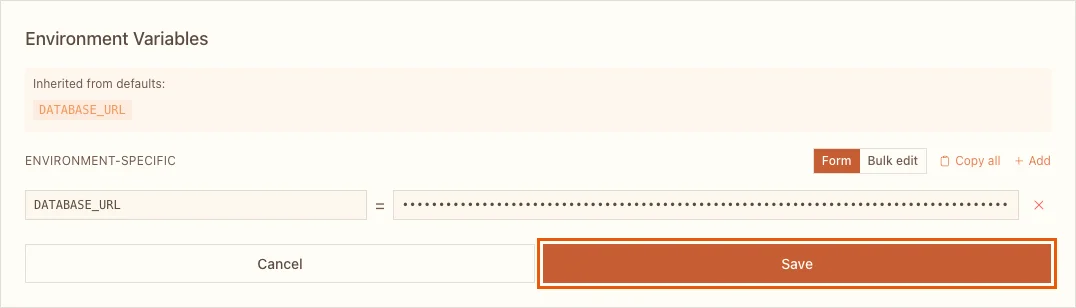
Saving starts a new deployment. The app keeps running on the old deployment, with the old password, which still works.
## Step 3: Get the rotation ready
While the app deploys, open **bookshop-db**, **Credentials** in a second browser tab and click **Rotate password**:
1. Choose **Set my own**.
2. Paste the password from Step 1.
3. Do not click **Rotate password** yet.
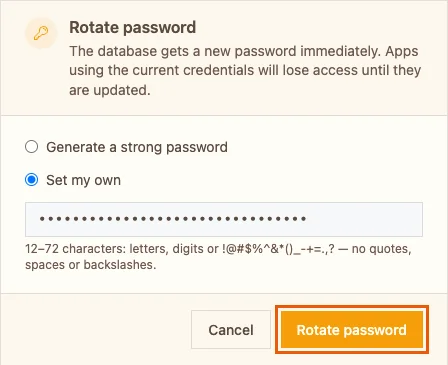
The window warns: *Apps using the current credentials will lose access until they are updated.* Your app is already updated, it just is not live yet.
## Step 4: Rotate when the deploy is live
Go back to the app tab and open **Deployments**. When the new deployment at the top says **Deployed**, switch tabs and click **Rotate password**:
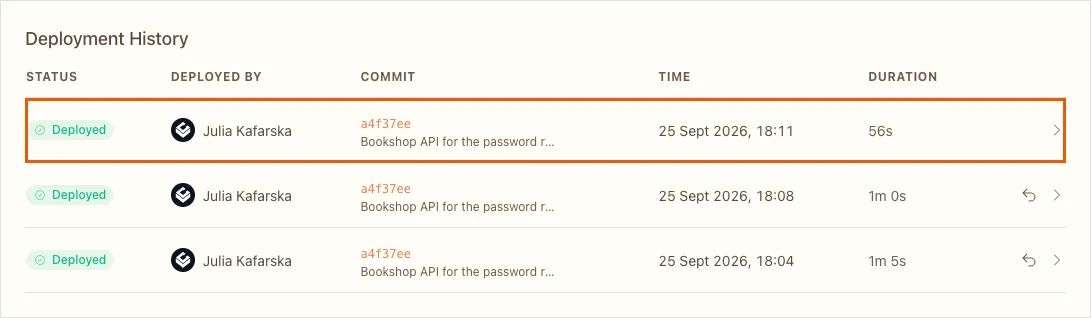
The console confirms: **Password updated - connected apps need the new credentials**. Check the app:
```shell os="macOS,Linux"
$ curl https://main-bookshop-api-yourworkspace.light-cloud.io/health
{"status":"ok","database":"ok"}
```
```shell os="Windows"
PS> curl.exe https://main-bookshop-api-yourworkspace.light-cloud.io/health
{"status":"ok","database":"ok"}
```
My deploy took 56 seconds. The new deployment started failing a few seconds before I saw **Deployed**, and recovered the moment I rotated: 7 seconds of errors in total.
## Step 5: Update everything else
The old password no longer works anywhere. Update every other place that has it:
- other apps and environments that use the same database, such as preview environments,
- your laptop's `DATABASE_URL` from [part 1](/tutorials/create-a-postgres-database),
- GUI tools like TablePlus or DBeaver,
- scheduled jobs, such as the `pg_dump` backup from [part 4](/tutorials/export-a-database-backup).
If one of them uses the database a lot, rotate during a quiet hour.
## The quick way
If a minute or two of errors is acceptable, for example on a staging database, click **Rotate password** and keep **Generate a strong password**. Then copy the new connection string from **Credentials** and update `DATABASE_URL` on every app. The console shows the new password right away.
## Troubleshooting
### password authentication failed for user "u_..."
The app still has the old password. Check that you saved the new `DATABASE_URL` on the right environment, and that its deployment has finished.
### The new password was rejected
It must be 12 to 72 characters: letters, digits or `!@#$%^&*()_-+=.,?`, with no quotes, spaces or backslashes. Some of those characters also need encoding in a connection string (for example `@` as `%40`), which is why Step 1 uses letters and digits only.
### The app broke before I rotated
You rotated too late: the new deployment went live with the new password while the database still had the old one. Click **Rotate password** now; the app recovers at once.
---
# Import Data into Light Cloud: Upload a .sql Dump or Stream It with psql
To import a SQL dump into a PostgreSQL database on Light Cloud, open the database in the console, go to the **Backup** tab, click **Import dump** and choose the file. Plain `.sql` and gzipped `.sql.gz` files both work. For large dumps, run the file with `psql` from your computer instead.
This is part 5 of the database series. It adds a `publishers` table to the `bookshop-db` database from [part 1](/tutorials/create-a-postgres-database), first with the console and then with `psql`.
## What you will do
- Import a small SQL file with **Import dump**.
- Check the new data with a query.
- Import a second file with `psql`, the way to go for large dumps.
## Before you start
- The `bookshop-db` database from [part 1](/tutorials/create-a-postgres-database).
- The two files from the [repository](https://github.com/light-cloud-com/tutorial-database-basics): `imports/publishers.sql` and `imports/more-books.sql`. If you cloned it in part 1, run `git pull` in its folder. Otherwise, download the files from GitHub.
- For Step 4, `psql` from [part 1](/tutorials/create-a-postgres-database).
## Step 1: Look at the file
`imports/publishers.sql` is what a supplier might send you. It creates a table of three (made-up) publishers, adds a `publisher_id` column to `books`, and fills it in:
```sql title="imports/publishers.sql"
CREATE TABLE publishers (
id SERIAL PRIMARY KEY,
name TEXT NOT NULL,
city TEXT
);
INSERT INTO publishers (name, city) VALUES
('Lighthouse Press', 'Edinburgh'),
('Northwind Books', 'Toronto'),
('Blue Harbour', 'Gdansk');
ALTER TABLE books ADD COLUMN publisher_id INTEGER REFERENCES publishers(id);
UPDATE books SET publisher_id = 1 WHERE author_id IN (1, 3);
UPDATE books SET publisher_id = 2 WHERE author_id = 2;
UPDATE books SET publisher_id = 3 WHERE author_id = 4;
```
Always read a dump before you import it: it runs with full access to your database.
## Step 2: Import it
1. In the [Light Cloud console](https://console.light-cloud.com), open **bookshop-db** and its **Backup** tab.
2. Click **Import dump** and choose `publishers.sql`.

The import starts as soon as you choose the file; there is no second confirmation. For this small file it finished within a few seconds, with the message **Dump imported**.
The import runs into the database as it is. Nothing is deleted first: tables the dump does not mention stay as they are, and a table that already exists is an error unless the dump drops it first.
## Step 3: Check the result
Open the **Data** tab. The table list now has **publishers**. Ask how many books each publisher has:
```sql
SELECT p.name AS publisher, p.city, count(b.id) AS books
FROM publishers p
JOIN books b ON b.publisher_id = p.id
GROUP BY p.name, p.city
ORDER BY books DESC;
```

All 10 books have a publisher. The query box is explained in [part 3](/tutorials/run-sql-queries-in-the-console).
## Step 4: Import with psql
**Import dump** takes files up to 512 MB uncompressed, and the import has about four and a half minutes to finish. For bigger dumps, or to import from a script, run the file with `psql` and the `DATABASE_URL` from part 1:
```shell os="macOS,Linux"
$ psql "$DATABASE_URL" --single-transaction -v ON_ERROR_STOP=1 -f imports/more-books.sql
INSERT 0 2
```
```shell os="Windows"
PS> psql "$env:DATABASE_URL" --single-transaction -v ON_ERROR_STOP=1 -f imports/more-books.sql
INSERT 0 2
```
Two more books arrived. The two options make a failed import safe:
- `-v ON_ERROR_STOP=1` stops at the first error, instead of carrying on with the rest of the file.
- `--single-transaction` runs the whole file as one transaction, so an error undoes everything the file already did. Your database is either fully imported or unchanged.
**Import dump** also stops at the first error, but keeps what ran before it. With `psql`, you choose.
## What a dump may contain
The console and `psql` run the file with your database user's rights. That user owns your tables but is not a superuser, so:
- **Plain SQL only.** A `.sql` file, or one gzipped as `.sql.gz`. The console rejects `pg_dump -Fc` archives, tar and zip files with a message saying so. Restore a `-Fc` archive with `pg_restore` instead.
- **No owners or permissions from another server.** `ALTER TABLE ... OWNER TO postgres` fails with `must be member of role "postgres"`, and `GRANT ... TO some_user` with `role "some_user" does not exist`. Create the dump with `pg_dump --no-owner --no-privileges`, like the console's own backups.
- **No `CREATE DATABASE`.** It fails with `permission denied to create database`. Dump a single database without `-C`, and import it into the Light Cloud database you created.
A backup downloaded from any Light Cloud database, as in [part 4](/tutorials/export-a-database-backup), meets all three rules and imports as it is.
## Troubleshooting
### Import failed: ERROR: relation "publishers" already exists
The dump creates a table the database already has, for example because you imported the same file twice. I got exactly this on a second run; since it was the first statement, nothing changed. Import into an empty database, or drop the table first.
### must be member of role "postgres"
The dump sets owners. See [What a dump may contain](#what-a-dump-may-contain).
### The import took too long
The file needs more than the console's time limit. Run it with `psql` as in Step 4.
---
# Where to Deploy a SaaS Boilerplate
For a boilerplate that has no paying customers yet, the cheapest place to run its app and a PostgreSQL database is Light Cloud at $5 a month, followed by Railway at about $7 once the RAM and CPU it bills by are counted. Vercel, the host that ShipFast, Makerkit and Supastarter all point you to, costs $20 a month once the app takes money. It sells no Postgres of its own, so the database is a second vendor's bill: free on Neon's free plan, or about $19 more if it stays awake. That gap matters most for Supastarter and Open SaaS, which keep their data in plain Postgres. ShipFast and Makerkit keep theirs in MongoDB Atlas or Supabase, so only the app moves and that service stays on its own bill.
We make Light Cloud, the first row below, so here is the method before the table. Every number links to the page it came from.
## What the four kits actually need
A boilerplate is a promise that the boring parts are done. Where it runs is the part the kit can't decide for you, and each of the four says something different about it.
ShipFast is a Next.js app whose own stack list reads "MongoDB / Supabase" ([shipfa.st](https://shipfa.st)). The deployment page is three lines long: push to a private GitHub repo, then "use your favorite hosting provider (Vercel for me)", or anywhere Next.js runs, naming Netlify and Render too ([deployment docs](https://shipfa.st/docs/deployment)). Its default database is a MongoDB Atlas cluster, opened to `0.0.0.0/0` so the host can reach it.
Makerkit's Next.js Supabase kit is built on Supabase for auth and data, and calls Vercel "the recommended hosting platform" ([Vercel guide](https://makerkit.dev/docs/next-supabase-turbo/going-to-production/vercel)). It also documents Cloudflare and Docker. Its Docker guide generates a Dockerfile, switches Next.js to standalone output and runs the container with a 512 MB memory limit ([Docker guide](https://makerkit.dev/docs/next-supabase-turbo/going-to-production/docker)).
Supastarter runs on "any hosting provider that supports Node.js", recommends Vercel, and has guides for Render, Fly.io, Netlify, Docker, Coolify and Railway ([deployment overview](https://supastarter.dev/docs/nextjs/deployment/overview)). Its database is PostgreSQL by default, through Prisma or Drizzle, with any Postgres provider ([database docs](https://supastarter.dev/docs/nextjs/database/overview)).
Open SaaS sits on Wasp: a React client, a Node.js server and Postgres. The quickest route is Wasp's one-command deploy to Fly.io or Railway ([Open SaaS docs](https://docs.opensaas.sh/guides/deploying/)), and Wasp has written guides for Render, Heroku, Netlify and Cloudflare as well ([Wasp docs](https://wasp.sh/docs/deployment/deployment-methods/paas)).
So the job is the same for all four: run one server-rendered app, keep a database next to it, and don't pay much for either before launch.
## How we ranked
The reference app is one boilerplate app, server-rendered Next.js or a Wasp Node server, plus a PostgreSQL database and a custom domain, at about 1,000 requests a day. Each platform gets its cheapest plan that allows a paid product. Prices are list prices from the vendors' own pages, checked on 2026-10-13 and again on 2026-11-02, in US dollars, no trial credits. Where a platform bills by usage, the price is the usage this app generates, not the plan's starting fee, so no row hides its bill behind a "+". Every row is one vendor; a platform that does not sell the database itself is listed as n/a, and its section says what a partner database would add.
The first column shows which of the four kits names the platform in its own docs, because a written guide saves an evening. And the second shows whether the app costs anything while nobody is using it, which before launch is most of the day.
Kept running all month, with no scale to zero, the same app gets the Always on prices in the table. Light Cloud comes fifth of seven there at about $56, because an always-on instance needs the $19 Starter plan and a Micro costs about $52 a month. Platforms that run the app only as functions have no documented way to keep it running, so they're listed last.
## The ranking
| # | Platform | App + Postgres a month | Always on, a month | Named in the kits' docs | App while idle |
|---|---|---|---|---|---|
| 1 | Light Cloud | $5 | about $56 (Starter, always-on Micro) | None of the four; Open SaaS is a one-click template | Scales to zero, costs $0 |
| 2 | Railway | about $7 (Hobby $5 + about $2 of usage) | about $7 | Open SaaS, Supastarter | Sleep is opt-in |
| 3 | Netlify | $9, plus a database whose price isn't published | No always-on option | ShipFast, Supastarter | Functions, idle is free |
| 4 | Heroku | $10 to $12 | $12 | Open SaaS | Eco sleeps; Basic bills 24/7 |
| 5 | Render | $13.30 | $13.30 | ShipFast, Supastarter, Open SaaS | No scale to zero documented |
| 6 | Fly.io | about $40 | ~$40 | Open SaaS, Supastarter | Machines stop when idle |
| 7 | Vercel | No Postgres of its own (Pro $20 a seat; database from a partner such as Neon) | No always-on option | ShipFast, Makerkit, Supastarter | Functions, nothing between requests |
List prices from each vendor's pricing and docs pages, checked 2026-10-13. Light Cloud usage uses the pricing page's own assumption of 0.2 s of instance time per request. Railway usage assumes about 600 MB of RAM and 0.03 vCPU on average across the app and Postgres. ShipFast on MongoDB Atlas and Makerkit on Supabase add that service's own bill. Taxes and bandwidth beyond included allowances excluded.
### 1. Light Cloud
**Best for:** founders who want the app and its Postgres on one $5 bill while nobody is paying.
Lite is $5 a month with $5 of usage included, a custom domain and one shared PostgreSQL database ([pricing](https://light-cloud.com/pricing)). The reference app uses about $4.90 of that: $4 for the database, 30 cents for 1 GB of data in it, about 20 cents for 1,000 requests a day at 0.2 s each, about 30 cents for 1.5 GB of pages served and a few cents of builds. That is close to the $5, so a busier month or a bigger database tips it into usage billed on top. Server-rendered Next.js runs on a Micro instance that scales between 0 and 3, and [the Next.js tutorial](/tutorials/deploy-nextjs) shows the detection and the `output: "standalone"` setting that cut my image from 201 MB to 74 MB. That's the same switch Makerkit's Docker guide makes. For Supastarter or a Node backend, [the Postgres tutorial](/tutorials/add-postgres-to-nodejs-app) covers the connection string, including the `sslmode` suffix that node-postgres needs.
None of the four kits mentions us, so you're on your own docs. We [host Next.js and Node.js apps](https://light-cloud.com/frameworks) from a plain repository, and the database is [a Postgres database on the same bill](https://light-cloud.com/databases). Every branch gets [branch preview URLs](https://light-cloud.com/previews) at no idle cost, and you can [deploy from Cursor or Claude Code](https://light-cloud.com/deploy-with-ai) if that's how the kit got written in the first place.
Open SaaS deserves its own paragraph. The template gallery has an Open SaaS stack that creates the Wasp app and a shared Postgres database with `DATABASE_URL` already wired. But stacks are created always-on so the first visit is warm, and an always-on Micro is about $52 a month and needs Starter. Set min instances to 0 in Scaling afterwards and it bills like any other app, with a cold start of 3.1 to 3.7 seconds after a quiet spell.
What's missing: no MongoDB, so ShipFast's default database stays on Atlas. There are no cron jobs or background workers, which matters once the app needs a nightly job, and no built-in auth or email, which the kits bring themselves. Redirect files such as `vercel.json` are ignored. And the shared database tier runs in Belgium only.
### 2. Railway
**Best for:** Open SaaS and Supastarter users who want a documented deploy at the same starting price.
Hobby is $5 a month with $5 of usage included, and usage is billed by the RAM and CPU the services actually use: $10 per GB of RAM a month and $20 per vCPU a month ([plans](https://docs.railway.com/pricing/plans)). For the reference app that's about $6.80: roughly $4 for a Next.js server averaging 400 MB, $2 for Postgres at 200 MB, $0.60 of CPU, and cents for the volume and egress. The bill is the larger of $5 and the usage, so about $7, and about the same always on, because 1,000 requests a day rarely leave the app idle long enough to sleep. Wasp's Railway command creates the client, the server and a Postgres service and wires `DATABASE_URL` for you ([Wasp on Railway](https://wasp.sh/docs/deployment/deployment-methods/wasp-deploy/railway)). Supastarter's docs quote Railway's $5 starting price themselves.
Railway also has cron jobs and private networking on every plan, the two things a SaaS tends to want by month three. Two catches: Railway [recommends Pro, $20 a month, for commercial apps](https://docs.railway.com/pricing/faqs), and the free plan has no custom domains.
### 3. Netlify
**Best for:** Next.js kits that want first-party Postgres with real data in every preview.
Personal is $9 a month for 1,000 credits ([plans](https://docs.netlify.com/manage/accounts-and-billing/billing/billing-for-credit-based-plans/credit-based-pricing-plans/)). Function compute is 10 credits per GB-hour, so 1,000 requests a day at 0.2 s each with the default 1 GB of memory comes to about 17 credits a month; production deploys cost 15 credits each, so a busy week of shipping eats more than the traffic does. Netlify Database is a first-party managed Postgres, and each deploy preview [gets its own database branch](https://docs.netlify.com/build/data-and-storage/netlify-database/) with a copy of the production data taken when the preview is created.
Netlify hasn't published a storage rate for the database yet, so the long-run price has a blank in it. Password protection is a Pro feature, not on Personal. When credits run out without auto recharge, every project on the team pauses.
### 4. Heroku
**Best for:** teams who already know `git push heroku` and want Wasp's Heroku guide.
An Eco dyno is $5 for 1,000 shared hours and sleeps after 30 minutes idle, but only personal apps can use it; Essential-0 Postgres is $5 ([pricing](https://www.heroku.com/pricing)). That's $10, or $12 with an always-on Basic dyno. Wasp keeps a written Heroku guide, so Open SaaS has a known path there.
Heroku needs a card before you deploy, and it [moved to a sustaining engineering model](https://www.heroku.com/blog/an-update-on-heroku/) on 2026-02-06: stability and security, not new features. Fine for an app you'll run for a while. Odd for one you're starting today.
### 5. Render
**Best for:** a kit with a separate long-running API, on fixed prices.
A Starter web service is $7 a month for 512 MB, and the smallest Postgres is $6 plus $0.30 per GB ([pricing](https://render.com/pricing)): $13.30. Render and Vercel are the two hosts named by three of the four kits; for Render it's ShipFast's deployment page, Supastarter's guide and Wasp's Blueprint guide. If you run Supastarter's API as its own service, which its docs suggest for a "long-running" API, Render's fixed instances and private network suit that shape.
The free tier spins down after 15 minutes and takes about a minute to wake, and free Postgres expires after 30 days ([free tier docs](https://render.com/docs/free)), so a real product starts on paid instances that bill around the clock.
### 6. Fly.io
**Best for:** Open SaaS through Wasp's one-command deploy, with regions near your users.
Wasp's Fly command creates three apps: the client, the server and the database ([Wasp on Fly](https://wasp.sh/docs/deployment/deployment-methods/wasp-deploy/fly)). The smallest always-on machine is $2.19 a month, but Fly calls its self-managed Postgres officially unsupported, and Managed Postgres starts at $38 plus $0.28 per GB ([Postgres docs](https://docs.fly.io/postgres)). That puts a supported setup near $40.
There's no free tier for new accounts, and Fly [doesn't support billing alerts yet](https://docs.fly.io/about/cost-management).
### 7. Vercel
**Best for:** Next.js kits deployed exactly the way their authors do it.
This is the path of least resistance, and three kits say so. The catch is the plan. ShipFast's FAQ says Vercel lets you "host a project for free", but Vercel's own [fair use guidelines](https://vercel.com/docs/limits/fair-use-guidelines) limit Hobby to non-commercial use and count taking payments as commercial. A SaaS needs Pro: $20 a month per deploying seat with $20 of usage included ([Pro plan](https://vercel.com/docs/plans/pro-plan)). The app's own usage at 1,000 requests a day is well inside that $20. The database comes from a Marketplace partner, billed separately: Neon's free plan covers 100 compute-hours a month and suspends after 5 minutes idle ([Neon pricing](https://neon.com/pricing)), but traffic spread through the day keeps it awake for about 180 hours, which is about $19 on the Launch plan. So Vercel's own bill is $20, and with Neon as a second vendor the two come to $20 to $40.
Previews are excellent and on every plan. A shared password on staging costs $20 per project a month on Pro since [the September 2026 change](https://vercel.com/changelog/password-protection-now-costs-20-per-project-per-month-on-pro).
## Where the others beat us
The written guide is the big one. Every other row has at least one kit that tells you, step by step, how to deploy there; none of the kits' docs mention us, so you follow our Next.js tutorial instead of the kit's. Open SaaS is the exception on our side: it's a one-click template in our gallery. If you picked Makerkit or ShipFast for Supabase or MongoDB, we only take the app, not the data layer. Railway gives Open SaaS a one-command deploy for about $2 a month more than us, with the cron jobs a SaaS eventually needs, and kept always on it costs about $7 against our $56. Netlify's previews copy production data into a database branch, while ours share the production database until you point them elsewhere. And if you want Vercel's Next.js features as the kit authors use them, Vercel is the honest answer.
Where we're ahead is the month before launch: one bill of $5 covering the app and Postgres, no cost while nobody visits, a preview of every branch, and a password on staging on any plan ([the five-minute setup](/tutorials/password-protect-a-staging-site)). If that is the stretch you're in, [SaaS boilerplate hosting](https://light-cloud.com) can stay at $5 until the first invoice goes out.
Which kit did you buy, and where did its docs send you?
---
# Back Up a Database: Download a SQL Dump and Restore It
To back up a PostgreSQL database on Light Cloud, open the database in the console, go to the **Backup** tab and click **Download backup**. You get a complete SQL dump as a `.sql.gz` file. To restore it, unzip it and run it with `psql` against an empty database. For scheduled backups, run `pg_dump` with the connection string instead.
This is part 4 of the database series. It backs up the `bookshop-db` database from [part 1](/tutorials/create-a-postgres-database), then proves the backup works by restoring it into a second database.
## What you will do
- Download a backup of `bookshop-db`.
- Look inside it.
- Restore it into a new database, `bookshop-copy`, and check the data.
- Make the same backup from the terminal with `pg_dump`.
## Before you start
- The `bookshop-db` database from [part 1](/tutorials/create-a-postgres-database).
- `psql` and `pg_dump`, installed with `psql` in [part 1](/tutorials/create-a-postgres-database). Use a current version: I used 18.6.
- A Light Cloud account on the **Lite** plan or higher.
## Step 1: Download the backup
Open **bookshop-db**, go to the **Backup** tab and click **Download backup**:

The console makes a fresh dump of the database and downloads it; for my small bookshop that took about a second. The file is named after the database and the time in UTC, for example `bookshop-db-2026-09-25T15-41-43.sql.gz`, and was 1.4 KB.
Open a terminal in the folder with the file, usually `Downloads`.
## Step 2: Look inside
The file is gzip-compressed SQL. Unzip it and keep the original:
```shell os="macOS,Linux"
$ gunzip -k bookshop-db-*.sql.gz
$ head -n 8 bookshop-db-*.sql
--
-- PostgreSQL database dump
--
\restrict asCDvFHFw2eKvwY4n71bGzNGHJM0iLagWYa5QvYYBYmRpBkzvdW4DCtA642ddcH
-- Dumped from database version 15.18
-- Dumped by pg_dump version 16.15
```
```shell os="Windows"
# PowerShell has no gunzip, so extract the file with 7-Zip (www.7-zip.org):
# right-click it, choose 7-Zip, then Extract Here.
# Open the .sql file in Notepad. It starts with the same lines:
--
-- PostgreSQL database dump
--
\restrict asCDvFHFw2eKvwY4n71bGzNGHJM0iLagWYa5QvYYBYmRpBkzvdW4DCtA642ddcH
-- Dumped from database version 15.18
-- Dumped by pg_dump version 16.15
```
Your `\restrict` line has a different random key.
It is a plain SQL file made by `pg_dump`. Further down are `CREATE TABLE` statements for `authors`, `books` and `reviews`, their rows as `COPY` blocks, and the primary keys. It contains no owners or permissions, so it restores into any PostgreSQL database, not only the one it came from.
## Step 3: Restore into a new database
A backup you have never restored is only a hope. Restore it into a second database to check it:
1. In the console, create a database named `bookshop-copy`, size **Dev**, as in [part 1](/tutorials/create-a-postgres-database).
2. Copy its connection string from **Credentials**, add `?sslmode=require`, and save it as `COPY_URL`:
```shell os="macOS,Linux"
$ export COPY_URL='postgresql://u_******:********@bookshop-copy-yourworkspace.db.light-cloud.io:5432/db******?sslmode=require'
```
```shell os="Windows"
PS> $env:COPY_URL = 'postgresql://u_******:********@bookshop-copy-yourworkspace.db.light-cloud.io:5432/db******?sslmode=require'
```
3. Run the SQL file against it:
```shell os="macOS,Linux"
$ psql "$COPY_URL" -f bookshop-db-*.sql
SET
SET
...
CREATE TABLE
CREATE SEQUENCE
ALTER SEQUENCE
...
COPY 4
COPY 10
COPY 1
...
ALTER TABLE
```
```shell os="Windows"
# Use your own file name after -f.
PS> psql "$env:COPY_URL" -f bookshop-db-2026-09-25T15-41-43.sql
SET
SET
...
CREATE TABLE
CREATE SEQUENCE
ALTER SEQUENCE
...
COPY 4
COPY 10
COPY 1
...
ALTER TABLE
```
Output is trimmed where you see `...`. The `COPY` lines are the rows: 4 authors, 10 books and 1 review, everything from parts 1 to 3.
4. Check it:
```shell os="macOS,Linux"
$ psql "$COPY_URL" -c "SELECT count(*) AS books FROM books;"
books
-------
10
(1 row)
```
```shell os="Windows"
PS> psql "$env:COPY_URL" -c "SELECT count(*) AS books FROM books;"
books
-------
10
(1 row)
```
The copy is complete. The same file restores into PostgreSQL on your laptop: point `psql` at the local database instead of `COPY_URL`.
## Step 4: Back up from the terminal
The **Download backup** button is right for a backup before a risky change. For regular backups, run `pg_dump` from a script or a scheduled job, with the `DATABASE_URL` of `bookshop-db` from part 1:
```shell os="macOS,Linux"
$ pg_dump "$DATABASE_URL" --no-owner --no-privileges -f bookshop.sql
```
```shell os="Windows"
PS> pg_dump "$env:DATABASE_URL" --no-owner --no-privileges -f bookshop.sql
```
It prints nothing when it works. `--no-owner --no-privileges` makes the same kind of portable file as the console. My `bookshop.sql` was 5 KB and said `Dumped by pg_dump version 18.6`. Add `-Fc` for PostgreSQL's compressed custom format, which you restore with `pg_restore` instead of `psql`.
Keep backups somewhere other than your laptop's `Downloads` folder, and remember they contain all your data.
## Step 5: Delete the copy
`bookshop-copy` has done its job. Open it, go to **Settings**, and click **Delete Database**:

Type `bookshop-copy` to confirm and click **Delete**. Check the name twice: deleting cannot be undone, and part 5 still needs `bookshop-db`.
## Troubleshooting
### invalid command \restrict
Your `psql` is older than the `pg_dump` that made the file. Recent `pg_dump` versions add `\restrict` and `\unrestrict` lines as a safety guard. An older `psql` prints `invalid command \restrict` and `invalid command \unrestrict` but restores everything else; in my tests with psql 14.13 and 17.5 all rows arrived. Update `psql` to get rid of the messages.
### relation "authors" already exists
The target database already has these tables. Restore into an empty database, or drop the tables first.
---
# Run SQL in the Browser: Queries, Joins and Quick Fixes on a Live Database
To run SQL on a Light Cloud PostgreSQL database from the browser, open the database's **Data** tab, type the query in the box above the table, and click **Run query**. The box is read-only by default, so a stray `UPDATE` or `DELETE` is rejected. To change data, tick **Allow writes** first.
This is part 3 of the database series. It uses the `bookshop-db` database from [part 1](/tutorials/create-a-postgres-database) and the `reviews` table from [part 2](/tutorials/database-data-explorer).
## What you will do
- Run a first query with a join and totals.
- Join three tables.
- See a write being rejected, then make a quick fix safely.
## Before you start
- The `bookshop-db` database from [part 1](/tutorials/create-a-postgres-database), with the changes from [part 2](/tutorials/database-data-explorer).
- A Light Cloud account on the **Lite** plan or higher.
## Step 1: Run a first query
1. In the [Light Cloud console](https://console.light-cloud.com), open **bookshop-db** and its **Data** tab.
2. Click into the box that says `SELECT * FROM my_table LIMIT 10;` and paste this query. It shows how many books each author has, and what their stock is worth:
```sql
SELECT a.name AS author, count(b.id) AS books, sum(b.price * b.in_stock) AS stock_value
FROM authors a
JOIN books b ON b.author_id = a.id
GROUP BY a.name
ORDER BY stock_value DESC;
```
3. Click **Run query**, or press **Cmd+Enter** (**Ctrl+Enter** on Windows and Linux).
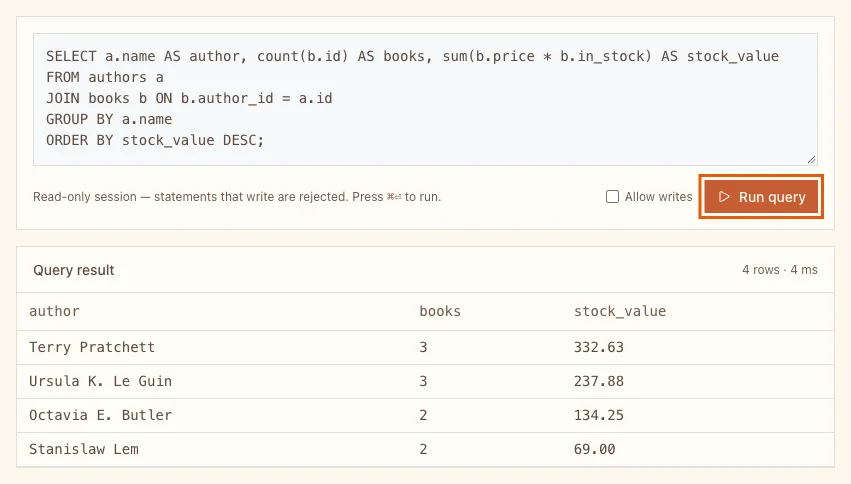
The result appears under **Query result**, with the number of rows and how long the database took. Terry Pratchett has 3 books because of *Mort*, the book you added in part 2.
## Step 2: Join three tables
Reviews point at books, and books point at authors. To see each review with its book and author, join all three:
```sql
SELECT b.title, a.name AS author, r.rating, r.body
FROM reviews r
JOIN books b ON b.id = r.book_id
JOIN authors a ON a.id = b.author_id;
```
The result has one row: *Mort*, Terry Pratchett, rating 5, "Funny, kind and about Death."
Queries like this are what the box is best at: quick questions about live data, without setting up a client. Another useful one, the books that are running low:
```sql
SELECT title, in_stock
FROM books
WHERE in_stock < 5
ORDER BY in_stock;
```
It returns *The Cyberiad* (2), *Parable of the Sower* (3) and *The Left Hand of Darkness* (4).
## Step 3: Try a write
The shop raises the price of every Terry Pratchett book to 9.49. Paste this and click **Run query**:
```sql
UPDATE books SET price = 9.49
WHERE author_id = 2
RETURNING id, title, price;
```
It fails:
That is the safety net: the note under the box says **Read-only session**, and every statement that would change data is rejected. Nothing was changed.
## Step 4: Make the fix with Allow writes
1. Tick **Allow writes**. The note turns orange: **Writes enabled - statements run with full access to this database.**
2. Click **Run query** again.
`RETURNING id, title, price` makes the statement list the rows it changed: three books, each now 9.49. Without `RETURNING`, the result says **0 rows**, even though the update worked, because the statement itself returns no rows.
3. Untick **Allow writes** when you are done, so the next query is read-only again.
## Before you write to a production database
A few habits that keep quick fixes quick:
- **Run the `SELECT` first.** Write the `WHERE` clause as a `SELECT` (`SELECT id, title, price FROM books WHERE author_id = 2;`), check the rows, then turn it into the `UPDATE` or `DELETE`.
- **Always use `WHERE`.** `UPDATE books SET price = 9.49` without it changes every book.
- **Add `RETURNING`.** You see exactly what changed.
- **Back up before big changes.** The **Backup** tab downloads the whole database; [part 4](/tutorials/export-a-database-backup) shows how.
- **Leave schema changes to migrations.** `CREATE`, `ALTER` and `DROP` belong in your app's migrations, so every environment gets them. Part 7 covers migrations.
## Limits
- A query stops after **10 seconds**, with `canceling statement due to statement timeout`.
- The result shows at most **500 rows**, marked **truncated - refine the query to see more**. Add a `WHERE` or `LIMIT`.
- A query can be up to **20,000 characters**.
- Several statements separated by semicolons all run; only the last one's result is shown.
For long jobs or large exports, connect with `psql` as in [part 1](/tutorials/create-a-postgres-database).
## Troubleshooting
### cannot execute UPDATE in a read-only transaction
**Allow writes** is not ticked. The same applies to `INSERT`, `DELETE`, `CREATE` and every other statement that changes something.
### canceling statement due to statement timeout
The query ran for more than 10 seconds. Narrow it with `WHERE` or `LIMIT`, or run it with `psql`.
### relation "..." does not exist
The table name is misspelt, or the table is in another schema. The table list on the left shows the exact names.
---
# Free REST API Hosting
If you want to host a small Express or FastAPI app for free, with no card and no surprise bill, Light Cloud's Free plan is the only one of the eight below that passes every check: it runs the app as it is, wakes in a few seconds and never bills you. It does that up to about 4,800 requests a day. Cloudflare Workers comes second and gives you far more room, 100,000 requests a day, but only for code written for its runtime. Vercel, Render, Google Cloud Run, Netlify, AWS Lambda and Railway are all free in some form, each with a catch the table names.
Disclosure: I make Light Cloud. The checks are written down below, so you can score the eight yourself.
## How we ranked
"Free API hosting" means different things on different pricing pages, so I fixed the API first. It's an Express or FastAPI app serving 3,000 requests a day, each taking 0.2 seconds, which is the "steady" API on Light Cloud's own pricing page. No database for now; that comes at the end.
Each free plan then got a point for each of five checks:
- it costs $0 for that API;
- the vendor's current pages say no card is needed to sign up;
- the app runs as it is, without being rewritten into a function format;
- nothing documented makes the first request after a quiet spell wait about a minute, or fail;
- the free plan has no end date and can't put a charge on a card.
Ties go to the plan whose vendor restricts less what you may run on it, such as production or commercial use, and then to the faster first request. Fly.io, Heroku, Koyeb and DigitalOcean aren't scored: Fly has no free tier for new accounts, Heroku dropped its free dynos in 2022, Koyeb has asked new users to choose a paid plan since February 2026, and DigitalOcean's free tier covers static sites only. Everything was checked on 2026-10-13.
## The ranking
| # | Platform | Points | Reference API a month | Card at sign-up | After an idle spell |
|---|---|---|---|---|---|
| 1 | Light Cloud | 5 | $0, uses $0.64 of the $1 included | No card | Answers in 3.1 to 3.7 s |
| 2 | Cloudflare Workers | 4 | $0, up to 100,000 requests a day | No card | No sleep documented |
| 3 | Vercel | 4 | $0 on Hobby, non-commercial only | Not stated | Functions, no sleep documented |
| 4 | Render | 4 | $0, one free web service | No card | Spins down; about a minute to wake |
| 5 | Google Cloud Run | 3 | $0 inside the free tier | Billing account | Scales to zero |
| 6 | Netlify | 3 | $0, about 70 of 300 credits | Not stated on current pages | Functions, no sleep documented |
| 7 | AWS Lambda | 3 | $0 inside the free tier | Not needed for most new accounts | Functions, no sleep documented |
| 8 | Railway | 2 | $1 credit, may not cover a month | No card | Sleep is opt-in; first request may 502 |
Vendors' own pricing, limits and docs pages, checked 2026-10-13. Reference API: 3,000 requests a day at 0.2 s each, no database. "Not stated" means the vendor's current pages don't say either way, so the point isn't given.
### 1. Light Cloud
**Best for:** a small API that should stay free, need no card and never send a bill.
Five points. The Free plan includes $1 of usage a month, 3 server apps and no card ([pricing](https://light-cloud.com/pricing)). Our pricing page works out this exact API: 3,000 requests a day at 0.2 s is 5 instance-hours a month at $0.12, plus two deploys, $0.64 in all. You push the repository and it runs; there are [Express](/tutorials/deploy-an-express-api) and [FastAPI](/tutorials/deploy-a-fastapi-app) walkthroughs, and the same works to [deploy Express, FastAPI, Go and Spring Boot APIs](https://light-cloud.com/frameworks) without a Dockerfile, with [deploys on every git push](https://light-cloud.com/deployments).
Free never bills. If the $1 runs out, the API pauses until next month and nothing reaches your card, because there isn't one. On the same formula the $1 lasts up to about 4,800 requests a day; past that, Lite is $5 a month with $5 of usage. A container that has scaled to zero answers its first request in [3.1 to 3.7 seconds](/tutorials/microservices-on-light-cloud-part-4-cold-starts), then fast.
The limits, plainly: Free apps live on a light-cloud.io address, with no custom domain, and Free has no database at all. Your own domain and Postgres start on Lite, which is also where you get [your own domain with free SSL](https://light-cloud.com/domains). There's no cron and no private network between services.
### 2. Cloudflare Workers
**Best for:** APIs written for the Workers runtime that need far more free requests than anyone else gives.
Four points. Workers Free allows 100,000 requests a day, reset at midnight UTC ([limits](https://developers.cloudflare.com/workers/platform/limits/)), and Cloudflare's [plans page](https://workers.cloudflare.com/plans) says no credit card is required. Go over and requests fail with Error 1027; nothing is billed. Nobody else here comes close on volume: that's 33 times the reference API.
The point it loses is the runtime. A Worker isn't a Node server or a container; you write for Cloudflare's runtime in JavaScript, TypeScript, Python or Rust ([languages](https://developers.cloudflare.com/workers/languages/)), and each invocation gets 10 ms of CPU on Free. Cloudflare's docs include a FastAPI guide for Python Workers, so a small FastAPI app may port with little work. An Express app built around a long-running server needs more.
### 3. Vercel
**Best for:** personal projects whose API lives next to a Vercel frontend.
Four points. Hobby includes 1 million function invocations and 4 hours of active CPU a month and can't buy more, so it can't bill you; go over and the feature pauses ([Hobby](https://vercel.com/docs/plans/hobby)). A Docker image can run as a function on every plan, in beta, so the app needn't change much.
The catch is the use, not the money. Vercel's [fair use guidelines](https://vercel.com/docs/limits/fair-use-guidelines) limit Hobby to non-commercial personal use, and a paid developer or taking payments counts as commercial. I also couldn't find a current Vercel page that says whether Hobby needs a card, so that point isn't given.
### 4. Render
**Best for:** running an unchanged app for free when a slow first request is fine.
Four points. A free web service runs any Docker or native app as it is, no card is needed, and a workspace gets 750 free instance hours a month, enough for one service around the clock ([free tier](https://render.com/docs/free)). Without a card on file, going over the free bandwidth suspends free services instead of billing.
It loses the wake-up point. A free web service spins down after 15 minutes without traffic, and Render says waking takes about one minute. That's fine for a portfolio demo and painful for a mobile app's login call. Render also says plainly that free instances are not for production.
### 5. Google Cloud Run
**Best for:** the biggest free container allowance, if a billing account is fine.
Three points. The free tier covers 2 million requests and 180,000 vCPU-seconds a month ([pricing](https://cloud.google.com/run/pricing)), and the reference API uses 90,000 requests and about 18,000 vCPU-seconds. It runs your container unchanged and scales to zero.
But the free tier needs a Google Cloud billing account, and usage beyond it is billed at standard rates, not paused. Spend caps that pause Cloud Run at a budget became generally available on 2026-10-12, which helps. You'll also wire up a custom domain yourself.
### 6. Netlify
**Best for:** small function-based APIs next to a Netlify site.
Three points. The Free plan has 300 credits a month with a hard limit and is never billed ([plans](https://docs.netlify.com/manage/accounts-and-billing/billing/billing-for-credit-based-plans/credit-based-pricing-plans/)). By its rates the reference API uses about 18 credits for requests and 50 for function compute at the default 1 GB, around 70, plus 15 per production deploy. It also includes Netlify Database, a Postgres that sleeps after 5 idle minutes, which matters for an API.
Two points go missing: the API becomes Netlify Functions rather than your Express server, and the current pricing docs don't say whether a card is needed. When credits run out, every project on the team pauses, the site included.
### 7. AWS Lambda
**Best for:** teams heading for AWS anyway.
Three points. Lambda's free tier is one million requests and 400,000 GB-seconds a month ([pricing](https://aws.amazon.com/lambda/pricing/)); the reference API at 512 MB uses about 9,000. A function URL gives it an HTTPS endpoint, and most new customers sign up without a payment method.
The app needs adapting: a container image, for example, must include Lambda's runtime interface client. And AWS's Free plan [closes the account after six months](https://aws.amazon.com/free/) or when its credits run out, unless you move to the Paid plan, which bills usage beyond the free limits.
### 8. Railway
**Best for:** trying an API on the platform you'll pay $5 for later.
Two points. After a 30-day trial, the Free plan gives $1 of credit a month, needs no card and runs your app as it is ([free plan](https://docs.railway.com/pricing/free-trial)). But Railway bills RAM at $10 per GB a month for what your process holds, so an API holding 100 MB around the clock uses the whole dollar before any CPU. Turn on sleep to save it and Railway warns the first request may return a 502. Railway's docs don't say what happens when the free credit runs out, so the last point isn't given either.
## Where the others beat us
On volume, Cloudflare Workers wins without contest: 100,000 free requests a day against our roughly 4,800. If your API is JavaScript or Python and you're happy to write it for Workers, that's the better free home. Need a free database too? We have none on Free; Netlify includes one, and a free Neon or Supabase database works next to any row here. A custom domain on a free API is something we only offer from Lite. And if your API is part of a bigger AWS or Google Cloud setup, Lambda and Cloud Run sit closer to everything else you run.
What we do differently is the shape of the promise. No card, an unchanged Express or FastAPI app, a first request in seconds rather than a minute, and a plan that pauses instead of billing. If that's the [free REST API hosting](https://light-cloud.com) you were looking for, it's [free hosting with no credit card](https://light-cloud.com/pricing) up to the point where your API has real users, and then $5.
How many requests a day does your API actually get?
---
# Browse and Edit Your Data Without a SQL Client: the Data Explorer
To browse and edit a PostgreSQL database on Light Cloud without a SQL client, open the database in the console and click the **Data** tab. It lists every table. Click a table to see its rows, click a row to edit it, and use **Insert row**, **Columns** and **New** to add rows, columns and tables.
This is part 2 of the database series. It uses the `bookshop-db` database and sample data from [part 1](/tutorials/create-a-postgres-database).
## What you will do
In the bookshop database, you will:
- change the stock of one book,
- add a new book,
- add an `isbn` column to `books`,
- create a `reviews` table and add reviews,
- delete a row safely.
## Before you start
- The `bookshop-db` database with the sample data, from [part 1](/tutorials/create-a-postgres-database).
- A Light Cloud account on the **Lite** plan or higher.
Nothing to install: everything happens in the browser.
## Step 1: Open a table
1. In the [Light Cloud console](https://console.light-cloud.com), click **bookshop-db** in the sidebar.
2. Open the **Data** tab.
3. Click **books** in the table list.
The table shows 50 rows per page. Click a column name to sort by it. Nothing you do while browsing changes the data.
## Step 2: Edit a row
*The Dispossessed* is back in stock. Click its row. The **Edit row** window shows every column with its type, and whether it may be empty (`not null` means it may not):
1. Change **in_stock** from `0` to `6`.
2. Click **Save changes**.

Only the fields you changed are saved, so you cannot overwrite a column you did not touch. The console confirms with **Row updated**.
## Step 3: Insert a row
Click **Insert row** above the table and fill in a new book:
| Field | Value |
| --- | --- |
| id | leave empty |
| title | `Mort` |
| author_id | `2` |
| year | `1987` |
| price | `8.99` |
| in_stock | `10` |

Click **Insert**. Empty fields get the column's default, so PostgreSQL picks the next `id`, 10. `author_id` 2 is Terry Pratchett in the `authors` table.
## Step 4: Add a column
The shop wants to store ISBNs. Click **Columns** above the table, then **Add column**:
1. Name it `isbn`.
2. Choose the type **text**.
3. Leave **NULL** ticked, so existing books may have no ISBN yet.
4. Click the green tick.

Changes in this window apply at once. The pencil next to a column renames it, and the bin drops it. Click **Done**. Every book now has an `isbn` column showing `NULL`, which means empty.
## Step 5: Create a table
Readers want to leave reviews. Click **New** next to **Tables** and fill in the **New table** window:
1. **Table name**: `reviews`.
2. The first column is already there: `id`, type **serial**, **PK** ticked. **serial** numbers new rows automatically, and **PK** makes `id` the primary key.
3. Second column: `book_id`, type **integer**, **NULL** not ticked.
4. Click **Add column**. Third column: `rating`, type **integer**, **NULL** not ticked.
5. Click **Add column**. Fourth column: `body`, type **text**, **NULL** ticked.

Click **Create table**. `reviews` appears in the table list, empty. Add two reviews with **Insert row**, leaving `id` empty each time:
- `book_id` `10`, `rating` `5`, `body` `Funny, kind and about Death.`
- `book_id` `1`, `rating` `1`, `body` `test`
Keep a primary key on every table you create here: the data explorer can only edit rows of tables that have one.
## Step 6: Delete a row safely
The second review was a test. Tick its checkbox, then click **Delete selected**:

The console asks first, and says how many rows will go:

Check the number, then click **Delete row**. To delete a single row, you can also open it and click **Delete row...** in the **Edit row** window.
Deleting cannot be undone, and neither can dropping a column or a table. Before a big cleanup, download a backup from the **Backup** tab; [part 4](/tutorials/export-a-database-backup) shows how.
## Check the result
Open **books** again and click **id** to sort. The Dispossessed has 6 in stock, Mort is book 10, and every book has an empty `isbn`:

The same changes are visible to anything that connects to the database, such as `psql` or your app.
## Troubleshooting
### Clicking a row does nothing
The table has no primary key, so the explorer cannot tell rows apart; the header above the rows says **read-only - no primary key**. Add a primary key with SQL, or edit such tables with SQL.
### Could not save the row
The window shows the database's reason. The most common: a `not null` field left empty, or text in a number field.
### Could not add the column
Adding a column that may not be empty fails on a table that already has rows, because the existing rows would have no value. Leave **NULL** ticked, fill in the values, and tighten the rule later with SQL.
---
# Create a PostgreSQL Database in One Minute and Connect From Your Laptop
To create a PostgreSQL database on Light Cloud, click **New...**, **New Database** in the console and then **Create database**. A Dev database is ready in about ten seconds. To connect from your laptop, copy the connection string from the **Credentials** tab, add `?sslmode=require` to the end, and pass it to `psql`.
This is part 1 of a series on databases. Here you create the database, load a small bookshop into it, look at it in the console, and connect from Node.js and Python. Later parts use the same database.
## What you will build
A PostgreSQL database named `bookshop-db` with two tables, `authors` and `books`, that you can reach from:
- `psql` in your terminal,
- the **Data** tab in the console,
- a Node.js script and a Python script.
Source code and sample data: [github.com/light-cloud-com/tutorial-database-basics](https://github.com/light-cloud-com/tutorial-database-basics).
## Before you start
- A Light Cloud account on the **Lite** plan or higher: the Free plan has no databases.
- [Git](https://git-scm.com/downloads) and a terminal. On Windows, use [PowerShell 7](https://learn.microsoft.com/en-us/powershell/scripting/install/installing-powershell-on-windows).
- For the last step, [Node.js](https://nodejs.org/) 20 or later and [Python](https://www.python.org/downloads/) 3.10 or later. I used Node.js 22 and Python 3.13.
## Step 1: Install psql
`psql` is the PostgreSQL command-line client. You only need the client, not a PostgreSQL server.
```shell os="macOS"
$ brew install libpq
$ echo 'export PATH="/opt/homebrew/opt/libpq/bin:$PATH"' >> ~/.zshrc
$ source ~/.zshrc
```
```shell os="Linux"
$ sudo apt install postgresql-client
```
On macOS this uses [Homebrew](https://brew.sh/). Homebrew does not put `libpq` on your `PATH` by itself, hence the second line. On Fedora and other Linux distributions, the package is also called `postgresql`.
On Windows, run the [PostgreSQL installer](https://www.enterprisedb.com/downloads/postgres-postgresql-downloads) and select only **Command Line Tools**. Then add its `bin` folder, for example `C:\Program Files\PostgreSQL\17\bin`, to your `PATH` and open a new PowerShell window.
Check that it works. Any recent version is fine; I used 17.5:
```shell os="macOS,Linux"
$ psql --version
psql (PostgreSQL) 17.5
```
```shell os="Windows"
PS> psql --version
psql (PostgreSQL) 17.5
```
## Step 2: Create the database
1. In the [Light Cloud console](https://console.light-cloud.com), click **New...** and then **New Database**.
2. Click **PostgreSQL**.
3. Name it `bookshop-db` and keep **Size** at **Dev**.
4. Click **Create database**.
In my run the database was **Ready** ten seconds later.
Which size to pick:
- **Dev** runs on a shared instance, is ready in seconds, and allows 10 connections per database user. It is the right choice for development, side projects and these tutorials.
- **Starter** (0.6 GB RAM) and **Pro** (1.7 GB RAM) get an instance of their own, take 10 to 20 minutes to create, and need the Starter plan or higher.
## Step 3: Copy the connection string
Open the **Credentials** tab. It shows the host, port, database name, user and password, and the whole connection string. Click **Copy** next to the connection string:
Add `?sslmode=require` to the end, and save it as `DATABASE_URL` in your terminal. The database only accepts encrypted connections, and this setting asks for one. Paste your own string instead of the stars:
```shell os="macOS,Linux"
$ export DATABASE_URL='postgresql://u_******:********@bookshop-db-yourworkspace.db.light-cloud.io:5432/db******?sslmode=require'
```
```shell os="Windows"
PS> $env:DATABASE_URL = 'postgresql://u_******:********@bookshop-db-yourworkspace.db.light-cloud.io:5432/db******?sslmode=require'
```
Keep the single quotes: they stop the shell from changing special characters in the password. The variable lasts until you close the terminal. It contains the password, so keep it out of Git and screenshots.
## Step 4: Connect with psql
Check the connection:
```shell os="macOS,Linux"
$ psql "$DATABASE_URL" -c '\conninfo'
You are connected to database "db******" as user "u_******" on host "bookshop-db-yourworkspace.db.light-cloud.io" (address "***") at port "5432".
SSL connection (protocol: TLSv1.3, cipher: TLS_AES_256_GCM_SHA384, compression: off, ALPN: none)
```
```shell os="Windows"
PS> psql "$env:DATABASE_URL" -c '\conninfo'
You are connected to database "db******" as user "u_******" on host "bookshop-db-yourworkspace.db.light-cloud.io" (address "***") at port "5432".
SSL connection (protocol: TLSv1.3, cipher: TLS_AES_256_GCM_SHA384, compression: off, ALPN: none)
```
`SSL connection` confirms the connection is encrypted. To work interactively, run `psql "$DATABASE_URL"` (on Windows, `psql "$env:DATABASE_URL"`) without `-c`, and type `\q` to leave.
## Step 5: Load the sample data
Clone the repository and run its `seed.sql` against the database:
```shell os="macOS,Linux"
$ git clone https://github.com/light-cloud-com/tutorial-database-basics.git
Cloning into 'tutorial-database-basics'...
$ cd tutorial-database-basics
$ psql "$DATABASE_URL" -f seed.sql
psql:seed.sql:4: NOTICE: table "books" does not exist, skipping
DROP TABLE
psql:seed.sql:5: NOTICE: table "authors" does not exist, skipping
DROP TABLE
CREATE TABLE
CREATE TABLE
INSERT 0 4
INSERT 0 9
```
```shell os="Windows"
PS> git clone https://github.com/light-cloud-com/tutorial-database-basics.git
Cloning into 'tutorial-database-basics'...
PS> cd tutorial-database-basics
PS> psql "$env:DATABASE_URL" -f seed.sql
psql:seed.sql:4: NOTICE: table "books" does not exist, skipping
DROP TABLE
psql:seed.sql:5: NOTICE: table "authors" does not exist, skipping
DROP TABLE
CREATE TABLE
CREATE TABLE
INSERT 0 4
INSERT 0 9
```
The two notices are expected on a new database: the script first drops its tables so you can run it again to reset the data. You now have 4 authors and 9 books. Ask for the five oldest:
```shell os="macOS,Linux"
$ psql "$DATABASE_URL" -c "SELECT title, year FROM books ORDER BY year LIMIT 5;"
title | year
---------------------------+------
Solaris | 1961
The Cyberiad | 1965
A Wizard of Earthsea | 1968
The Left Hand of Darkness | 1969
The Dispossessed | 1974
(5 rows)
```
```shell os="Windows"
PS> psql "$env:DATABASE_URL" -c "SELECT title, year FROM books ORDER BY year LIMIT 5;"
title | year
---------------------------+------
Solaris | 1961
The Cyberiad | 1965
A Wizard of Earthsea | 1968
The Left Hand of Darkness | 1969
The Dispossessed | 1974
(5 rows)
```
## Step 6: See the data in the console
Back in the console, open the **Data** tab and click **books**:
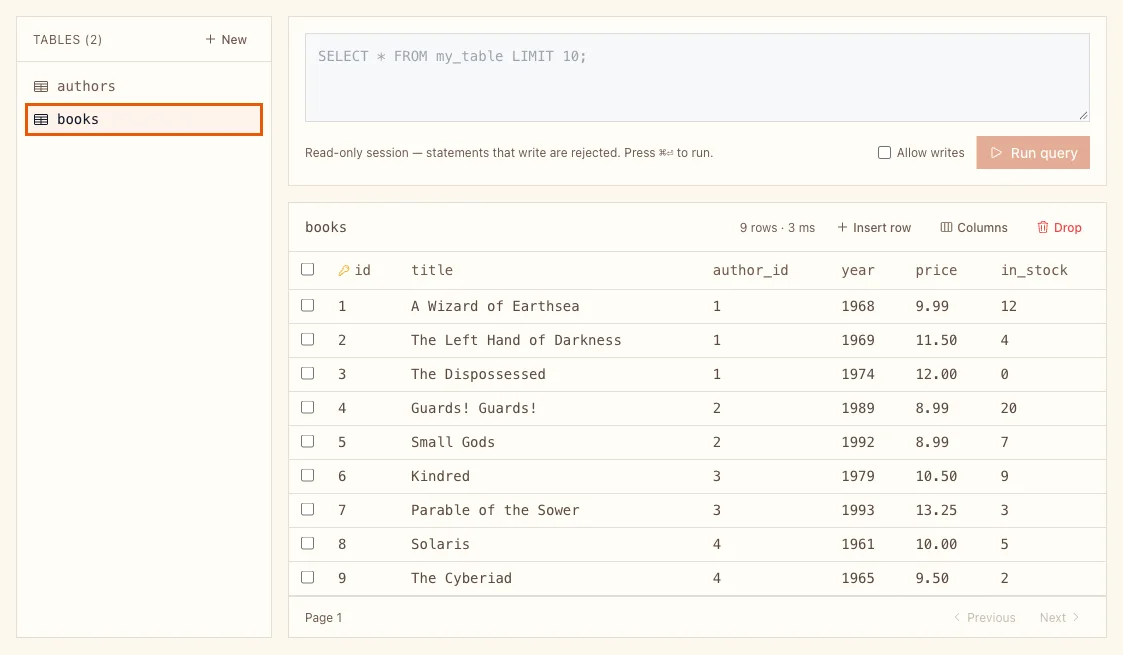
This is the data explorer: every table in the database, its rows, and a SQL box above them. The session is read-only unless you tick **Allow writes**, so browsing cannot change anything by accident. [Part 2](/tutorials/database-data-explorer) covers editing rows and tables here.
## Step 7: Connect from Node.js and Python
The repository has one small script per language. Each connects with `DATABASE_URL` and counts the books.
Python, with [psycopg](https://www.psycopg.org/psycopg3/), uses the string exactly as you saved it:
```shell os="macOS,Linux"
$ python3 -m venv .venv
$ .venv/bin/pip install -r requirements.txt
$ .venv/bin/python connect/python.py
Connected from Python: 9 books
```
```shell os="Windows"
PS> python -m venv .venv
PS> .venv\Scripts\pip install -r requirements.txt
PS> .venv\Scripts\python connect\python.py
Connected from Python: 9 books
```
Node.js, with [node-postgres](https://node-postgres.com/), needs one more setting at the end, `&uselibpqcompat=true`:
```shell os="macOS,Linux"
$ npm install
$ DATABASE_URL="$DATABASE_URL&uselibpqcompat=true" node connect/node.mjs
Connected from Node.js: 9 books
```
```shell os="Windows"
PS> npm install
PS> $env:DATABASE_URL = "$env:DATABASE_URL&uselibpqcompat=true"
PS> node connect/node.mjs
Connected from Node.js: 9 books
```
`npm install` also prints how many packages it added. On Windows, the variable keeps the Node.js ending from now on, so run the Python script before the Node.js one.
The ending each client needs:
| Client | Add to the connection string |
| --- | --- |
| psql, Python (psycopg), Prisma, GUI tools | `?sslmode=require` |
| Node.js (node-postgres, `pg`) | `?sslmode=require&uselibpqcompat=true` |
In node-postgres 8, `sslmode=require` also checks the server's certificate against the certificate authorities Node.js trusts, and fails. `uselibpqcompat=true` gives `require` the meaning it has in every other PostgreSQL client: encrypt, without that check. Only node-postgres knows this setting; the others reject it.
To connect a GUI tool such as [TablePlus](https://tableplus.com/), [DBeaver](https://dbeaver.io/) or [pgAdmin](https://www.pgadmin.org/), copy the host, port, database name, user and password from the **Credentials** tab into a new PostgreSQL connection, and set **SSL mode** to **require**.
## Troubleshooting
### pg_hba.conf rejects connection ... no encryption
The client connected without encryption. Add `?sslmode=require` to the end of the connection string.
### unable to verify the first certificate
node-postgres with `?sslmode=require` only. Add `&uselibpqcompat=true`.
### invalid URI query parameter: "uselibpqcompat"
psql or psycopg got the Node.js ending. Remove `&uselibpqcompat=true`.
### psql: command not found
`psql` is not on your `PATH`. On macOS, run the `echo` and `source` lines from Step 1. On Windows, add the PostgreSQL `bin` folder to `PATH` and open a new window.
### password authentication failed
The password in the string is wrong or was changed. Copy the connection string again from the **Credentials** tab.
---
# Password Protect a Website for Free
Three platforms let you password protect a website for free. Light Cloud does it with one shared password, set in four clicks on every plan, Free included. Cloudflare Access is free for teams under 50 people and makes each visitor sign in with a code sent to their email, which is safer and takes about a dozen steps to set up. Render has no setting for it, but its blog shows how to encrypt a static page at build time with PageCrypt. Everywhere else the password sits behind a paid plan: $20 a month on Netlify, $21 per user on GitHub, $29 on Koyeb and $40 on Vercel for one developer and one project.
We make Light Cloud, so it's our row at the top. Below is how the order was decided, and every row links to the vendor's own page so you can check it.
## The September price change that started this
On 2026-09-09 Vercel moved Password Protection from a $150-a-month team add-on to [$20 per protected project a month](https://vercel.com/changelog/password-protection-now-costs-20-per-project-per-month-on-pro) on Pro. For a team with one project, that's a price cut. An agency with ten client projects now pays $200 a month, more than the old add-on. The same day, Vercel let its account-based gate, Vercel Authentication, protect production deployments too, at no cost on every plan.
Answers to "how do I lock a staging site for free" tend to mix three different things: a shared password, a login with a personal account, and code you write yourself. They're priced very differently, so this table keeps them apart.
## How we ranked
The scenario is the one I meet most: a commercial project has a staging site, and a client who has no account anywhere needs to open it, while search engines and strangers must not.
Each platform is priced on the cheapest plan where its own protection works, for one developer and one site, using list prices checked on 2026-10-13. "Commercial" rules out plans that forbid it, such as Vercel's Hobby. Ties on price are broken by the number of steps, which I counted from each vendor's own instructions, starting at the settings page and leaving out sign-up.
The table also says what the visitor has to type. A shared password is the least work for the client. Personal logins are better security, and more work for everyone. Neither is wrong.
## The ranking
| # | Platform | Password on one site a month | What the visitor enters | Steps in the vendor's docs |
|---|---|---|---|---|
| 1 | Light Cloud | $0, every plan | One shared password | 4 |
| 2 | Cloudflare | $0, Access Free under 50 users | Emailed code or company login | 1 for preview links, about 12 for a hostname |
| 3 | Render | $0, with PageCrypt | Shared password, decrypted in the browser | 3, plus inlining CSS, JavaScript and images |
| 4 | Netlify | $20, Pro | One shared password | 5 |
| 5 | GitHub Pages | $21 per user, Enterprise Cloud | GitHub sign-in with read access to the repo | 3 |
| 6 | Koyeb | $29, Pro | Username and password (HTTP basic auth) | 1 CLI flag |
| 7 | Vercel | $40: $20 Pro seat plus $20 per project | One shared password | 6 |
| 8 | Railway | $5,000 committed-spend tier | Railway account sign-in | Not counted |
Prices and steps from each vendor's docs and pricing pages, checked 2026-10-13, US dollars. Light Cloud steps from our own tutorial. Sign-up, plan upgrades and DNS changes not counted as steps.
### 1. Light Cloud
**Best for:** a staging site that one shared password should cover.
Password protection works on every plan, and [the tutorial](/tutorials/password-protect-a-staging-site) runs on Free: open the environment's Security tab, click Set password, type it twice, click Save password. It applies from the next request, with no redeploy. The check happens at the edge before the request reaches your app, so images and JavaScript are covered too, and the password page answers with a 401 and `X-Robots-Tag: noindex, nofollow`.
A few details I like. The password belongs to one environment, so production stays public while the `staging` branch is locked; [the branch preview tutorial](/tutorials/preview-url-for-every-branch) shows how a branch gets that environment in the first place. A visitor stays signed in for 12 hours. After 8 wrong guesses from one address within 15 minutes, further attempts are refused for a while. Clicking Change signs everyone out, which is what you want when a review ends. That's the whole of how we [password protect a website for free](https://light-cloud.com): it comes with [free hosting with no credit card](https://light-cloud.com/pricing), for static sites and containers alike.
Now the limits. Everyone shares one password, so you can't remove one person without changing it for all. There's no single sign-on. On Free the site lives on a light-cloud.io address with a small "by Light Cloud" link; [a custom domain with automatic SSL](https://light-cloud.com/domains) starts on Lite at $5 a month.
### 2. Cloudflare
**Best for:** teams that want every visitor to sign in as themselves.
Cloudflare doesn't do shared passwords. It does Cloudflare Access, which is $0 for teams under 50 users and $7 per user a month, paid annually, above that ([Access pricing](https://www.cloudflare.com/sase/products/access/)). For preview links on Pages it's one setting, Settings > General > Enable access policy, which limits them to your Cloudflare account until you add people. That setting [doesn't cover the pages.dev domain or a custom domain](https://developers.cloudflare.com/pages/configuration/preview-deployments/).
For `staging.example.com` you create a self-hosted Access application, and the domain has to be active on Cloudflare. The [docs list nine actions](https://developers.cloudflare.com/cloudflare-one/applications/configure-apps/self-hosted-public-app/) before the optional settings. A client without a company login signs in with a [one-time PIN sent by email](https://developers.cloudflare.com/cloudflare-one/identity/one-time-pin/), which new organizations add as an identity provider in three more steps. So about a dozen, once. In return you can let in one email address and later remove exactly that one.
### 3. Render
**Best for:** a small static site where a password in the page is good enough.
Render has no password setting. Its blog suggests [PageCrypt](https://render.com/blog/static-site-auth-pagecrypt), an open source library that encrypts an HTML file at build time; the browser decrypts it when the visitor types the password. Setup is three steps: add the dependency, change the build command, and set the password as an environment variable. Render's static sites are free, so the cost is $0.
Render is upfront about the catch. PageCrypt encrypts a single HTML file by default, so CSS, JavaScript and images have to be inlined into it to be protected, and there's only one shared password. It's a static-site trick; an API behind it needs its own authentication.
### 4. Netlify
**Best for:** agencies that want a password on every project for one flat price.
On the credit-based plans, the shared password comes with Pro, $20 a month with unlimited team members, and it's not available on Free or Personal ([docs](https://docs.netlify.com/manage/security/secure-access-to-sites/password-protection/)). Free and Personal can make a project private instead, but then only the Team Owner can see it, which doesn't help with a client.
Five steps under Project configuration > Visitor access > Project visibility: Edit visibility, choose Password, type it, choose Production and previews or Previews only, Save. There's no team-wide default password, so each project gets its own. The flat price is the real draw: the password adds no per-project fee, so twenty client sites don't multiply it.
### 5. GitHub Pages
**Best for:** internal docs for people who already work in the repository.
A GitHub Pages site can be published privately only if the organization uses GitHub Enterprise Cloud, which starts at $21 per user a month ([pricing](https://github.com/pricing)). Then only people with read access to the repository can open it, and only project sites from private or internal organization repositories qualify ([docs](https://docs.github.com/en/pages/getting-started-with-github-pages/changing-the-visibility-of-your-github-pages-site)).
The switch itself is three clicks: Settings, Pages, the visibility dropdown. It's a fine answer for an engineering handbook. For a client outside your GitHub organization, it isn't one.
### 6. Koyeb
**Best for:** an API or app that should answer only to a username and password.
Koyeb's CLI can put HTTP basic auth on every route of a service with one flag, `--auth USERNAME:PASSWORD`, or require an API key instead ([CLI reference](https://www.koyeb.com/docs/build-and-deploy/cli/reference)). That's the shortest setup in this table if you live in a terminal, and it protects an API as well as a website.
The price comes from the plan, not the feature. Since Koyeb [announced it is joining Mistral AI](https://www.koyeb.com/blog/koyeb-is-joining-mistral-ai-to-build-the-future-of-ai-infrastructure), new users must pick a paid plan, and Pro is $29 a month with $10 of compute included. The browser shows its own plain sign-in box, which looks dated to a client but works everywhere.
### 7. Vercel
**Best for:** teams already on Pro that need a password on one or two projects.
Password Protection is [$20 per protected project a month on Pro](https://vercel.com/docs/deployment-protection/methods-to-protect-deployments/password-protection) and isn't available on Hobby. Pro itself is $20 per deploying seat, so one developer with one protected project pays $40. The docs list six actions: pick the project, open Deployment Protection, flip the toggle, pick the environment, type the password, Save.
The free alternative is Vercel Authentication, on every plan. Visitors log in with a Vercel account and request access, which you approve, and [Hobby allows one external user](https://vercel.com/docs/deployment-protection/methods-to-protect-deployments/vercel-authentication). For a team reviewing its own previews it's excellent; for a client it means asking them to create a Vercel account.
### 8. Railway
**Best for:** large teams that want staging services behind Railway accounts.
Railway's gate, [announced on 2026-10-08](https://blog.railway.com/p/railway-authentication-identity-aware-proxy), puts services such as staging previews and internal tools behind a Railway login. It requires the $5,000-a-month committed-spend tier. Below that tier, you'd put authentication into the app itself, which is a fine answer, just not a setting.
## Where the others beat us
On security, Cloudflare Access wins outright. Each visitor proves who they are, you can remove one person without touching anyone else, and you can plug in a company login. Our shared password can't do any of that, and if it leaks, the fix is to change it and send the new one around. Vercel Authentication and GitHub's private Pages do the same job for teams whose reviewers already have accounts there.
For an agency with many client sites, Netlify's flat $20 covers a password on every project, and its team login can be tied to single sign-on through an identity provider. If you need production itself behind company sign-in, that's what these products are built for.
Where we're ahead is the plain case: a client, a staging link, a password in a message. It's four clicks on any [branch preview URL](https://light-cloud.com/previews), on any plan, and the [git push deploys](https://light-cloud.com/deployments) keep redeploying the protected branch without anyone touching the setting again. If you're choosing a host for the whole app, [where to host a SaaS app](/comparisons/where-to-host-a-saas) prices the rest of it.
How many people outside your team need to open your staging site this month?
---
# Kubernetes Alternatives for Small Teams
For a small team that wants containers without Kubernetes, the options with the least to learn are Light Cloud, Railway and Render: you connect a repository and get HTTPS URLs, with no cluster, no registry and no config file to master. Fly.io and Coolify each add one new thing, Google Cloud Run and AWS ECS add cloud permissions and plumbing, and Kamal, Docker Swarm and Nomad hand you the servers. Light Cloud is first because, of the three, it is also the cheapest way to keep a few quiet services online.
I run Light Cloud, so weigh that. The scoring below is simple enough to redo yourself from the vendors' own docs.
## How we ranked
Kubernetes is hard for a small team for a boring reason: the list of things you have to understand before anything runs. Nodes, a registry, ingress, certificates, YAML for each object. [The longer argument](/kubernetes/kubernetes-won-developers-lost) ran on this blog earlier this month, so this post stays practical.
Every option below got one point for each of these six things it makes you learn or run yourself before your first deploy:
- machines you rent, patch and keep alive;
- a config file in the tool's own format;
- a container registry to set up and log in to;
- HTTPS and load balancing you configure;
- cloud permissions, such as IAM roles;
- extra tools that must run next to it.
Writing a Dockerfile doesn't count, since every option accepts one. Fewer points rank higher. Where two options tie, the one where someone else runs the machines goes first, and after that the lower bill for a reference system: three small services that are quiet most of the day. Facts come from the vendors' own docs and pricing pages, checked on 2026-10-13, and again on 2026-11-02 for Railway and Fly.io. Where a platform bills by usage, the price is what these three services use, not the plan's starting fee. Self-hosted tools get "your servers" in the price column, because I couldn't check a server price on a page I trust.
## The ranking
| # | Option | Points | Who runs the machines | What you write | Three quiet services a month |
|---|---|---|---|---|---|
| 1 | Light Cloud | 0 | Light Cloud | Nothing; a Dockerfile is optional | $0 on Free, $5 with your own domain |
| 2 | Railway | 0 | Railway | Nothing required | $5 to about $8 (asleep when idle, or awake) |
| 3 | Render | 0 | Render | Nothing; render.yaml optional | $21 |
| 4 | Fly.io | 1 | Fly.io | fly.toml, generated for you | $0.45 to $6.57 (stopped when idle, or never) |
| 5 | Coolify | 1 | You | Nothing; it has a dashboard | Your servers |
| 6 | Google Cloud Run | 2 | Google | IAM, plus a load balancer for your domain | $0 inside the free tier |
| 7 | AWS ECS Express Mode | 2 | AWS (Fargate) | IAM roles, an image in a registry | about $43 |
| 8 | Kamal | 3 | You | config/deploy.yml | Your servers |
| 9 | Docker Swarm | 3 | You | Service definitions, an outside load balancer | Your servers |
| 10 | Nomad | 3 | You | Job files, plus Consul and Vault | Your servers |
Scored from each vendor's own docs, checked 2026-10-13. Prices in US dollars from the vendors' pricing pages; "your servers" means the tool is free and you pay whoever hosts the machines. Railway usage assumes about 250 MB of RAM per service; Fly.io's stopped machines assume 1 GB images. Kamal scores 4 once you run more than one server.
### 1. Light Cloud
**Best for:** teams that want push-to-URL with nothing to configure and services that cost nothing while idle.
Zero points. You connect a GitHub repository and each push builds and deploys; with a Dockerfile at the root it builds exactly that, and without one it detects the framework and writes the Dockerfile for you, so you can [deploy Node.js, Python, Go and Java without a Dockerfile](https://light-cloud.com/frameworks). Certificates are issued and renewed automatically. There is no registry to log in to and no IAM. Those [git push deploys](https://light-cloud.com/deployments) come with a preview URL per branch, and [logs and metrics](https://light-cloud.com/observability) sit next to the deploy history.
Three quiet services fit the Free plan. The pricing page puts a quiet server app at about $0.10 a month of usage, so three use $0.30 of Free's $1, with no card ([pricing](https://light-cloud.com/pricing)). Your own domain and a database start on Lite at $5. That's [pay-per-use container hosting](https://light-cloud.com/pricing) in practice: every container scales to zero by default and bills by the hour while it runs.
Now the part a Kubernetes refugee should read twice. Services talk to each other over public HTTPS, not a private network; [the microservices series](/tutorials/microservices-on-light-cloud-part-2-connect-services) shows the CORS and shared-secret setup that takes. There is no cron and no background worker type. An app scales to 3 instances on Free and Lite, 10 on Starter and 50 on Business, and a warm instance that never sleeps costs about $52 a month and needs Starter. A cold service takes [3.1 to 3.7 seconds to answer](/tutorials/microservices-on-light-cloud-part-4-cold-starts). And settings live in the console, not in a manifest in your repository (the CLI's small `.lightcloud` file only records which app a folder belongs to). That's the point of it, but it also means no infrastructure diff to review in a pull request.
### 2. Railway
**Best for:** small systems that need private networking and cron between services from day one.
Also zero points. Railway builds from your repository, and services in a project reach each other over a private WireGuard network with internal DNS, which is exactly what Light Cloud lacks ([docs](https://docs.railway.com/networking/private-networking)). Cron jobs and pull request environments come on every paid plan.
Hobby is $5 a month with $5 of usage included, billed by the RAM and CPU your services actually use ([plans](https://docs.railway.com/pricing/plans)). Railway has no fixed sizes, so the bill depends on the memory your processes hold. A small Node service holds about 250 MB, so three use about $7.50 of RAM a month and about $0.60 of CPU, and the bill is about $8. Sleep is opt-in: with it on, quiet services stop paying for memory while they sleep and the bill falls toward the $5 minimum. Railway warns that the first request to a sleeping service may get a 502.
### 3. Render
**Best for:** fixed prices per service, and a whole system in one optional file.
Zero points, because nothing beyond a repository is required. When you want it, a Blueprint describes services, databases and environment groups in [a single render.yaml](https://render.com/docs/infrastructure-as-code), which is the closest thing here to the manifests you'd keep in a Kubernetes repo. Private networking, background workers and cron jobs are all built in.
It ranks third on the tiebreak. A paid service is a fixed instance, the smallest $7 a month ([pricing](https://render.com/pricing)), so three services are $21 whether anyone calls them or not. The free instances spin down after 15 minutes and Render says not to use them in production.
### 4. Fly.io
**Best for:** the same containers in many regions, with a private network between them.
One point: `fly launch` writes a fly.toml for your app's Fly-specific settings ([docs](https://fly.io/docs/launch/create/)), and you'll edit it sooner or later. In exchange, every organization gets a private WireGuard network across regions, and machines can stop when idle so you pay only for their disk.
The smallest machine, 256 MB, is $2.19 a month kept running ([pricing](https://docs.fly.io/about/pricing)), so three are $6.57 if they never stop. A stopped machine pays only for its root filesystem, $0.15 per GB a month, so three with 1 GB images cost $0.45 plus the hours they run. There is no free tier for new accounts, a card is required after the trial, and Fly says it doesn't support billing alerts yet.
### 5. Coolify
**Best for:** a Heroku-style dashboard on servers you already pay for.
One point, but it's the big one: you run the machines. Everything else is handled from a dashboard. Coolify builds with Nixpacks, a Dockerfile or Docker Compose, issues Let's Encrypt certificates, starts databases from a list and deploys pull requests separately ([features](https://coolify.io/)). It also runs cron jobs inside your apps, which several managed rows can't.
Self-hosted Coolify is free with every feature; Coolify Cloud, where they run the dashboard and you bring the servers, is $5 a month for two servers plus $3 per extra one ([pricing](https://coolify.io/pricing/)). The Coolify server needs 2 CPU cores, 2 GB of RAM and 10 GB of disk on its own ([installation](https://coolify.io/docs/get-started/installation)). Patching, backups to your own S3 bucket, and what happens when the box dies are yours.
### 6. Google Cloud Run
**Best for:** teams already on Google Cloud that want scale to zero at raw cloud prices.
Two points. `gcloud run deploy --source` builds from a Dockerfile or buildpacks and creates the registry for you ([docs](https://cloud.google.com/run/docs/deploying-source-code)), which is kind. But you set up a billing account and IAM, and your own domain needs a load balancer or Firebase Hosting, because Cloud Run's built-in domain mapping is a preview that Google calls [not production-ready](https://cloud.google.com/run/docs/mapping-custom-domains).
Three quiet services cost $0 inside the free tier of 180,000 vCPU-seconds and 2 million requests a month ([pricing](https://cloud.google.com/run/pricing)). Light Cloud runs on Cloud Run, so this is the same engine with the setup handed back to you.
### 7. AWS ECS Express Mode
**Best for:** AWS shops that want Fargate with the load balancer and TLS done for them.
Two points. AWS says an Express Mode service needs only three things: [a container image, a task execution role and an infrastructure role](https://docs.aws.amazon.com/AmazonECS/latest/developerguide/express-service-overview.html). It then creates the Fargate service, a load balancer with TLS, auto scaling and monitoring. The image has to live in a registry first, and the roles are IAM.
Express Mode is free; Fargate isn't. The smallest task, 0.25 vCPU with 0.5 GB, is about $8.89 a month around the clock in us-east-1 ([Fargate pricing](https://aws.amazon.com/fargate/pricing/)), and a load balancer adds about $16.20 before usage charges. Three services sharing one load balancer come to about $43, before the load balancer's usage charges.
### 8. Kamal
**Best for:** Linux-comfortable teams putting containers on cheap servers.
Three points on one server, four on more. You run the servers, you write config/deploy.yml, and you need a registry, because `kamal setup` builds the image, pushes it, and pulls it on each host ([installation](https://kamal-deploy.org/docs/installation/)). On a single server kamal-proxy gets Let's Encrypt certificates for you; with more than one, you put a load balancer in front yourself.
What you get back is a lot: zero-downtime deploys to any Ubuntu box with an SSH key, under the MIT license, from the team at 37signals that uses it for their own apps. Kamal's own homepage is candid that you're [probably better off with a fully managed service](https://kamal-deploy.org/) if basic Linux or Docker is still difficult.
### 9. Docker Swarm
**Best for:** a real multi-machine cluster for people who already know Docker Compose.
Three points: machines, service definitions, and a load balancer for outside traffic. Swarm is [built into Docker Engine](https://docs.docker.com/engine/swarm/), so there is no extra orchestrator to install, and it gives you service discovery by DNS name, rolling updates and rollbacks. Docker's tutorial uses three Linux hosts with ports 2377, 7946 and 4789 open between them.
It is the gentlest way to learn what a cluster is. It's also a cluster, with managers, workers and reconciliation, and Docker's own docs call it an advanced feature and suggest plain Compose if you don't plan to run Swarm in production.
### 10. Nomad
**Best for:** mixed fleets that schedule containers, Java apps and VMs side by side.
Three points: machines, job files, and the tools Nomad expects next to it. HashiCorp describes Nomad as a single binary that focuses on scheduling and [composes with Consul for service discovery and Vault for secrets](https://developer.hashicorp.com/nomad/docs/what-is-nomad). It schedules more than containers, which no other row here does.
The license matters for some teams: Nomad Community Edition is under the Business Source License, per [HashiCorp's own page](https://developer.hashicorp.com/nomad/docs/ce-license-support).
## Where the others beat us
Plenty of places, and they're the reasons people pick Kubernetes in the first place. If your services must talk privately, Railway, Render and Fly give you a private network today and we don't. Cron jobs are built into Railway, Render and Coolify, and Render sells background workers as a service type. Once your services are busy around the clock, a server running Kamal or Coolify is far cheaper than our always-on price, and Render's fixed $7 beats our $52. Teams that want the whole system in a reviewed file will prefer Render's Blueprint or a Kamal config to our console. And Nomad runs workloads that aren't containers at all.
What we do better is the first step and the quiet months. There is nothing to install, no file to learn and no registry, and a service nobody calls costs nothing. For three small services that's $0 on Free, and the [Kubernetes alternative for small teams](https://light-cloud.com) I'd pick for a first product is the one where you can [bring your own Dockerfile](/tutorials/deploy-any-app-with-a-dockerfile) and be live before lunch.
Which of the six points would you happily take on, and which made you leave Kubernetes in the first place?
---
# Heroku Alternatives in 2026
If your team opens a review app for every pull request, the cheapest [Heroku alternative](https://light-cloud.com) for a small app is Light Cloud at $5 a month, review apps included, against $16.80 for the same app and four review apps on Heroku. Railway comes to about $7.40 and copies the database into each pull request environment, which we don't. If you rely on worker dynos and Heroku Scheduler, look at Render first: it feels the most like Heroku and lands at $16.10.
We make Light Cloud, the first row below. The method comes before the table so you can check every number on the vendors' own pages.
## Why move off Heroku now
Nothing broke. On 2026-02-06 Heroku said it is [transitioning to a sustaining engineering model](https://www.heroku.com/blog/an-update-on-heroku/) "focused on stability, security, reliability, and support", and that Enterprise contracts will no longer be offered to new customers. Apps keep running, and prices for card-paying customers did not change. What changed is the direction: the platform you deploy to has stopped adding things.
The money side is older news. Free dynos and free Postgres [ended on 2022-11-28](https://devcenter.heroku.com/changelog-items/2502), and you need a verified card before you can create an app. Any dyno scaled above zero bills [whether or not it gets traffic](https://devcenter.heroku.com/articles/usage-and-billing); only Eco dynos sleep, and Eco is for personal apps, not team apps. For teams that live on review apps, that means paying for a dyno and a database per pull request while the reviewer is at lunch.
## How we ranked
The reference app is the one from [where to host a SaaS app](/comparisons/where-to-host-a-saas): a React frontend, one Node.js API, a small PostgreSQL database and a custom domain, at about 1,000 API requests a day. On top of it I added the Heroku habit this post is about: four pull requests a month, each with a preview of the frontend and API that stays open for three days.
On Heroku that costs $12 for the app on a Basic dyno with Essential-0 Postgres ([pricing](https://www.heroku.com/pricing)), plus four review apps. Review apps are [billed like normal apps](https://devcenter.heroku.com/articles/github-integration-review-apps), so a Basic dyno and Essential-0 for three days is about $1.20 each. Total: $16.80.
For every other platform I priced the cheapest way to get a preview of the frontend and API per pull request, with list prices from the vendor's own pages, checked on 2026-10-13 and again on 2026-11-02, in US dollars. Where a platform bills by usage, the price is the usage this app and its previews generate, not the plan's starting fee, so no row hides its bill behind a "+". Whether that preview also gets its own database is in the table, because Heroku review apps can carry one and not every alternative copies it. The second column covers the other two Heroku habits: worker dynos and the Scheduler add-on.
Kept running all month, with no scale to zero, the same app gets the Always on prices in the table. Light Cloud comes last there at about $56, because an always-on instance needs the $19 Starter plan and a Micro costs about $52 a month. Every other platform here already runs the API around the clock at the price above, so their bills don't move.
## The ranking
| # | Platform | App + review apps a month | Always on, a month | Review apps | Scheduler and workers |
|---|---|---|---|---|---|
| 1 | Light Cloud | $5 | about $56 (Starter, always-on Micro) | Every branch, shares the production database | Neither yet |
| 2 | Railway | about $7.40 (Hobby $5 + about $2.40 of usage) | about $7.40 | Every pull request, own database | Cron jobs built in |
| 3 | DigitalOcean App Platform | $14 (dev database + four 3-day preview apps) | $14 | Through GitHub Actions | Scheduled jobs and workers |
| 4 | Render | $16.10, or $43.50 with full-stack previews | $16.10 | Per service on the free workspace; full stack on Pro | Cron jobs and workers |
| 5 | Koyeb | $29 to $53 (Postgres asleep, or awake all day) | $29 to $53 | Through GitHub Actions | Workers; no scheduler documented |
| 6 | Fly.io | about $41 | about $41 | GitHub Action, one app, no database | Workers; cron is an app you run |
List prices from each vendor's pricing and docs pages, checked 2026-10-13. Four pull requests a month, each previewed for three days. For comparison, the same app with four review apps is $16.80 on Heroku. Railway usage assumes about 450 MB of RAM and 0.03 vCPU on average across the API and Postgres, with the API serving the built frontend, and the same again for each pull request environment while it is open. Taxes and bandwidth beyond included allowances excluded.
### 1. Light Cloud
**Best for:** teams that open a review app for every pull request and are tired of paying for idle dynos.
Lite is $5 a month with $5 of usage included, a custom domain and one shared PostgreSQL database ([pricing](https://light-cloud.com/pricing)). The reference app uses about $4.63 of that: $4 for the database and 30 cents for a GB of storage, around 20 cents for the API, a few cents of builds. Four previews add about eight cents, because a preview only costs its two builds and then sits at $0 until somebody opens it. That's the trade in [pay-per-use hosting from $5 a month](https://light-cloud.com/pricing): no dyno waits for a reviewer.
You get [a review app for every branch](https://light-cloud.com/previews), frontend and API, on every plan including Free, and a pull request comment with the link. Deploys come from GitHub, so `git push heroku main` becomes a plain push to your repository and [deploys on every git push](https://light-cloud.com/deployments) take it from there. The database is [managed Postgres in the same console](https://light-cloud.com/databases); moving yours over is a plain-SQL `pg_dump` (the import doesn't take the custom format) and an upload of up to 512 MB.
The gaps a Heroku team will hit first: there is no worker app type and no scheduler, so a `worker:` line in your Procfile has nowhere to go. A branch preview uses the production database until you point it at another one, which is not what a Heroku review app with its own Postgres does; [the preview tutorial](/tutorials/preview-url-for-every-branch) shows the setup. Shared databases run in Belgium only. Containers scale to zero, so a quiet API answers its first request in [3.1 to 3.7 seconds](/tutorials/microservices-on-light-cloud-part-4-cold-starts), and an always-on instance needs Starter and costs about $52 a month.
### 2. Railway
**Best for:** review apps that copy the whole app, database included.
Hobby is $5 a month with $5 of usage included ([plans](https://docs.railway.com/pricing/plans)), and usage is metered by the resource: $10 per GB of RAM a month and $20 per vCPU a month. Pull request environments [mirror the production workloads](https://docs.railway.com/pricing/faqs), Postgres included, and are billed as normal usage while they exist. For the reference app that's about $5.33: roughly $2.50 for a Node API averaging 250 MB that also serves the built frontend, $2 for Postgres at 200 MB, $0.60 of CPU, and cents for the volume and egress. Each pull request environment runs the same API and Postgres, about $5.25 a month, so three days of one is about 53 cents and four of them about $2.10. The bill is the larger of $5 and the usage, so about $7.40, and the same always on; sleeping the preview services takes a little off.
Railway also has cron jobs (at least 5 minutes apart) and private networking on every plan, and a hard usage limit you can set from $10 ([cost control](https://docs.railway.com/pricing/cost-control)). It recommends Pro, $20 a month, for commercial apps. Of everything here, it's the closest to Heroku's review apps, for about $2.40 a month more than ours.
### 3. DigitalOcean App Platform
**Best for:** fixed container prices with workers and scheduled jobs.
A 512 MiB container is $5 a month and a development database $7 ([pricing](https://www.digitalocean.com/pricing/app-platform)), so the app is $12 with the frontend on the free static tier. Worker components are priced like services, and scheduled jobs are [billed only while they run](https://docs.digitalocean.com/products/app-platform/how-to/manage-jobs/), which covers both Heroku habits.
There is no review app switch. DigitalOcean documents [a GitHub Actions workflow](https://docs.digitalocean.com/products/app-platform/how-to/deploy-from-github-actions/) that deploys a separate app per pull request and deletes it on merge; each one is an ordinary app billed by the second. A 512 MiB container for three days is about 50 cents, so four previews make the bill $14, and a preview that also gets its own development database adds about 70 cents. The development database has no backups by default, so a real product moves to managed Postgres from $15, and a payment method is needed before you create anything.
### 4. Render
**Best for:** the closest feel to Heroku, workers and cron included.
A Starter web service is $7 a month and the smallest Postgres $6 plus $0.30 per GB ([pricing](https://render.com/pricing)): $13.30, with the frontend as a free static site. On the free Hobby workspace each service gets its own [pull request previews](https://render.com/docs/service-previews), billed at the service's rate, so four API previews for three days add $2.80. That's $16.10, about Heroku's bill, but those previews come without a database of their own. [Full-stack preview environments](https://render.com/docs/preview-environments) that copy the database need the $25 Pro workspace, which makes it $43.50.
Render is where a Heroku app maps over with the least rethinking: web services, background workers, cron jobs (minimum $1 a month each), a private network and fixed monthly prices. What its docs don't describe is scaling a paid service to zero while it's idle, or a visitor password for a staging site.
### 5. Koyeb
**Best for:** worker services on a private network, on one paid plan.
New users have needed a paid plan and a card since Koyeb [announced it is joining Mistral AI](https://www.koyeb.com/blog/koyeb-is-joining-mistral-ai-to-build-the-future-of-ai-infrastructure) on 2026-02-17. Pro is $29 a month with $10 of compute included ([pricing](https://www.koyeb.com/pricing)). A nano API at $2.68 a month, four preview services for three days each and a GB of database storage at $0.50 use about $4.25 of that, so the bill is $29 while the database sleeps most of the day. The smallest Postgres is $0.04 an hour while awake and sleeps after 5 idle minutes, which 1,000 requests spread through the day rarely allow; awake all month it's $29.76, which takes the bill to about $53. Workers are a service type, services talk over a private mesh, and scale to zero is in public preview with a 1 to 5 second cold start.
Previews per pull request come from a [2023 GitHub Actions tutorial](https://www.koyeb.com/tutorials/deploy-preview-environments-on-koyeb-for-github-pull-requests), not a setting. I found no scheduled-job feature in the docs, and Koyeb says spending limits are still in the works.
### 6. Fly.io
**Best for:** apps that should run close to users in several regions.
Machines are cheap, from $2.19 a month always on ([pricing](https://docs.fly.io/about/pricing)), and can stop when idle. Postgres is the expensive part: Managed Postgres starts at $38 plus $0.28 per GB ([docs](https://docs.fly.io/postgres)). With four preview machines for three days each, about $41.
Fly's review apps come from a GitHub Action that deploys [one app without other resources](https://docs.fly.io/blueprints/review-apps-guide), so a database per pull request is your own workflow to write. Workers are just Machines; scheduled jobs run through Cron Manager, which you [deploy as its own Fly app](https://docs.fly.io/blueprints/task-scheduling). No free tier for new accounts, and no billing alerts yet.
## Where the others beat us
Worker dynos and Heroku Scheduler are the big ones. If your Procfile has a `worker:` line or your app depends on a nightly job, Render, Railway and DigitalOcean run those today and we can't. A review app with its own copy of Postgres is a Railway feature for about $2.40 a month more than us, and a Render one on Pro. If your users are on several continents, Fly is the better home. And if your company buys software through procurement, Upsun is worth a call: [its pricing page](https://upsun.com/pricing/) lists full-stack preview environments for every branch, a per-project fee and per-user licenses. I left it out of the table because I couldn't find its smallest app size next to the prices, so I can't price the reference app there.
Where we come out ahead is the bill for waiting. On Heroku a review app is a dyno and a database that run for as long as the pull request is open, and most of that time nobody is looking. Here the preview of every branch costs its build and then nothing, the API scales to zero when traffic stops, and a five-dollar plan covers the app, the database and the domain. If your Heroku invoice is mostly review apps, that's the comparison to run.
What's the first thing in your Procfile you'd have to change?
---
# Free Hosting for Startups
For a startup's full stack, the smallest first bill is Light Cloud's $5, which covers your own domain, the database and an API in any language, all in. Railway's comes to about $6 once the RAM and CPU it bills by are counted, and Netlify's is $9. Cloudflare stays free the longest for a startup whose app fits in Workers and static assets: custom domains, previews and extra people cost nothing. But it sells no Postgres of its own, so its row reads n/a; Postgres from PlanetScale, a second vendor, starts at $5. Vercel's own bill is $20 per founder the day you take a payment, and its database comes from a second vendor too: free on Neon's free plan, or about $19 more if it stays awake.
We make Light Cloud, the first row below. It is first partly because Cloudflare, which stays free longer, sells no Postgres of its own; the method explains the rule.
## How we ranked
Every free plan ends the same way: the startup needs something the plan doesn't include. So this ranking asks two questions per platform. What forces the first bill, and how big is it?
The reference startup is small and ordinary: a frontend, one API, a PostgreSQL database and its own domain, with one founder deploying and about 1,000 API requests a day. Each price is the first monthly bill once the free plan no longer covers that stack, from each vendor's own pricing and docs pages, checked on 2026-10-13 and again on 2026-11-02, in US dollars. Where a platform bills by usage, the price is the usage this stack generates, not the plan's starting fee, so no row hides its bill behind a "+". Every row is one vendor; a platform that does not sell the database itself is listed as n/a, and its section says what a partner database would add. Ties go to the platform whose free plan lasts longer before the bill arrives.
A third column covers the moment a co-founder starts deploying, because that is the second bill most startups meet. Commercial use matters too: one platform's free plan bans it outright, and it changes the answer for that row.
## The ranking
| # | Platform | First bill a month | What forces the first bill | Second founder |
|---|---|---|---|---|
| 1 | Light Cloud | $5, all in | Your own domain or a database | Starter, $19 a month |
| 2 | Railway | about $6 (Hobby $5 + about $1 of usage) | Your own domain, or a second project | Pro, $20 a month |
| 3 | Netlify | $9, Personal plan, plus a database whose price isn't published | 300 credits, about 20 production deploys | Pro, $20 a month |
| 4 | Google Cloud Run | $9.37, Cloud SQL with its 10 GB of storage | A database; card from day one | IAM, no seat fee |
| 5 | DigitalOcean App Platform | $12 | Any backend; card for anything | No seat fee |
| 6 | Render | $13.30 | Free Postgres expires after 30 days | Pro, $25 a month |
| 7 | Cloudflare | No Postgres of its own (Workers Free covers the rest; database from a partner such as PlanetScale) | Postgres, or 100,000 requests a day | Free, no seat fee |
| 8 | Vercel | No Postgres of its own (Pro $20 a seat; database from a partner such as Neon) | Commercial use, such as taking payments | $20 per deploying seat |
List prices from each vendor's pricing and docs pages, checked 2026-10-13. Reference startup: frontend, one API, PostgreSQL, its own domain, one founder deploying, about 1,000 API requests a day. Light Cloud usage uses the pricing page's own assumption of 0.2 s of instance time per request. Railway usage assumes about 500 MB of RAM and 0.03 vCPU on average across the frontend, the API and Postgres. Taxes and bandwidth beyond included allowances excluded.
### 1. Light Cloud
**Best for:** the smallest first bill that covers a container API in any language, Postgres and your domain.
Free costs $0 with no card: unlimited static sites, 3 server apps and a preview URL for every branch, with $1 of usage a month ([pricing](https://light-cloud.com/pricing)). It never bills you. When the $1 runs out, server apps pause until next month and static sites keep serving. The catch for a startup is plain: Free has no custom domain and no databases, and free pages carry a small "by Light Cloud" link.
So the first bill comes early, the day you point your own domain at the app or create a database, and it is Lite at $5 a month. That $5 includes $5 of usage, a [custom domain with automatic SSL](https://light-cloud.com/domains) and one shared PostgreSQL database. The reference startup uses about $4.60 of it: $4 for the database, 30 cents for 1 GB of data in it, about 20 cents for the API at 0.2 s per request, about 6 cents for 0.3 GB of API responses and a few cents of builds. Your API can be Node, Python, Go, Java or .NET, from [git push deploys](https://light-cloud.com/deployments) or a Dockerfile.
Where it falls behind in this ranking: the second bill. Lite has one team member, so a co-founder who deploys means Starter at $19 a month. There are no cron jobs, workers or private networking, the shared database runs in Belgium only, and a scaled-to-zero API takes [3.1 to 3.7 seconds](/tutorials/microservices-on-light-cloud-part-4-cold-starts) to answer its first request after a quiet spell.
### 2. Railway
**Best for:** a first bill of about $6 with cron jobs and private networking built in.
After a 30-day trial with $5 of credit, Railway's Free plan gives $1 of credit a month, one project, three services and no custom domains ([free trial docs](https://docs.railway.com/pricing/free-trial)). No card is needed. The first bill comes with your own domain or a second project: Hobby at $5 a month, with $5 of usage included ([plans](https://docs.railway.com/pricing/plans)). Postgres is billed as usage like any other service, at $10 per GB of RAM and $20 per vCPU a month. For the reference startup that's about $5.83: roughly $2.50 for a Node.js API averaging 250 MB, $2 for Postgres at 200 MB, 50 cents for a small server for the frontend, 60 cents of CPU and cents for the volume and egress. The bill is the larger of $5 and the usage, so about $6.
Railway has extras we don't: cron jobs, private networking and pull request environments on every plan. Against it: Hobby is a single-developer workspace, and Railway [recommends Pro, $20 a month, for commercial applications](https://docs.railway.com/pricing/faqs), which a startup with paying customers is.
### 3. Netlify
**Best for:** frontend-heavy startups.
Netlify's free plan covers a lot of the reference startup: custom domains with SSL, functions, unlimited deploy previews and Netlify Database, a managed Postgres ([plans](https://docs.netlify.com/manage/accounts-and-billing/billing/billing-for-credit-based-plans/credit-based-pricing-plans/)). It is never billed. But it runs on 300 credits a month, and each production deploy costs 15 of them, so about 20 deploys use the lot. When credits run out, every project on the team pauses until next month.
The first bill is Personal at $9 for 1,000 credits. The reference startup's requests, function time and bandwidth use about 60 credits a month, so Personal leaves room for about 60 deploys. Netlify Database's price isn't published, so $9 is the bill without it. A co-founder can't join Free or Personal at all; Netlify's pricing page says those plans [cannot add team member seats](https://www.netlify.com/pricing/), so the second step is Pro at $20 a month with unlimited members. Password protection is a Pro feature too.
### 4. Google Cloud Run
**Best for:** teams already in Google Cloud.
The compute is free for a long time. Cloud Run's free tier covers 180,000 vCPU-seconds and 2 million requests a month ([pricing](https://cloud.google.com/run/pricing)), far more than the reference API needs. But you need a billing account with a card to use it, and anything over the free tier is billed, not paused.
The database is the first bill: Cloud SQL's smallest shared-core instance is $0.0105 an hour, about $7.67 a month, and the 10 GB of SSD storage it starts with adds $1.70 at $0.17 per GB ([Cloud SQL pricing](https://cloud.google.com/sql/pricing)): $9.37. Your own domain takes setup, because Cloud Run's [domain mapping is in preview](https://cloud.google.com/run/docs/mapping-custom-domains) and Google calls it not production-ready. Since 2026-10-12, a spend cap can pause Cloud Run at a budget. People are managed through IAM, with no seat fee.
### 5. DigitalOcean App Platform
**Best for:** fixed monthly prices from the first bill.
The free tier is three static sites ([pricing](https://www.digitalocean.com/pricing/app-platform)). Any backend is paid, and you need a payment method to create anything at all, even a free static site. The reference startup is a $5 container (512 MiB) plus a $7 development database: $12. There is no seat fee as the team grows.
The development database has no backups by default and is deleted with the app, so a real product moves to managed Postgres at about $15 soon after.
### 6. Render
**Best for:** predictable per-service prices.
Render's free tier needs no card and includes free web services and a free Postgres database ([free tier docs](https://render.com/docs/free)). Two things force the first bill. Free web services spin down after 15 minutes without traffic and take about a minute to wake, and the free database expires 30 days after it is created. A Starter web service is $7 and the smallest Postgres $6 plus $0.30 per GB: $13.30.
The free workspace has one team member. A co-founder means the Pro workspace, $25 a month flat with unlimited seats, plus compute.
### 7. Cloudflare
**Best for:** startups whose app fits in Workers and static assets.
Cloudflare's free plan is the most generous here if your code runs as a Worker. Workers Free allows 100,000 requests a day, static asset requests are [free and unlimited](https://developers.cloudflare.com/workers/platform/pricing/), and a Pages project gets 100 custom domains and unlimited preview deployments on the free plan ([limits](https://developers.cloudflare.com/pages/platform/limits/)). Cloudflare also says a Pages site can be managed by an unlimited number of users, so the co-founder costs nothing.
Cloudflare doesn't sell Postgres itself, which is why its row reads n/a. Its own D1 is SQLite, not Postgres. Since 2026-06-18 you can create a [PlanetScale Postgres database billed on your Cloudflare invoice](https://developers.cloudflare.com/changelog/post/2026-06-18-planetscale-databases-cloudflare-billing/), but it is still PlanetScale's product, and its single node [starts at $5 a month](https://planetscale.com/pricing). With that second vendor, the first bill is $5. If D1 is enough for you, the bill stays at $0 for a long time.
The limits are real, though. A Worker gets 10 ms of CPU per request on the free plan, and past 100,000 requests a day requests fail with Error 1027 until midnight UTC ([limits](https://developers.cloudflare.com/workers/platform/limits/)). Running a container needs Workers Paid, a $5 minimum. And Cloudflare's budget alerts only notify; they never cap spend.
### 8. Vercel
**Best for:** Next.js startups that will pay per founder from the first payment.
Vercel's free Hobby plan is generous and includes custom domains, but its [fair use guidelines](https://vercel.com/docs/limits/fair-use-guidelines) restrict it to non-commercial personal use, and count a paid developer or taking payments as commercial. For a startup that is the trigger, whatever the traffic. Pro is $20 a month per deploying seat with $20 of usage included ([Pro plan](https://vercel.com/docs/plans/pro-plan)), and the startup's own usage at 1,000 requests a day is well inside that $20. Postgres comes from a Marketplace partner, billed by them: Neon's free plan covers 100 compute-hours a month and suspends after 5 minutes idle ([Neon pricing](https://neon.com/pricing)), but requests spread through the day keep it awake for about 180 hours, which is about $19 on the Launch plan. So Vercel's own bill is $20, or $20 to $40 with Neon as a second vendor, and a second founder deploying adds another $20.
## Where the others beat us
Cloudflare beats us outright on staying free: your own domain, previews and a co-founder all cost nothing there, while our Free plan has no custom domain at all. If your app is JavaScript and fits in a Worker, start there. Netlify's free plan includes a custom domain and a database, which ours doesn't. Railway's bill of about $6 buys cron jobs and private networking we don't have. And DigitalOcean, Cloud Run and Cloudflare never charge for a second person, while our Lite plan stops at one.
Where we come out ahead is the shape of the first step. It is $5, it covers a container in whatever language the API is written in, a database and your domain on one invoice, and nothing on the free plan can ever bill you. If that's your startup's stack, our [free hosting for startups](https://light-cloud.com) turns into a $5 bill the day you need more, with [a Postgres database ready in seconds](https://light-cloud.com/databases) included. A password on staging stays free on every plan; [the staging tutorial](/tutorials/password-protect-a-staging-site) takes five minutes. For the full monthly picture after launch, see [where to host a SaaS app](/comparisons/where-to-host-a-saas).
Which limit hit your startup first: the domain, the database or the second person?
---
# Supabase Alternatives in 2026
If you mostly use Supabase as a Postgres database next to your app, the cheapest place to run that database and the API together is Light Cloud at $5 a month. Firebase with Cloud SQL comes to $9.37, Prisma Postgres to about $10.10 and Aiven to $12, against $25 for Supabase Pro. But if your app leans on Supabase's sign-in, realtime or file storage, Light Cloud is the wrong [Supabase alternative](https://light-cloud.com): it has none of the three. Appwrite, Nhost and Firebase do, and they are in the table too.
We make Light Cloud, the first row below, so here is the method before the results. Every price links to the vendor's own page.
## First, what do you use Supabase for?
Supabase is two products sold as one. One is a full Postgres database per project, with a direct connection string, the kind you'd open with psql or point an ORM at ([connection docs](https://supabase.com/docs/guides/database/connecting-to-postgres)). The other is a backend kit on top of it: auth, realtime, file storage, a REST API generated from your schema and Edge Functions ([features](https://supabase.com/docs/guides/getting-started/features)).
Some teams use only the first half. Their API is a Node, Django or Rails app that runs somewhere else and talks to Supabase over a connection string. For them, the reasons to look around are concrete: Free projects [pause after a week of low activity](https://supabase.com/docs/guides/platform/free-project-pausing), there is a limit of 2 active free projects, Pro is $25 a month ([pricing](https://supabase.com/pricing)), and the app server is still a second bill somewhere else.
This ranking is for that team. If you use the whole kit, jump to the section after the ranking.
## How we ranked
The reference setup is a Node.js API and a PostgreSQL database of about 1 GB, serving about 1,000 requests a day spread across the day. Each platform gets its cheapest plan where the database is never paused and the API runs on the same bill. Prices are list prices from the vendors' own pages, checked on 2026-10-13 and again on 2026-11-02, in US dollars, no trial credits. Where a platform bills by usage I show the arithmetic, and the price is the usage this setup generates, not the plan's starting fee, so no row hides its bill behind a "+".
"Spread across the day" matters for the serverless databases. A database that sleeps after 5 idle minutes never sleeps if a request arrives every minute and a half, so I price it as awake all month. If your traffic stops at night, those rows get cheaper, and I say by how much.
Kept running all month, with no scale to zero, the same setup gets the Always on prices in the table. Light Cloud comes fifth of seven there at about $56, because an always-on instance needs the $19 Starter plan and a Micro costs about $52 a month. Aiven Runtime never sleeps, Prisma documents a guard that keeps an app awake, Firebase can keep one function warm, and Nhost can run the API as a container. Neon Functions and Appwrite Functions shut down when idle, so they're listed last.
## The ranking
| # | Platform | Postgres + API a month | Always on, a month | Auth, realtime, storage | Database per pull request |
|---|---|---|---|---|---|
| 1 | Light Cloud | $5 | about $56 (Starter, always-on Micro) | None built in | No, previews share the database |
| 2 | Firebase | $9.37 (Cloud SQL; the API fits the free tier) | about $14 (Cloud SQL + one warm function) | All three | Previews use the live backend |
| 3 | Prisma Postgres | about $10.10 (Starter + about 12 cents of compute) | about $14.50 (1 GB app kept awake) | File storage only | Empty database per branch, early access |
| 4 | Aiven | $12 | $12 | None built in | Forks from the $75 plan |
| 5 | Neon | about $20 on Launch, $0 if it fits Free | No always-on option for the API | Auth and storage, realtime coming | Copy-on-write branch per pull request |
| 6 | Appwrite | $25 | No always-on option | All three | Postgres branches, up to 7 days |
| 7 | Nhost | $25 | $27 to $29 (Pro + a 256 to 512 MB Nhost Run container) | All three | Separate project per environment |
List prices from each vendor's pricing and docs pages, checked 2026-10-13. For comparison, Supabase Pro is $25 a month for the same setup, with the API as Edge Functions. Usage counts the API at 0.2 s per request; a warm API is a quarter of a vCPU with 512 MiB on Google and 1 GB on Prisma. Taxes, custom domains and bandwidth beyond included allowances excluded.
### 1. Light Cloud
**Best for:** teams that use Supabase as plain Postgres and want the API on the same $5 bill.
The Lite plan is $5 a month and includes $5 of usage and one shared PostgreSQL database ([pricing](https://light-cloud.com/pricing)). My reference setup uses about $4.60 of it: $4 for the database, $0.30 for its 1 GB of storage, about $0.20 for the API (1,000 requests a day at 0.2 s each is 1.7 instance-hours at $0.12), about $0.06 for 0.3 GB of responses and a few cents of build minutes. Nothing pauses the database on a paid plan. And the API can be Node, but it doesn't have to be: we [deploy Django, Spring Boot, .NET and more](https://light-cloud.com/frameworks) from the same repository, and the database's connection string goes into the app as one environment variable, `DATABASE_URL`. [Adding Postgres to a Node.js app](/tutorials/add-postgres-to-nodejs-app) takes about 15 minutes.
It's [managed PostgreSQL](https://light-cloud.com/databases) with a data explorer for browsing tables, running SQL, importing and exporting, in the same console as the deploys. The API scales to zero, which is why it costs 20 cents, and the price is a cold start: [3.1 to 3.7 seconds when I measured it](/tutorials/microservices-on-light-cloud-part-4-cold-starts).
The gaps, plainly, because this is the post where they matter most. There is no auth, no realtime, no file storage and no generated REST API; you write those in your API or bring a library. The shared database tier runs in Belgium only. A branch preview uses the production database until you give it its own, so there is no database copy per pull request. And the Free plan has no databases at all; they start on Lite.
### 2. Firebase
**Best for:** mobile and web apps that want Google's auth and realtime sync, with Postgres on the side.
Firebase's main databases, Firestore and Realtime Database, are NoSQL ([Firestore](https://firebase.google.com/docs/firestore)). Its Postgres option is SQL Connect, a GraphQL layer over a Cloud SQL instance, and Cloud SQL [starts at $9.37 a month](https://firebase.google.com/docs/sql-connect/pricing) on the pay-as-you-go Blaze plan, with a 3-month no-cost trial for the first instance. Cloud Functions include 2 million invocations a month at no cost ([pricing](https://firebase.google.com/pricing)), so the reference API adds nothing, and the 1 GB database fits the 10 GB of storage the $9.37 instance comes with: $9.37. Keeping one function instance warm at a quarter of a vCPU and 512 MiB adds about $5 at Google's idle rate ([Cloud Run pricing](https://cloud.google.com/run/pricing)), so about $14 always on.
Auth, realtime listeners and file storage are all built in, and auth is free for most sign-in methods. The trade-offs: Blaze needs a card, a direct SQL connection to the Cloud SQL instance needs IAM roles set up first, and spend caps only cover a few services such as Cloud Functions, [not Cloud SQL](https://firebase.google.com/docs/projects/billing/avoid-surprise-bills). Hosting preview channels for pull requests talk to your real backend, not a copy.
### 3. Prisma Postgres
**Best for:** TypeScript teams that want the database, the app and a hard spend limit in one project.
Starter is $10 a month with 1 million database operations, 10 GB of storage and daily backups ([pricing](https://www.prisma.io/pricing)). Prisma Compute, generally available since 2026-08-28, hosts Node.js, Bun or Next.js apps next to the database and scales them to zero; at the same 0.2 s per request, the reference API's CPU time comes to about 11 cents at $0.064 per vCPU-hour, and memory and bandwidth to a cent or two ([Compute pricing](https://www.prisma.io/docs/compute/pricing)), so about $10.10. Kept awake all month, 1 GB of provisioned memory at $0.006 per GB-hour adds about $4.40, so about $14.50. Every paid plan has a hard spend limit that is on by default, which no other row turns on for you.
Compute runs TypeScript only, with [no WebSocket servers and no built-in cron](https://www.prisma.io/docs/compute/limitations). Each query counts as one billed operation, a `SELECT 1` included. A branch preview gets its own new, empty database, but only for databases declared in Prisma Composer, which is early access. File storage arrived in July 2026; auth means a library such as Better Auth.
### 4. Aiven
**Best for:** fixed hourly prices on plain open source Postgres.
The Developer plan is $5 a month for 1 CPU, 1 GB of RAM and 8 GB of storage, and never powers off for inactivity ([pricing](https://aiven.io/pricing)). Aiven Runtime, generally available since 2026-09-23, runs your app container next to it from $7 a month ([Runtime pricing](https://aiven.io/pricing/runtime)): $12 in total. Aiven's bill only changes when you change something, which is the most predictable model here.
The Developer plan caps Postgres at 20 connections with no pooling and doesn't let you pick the region. Runtime doesn't redeploy on git push; you redeploy by hand, and Aiven says it is [not meant as a general-purpose web host](https://aiven.io/runtime) for high-scale public apps. Forking a database into a copy needs the Startup plan, from $75.
### 5. Neon
**Best for:** serverless Postgres with copy-on-write branches.
Launch has no base fee: compute is $0.106 per CU-hour and storage $0.35 per GB-month ([pricing](https://neon.com/pricing)). The smallest compute is 0.25 CU, and it sleeps after 5 idle minutes. With requests all day it never sleeps: 720 hours at 0.25 CU is 180 CU-hours, $19.08, plus $0.35 of storage and a little for Neon Functions running the API. About $20. The Free plan gives each project 100 CU-hours, which Neon says is [400 hours of a 0.25 CU compute](https://neon.com/docs/introduction/plans); an app that is quiet half the day can fit inside it and pay nothing.
Branching is the best in this table. A branch is an instant copy-on-write clone, the GitHub integration makes one per pull request, and since September 2026 a branch copies auth and object storage too. It now sells a backend around the database too: Better Auth, S3-compatible storage and Functions, with realtime still to come, by its own account. Functions are JavaScript and TypeScript only, and Neon says they are [not full-stack app hosting](https://neon.com/docs/compute/functions/overview). Spend control is email alerts, not a cap.
### 6. Appwrite
**Best for:** the closest open source match to Supabase's feature list.
Pro is $25 a month per project and includes $10 of database credit, which covers the smallest native PostgreSQL database, 1 core and 1 GB ([Postgres docs](https://appwrite.io/docs/products/databases/postgresql)). Native Postgres launched on 2026-09-01 and gives you a direct connection string, PostgreSQL 18 by default. The API runs as Appwrite Functions, with 3.5 million executions included on Pro.
Auth with 30-plus OAuth providers, realtime over WebSockets, storage buckets and generated REST and GraphQL APIs are all there, and the server is BSD-licensed if you'd rather self-host. Native Postgres needs a paid plan with a card, so the Free plan has no direct SQL. Functions stop at 15 minutes. Free projects pause after a week without console activity and are [deleted after 90 days paused](https://appwrite.io/changelog/entry/2026-06-29).
### 7. Nhost
**Best for:** Postgres with a generated GraphQL API, auth and storage.
Pro is $25 a month and includes $15 of compute credit, enough for one project's shared compute, plus a 10 GB database ([pricing](https://nhost.io/pricing)). Every project gets its own dedicated Postgres, and the API can run as Nhost Functions (JavaScript or TypeScript), with 10 GB-hours of execution included on Pro, or as your own container on Nhost Run. A Run container costs $15 per shared vCPU a month with 2 GB of memory per vCPU, so a 256 to 512 MB API adds about $2 to $4: $27 to $29 always on. The Hasura engine generates a GraphQL API with realtime subscriptions from your schema.
What to weigh: custom domains are a $10 per project add-on, direct database access from outside goes through a pooler you switch on, and there are no previews per pull request; a separate environment is a separate project, about $15 a month more. Nhost is also [replacing Hasura with its own engine, Constellation](https://nhost.io/blog/introducing-constellation), which was alpha and opt-in when I checked.
## If you use the whole Supabase kit
Then the ranking above is mostly the wrong list, and it'd be dishonest to pretend otherwise. Appwrite and Nhost are the closest like-for-like moves, and Firebase is the big-company one. Two more are worth a look even though they don't run Postgres. Convex has its own reactive database with realtime built in and preview deployments (in beta) on every plan, including Free ([pricing](https://www.convex.dev/pricing)). PocketBase is a single Go program with SQLite, auth, realtime and file storage that you run on your own server, though its docs say it is [not recommended for production-critical apps](https://pocketbase.io/docs/) before version 1.0. Or keep Supabase and self-host it with Docker, minus branching and managed backups.
## Where the others beat us
Everything Supabase is famous for beyond the database, we don't have. No sign-in, no realtime, no storage buckets, no generated API. If you'd have to rebuild auth to move, don't move to us. For a database per pull request, Neon's copy-on-write branches and Xata's GitHub App, which [gives every pull request its own Postgres branch](https://xata.io/blog/introducing-the-xata-github-app), are far ahead of our shared previews. If you need the database outside Europe, Prisma Postgres runs in six regions and Neon in any of its regions, while our shared tier is in Belgium. And if a hard spend cap matters more than price, Prisma turns one on by default; ours is an option you set at checkout.
What we do well is narrower and, for a lot of teams, the whole job: a Postgres database that never pauses and the API that uses it, in whatever language it's written, on one $5 bill, with a [preview environment for every branch](https://light-cloud.com/previews) of the API and nothing to configure between them. If that's how you already use Supabase, [scale-to-zero hosting](https://light-cloud.com/pricing) for the API and a $4 database will do the same job for a fifth of the price.
Which Supabase feature would you miss first if you moved?
---
# Host a SaaS MVP for Under $10
The cheapest way to host a SaaS MVP with a frontend, an API, Postgres and your own domain from one vendor is Light Cloud at $5 a month, with a preview of every branch and a password on the staging site included. Railway comes to about $5.30 once the RAM and CPU it bills by are counted, DigitalOcean to $12 and Render to about $13.30 with their own Postgres, and Fly.io to about $40, because its own Managed Postgres starts at $38. Cloudflare doesn't sell Postgres, so it has no price here.
We make Light Cloud, the first row below. Every row is one vendor, priced on that vendor's own products. Mixing vendors can be cheaper: a Fly.io machine with Neon's free Postgres is about $2.19 a month, under half our price, as long as the database stays inside Neon's free hours. That's two companies, two accounts and two bills, so it isn't a row, and the Fly.io section says when it's still the better deal.
## How we ranked
The reference MVP is a React frontend, a Node.js API that runs as an ordinary server process (Express, in my case), a PostgreSQL database under 1 GB and your own domain. Traffic is about 300 requests a day: you, a few friends, the first ten people from a launch post. List prices, US dollars, checked on 2026-10-13 and again on 2026-11-02, smallest tier that does the job. Every row is one vendor: the frontend, the API and the database all come from that company's own products. Where a platform bills by usage, the price is the usage this MVP generates, not the plan's starting fee, so no row hides its bill behind a "+".
Two rules knock out a lot of free plans, and both are about the months an MVP spends waiting for users. First, the plan's own terms must not limit it to personal or non-commercial use, because an MVP exists to take money. Vercel's Hobby plan fails here: its [fair use guidelines](https://vercel.com/docs/limits/fair-use-guidelines) restrict it to non-commercial personal use, and taking payments counts. Heroku's $5 Eco dynos are [for personal apps only](https://devcenter.heroku.com/articles/eco-dyno-hours). Second, nothing may pause or expire after a quiet week. Supabase's free plan pauses projects with [low activity over 7 days](https://supabase.com/docs/guides/platform/free-project-pausing), and a free Render database [expires after 30 days](https://render.com/docs/free).
The database is where the prices spread out. DigitalOcean's development database is $7 and Render's smallest Postgres is $6 plus 30 cents per GB, both always on. Fly.io's Managed Postgres starts at $38 on its Basic plan ([pricing](https://docs.fly.io/about/pricing)). Railway runs Postgres as one more service billed by the RAM it uses, and our shared database is $4 inside the Lite plan's $5. Cloudflare's own database, D1, is SQLite, not Postgres, so Cloudflare is listed without a price. Ties are broken by whether a preview of the API comes with each branch.
Kept running all month, with no scale to zero, the same MVP gets the Always on prices in the table. Light Cloud comes fifth of six there at about $56, because an always-on instance needs the $19 Starter plan and a Micro costs about $52 a month. Railway, DigitalOcean, Render and Fly.io cost the same either way, since their prices above already keep the API running. A Worker has no documented way to stay running, so Cloudflare has no price in that view either.
## The ranking
| # | Host | MVP a month | Always on, a month | Postgres from the same vendor | Branch previews of the API |
|---|---|---|---|---|---|
| 1 | Light Cloud | $5 | about $56 (Starter, always-on Micro) | Shared, $4, inside the $5 | Every branch, every plan |
| 2 | Railway | about $5.30 (Hobby $5 + about $0.30 of usage) | about $5.30 | Yes, billed on use | Every pull request, every plan |
| 3 | DigitalOcean | $12 ($5 container + $7 dev database) | $12 | Dev database, $7 | Through GitHub Actions |
| 4 | Render | about $13.30 ($7 Starter service + $6 Postgres + storage) | about $13.30 | Basic-256mb, $6 + 30 cents per GB | One service per pull request, billed at its rate |
| 5 | Fly.io | about $40 ($2.19 machine + $38 Managed Postgres + storage) | about $40 | Managed Postgres Basic, $38 | GitHub Action, one app, no database |
| 6 | Cloudflare | n/a, no Postgres of its own | n/a, nothing stays running | None; D1 is SQLite | Worker Previews per branch |
List prices from each vendor's pricing and docs pages, checked 2026-10-13, Fly.io's Managed Postgres again on 2026-11-02. One vendor per row; Cloudflare has no Postgres of its own. Railway usage assumes about 450 MB of RAM and 0.03 vCPU on average across the API and Postgres, with the API serving the built frontend. Render and Fly.io storage is 1 GB. Taxes, domain registration and bandwidth beyond included allowances excluded.
### 1. Light Cloud
**Best for:** the cheapest MVP from one vendor, with previews and a password on staging included.
The Lite plan is $5 a month, includes $5 of usage, a custom domain, five server apps and one shared PostgreSQL database ([pricing](https://light-cloud.com/pricing)). My MVP uses about $4.45 of it: $4 for the database and up to 30 cents for its storage, about 10 cents for an API at 300 requests a day (the pricing page's "quiet" example), a few cents of builds and a cent for the static frontend. So the invoice says $5 and that's the whole story. [SaaS MVP hosting](https://light-cloud.com) on one bill was the point of the plan.
Every branch you push gets its own frontend and API at their own URL, and a preview nobody opens costs nothing to run; [branch previews](https://light-cloud.com/previews) come on every plan, Free included. A visitor password on the staging site is one setting on any plan, which [the staging tutorial](/tutorials/password-protect-a-staging-site) walks through. The database is [Postgres hosting](https://light-cloud.com/databases) in the same project; you paste its connection string into the app as `DATABASE_URL`.
Where it falls short: the API scales to zero, so the first visitor after a quiet spell waits [3.1 to 3.7 seconds](/tutorials/microservices-on-light-cloud-part-4-cold-starts) for it to start. The shared database tier runs in Belgium only. There are no cron jobs, no background workers, no built-in auth or email, and branch previews use the production database until you point them at another. Our Free plan would cost $0 here, but it has no databases and no custom domain, which is why Lite is the row.
### 2. Railway
**Best for:** one bill with cron jobs and private networking built in, for about 30 cents more.
Hobby is $5 a month and includes $5 of usage ([docs](https://docs.railway.com/pricing/plans)). RAM is $10 per GB a month and CPU $20 per vCPU a month, metered by actual use. For this MVP that's about $5.27: roughly $2.50 for an Express API averaging 250 MB that also serves the built frontend, $2 for Postgres at 200 MB, $0.60 of CPU, and cents for the volume and egress. The bill is the larger of $5 and the usage, so about $5.30, the same always on, and 30 cents above our $5, which is why Railway is second. Hobby includes two custom domains, and pull request environments that copy the whole app are on every plan.
If your MVP needs a nightly job on day one, Railway has [cron jobs](https://docs.railway.com/cron-jobs) and we don't. Two things to know: Railway [recommends its $20 Pro plan](https://docs.railway.com/pricing/faqs) for commercial apps, though its docs stop at a recommendation, and usage over $5 is billed, so set the hard usage limit (from $10) on day one.
### 3. DigitalOcean
**Best for:** a fixed price with nothing metered.
The smallest App Platform container is $5 a month for 512 MiB ([pricing](https://www.digitalocean.com/pricing/app-platform)), and the static frontend fits in the free tier with a custom domain. DigitalOcean's own development database is $7, so the MVP is $12 a month, flat, and the same always on.
The $5 size is limited to one instance; scaling out starts at the $12 size. A payment method is required before you can create anything, even a free static site. Previews per pull request mean maintaining a GitHub Actions workflow, and scale to zero is still a private preview you have to ask for.
### 4. Render
**Best for:** an always-on API that never cold-starts.
A Starter web service is $7 a month for 512 MB ([pricing](https://render.com/pricing)), always on, so no visitor ever waits for a container to start. The static frontend is free and the Hobby workspace includes two custom domains. Render's free Postgres expires after 30 days, so the database is its smallest paid one, $6 a month plus 30 cents per GB of storage. That's about $13.30.
That buys predictability, plus private networking, cron jobs and background workers when the MVP grows into them. On the free Hobby workspace a pull request gets a preview of one service at that service's rate, without a database; full-stack previews need the $25 Pro workspace, as [the Render alternatives post](/comparisons/render-alternatives) goes into.
### 5. Fly.io
**Best for:** cheap machines in many regions, once a $38 managed database fits the budget.
The cheapest always-on Fly machine, shared-cpu-1x with 256 MB, is $2.19 per 30 days in Ashburn or Secaucus ([pricing](https://docs.fly.io/about/pricing)), and it can serve the built frontend as well as the API. TLS certificates are free for the first 10 hostnames, so your domain costs nothing extra. The database is where the bill comes from: Fly's Managed Postgres starts with the Basic plan at $38 a month, plus 28 cents per GB of storage. That's about $40 for the MVP, the same always on.
The cheaper way to use Fly is with a second vendor. Put Postgres on Neon's free plan and Fly's bill is the $2.19 machine, as long as the database stays inside Neon's [100 CU-hours a month](https://neon.com/docs/introduction/plans), which Neon translates into 400 hours of its smallest compute. A database queried all day long runs out in about 17 days, and Neon's Launch plan keeps it running for about $19 a month awake ([Neon pricing](https://neon.com/pricing)). That's two accounts, two bills and two sets of terms to keep an eye on, which is why it isn't ranked here. Either way, Fly has no free tier for new accounts, needs a card after the trial, and says it [doesn't support billing alerts yet](https://docs.fly.io/about/cost-management). Previews per pull request are a GitHub Action that deploys one app, without a database.
### 6. Cloudflare
**Best for:** APIs written for Workers, with the database at another vendor.
Cloudflare doesn't sell Postgres. Its own database, D1, is SQLite, so this MVP's Postgres would come from another company, and the row has no price. The Cloudflare part on its own: Workers Paid has a $5 monthly minimum and includes 10 million requests ([pricing](https://developers.cloudflare.com/workers/platform/pricing/)). Containers, generally available on that plan since 2026-04-13, are billed per 10 ms while they run and stop charging when they sleep, with monthly allowances of 25 GiB-hours of memory and 375 vCPU-minutes ([container pricing](https://developers.cloudflare.com/containers/platform/pricing/)). A container that sleeps most of the day stays inside them; the smallest one awake around the clock would add about $1.70 for memory and disk. The frontend goes on Pages with free custom domains. With Neon's free Postgres as the second vendor, that's $5, or about $26 in a month the container and the database both stay awake all day.
The upside is Cloudflare's network and no egress charges. What you give up is simplicity: a container sits behind a Worker and a Durable Object, so there are three moving parts where other rows have one. Worker Previews, launched in September 2026, give each branch its own container instances. Budget alerts only notify; they don't cap anything.
## Where the others beat us
Railway is about 30 cents more and has cron, workers and private networking. Render is the row where nobody ever waits for a cold start, and DigitalOcean is a flat $12 with nothing metered. Kept always on, Railway, DigitalOcean, Render and Fly.io all cost less than our $56. Every host here with its own Postgres lets you keep the database next to an API outside Europe, while our shared database tier is in Belgium only. And if two vendors don't bother you, a Fly.io machine with Neon's free Postgres is under half of our $5 while the database stays inside Neon's free hours, and if you'll write the API for Cloudflare Workers itself rather than a container, Workers Free (100,000 requests a day, 10 ms of CPU per request) plus Neon Free costs $0 with your own domain on Pages.
Where we come out ahead is the single bill. Database, API, static frontend, your domain, a preview of every branch and a password on staging all come from one company for $5, and none of it depends on another vendor's free plan staying the way it is today. For an MVP that will grow into [where to host a SaaS](/comparisons/where-to-host-a-saas) territory, that's one migration you won't have to do. The [custom domain with SSL](https://light-cloud.com/domains) is part of the same $5, and you can [deploy from a GitHub repository](https://light-cloud.com/deployments) in a few minutes.
Which part of your MVP would you rather not think about for the next six months?
---
# Add a PostgreSQL Database to a Node.js App on Light Cloud
To add a PostgreSQL database to a Node.js app on Light Cloud, create the database in the console, copy its connection string, add `?sslmode=require&uselibpqcompat=true` to the end, and give it to the app as the environment variable `DATABASE_URL`. The app connects with [node-postgres](https://node-postgres.com/) and one line of code.
## What you will build
An Express notes API that stores its data in PostgreSQL on Light Cloud:
- `POST /notes` saves a note.
- `GET /notes` lists them, newest first.
- `GET /health` also checks the database, so a broken connection shows up at once.
Source code: [github.com/light-cloud-com/tutorial-nodejs-api-postgres](https://github.com/light-cloud-com/tutorial-nodejs-api-postgres). It builds on the API from [put a Node.js Express API online](/tutorials/deploy-an-express-api).
## Before you start
- [Node.js](https://nodejs.org/) 20 or later; I used Node.js 22.
- A Light Cloud account on the **Lite** plan or higher: the Free plan has no databases.
- [Git](https://git-scm.com/downloads), a [GitHub](https://github.com/) account, and a terminal with [curl](https://curl.se/). On Windows, use [PowerShell 7](https://learn.microsoft.com/en-us/powershell/scripting/install/installing-powershell-on-windows) and [`curl.exe`](https://curl.se/windows/).
## Step 1: Create the database
1. In the [Light Cloud console](https://console.light-cloud.com), click **New...**, **New Database**, **PostgreSQL**.
2. Name it `notes-db`, keep **Size** at **Dev** (a shared instance), and click **Create database**. It is ready in a few seconds.
3. Open the **Credentials** tab and click **Copy** under **Connection String**:

## Step 2: Add the SSL ending
Paste the string somewhere safe and add `?sslmode=require&uselibpqcompat=true` to the end. With your own user, password and database name where the stars are, it looks like this:
```text
postgresql://u_******:********@notes-db-yourworkspace.db.light-cloud.io:5432/db******?sslmode=require&uselibpqcompat=true
```
This is your `DATABASE_URL`. The ending tells node-postgres to encrypt the connection, which the database requires. Keep the string private: it contains the password.
## Step 3: Connect from Node.js
Install the PostgreSQL driver, [node-postgres](https://node-postgres.com/):
```shell os="macOS,Linux"
$ npm install pg
```
```shell os="Windows"
PS> npm install pg
```
I got `pg` 8.23.0. In `server.js`, create one pool for the whole app, and use it in the routes:
```javascript title="server.js"
import pg from "pg";
// DATABASE_URL comes from Light Cloud, with
// ?sslmode=require&uselibpqcompat=true at the end.
// max: 3 keeps the pool small: every running instance opens its own.
const pool = new pg.Pool({ connectionString: process.env.DATABASE_URL, max: 3 });
app.get("/health", async (req, res, next) => {
try {
await pool.query("SELECT 1");
res.json({ status: "ok", database: "ok" });
} catch (err) {
next(err);
}
});
app.get("/notes", async (req, res, next) => {
try {
const { rows } = await pool.query("SELECT id, text, created_at FROM notes ORDER BY id DESC LIMIT 50");
res.json(rows);
} catch (err) {
next(err);
}
});
app.post("/notes", async (req, res, next) => {
const text = typeof req.body?.text === "string" ? req.body.text.trim() : "";
if (!text || text.length > 500) {
return res.status(400).json({ error: "Send {\"text\": \"...\"} with 1 to 500 characters." });
}
try {
const { rows } = await pool.query(
"INSERT INTO notes (text) VALUES ($1) RETURNING id, text, created_at",
[text]
);
res.status(201).json(rows[0]);
} catch (err) {
next(err);
}
});
// Create the table on start. A real project would use migrations.
await pool.query(`
CREATE TABLE IF NOT EXISTS notes (
id SERIAL PRIMARY KEY,
text TEXT NOT NULL,
created_at TIMESTAMPTZ NOT NULL DEFAULT now()
)`).catch((err) => log("ERROR", `database not ready: ${err.message}`));
```
The complete file, with the JSON logging and graceful shutdown from the Express guide, is [in the repository](https://github.com/light-cloud-com/tutorial-nodejs-api-postgres/blob/main/server.js). `$1` is a query parameter: node-postgres sends the value separately, so a note can never change the SQL.
## Step 4: Deploy with DATABASE_URL
1. Push the project to GitHub and deploy it as in the [Express guide](/tutorials/deploy-an-express-api).
2. Open **Production**, **Settings**, and click **Edit** next to **Environment Variables**.
3. Add `DATABASE_URL` with the string from Step 2 as its value, and click **Save**.
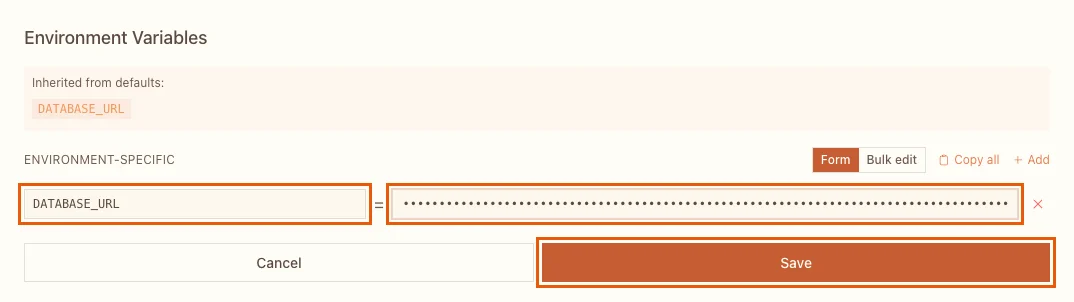
Saving redeploys the app with the new value; in my run it was working 69 seconds later.
## Step 5: Save a note
Check the database connection, then save and read a note:
```shell os="macOS,Linux"
$ curl https://main-tutorial-nodejs-api-postgres-yourworkspace.light-cloud.io/health
{"status":"ok","database":"ok"}
$ curl -X POST https://main-tutorial-nodejs-api-postgres-yourworkspace.light-cloud.io/notes -H "content-type: application/json" -d '{"text":"Stored in PostgreSQL on Light Cloud"}'
{"id":2,"text":"Stored in PostgreSQL on Light Cloud","created_at":"2026-09-25T14:34:05.885Z"}
```
```shell os="Windows"
PS> curl.exe https://main-tutorial-nodejs-api-postgres-yourworkspace.light-cloud.io/health
{"status":"ok","database":"ok"}
PS> curl.exe -X POST https://main-tutorial-nodejs-api-postgres-yourworkspace.light-cloud.io/notes -H "content-type: application/json" -d '{"text":"Stored in PostgreSQL on Light Cloud"}'
{"id":2,"text":"Stored in PostgreSQL on Light Cloud","created_at":"2026-09-25T14:34:05.885Z"}
```
My note got `id` 2 because I had saved one from the laptop first; yours starts at 1. `GET /notes` lists it, and it stays there across redeploys, because it lives in the database, not in the app.
## How many connections?
Every running instance of the app opens its own pool. With `max: 3` and the Dev database's limit of 10 connections per user, three instances use 9 and leave one for you. If the app scales further, lower `max` or cap **Max instances** in the environment's **Settings**. [Autoscaling microservices](/tutorials/microservices-on-light-cloud-part-3-autoscaling) shows what happens when the limit is reached.
## Troubleshooting
If `/health` answers `500`, open the **Logs** tab and search for the error:
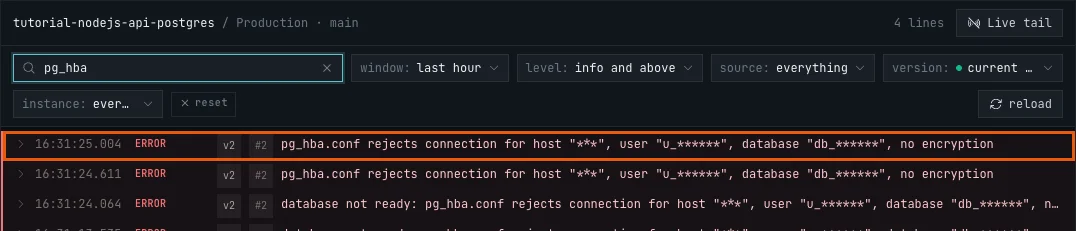
### pg_hba.conf rejects connection ... no encryption
`DATABASE_URL` has no SSL setting, so node-postgres did not encrypt the connection. Add `?sslmode=require&uselibpqcompat=true` to the end.
### unable to verify the first certificate
`DATABASE_URL` ends with `?sslmode=require` only. Add `&uselibpqcompat=true`. The repository's `scripts/check-ssl.mjs` tries your string with each ending, if you want to see the difference.
### Errors about too many connections
The database user ran out of connections. Lower the pool's `max`, lower **Max instances**, or close tools you left connected.
### The connection string already has a question mark
Then add the settings with `&` instead: `...?existing=value&sslmode=require&uselibpqcompat=true`.
---
# Deploying Next.js with Server Rendering (and When to Use Static Export)
To deploy Next.js with server rendering on Light Cloud, push the project to GitHub and click **Deploy from GitHub**. Light Cloud detects Next.js, runs `next build` and serves the app with `next start` in a container, so dynamic pages, server components and route handlers work as they do on your machine. Add `output: "standalone"` to `next.config.ts` for a much smaller image. If your site needs no server at all, `output: "export"` turns it into a static site served from the edge.
In my run `output: "standalone"` shrank the image from 201 MB to 74 MB.
## What you will build
A Next.js 16 app with the three kinds of routes most apps mix:
- `/` is rendered on the server for every request, and shows when.
- `/about` is prerendered once, at build time.
- `/api/time` is a route handler that returns JSON.
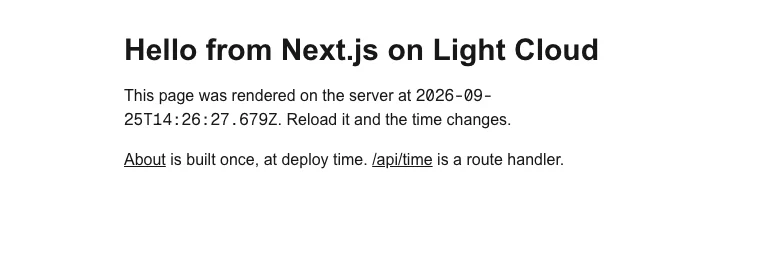
Source code: [github.com/light-cloud-com/tutorial-nextjs-app](https://github.com/light-cloud-com/tutorial-nextjs-app).
## Before you start
- [Node.js](https://nodejs.org/) 20.9 or later; I used Node.js 24.
- [Git](https://git-scm.com/downloads) and a [GitHub](https://github.com/) account.
- A free Light Cloud account at [console.light-cloud.com](https://console.light-cloud.com) with GitHub connected. The Free plan includes three server apps, enough for a server-rendered app.
- A terminal with [curl](https://curl.se/). On Windows, use [PowerShell 7](https://learn.microsoft.com/en-us/powershell/scripting/install/installing-powershell-on-windows) and [`curl.exe`](https://curl.se/windows/), which ships with Windows 10 and 11.
## Step 1: Create the app
```shell os="macOS,Linux"
$ npx create-next-app@latest tutorial-nextjs-app --yes
Initialized a git repository.
Success! Created tutorial-nextjs-app at /Users/you/tutorial-nextjs-app
$ cd tutorial-nextjs-app
```
```shell os="Windows"
PS> npx create-next-app@latest tutorial-nextjs-app --yes
Initialized a git repository.
Success! Created tutorial-nextjs-app at C:\Users\you\tutorial-nextjs-app
PS> cd tutorial-nextjs-app
```
`--yes` takes the defaults: TypeScript, Tailwind CSS, ESLint and the App Router. Output is trimmed. I got Next.js 16.3.6 and React 19.2.8.
## Step 2: Add the three routes
Replace the starter home page with one that renders on every request:
```tsx title="app/page.tsx"
import Link from "next/link";
// Render this page on the server for every request, not once at build time.
export const dynamic = "force-dynamic";
export default function Home() {
const renderedAt = new Date().toISOString();
return (
Hello from Next.js on Light Cloud
This page was rendered on the server at{" "}
. Reload it and the time changes.
About is built once, at deploy time.{" "}
/api/time is a route handler.
);
}
```
A page with no dynamic data, which Next.js prerenders:
```tsx title="app/about/page.tsx"
import Link from "next/link";
// No dynamic data here, so Next.js renders this page once, during `next build`.
export default function About() {
const builtAt = new Date().toISOString();
return (
About
This page was prerendered at build time, at{" "}
. Reloading does not change it.
Home
);
}
```
And a route handler:
```ts title="app/api/time/route.ts"
// A route handler: an API endpoint that lives next to the pages.
export const dynamic = "force-dynamic";
export function GET() {
return Response.json({
now: new Date().toISOString(),
node: process.version,
});
}
```
Build it once to see how Next.js classifies each route:
```shell os="macOS,Linux"
$ npm run build
Route (app)
┌ ƒ /
├ ○ /_not-found
├ ○ /about
└ ƒ /api/time
○ (Static) prerendered as static content
ƒ (Dynamic) server-rendered on demand
```
```shell os="Windows"
PS> npm run build
Route (app)
┌ ƒ /
├ ○ /_not-found
├ ○ /about
└ ƒ /api/time
○ (Static) prerendered as static content
ƒ (Dynamic) server-rendered on demand
```
Output is trimmed. Routes marked Dynamic need a server; that is what decides between server rendering and static export (see [When to use static export](#when-to-use-static-export)).
## Step 3: Push it to GitHub
`create-next-app` already made the repository and a first commit:
```shell os="macOS,Linux"
$ git add -A
$ git commit -m "Server-rendered home, prerendered about, route handler"
# Create an empty repository named tutorial-nextjs-app on github.com/new first.
$ git remote add origin https://github.com/YOUR-USERNAME/tutorial-nextjs-app.git
$ git push -u origin main
To https://github.com/YOUR-USERNAME/tutorial-nextjs-app.git
* [new branch] main -> main
branch 'main' set up to track 'origin/main'.
```
```shell os="Windows"
PS> git add -A
PS> git commit -m "Server-rendered home, prerendered about, route handler"
# Create an empty repository named tutorial-nextjs-app on github.com/new first.
PS> git remote add origin https://github.com/YOUR-USERNAME/tutorial-nextjs-app.git
PS> git push -u origin main
To https://github.com/YOUR-USERNAME/tutorial-nextjs-app.git
* [new branch] main -> main
branch 'main' set up to track 'origin/main'.
```
## Step 4: Deploy it
In the [Light Cloud console](https://console.light-cloud.com), click **New...**, then **Deploy from GitHub**, and pick `tutorial-nextjs-app`. Light Cloud shows **Next.js / Fullstack**, with **SSR mode (like Vercel)** in the reasons, and **Runs on a server**:
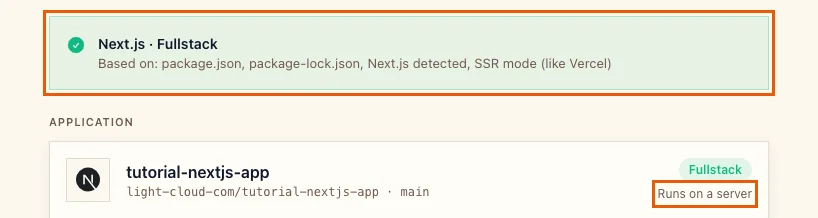
Below it the console notes that server-rendered frontends run on the **Micro** size, scale from 0 to 3 instances, and are served through the edge. Click **Deploy**. The first build installs everything and runs `next build`; in my run the site was live about 4 and a half minutes after the click.
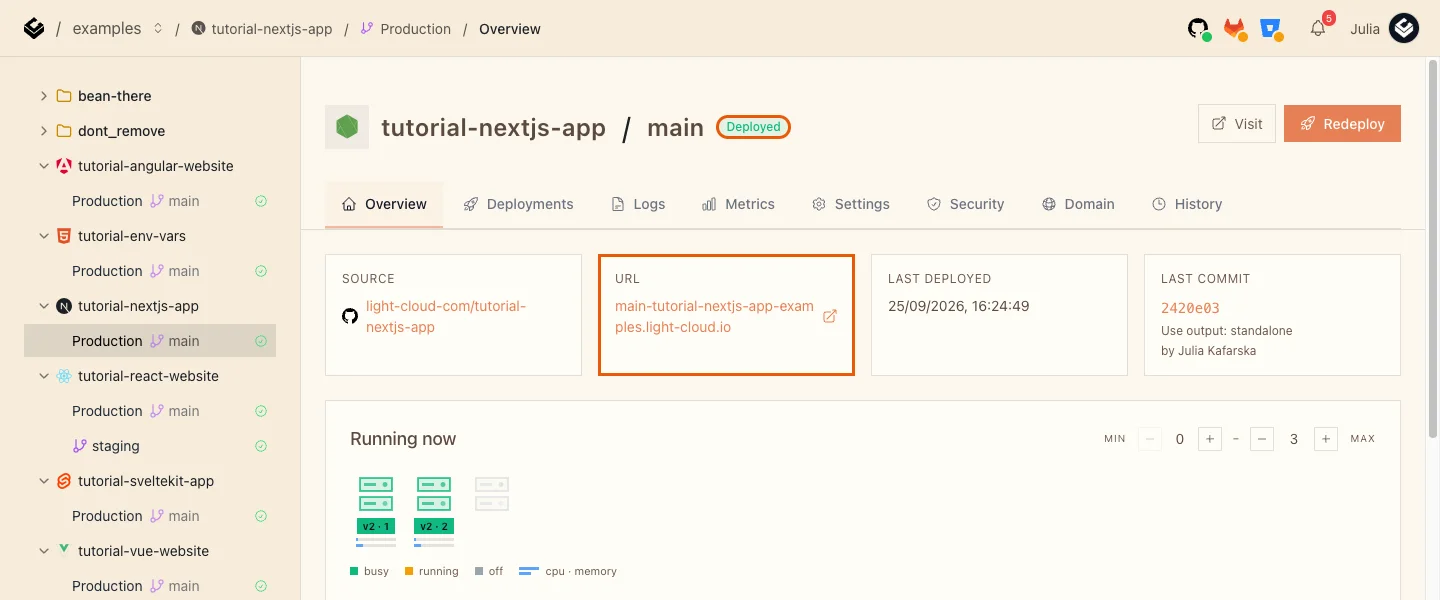
## Step 5: Check what runs where
```shell os="macOS,Linux"
$ curl https://main-tutorial-nextjs-app-yourworkspace.light-cloud.io/api/time
{"now":"2026-09-25T14:21:44.274Z","node":"v24.21.0"}
```
```shell os="Windows"
PS> curl.exe https://main-tutorial-nextjs-app-yourworkspace.light-cloud.io/api/time
{"now":"2026-09-25T14:21:44.274Z","node":"v24.21.0"}
```
The route handler runs on Node.js 24 on the server. Reload `/` twice and the time changes each time (14:21:44.511 and 14:21:47.055 in my run). Reload `/about` and it stays at the moment the site was built (14:18:39.014), because it is a prerendered file.
Next.js puts JavaScript and CSS under `/_next/static`, with content hashes in the file names. Light Cloud treats them specially: the first request is answered by your app, and after that the file comes from the edge store, marked cacheable for a year.
To see it, open your site, open the browser's developer tools (**F12**, or **Cmd+Option+I** on a Mac), go to the **Network** tab and reload the page. Click one of the `.js` files, for example `310vm2bl3xxpt.js` (your names will differ), and look at its **Response Headers**:
```text
cache-control: public, max-age=31536000, immutable
x-lc-asset: r2
```
`x-lc-asset: r2` means the file came from the edge store, not from your app. Your server only renders pages; the heavy static files stop reaching it.
## Step 6: Make the image smaller with standalone output
By default the container holds the whole project, including every package in `node_modules`. `output: "standalone"` makes `next build` trace which files the server really needs and copy just those into `.next/standalone`:
```ts title="next.config.ts"
import type { NextConfig } from "next";
const nextConfig: NextConfig = {
// Build a self-contained server with only the files it needs.
output: "standalone",
};
export default nextConfig;
```
Commit and push. Light Cloud reads the setting and builds a leaner image that runs `server.js` directly. From my two deploys:
| | Default | `output: "standalone"` |
|---|---|---|
| Image size | 201 MB | 74 MB |
| New instance to ready | 2.6 s | 1.2 to 1.9 s |
Smaller images start faster on a cold start, and with **Min instances** at 0 that is the delay a first visitor feels. There is no downside for a typical app, so use `standalone` for server-rendered Next.js on Light Cloud.
## When to use static export
If `npm run build` lists only Static routes and no Dynamic ones, nothing needs a server. Then static export is simpler and cheaper:
```ts title="next.config.ts"
const nextConfig: NextConfig = {
output: "export",
};
```
Light Cloud's detection reads `next.config` and, with `output: "export"`, builds the `out` folder and serves it from the edge like any static site: no container, no cold start, and it counts as a static site on your plan. Static export cannot use per-request rendering, route handlers that run at request time, server actions, or the built-in image optimisation.
| Your app has | Use |
|---|---|
| Only prerendered pages | `output: "export"` |
| Dynamic pages, route handlers, server actions, middleware | server rendering with `output: "standalone"` |
## Troubleshooting
### The build fails after adding output: "export"
Static export needs every page, and every value of a dynamic route such as `[slug]`, to be known at build time. Either add `generateStaticParams` to dynamic routes, or remove `output: "export"` and deploy with server rendering.
---
# Render Alternatives in 2026
If your Render bill is mostly services that sit idle, the cheapest [Render alternative](https://light-cloud.com) for a small app with an API and PostgreSQL is Light Cloud at $5 a month, with a preview of the frontend and API for every branch included. Railway is the closest like-for-like move at about $5.30, and it keeps the cron jobs and private networking you may rely on today. Google Cloud Run, Heroku and DigitalOcean land between about $9 and $12. Koyeb and Fly.io cost more for this app but solve different problems, and Vercel sells no Postgres of its own, so it comes last. The same app on Render is $13.30, or $38.30 once you want previews with a database.
We make Light Cloud, the first row below, so here is the method first. Every number links to the vendor's own page, and you can redo the table in about twenty minutes.
## Why people look for a Render alternative
Render is a good platform, and nothing in this post says otherwise. People leave it for a few specific reasons, and they are the reasons I ranked on.
The first is idle cost. A paid Render service is a fixed instance: the smallest is $7 a month for 512 MB ([pricing](https://render.com/pricing)), billed whether or not anyone calls it, and Render's [scaling docs](https://render.com/docs/scaling) describe no way to scale a paid service to zero. That is a fair deal for a busy API and a poor one for a staging copy that gets ten requests a day.
The second is the free tier's edges. Free web services spin down after 15 minutes without traffic and take "about one minute" to wake, and a free Postgres database expires 30 days after it is created ([free tier docs](https://render.com/docs/free)). Render itself says not to run production on it.
The third is previews. On the [plans Render introduced in April 2026](https://render.com/changelog/updated-plans-for-render-workspaces), full-stack preview environments with services and databases need the Pro workspace, $25 a month flat, and the preview resources are billed like normal services ([preview docs](https://render.com/docs/preview-environments)). The free Hobby workspace gets a preview of one service per pull request, without a database.
## How we ranked
The reference app is the one most small teams run on Render: a static frontend, one API web service, a small PostgreSQL database and a custom domain, at about 1,000 API requests a day. It is the same app as in [where to host a SaaS app](/comparisons/where-to-host-a-saas), so the two posts agree on every number.
Every price is a list price from the vendor's own pricing or docs page, checked on 2026-10-13 and again on 2026-11-02, in US dollars, smallest sensible tier, no trial credits. Where a platform bills by usage, the price is the usage this app generates, not the plan's starting fee, so no row hides its bill behind a "+". Rows are ordered by that monthly bill, and a range by its low end. Every row is one vendor; a platform that does not sell the database itself is listed as n/a, and its section says what a partner database would add. Two columns show what decides the move for most people: whether the API costs anything while nobody calls it, and whether a pull request gets a preview of the frontend and the backend together without a plan upgrade. Whether that preview also gets its own database differs, and each entry says how.
Kept running all month, with no scale to zero, the same app gets the Always on prices in the table. Light Cloud comes seventh of eight there at about $56, because an always-on instance needs the $19 Starter plan and a Micro costs about $52 a month. Google Cloud Run can keep a minimum instance warm at its lower idle rate, about $5 a month at a quarter of a vCPU. Platforms that run the API only as functions have no documented way to keep it running, so they're listed last.
## The ranking
| # | Platform | Same app a month | Always on, a month | Idle API | Full-stack previews |
|---|---|---|---|---|---|
| 1 | Light Cloud | $5 | about $56 (Starter, always-on Micro) | Scales to zero, costs $0 | Every branch, every plan |
| 2 | Railway | about $5.30 (Hobby $5 + about $0.30 of usage) | about $5.30 | Sleep is opt-in | Every pull request, every plan |
| 3 | Google Cloud Run | about $9.40 (Cloud SQL with 10 GB SSD, domain via Firebase Hosting) | about $14.40 (plus one warm 0.25 vCPU instance) | Scales to zero | Not built in |
| 4 | Heroku | $10 to $12 | $12 | Eco sleeps; Basic bills 24/7 | Review apps, billed as apps |
| 5 | DigitalOcean App Platform | $12 | $12 | Scale to zero in private preview, billed at 10% | Through GitHub Actions |
| 6 | Koyeb | $29 to $52 (Postgres asleep, or awake all day) | $29 to $52 | Scale to zero, in public preview | Through GitHub Actions |
| 7 | Fly.io | about $40 | ~$40 | Machines stop when idle | GitHub Action, one app, no database |
| 8 | Vercel | No Postgres of its own (Pro $20 a seat; database from a partner such as Neon) | No always-on option | Functions, nothing between requests | Every plan |
List prices from each vendor's pricing and docs pages, checked 2026-10-13. For comparison, the same app on Render is $13.30 a month, or $38.30 with full-stack previews on the Pro workspace, plus preview compute. Railway usage assumes about 450 MB of RAM and 0.03 vCPU on average across the API and Postgres, with the API serving the built frontend. Cloud SQL includes 10 GB of SSD storage. Taxes and bandwidth beyond included allowances excluded.
### 1. Light Cloud
**Best for:** Render users who pay for services that sit idle most of the day.
The Lite plan is $5 a month and includes $5 of usage, a custom domain and one shared PostgreSQL database ([pricing](https://light-cloud.com/pricing)). My reference app uses about $4.63 of it: $4 for the database and 30 cents for a GB of storage, about $0.20 for the API (1,000 requests a day at 0.2 s each is 1.7 instance-hours at $0.12), a few cents of build minutes and two cents per idle preview. Every container scales to zero by default, so a staging copy that nobody opens costs nothing, which is the line item Render can't remove. That is the case for [hosting from $5 a month](https://light-cloud.com/pricing) that bills by the hour a container actually runs.
Previews come on every plan, Free included: every branch you push gets the frontend and the API at their own URL, and [pull request previews](https://light-cloud.com/previews) that nobody opens cost nothing to run. A preview uses the production database until you give it its own, so it is not the fresh database copy Render's Pro previews make. You can put a visitor password on any environment on any plan; [the staging tutorial](/tutorials/password-protect-a-staging-site) shows the five-minute setup. The database is [Postgres next to your app](https://light-cloud.com/databases), created in the same project; you copy its connection string into the app's `DATABASE_URL`.
Where it falls short of Render, plainly: there are no background workers, no cron jobs and no private networking, so services call each other over public HTTPS. The shared database tier runs in Belgium only. After an idle spell the first request waits for a container to start, [3.1 to 3.7 seconds when I measured it](/tutorials/microservices-on-light-cloud-part-4-cold-starts), which beats a free Render service's minute but is slower than an always-on instance. And an always-on instance, which needs Starter, costs about $52 a month, far more than Render's $7.
### 2. Railway
**Best for:** the closest like-for-like move, extras included.
Hobby is $5 a month and includes $5 of usage ([docs](https://docs.railway.com/pricing/plans)). There are no fixed sizes: RAM is $10 per GB a month and CPU $20 per vCPU a month, billed for what the services actually use, and builds are free. Postgres is a template service billed the same way. For the reference app that's about $5.33: roughly $2.50 for an API averaging 250 MB that also serves the built frontend, $2 for Postgres at 200 MB, $0.60 of CPU, and cents for the volume and egress. The bill is the larger of $5 and the usage, so about $5.30, and the same always on, because 1,000 requests a day rarely leave the API idle long enough to sleep.
What Render users will recognise: private networking, cron jobs and pull request environments that copy the whole app are on every plan ([pricing](https://railway.com/pricing)), and you can set a hard usage limit from $10. Sleep is opt-in per service and kicks in 5 to 10 minutes after the last outbound traffic; Railway warns the first request may [return a 502](https://docs.railway.com/deployments/serverless). Railway [recommends Pro, $20 a month, for commercial apps](https://docs.railway.com/pricing/faqs). If your app depends on a nightly job or a queue worker today, Railway is the better move than us, for about 30 cents a month more.
### 3. Google Cloud Run, used directly
**Best for:** the lowest raw compute price, if you'll wire the rest up yourself.
Light Cloud's containers run on Cloud Run, so this is the do-it-yourself version of row 1. The free tier covers 180,000 vCPU-seconds and 2 million requests a month ([pricing](https://cloud.google.com/run/pricing)), which pays for the reference API many times over. For the database you'd use Cloud SQL, where the smallest shared-core instance is $0.0105 an hour, about $7.67 a month, and 10 GB of SSD storage adds $1.70 at $0.17 per GB ([Cloud SQL pricing](https://cloud.google.com/sql/pricing)): $9.37.
The work moves to you: a billing account, IAM, a Cloud SQL instance, and a custom domain, because Cloud Run's own [domain mapping is in preview](https://cloud.google.com/run/docs/mapping-custom-domains) and Google calls it not production-ready. Firebase Hosting in front of the service is the cheap way: its no-cost quota is 10 GB stored and 360 MB served a day ([Firebase pricing](https://firebase.google.com/pricing)), which this app stays inside. The load balancer Google recommends is a monthly charge of its own. There are no pull request previews. Spend caps that pause Cloud Run at a budget became generally available on 2026-10-12 ([release notes](https://cloud.google.com/run/docs/release-notes)).
### 4. Heroku
**Best for:** the original git push workflow, with review apps.
An Eco dyno is $5 a month for 1,000 shared hours and sleeps after 30 minutes without traffic, but it is for personal apps only; Essential-0 Postgres is $5 ([pricing](https://www.heroku.com/pricing)). That is $10, or $12 with an always-on Basic dyno. Review apps can carry their own Postgres and are [billed like normal apps](https://devcenter.heroku.com/articles/github-integration-review-apps).
The catch: a card is required before you deploy anything, and on 2026-02-06 Heroku [moved to a sustaining engineering model](https://www.heroku.com/blog/an-update-on-heroku/), focused on stability and security rather than new features. Moving from Render to a platform that has stopped building is a choice to make with open eyes.
### 5. DigitalOcean App Platform
**Best for:** fixed monthly prices, close to how Render bills.
A 512 MiB container is $5 a month and a development database is $7, so $12 ([pricing](https://www.digitalocean.com/pricing/app-platform)), with the static frontend on the free tier. Components in one app talk over a private network, and scheduled jobs are [billed only while they run](https://docs.digitalocean.com/products/app-platform/how-to/manage-jobs/). Of the platforms here, it is the one that bills most like Render.
The development database has no backups by default and is deleted with the app, so a real product moves to managed Postgres at about $15. Scale to zero exists but is [a private preview you request](https://docs.digitalocean.com/products/app-platform/how-to/scale-to-zero/), and a sleeping service is still billed at 10% of its price. Previews per pull request are [a GitHub Actions workflow](https://docs.digitalocean.com/products/app-platform/how-to/deploy-from-github-actions/) you maintain, and you need a payment method to create anything.
### 6. Koyeb
**Best for:** private networking, workers and basic auth on one paid plan.
Since Koyeb [announced it is joining Mistral AI](https://www.koyeb.com/blog/koyeb-is-joining-mistral-ai-to-build-the-future-of-ai-infrastructure) on 2026-02-17, new users must pick a paid plan with a card. Pro is $29 a month with $10 of compute included ([pricing](https://www.koyeb.com/pricing)). A nano instance is $2.68 a month, and the smallest Postgres is $0.04 an hour while it is awake; it sleeps after 5 minutes without activity, and its compute is not billed while it sleeps. Storage is $0.50 per GB a month. The nano API and a GB of storage use about $3.20 of the $10, so the reference app is $29 while the database sleeps most of the day. At 1,000 requests a day spread through the day it rarely gets 5 quiet minutes, and awake all month the database alone is $29.76, which takes the bill to about $52.
It has a lot of what Render users want: a private mesh between services, workers, scale to zero (public preview) with a 1 to 5 second cold start ([docs](https://www.koyeb.com/docs/run-and-scale/scale-to-zero)), and HTTP basic auth from the CLI. Previews per pull request are a GitHub Actions tutorial from 2023, and there are no spend limits yet.
### 7. Fly.io
**Best for:** apps that need to run close to users in many regions.
The smallest always-on machine is $2.19 a month ([pricing](https://docs.fly.io/about/pricing)), and machines can stop when idle so you pay only for their disk. Postgres is the expensive part: Managed Postgres starts at $38 plus $0.28 per GB ([docs](https://docs.fly.io/postgres)), so about $40 for this app. Fly's self-managed Postgres is about $2 but officially unsupported.
Private networking between machines is on by default, in every region. There is no free tier for new accounts, preview apps come from a GitHub Action that deploys [one app without a database](https://docs.fly.io/blueprints/review-apps-guide), and Fly says it [doesn't support billing alerts yet](https://docs.fly.io/about/cost-management).
### 8. Vercel
**Best for:** moving a Next.js frontend and its API routes.
A commercial app needs Pro, $20 a month per deploying seat with $20 of usage included ([Pro plan](https://vercel.com/docs/plans/pro-plan)), because the [fair use guidelines](https://vercel.com/docs/limits/fair-use-guidelines) keep Hobby to non-commercial use. Functions bill nothing between requests, and the API's own usage at 1,000 requests a day is well inside the $20. Previews come on every plan, and Postgres comes from a Marketplace partner such as Neon or Supabase, billed by them. Neon's free plan covers 100 compute-hours a month and suspends after 5 minutes idle ([Neon pricing](https://neon.com/pricing)), but traffic spread through the day keeps it awake for about 180 hours, which is about $19 on the Launch plan. So Vercel's own bill is $20, and with Neon as a second vendor the two come to $20 to $40.
If your Render setup includes a worker that runs all day, Vercel is the wrong move, and Vercel says so: its own guide suggests that [processes that must run continuously stay on Render, Railway](https://vercel.com/kb/guide/docker-monolith-workers-vercel) or similar. A shared password on staging is $20 per project a month on Pro since [the September 2026 change](https://vercel.com/changelog/password-protection-now-costs-20-per-project-per-month-on-pro).
## Where the others beat us
If you are on Render for background workers, cron jobs or private networking between services, we have none of the three, and Railway, DigitalOcean, Heroku and Koyeb have them today. Railway does it for about 30 cents a month more than us. If your services are busy all day, Render's fixed $7 instance beats our scale-to-zero billing, and our always-on instance at about $52 a month can't compete with it. Need a fresh database for every preview? Railway and Render's Pro workspace make one. And if your users are spread across continents, Fly's regions are the better answer.
Where we come out ahead is the bill for things that sit idle: staging copies, previews nobody has opened since Tuesday, an API that is quiet at night. Render charges a fixed price for each of them; on Light Cloud each costs nothing until someone calls it, every branch gets its preview on the free plan, and the password on staging is one setting. If that is most of your Render invoice, you can [deploy from GitHub](https://light-cloud.com/deployments), run both for a month and compare the two bills. [The preview tutorial](/tutorials/preview-url-for-every-branch) shows the setup in about ten minutes.
Which line on your Render invoice made you start looking?
---
# Bring Your Own Dockerfile: Deploy Anything That Runs in a Container
To deploy any app on Light Cloud with your own Dockerfile, put the `Dockerfile` at the root of the repository, `EXPOSE` the port your app listens on, read that port from the `PORT` environment variable, push to GitHub and click **Deploy**. Light Cloud builds your Dockerfile as it is, with a layer cache that covers every stage, and runs the image. Anything that runs in a Linux container can be deployed this way.
In my run a Rust service was live 3 minutes after the first click, and a new instance answered 0.13 seconds after it started.
## What you will build
A small word-counting API written in Rust with [axum](https://github.com/tokio-rs/axum), a language Light Cloud does not build on its own. The Dockerfile makes it deployable:
- `POST /count` returns the characters, words and lines of a text.
- `GET /health` answers `{"status":"ok"}`.
- A two-stage Dockerfile compiles in a large Rust image and ships only the binary.
Source code: [github.com/light-cloud-com/tutorial-dockerfile-app](https://github.com/light-cloud-com/tutorial-dockerfile-app).
## When to bring your own Dockerfile
Light Cloud builds Node.js, Python, Go, Java, .NET, PHP, Ruby and static sites without one. Bring your own when:
- your language is not on that list (Rust, Elixir, Deno, C++, ...);
- you need system packages, such as `ffmpeg` or a PDF renderer;
- you already have a Dockerfile that works and want exactly that image in production.
## The four rules
Whatever is inside, a Dockerfile that works on Light Cloud follows four rules:
1. **Listen on `PORT`, on `0.0.0.0`.** Light Cloud sets `PORT`; `localhost` inside a container is not reachable from outside.
2. **`EXPOSE` that port.** Light Cloud reads it to know where to send traffic.
3. **Stop cleanly on `SIGTERM`.** That is how an old instance is told to go.
4. **Log to standard output.** One JSON object per line with a `severity` gets the right level in the **Logs** tab.
## Before you start
- [Rust](https://rustup.rs/) 1.85 or later, for the 2024 edition; I used 1.97.1. Only needed to run the app on your machine: the build happens in Docker.
- [Git](https://git-scm.com/downloads) and a [GitHub](https://github.com/) account.
- A free Light Cloud account at [console.light-cloud.com](https://console.light-cloud.com) with GitHub connected.
- A terminal with [curl](https://curl.se/). On Windows, use [PowerShell 7](https://learn.microsoft.com/en-us/powershell/scripting/install/installing-powershell-on-windows) and [`curl.exe`](https://curl.se/windows/), which ships with Windows 10 and 11.
## Step 1: Create the app
```shell os="macOS,Linux"
$ cargo new tutorial-dockerfile-app
Creating binary (application) `tutorial-dockerfile-app` package
$ cd tutorial-dockerfile-app
$ cargo add axum tokio --features tokio/full
Adding axum v0.8.9 to dependencies
Adding tokio v1.53.1 to dependencies
$ cargo add serde --features derive
Adding serde v1.0.229 to dependencies
$ cargo add serde_json
Adding serde_json v1.0.151 to dependencies
```
```shell os="Windows"
PS> cargo new tutorial-dockerfile-app
Creating binary (application) `tutorial-dockerfile-app` package
PS> cd tutorial-dockerfile-app
PS> cargo add axum tokio --features tokio/full
Adding axum v0.8.9 to dependencies
Adding tokio v1.53.1 to dependencies
PS> cargo add serde --features derive
Adding serde v1.0.229 to dependencies
PS> cargo add serde_json
Adding serde_json v1.0.151 to dependencies
```
Output is trimmed. `cargo new` also creates a Git repository with a `.gitignore` for `/target`.
## Step 2: Write the service
```rust title="src/main.rs"
use axum::{Json, Router, http::StatusCode, routing::{get, post}};
use serde::{Deserialize, Serialize};
use serde_json::json;
use tokio::signal::unix::{SignalKind, signal};
#[derive(Deserialize)]
struct CountRequest {
text: String,
}
#[derive(Serialize)]
struct CountResponse {
characters: usize,
words: usize,
lines: usize,
}
// One JSON object per line; the Logs tab reads "severity" and "message".
fn log(severity: &str, message: &str) {
println!("{}", json!({ "severity": severity, "message": message }));
}
async fn root() -> Json {
Json(json!({ "service": "word counter", "version": 3, "try": "POST /count with {\"text\": \"...\"}" }))
}
async fn health() -> Json {
Json(json!({ "status": "ok" }))
}
async fn count(Json(body): Json) -> Result, (StatusCode, String)> {
if body.text.len() > 100_000 {
return Err((StatusCode::PAYLOAD_TOO_LARGE, "text is longer than 100000 bytes".into()));
}
Ok(Json(CountResponse {
characters: body.text.chars().count(),
words: body.text.split_whitespace().count(),
lines: body.text.lines().count(),
}))
}
#[tokio::main]
async fn main() {
// Light Cloud passes the port in PORT; 8080 matches EXPOSE in the Dockerfile.
let port = std::env::var("PORT").unwrap_or_else(|_| "8080".into());
let app = Router::new()
.route("/", get(root))
.route("/health", get(health))
.route("/count", post(count));
let listener = tokio::net::TcpListener::bind(format!("0.0.0.0:{port}")).await.unwrap();
log("INFO", &format!("listening on port {port}"));
// Finish running requests when Light Cloud stops the instance with SIGTERM.
axum::serve(listener, app)
.with_graceful_shutdown(async {
signal(SignalKind::terminate()).unwrap().recv().await;
log("INFO", "SIGTERM received, shutting down");
})
.await
.unwrap();
}
```
Rules 1, 3 and 4 are in the code: it binds `0.0.0.0` on `PORT`, it waits for `SIGTERM` to shut down, and it prints JSON log lines with a `severity`.
## Step 3: Write the Dockerfile
```dockerfile title="Dockerfile"
# Stage 1: compile. The Rust toolchain is large, but it never reaches production.
FROM rust:1.97-slim AS builder
WORKDIR /app
# Build the dependencies first, with an empty main.rs, so this slow layer is
# cached and only rebuilt when Cargo.toml or Cargo.lock change.
COPY Cargo.toml Cargo.lock ./
RUN mkdir src && echo "fn main() {}" > src/main.rs && cargo build --release && rm -rf src
COPY src ./src
RUN touch src/main.rs && cargo build --release
# Stage 2: run. Only the binary goes into a small Debian image.
FROM debian:bookworm-slim
RUN useradd --system --uid 10001 app
COPY --from=builder /app/target/release/tutorial-dockerfile-app /usr/local/bin/app
USER app
# Light Cloud reads EXPOSE to know which port to send traffic to.
ENV PORT=8080
EXPOSE 8080
CMD ["app"]
```
Three habits in there are worth copying into any Dockerfile:
- **Two stages.** The build stage has the compiler and every build tool; the final image has the binary and nothing else. The image you run is small and has less in it to attack.
- **Dependencies before source.** Copying only `Cargo.toml` and `Cargo.lock` first, and building them on their own, puts the slow dependency build in a layer that survives code changes. The same pattern works as `package.json` then `npm ci`, or `requirements.txt` then `pip install`.
- **A non-root user.** `USER app` means a bug in the app cannot write to the system. Port 8080 needs no special rights.
Keep the build context small:
```text title=".dockerignore"
target
.git
```
## Step 4: Run it on your machine
You do not need Docker for this: the same code runs with Cargo.
```shell os="macOS,Linux"
$ cargo run --release
Finished `release` profile [optimized] target(s) in 1.80s
Running `target/release/tutorial-dockerfile-app`
{"message":"listening on port 8080","severity":"INFO"}
```
```shell os="Windows"
PS> wsl
$ cargo run --release
Finished `release` profile [optimized] target(s) in 1.80s
Running `target/release/tutorial-dockerfile-app`
{"message":"listening on port 8080","severity":"INFO"}
```
Output is trimmed; the first run also compiles every dependency. The `SIGTERM` handler uses Unix signals, which is right for a container that runs on Linux, so on Windows run the app inside [WSL](https://learn.microsoft.com/en-us/windows/wsl/install) (with Rust installed there) or only in Docker. Stopping it with Ctrl+C sends `SIGINT`, not `SIGTERM`, so you will not see the shutdown line locally. From a second terminal:
```shell os="macOS,Linux"
$ curl -X POST http://localhost:8080/count -H "content-type: application/json" -d '{"text":"Bring your own Dockerfile.\nDeploy anything."}'
{"characters":43,"words":6,"lines":2}
```
```shell os="Windows"
PS> curl.exe -X POST http://localhost:8080/count -H "content-type: application/json" -d '{"text":"Bring your own Dockerfile.\nDeploy anything."}'
{"characters":43,"words":6,"lines":2}
```
If you have Docker, `docker build -t word-counter .` and `docker run -p 8080:8080 word-counter` run exactly what Light Cloud will run.
## Step 5: Push and deploy
```shell os="macOS,Linux"
$ git add -A
$ git commit -m "Rust word counter with a multi-stage Dockerfile"
# Create an empty repository named tutorial-dockerfile-app on github.com/new first.
$ git remote add origin https://github.com/YOUR-USERNAME/tutorial-dockerfile-app.git
$ git push -u origin main
To https://github.com/YOUR-USERNAME/tutorial-dockerfile-app.git
* [new branch] main -> main
branch 'main' set up to track 'origin/main'.
```
```shell os="Windows"
PS> git add -A
PS> git commit -m "Rust word counter with a multi-stage Dockerfile"
# Create an empty repository named tutorial-dockerfile-app on github.com/new first.
PS> git remote add origin https://github.com/YOUR-USERNAME/tutorial-dockerfile-app.git
PS> git push -u origin main
To https://github.com/YOUR-USERNAME/tutorial-dockerfile-app.git
* [new branch] main -> main
branch 'main' set up to track 'origin/main'.
```
In the [Light Cloud console](https://console.light-cloud.com), click **New...**, then **Deploy from GitHub**, and pick the repository. Light Cloud shows **Dockerfile / Backend** and **Runs on a server**: it found no framework it builds itself, and a Dockerfile that says how to build this one.
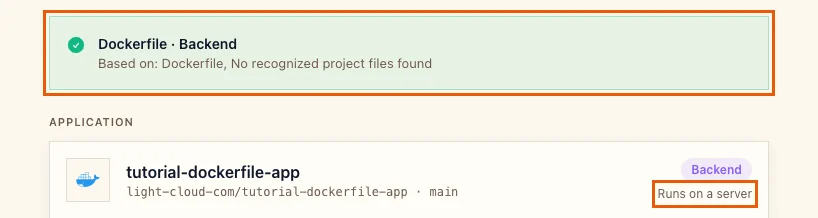
**Port** under **Advanced** is `8080`, read from `EXPOSE`. Click **Deploy**. The first build compiles every dependency; in my run the service was live 3 minutes 17 seconds after the click.
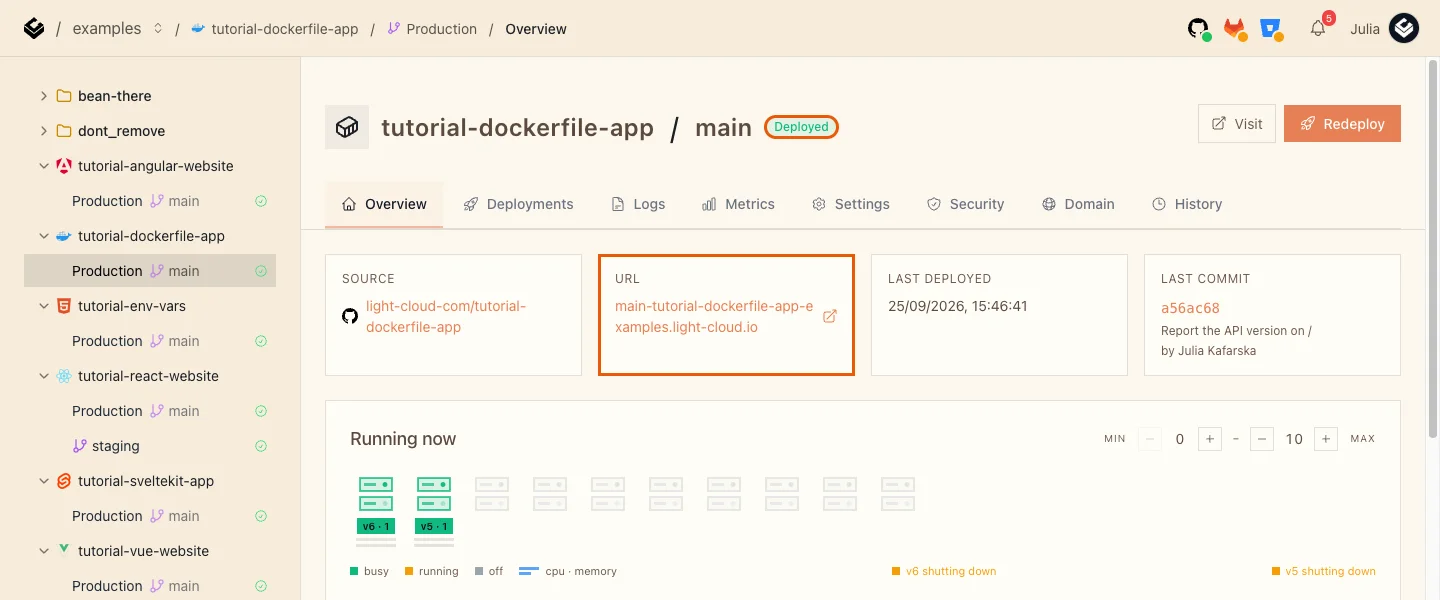
```shell os="macOS,Linux"
$ curl -X POST https://main-tutorial-dockerfile-app-yourworkspace.light-cloud.io/count -H "content-type: application/json" -d '{"text":"Bring your own Dockerfile.\nDeploy anything."}'
{"characters":43,"words":6,"lines":2}
```
```shell os="Windows"
PS> curl.exe -X POST https://main-tutorial-dockerfile-app-yourworkspace.light-cloud.io/count -H "content-type: application/json" -d '{"text":"Bring your own Dockerfile.\nDeploy anything."}'
{"characters":43,"words":6,"lines":2}
```
## Step 6: See the layer cache at work
Change something in `src/main.rs`, commit and push. **Deploy on push** rebuilds the image, and this time the dependency layers come from the cache. From the build logs of two pushes in a row:
| Build | Dependency stage | App compile | Whole build |
|---|---|---|---|
| First, empty cache | 51.2 s | 7.5 s | 1 min 55 s |
| After a code change | cached | 8.0 s | 1 min 12 s |
The cache covers every stage of the Dockerfile, including the builder stage that never ships. That is why the order of `COPY` lines matters: everything above the first changed file is reused.
In the **Logs** tab the rollout is visible too: the new instance logs `listening on port 8080` 0.13 seconds after it starts, and the old one logs `SIGTERM received, shutting down` before it goes.
## Troubleshooting
### The deploy fails the health check: the container did not listen on the port
The app listens on `127.0.0.1` or on a fixed port. Bind `0.0.0.0` and read `PORT`. Check that `EXPOSE` matches what the app uses when `PORT` is not set.
---
# Deploying ASP.NET Core Without Azure
To deploy an ASP.NET Core app without Azure, push the project to GitHub and click **Deploy from GitHub** in Light Cloud. Light Cloud detects ASP.NET, runs `dotnet publish` with the SDK that matches your `TargetFramework`, and runs the result on the ASP.NET Core runtime with the port already set. No Dockerfile, no App Service plan. Leave out `UseHttpsRedirection`: HTTPS ends at Light Cloud's edge.
In my run a new instance was listening about one second after it started.
## What you will build
A bookmarks API on .NET 10 with minimal APIs: `POST /bookmarks` with validation, `GET /bookmarks`, a `/health` check, and the OpenAPI document at `/openapi/v1.json`.
Source code: [github.com/light-cloud-com/tutorial-aspnet-core-api](https://github.com/light-cloud-com/tutorial-aspnet-core-api).
## Before you start
- The [.NET 10 SDK](https://dotnet.microsoft.com/download). .NET 8 and 9 work too.
- [Git](https://git-scm.com/downloads) and a [GitHub](https://github.com/) account.
- A free Light Cloud account at [console.light-cloud.com](https://console.light-cloud.com) with GitHub connected.
- A terminal with [curl](https://curl.se/). On Windows, use [PowerShell 7](https://learn.microsoft.com/en-us/powershell/scripting/install/installing-powershell-on-windows) and [`curl.exe`](https://curl.se/windows/), which ships with Windows 10 and 11.
## Step 1: Create the project
```shell os="macOS,Linux"
$ dotnet new webapi -n tutorial-aspnet-core-api -o tutorial-aspnet-core-api
The template "ASP.NET Core Web API" was created successfully.
Restore succeeded.
$ cd tutorial-aspnet-core-api
$ dotnet new gitignore
The template "dotnet gitignore file" was created successfully.
```
```shell os="Windows"
PS> dotnet new webapi -n tutorial-aspnet-core-api -o tutorial-aspnet-core-api
The template "ASP.NET Core Web API" was created successfully.
Restore succeeded.
PS> cd tutorial-aspnet-core-api
PS> dotnet new gitignore
The template "dotnet gitignore file" was created successfully.
```
Output is trimmed. `dotnet new webapi` makes no `.gitignore`; the second command adds the standard one, which keeps `bin` and `obj` out of Git. You can delete the example `tutorial-aspnet-core-api.http` file.
The project file says which .NET it targets, and that is what Light Cloud builds with:
```xml title="tutorial-aspnet-core-api.csproj"
net10.0
```
## Step 2: Write the API
Replace the weather forecast in `Program.cs`:
```csharp title="Program.cs"
using System.Collections.Concurrent;
using System.ComponentModel.DataAnnotations;
var builder = WebApplication.CreateBuilder(args);
builder.Services.AddOpenApi();
builder.Services.AddHealthChecks();
var app = builder.Build();
app.MapOpenApi();
// No UseHttpsRedirection: HTTPS ends at the Light Cloud edge, and the app
// itself is reached over plain HTTP inside the platform.
// In memory, so the list starts empty after every restart.
var bookmarks = new ConcurrentDictionary();
var nextId = 0;
app.MapGet("/bookmarks", () => bookmarks.Values.OrderBy(b => b.Id));
app.MapGet("/bookmarks/{id:int}", (int id) =>
bookmarks.TryGetValue(id, out var bookmark)
? Results.Ok(bookmark)
: Results.NotFound(new { error = "Bookmark not found" }));
app.MapPost("/bookmarks", (NewBookmark input, ILogger logger) =>
{
// Checks the [Required], [StringLength] and [Url] attributes on NewBookmark.
var errors = new List();
if (!Validator.TryValidateObject(input, new ValidationContext(input), errors, validateAllProperties: true))
{
return Results.ValidationProblem(errors
.GroupBy(e => e.MemberNames.FirstOrDefault() ?? "")
.ToDictionary(g => g.Key, g => g.Select(e => e.ErrorMessage ?? "").ToArray()));
}
var bookmark = new Bookmark(Interlocked.Increment(ref nextId), input.Title, input.Url);
bookmarks[bookmark.Id] = bookmark;
logger.LogInformation("Bookmark {Id} created for {Url}", bookmark.Id, bookmark.Url);
return Results.Created($"/bookmarks/{bookmark.Id}", bookmark);
});
app.MapHealthChecks("/health");
app.Run();
record Bookmark(int Id, string Title, string Url);
record NewBookmark(
[property: Required, StringLength(100)] string Title,
[property: Required, Url] string Url);
```
Two lines differ from the template on purpose:
- **No `app.UseHttpsRedirection()`.** Visitors reach your app over HTTPS, but HTTPS ends at Light Cloud's edge; the app itself receives plain HTTP and has no HTTPS port of its own to redirect to.
- **`app.MapOpenApi()` outside the `IsDevelopment()` check.** The deployed app runs as Production, so the template's check would hide the OpenAPI document online. Keep the check if you do not want it public.
## Step 3: Run it on your machine
```shell os="macOS,Linux"
$ dotnet run --urls http://localhost:5093
info: Microsoft.Hosting.Lifetime[14]
Now listening on: http://localhost:5093
info: Microsoft.Hosting.Lifetime[0]
Application started. Press Ctrl+C to shut down.
```
```shell os="Windows"
PS> dotnet run --urls http://localhost:5093
info: Microsoft.Hosting.Lifetime[14]
Now listening on: http://localhost:5093
info: Microsoft.Hosting.Lifetime[0]
Application started. Press Ctrl+C to shut down.
```
From a second terminal, add a bookmark and send one that breaks the rules:
```shell os="macOS,Linux"
$ curl -X POST http://localhost:5093/bookmarks -H "content-type: application/json" -d '{"title":"Light Cloud docs","url":"https://light-cloud.com"}'
{"id":1,"title":"Light Cloud docs","url":"https://light-cloud.com"}
$ curl -X POST http://localhost:5093/bookmarks -H "content-type: application/json" -d '{"title":"","url":"nope"}'
{"type":"https://tools.ietf.org/html/rfc9110#section-15.5.1","title":"One or more validation errors occurred.","status":400,"errors":{"Title":["The Title field is required."],"Url":["The Url field is not a valid fully-qualified http, https, or ftp URL."]}}
```
```shell os="Windows"
PS> curl.exe -X POST http://localhost:5093/bookmarks -H "content-type: application/json" -d '{"title":"Light Cloud docs","url":"https://light-cloud.com"}'
{"id":1,"title":"Light Cloud docs","url":"https://light-cloud.com"}
PS> curl.exe -X POST http://localhost:5093/bookmarks -H "content-type: application/json" -d '{"title":"","url":"nope"}'
{"type":"https://tools.ietf.org/html/rfc9110#section-15.5.1","title":"One or more validation errors occurred.","status":400,"errors":{"Title":["The Title field is required."],"Url":["The Url field is not a valid fully-qualified http, https, or ftp URL."]}}
```
The error comes back as a standard problem details document, listing every broken rule. Stop the app with Ctrl+C.
## Step 4: Push it to GitHub
```shell os="macOS,Linux"
$ git init -b main
$ git add -A
$ git commit -m "Bookmarks minimal API with validation and health check"
# Create an empty repository named tutorial-aspnet-core-api on github.com/new first.
$ git remote add origin https://github.com/YOUR-USERNAME/tutorial-aspnet-core-api.git
$ git push -u origin main
To https://github.com/YOUR-USERNAME/tutorial-aspnet-core-api.git
* [new branch] main -> main
branch 'main' set up to track 'origin/main'.
```
```shell os="Windows"
PS> git init -b main
PS> git add -A
PS> git commit -m "Bookmarks minimal API with validation and health check"
# Create an empty repository named tutorial-aspnet-core-api on github.com/new first.
PS> git remote add origin https://github.com/YOUR-USERNAME/tutorial-aspnet-core-api.git
PS> git push -u origin main
To https://github.com/YOUR-USERNAME/tutorial-aspnet-core-api.git
* [new branch] main -> main
branch 'main' set up to track 'origin/main'.
```
## Step 5: Deploy it
1. In the [Light Cloud console](https://console.light-cloud.com), click **New...**, then **Deploy from GitHub**, and pick `tutorial-aspnet-core-api`. Light Cloud shows **ASP.NET / Backend** and **Runs on a server**:
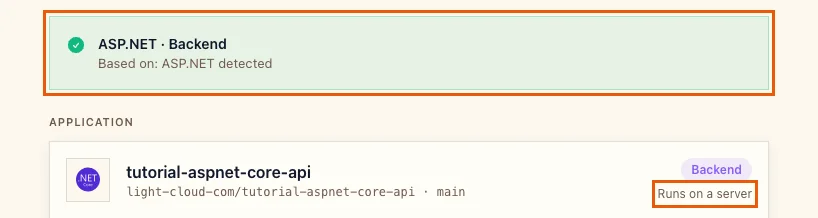
2. Leave **Port** at `8080` and click **Deploy**. The build restores packages and publishes the app; in my run the new version was live 2 minutes 41 seconds after `git push`.
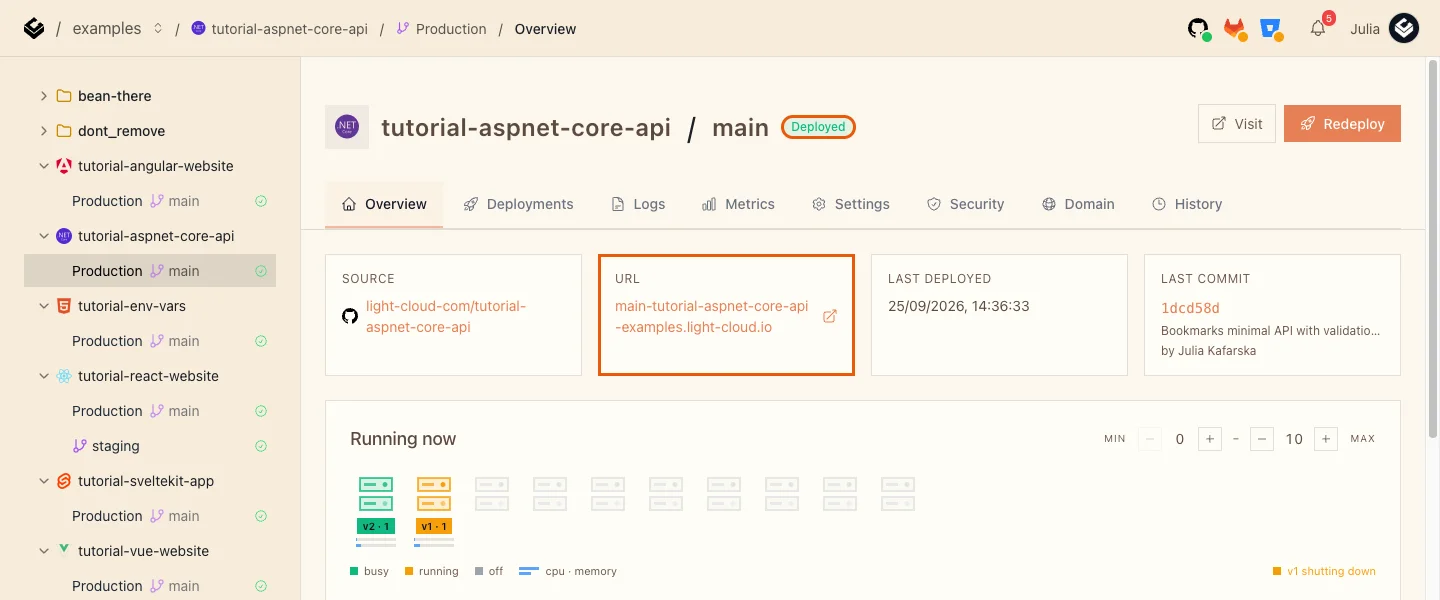
Light Cloud found the project file, read `net10.0` from it, and built with the .NET 10 SDK on the ASP.NET Core 10 runtime. It also sets `ASPNETCORE_URLS`, so Kestrel listens on the right port with no code: the **Logs** tab shows `Now listening on: http://[::]:8080`.
## Step 6: Use the live API
```shell os="macOS,Linux"
$ curl https://main-tutorial-aspnet-core-api-yourworkspace.light-cloud.io/health
Healthy
$ curl -X POST https://main-tutorial-aspnet-core-api-yourworkspace.light-cloud.io/bookmarks -H "content-type: application/json" -d '{"title":"Light Cloud docs","url":"https://light-cloud.com"}'
{"id":1,"title":"Light Cloud docs","url":"https://light-cloud.com"}
```
```shell os="Windows"
PS> curl.exe https://main-tutorial-aspnet-core-api-yourworkspace.light-cloud.io/health
Healthy
PS> curl.exe -X POST https://main-tutorial-aspnet-core-api-yourworkspace.light-cloud.io/bookmarks -H "content-type: application/json" -d '{"title":"Light Cloud docs","url":"https://light-cloud.com"}'
{"id":1,"title":"Light Cloud docs","url":"https://light-cloud.com"}
```
The OpenAPI document is at `/openapi/v1.json` on the same address, ready for any client generator.
## How fast does it start?
From the logs, a new instance logged `Now listening on` 0.94 and 1.17 seconds after "Starting new instance". For comparison on the same platform:
| App | Instance start to ready |
|---|---|
| [Go (Gin)](/tutorials/deploy-a-go-api) | 0.26 to 0.27 s |
| ASP.NET Core, this guide | 0.94 to 1.17 s |
| [Spring Boot](/tutorials/deploy-a-spring-boot-app) | about 7 s |
That makes **Min instances** at 0, the cheapest setting, a good fit for most ASP.NET Core APIs.
## Troubleshooting
### NETSDK1045: The current .NET SDK does not support targeting .NET 10.0
```text
error NETSDK1045: The current .NET SDK does not support targeting .NET 10.0. Either target .NET 8.0 or lower, or use a version of the .NET SDK that supports .NET 10.0.
```
An older build image can only compile older targets. Light Cloud picks the SDK from `TargetFramework`, so check that the project file your repository builds says `net10.0` (or `net8.0`, `net9.0`). If your repository has several projects, Light Cloud builds the first one it finds in the root or up to two folders deep.
### /openapi/v1.json answers 404 online
The template maps it only in Development. Move `app.MapOpenApi()` out of the `if (app.Environment.IsDevelopment())` block, as in Step 2, if you want it public.
---
# Where to Host a SaaS App
For a SaaS that has no paying customers yet, the cheapest place to run the frontend, an API, a PostgreSQL database and your own domain is Light Cloud at $5 a month in total. Railway comes to about $5.30 once the RAM and CPU it bills by are counted, and ships more extras, such as cron jobs and private networking. Google Cloud Run used directly comes next at about $9.40 if you set it up yourself, Heroku, DigitalOcean and Render land between $10 and $14, and Fly.io's managed Postgres puts it near $40. Vercel costs $20 once a SaaS counts as commercial, but it sells no Postgres of its own, so the database is a second vendor's bill.
We make Light Cloud, which is the first row of the table below, so here is the method before the results. You can redo every number from the vendors' pages in about twenty minutes.
## How we ranked
The question is narrow on purpose: what does it cost to keep a SaaS online during the months when nobody pays for it yet? Most products spend a long time there, and the bill in that stretch comes out of the founder's own pocket.
The reference app is the same boring shape as in [our four-platform comparison](/cloud/same-app-four-platforms): a React frontend, one Node.js API, a small PostgreSQL database and a custom domain. Traffic is about 1,000 API requests a day, which is a busy beta. Every price is a list price from the vendor's own pricing or docs page, checked on 2026-10-13 and again on 2026-11-02, in US dollars, smallest sensible tier, no trial credits. Where a platform sells usage rather than fixed sizes, I show the arithmetic and the assumption, and the price is the usage this app generates, not the plan's starting fee, so no row hides its bill behind a "+". Every row is one vendor; a platform that does not sell the database itself is listed as n/a, and its section says what a partner database would add.
Two things decide ties: whether a preview of the whole app (frontend and API) comes with the plan, and whether you can put a password on a staging site without buying anything extra. Both matter more for a SaaS than for a portfolio site, because a SaaS has a staging site that customers must not find.
Kept running all month, with no scale to zero, the same app gets the Always on prices in the table. Light Cloud comes seventh of eight there at about $56, because an always-on instance needs the $19 Starter plan and a Micro costs about $52 a month. Google Cloud Run can keep a minimum instance warm at its lower idle rate, about $5 a month at a quarter of a vCPU. Platforms that run the API only as functions have no documented way to keep it running, so they're listed last.
## The ranking
| # | Platform | Reference SaaS a month | Always on, a month | Previews with a backend | Password on staging |
|---|---|---|---|---|---|
| 1 | Light Cloud | $5 | about $56 (Starter, always-on Micro) | Every branch, every plan | Every plan, free |
| 2 | Railway | about $5.30 (Hobby $5 + about $0.30 of usage) | about $5.30 | Every pull request, every plan | Login gate only, from $5,000/month commitment |
| 3 | Google Cloud Run | about $9.40 (Cloud SQL with 10 GB SSD, domain via Firebase Hosting) | about $14.40 (plus one warm 0.25 vCPU instance) | Not built in | Google sign-in (IAP) |
| 4 | Heroku | $10 to $12 | $12 | Review apps, billed as normal apps | Not built in |
| 5 | DigitalOcean App Platform | $12 | $12 | Through GitHub Actions | Not built in |
| 6 | Render | $13.30, or $38.30 with full-stack previews | $13.30 | Pro workspace ($25/month) | Not built in |
| 7 | Fly.io | about $40 | ~$40 | Through GitHub Actions | Not built in |
| 8 | Vercel | No Postgres of its own (Pro $20 a seat; database from a partner such as Neon) | No always-on option | Every plan | $20 per project a month on Pro |
List prices from each vendor's pricing and docs pages, checked 2026-10-13. Light Cloud usage uses the pricing page's own assumption of 0.2 s of instance time per request. Railway usage assumes about 450 MB of RAM and 0.03 vCPU on average across the API and Postgres, with the API serving the built frontend. Cloud SQL includes 10 GB of SSD storage. Taxes and bandwidth beyond included allowances excluded.
### 1. Light Cloud
**Best for:** the lowest bill while the app is mostly idle.
The Lite plan is $5 a month and includes $5 of usage, a custom domain and one shared PostgreSQL database ([pricing](https://light-cloud.com/pricing)). My reference app uses about $4.63 of it: $4 for the shared database and 30 cents for a GB of storage, about $0.20 for the API (1,000 requests a day at 0.2 s each is 1.7 instance-hours at $0.12), a few cents of build minutes, a cent for the static frontend and two cents per idle preview. So the invoice is the $5 plan and nothing else. That is the whole pitch of [usage-based hosting that scales to zero](https://light-cloud.com/pricing): the API costs nothing in the hours nobody calls it, which before launch is most hours.
Every branch gets its own [preview environment for every branch](https://light-cloud.com/previews) you push, frontend and API both, and a preview that sits idle costs nothing. You can put a visitor password on any environment on any plan, including Free; [the staging tutorial](/tutorials/password-protect-a-staging-site) takes five minutes. The database is [managed PostgreSQL](https://light-cloud.com/databases) you create next to the app, and [custom domains with free SSL](https://light-cloud.com/domains) start on Lite.
What it lacks, plainly: there are no cron jobs, no background workers and no private networking, so services call each other over public HTTPS. There is no built-in auth or email either. The shared database tier runs in Belgium only, so put the app there too. After a quiet spell the first request waits for a container to start; [I measured 3.1 to 3.7 seconds](/tutorials/microservices-on-light-cloud-part-4-cold-starts). And a branch preview uses the production database until you give it its own.
### 2. Railway
**Best for:** cron jobs, private networking and pull request environments built in, for about 30 cents more.
Railway's Hobby plan is $5 a month and includes $5 of usage ([docs](https://docs.railway.com/pricing/plans)). There are no fixed sizes: RAM costs $10 per GB a month and CPU $20 per vCPU a month, billed for what the services actually use. Postgres is a template service billed the same way, so there is no separate database price. For the reference app that's about $5.33: roughly $2.50 for a Node API averaging 250 MB that also serves the built frontend, $2 for Postgres at 200 MB, $0.60 of CPU, and cents for the volume and egress. The bill is the larger of $5 and the usage, so about $5.30, and the same always on, because 1,000 requests a day rarely leave the API idle long enough to sleep.
It beats us on extras. Private networking, cron jobs and pull request environments that copy the whole app, database included, are on every plan ([pricing](https://railway.com/pricing)). Hard spend limits exist from $10. Against it: Railway [recommends the $20 Pro plan for commercial apps](https://docs.railway.com/pricing/faqs), its Free plan has no custom domains, and gating a preview behind a login needs the $5,000-a-month committed tier ([announcement](https://blog.railway.com/p/railway-authentication-identity-aware-proxy)). If your SaaS needs a nightly job on day one, Railway is the better pick, and I'd say so to a friend.
### 3. Google Cloud Run, used directly
**Best for:** the lowest raw compute price, if you'll wire the rest up yourself.
Disclosure inside the disclosure: Light Cloud's containers run on Cloud Run, so this row is the do-it-yourself version of ours. The free tier covers 180,000 vCPU-seconds and 2 million requests a month ([pricing](https://cloud.google.com/run/pricing)); the reference API uses about 6,000 vCPU-seconds, so compute is $0. For the database you'd use Cloud SQL, where the smallest shared-core instance is $0.0105 an hour, about $7.67 a month, and 10 GB of SSD storage adds $1.70 at $0.17 per GB ([Cloud SQL pricing](https://cloud.google.com/sql/pricing)): $9.37.
The catch is the setup. You need a billing account, a Cloud SQL instance, IAM for the service, and a way to attach your domain, because Cloud Run's built-in domain mapping is still in preview and [Google calls it not production-ready](https://cloud.google.com/run/docs/mapping-custom-domains). Firebase Hosting in front of the service is the cheap way: its no-cost quota is 10 GB stored and 360 MB served a day ([Firebase pricing](https://firebase.google.com/pricing)), which this app stays inside. The load balancer Google recommends is a monthly charge of its own. There are no previews per pull request. On the plus side, spend caps that pause Cloud Run when a budget is hit became generally available on 2026-10-12 ([release notes](https://cloud.google.com/run/docs/release-notes)), which removes the scariest part of a hyperscaler for a founder.
### 4. Heroku
**Best for:** the familiar `git push` workflow and review apps.
The cheapest setup is an Eco dyno at $5 a month (1,000 shared hours, sleeps after 30 minutes without traffic, personal apps only) plus Essential-0 Postgres at $5 ([pricing](https://www.heroku.com/pricing)): $10, with the dyno also serving the built frontend. An always-on Basic dyno makes it $12. Review apps for pull requests can carry their own Postgres, billed like normal apps.
Two things to weigh. A card is required before you can deploy anything, and on 2026-02-06 Heroku [moved to a sustaining engineering model](https://www.heroku.com/blog/an-update-on-heroku/), stability and security rather than new features. Your app keeps running, but you are choosing a platform that has stopped building.
### 5. DigitalOcean App Platform
**Best for:** fixed monthly prices with private networking and cron jobs included.
A container with 512 MiB is $5 a month and a development database is $7, so $12 ([pricing](https://www.digitalocean.com/pricing/app-platform)); the frontend fits in the free tier for static sites. Components in an app talk over a private network, and scheduled jobs are billed only while they run ([docs](https://docs.digitalocean.com/products/app-platform/how-to/manage-jobs/)).
The development database has no backups by default and is deleted with the app, so a real SaaS moves to managed Postgres at about $15. You need a payment method to create anything, even a free static site, and previews per pull request are a GitHub Actions workflow you maintain.
### 6. Render
**Best for:** predictable per-service prices and full-stack previews on the Pro workspace.
A Starter web service is $7 a month for 512 MB and the smallest Postgres is $6 plus $0.30 per GB of storage ([pricing](https://render.com/pricing)), so $13.30 with the static frontend free. Render has private networking, cron jobs and background workers. The free tier exists, but [Render's own docs](https://render.com/docs/free) say not to use it for production: free services spin down after 15 minutes and take about a minute to wake, and free databases expire after 30 days.
Previews are where the price moves. On the free Hobby workspace a pull request gets a preview of one service, without a database. Full-stack previews with services and databases [need the Pro workspace](https://render.com/docs/preview-environments) at $25 a month flat, which takes the reference bill to $38.30.
### 7. Fly.io
**Best for:** apps that need to run close to users in many regions.
The smallest always-on machine is $2.19 a month, but Managed Postgres starts at $38 plus $0.28 per GB ([Postgres docs](https://docs.fly.io/postgres)), so about $40. Fly's self-managed Postgres costs about $2 but is officially unsupported. Private networking is on by default and machines can stop when idle. There is no free tier for new accounts, and Fly says plainly that [it doesn't support billing alerts yet](https://docs.fly.io/about/cost-management).
### 8. Vercel
**Best for:** Next.js teams that want Vercel's frontend platform and will add a database partner.
A SaaS cannot live on Vercel's free plan: the [fair use guidelines](https://vercel.com/docs/limits/fair-use-guidelines) restrict Hobby to non-commercial use, and a paid developer or taking payments counts as commercial. Pro is $20 a month per deploying seat with $20 of usage included ([Pro plan](https://vercel.com/docs/plans/pro-plan)), and the API's own usage at 1,000 requests a day is well inside that $20. The backend runs as functions (a Docker image can run as one too, in beta), and Postgres comes from a Marketplace partner such as Neon or Supabase, billed by them. Neon's free plan covers 100 compute-hours a month and suspends after 5 minutes idle ([Neon pricing](https://neon.com/pricing)), but traffic spread through the day keeps it awake for about 180 hours, which is about $19 on the Launch plan. So Vercel's own bill is $20, and with Neon as a second vendor the two come to $20 to $40.
Previews are excellent and on every plan. A shared password on staging is $20 per project a month on Pro since [the September 2026 change](https://vercel.com/changelog/password-protection-now-costs-20-per-project-per-month-on-pro), though Vercel Authentication, which asks for a Vercel login instead, is free.
## Where the others beat us
If your SaaS needs scheduled jobs, a queue worker or services that talk privately, every platform in rows 2 to 6 has those today and we don't. Railway does it for about 30 cents a month more than us. If you want sign-up, auth and file storage handed to you, none of the hosts above is the answer; that's a backend-as-a-service question, and a different post. Need a database copy per pull request? Railway and Render's Pro workspace make one; our previews share the production database until you point them elsewhere, which [the preview tutorial](/tutorials/preview-url-for-every-branch) shows. And if you expect a busy app with steady traffic all day, fixed instances get cheaper than scale-to-zero billing at some point; an always-on instance on our side starts at Starter.
Where we come out ahead is the stretch this post is about. Before launch, a SaaS is idle most of the day, it needs a staging site nobody outside can open, and every pull request deserves a link the founder can click on a phone. On Light Cloud those three cost $5 a month together, and the [SaaS hosting](https://light-cloud.com) bill only grows when people actually use the thing.
Pick the row that matches what your app needs in month one, not month twelve. Which of the extras above would you actually use before your first customer?
---
# Trust Math, Not Vendors
Somewhere in a Frankfurt datacenter right now, a processor is running a workload inside a box that the datacenter's own operator cannot open. Not "is contractually forbidden from opening". Cannot: the memory is encrypted with keys the CPU holds, the hypervisor sees ciphertext, and before the workload accepted any data, it produced a cryptographic attestation proving exactly what code was running on exactly what hardware. Every major cloud sells this today under the name confidential computing, on AMD's SEV-SNP and Intel's TDX, with a Linux Foundation consortium standardizing the vocabulary.
This series has spent months arguing that [sovereignty is about who can be compelled, not where servers sit](/sovereignty/sovereignty-is-not-a-region-dropdown), and every answer so far has been legal or structural: [entities](/sovereignty/aws-sovereign-cloud-six-months-in), [tiers](/sovereignty/cada-and-the-four-tier-future), [exits](/sovereignty/your-regulator-wants-an-exit-plan). Confidential computing is the technical answer, the claim that math can end the trust problem contracts only manage. The claim is half true, and the half matters enormously: encryption-in-use genuinely removes the operator from your threat model, and the legal problem survives by walking around the cryptography to the places where data must be plaintext and people must hold keys.
## What the math actually ends
Understand the before-state to see the size of the win. Classical cloud trust was total: your provider's hypervisor saw every byte of every workload's memory, so every promise about operator access, every "our admins can't", was policy, auditable at best, [never guaranteeable under oath](/sovereignty/the-most-honest-thing-a-hyperscaler-said). Trusted execution environments invert the physics. Memory encryption enforced by the silicon means the host sees noise; attestation means you verify the enclave's identity and code before entrusting it with secrets, remotely, cryptographically, without asking anyone's marketing department.
That converts a real class of vendor promises into verifiable properties, and the class is exactly the one the Microsoft France testimony made famous: what can the operator be compelled to hand over? For a properly confidential workload, the honest answer narrows to ciphertext and attestation logs, which changes the compelled-disclosure calculus materially. A subpoena served on an operator who can produce only noise is a subpoena that must go find someone else, and "must go find someone else" is precisely the property sovereignty buyers have been trying to purchase with datacenter geography this whole time. The dropdown never delivered it. The silicon, within its limits, does.
## Where the law survives
Now the limits, because they're structural, and vendors selling "sovereignty solved" over a TEE logo deserve the same [washing test](/sovereignty/sovereignty-is-not-a-region-dropdown) as everyone else.
First, the trust didn't vanish; it moved up the stack and changed nationality. The enclave's guarantees root in the CPU vendor: its microcode, its attestation infrastructure, its signing keys, and the companies holding those roots are American, which means the jurisdiction question this series keeps asking [reattaches one layer down](/sovereignty/aws-sovereign-cloud-six-months-in). You've exchanged trusting your operator for trusting your chipmaker, a genuinely better trade, smaller surface, verifiable behavior, and still a trade with a flag on it. Second, the side-channel record is humbling: the history of enclave attacks is long enough that "the operator cannot" deserves an asterisk reading "cannot, absent the next paper". Third, and decisive: data doesn't live its whole life in an enclave. It arrives from somewhere and results leave to somewhere, plaintext exists at the endpoints, keys are held by people, and legal process, unable to compel the ciphertext, simply re-aims at whoever holds the ends. Courts don't attack cryptography. They compel its keyholders, and no instruction set extension has jurisdiction over a contempt citation.
There's also the quieter mismatch: regulators want auditability, retention, and answerable humans, wants that pure secrecy doesn't satisfy and sometimes offends. [CADA's tiers](/sovereignty/cada-and-the-four-tier-future) ask who owns you and who staffs you; a TEE answers neither. The math compresses the trust surface. The law follows the residue, because the residue is where the people are.
## The steelman: most of you don't need this
The dismissive case is worth stating plainly. Confidential computing adds real complexity and real cost for a threat, your own cloud provider reading your memory, that appears in almost nobody's actual incident history; the side-channel literature suggests the guarantees are softer than the brochures; and for the median company, the boring controls, encryption at rest, sane IAM, [tested exits](/sovereignty/your-regulator-wants-an-exit-plan), retire more risk per euro than enclaves ever will. Sovereignty theater comes in technical flavors too, and a TEE checkbox on a procurement form can be exactly that.
Mostly right, and it sharpens rather than defeats the case. The point of confidential computing isn't that everyone needs it now; it's that it moves a boundary that was previously fixed: the set of things you must take on faith from an infrastructure operator is shrinking, generation by generation, verifiably, and that direction compounds. Ten years ago "the operator can't see your workload" was a lie wherever it appeared. Today it's true with an asterisk. The asterisk is real work, and it's also smaller than last year's asterisk, which is what progress in trust looks like: not trust disappearing, but trust becoming something you check.
So end the series where it started, with the three instruments a sovereignty strategy actually has. Trust math where math can carry it, and verify the attestation rather than the adjective. Read contracts where math can't reach, jurisdiction, custody, compulsion, the places where the residue lives. And [keep the exit](/multi-cloud/multi-cloud-overrated-portability-isnt), the one instrument that works unilaterally, whatever the silicon or the statute does next. Vendors will keep selling each instrument as the whole orchestra. Your job is the arrangement, and it starts with one inventory question: for each sensitive workload you run, which of the three is currently protecting it, and which is just assumed to be?
---
# Spring Boot on Light Cloud: JAR, Port and Memory Settings
To deploy a Spring Boot app on Light Cloud, generate it with Java 17, push it to GitHub and click **Deploy**. Light Cloud detects Spring Boot, builds the runnable JAR with your Gradle wrapper (or Maven) and runs `java -jar` with `SERVER_PORT` already set, so there is no Dockerfile and no port to configure. Then add one environment variable, `JAVA_TOOL_OPTIONS=-XX:MaxRAMPercentage=75`, to let the JVM use most of the instance's memory.
In my run that variable raised the maximum heap from 123 MB to 371 MB on a 512 MB instance.
## What you will build
A small tasks API with Spring Boot 4: `POST /tasks` with validation, `GET /tasks`, the Actuator health check at `/actuator/health`, and a `/runtime` endpoint that shows what the JVM got from the container.
Source code: [github.com/light-cloud-com/tutorial-spring-boot-api](https://github.com/light-cloud-com/tutorial-spring-boot-api).
## Before you start
- A JDK 17 or later, for example [Eclipse Temurin](https://adoptium.net/). Gradle is not needed: the project brings its own wrapper.
- [Git](https://git-scm.com/downloads) and a [GitHub](https://github.com/) account.
- A free Light Cloud account at [console.light-cloud.com](https://console.light-cloud.com) with GitHub connected.
- A terminal with [curl](https://curl.se/). On Windows, use [PowerShell 7](https://learn.microsoft.com/en-us/powershell/scripting/install/installing-powershell-on-windows) and [`curl.exe`](https://curl.se/windows/), which ships with Windows 10 and 11.
## Step 1: Generate the project
[start.spring.io](https://start.spring.io) makes the project. This command asks it for a Gradle project with Spring Boot 4.1.1, Java 17, and the Web, Actuator and Validation starters:
```shell os="macOS,Linux"
$ curl -s "https://start.spring.io/starter.zip?type=gradle-project&bootVersion=4.1.1&javaVersion=17&baseDir=tutorial-spring-boot-api&artifactId=tutorial-spring-boot-api&name=tutorial-spring-boot-api&packageName=com.example.api&dependencies=web,actuator,validation" -o starter.zip
$ unzip -q starter.zip
$ cd tutorial-spring-boot-api
```
```shell os="Windows"
PS> curl.exe -s "https://start.spring.io/starter.zip?type=gradle-project&bootVersion=4.1.1&javaVersion=17&baseDir=tutorial-spring-boot-api&artifactId=tutorial-spring-boot-api&name=tutorial-spring-boot-api&packageName=com.example.api&dependencies=web,actuator,validation" -o starter.zip
PS> Expand-Archive starter.zip -DestinationPath .
PS> cd tutorial-spring-boot-api
```
You can pick the same options on the website instead. Keep **Java** at **17**: that is the version Light Cloud builds and runs with.
## Step 2: Write the API
Two small records and a controller in `src/main/java/com/example/api`:
```java title="src/main/java/com/example/api/Task.java"
package com.example.api;
public record Task(long id, String title, boolean done) {
}
```
```java title="src/main/java/com/example/api/NewTask.java"
package com.example.api;
import jakarta.validation.constraints.NotBlank;
import jakarta.validation.constraints.Size;
public record NewTask(@NotBlank @Size(max = 200) String title) {
}
```
```java title="src/main/java/com/example/api/TaskController.java"
package com.example.api;
import java.util.List;
import java.util.Map;
import java.util.concurrent.ConcurrentHashMap;
import java.util.concurrent.atomic.AtomicLong;
import jakarta.validation.Valid;
import org.springframework.http.HttpStatus;
import org.springframework.web.bind.annotation.GetMapping;
import org.springframework.web.bind.annotation.PathVariable;
import org.springframework.web.bind.annotation.PostMapping;
import org.springframework.web.bind.annotation.RequestBody;
import org.springframework.web.bind.annotation.ResponseStatus;
import org.springframework.web.bind.annotation.RestController;
import org.springframework.web.server.ResponseStatusException;
@RestController
public class TaskController {
// In memory, so the list starts empty after every restart.
private final Map tasks = new ConcurrentHashMap<>();
private final AtomicLong nextId = new AtomicLong(1);
@GetMapping("/tasks")
public List list() {
return tasks.values().stream().sorted((a, b) -> Long.compare(a.id(), b.id())).toList();
}
@GetMapping("/tasks/{id}")
public Task get(@PathVariable long id) {
Task task = tasks.get(id);
if (task == null) {
throw new ResponseStatusException(HttpStatus.NOT_FOUND, "Task not found");
}
return task;
}
@PostMapping("/tasks")
@ResponseStatus(HttpStatus.CREATED)
public Task create(@Valid @RequestBody NewTask body) {
Task task = new Task(nextId.getAndIncrement(), body.title(), false);
tasks.put(task.id(), task);
return task;
}
// Shows what the JVM got from the container: useful when tuning memory.
@GetMapping("/runtime")
public Map runtime() {
Runtime rt = Runtime.getRuntime();
return Map.of(
"java", Runtime.version().toString(),
"processors", rt.availableProcessors(),
"maxHeapMb", rt.maxMemory() / (1024 * 1024));
}
}
```
And three settings:
```properties title="src/main/resources/application.properties"
spring.application.name=tutorial-spring-boot-api
# Light Cloud sets SERVER_PORT for you. Do not hard-code server.port here.
# Only the health endpoint is public; /actuator/health answers {"status":"UP"}.
management.endpoints.web.exposure.include=health
# Stop taking new requests and finish the running ones on shutdown.
server.shutdown=graceful
```
The port line is a comment on purpose. Spring Boot reads the `SERVER_PORT` environment variable, and Light Cloud sets it to the app's port. A `server.port` in this file would win over it and the deploy would never become healthy.
## Step 3: Build and run it
```shell os="macOS,Linux"
$ ./gradlew build -x test
BUILD SUCCESSFUL in 3s
$ java -jar build/libs/tutorial-spring-boot-api-0.0.1-SNAPSHOT.jar
Tomcat started on port 8080 (http) with context path '/'
Started TutorialSpringBootApiApplication in 1.441 seconds (process running for 1.78)
```
```shell os="Windows"
PS> .\gradlew.bat build -x test
BUILD SUCCESSFUL in 3s
PS> java -jar build\libs\tutorial-spring-boot-api-0.0.1-SNAPSHOT.jar
Tomcat started on port 8080 (http) with context path '/'
Started TutorialSpringBootApiApplication in 1.441 seconds (process running for 1.78)
```
Output is trimmed; the first build also downloads Gradle and the dependencies. The build makes two JARs; the one without `-plain` is the runnable one, and it is also the one Light Cloud picks. From a second terminal:
```shell os="macOS,Linux"
$ curl http://localhost:8080/actuator/health
{"groups":["liveness","readiness"],"status":"UP"}
$ curl -X POST http://localhost:8080/tasks -H "content-type: application/json" -d '{"title":"Deploy the Spring Boot API"}'
{"id":1,"title":"Deploy the Spring Boot API","done":false}
$ curl -X POST http://localhost:8080/tasks -H "content-type: application/json" -d '{"title":""}'
{"timestamp":"2026-09-25T12:10:47.165Z","status":400,"error":"Bad Request","path":"/tasks"}
```
```shell os="Windows"
PS> curl.exe http://localhost:8080/actuator/health
{"groups":["liveness","readiness"],"status":"UP"}
PS> curl.exe -X POST http://localhost:8080/tasks -H "content-type: application/json" -d '{"title":"Deploy the Spring Boot API"}'
{"id":1,"title":"Deploy the Spring Boot API","done":false}
PS> curl.exe -X POST http://localhost:8080/tasks -H "content-type: application/json" -d '{"title":""}'
{"timestamp":"2026-09-25T12:10:47.165Z","status":400,"error":"Bad Request","path":"/tasks"}
```
Stop the app with Ctrl+C.
## Step 4: Push it to GitHub
The generated `.gitignore` already keeps `build` and `.gradle` out:
```shell os="macOS,Linux"
$ git init -b main
$ git add -A
$ git commit -m "Spring Boot tasks API"
# Create an empty repository named tutorial-spring-boot-api on github.com/new first.
$ git remote add origin https://github.com/YOUR-USERNAME/tutorial-spring-boot-api.git
$ git push -u origin main
To https://github.com/YOUR-USERNAME/tutorial-spring-boot-api.git
* [new branch] main -> main
branch 'main' set up to track 'origin/main'.
```
```shell os="Windows"
PS> git init -b main
PS> git add -A
PS> git commit -m "Spring Boot tasks API"
# Create an empty repository named tutorial-spring-boot-api on github.com/new first.
PS> git remote add origin https://github.com/YOUR-USERNAME/tutorial-spring-boot-api.git
PS> git push -u origin main
To https://github.com/YOUR-USERNAME/tutorial-spring-boot-api.git
* [new branch] main -> main
branch 'main' set up to track 'origin/main'.
```
Commit the `gradlew` script and the `gradle/wrapper` folder: the build uses them to fetch the exact Gradle version the project was made with.
## Step 5: Deploy it
1. In the [Light Cloud console](https://console.light-cloud.com), click **New...**, then **Deploy from GitHub**, and pick `tutorial-spring-boot-api`. Light Cloud shows **Spring Boot / Backend**, based on `build.gradle`, and **Runs on a server**:
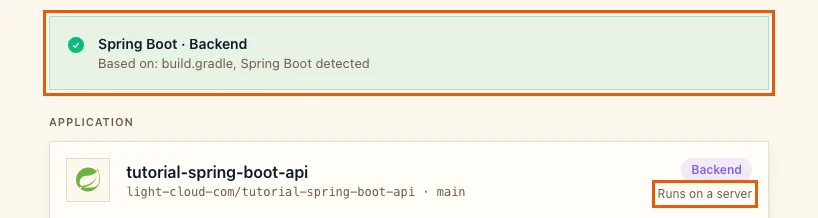
2. Leave **Port** at `8080` and click **Deploy**. The first deploy took about 3 minutes in my run: Gradle downloads itself and every dependency before it compiles.
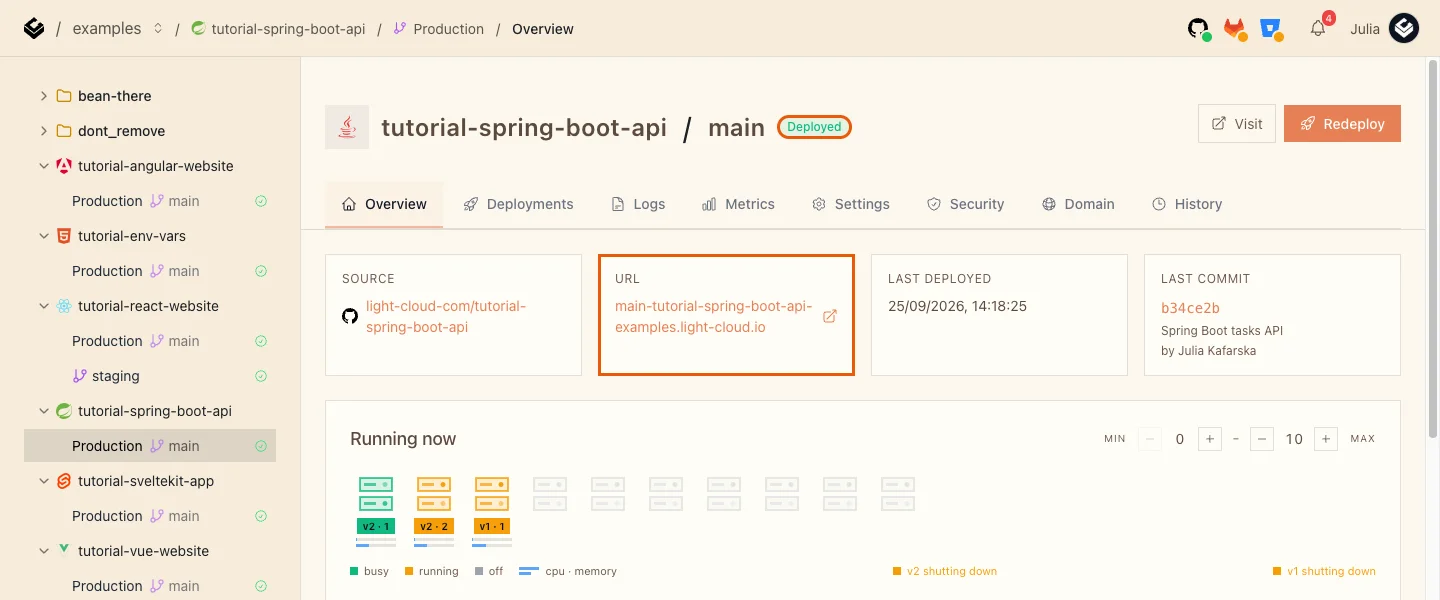
3. Check it:
```shell os="macOS,Linux"
$ curl https://main-tutorial-spring-boot-api-yourworkspace.light-cloud.io/actuator/health
{"groups":["liveness","readiness"],"status":"UP"}
$ curl https://main-tutorial-spring-boot-api-yourworkspace.light-cloud.io/runtime
{"maxHeapMb":123,"java":"17.0.20+8","processors":2}
```
```shell os="Windows"
PS> curl.exe https://main-tutorial-spring-boot-api-yourworkspace.light-cloud.io/actuator/health
{"groups":["liveness","readiness"],"status":"UP"}
PS> curl.exe https://main-tutorial-spring-boot-api-yourworkspace.light-cloud.io/runtime
{"maxHeapMb":123,"java":"17.0.20+8","processors":2}
```
## Step 6: Give the JVM its memory
`maxHeapMb` is 123 on an instance with 512 MB. Inside a container the JVM reserves only a quarter of the memory for the heap by default. The rest sits unused unless you raise the share.
1. Open **Production**, **Settings**, and click **Edit** next to **Environment Variables**.
2. Add `JAVA_TOOL_OPTIONS` with the value `-XX:MaxRAMPercentage=75`, and click **Save**.
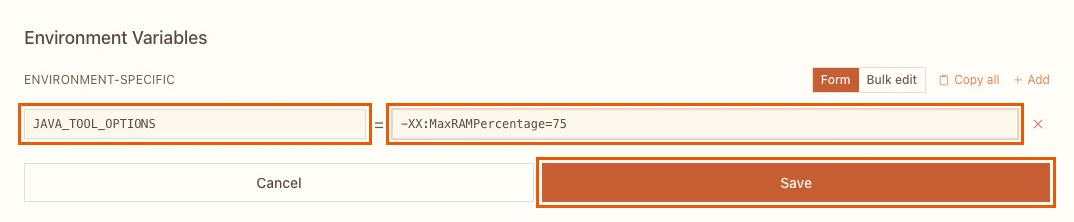
The JVM reads `JAVA_TOOL_OPTIONS` by itself; nothing in the project changes. After the redeploy:
```shell os="macOS,Linux"
$ curl https://main-tutorial-spring-boot-api-yourworkspace.light-cloud.io/runtime
{"java":"17.0.20+8","maxHeapMb":371,"processors":2}
```
```shell os="Windows"
PS> curl.exe https://main-tutorial-spring-boot-api-yourworkspace.light-cloud.io/runtime
{"java":"17.0.20+8","maxHeapMb":371,"processors":2}
```
371 MB instead of 123 MB, on the same plan. The **Logs** tab confirms it at start-up with the line `Picked up JAVA_TOOL_OPTIONS: -XX:MaxRAMPercentage=75`. Leave the remaining quarter for the JVM's own needs: threads, loaded classes and the JIT compiler also use memory, outside the heap.
## How long does it take to start?
From the logs, a new instance reached Spring's `Started` line about 7 seconds after it started. Spring itself reported 5.1 to 5.6 seconds; the rest is the JVM booting. For comparison, a [Go API](/tutorials/deploy-a-go-api) was ready in 0.27 seconds on the same platform.
With **Min instances** at 0 the first request after a quiet period waits for that. If that matters, set **Min instances** to 1 in the environment's **Settings**, at the cost of an instance that always runs.
## Troubleshooting
### The deploy never becomes healthy
Check `application.properties` for `server.port`. A fixed port wins over `SERVER_PORT`, so the app listens somewhere Light Cloud does not look.
### The build fails when the project asks for Java 21 or newer
The build has JDK 17. If the project asks for a newer Java (`JavaLanguageVersion.of(21)` in `build.gradle`, or `java.version` in `pom.xml`), the build cannot compile it. Set it to 17 and push again.
---
# A Go (Gin) API Deployed in Five Steps
To deploy a Go API with Gin on Light Cloud, keep `go.mod` and `main.go` at the root of the repository, listen on the port in `PORT`, push to GitHub and click **Deploy**. Light Cloud detects Gin from `go.mod`, compiles the app into one binary with `go build` and runs it in a small container. Set `GIN_MODE=release` in the console so Gin runs in production mode.
In my run a new instance was answering 0.27 seconds after it started.
## What you will build
A tiny link shortener: `POST /links` stores a URL, `GET /l/1` redirects to it, and `GET /health` answers `{"status":"ok"}`. It writes JSON logs the Logs tab understands and shuts down cleanly when Light Cloud replaces an instance.
Source code: [github.com/light-cloud-com/tutorial-go-gin-api](https://github.com/light-cloud-com/tutorial-go-gin-api).
## Before you start
- [Go](https://go.dev/dl/) 1.25 or later; I used Go 1.27.1.
- [Git](https://git-scm.com/downloads) and a [GitHub](https://github.com/) account.
- A free Light Cloud account at [console.light-cloud.com](https://console.light-cloud.com) with GitHub connected. The Free plan includes three server apps.
- A terminal with [curl](https://curl.se/). On Windows, use [PowerShell 7](https://learn.microsoft.com/en-us/powershell/scripting/install/installing-powershell-on-windows) and [`curl.exe`](https://curl.se/windows/), which ships with Windows 10 and 11.
## Step 1: Create the module
```shell os="macOS,Linux"
$ mkdir tutorial-go-gin-api
$ cd tutorial-go-gin-api
$ go mod init github.com/YOUR-USERNAME/tutorial-go-gin-api
go: creating new go.mod: module github.com/YOUR-USERNAME/tutorial-go-gin-api
$ go get github.com/gin-gonic/gin@latest
go: added github.com/gin-gonic/gin v1.12.0
```
```shell os="Windows"
PS> mkdir tutorial-go-gin-api
PS> cd tutorial-go-gin-api
PS> go mod init github.com/YOUR-USERNAME/tutorial-go-gin-api
go: creating new go.mod: module github.com/YOUR-USERNAME/tutorial-go-gin-api
PS> go get github.com/gin-gonic/gin@latest
go: added github.com/gin-gonic/gin v1.12.0
```
Output is trimmed; `go get` lists every module it adds. On Windows, `mkdir` also prints a short table describing the new folder.
## Step 2: Write the API
Everything goes in one file:
```go title="main.go"
package main
import (
"context"
"errors"
"log/slog"
"net/http"
"os"
"os/signal"
"strconv"
"sync"
"syscall"
"time"
"github.com/gin-gonic/gin"
)
type Link struct {
ID int `json:"id"`
URL string `json:"url"`
}
type newLink struct {
URL string `json:"url" binding:"required,url"`
}
// store keeps links in memory: fine for a demo, gone on every restart.
type store struct {
mu sync.Mutex
links []Link
}
func (s *store) add(url string) Link {
s.mu.Lock()
defer s.mu.Unlock()
link := Link{ID: len(s.links) + 1, URL: url}
s.links = append(s.links, link)
return link
}
func (s *store) get(id int) (Link, bool) {
s.mu.Lock()
defer s.mu.Unlock()
if id < 1 || id > len(s.links) {
return Link{}, false
}
return s.links[id-1], true
}
func main() {
// JSON logs on stdout. The Logs tab reads "severity" and "message",
// so rename slog's "level" and "msg" keys.
logger := slog.New(slog.NewJSONHandler(os.Stdout, &slog.HandlerOptions{
ReplaceAttr: func(groups []string, a slog.Attr) slog.Attr {
switch a.Key {
case slog.LevelKey:
a.Key = "severity"
case slog.MessageKey:
a.Key = "message"
}
return a
},
}))
links := &store{}
router := gin.New()
router.Use(gin.Recovery())
router.GET("/health", func(c *gin.Context) {
c.JSON(http.StatusOK, gin.H{"status": "ok"})
})
router.POST("/links", func(c *gin.Context) {
var body newLink
if err := c.ShouldBindJSON(&body); err != nil {
c.JSON(http.StatusBadRequest, gin.H{"error": "send {\"url\": \"https://...\"}"})
return
}
link := links.add(body.URL)
logger.Info("link created", "id", link.ID, "url", link.URL)
c.JSON(http.StatusCreated, link)
})
// /l/3 redirects to the link with id 3.
router.GET("/l/:id", func(c *gin.Context) {
id, _ := strconv.Atoi(c.Param("id"))
link, ok := links.get(id)
if !ok {
c.JSON(http.StatusNotFound, gin.H{"error": "link not found"})
return
}
c.Redirect(http.StatusFound, link.URL)
})
// Light Cloud tells the app which port to use in PORT.
port := os.Getenv("PORT")
if port == "" {
port = "8080"
}
server := &http.Server{Addr: ":" + port, Handler: router}
// Stop cleanly on SIGTERM, which Light Cloud sends to old instances.
ctx, stop := signal.NotifyContext(context.Background(), syscall.SIGINT, syscall.SIGTERM)
defer stop()
go func() {
logger.Info("listening", "port", port, "mode", gin.Mode())
if err := server.ListenAndServe(); err != nil && !errors.Is(err, http.ErrServerClosed) {
logger.Error("server stopped", "error", err)
os.Exit(1)
}
}()
<-ctx.Done()
logger.Info("shutting down")
shutdownCtx, cancel := context.WithTimeout(context.Background(), 10*time.Second)
defer cancel()
_ = server.Shutdown(shutdownCtx)
}
```
Three production details are in there:
1. **The port comes from `PORT`.** 8080 is only the fallback for your machine.
2. **Logs are JSON with `severity` and `message`.** `log/slog` writes `level` and `msg`; `ReplaceAttr` renames them to the names the Logs tab reads, so each line gets the right level.
3. **`SIGTERM` stops the server gracefully.** When a new version goes live, Light Cloud sends the old instance `SIGTERM`; `server.Shutdown` lets requests in flight finish.
Tidy the module so `go.sum` lists everything the build needs, and keep the compiled binary out of Git:
```shell os="macOS,Linux"
$ go mod tidy
```
```shell os="Windows"
PS> go mod tidy
```
```text title=".gitignore"
/main
/tmp
```
## Step 3: Run it on your machine
```shell os="macOS,Linux"
$ go run .
[GIN-debug] [WARNING] Running in "debug" mode. Switch to "release" mode in production.
- using env: export GIN_MODE=release
- using code: gin.SetMode(gin.ReleaseMode)
{"time":"2026-09-25T14:08:40.505932+02:00","severity":"INFO","message":"listening","port":"8080","mode":"debug"}
```
```shell os="Windows"
PS> go run .
[GIN-debug] [WARNING] Running in "debug" mode. Switch to "release" mode in production.
- using env: export GIN_MODE=release
- using code: gin.SetMode(gin.ReleaseMode)
{"time":"2026-09-25T14:08:40.505932+02:00","severity":"INFO","message":"listening","port":"8080","mode":"debug"}
```
Output is trimmed; debug mode also lists the routes. Gin is telling you what to set in production, which you will do in Step 5. From a second terminal:
```shell os="macOS,Linux"
$ curl -X POST http://localhost:8080/links -H "content-type: application/json" -d '{"url":"https://light-cloud.com"}'
{"id":1,"url":"https://light-cloud.com"}
$ curl -X POST http://localhost:8080/links -H "content-type: application/json" -d '{"url":"not a url"}'
{"error":"send {\"url\": \"https://...\"}"}
```
```shell os="Windows"
PS> curl.exe -X POST http://localhost:8080/links -H "content-type: application/json" -d '{"url":"https://light-cloud.com"}'
{"id":1,"url":"https://light-cloud.com"}
PS> curl.exe -X POST http://localhost:8080/links -H "content-type: application/json" -d '{"url":"not a url"}'
{"error":"send {\"url\": \"https://...\"}"}
```
Now open `http://localhost:8080/l/1` in your browser: it takes you to light-cloud.com. The `binding:"required,url"` tag on the struct rejects anything that is not a URL, as the second request shows. Stop the server with Ctrl+C.
## Step 4: Push it to GitHub
```shell os="macOS,Linux"
$ git init -b main
$ git add -A
$ git commit -m "Gin link shortener"
# Create an empty repository named tutorial-go-gin-api on github.com/new first.
$ git remote add origin https://github.com/YOUR-USERNAME/tutorial-go-gin-api.git
$ git push -u origin main
To https://github.com/YOUR-USERNAME/tutorial-go-gin-api.git
* [new branch] main -> main
branch 'main' set up to track 'origin/main'.
```
```shell os="Windows"
PS> git init -b main
PS> git add -A
PS> git commit -m "Gin link shortener"
# Create an empty repository named tutorial-go-gin-api on github.com/new first.
PS> git remote add origin https://github.com/YOUR-USERNAME/tutorial-go-gin-api.git
PS> git push -u origin main
To https://github.com/YOUR-USERNAME/tutorial-go-gin-api.git
* [new branch] main -> main
branch 'main' set up to track 'origin/main'.
```
## Step 5: Deploy it
1. In the [Light Cloud console](https://console.light-cloud.com), click **New...**, then **Deploy from GitHub**, and pick `tutorial-go-gin-api`. Light Cloud shows **Gin / Backend**, based on `go.mod`, and **Runs on a server**:
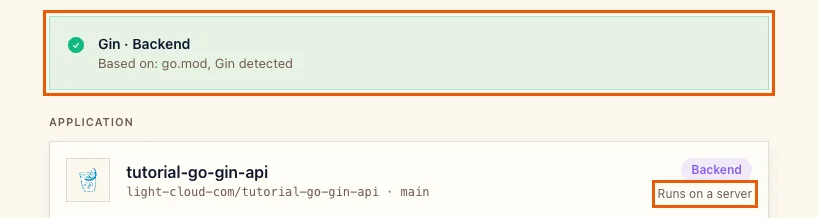
2. Under **Advanced**, **Port** is `8080`, the same fallback as in the code. Under **Environment variables**, click **Add variable** and add `GIN_MODE` with the value `release`:
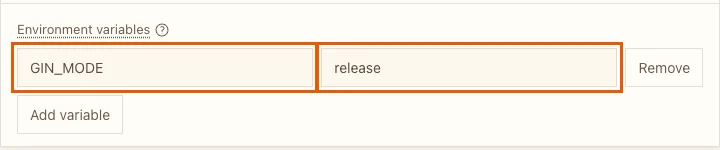
3. Click **Deploy** and wait for **Deployed**; 2 minutes 42 seconds in my run.
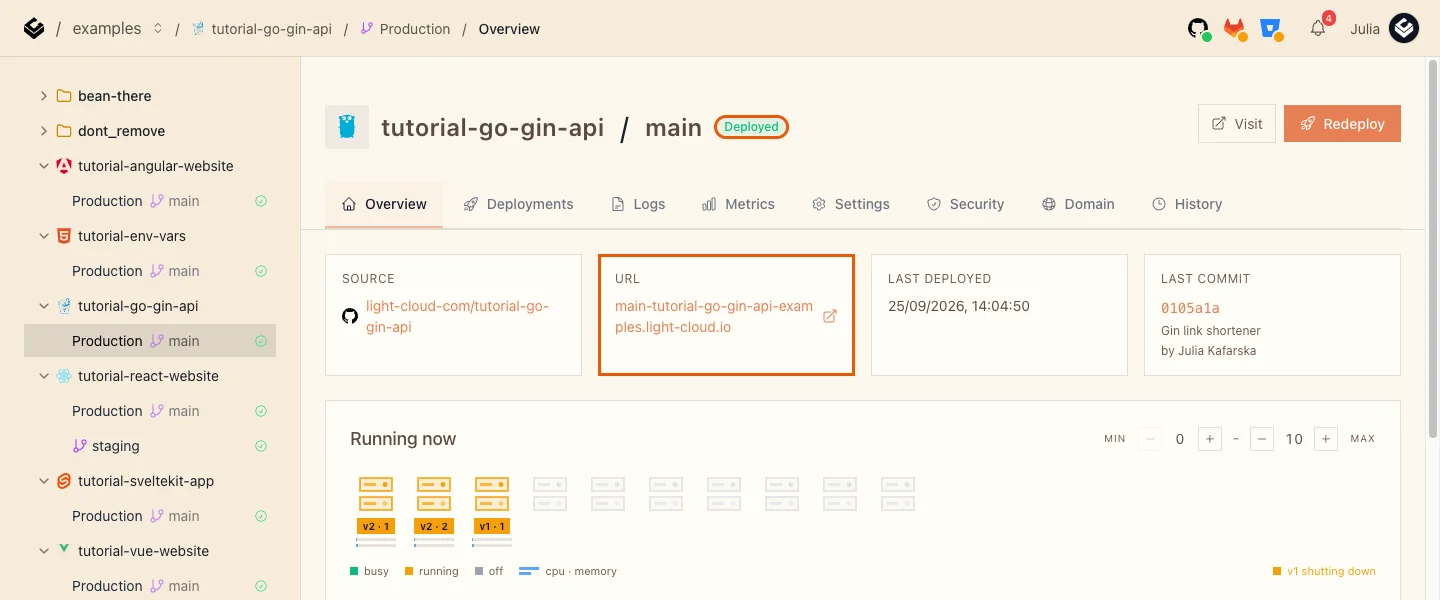
The first build takes longer than the ones after it. The build image has Go 1.25 with `GOTOOLCHAIN=auto`; my `go.mod` says `go 1.27.1`, so the build log shows `go: downloading go1.27.1 (linux/amd64)` before it compiles.
## Step 6: Use it
```shell os="macOS,Linux"
$ curl -X POST https://main-tutorial-go-gin-api-yourworkspace.light-cloud.io/links -H "content-type: application/json" -d '{"url":"https://light-cloud.com"}'
{"id":1,"url":"https://light-cloud.com"}
```
```shell os="Windows"
PS> curl.exe -X POST https://main-tutorial-go-gin-api-yourworkspace.light-cloud.io/links -H "content-type: application/json" -d '{"url":"https://light-cloud.com"}'
{"id":1,"url":"https://light-cloud.com"}
```
Open `https://main-tutorial-go-gin-api-yourworkspace.light-cloud.io/l/1` in your browser, and it takes you to light-cloud.com. Then open the **Logs** tab: the `listening` line shows `"mode":"release"` and each line has its level, because the JSON carries `severity`.
## How fast does it start?
From the logs, the time from "Starting new instance" to the app's `listening` line:
| App | Instance start to ready |
|---|---|
| Go (Gin), this guide | 0.26 to 0.27 s |
| [NestJS](/tutorials/deploy-a-nestjs-api), `node dist/main` | 5.4 s |
| NestJS, `nest start` | 17.2 s |
A Go binary has no runtime to boot and nothing to compile, so it barely notices a cold start. That makes **Min instances** at 0, the cheapest setting, a comfortable choice for a Go API.
## Troubleshooting
### The build fails with missing go.sum entries
Run `go mod tidy`, commit `go.sum` and push again.
### Every log line shows DEFAULT
The line is not JSON with a `severity` field. `log.Println` and the default `slog` JSON handler (which writes `level`) both show as DEFAULT; use the `ReplaceAttr` from Step 2.
---
# AI Writes Your Terraform. That's the Problem.
The [2025 Stack Overflow survey](https://survey.stackoverflow.co/2025/ai) contains a contradiction sharp enough to cut yourself on: 84% of developers use or plan to use AI tools, while [46% actively distrust their accuracy and only 3% highly trust them](https://stackoverflow.co/company/press/archive/stack-overflow-2025-developer-survey/), with the most experienced developers reporting the deepest skepticism. An entire industry adopted a tool it does not trust. That's a manageable paradox when the tool writes application code, because compilers, type checkers, and test suites stand between a hallucination and production.
Now aim the same tool at infrastructure, where none of those guardrails exist, and you have this post. The claim: LLM-assisted infrastructure-as-code doesn't remove the complexity this blog has spent months cataloging; it mass-produces it, stacking a nondeterministic generator on top of an [already drifting text-based substrate](/devops/graph-not-text-file), and the fix is the same one it's always been. Infrastructure needs a deterministic model underneath the generation, not a larger model doing the generating.
## What the autocomplete actually accelerates
Be precise about what AI changes in the IaC workflow: it collapses the cost of writing configuration while leaving the cost of understanding it untouched. That asymmetry has consequences. Repos that took years to grow now grow in weeks; variants multiply because generating a near-duplicate is cheaper than parameterizing; the marginal YAML that a tired human would have declined to write gets written, instantly, plausibly, in bulk. Complexity used to be rationed by human patience. The ration ended.
And the plausibility is the trap. Generated HCL looks like the real thing because looking like the real thing is precisely what a language model optimizes, so hallucinated attributes and confidently wrong resource arguments sail through linters that check syntax, through reviewers who check vibes, and fail twenty minutes into an apply, which [we've established](/cloud/infrastructure-ide-moment) is the most expensive possible place to learn anything. Application code that lies gets caught by the test suite. Infrastructure code that lies gets caught by production, and the interval between merge and discovery is where incidents are born.
## Nondeterminism, meet drift
The deeper problem is what the generator does to an already broken chain of custody. The text-file regime had three sources of truth that could disagree, files, state, and cloud, and drift was the name of their disagreement. AI adds a fourth layer with a property none of the others had: the same prompt, tomorrow, produces different code. The pipeline from intent to running infrastructure now passes through a probabilistic stage, which means provenance dies quietly. Six months from now, nobody on the team will know why that security group rule exists, and the honest answer, "the model wrote it and the diff looked fine", is an answer no auditor, [regulator](/sovereignty/your-regulator-wants-an-exit-plan), or incident review has ever accepted from a human and shouldn't accept from a tool.
Put the survey numbers back on the table, because operationally they describe a specific behavior: distrust plus approval. Forty-six percent doubt the output; nearly everyone ships it anyway; review becomes a ritual performed on text nobody wrote and nobody fully reads, at a volume no reviewer can hold. We named this pattern before AI arrived, [review theater on diffs of characters](/devops/graph-not-text-file). AI didn't create it. It industrialized it.
## The fix is a model, not a bigger model
Here's the reframe the tooling industry keeps missing while it fine-tunes: generation was never the bottleneck, verification was, and verification is exactly the job a deterministic system does better than any human or any LLM. If the source of truth is a graph with identity, dependencies, and invariants, the machine can answer "is this change valid, what does it touch, what breaks", before anything applies, every time, the same way. Put that underneath the generator and the division of labor snaps into place: the AI is genuinely excellent at intent, turning "give the API read access to the uploads bucket" into a proposed change, and the model is the thing that refuses the proposal when it violates an invariant, prices its blast radius when it doesn't, and records provenance either way.
That's the difference between autocomplete and an IDE, [the distinction this blog opened with](/cloud/infrastructure-ide-moment): an IDE doesn't guess-generate a rename and hope, it computes one against a semantic model, which is why nobody reviews a rename refactor character by character. Constrained generation against a deterministic substrate is the infrastructure version of that, it's what we're building ICE around, and yes, that makes this post our book as usual. The argument stands without us: a probabilistic writer needs a deterministic reader, and today's IaC stack has neither.
## The steelman: we survived this panic before
The optimist's case is real and half right. Every generation of code automation triggered the same essay, compilers would hide the machine, Copilot would flood apps with bugs, and each time the tooling caught up and the productivity was kept. AI review of AI code is already decent and improving; models gain grounding and tool-use monthly; and the measured gains are genuine, teams really do ship infrastructure faster with assistance than without. Betting against model improvement has been a losing trade for years.
Concede the trajectory and keep the asymmetry, because it's the part trajectory doesn't fix. Application code earned its automation safely because deterministic backstops already existed to catch the generator's lies; the compiler panic was survivable since the compiler itself was the verifier. IaC has no equivalent, its errors are stateful, expensive, and discovered in production, and adding a second LLM as reviewer stacks another probabilistic layer where the missing piece is a deterministic one. The panic isn't that AI writes infrastructure. It's that nothing checks it that isn't also guessing. Build the checker and the generator becomes wonderful; that order, not the reverse.
So audit your own pipeline this week, one question, five minutes: when AI-generated infrastructure code merges, what stands between the hallucination and your production account, a system that knows, or a person who skimmed? If the answer is the person, the survey already told you how that story goes: 84% adoption, 46% distrust, and everyone approving anyway.
---
# Deploy a NestJS API with a Database Connection
To deploy a NestJS API with a database on Light Cloud, create a PostgreSQL database, read its address from `DATABASE_URL`, push the project to GitHub and click **Deploy**. Light Cloud detects NestJS, runs `npm run build` and starts the app on port 3000 with no Dockerfile. Change the starter's `start` script to `node dist/main` before you deploy: `nest start` compiles the project again on every cold start.
In my run that one change cut the time from instance start to ready from 17.2 seconds to 5.4.
## What you will build
A NestJS 12 notes API backed by PostgreSQL on Light Cloud:
- `POST /notes` stores a note, with the body checked by a validation pipe.
- `GET /notes` and `GET /notes/:id` read them back.
- `GET /health` checks the database too, so a wrong `DATABASE_URL` shows up at once.
Source code: [github.com/light-cloud-com/tutorial-nestjs-api](https://github.com/light-cloud-com/tutorial-nestjs-api).
## Before you start
- [Node.js](https://nodejs.org/) 22.22.3 or later, or 24.15 or later. The NestJS CLI 12 stops on older versions; I used Node.js 24.
- [Git](https://git-scm.com/downloads) and a [GitHub](https://github.com/) account.
- A Light Cloud account on the **Lite** plan or higher, for the database.
- A terminal with [curl](https://curl.se/). On Windows, use [PowerShell 7](https://learn.microsoft.com/en-us/powershell/scripting/install/installing-powershell-on-windows) and [`curl.exe`](https://curl.se/windows/), which ships with Windows 10 and 11.
## Step 1: Create the project
```shell os="macOS,Linux"
$ npx @nestjs/cli@latest new tutorial-nestjs-api --package-manager npm
$ cd tutorial-nestjs-api
$ npm install pg class-validator class-transformer
$ npm install -D @types/pg
```
```shell os="Windows"
PS> npx @nestjs/cli@latest new tutorial-nestjs-api --package-manager npm
PS> cd tutorial-nestjs-api
PS> npm install pg class-validator class-transformer
PS> npm install -D @types/pg
```
The CLI creates the project, installs the packages and sets up a Git repository. Keep its `.gitignore`: it keeps `node_modules` and `dist` out of the repository.
Delete the example files you will not use: `src/app.controller.ts`, `src/app.service.ts`, `src/app.controller.spec.ts` and `test/app.e2e-spec.ts`.
## Step 2: Start the compiled app
Open `package.json` and change one script:
```json title="package.json"
"start": "node dist/main",
```
Light Cloud builds the project once with `npm run build`, then starts every instance with `npm start`. The starter's `start` is `nest start`, which compiles the whole project again before it runs. I measured both from the logs, from "Starting new instance" to "Nest application successfully started":
| `start` script | Instance start to ready |
|---|---|
| `nest start` | 17.2 s |
| `node dist/main` | 5.4 s |
With **Min instances** at 0, that wait is what the first visitor after a quiet period feels. For local development use `npm run start:dev`, which still watches and recompiles.
## Step 3: Connect to PostgreSQL
A small database module with one pool for the whole app:
```typescript title="src/database/database.service.ts"
import { Injectable, Logger, OnModuleDestroy, OnModuleInit } from '@nestjs/common';
import pg from 'pg';
@Injectable()
export class DatabaseService implements OnModuleInit, OnModuleDestroy {
private readonly logger = new Logger(DatabaseService.name);
// One small pool per instance. Light Cloud may run several instances,
// so keep this low on a shared Dev database (10 connections in total).
readonly pool = new pg.Pool({
connectionString: process.env.DATABASE_URL,
max: Number(process.env.DB_POOL_MAX ?? 3),
});
async onModuleInit() {
await this.pool.query(`
CREATE TABLE IF NOT EXISTS notes (
id SERIAL PRIMARY KEY,
text TEXT NOT NULL,
created_at TIMESTAMPTZ NOT NULL DEFAULT now()
)`);
this.logger.log('connected to PostgreSQL, notes table ready');
}
async onModuleDestroy() {
await this.pool.end();
}
}
```
```typescript title="src/database/database.module.ts"
import { Global, Module } from '@nestjs/common';
import { DatabaseService } from './database.service.js';
@Global()
@Module({
providers: [DatabaseService],
exports: [DatabaseService],
})
export class DatabaseModule {}
```
The pool size matters more than it looks. Every running instance opens its own pool, and Light Cloud adds instances under load. A Dev database allows 10 connections per user, so a pool of 3 leaves room for three instances and your own tools. `CREATE TABLE IF NOT EXISTS` keeps this example short; a real project uses migrations.
## Step 4: Add the routes
The request body is a class, so the validation pipe can check it:
```typescript title="src/notes/create-note.dto.ts"
import { IsNotEmpty, IsString, MaxLength } from 'class-validator';
export class CreateNoteDto {
@IsString()
@IsNotEmpty()
@MaxLength(500)
text!: string;
}
```
```typescript title="src/notes/notes.controller.ts"
import { Body, Controller, Get, NotFoundException, Param, ParseIntPipe, Post } from '@nestjs/common';
import { DatabaseService } from '../database/database.service.js';
import { CreateNoteDto } from './create-note.dto.js';
@Controller('notes')
export class NotesController {
constructor(private readonly db: DatabaseService) {}
@Get()
async list() {
const { rows } = await this.db.pool.query(
'SELECT id, text, created_at FROM notes ORDER BY id DESC LIMIT 50',
);
return rows;
}
@Get(':id')
async get(@Param('id', ParseIntPipe) id: number) {
const { rows } = await this.db.pool.query(
'SELECT id, text, created_at FROM notes WHERE id = $1',
[id],
);
if (rows.length === 0) throw new NotFoundException('Note not found');
return rows[0];
}
@Post()
async create(@Body() note: CreateNoteDto) {
const { rows } = await this.db.pool.query(
'INSERT INTO notes (text) VALUES ($1) RETURNING id, text, created_at',
[note.text],
);
return rows[0];
}
}
```
A health check that asks the database, not just the process:
```typescript title="src/health.controller.ts"
import { Controller, Get } from '@nestjs/common';
import { DatabaseService } from './database/database.service.js';
@Controller('health')
export class HealthController {
constructor(private readonly db: DatabaseService) {}
// Checks the database too, so a broken DATABASE_URL shows up here.
@Get()
async check() {
await this.db.pool.query('SELECT 1');
return { status: 'ok', database: 'ok' };
}
}
```
Wire it together, and turn on validation for every request:
```typescript title="src/app.module.ts"
import { Module } from '@nestjs/common';
import { DatabaseModule } from './database/database.module.js';
import { HealthController } from './health.controller.js';
import { NotesController } from './notes/notes.controller.js';
@Module({
imports: [DatabaseModule],
controllers: [NotesController, HealthController],
})
export class AppModule {}
```
```typescript title="src/main.ts"
import { ValidationPipe } from '@nestjs/common';
import { NestFactory } from '@nestjs/core';
import { AppModule } from './app.module.js';
async function bootstrap() {
const app = await NestFactory.create(AppModule);
// Rejects request bodies that do not match the DTO classes.
app.useGlobalPipes(new ValidationPipe({ whitelist: true, forbidNonWhitelisted: true }));
// Light Cloud passes the port in PORT; 3000 is for your own machine.
await app.listen(process.env.PORT ?? 3000);
}
await bootstrap();
```
## Step 5: Create the database
1. In the [Light Cloud console](https://console.light-cloud.com), click **New...**, **New Database**, **PostgreSQL**.
2. Name it, keep **Size** at **Dev**, and click **Create database**. It is ready in a few seconds.
3. Open the **Credentials** tab and click **Copy** under **Connection String**.
The [Django guide](/tutorials/deploy-django-with-postgres) shows these screens step by step.
The Node.js `pg` driver needs an ending on the string to use the encrypted connection the database requires: `?sslmode=require&uselibpqcompat=true`.
## Step 6: Run it against the database
```shell os="macOS,Linux"
$ export DATABASE_URL='postgresql://u_******:********@nest-notes-db-yourworkspace.db.light-cloud.io:5432/db******?sslmode=require&uselibpqcompat=true'
$ npm run build
$ npm start
[Nest] 66094 - 25.09.2026, 13:34:54 LOG [NestFactory] Starting Nest application...
[Nest] 66094 - 25.09.2026, 13:34:55 LOG [DatabaseService] connected to PostgreSQL, notes table ready
[Nest] 66094 - 25.09.2026, 13:34:55 LOG [NestApplication] Nest application successfully started +1ms
```
```shell os="Windows"
PS> $env:DATABASE_URL = 'postgresql://u_******:********@nest-notes-db-yourworkspace.db.light-cloud.io:5432/db******?sslmode=require&uselibpqcompat=true'
PS> npm run build
PS> npm start
[Nest] 66094 - 25.09.2026, 13:34:54 LOG [NestFactory] Starting Nest application...
[Nest] 66094 - 25.09.2026, 13:34:55 LOG [DatabaseService] connected to PostgreSQL, notes table ready
[Nest] 66094 - 25.09.2026, 13:34:55 LOG [NestApplication] Nest application successfully started +1ms
```
Output is trimmed; Nest also lists every route it maps. The date format follows your computer's language settings. Your real connection string goes where the stars are. From a second terminal:
```shell os="macOS,Linux"
$ curl http://localhost:3000/health
{"status":"ok","database":"ok"}
$ curl -X POST http://localhost:3000/notes -H "content-type: application/json" -d '{"text":"Deploy the NestJS API"}'
{"id":1,"text":"Deploy the NestJS API","created_at":"2026-09-25T11:34:55.683Z"}
$ curl -X POST http://localhost:3000/notes -H "content-type: application/json" -d '{"text":"hi","done":true}'
{"message":["property done should not exist"],"error":"Bad Request","statusCode":400}
```
```shell os="Windows"
PS> curl.exe http://localhost:3000/health
{"status":"ok","database":"ok"}
PS> curl.exe -X POST http://localhost:3000/notes -H "content-type: application/json" -d '{"text":"Deploy the NestJS API"}'
{"id":1,"text":"Deploy the NestJS API","created_at":"2026-09-25T11:34:55.683Z"}
PS> curl.exe -X POST http://localhost:3000/notes -H "content-type: application/json" -d '{"text":"hi","done":true}'
{"message":["property done should not exist"],"error":"Bad Request","statusCode":400}
```
The last request shows the validation pipe at work: `forbidNonWhitelisted` rejects fields the DTO does not declare. Stop the app with Ctrl+C.
## Step 7: Push and deploy
Commit the project and create the GitHub repository:
```shell os="macOS,Linux"
$ git add -A
$ git commit -m "NestJS notes API with PostgreSQL"
# Create an empty repository named tutorial-nestjs-api on github.com/new first.
$ git remote add origin https://github.com/YOUR-USERNAME/tutorial-nestjs-api.git
$ git push -u origin main
To https://github.com/YOUR-USERNAME/tutorial-nestjs-api.git
* [new branch] main -> main
branch 'main' set up to track 'origin/main'.
```
```shell os="Windows"
PS> git add -A
PS> git commit -m "NestJS notes API with PostgreSQL"
# Create an empty repository named tutorial-nestjs-api on github.com/new first.
PS> git remote add origin https://github.com/YOUR-USERNAME/tutorial-nestjs-api.git
PS> git push -u origin main
To https://github.com/YOUR-USERNAME/tutorial-nestjs-api.git
* [new branch] main -> main
branch 'main' set up to track 'origin/main'.
```
1. In the console, click **New...**, **Deploy from GitHub**, and pick `tutorial-nestjs-api`. Light Cloud shows **NestJS / Backend** and **Runs on a server**:
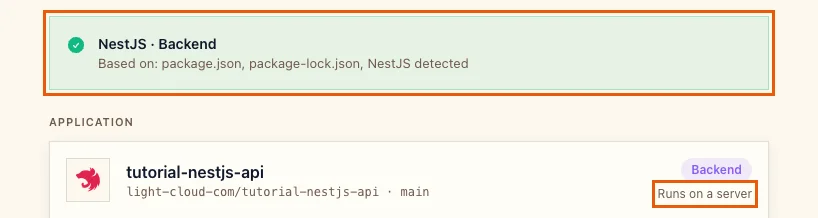
2. Under **Advanced**, **Port** is `3000` and **Build command** is `npm run build`. Nothing to change.
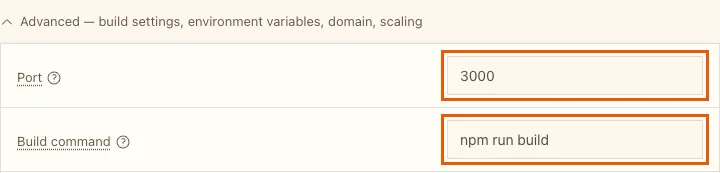
3. Under **Environment variables**, add `DATABASE_URL` with the connection string and its `?sslmode=require&uselibpqcompat=true` ending:
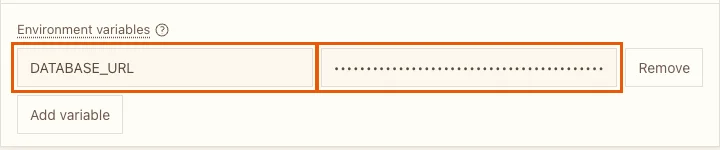
4. Click **Deploy** and wait for **Deployed**; about two minutes for the first build, which installs and compiles everything.
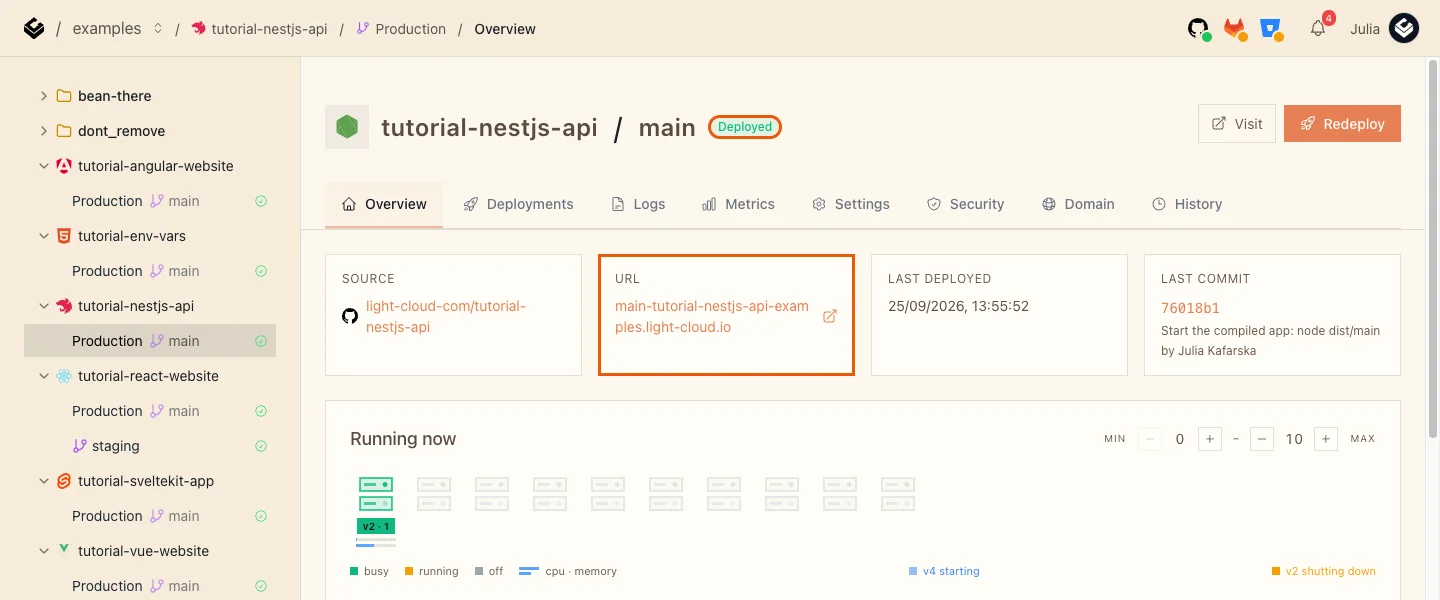
## Step 8: Use the live API
```shell os="macOS,Linux"
$ curl https://main-tutorial-nestjs-api-yourworkspace.light-cloud.io/health
{"status":"ok","database":"ok"}
$ curl -X POST https://main-tutorial-nestjs-api-yourworkspace.light-cloud.io/notes -H "content-type: application/json" -d '{"text":"Deployed from GitHub"}'
{"id":2,"text":"Deployed from GitHub","created_at":"2026-09-25T11:56:22.139Z"}
$ curl https://main-tutorial-nestjs-api-yourworkspace.light-cloud.io/notes
[{"id":2,"text":"Deployed from GitHub","created_at":"2026-09-25T11:56:22.139Z"},{"id":1,"text":"Deploy the NestJS API","created_at":"2026-09-25T11:34:55.683Z"}]
```
```shell os="Windows"
PS> curl.exe https://main-tutorial-nestjs-api-yourworkspace.light-cloud.io/health
{"status":"ok","database":"ok"}
PS> curl.exe -X POST https://main-tutorial-nestjs-api-yourworkspace.light-cloud.io/notes -H "content-type: application/json" -d '{"text":"Deployed from GitHub"}'
{"id":2,"text":"Deployed from GitHub","created_at":"2026-09-25T11:56:22.139Z"}
PS> curl.exe https://main-tutorial-nestjs-api-yourworkspace.light-cloud.io/notes
[{"id":2,"text":"Deployed from GitHub","created_at":"2026-09-25T11:56:22.139Z"},{"id":1,"text":"Deploy the NestJS API","created_at":"2026-09-25T11:34:55.683Z"}]
```
The note from your laptop is there too: both use the same database.
## Troubleshooting
### npm ci fails: "Missing: typescript@... from lock file"
The build's npm reads your `package-lock.json` differently from the npm that wrote it. Light Cloud builds on Node 24 (npm 11) by default; if you pinned an older Node in `.nvmrc` or `engines`, regenerate the lockfile with that same version, or pin the version you develop with.
### EBADENGINE when creating the project
```text
npm error notsup Required: {"node":"^22.22.3 || ^24.15.0 || >=26.0.0", ...}
```
The NestJS CLI 12 needs a newer Node.js than you have. Install Node.js 24 from [nodejs.org](https://nodejs.org/) and run the command again.
### /health answers 500, or the app will not start
Check `DATABASE_URL`: it must end with `?sslmode=require&uselibpqcompat=true` for the `pg` driver. The **Logs** tab shows the error from `connected to PostgreSQL` onward.
---
# A Flask App in Production, Without Writing a Dockerfile
To deploy a Flask app on Light Cloud, put `flask` and `gunicorn` in `requirements.txt`, keep the Flask object as `app` in `app.py`, push to GitHub and click **Deploy** in the console. Light Cloud detects Flask, installs the requirements and starts `gunicorn app:app` on the container's port, so the development server never runs in production. Templates and static files work as they do on your machine.
In my run the first deploy took 85 seconds.
## What you will build
"Split the bill": a Flask page with a Jinja template, a stylesheet and a form, plus a small JSON API, live on a `light-cloud.io` address:
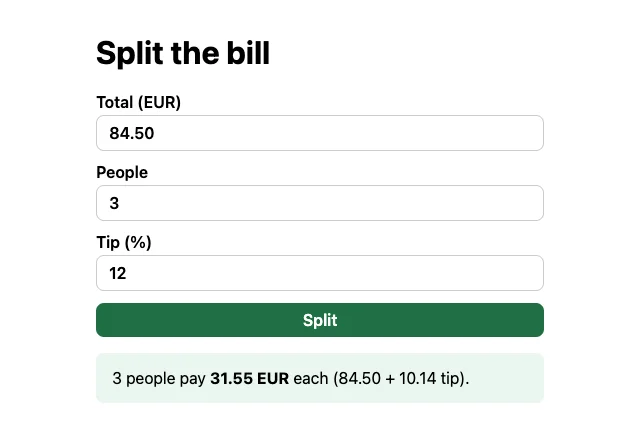
The currency code, **EUR**, comes from an environment variable set in the console.
Source code: [github.com/light-cloud-com/tutorial-flask-app](https://github.com/light-cloud-com/tutorial-flask-app).
## Before you start
- [Python](https://www.python.org/downloads/) 3.10 or later (what gunicorn 26 requires); I used Python 3.13.
- [Git](https://git-scm.com/downloads) and a [GitHub](https://github.com/) account.
- A free Light Cloud account at [console.light-cloud.com](https://console.light-cloud.com) with GitHub connected. The Free plan includes three server apps, enough for this one.
- A terminal with [curl](https://curl.se/). On Windows, use [PowerShell 7](https://learn.microsoft.com/en-us/powershell/scripting/install/installing-powershell-on-windows) and [`curl.exe`](https://curl.se/windows/), which ships with Windows 10 and 11.
## Step 1: Create the project
```shell os="macOS,Linux"
$ mkdir tutorial-flask-app
$ cd tutorial-flask-app
$ python3 -m venv .venv
$ source .venv/bin/activate
$ pip install flask gunicorn
Successfully installed ... flask-3.1.3 gunicorn-26.2.0 jinja2-3.1.6 ... werkzeug-3.1.8
```
```shell os="Windows"
PS> mkdir tutorial-flask-app
PS> cd tutorial-flask-app
PS> py -m venv .venv
PS> .venv\Scripts\Activate.ps1
PS> pip install flask gunicorn
Successfully installed ... flask-3.1.3 gunicorn-26.2.0 jinja2-3.1.6 ... werkzeug-3.1.8
```
Output is trimmed; on Windows, `mkdir` also prints a short table describing the new folder. `gunicorn` is the production server. It does not run on Windows itself, but it only needs to be in the requirements: Light Cloud's build runs on Linux.
Write down the versions and the Python version the build should use:
```text title="requirements.txt"
Flask==3.1.3
gunicorn==26.2.0
```
```text title=".python-version"
3.13
```
```text title=".gitignore"
.venv/
__pycache__/
.env
```
## Step 2: Write the app
```python title="app.py"
import os
from decimal import Decimal, InvalidOperation, ROUND_HALF_UP
from flask import Flask, jsonify, render_template, request
app = Flask(__name__)
# Shown after every amount. Set CURRENCY on Light Cloud to change it.
CURRENCY = os.environ.get("CURRENCY", "USD")
def split_bill(total: str, people: str, tip_percent: str) -> dict:
"""Validate the form values and return the split, or raise ValueError."""
try:
total_d = Decimal(total)
people_n = int(people)
tip_d = Decimal(tip_percent)
except (InvalidOperation, ValueError):
raise ValueError("Enter numbers only.")
if total_d <= 0 or people_n < 1 or tip_d < 0:
raise ValueError("The total and the number of people must be above zero.")
cents = Decimal("0.01")
tip = (total_d * tip_d / 100).quantize(cents, ROUND_HALF_UP)
grand_total = total_d + tip
each = (grand_total / people_n).quantize(cents, ROUND_HALF_UP)
return {
"total": str(total_d.quantize(cents)),
"tip": str(tip),
"grand_total": str(grand_total.quantize(cents)),
"people": people_n,
"each": str(each),
"currency": CURRENCY,
}
@app.route("/", methods=["GET", "POST"])
def index():
result, error = None, None
form = {"total": "", "people": "2", "tip": "10"}
if request.method == "POST":
form = {key: request.form.get(key, "").strip() for key in form}
try:
result = split_bill(form["total"], form["people"], form["tip"])
except ValueError as exc:
error = str(exc)
app.logger.warning("invalid input: %s", form)
return render_template("index.html", form=form, result=result, error=error, currency=CURRENCY)
@app.get("/api/split")
def api_split():
try:
return jsonify(
split_bill(
request.args.get("total", ""),
request.args.get("people", "1"),
request.args.get("tip", "0"),
)
)
except ValueError as exc:
return jsonify({"error": str(exc)}), 400
@app.get("/health")
def health():
return {"status": "ok"}
if __name__ == "__main__":
# Only for `python app.py` on your machine. Light Cloud runs gunicorn instead.
app.run(debug=True)
```
Amounts use `Decimal`, not floats, so `84.50` never turns into `84.4999`. The last block runs only when you start the file with `python app.py`; in production the app is imported, not run, so debug mode can never leak online.
The page template goes in a `templates` folder, where `render_template` looks for it:
```html title="templates/index.html"
Split the bill
Split the bill
{% if error %}
{{ error }}
{% endif %}
{% if result %}
{{ result.people }} people pay {{ result.each }} {{ currency }} each
({{ result.total }} + {{ result.tip }} tip).
{% endif %}
```
The stylesheet goes in `static/style.css`; the one in the [repository](https://github.com/light-cloud-com/tutorial-flask-app/blob/main/static/style.css) follows the visitor's light or dark setting. Any CSS works.
## Step 3: Run it on your machine
```shell os="macOS,Linux"
$ flask --app app run --port 8000
* Serving Flask app 'app'
* Debug mode: off
* Running on http://127.0.0.1:8000
```
```shell os="Windows"
PS> flask --app app run --port 8000
* Serving Flask app 'app'
* Debug mode: off
* Running on http://127.0.0.1:8000
```
Output is trimmed. Why port 8000 and not Flask's usual 5000: on a Mac, AirPlay Receiver also listens on port 5000, and a browser opening `localhost:5000` can end up there with `403 Forbidden`. I hit exactly that.
Open `http://127.0.0.1:8000` and split a bill, or call the API from a second terminal:
```shell os="macOS,Linux"
$ curl "http://127.0.0.1:8000/api/split?total=84.50&people=3&tip=12"
{"currency":"USD","each":"31.55","grand_total":"94.64","people":3,"tip":"10.14","total":"84.50"}
```
```shell os="Windows"
PS> curl.exe "http://127.0.0.1:8000/api/split?total=84.50&people=3&tip=12"
{"currency":"USD","each":"31.55","grand_total":"94.64","people":3,"tip":"10.14","total":"84.50"}
```
Stop the server with Ctrl+C.
## Step 4: Push it to GitHub
```shell os="macOS,Linux"
$ git init -b main
$ git add -A
$ git commit -m "Flask app: split the bill"
# Create an empty repository named tutorial-flask-app on github.com/new first.
$ git remote add origin https://github.com/YOUR-USERNAME/tutorial-flask-app.git
$ git push -u origin main
To https://github.com/YOUR-USERNAME/tutorial-flask-app.git
* [new branch] main -> main
branch 'main' set up to track 'origin/main'.
```
```shell os="Windows"
PS> git init -b main
PS> git add -A
PS> git commit -m "Flask app: split the bill"
# Create an empty repository named tutorial-flask-app on github.com/new first.
PS> git remote add origin https://github.com/YOUR-USERNAME/tutorial-flask-app.git
PS> git push -u origin main
To https://github.com/YOUR-USERNAME/tutorial-flask-app.git
* [new branch] main -> main
branch 'main' set up to track 'origin/main'.
```
## Step 5: Deploy it
1. In the [Light Cloud console](https://console.light-cloud.com), click **New...**, then **Deploy from GitHub**, and pick `tutorial-flask-app`.
Light Cloud shows **Flask / Backend**, based on `requirements.txt`, and **Runs on a server**:
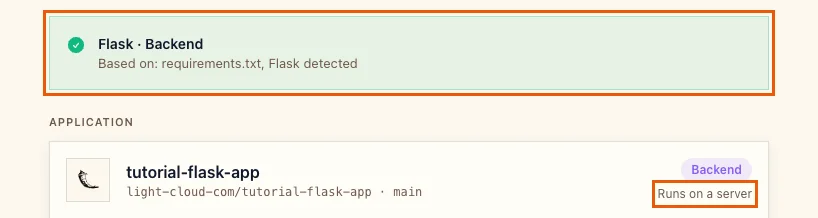
2. Open **Advanced - build settings, environment variables, domain, scaling**. **Port** is `8000`; gunicorn is started on the port Light Cloud gives the container, so there is nothing to change.

3. Under **Environment variables**, click **Add variable** and add `CURRENCY` with the value `EUR`.
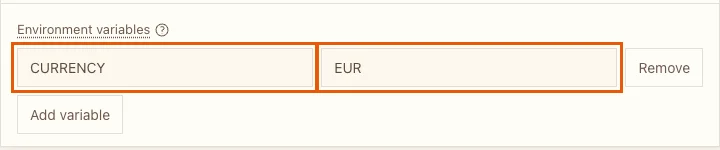
4. Click **Deploy** and wait for **Deployed** (85 seconds in my run). The **URL** card has the address:
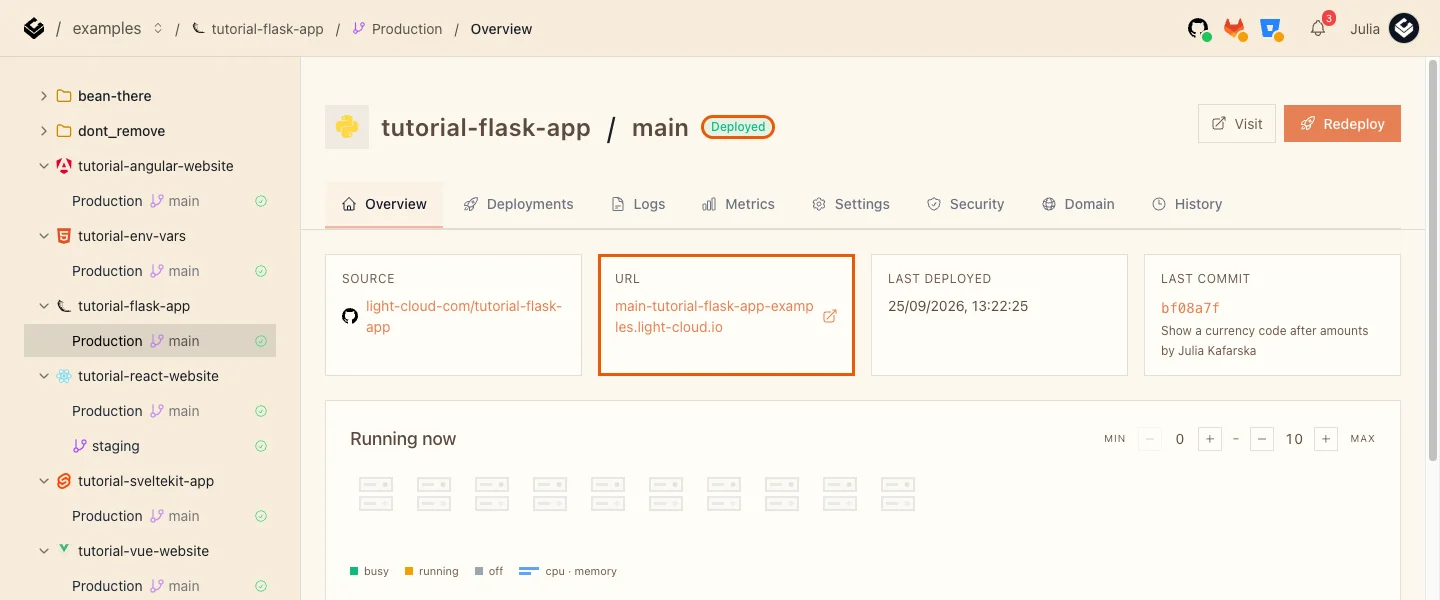
The build read `.python-version` and used Python 3.13, and started the app with gunicorn instead of `app.run()`.
## Step 6: Use it
Open the address and split a bill: the page, its stylesheet and the form all come from the container (the screenshot at the top). The API works the same way:
```shell os="macOS,Linux"
$ curl "https://main-tutorial-flask-app-yourworkspace.light-cloud.io/api/split?total=84.50&people=3&tip=12"
{"currency":"EUR","each":"31.55","grand_total":"94.64","people":3,"tip":"10.14","total":"84.50"}
$ curl "https://main-tutorial-flask-app-yourworkspace.light-cloud.io/api/split?total=abc&people=3"
{"error":"Enter numbers only."}
```
```shell os="Windows"
PS> curl.exe "https://main-tutorial-flask-app-yourworkspace.light-cloud.io/api/split?total=84.50&people=3&tip=12"
{"currency":"EUR","each":"31.55","grand_total":"94.64","people":3,"tip":"10.14","total":"84.50"}
PS> curl.exe "https://main-tutorial-flask-app-yourworkspace.light-cloud.io/api/split?total=abc&people=3"
{"error":"Enter numbers only."}
```
The currency is now `EUR`, from the variable. The first request after a quiet period takes a moment (2 seconds in my run) while an instance starts.
## Step 7: Handle more requests at once
Open the **Logs** tab. The first lines of each instance show how the app was started:
```text
[INFO] Starting gunicorn 26.2.0
[INFO] Listening at: http://0.0.0.0:8000 (2)
[INFO] Booting worker with pid: 3
```
One worker handles one request at a time, which is fine for a small app: Light Cloud adds instances when traffic grows. If your requests wait on something slow, such as an external API, give each instance more workers and threads. gunicorn reads extra options from the `GUNICORN_CMD_ARGS` environment variable, so there is no code to change:
1. Open **Production**, **Settings**, and click **Edit** next to **Environment Variables**.
2. Add `GUNICORN_CMD_ARGS` with the value `--workers 2 --threads 4`, and click **Save**.
After the redeploy (60 seconds in my run) the log shows two workers using threads:
```text
[INFO] Starting gunicorn 26.2.0
[INFO] Listening at: http://0.0.0.0:8000 (2)
[INFO] Using worker: gthread
[INFO] Booting worker with pid: 3
[INFO] Booting worker with pid: 4
```
Each worker is a full copy of the app in memory, so on the smallest size (512 MB) keep it to two or three.
## Troubleshooting
### The deploy fails because the app cannot be found
Light Cloud starts `gunicorn app:app`, or `main:app` if your file is `main.py`. If the Flask object has another name, or the app lives in a package created by an application factory such as `create_app()`, add a small `app.py` at the root that does `from mypackage import create_app` and `app = create_app()`.
### http://localhost:5000 shows 403 Forbidden
That is macOS AirPlay Receiver, not Flask. Use `--port 8000` as in Step 3, or turn off **AirPlay Receiver** in **System Settings**, **General**, **AirDrop & Handoff**.
---
# The Pendulum Swings Local
Computing history is one long custody battle over where the work happens. The mainframe held everything; the PC took it away; the cloud took it back, and for fifteen years "deployment" has meant sending your software to live in someone else's building. Each swing was driven by an economic asymmetry, and each reversed when the asymmetry did.
Look at the current asymmetry honestly. The laptop developers carry today embarrasses the virtual machines most of them rent: more cores, absurdly more memory bandwidth, an NPU idling while a cloud GPU bills by the second. Meanwhile the central cloud's costs are [rising with its power bill](/industry/power-is-the-new-region) and its attention is [elsewhere](/industry/capex-arms-race-orphans-small-workloads). My claim: the pendulum is swinging local again, it will take a specific and predictable set of workloads with it within five years, it will leave another set behind permanently, and the interesting casualty is the word "deployment" itself.
## The forces pushing outward
Three pressures, compounding. Hardware abundance at the edge: consumer silicon got so good that the average end-user device is an underused supercomputer, and shipping work to it costs nothing at the margin. Portability: WebAssembly matured into the thing Java promised, a compute unit that runs the same everywhere, which dissolves the old technical excuse for centralizing, and the local-first movement built the state layer to match, [the essay we quoted](https://www.inkandswitch.com/essay/local-first/) when defending [our own desktop decision](/dev-tools/why-a-desktop-app-in-2026) having quietly become an engineering discipline with production CRDT libraries rather than a manifesto. And physics: latency to a datacenter has a floor, latency to the device in your hand doesn't, and interactive AI made every one of those milliseconds legible to users who never cared before.
Add the motive nobody markets: [sovereignty](/sovereignty/sovereignty-is-not-a-region-dropdown). Data that never leaves the device is data no cloud subpoena reaches, which makes local placement the one privacy architecture that doesn't require trusting anyone's compliance page.
## What leaves, what stays
The sorting rule, and it's the whole post in two sentences: compute follows latency, state follows trust. Work migrates toward wherever its latency budget points, and authoritative state stays wherever the parties who must trust it can agree to put it.
So the leavers, over five years: interactive compute of every kind, editor intelligence, small-model inference, media processing, dev environments, the entire category of "round trip to a server to compute something my chip does faster". Collaborative documents keep their working state local with sync behind, because local-first won that argument on user experience alone. The stayers, permanently: coordination between mutually distrusting parties, systems of record with one truth and many writers, batch and training work that wants a [gigawatt](/industry/power-is-the-new-region) rather than a laptop, and anything where the state's whole value is that no single participant holds it. Payments don't go local. Consensus doesn't go local. The database of record retreats to the center and gets more important there, not less.
The misfit predictions are where money burns: pushing consensus-shaped problems to the edge because latency is fashionable, or holding interactive compute in a region because that's where the servers already are. Both mistakes come from sorting by hype instead of by the rule.
## What happens to "deployment"
Here's the part that touches everyone with a deploy button. When an application is some compute on devices, some at the edge, some central, plus state split by trust boundary, "deploy" stops meaning "copy artifacts to the server" and starts meaning "reconcile a placement decision across a topology", which is a graph problem wearing an ops costume. The unit you reason about stops being a server or a region and becomes the map itself: what runs where, what syncs with what, which piece is authoritative. We have an obvious horse in that race, since [modeling infrastructure as a graph](/devops/graph-not-text-file) is our entire thesis, and the swing local is the strongest tailwind that thesis has: the more places software lives, the more valuable the map of where.
## The steelman: we've heard this pendulum before
Skepticism has receipts. Edge computing was the future in 2017 and stayed the future; data gravity is real and pulls compute toward the data, which mostly lives centrally; a fleet of heterogeneous user devices is an operational nightmare compared to one region you control; and the cloud's ops simplicity, one place to look when things break, is worth more than most latency budgets. The pendulum metaphor itself oversells: the PC never killed the mainframe, which is still there, running your bank.
All fair, and the last point is actually the model, not the objection. Swings don't replace; they re-sort, and the mainframe surviving inside its correct niche while losing the general case is precisely what "the cloud never dies, the default dies" looks like from the other end. The claim here is deliberately modest: no exodus, just a re-sorting of specific workload classes by a legible rule, most of it invisible to end users, all of it consequential for whoever sells the picks and shovels. The immodest version, that the center empties, is not on offer and never was.
Five years from now, the question in your architecture reviews won't be "which region", but "which side of the latency-and-trust line", asked per component, the way "cloud or on-prem" quietly became "per workload" [once the math got honest](/cloud/the-honest-math-of-repatriation). The teams that already have a map of what runs where will find the sorting routine. The teams that don't will discover their topology the way most companies discover their dependencies, during an incident. Which team is yours, and for which of your components could you answer the line question today?
---
# Environment Variables and Secrets: Build Time vs Run Time
On Light Cloud, environment variables reach a static site at build time and a container at run time. A Vite site reads `VITE_*` variables while it is built and writes their values into its JavaScript, so they are public and a new value needs a rebuild. A server app, such as Express, FastAPI or Django, reads its variables when it starts, so they stay on the server. That is why secrets belong in a server app's variables, never in a `VITE_` name.
This guide shows all of it on a live site, including a check that a secret did not leak.
## What you will build
A small Vite site that prints the settings baked into its build:
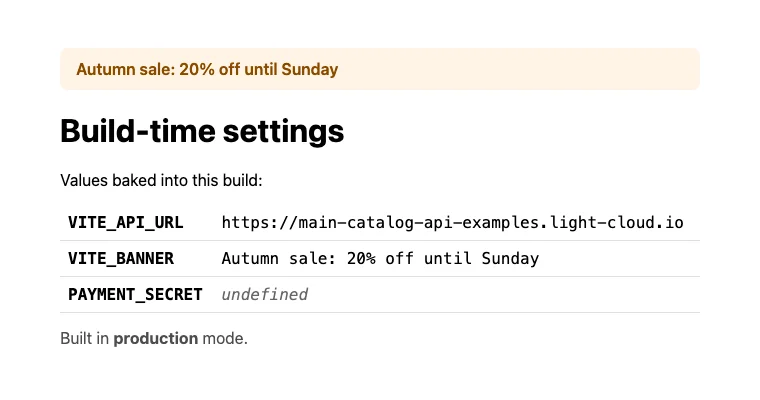
Live demo: [main-tutorial-env-vars-examples.light-cloud.io](https://main-tutorial-env-vars-examples.light-cloud.io). Source code: [github.com/light-cloud-com/tutorial-env-vars](https://github.com/light-cloud-com/tutorial-env-vars).
## Build time or run time?
| | Static site (React, Vue, Svelte, plain Vite) | Server app (Express, FastAPI, Django) |
|---|---|---|
| When variables are read | once, during the build | every time the app starts |
| Who can see the values | every visitor, in the JavaScript | only the server |
| Changing a value | rebuilds the site | restarts the app |
| Good for | API addresses, feature flags, public keys | passwords, API keys, database URLs |
## Before you start
- [Node.js](https://nodejs.org/) 20.19 or later, or 22.12 or later (what Vite 8 requires).
- [Git](https://git-scm.com/downloads) and a [GitHub](https://github.com/) account, and a free Light Cloud account at [console.light-cloud.com](https://console.light-cloud.com).
- A terminal with [curl](https://curl.se/). On Windows, use [PowerShell 7](https://learn.microsoft.com/en-us/powershell/scripting/install/installing-powershell-on-windows) and [`curl.exe`](https://curl.se/windows/), which ships with Windows 10 and 11.
## Step 1: Create a Vite site that shows its settings
```shell os="macOS,Linux"
$ npm create vite@latest tutorial-env-vars -- --template vanilla --no-interactive
$ cd tutorial-env-vars
$ npm install
found 0 vulnerabilities
```
```shell os="Windows"
PS> npm create vite@latest tutorial-env-vars -- --template vanilla --no-interactive
PS> cd tutorial-env-vars
PS> npm install
found 0 vulnerabilities
```
Replace the starter's `src/main.js`:
```javascript title="src/main.js"
import './style.css'
// Vite replaces import.meta.env.VITE_* with the values it finds when the
// site is BUILT. Only names starting with VITE_ are included; anything
// else stays undefined in the browser.
const settings = {
VITE_API_URL: import.meta.env.VITE_API_URL,
VITE_BANNER: import.meta.env.VITE_BANNER,
PAYMENT_SECRET: import.meta.env.PAYMENT_SECRET,
}
const rows = Object.entries(settings)
.map(([name, value]) => `
`
```
The styles are in the [repository](https://github.com/light-cloud-com/tutorial-env-vars/blob/main/src/style.css); any CSS works. Delete `src/counter.js` and the files in `src/assets`, which the new page does not use.
## Step 2: Set the values for your laptop
For local development, Vite reads a `.env.local` file:
```text title=".env.local"
VITE_API_URL=http://localhost:8080
VITE_BANNER=Running on my laptop
PAYMENT_SECRET=sk_test_local_only
```
The starter's `.gitignore` already contains `*.local`, so this file never reaches Git. Commit a `.env.example` without real values instead, so others know which variables exist.
Build once and look at what ended up in the JavaScript:
```shell os="macOS,Linux"
$ npm run build
dist/assets/index-CTRkmqE9.css 0.70 kB │ gzip: 0.35 kB
dist/assets/index-CZudv4-9.js 1.14 kB │ gzip: 0.68 kB
✓ built in 273ms
```
```shell os="Windows"
PS> npm run build
dist/assets/index-CTRkmqE9.css 0.70 kB │ gzip: 0.35 kB
dist/assets/index-CZudv4-9.js 1.14 kB │ gzip: 0.68 kB
✓ built in 273ms
```
Open the `.js` file from `dist/assets` in your editor (your file name will differ) and search for the three values. `localhost:8080` and `Running on my laptop` are there, in the file anyone can download. `sk_test_local_only` is not: without the prefix, Vite leaves it out.
## Step 3: Push and deploy
```shell os="macOS,Linux"
$ git init -b main
$ git add -A
$ git commit -m "Vite site that shows its build-time settings"
# Create an empty repository named tutorial-env-vars on github.com/new first.
$ git remote add origin https://github.com/YOUR-USERNAME/tutorial-env-vars.git
$ git push -u origin main
To https://github.com/YOUR-USERNAME/tutorial-env-vars.git
* [new branch] main -> main
branch 'main' set up to track 'origin/main'.
```
```shell os="Windows"
PS> git init -b main
PS> git add -A
PS> git commit -m "Vite site that shows its build-time settings"
# Create an empty repository named tutorial-env-vars on github.com/new first.
PS> git remote add origin https://github.com/YOUR-USERNAME/tutorial-env-vars.git
PS> git push -u origin main
To https://github.com/YOUR-USERNAME/tutorial-env-vars.git
* [new branch] main -> main
branch 'main' set up to track 'origin/main'.
```
In the [Light Cloud console](https://console.light-cloud.com), click **New...**, **Deploy from GitHub**, pick `tutorial-env-vars` and click **Deploy**. It is served from the edge like any static site. The first build runs with no variables, so the page shows `undefined` three times.
## Step 4: Add the variables in the console
1. Open **Production**, then the **Settings** tab.
2. Next to **Environment Variables**, click **Edit**, then **Add**, and add two variables:
| Name | Value |
|---|---|
| `VITE_API_URL` | `https://main-catalog-api-examples.light-cloud.io` |
| `VITE_BANNER` | `Autumn sale: 20% off until Sunday` |
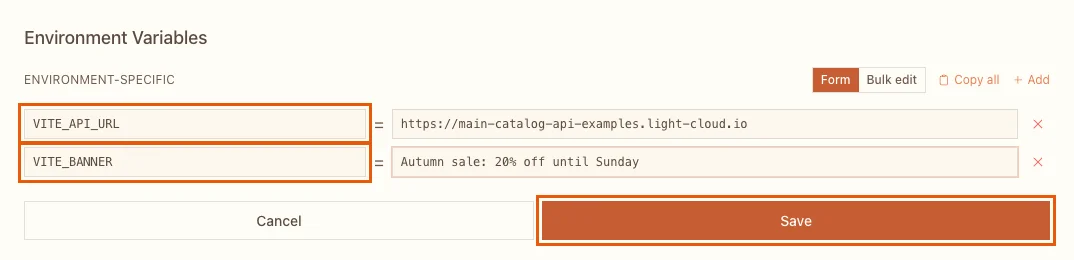
3. Click **Save**. Light Cloud rebuilds the site with the new values; 16 seconds in my run. The page now shows them (the screenshot at the top).
You can also add variables in the deploy form, under **Advanced**, before the first build.
## Step 5: Change a value
Change `VITE_BANNER` to `Autumn sale ends tonight` and click **Save**. There is no code change and no push, but the site still has to be rebuilt, because the old value is written into the old JavaScript. Saving starts that rebuild; in my run the new banner was live about 34 seconds later:
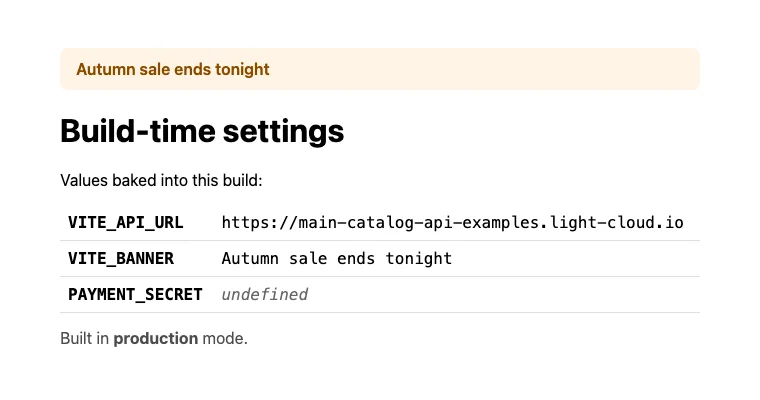
## Step 6: Prove what is public
In the same edit, I also added `PAYMENT_SECRET` with a fake key, `sk_test_example_not_a_real_key`, to see what happens to a variable without the `VITE_` prefix. Look at what the live site sends to every visitor:
1. Open the site in your browser, right-click the page and choose **View Page Source**.
2. Near the top is a line with `src="/assets/index-BHMD3_X_.js"` (your file name will differ). Click the file name to open it.
3. Search the file (**Cmd+F** or **Ctrl+F**) for `VITE_`, then for `PAYMENT_SECRET`.
In my file the search found:
```text
VITE_API_URL:`https://main-catalog-api-examples.light-cloud.io`
VITE_BANNER:`Autumn sale ends tonight`
PAYMENT_SECRET:void 0
```
The two `VITE_` values are there in plain text for anyone. `PAYMENT_SECRET` was compiled to `void 0`, JavaScript for `undefined`, and a search for `sk_test` finds nothing.
So the prefix is a safety catch, not a vault: anything you name `VITE_` is published, and anything else is simply not available in the browser.
## Where secrets belong
A browser can never keep a secret, so code that needs one must run on a server:
- Put the key in an environment variable of a server app, for example an [Express API](/tutorials/deploy-an-express-api) or a [FastAPI app](/tutorials/deploy-a-fastapi-app). It reads `process.env` or `os.environ` when it starts, and the value never leaves the server.
- Let the static site call that API. The API's address is fine as a `VITE_` variable; the key is not.
## Troubleshooting
### My variable is undefined in the browser
Its name does not start with `VITE_`, or the site was built before you added it. Check the name, then **Save** again (or push a commit) to rebuild.
### I put a secret in a VITE_ variable by mistake
It is public from the first deploy that included it. Removing the variable is not enough: revoke the key with whoever issued it, create a new one, and keep the new one on a server.
---
# Django + PostgreSQL on Light Cloud: Migrations, Static Files and a Live Admin
To deploy Django with PostgreSQL on Light Cloud, create a PostgreSQL database in the console, read `DATABASE_URL`, `SECRET_KEY` and `ALLOWED_HOSTS` from environment variables, serve static files with WhiteNoise, run `migrate` from your laptop, and deploy the repository from GitHub. Light Cloud detects Django, installs `requirements.txt` and starts gunicorn on your project's `wsgi` module. One setting is easy to miss: `USE_X_FORWARDED_HOST = True`, because requests arrive through Light Cloud's edge.
In my run the deploy took 89 seconds, and the admin worked on the first login.
## What you will build
A Django 6 project with one app, `books`, stored in PostgreSQL on Light Cloud, with the Django admin online:
The home page returns the books as JSON, so you can check the database from a terminal.
Source code: [github.com/light-cloud-com/tutorial-django-postgres](https://github.com/light-cloud-com/tutorial-django-postgres).
## Before you start
- [Python](https://www.python.org/downloads/) 3.12 or later. Django 6 requires 3.12; I used Python 3.13.
- [Git](https://git-scm.com/downloads) and a [GitHub](https://github.com/) account.
- A Light Cloud account on the **Lite** plan or higher: the Free plan has no databases.
- A terminal with [curl](https://curl.se/). On Windows, use [PowerShell 7](https://learn.microsoft.com/en-us/powershell/scripting/install/installing-powershell-on-windows) and [`curl.exe`](https://curl.se/windows/), which ships with Windows 10 and 11.
## Step 1: Create the project
Make a folder, a virtual environment, and install Django with the four packages production needs:
```shell os="macOS,Linux"
$ mkdir tutorial-django-postgres
$ cd tutorial-django-postgres
$ python3 -m venv .venv
$ source .venv/bin/activate
$ pip install django gunicorn "psycopg[binary]" dj-database-url whitenoise
$ django-admin startproject config .
$ python manage.py startapp books
```
```shell os="Windows"
PS> mkdir tutorial-django-postgres
PS> cd tutorial-django-postgres
PS> py -m venv .venv
PS> .venv\Scripts\Activate.ps1
PS> pip install django gunicorn "psycopg[binary]" dj-database-url whitenoise
PS> django-admin startproject config .
PS> python manage.py startapp books
```
On Windows, `mkdir` also prints a short table describing the new folder. What each package is for:
- **gunicorn** runs Django in production; `runserver` is for your laptop only.
- **psycopg** is the PostgreSQL driver.
- **dj-database-url** turns one `DATABASE_URL` string into Django's database settings.
- **whitenoise** serves static files, such as the admin's CSS, from the app itself.
Pin the exact versions you tested, and tell Light Cloud which Python to use:
```text title="requirements.txt"
dj-database-url==3.1.2
Django==6.1.1
gunicorn==26.2.0
psycopg[binary]==3.3.6
whitenoise==6.12.0
```
```text title=".python-version"
3.13
```
Light Cloud reads `.python-version` to pick the Python image. Without it you get Python 3.12, which also runs Django 6.
Keep local files out of Git:
```text title=".gitignore"
.venv/
__pycache__/
db.sqlite3
.env
staticfiles/
```
## Step 2: Read the settings from the environment
Change these parts of `config/settings.py`. The rest stays as `startproject` wrote it.
```python title="config/settings.py"
import os
from pathlib import Path
import dj_database_url
BASE_DIR = Path(__file__).resolve().parent.parent
# SECURITY WARNING: keep the secret key used in production secret!
# On Light Cloud it comes from the SECRET_KEY environment variable.
SECRET_KEY = os.environ.get('SECRET_KEY', 'django-insecure-local-only')
# SECURITY WARNING: don't run with debug turned on in production!
DEBUG = os.environ.get('DEBUG', 'false').lower() == 'true'
# Comma-separated host names, for example main-myapp-myteam.light-cloud.io
ALLOWED_HOSTS = os.environ.get('ALLOWED_HOSTS', 'localhost,127.0.0.1').split(',')
CSRF_TRUSTED_ORIGINS = [f'https://{host}' for host in ALLOWED_HOSTS]
# Light Cloud serves the site through its edge: the visitor's host name
# arrives in X-Forwarded-Host and the original scheme in X-Forwarded-Proto.
USE_X_FORWARDED_HOST = True
SECURE_PROXY_SSL_HEADER = ('HTTP_X_FORWARDED_PROTO', 'https')
INSTALLED_APPS = [
'django.contrib.admin',
'django.contrib.auth',
'django.contrib.contenttypes',
'django.contrib.sessions',
'django.contrib.messages',
'django.contrib.staticfiles',
'books',
]
MIDDLEWARE = [
'django.middleware.security.SecurityMiddleware',
'whitenoise.middleware.WhiteNoiseMiddleware',
'django.contrib.sessions.middleware.SessionMiddleware',
# ... the rest of the default middleware
]
# DATABASE_URL points at PostgreSQL on Light Cloud; without it, SQLite on your machine.
DATABASES = {
'default': dj_database_url.config(
default=f"sqlite:///{BASE_DIR / 'db.sqlite3'}",
conn_max_age=600,
)
}
STATIC_URL = 'static/'
# WhiteNoise serves the admin's CSS and JavaScript from the app itself.
# USE_FINDERS lets it find them without running collectstatic in the build.
WHITENOISE_USE_FINDERS = True
```
Three of these are specific to running behind a proxy such as Light Cloud's edge:
1. **`USE_X_FORWARDED_HOST = True`.** Your app receives requests from the edge, not from the visitor. The address the visitor typed arrives in the `X-Forwarded-Host` header, and Django only uses it with this setting. Without it every request fails with `400 Bad Request` (I hit that; see Troubleshooting).
2. **`SECURE_PROXY_SSL_HEADER`.** HTTPS ends at the edge. This tells Django the original request was HTTPS, so secure cookies and redirects are right.
3. **`CSRF_TRUSTED_ORIGINS`.** Django 4 and later check the origin of every form post. Built from `ALLOWED_HOSTS`, it lets you log in to the admin.
## Step 3: Add a model, the admin and one view
```python title="books/models.py"
from django.db import models
class Book(models.Model):
title = models.CharField(max_length=200)
author = models.CharField(max_length=100)
year = models.PositiveIntegerField()
added = models.DateTimeField(auto_now_add=True)
class Meta:
ordering = ["-added"]
def __str__(self):
return f"{self.title} ({self.year})"
```
```python title="books/admin.py"
from django.contrib import admin
from .models import Book
@admin.register(Book)
class BookAdmin(admin.ModelAdmin):
list_display = ["title", "author", "year", "added"]
search_fields = ["title", "author"]
```
```python title="books/views.py"
from django.http import JsonResponse
from .models import Book
def book_list(request):
books = Book.objects.values("id", "title", "author", "year")
return JsonResponse({"books": list(books)})
```
```python title="config/urls.py"
from django.contrib import admin
from django.urls import path
from books.views import book_list
urlpatterns = [
path("", book_list),
path("admin/", admin.site.urls),
]
```
Create the migration for the new model:
```shell os="macOS,Linux"
$ python manage.py makemigrations books
Migrations for 'books':
books/migrations/0001_initial.py
+ Create model Book
```
```shell os="Windows"
PS> python manage.py makemigrations books
Migrations for 'books':
books\migrations\0001_initial.py
+ Create model Book
```
## Step 4: Create the database
1. In the [Light Cloud console](https://console.light-cloud.com), click **New...**, then **New Database**, and choose **PostgreSQL**.
2. Name it, keep **Size** at **Dev** (a shared instance, the smallest and cheapest), and click **Create database**.
It was **Ready** in about 4 seconds. Open the **Credentials** tab and click **Copy** under **Connection String**:

The database only accepts encrypted connections, so add `?sslmode=require` to the end of the string wherever you use it.
## Step 5: Run the migrations from your laptop
Point your local Django at the new database for one terminal session and apply the migrations. Your real connection string goes where the stars are:
```shell os="macOS,Linux"
$ export DATABASE_URL='postgresql://u_******:********@django-books-db-yourworkspace.db.light-cloud.io:5432/db******?sslmode=require'
$ python manage.py migrate
Operations to perform:
Apply all migrations: admin, auth, books, contenttypes, sessions
Running migrations:
Applying contenttypes.0001_initial... OK
Applying auth.0001_initial... OK
Applying books.0001_initial... OK
Applying sessions.0001_initial... OK
$ python manage.py createsuperuser
Username (leave blank to use 'you'): ada
Email address: ada@example.com
Password:
Password (again):
Superuser created successfully.
$ python manage.py shell
13 objects imported automatically (use -v 2 for details).
>>> from books.models import Book
>>> Book.objects.create(title="Two Scoops of Django", author="Daniel Feldroy", year=2024)
>>> exit()
```
```shell os="Windows"
PS> $env:DATABASE_URL = 'postgresql://u_******:********@django-books-db-yourworkspace.db.light-cloud.io:5432/db******?sslmode=require'
PS> python manage.py migrate
Operations to perform:
Apply all migrations: admin, auth, books, contenttypes, sessions
Running migrations:
Applying contenttypes.0001_initial... OK
Applying auth.0001_initial... OK
Applying books.0001_initial... OK
Applying sessions.0001_initial... OK
PS> python manage.py createsuperuser
Username (leave blank to use 'you'): ada
Email address: ada@example.com
Password:
Password (again):
Superuser created successfully.
PS> python manage.py shell
13 objects imported automatically (use -v 2 for details).
>>> from books.models import Book
>>> Book.objects.create(title="Two Scoops of Django", author="Daniel Feldroy", year=2024)
>>> exit()
```
The `migrate` output is trimmed; Django applies 19 migrations in total, and the shell also prints the Python version before its `>>>` prompt. Type the two lines after `>>>` yourself. The admin user you create here is the one you log in with on the live site, and the last command stores a first book so the live site has something to show. Close the terminal afterwards, or run `unset DATABASE_URL` (`Remove-Item Env:DATABASE_URL` on Windows), so your next local run uses SQLite again.
Running migrations from your machine keeps the deploy simple and lets you see every change before it touches the database. Do it before you deploy code that needs the new tables.
## Step 6: Push to GitHub
```shell os="macOS,Linux"
$ git init -b main
$ git add -A
$ git commit -m "Django project with PostgreSQL settings and a Book admin"
# Create an empty repository named tutorial-django-postgres on github.com/new first.
$ git remote add origin https://github.com/YOUR-USERNAME/tutorial-django-postgres.git
$ git push -u origin main
To https://github.com/YOUR-USERNAME/tutorial-django-postgres.git
* [new branch] main -> main
branch 'main' set up to track 'origin/main'.
```
```shell os="Windows"
PS> git init -b main
PS> git add -A
PS> git commit -m "Django project with PostgreSQL settings and a Book admin"
# Create an empty repository named tutorial-django-postgres on github.com/new first.
PS> git remote add origin https://github.com/YOUR-USERNAME/tutorial-django-postgres.git
PS> git push -u origin main
To https://github.com/YOUR-USERNAME/tutorial-django-postgres.git
* [new branch] main -> main
branch 'main' set up to track 'origin/main'.
```
## Step 7: Deploy it with its settings
Make a new secret key first. It only needs to be long and random:
```shell os="macOS,Linux"
$ python3 -c "import secrets; print(secrets.token_urlsafe(50))"
********************************************************************
```
```shell os="Windows"
PS> py -c "import secrets; print(secrets.token_urlsafe(50))"
********************************************************************
```
1. In the console, click **New...**, then **Deploy from GitHub**, and pick `tutorial-django-postgres`. Light Cloud shows **Django / Fullstack**, based on `requirements.txt`, and **Runs on a server**:
2. Add three environment variables, either under **Advanced** in the deploy form, or afterwards in the environment's **Settings** tab under **Environment Variables**, **Edit**:
| Name | Value |
|---|---|
| `SECRET_KEY` | the key you just generated |
| `ALLOWED_HOSTS` | `main-tutorial-django-postgres-yourworkspace.light-cloud.io` |
| `DATABASE_URL` | the connection string with `?sslmode=require` at the end |
`ALLOWED_HOSTS` is the app's address without `https://`. It follows the pattern `main--.light-cloud.io`. Leave `DEBUG` unset: it defaults to off.
3. Deploy (or **Save**, which redeploys) and wait for **Deployed**; 89 seconds in my run.
## Step 8: Check the site and log in to the admin
```shell os="macOS,Linux"
$ curl https://main-tutorial-django-postgres-yourworkspace.light-cloud.io/
{"books": [{"id": 1, "title": "Two Scoops of Django", "author": "Daniel Feldroy", "year": 2024}]}
```
```shell os="Windows"
PS> curl.exe https://main-tutorial-django-postgres-yourworkspace.light-cloud.io/
{"books": [{"id": 1, "title": "Two Scoops of Django", "author": "Daniel Feldroy", "year": 2024}]}
```
The book you stored from your laptop, read from PostgreSQL by the live site. Now open `/admin/` on your address and log in as the user from Step 5:
The page is styled, so WhiteNoise is serving the admin's CSS. Under **Books**, click **Add**, fill in a book and click **Save**:
Both books are now in the list (the screenshot at the top), and the home page returns them, newest first:
```shell os="macOS,Linux"
$ curl https://main-tutorial-django-postgres-yourworkspace.light-cloud.io/
{"books": [{"id": 2, "title": "The Pragmatic Programmer", "author": "Andrew Hunt", "year": 1999}, {"id": 1, "title": "Two Scoops of Django", "author": "Daniel Feldroy", "year": 2024}]}
```
```shell os="Windows"
PS> curl.exe https://main-tutorial-django-postgres-yourworkspace.light-cloud.io/
{"books": [{"id": 2, "title": "The Pragmatic Programmer", "author": "Andrew Hunt", "year": 1999}, {"id": 1, "title": "Two Scoops of Django", "author": "Daniel Feldroy", "year": 2024}]}
```
The admin follows your system's light or dark setting.
## Troubleshooting
### Every page answers 400 Bad Request
```text
Bad Request (400)
```
Django rejected the host name. My first deploy did exactly this: requests reach the app through Light Cloud's edge, so the `Host` header Django sees is an internal address, and the visitor's address is in `X-Forwarded-Host`. Add `USE_X_FORWARDED_HOST = True` to the settings, and check that `ALLOWED_HOSTS` holds your address without `https://` and without a trailing slash.
### The build fails with "No matching distribution found for Django"
```text
ERROR: Ignored the following versions that require a different python version: 6.0 Requires-Python >=3.12 ...
ERROR: No matching distribution found for Django==6.1.1
```
The build used a Python older than Django needs. Add a `.python-version` file with `3.12` or `3.13` (Step 1), commit and push.
### The admin has no styling
WhiteNoise is missing or in the wrong place. `whitenoise.middleware.WhiteNoiseMiddleware` must come right after `SecurityMiddleware`, and `WHITENOISE_USE_FINDERS = True` must be set, because the build does not run `collectstatic`.
### "CSRF verification failed" when logging in
`CSRF_TRUSTED_ORIGINS` does not contain `https://` plus your address, or `SECURE_PROXY_SSL_HEADER` is missing, so Django thinks the request came over plain HTTP. Both are in Step 2.
### relation "books_book" does not exist
The migrations have not been applied to this database. Run Step 5 again with the right `DATABASE_URL`.
---
# Serverless Was a Pricing Model, Not an Architecture
In November 2014, AWS [introduced Lambda](https://en.wikipedia.org/wiki/AWS_Lambda) with a sentence developers had waited a decade to hear: run code without thinking about servers. The fine print arrived immediately after the applause. Your code had to be a stateless function. It had to finish inside five minutes, a cap that [stood until October 10, 2018](https://www.amazonaws.cn/en/new/2018/aws-lambda-enables-functions-that-can-run-up-to-15-minutes/), when it grew to a still-arbitrary fifteen. It woke up cold, sometimes slowly, at exactly the moments you were being watched. And it billed per request and per gigabyte-second, which was the one part of the announcement that was genuinely new.
Here's the thesis, a decade on: serverless was never an architecture. It was a pricing model, the first mainstream compute bill that hit zero when idle, and the architecture everyone spent years learning was just the container that pricing shipped in. Once you see which part was the invention and which part was the packaging, the last ten years of system design read differently, and so does what comes next.
## Designing for the meter
Watch what teams actually built, because the meter's fingerprints are on all of it. Functions couldn't hold state, so state moved into queues, tables, and event buses, and simple call chains became distributed choreography with a dashboard per hop. Functions couldn't run long, so workflow services existed to stitch fifteen-minute fragments into things that were, functionally, long-running processes wearing a disguise. Cold starts punished the request path, so teams paid for provisioned concurrency, which is a fee for making scale-to-zero not scale to zero. Every one of these patterns has a euphemistic name and a conference talk, and every one is a workaround for a constraint that existed to make the billing granularity possible, at 2014's technology, on 2014's virtualization.
None of that was malice. It was the meter shaping the buildings, the way [pricing always shapes architecture](/industry/cloud-pricing-is-a-business-model) when the two live together long enough, and it produced systems whose complexity was justified by a bill rather than by a requirement. "We went serverless" too often meant "we refactored a web app into forty functions to make our idle time free", which is a trade with a name in any other market: paying with labor for a discount.
In fairness to 2014, the constraints began as physics rather than ideology. Billing per request required isolation cheap enough to spin up per request, and the virtualization of the day couldn't do that for arbitrary long-running processes, so the function shape was an honest engineering compromise. AWS then built Firecracker, its microVM layer, precisely to make that isolation nearly free, and the compromise quietly expired. The constraints outlived their reason, the way constraints do once a generation of best practices has calcified around them and a certification industry depends on their permanence.
## The tell
The proof that the architecture was packaging arrived when the pricing escaped it. Billing by the second, scaling to zero, paying nothing while idle: all of that turned out to be perfectly possible for ordinary containers running ordinary processes with ordinary state and no duration caps, which is how [a preview environment costs cents](/dev-tools/anatomy-of-a-3-cent-preview-environment) and how a [normal full-stack app bills a few dollars](/cloud/same-app-four-platforms) without being rewritten into event confetti. The moment scale-to-zero economics existed without the function shape, the function shape stopped being the price of admission, and the interesting question became visible: if you could have had the bill without the contortions, what were the contortions for?
That's what "serverless" should have meant from the beginning, and what we've built our platform around: the pricing revolution applied to ordinary software. Your app, your framework, your process model, billed like Lambda, shaped like nothing in particular. The revolution was in the meter. It was always in the meter.
## The steelman: the constraints were the point
The strongest defense of classic serverless deserves a fair paragraph, because it's partly right. Event-driven functions are genuinely the correct architecture for a real class of work: webhooks, glue code, bursty parallel jobs, anything that's naturally a small reaction to an event, and forcing statelessness imposed a discipline that made a generation of systems more crash-tolerant than their authors would have chosen to build. Lambda also pioneered the operational bar, patching, capacity, isolation as someone else's problem, that everything since gets measured against. The people who loved it weren't wrong about what they loved.
Conceded, and the concession has a boundary: a good pattern for reactive glue was sold as a destination architecture for everything, and the selling worked because the bill was irresistible and came bundled. The sin was never the function; it was teaching a decade of developers that the meter's constraints were best practices, so thoroughly that "can this be a Lambda" became a design review question, asked before "what is this program". Architectures should be chosen by the shape of the problem. Bills should reward you for choosing well, and the two decisions should never have been the same decision. Unbundling them is the actual legacy Lambda deserves: it proved the industry would rearchitect anything for a fair meter, and the fair meter no longer asks for the rearchitecture.
So run the disentangling exercise on your own stack. List what's function-shaped because the problem is event-shaped, and what's function-shaped because in 2019 that was the only door to a fair bill. The first list is fine where it is. The second list is a refactoring you were paid to do once and are paying to maintain forever, and the fair bill comes without it now. How long is your second list?
---
# A Preview URL for Every Branch, Posted on Your Pull Request
To get a preview URL for every branch on Light Cloud, push the branch and open a pull request. With the default settings Light Cloud deploys the branch to its own address, reports it as a GitHub check, and the `light-cloud-ci` bot comments on the pull request with the link. When you merge and delete the branch, the preview is removed. There is no workflow file to write.
In my run the preview was live 16 seconds after `git push`.
## What you will build
A pull request with a live preview link that reviewers can click, a passing check, and automatic cleanup after the merge:
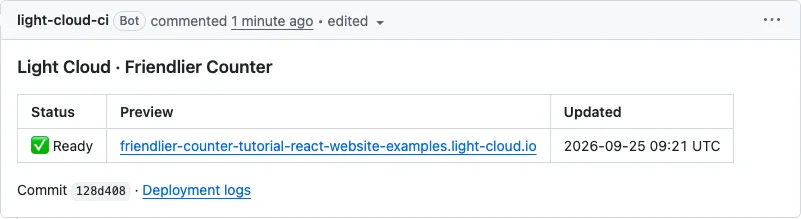
The pull request from this guide is [light-cloud-com/tutorial-react-website#1](https://github.com/light-cloud-com/tutorial-react-website/pull/1).
## Before you start
- A site deployed on Light Cloud from a GitHub repository. [Deploy a React app in minutes](/tutorials/deploy-a-react-app) makes one; this guide continues from it.
- [Git](https://git-scm.com/downloads).
## Step 1: Check the branch settings
Open the app (not an environment) and its **Settings** tab. Four switches control previews, and all four are on by default:
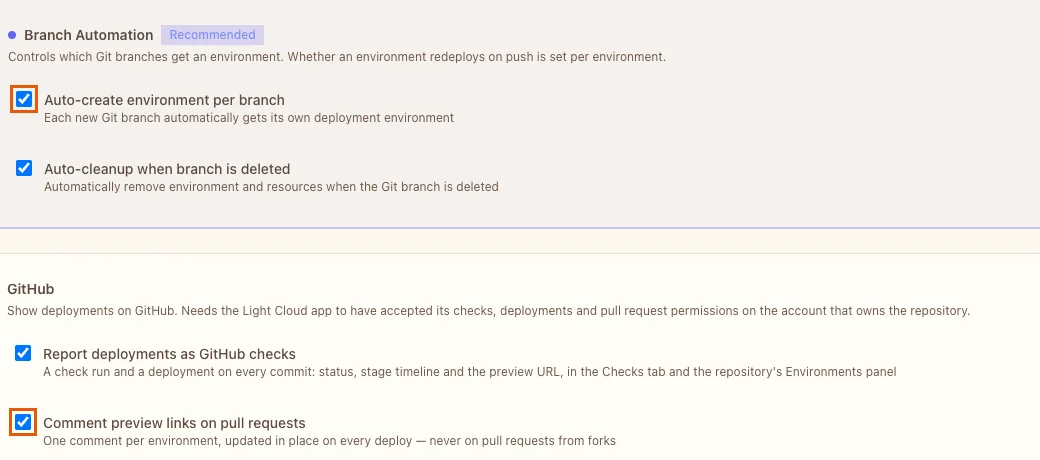
- **Auto-create environment per branch**: every new branch gets its own environment and address.
- **Auto-cleanup when branch is deleted**: the environment goes away with the branch.
- **Report deployments as GitHub checks**: each commit gets a check with the build steps and the preview link.
- **Comment preview links on pull requests**: one comment per environment, updated in place on every deploy.
The GitHub options need the Light Cloud GitHub App to have the checks, deployments and pull request permissions; the console says so if they are missing.
## Step 2: Push a branch and open a pull request
Make a change on a new branch. Here the counter button in `src/App.jsx` gets a friendlier label:
```jsx title="src/App.jsx"
Clicked {count} times
```
```shell os="macOS,Linux"
$ git checkout -b friendlier-counter
$ git commit -am "Friendlier counter label"
$ git push -u origin friendlier-counter
```
```shell os="Windows"
PS> git checkout -b friendlier-counter
PS> git commit -am "Friendlier counter label"
PS> git push -u origin friendlier-counter
```
Now open your repository on GitHub. It shows a banner for the new branch: click **Compare & pull request**, then **Create pull request**.
## Step 3: Open the preview
Within seconds the bot comments on the pull request with **Building**, then edits the same comment to **Ready** with the link (the screenshot at the top). In my run that took 16 seconds from the push.
The address follows `https://--.light-cloud.io`. The preview has the change; production does not have it yet:
Every new commit on the branch redeploys the preview, and the bot updates its comment instead of adding a new one.
## Step 4: Read the check
The **Checks** tab of the pull request has a **Light Cloud CI** check for each environment. It shows the preview address, the commit, the build time and each build step:
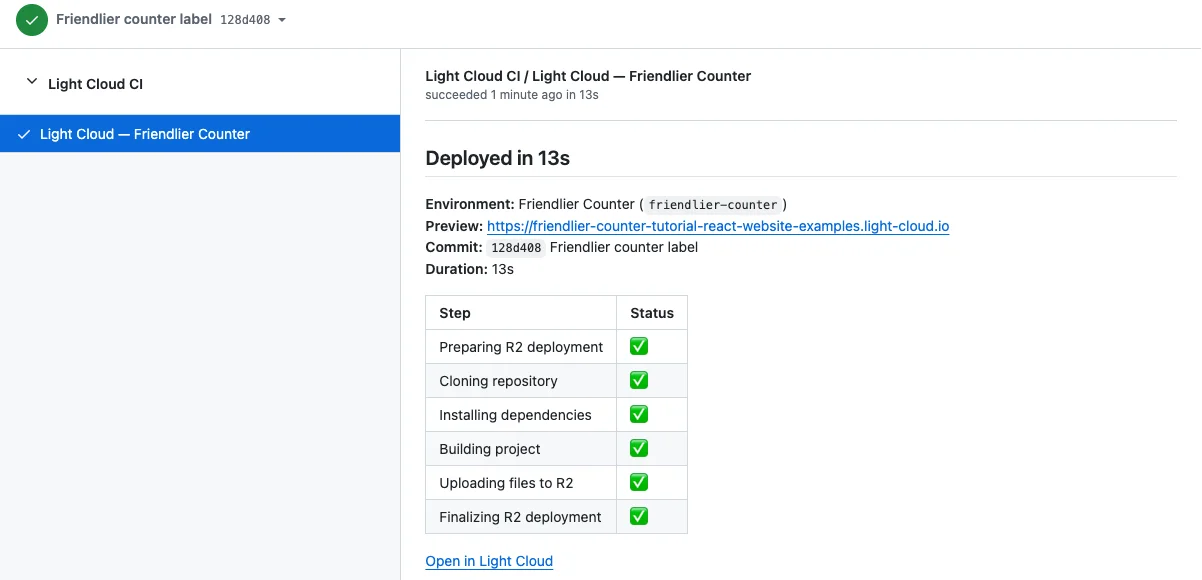
**Open in Light Cloud** leads to the deployment and its build log in the console.
## Step 5: Merge and let it clean up
Merge the branch into `main` and delete it, with Git:
```shell os="macOS,Linux"
$ git switch main
$ git pull
$ git merge friendlier-counter
$ git push
$ git push origin --delete friendlier-counter
```
```shell os="Windows"
PS> git switch main
PS> git pull
PS> git merge friendlier-counter
PS> git push
PS> git push origin --delete friendlier-counter
```
GitHub marks the pull request as merged as soon as its commit reaches `main`. (The **Merge pull request** and **Delete branch** buttons on GitHub do the same.)
Two things follow by themselves:
1. The merge is a push to `main`, so production redeploys. In my run the change was live in production about 70 seconds after the merge.
2. Deleting the branch removes its environment. My preview address answered `404` within seconds, and the bot changed its comment to **Preview removed**:
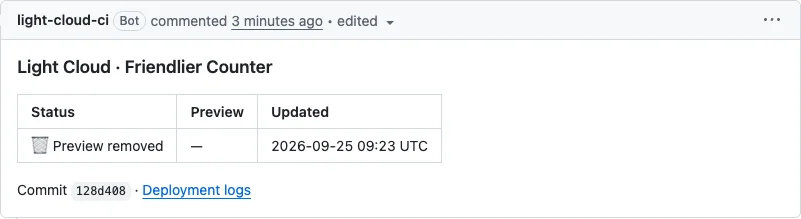
---
# Put a Password on a Staging Site Before the Client Sees It
To password-protect a staging site on Light Cloud, push a `staging` branch so it gets its own environment and address, open that environment's **Security** tab, click **Set password** and save. From the next request on, visitors see a password page instead of the site, search engines are told not to index it, and production stays public. There is nothing to add to your code.
In my run the password was active the moment I saved it.
## What you will build
A staging copy of a website, on its own address, behind a password page like this one:
Try it: [staging-tutorial-react-website-examples.light-cloud.io](https://staging-tutorial-react-website-examples.light-cloud.io) is the one from this guide. The production site, [main-tutorial-react-website-examples.light-cloud.io](https://main-tutorial-react-website-examples.light-cloud.io), is still public.
## Before you start
- A site already deployed on Light Cloud from GitHub. If you do not have one, [deploy a React app in minutes](/tutorials/deploy-a-react-app) first; this guide continues from it.
- [Git](https://git-scm.com/downloads).
- For the checks at the end, [curl](https://curl.se/). On Windows, use [PowerShell 7](https://learn.microsoft.com/en-us/powershell/scripting/install/installing-powershell-on-windows) and [`curl.exe`](https://curl.se/windows/), which ships with Windows 10 and 11.
## Step 1: Push a staging branch
Create a branch, make the change your client should review, and push it. Here the change is a new headline in `src/App.jsx`:
```jsx title="src/App.jsx"
Staging: new homepage for review
```
```shell os="macOS,Linux"
$ git checkout -b staging
$ git commit -am "Staging: new homepage headline for client review"
$ git push -u origin staging
```
```shell os="Windows"
PS> git checkout -b staging
PS> git commit -am "Staging: new homepage headline for client review"
PS> git push -u origin staging
```
**Deploy every branch** is on by default, so Light Cloud builds the branch by itself. After about a minute (64 seconds in my run) the app's **Environments** page lists a **Staging** environment next to **Production**, with its own address:
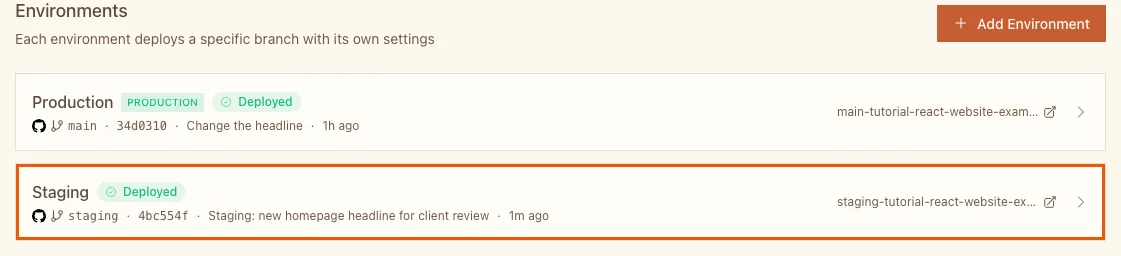
The address follows the pattern `https://--.light-cloud.io`, here `staging-tutorial-react-website-yourworkspace.light-cloud.io`.
## Step 2: Set the password
1. Click the **Staging** environment, then the **Security** tab.
2. Under **Password Protection**, click **Set password**.
3. Enter the password in **Password** and again in **Confirm password**. It needs at least 6 characters; a longer random one is better, because you will send it to people anyway.
4. Click **Save password**.
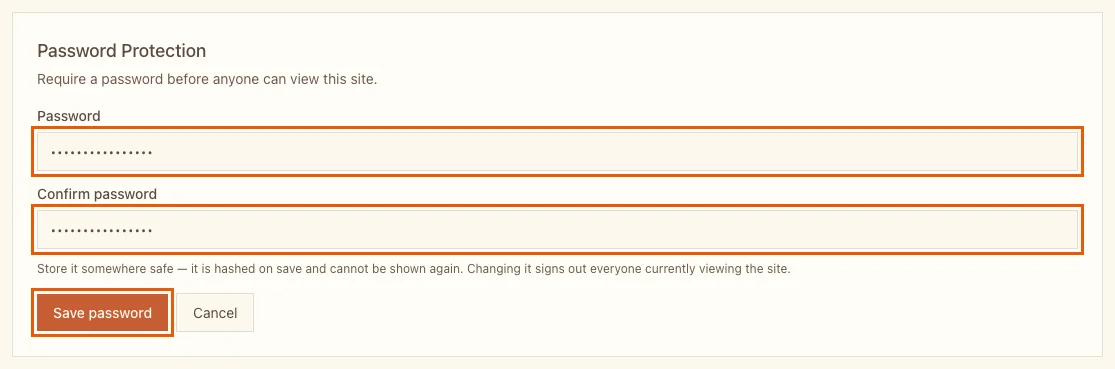
Store the password somewhere safe before you save: Light Cloud keeps only a hash of it and cannot show it again. The card now says the site is protected:

Protection applies at once, with no redeploy. It belongs to this environment only: Production is untouched.
## Step 3: Check it from the outside
Open the staging address in a private browser window. Instead of the site you get the password page shown at the top. A wrong password shows **Incorrect password.**; the right one opens the site:
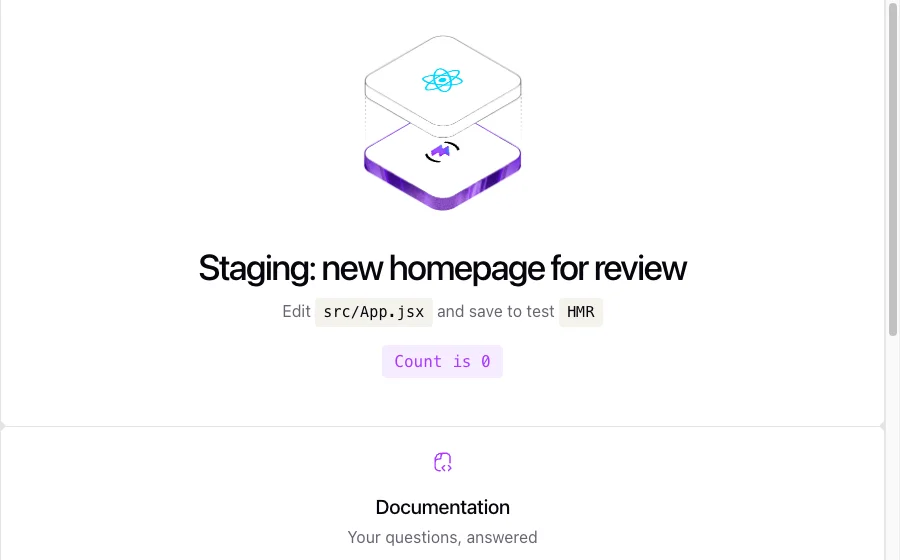
From the terminal you can see what search engines and link previews get. `curl -I` shows only the response headers:
```shell os="macOS,Linux"
$ curl -I https://staging-tutorial-react-website-yourworkspace.light-cloud.io/
HTTP/2 401
date: Fri, 25 Sep 2026 19:03:02 GMT
content-type: text/html; charset=utf-8
cache-control: no-store, must-revalidate
x-robots-tag: noindex, nofollow
```
```shell os="Windows"
PS> curl.exe -I https://staging-tutorial-react-website-yourworkspace.light-cloud.io/
HTTP/2 401
date: Fri, 25 Sep 2026 19:03:02 GMT
content-type: text/html; charset=utf-8
cache-control: no-store, must-revalidate
x-robots-tag: noindex, nofollow
```
I cut the output after the header that matters; a few more lines follow. `401` means "sign in first", and `noindex, nofollow` tells search engines not to list the page. Production still answers `200` for everyone.
## How it works
The password is checked at the edge, before a request reaches your site, so it protects every page and every file, including images and JavaScript. Your code does not change and cannot leak the page by mistake.
- After the right password, the browser gets a secure, HTTP-only cookie that is valid for 12 hours. Visitors are not asked again on every page.
- Protected pages are never stored in a shared cache, so one visitor's access cannot leak to the next.
- After 8 wrong passwords from one address within 15 minutes, further attempts are refused for a while.
- **Change** sets a new password and signs out everyone who is viewing the site. Use it when a review is over or a password was shared too widely.
- **Remove** makes the environment public again.
- When the review is done and you delete the `staging` branch, **Auto-cleanup when branch is deleted** (in the app's **Settings**, on by default) removes the staging environment too.
---
# FastAPI in Production: From main.py to a Public URL
To deploy a FastAPI app on Light Cloud, put `fastapi[standard]` in `requirements.txt`, keep the app object as `app` in `main.py`, push to GitHub and click **Deploy** in the console. Light Cloud detects FastAPI, installs the requirements and starts `uvicorn main:app` on the container's port. No Dockerfile, no Procfile. The interactive docs at `/docs` are online with the API.
In my run the first deploy took 97 seconds.
## What you will build
A small book API with validation by [Pydantic](https://docs.pydantic.dev/), live on a `light-cloud.io` address, with its Swagger docs:
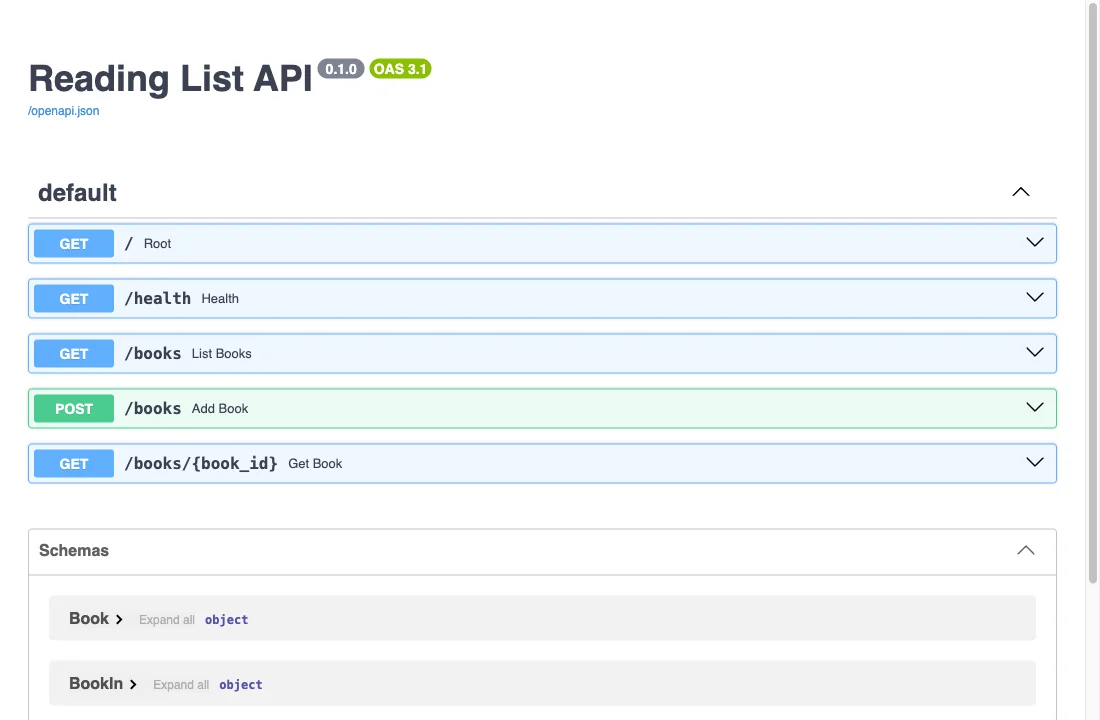
The title, **Reading List API**, comes from an environment variable set in the console.
Source code: [github.com/light-cloud-com/tutorial-fastapi-api](https://github.com/light-cloud-com/tutorial-fastapi-api).
## Before you start
- [Python](https://www.python.org/downloads/) 3.10 or later (what FastAPI 0.141 requires); I used Python 3.13.
- [Git](https://git-scm.com/downloads) and a [GitHub](https://github.com/) account.
- A free Light Cloud account at [console.light-cloud.com](https://console.light-cloud.com) with GitHub connected.
- A terminal with [curl](https://curl.se/). On Windows, use [PowerShell 7](https://learn.microsoft.com/en-us/powershell/scripting/install/installing-powershell-on-windows) and [`curl.exe`](https://curl.se/windows/), which ships with Windows 10 and 11.
## Step 1: Create the project and a virtual environment
```shell os="macOS,Linux"
$ mkdir tutorial-fastapi-api
$ cd tutorial-fastapi-api
$ python3 -m venv .venv
$ source .venv/bin/activate
```
```shell os="Windows"
PS> mkdir tutorial-fastapi-api
PS> cd tutorial-fastapi-api
PS> py -m venv .venv
PS> .venv\Scripts\Activate.ps1
```
On Windows, `mkdir` also prints a short table describing the new folder. Your prompt shows `(.venv)` once the virtual environment is active.
List the dependencies. `fastapi[standard]` brings uvicorn and the `fastapi` command with it; the version pin makes the build install exactly what you tested:
```text title="requirements.txt"
fastapi[standard]==0.141.1
```
```shell os="macOS,Linux"
$ pip install -r requirements.txt
Successfully installed ... fastapi-0.141.1 ... pydantic-2.13.5 ... starlette-1.7.0 ... uvicorn-0.54.0 ...
```
```shell os="Windows"
PS> pip install -r requirements.txt
Successfully installed ... fastapi-0.141.1 ... pydantic-2.13.5 ... starlette-1.7.0 ... uvicorn-0.54.0 ...
```
Output is trimmed to the main packages.
Keep the virtual environment out of Git:
```text title=".gitignore"
.venv/
__pycache__/
.env
```
## Step 2: Write the API
```python title="main.py"
import os
from fastapi import FastAPI, HTTPException
from pydantic import BaseModel, Field
# The title shows at the top of the interactive docs at /docs.
# Set API_TITLE on Light Cloud to change it without touching the code.
app = FastAPI(title=os.getenv("API_TITLE", "Book API"))
class BookIn(BaseModel):
title: str = Field(min_length=1, max_length=200)
author: str = Field(min_length=1, max_length=100)
year: int = Field(ge=1450, le=2100)
class Book(BookIn):
id: int
# In memory, so the list starts empty again after every restart.
books: dict[int, Book] = {}
@app.get("/")
def root():
return {"message": "Hello from FastAPI", "docs": "/docs"}
@app.get("/health")
def health():
return {"status": "ok"}
@app.get("/books")
def list_books() -> list[Book]:
return list(books.values())
@app.post("/books", status_code=201)
def add_book(book: BookIn) -> Book:
new = Book(id=len(books) + 1, **book.model_dump())
books[new.id] = new
return new
@app.get("/books/{book_id}")
def get_book(book_id: int) -> Book:
if book_id not in books:
raise HTTPException(status_code=404, detail="Book not found")
return books[book_id]
```
Two details matter for the deploy. The file is called `main.py` and the FastAPI object is called `app`: that is what Light Cloud starts, as `main:app`. And the code never picks a port; the server that runs it does.
## Step 3: Run it on your machine
```shell os="macOS,Linux"
$ fastapi dev main.py
🌐 Server started at http://127.0.0.1:8000
Documentation at http://127.0.0.1:8000/docs
```
```shell os="Windows"
PS> fastapi dev main.py
🌐 Server started at http://127.0.0.1:8000
Documentation at http://127.0.0.1:8000/docs
```
Output is trimmed. In a second terminal, add a book and send one that breaks the rules:
```shell os="macOS,Linux"
$ curl -X POST http://127.0.0.1:8000/books -H "content-type: application/json" \
-d '{"title":"The Pragmatic Programmer","author":"Andrew Hunt","year":1999}'
{"title":"The Pragmatic Programmer","author":"Andrew Hunt","year":1999,"id":1}
$ curl -X POST http://127.0.0.1:8000/books -H "content-type: application/json" \
-d '{"title":"","author":"Nobody","year":3000}'
{"detail":[{"type":"string_too_short","loc":["body","title"],"msg":"String should have at least 1 character","input":"","ctx":{"min_length":1}},{"type":"less_than_equal","loc":["body","year"],"msg":"Input should be less than or equal to 2100","input":3000,"ctx":{"le":2100}}]}
```
```shell os="Windows"
PS> curl.exe -X POST http://127.0.0.1:8000/books -H "content-type: application/json" `
-d '{"title":"The Pragmatic Programmer","author":"Andrew Hunt","year":1999}'
{"title":"The Pragmatic Programmer","author":"Andrew Hunt","year":1999,"id":1}
PS> curl.exe -X POST http://127.0.0.1:8000/books -H "content-type: application/json" `
-d '{"title":"","author":"Nobody","year":3000}'
{"detail":[{"type":"string_too_short","loc":["body","title"],"msg":"String should have at least 1 character","input":"","ctx":{"min_length":1}},{"type":"less_than_equal","loc":["body","year"],"msg":"Input should be less than or equal to 2100","input":3000,"ctx":{"le":2100}}]}
```
The second request gets a `422` with both problems listed. Pydantic checked the body against `BookIn` before your function ran. Stop the server with Ctrl+C.
## Step 4: Push it to GitHub
```shell os="macOS,Linux"
$ git init -b main
$ git add -A
$ git commit -m "FastAPI book API"
# Create an empty repository named tutorial-fastapi-api on github.com/new first.
$ git remote add origin https://github.com/YOUR-USERNAME/tutorial-fastapi-api.git
$ git push -u origin main
To https://github.com/YOUR-USERNAME/tutorial-fastapi-api.git
* [new branch] main -> main
branch 'main' set up to track 'origin/main'.
```
```shell os="Windows"
PS> git init -b main
PS> git add -A
PS> git commit -m "FastAPI book API"
# Create an empty repository named tutorial-fastapi-api on github.com/new first.
PS> git remote add origin https://github.com/YOUR-USERNAME/tutorial-fastapi-api.git
PS> git push -u origin main
To https://github.com/YOUR-USERNAME/tutorial-fastapi-api.git
* [new branch] main -> main
branch 'main' set up to track 'origin/main'.
```
Check that `git status` did not list `.venv`: the build installs the packages itself from `requirements.txt`.
## Step 5: Deploy it
1. In the [Light Cloud console](https://console.light-cloud.com), click **New...**, then **Deploy from GitHub**.
2. Search for `tutorial-fastapi-api` and click it.
Light Cloud shows **FastAPI / Backend**, based on `requirements.txt`, and **Runs on a server**:
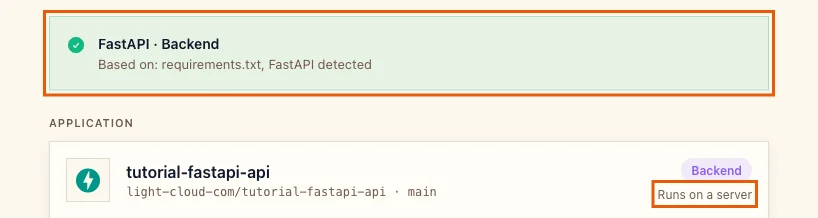
3. Open **Advanced - build settings, environment variables, domain, scaling**. **Port** is already `8000`, the port uvicorn is started on. Leave it.

4. Under **Environment variables**, click **Add variable** and add `API_TITLE` with the value `Reading List API`.
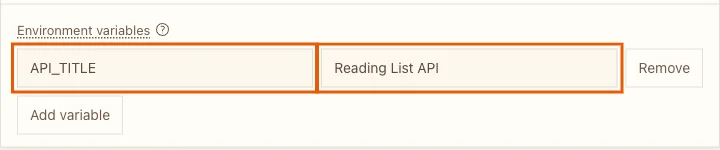
5. Click **Deploy** and wait for **Deployed** (97 seconds in my run: the first build installs every package). The **URL** card has the address:
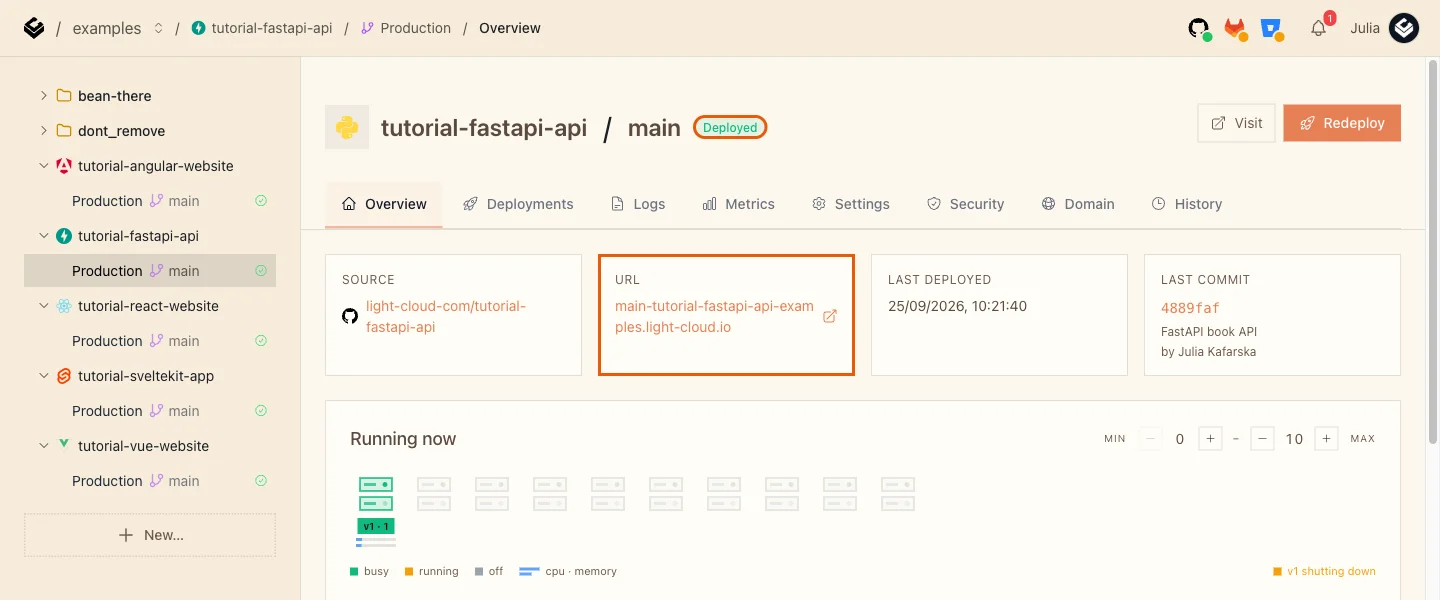
## Step 6: Use the live API and its docs
```shell os="macOS,Linux"
$ curl https://main-tutorial-fastapi-api-yourworkspace.light-cloud.io/
{"message":"Hello from FastAPI","docs":"/docs"}
$ curl -X POST https://main-tutorial-fastapi-api-yourworkspace.light-cloud.io/books -H "content-type: application/json" \
-d '{"title":"The Pragmatic Programmer","author":"Andrew Hunt","year":1999}'
{"title":"The Pragmatic Programmer","author":"Andrew Hunt","year":1999,"id":1}
```
```shell os="Windows"
PS> curl.exe https://main-tutorial-fastapi-api-yourworkspace.light-cloud.io/
{"message":"Hello from FastAPI","docs":"/docs"}
PS> curl.exe -X POST https://main-tutorial-fastapi-api-yourworkspace.light-cloud.io/books -H "content-type: application/json" `
-d '{"title":"The Pragmatic Programmer","author":"Andrew Hunt","year":1999}'
{"title":"The Pragmatic Programmer","author":"Andrew Hunt","year":1999,"id":1}
```
The first request after a quiet period takes a few seconds (3 seconds in my run) while an instance starts.
Now open `/docs` on your address. Swagger UI lists every route with the title from `API_TITLE`. Expand **POST /books**, click **Try it out**, edit the example and click **Execute**:
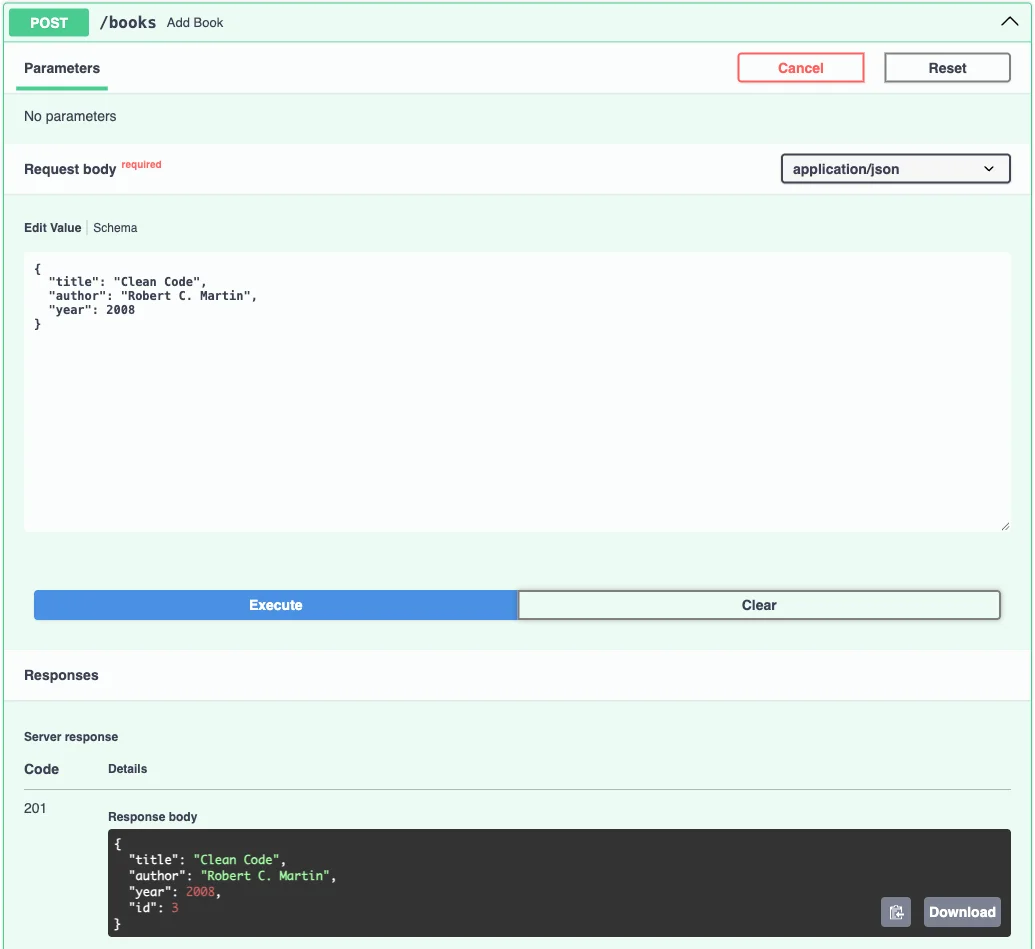
Your `id` may differ. In my run it was `3`, although I had added only one book before, from a different terminal. That is the in-memory list at work: each instance keeps its own copy, and the next section explains why that matters.
## Where data lives
The `books` dictionary lives in the memory of one running instance. On Light Cloud, as on any cloud platform:
- a new deploy replaces the instances, so the list starts empty;
- with **Min instances** at 0, the API stops when idle and starts empty on the next request;
- under load several instances run at once, each with its own list.
That is fine for a demo and wrong for real data. Store it in a database: [a frontend, two APIs and a database](/tutorials/microservices-on-light-cloud-part-1-deploy) shows a FastAPI service with PostgreSQL through `psycopg`.
## Troubleshooting
### The deploy fails because the app cannot be found
Light Cloud starts `uvicorn main:app`, or `app:app` if the file is `app.py`. If your app is in `src/api.py` or the object has another name, uvicorn cannot find it. Move the entry point to `main.py` at the root with `app = FastAPI()`, or set **Root directory** to the folder that contains `main.py`.
### FastAPI is not detected
Light Cloud looks for `fastapi` in `requirements.txt` or `pyproject.toml` at the root (or in the **Root directory**). A project that installs FastAPI only through another tool's lock file is not detected; add a `requirements.txt`.
---
# Kubernetes Won. Developers Lost.
The war is over, and the surrender was signed in survey form. The CNCF's latest annual survey puts [Kubernetes production use at 82%](https://www.cncf.io/announcements/2026/01/20/kubernetes-established-as-the-de-facto-operating-system-for-ai-as-production-use-hits-82-in-2025-cncf-annual-cloud-native-survey/) of container users, up from 66% as recently as 2023, and crowns it "the de facto operating system for AI". The rivals are museum pieces; nobody under thirty has deployed to Mesos. A decade after launch, Kubernetes achieved what almost no infrastructure software ever does: it stopped being a choice and became a given, like TCP, like Linux, like gravity.
That's a victory worth respecting, and this post isn't a takedown. It's an accounting. Because the CNCF's own metaphor, operating system, contains the indictment nobody reads out loud: nothing else in computing history asked application developers to interact with the operating system's internals daily, and Kubernetes does. My claim: Kubernetes won the substrate completely, application developers lost a decade of attention to it, and the interface layer above it, not the substrate itself, is where the next decade of infrastructure competition happens.
## Total victory, measured
Be fair about the win first, because it was earned. Kubernetes solved genuinely brutal problems: bin-packing workloads onto machines, self-healing, declarative reconciliation at scale, an extension model that let an entire industry build on one API. The numbers track the merit: [66% production use in 2023, 80% in 2024, 82% now](https://www.cncf.io/reports/cncf-annual-survey-2024/), which for infrastructure software is the adoption curve of a law of physics. Every serious platform, ours included, runs on it or something shaped by it, and the engineers who operate it well are rightly valuable.
The "operating system" framing is accurate too, and that's precisely the problem. An operating system is the layer whose triumph is measured by how few people think about it.
## What losing looks like
Nobody writes a web app against the Linux kernel. You don't allocate pages, schedule threads by hand, or read scheduler documentation to ship a login form, because forty years of interface-building, libc, runtimes, frameworks, stand between application code and the kernel, and that distance is civilization. Kubernetes never got its forty years of interface. The kernel shipped, conquered, and the interfaces stalled, so application developers were conscripted into kernel work: writing manifests, debugging Ingress, learning what a sidecar is at 2 a.m., cargo-culting resource limits from Stack Overflow into production YAML.
We've paid our own tuition here. The [14-hour service-mesh race condition](/cloud/infrastructure-ide-moment) that shaped this company's founding thesis was exactly this conscription: application-level symptoms, kernel-level debugging, no tool in between. The founder's mother [accidentally redesigned container orchestration with Tupperware](/kubernetes/the-day-i-explained-kubernetes-to-my-mom) in the family kitchen, and the joke of that post has aged into its point: the concepts are explainable in minutes, and the daily interface to them still requires a specialist. Meanwhile the job market quietly encoded the loss, with Kubernetes fluency appearing in postings for roles that should never touch it, a tax on every hire, paid in the scarcest currency engineering has: attention that was supposed to go to the product.
The industry's confession is the [platform engineering wave](/industry/everyone-builds-the-same-platform-badly): thousands of companies building internal layers whose entire purpose is to stand between developers and Kubernetes. When 80% of large orgs staff a team to hide a technology from their own engineers, the technology has won and the engineers have lost, in the same motion. The platform teams are the war reparations.
## The battleground above
So the interesting question stopped being "what orchestrates the containers" and became "what do developers actually touch", and the current answers are a museum of string-based coping. Helm templates YAML with text substitution; Kustomize patches YAML with more YAML; both exist, as [we've argued](/devops/graph-not-text-file), because the underlying format can't express what everyone needs, and neither can tell you what breaks if you delete a subnet. They're interfaces the way a hex editor is a word processor.
The genuine interface layer is being fought over right now, from several directions at once: PaaS-style platforms that make Kubernetes an implementation detail, developer portals that catalog it, and, our bet, [deterministic graph models](/dev-tools/integrated-cloud-environment) that give the substrate what an IDE gave the compiler: a semantic layer you operate on, with the machinery underneath as an artifact. We're partisans in that fight, obviously; ICE exists because we think the winning interface is a model, not a friendlier template language. Discount our vote accordingly. The claim that doesn't need our vote is that the fight is where the value is: the substrate is settled, commoditized, and increasingly [priced like a utility](/cloud/same-app-four-platforms), and history says the profits and the developer loyalty accrue to whoever owns the layer people actually use, the way Windows mattered more than BIOS and VS Code matters more than LLVM.
## The steelman: abstractions leak, and the tax is tuition
Here's the strongest case against everything above. Abstractions over infrastructure leak, always have, and the developer who never learned what a pod is will meet one during an outage anyway, at the worst possible time, without the vocabulary. The PaaS dream failed before, when a generation of Heroku apps hit the ceiling and had to be re-platformed by exactly the Kubernetes experts the dream said were unnecessary. Some of the "conscription" is just the eternal price of operating software seriously, and renaming it a tax is marketing from people, like us, who sell the alternative. Also: 82% adoption suggests organizations, in aggregate, judge the cost worth paying.
Concede the leaks, genuinely; every abstraction this industry ever built leaked, including the ones that won. That's the tell in the argument, though: compilers leaked and won, garbage collection leaked and won, TCP leaks to this day and carries everything. The answer to leaky abstractions was never "make everyone do it by hand forever"; it was better abstractions, plus escape hatches for the day the leak finds you. And the Heroku ceiling argues about a specific product's limits, not the category's; the ceiling is a thing to engineer against, not proof the floor is where everyone should live. The 82% number, read carefully, supports the same conclusion: the substrate is now so universal, so stable, so boringly won that abstracting over it is finally a safe bet, which is exactly why the interface war started in earnest.
Kubernetes deserves its crown. The kernel is finished, and it's excellent. Now ask the question every finished kernel eventually forces, and notice that your platform team, your job postings, and your last 2 a.m. YAML incident have already answered it for you: who should be reading the scheduler docs at your company, and who actually is?
---
# Put a Node.js Express API Online: Port, Environment Variables and Logs
To put an Express API online with Light Cloud, make it listen on the port in `process.env.PORT`, read its settings from environment variables, push it to GitHub and choose **Deploy from GitHub** in the console. Light Cloud detects Express, runs `npm ci` and `npm start` in a container and gives the API an HTTPS address. No Dockerfile is needed. If every log line is JSON with a `severity` field, the **Logs** tab shows each request with its level.
In my run the first deploy took 72 seconds, and a changed environment variable was live 59 seconds after clicking **Save**.
## What you will build
A small Express 5 API with three routes, live on a `light-cloud.io` address:
- `GET /` returns a greeting and the Node.js version.
- `GET /hello/:name` greets by name.
- `GET /health` answers `{"status":"ok"}`.
On the way it picks up three habits every Node.js API needs in the cloud: it listens on the port it is given, it reads settings from environment variables, and it writes one JSON log line per request.
Source code: [github.com/light-cloud-com/tutorial-express-api](https://github.com/light-cloud-com/tutorial-express-api).
## Before you start
- [Node.js](https://nodejs.org/) 18 or later (Express 5 requires 18); I used Node.js 22.
- [Git](https://git-scm.com/downloads) and a [GitHub](https://github.com/) account.
- A free Light Cloud account at [console.light-cloud.com](https://console.light-cloud.com) with GitHub connected. The Free plan includes three server apps, which is enough for this API.
- A terminal with [curl](https://curl.se/). On Windows, use [PowerShell 7](https://learn.microsoft.com/en-us/powershell/scripting/install/installing-powershell-on-windows) and [`curl.exe`](https://curl.se/windows/), which ships with Windows 10 and 11.
## Step 1: Create the project
```shell os="macOS,Linux"
$ mkdir tutorial-express-api
$ cd tutorial-express-api
$ npm init -y
$ npm install express
added 68 packages, and audited 69 packages in 692ms
found 0 vulnerabilities
$ npm pkg set type=module scripts.start="node server.js" main=server.js
```
```shell os="Windows"
PS> mkdir tutorial-express-api
PS> cd tutorial-express-api
PS> npm init -y
PS> npm install express
added 68 packages, and audited 69 packages in 692ms
found 0 vulnerabilities
PS> npm pkg set type=module scripts.start="node server.js" main=server.js
```
On Windows, `mkdir` also prints a short table describing the new folder. The last command sets up `package.json`: `type=module` lets you use `import`, and the `start` script is how Light Cloud starts the app. Output is trimmed.
Keep `node_modules` out of Git:
```text title=".gitignore"
node_modules
.env
```
## Step 2: Write the API
```javascript title="server.js"
import express from "express";
// Light Cloud tells the app which port to listen on through PORT.
// 8080 is the fallback for running it on your own machine.
const PORT = Number(process.env.PORT) || 8080;
// Settings come from environment variables, so the same code runs
// locally and in production with different values.
const GREETING = process.env.GREETING || "Hello";
// One JSON object per line. The Logs tab reads "severity" for the level.
function log(severity, message, fields = {}) {
console.log(JSON.stringify({ severity, message, ...fields }));
}
const app = express();
app.use(express.json());
app.use((req, res, next) => {
const started = Date.now();
res.on("finish", () => {
const severity = res.statusCode >= 500 ? "ERROR" : res.statusCode >= 400 ? "WARNING" : "INFO";
log(severity, "request", { method: req.method, path: req.path, status: res.statusCode, ms: Date.now() - started });
});
next();
});
app.get("/", (req, res) => {
res.json({ message: `${GREETING} from Express`, node: process.version });
});
app.get("/hello/:name", (req, res) => {
res.json({ message: `${GREETING}, ${req.params.name}!` });
});
app.get("/health", (req, res) => {
res.json({ status: "ok" });
});
app.use((req, res) => {
res.status(404).json({ error: "Not found" });
});
app.use((err, req, res, next) => {
log("ERROR", err.message, { path: req.path });
res.status(500).json({ error: "Something went wrong" });
});
const server = app.listen(PORT, () => {
log("INFO", `listening on port ${PORT}`);
});
// Light Cloud stops old instances with SIGTERM after a new version is live.
// Finish the requests in flight, then exit.
process.on("SIGTERM", () => {
log("INFO", "SIGTERM received, shutting down");
server.close(() => process.exit(0));
});
```
The three habits, in the code:
1. **The port comes from `PORT`.** In the cloud, the platform decides the port. A hard-coded port is the most common reason a Node.js app deploys but never answers.
2. **Settings come from environment variables.** `GREETING` is a stand-in for real settings such as an API key or a database address: the value lives on the platform, not in the code.
3. **Logs are JSON with a `severity`.** Each request is logged when it finishes, as `INFO`, `WARNING` for 4xx or `ERROR` for 5xx.
The `SIGTERM` handler is a small extra: when a new version goes live, the old instance gets a few seconds to finish what it is doing.
## Step 3: Run it on your machine
Start the API in one terminal:
```shell os="macOS,Linux"
$ npm start
{"severity":"INFO","message":"listening on port 8080"}
```
```shell os="Windows"
PS> npm start
{"severity":"INFO","message":"listening on port 8080"}
```
Call it from a second terminal:
```shell os="macOS,Linux"
$ curl http://localhost:8080/hello/Ada
{"message":"Hello, Ada!"}
$ curl http://localhost:8080/nope
{"error":"Not found"}
```
```shell os="Windows"
PS> curl.exe http://localhost:8080/hello/Ada
{"message":"Hello, Ada!"}
PS> curl.exe http://localhost:8080/nope
{"error":"Not found"}
```
The first terminal now shows one log line per request, the second as a warning:
```text
{"severity":"INFO","message":"request","method":"GET","path":"/hello/Ada","status":200,"ms":1}
{"severity":"WARNING","message":"request","method":"GET","path":"/nope","status":404,"ms":1}
```
Stop the API with Ctrl+C.
## Step 4: Push it to GitHub
```shell os="macOS,Linux"
$ git init -b main
$ git add -A
$ git commit -m "Express API with PORT, env vars and JSON logs"
# Create an empty repository named tutorial-express-api on github.com/new first.
$ git remote add origin https://github.com/YOUR-USERNAME/tutorial-express-api.git
$ git push -u origin main
To https://github.com/YOUR-USERNAME/tutorial-express-api.git
* [new branch] main -> main
branch 'main' set up to track 'origin/main'.
```
```shell os="Windows"
PS> git init -b main
PS> git add -A
PS> git commit -m "Express API with PORT, env vars and JSON logs"
# Create an empty repository named tutorial-express-api on github.com/new first.
PS> git remote add origin https://github.com/YOUR-USERNAME/tutorial-express-api.git
PS> git push -u origin main
To https://github.com/YOUR-USERNAME/tutorial-express-api.git
* [new branch] main -> main
branch 'main' set up to track 'origin/main'.
```
## Step 5: Deploy it with an environment variable
1. In the [Light Cloud console](https://console.light-cloud.com), click **New...**, then **Deploy from GitHub**.
2. Search for `tutorial-express-api` and click it.
Light Cloud shows **Express / Backend** and **Runs on a server**: unlike a static website, an API needs a running process, so it gets a container.
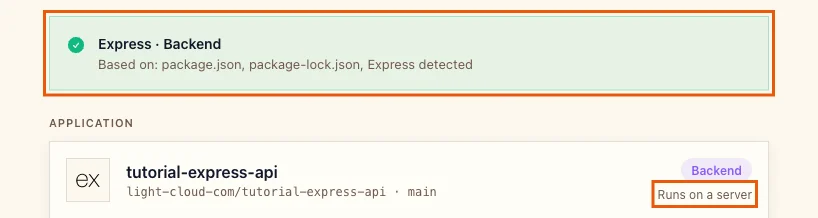
3. Open **Advanced - build settings, environment variables, domain, scaling**. **Port** is `8080`. Light Cloud passes it to the app as `PORT`, which is exactly what `server.js` reads. Leave it as it is.

4. Under **Environment variables**, click **Add variable**. Enter `GREETING` as the name and `Hi` as the value.
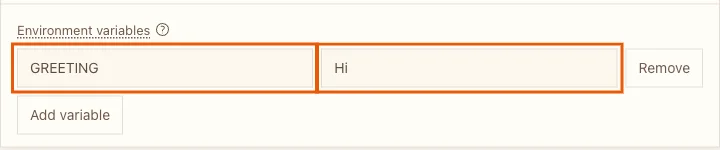
5. Click **Deploy** and wait for **Deployed** (72 seconds in my run; a container takes longer than a static site). The **URL** card has the API's address:
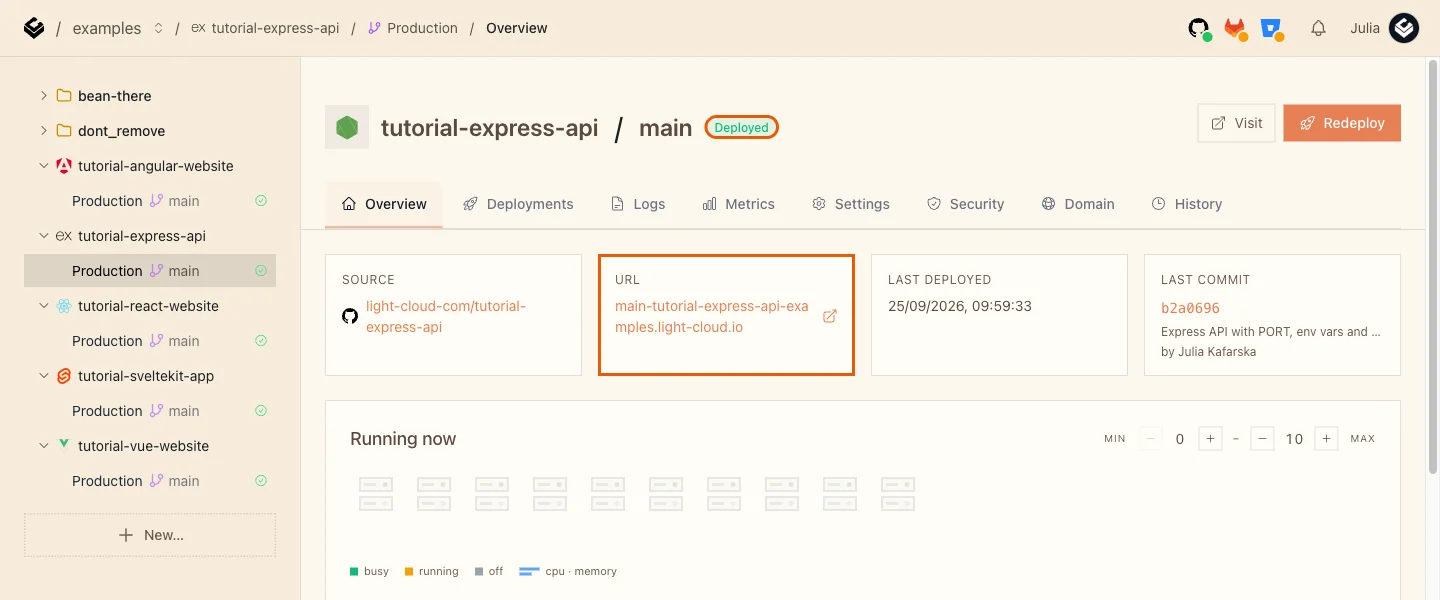
## Step 6: Call the live API
```shell os="macOS,Linux"
$ curl https://main-tutorial-express-api-yourworkspace.light-cloud.io/
{"message":"Hi from Express","node":"v22.23.3"}
$ curl https://main-tutorial-express-api-yourworkspace.light-cloud.io/hello/Ada
{"message":"Hi, Ada!"}
```
```shell os="Windows"
PS> curl.exe https://main-tutorial-express-api-yourworkspace.light-cloud.io/
{"message":"Hi from Express","node":"v22.23.3"}
PS> curl.exe https://main-tutorial-express-api-yourworkspace.light-cloud.io/hello/Ada
{"message":"Hi, Ada!"}
```
The greeting is now `Hi`: the value from the console, not the `Hello` fallback in the code.
The first request after a quiet period can take a few seconds (3.6 seconds in my run). With **Min instances** at 0 the API sleeps when nobody uses it, which keeps it free, and wakes on the next request. [Cold starts, measured](/tutorials/microservices-on-light-cloud-part-4-cold-starts) explains the trade-off.
## Step 7: Change a setting without touching the code
1. Open the **Settings** tab of **Production**.
2. Next to **Environment Variables**, click **Edit**.
3. Change the value of `GREETING` to `Welcome` and click **Save**.
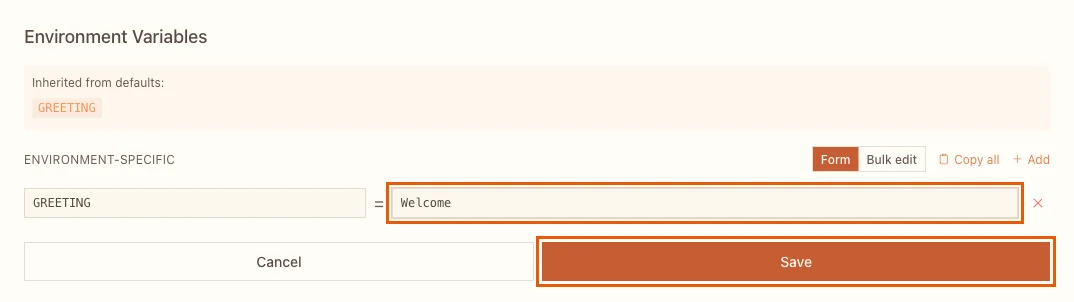
Saving redeploys the same commit with the new value. About a minute later (59 seconds in my run):
```shell os="macOS,Linux"
$ curl https://main-tutorial-express-api-yourworkspace.light-cloud.io/
{"message":"Welcome from Express","node":"v22.23.3"}
```
```shell os="Windows"
PS> curl.exe https://main-tutorial-express-api-yourworkspace.light-cloud.io/
{"message":"Welcome from Express","node":"v22.23.3"}
```
## Step 8: Read the logs
Open the **Logs** tab. Every line your API printed is here, next to lines Light Cloud adds itself, such as `GET https://.../nope 404` for each request:
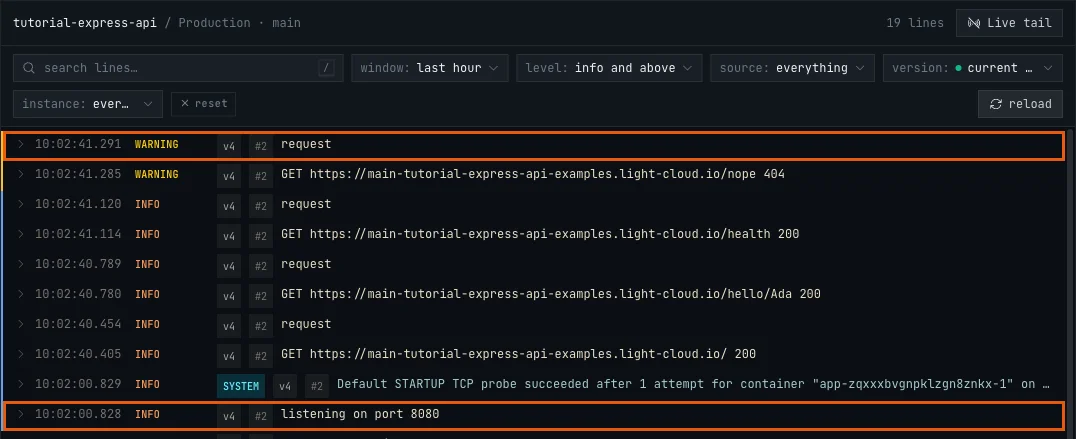
Because the lines are JSON with a `severity`, each one has the right level: the request to `/nope` is a **WARNING**, the others are **INFO**. Click a line to open it. Everything else the API logged is under **JSON Payload**:
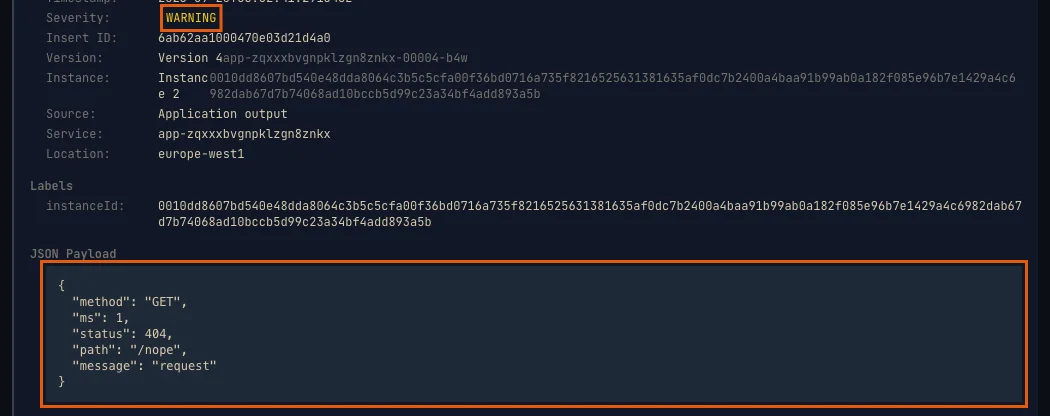
Two more lines are worth finding after Step 7: `listening on port 8080` from the new instance, and `SIGTERM received, shutting down` from the old one. That is the graceful shutdown from Step 2 at work.
To see only problems, set the **level** filter to **warnings and above**.
## Troubleshooting
### The deploy fails: container failed to start and listen on the port
```text
The user-provided container failed to start and listen on the port defined provided by the PORT=8080 environment variable within the allocated timeout.
```
The app listens on a fixed port instead of `PORT`. I tried it with `app.listen(3000)`: the deploy failed after about four minutes, and the previous version kept serving the whole time. Read the port with `Number(process.env.PORT) || 8080`, commit and push. If your app must use another port, set **Port** under **Advanced** to match instead.
### The deploy fails in the build step with npm ci
`npm ci` needs a `package-lock.json` that matches `package.json`. Run `npm install` on your machine, commit `package-lock.json` and push again.
---
# Deploy a SvelteKit Site as Static Files: adapter-static and Prerendering
To deploy a SvelteKit site on Light Cloud as static files, create it with `adapter-static`, add `export const prerender = true` to `src/routes/+layout.ts`, push it to GitHub and click **Deploy** in the console. Light Cloud detects SvelteKit and adapter-static, runs `npm run build` and serves the `build` folder from the edge. Each page is a real HTML file, so `/about` opened directly shows the About page.
In my run the deploy took 30 seconds.
## What you will build
A two-page SvelteKit site, Home and About, prerendered to HTML at build time and live on a `light-cloud.io` address. It follows the visitor's light or dark system setting.

Live demo: [main-tutorial-sveltekit-app-examples.light-cloud.io](https://main-tutorial-sveltekit-app-examples.light-cloud.io). Source code: [github.com/light-cloud-com/tutorial-sveltekit-app](https://github.com/light-cloud-com/tutorial-sveltekit-app).
## Static or server: which adapter?
SvelteKit builds for a target through an adapter. The two that matter here:
- **adapter-static** builds every page to HTML ahead of time. Nothing runs on a server; the files are served from the edge. Good for sites, docs, blogs and portfolios, and it runs on the free plan. This guide uses it.
- **adapter-node** builds a Node.js server that renders pages on each request. You need it for form actions, server `load` functions that read per-visitor data, or API routes. On Light Cloud that runs as a container.
If you are not sure, start static. Moving to adapter-node later is a change of adapter, not a rewrite.
## Before you start
- [Node.js](https://nodejs.org/) 20.19 or later, or 22.12 or later (what Vite 8 requires); I used Node.js 24.
- [Git](https://git-scm.com/downloads) and a [GitHub](https://github.com/) account.
- A free Light Cloud account at [console.light-cloud.com](https://console.light-cloud.com) with GitHub connected.
- On Windows, use [PowerShell 7](https://learn.microsoft.com/en-us/powershell/scripting/install/installing-powershell-on-windows). The last check uses [curl](https://curl.se/) (on Windows, [`curl.exe`](https://curl.se/windows/), which ships with Windows 10 and 11).
## Step 1: Create the SvelteKit app
The [Svelte CLI](https://svelte.dev/docs/cli/sv-create), `sv`, can add adapter-static while it creates the project:
```shell os="macOS,Linux"
$ npx sv@latest create tutorial-sveltekit-app --template minimal --types ts --add sveltekit-adapter="adapter:static" --install npm
┌ Welcome to the Svelte CLI! (v0.17.1)
│
◆ Project created
│
◆ Successfully setup add-ons: sveltekit-adapter
│
◆ Successfully installed dependencies with npm
│
└ You're all set!
```
```shell os="Windows"
PS> npx sv@latest create tutorial-sveltekit-app --template minimal --types ts --add sveltekit-adapter="adapter:static" --install npm
┌ Welcome to the Svelte CLI! (v0.17.1)
│
◆ Project created
│
◆ Successfully setup add-ons: sveltekit-adapter
│
◆ Successfully installed dependencies with npm
│
└ You're all set!
```
`--template minimal` gives an almost empty site and `--types ts` sets up TypeScript. Output is trimmed.
Looking for `svelte.config.js`? New projects no longer have one. The adapter is set in `vite.config.ts`:
```typescript title="vite.config.ts"
import adapter from '@sveltejs/adapter-static';
import { sveltekit } from '@sveltejs/kit/vite';
import { defineConfig } from 'vite';
export default defineConfig({
plugins: [
sveltekit({
compilerOptions: {
// Force runes mode for the project, except for libraries. Can be removed in svelte 6.
runes: ({ filename }) => filename.split(/[/\\]/).includes('node_modules') ? undefined : true
},
adapter: adapter()
})
]
});
```
## Step 2: Turn on prerendering
adapter-static can only publish pages that were built ahead of time, and SvelteKit does not prerender by default. Build the new project as it is and it stops with `Error: Encountered dynamic routes` (the full message is under [Troubleshooting](#troubleshooting)).
One line fixes it for the whole site. Create this file:
```typescript title="src/routes/+layout.ts"
export const prerender = true;
```
## Step 3: Add the pages
A shared layout with two links and a few styles. `color-scheme: light dark` lets the browser follow the visitor's system theme:
```svelte title="src/routes/+layout.svelte"
{@render children()}
```
Replace the starter home page:
```svelte title="src/routes/+page.svelte"
Home
Hello from Light Cloud
A SvelteKit site, prerendered with adapter-static.
```
In SvelteKit a folder is a route, so the About page lives in an `about` folder:
```svelte title="src/routes/about/+page.svelte"
About
About
This page was prerendered to HTML at build time and is served from the edge.
```
## Step 4: Run it and build it
```shell os="macOS,Linux"
$ npm run dev
VITE v8.3.1 ready in 441 ms
➜ Local: http://localhost:5173/
$ npm run build
✓ built in 974ms
> Using @sveltejs/adapter-static
Wrote site to "build"
✔ done
$ ls build
_app
about.html
index.html
robots.txt
```
```shell os="Windows"
PS> npm run dev
VITE v8.3.1 ready in 441 ms
➜ Local: http://localhost:5173/
PS> npm run build
✓ built in 974ms
> Using @sveltejs/adapter-static
Wrote site to "build"
✔ done
PS> Get-ChildItem build -Name
_app
about.html
index.html
robots.txt
```
Open `http://localhost:5173`, click between the two pages, then stop the server with Ctrl+C before you build. Build output is trimmed.
The `build` folder is the whole site: one HTML file per page, plus the JavaScript in `_app` that makes links switch pages without a reload.
## Step 5: Push it to GitHub
```shell os="macOS,Linux"
$ git init -b main
$ git add -A
$ git commit -m "SvelteKit site with adapter-static"
# Create an empty repository named tutorial-sveltekit-app on github.com/new first.
$ git remote add origin https://github.com/YOUR-USERNAME/tutorial-sveltekit-app.git
$ git push -u origin main
To https://github.com/YOUR-USERNAME/tutorial-sveltekit-app.git
* [new branch] main -> main
branch 'main' set up to track 'origin/main'.
```
```shell os="Windows"
PS> git init -b main
PS> git add -A
PS> git commit -m "SvelteKit site with adapter-static"
# Create an empty repository named tutorial-sveltekit-app on github.com/new first.
PS> git remote add origin https://github.com/YOUR-USERNAME/tutorial-sveltekit-app.git
PS> git push -u origin main
To https://github.com/YOUR-USERNAME/tutorial-sveltekit-app.git
* [new branch] main -> main
branch 'main' set up to track 'origin/main'.
```
The project's `.gitignore` already keeps `node_modules`, `.svelte-kit` and `build` out of Git.
## Step 6: Deploy it
1. In the [Light Cloud console](https://console.light-cloud.com), click **New...**, then **Deploy from GitHub**.
2. Search for `tutorial-sveltekit-app` and click it.
Light Cloud shows **SvelteKit** and, in the reasons, **adapter-static**, with **Served from the edge**. It found adapter-static in `package.json`, so it deploys the site as static files rather than as a server.
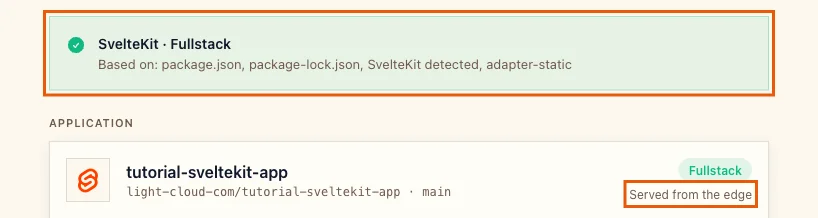
3. Optional: under **Advanced - build settings, environment variables, domain, scaling** you can see `npm ci`, `npm run build` and the output directory `build`. Nothing to change.
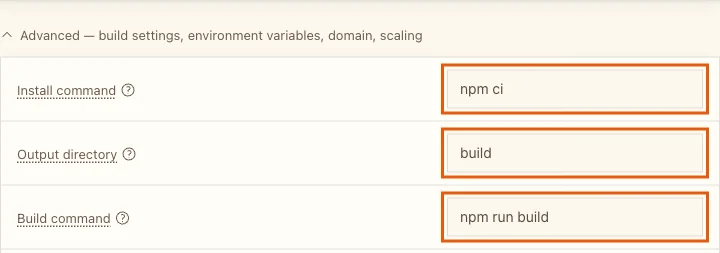
4. Click **Deploy** and wait for **Deployed** (30 seconds in my run). Open the address from the **URL** card:
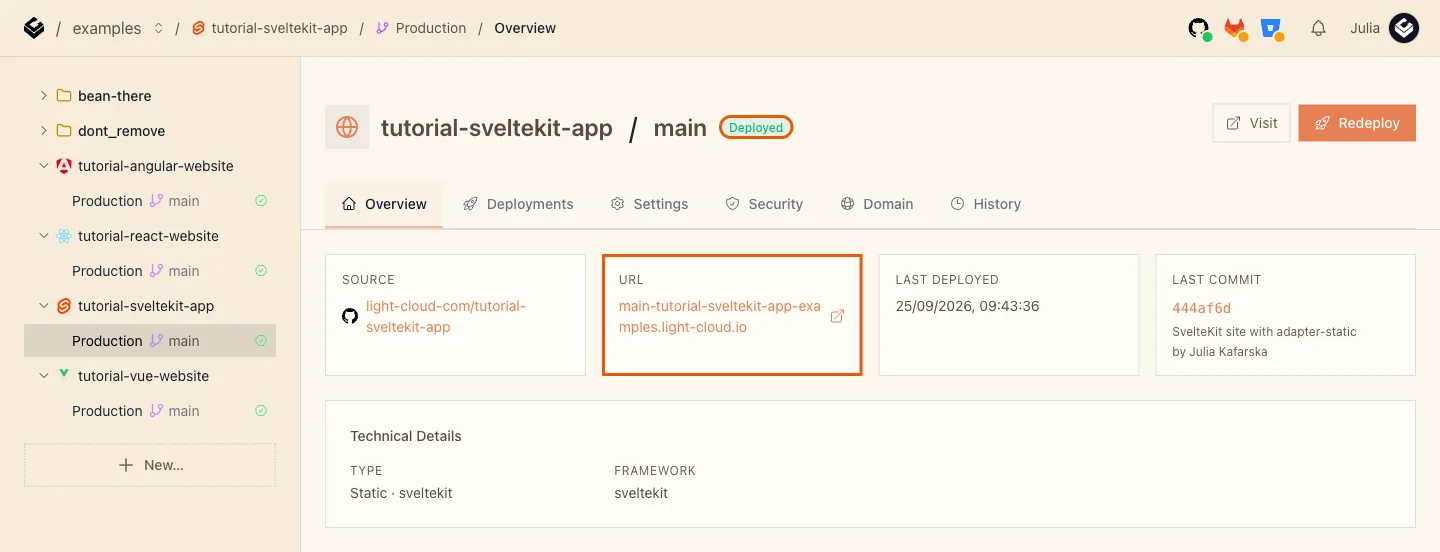
From now on, every push to `main` redeploys the site by itself.
## Step 7: Open a page directly
Open `https://main-tutorial-sveltekit-app-yourworkspace.light-cloud.io/about` in a new tab, or refresh the page while on About. Light Cloud serves `about.html` for `/about`, so the page comes straight from the prerendered file:

To see that the page really comes prerendered, right-click it and choose **View Page Source**: the HTML already contains `
About
`, before any JavaScript runs.
`/about/` with a trailing slash works too. A path with no page, such as `/nope`, falls back to `index.html`.
## Troubleshooting
### Error: Encountered dynamic routes
```text
@sveltejs/adapter-static: all routes must be fully prerenderable, but found the following routes that are dynamic:
- src/routes/
error during build:
Error: Encountered dynamic routes
```
Prerendering is off. Add `export const prerender = true;` to `src/routes/+layout.ts` (Step 2), build again, commit and push.
---
# Regulators vs. the Duopoly
On March 31, 2026, the UK's Competition and Markets Authority [drew a line under its three-year cloud investigation](https://www.cloudswitched.com/news/cma-cloud-market-verdict-uk-multicloud-business-2026), accepting voluntary commitments from AWS and Microsoft on egress fees and interoperability. The mountain labored for three years, produced findings that "competition is not working well", recommended the strongest tool in its new kit, and then delivered a memorandum of understanding.
That arc is worth studying, not mocking, because the CMA case is the cleanest specimen we have of the question this post is about: when regulators finally move against cloud concentration, which remedies change anything real, and which are theater performed for the annual report? My scorecard, argued below: portability mandates and licensing interventions are real, egress concessions are a fee that died years ago wearing a medal, and the credible threat that got traded away was the only thing the duopoly actually feared.
## Three years in four beats
Beat one: the CMA's investigation [found the structural problems](https://www.datacenterdynamics.com/en/news/competition-is-not-working-well-says-uk-cma-concluding-cloud-market-investigation/) everyone suspected: AWS and Microsoft each holding roughly 30-40% of the UK market, egress fees and technical barriers suppressing switching, and Microsoft's software licensing practices tilting the field against rivals running its products. Beat two: the [final decision in July 2025](https://assets.publishing.service.gov.uk/media/688b20e6ff8c05468cb7b120/summary_of_final_decision.pdf) recommended designating both companies with strategic market status under the Digital Markets, Competition and Consumers Act, the UK's new regime for binding, tailored conduct rules. Beat three: March 2026, [the SMS route was shelved](https://www.macfarlanes.com/insights/102mqfd/cma-decision-to-shelve-cloud-services-sms-investigations-raises-questions-around/) in favor of the voluntary commitments. Beat four, and the one to watch: a separate [SMS investigation into Microsoft's software licensing](https://www.computerweekly.com/news/366640828/CMA-to-launch-strategic-market-status-investigation-into-Microsoft-Amazon-Web-Services-off-the-hook) spun up regardless, aimed at the practice the findings called out most sharply.
The UK case carries weight beyond the UK, which is why the shelving mattered. The DMCCA regime was built specifically to move faster than classic competition law, other regulators are watching its first outings the way case law gets watched, and the cloud investigation was its most prominent test. A debut that ends in voluntary undertakings teaches every watching authority, and every watched company, what the new powers cost to invoke. Precedents about hesitation travel as far as precedents about action.
## Sorting the remedies
Run each remedy through one test: does it change what a customer can do, or what a vendor must say?
Egress commitments fail the test instantly, and we've [written the obituary already](/multi-cloud/egress-fees-are-dead-lock-in-isnt): exit egress died globally in 2024 under EU Data Act pressure, so promising a regulator the corpse stays dead costs the duopoly nothing and headlines beautifully. It's the pattern from that post repeating at regulatory scale: concessions cluster on the locks vendors stopped defending, never on the ones doing the holding. The same sorting works on any jurisdiction's package, which is the reason to learn it once: the EU's Data Act portability rules pass the test because they changed what a customer can do with their feet, while a dozen codes of conduct since have failed it politely.
Interoperability commitments are contingent: real if they arrive with technical specificity, deadlines, and someone with authority to measure compliance; theater if they stay at the altitude of "committed to open standards", which is where voluntary undertakings historically retire. The licensing intervention is the real one, and the CMA's own sequencing admits it, because licensing is where the findings located actual harm, and licensing is precisely what got carved out for the binding-powers track rather than the handshake track. And the SMS designation itself was the remedy that mattered most by never being used: the threat of tailored, enforceable conduct rules is what brought voluntary offers to the table at all. Trading it away converts a bargaining position into paper, and the price of that trade will be visible in how the commitments age.
## The steelman: the handshake might be right
The defense of the CMA's choice is better than it looks. Voluntary commitments arrive in months; SMS designations arrive after years of process and litigation, against opponents with infinite legal budgets, under a regime so new it has no case law, and regulatory humility about untested powers is a virtue, not cowardice. There's also a genuine question of timing: between the Data Act, [DORA's exit requirements](/sovereignty/your-regulator-wants-an-exit-plan), and the [unbundling the market did on its own](/industry/neoclouds-and-the-great-unbundling), a lot of what a 2023 remedy would have targeted has already moved. Regulate the market you have, not the one your case opened against.
Concede the speed argument whole. The answer is that speed and credibility aren't the same axis: a fast remedy with no enforcement mechanism is just fast, and the entire history of voluntary undertakings in tech is a history of compliance narrowing to the letter while the practice regrows around it. The honest verdict on the CMA case won't be available until the licensing probe shows whether the binding track has teeth. That's the scoreboard to watch, and it's refreshingly concrete: either Microsoft's licensing terms for rivals change in measurable ways by 2027, or the UK's shiny new digital markets regime met the duopoly and blinked.
For everyone downstream, the practical reading is the one this blog keeps arriving at from every direction: regulation will occasionally hand you a right, and rights you can't exercise are decor. The Data Act gave you free exit; [portability](/multi-cloud/multi-cloud-overrated-portability-isnt) is what makes it usable. The CMA may yet fix licensing; your architecture decides whether you could act on the fix. Regulators move in years and blink under pressure. Your exit plan doesn't have to do either. Which one are you betting on?
---
# How to Deploy an Angular App on Light Cloud, Deep Links Included
To deploy an Angular app on Light Cloud, push it to GitHub, choose **Deploy from GitHub** in the console and click **Deploy**. Light Cloud detects Angular, reads `angular.json` to find the nested build folder (`dist//browser`), runs `npm ci` and `npm run build`, and serves the result from the edge. Angular Router deep links such as `/about` work without any redirect rules.
In my run the first deploy took 41 seconds, and a pushed change was live about a minute after `git push`.
## What you will build
A small Angular app with two pages, Home and About, linked with Angular Router and live on a `light-cloud.io` address. It follows the visitor's light or dark system setting.
Live demo: [main-tutorial-angular-website-examples.light-cloud.io](https://main-tutorial-angular-website-examples.light-cloud.io). Source code: [github.com/light-cloud-com/tutorial-angular-website](https://github.com/light-cloud-com/tutorial-angular-website).
## Before you start
- [Node.js](https://nodejs.org/) 22.22.3 or later, or 24.15.0 or later. This is what the [Angular CLI](https://angular.dev/tools/cli) 22.2 requires; I used Node.js 24.
- [Git](https://git-scm.com/downloads) and a [GitHub](https://github.com/) account.
- A free Light Cloud account at [console.light-cloud.com](https://console.light-cloud.com) with GitHub connected.
- On Windows, use [PowerShell 7](https://learn.microsoft.com/en-us/powershell/scripting/install/installing-powershell-on-windows). The last check uses [curl](https://curl.se/) (on Windows, [`curl.exe`](https://curl.se/windows/), which ships with Windows 10 and 11).
New to deploying from GitHub? The [React guide](/tutorials/deploy-a-react-app) walks through the same console screens in more detail.
## Step 1: Create the Angular app
`--defaults` accepts the recommended answers without asking, and `--ssr=false` keeps the app static, with no server-side rendering:
```shell os="macOS,Linux"
$ npx @angular/cli@latest new tutorial-angular-website --defaults --ssr=false
CREATE tutorial-angular-website/angular.json (1957 bytes)
CREATE tutorial-angular-website/package.json (800 bytes)
CREATE tutorial-angular-website/src/main.ts (222 bytes)
CREATE tutorial-angular-website/src/app/app.ts (307 bytes)
CREATE tutorial-angular-website/src/app/app.routes.ts (77 bytes)
✔ Packages installed successfully.
Successfully initialized git.
```
```shell os="Windows"
PS> npx @angular/cli@latest new tutorial-angular-website --defaults --ssr=false
CREATE tutorial-angular-website/angular.json (1957 bytes)
CREATE tutorial-angular-website/package.json (800 bytes)
CREATE tutorial-angular-website/src/main.ts (222 bytes)
CREATE tutorial-angular-website/src/app/app.ts (307 bytes)
CREATE tutorial-angular-website/src/app/app.routes.ts (77 bytes)
✔ Packages installed successfully.
Successfully initialized git.
```
Output is trimmed; the CLI lists every file it creates. It also installs the packages and makes the first Git commit for you.
## Step 2: Run it and build it once
```shell os="macOS,Linux"
$ cd tutorial-angular-website
$ npm start
Watch mode enabled. Watching for file changes...
➜ Local: http://localhost:4200/
$ npm run build
Initial chunk files | Names | Raw size | Estimated transfer size
main-AMMXP5ZW.js | main | 218.81 kB | 59.99 kB
styles-5INURTSO.css | styles | 0 bytes | 0 bytes
Application bundle generation complete. [1.918 seconds]
Output location: /Users/you/tutorial-angular-website/dist/tutorial-angular-website
```
```shell os="Windows"
PS> cd tutorial-angular-website
PS> npm start
Watch mode enabled. Watching for file changes...
➜ Local: http://localhost:4200/
PS> npm run build
Initial chunk files | Names | Raw size | Estimated transfer size
main-AMMXP5ZW.js | main | 218.81 kB | 59.99 kB
styles-5INURTSO.css | styles | 0 bytes | 0 bytes
Application bundle generation complete. [1.918 seconds]
Output location: C:\Users\you\tutorial-angular-website\dist\tutorial-angular-website
```
Open `http://localhost:4200` to see the Angular starter page, then stop the server with Ctrl+C before you build. Output is trimmed.
Look at the output location: the site's files end up one level deeper, in `dist/tutorial-angular-website/browser`. That nested folder is the one a host must publish, and it is the most common reason an Angular deploy shows a blank page elsewhere. Light Cloud finds it for you in Step 4.
## Step 3: Push it to GitHub
The Angular CLI already created the repository and the first commit, so one command creates the GitHub repository and pushes:
```shell os="macOS,Linux"
# Create an empty repository named tutorial-angular-website on github.com/new first.
$ git remote add origin https://github.com/YOUR-USERNAME/tutorial-angular-website.git
$ git push -u origin main
To https://github.com/YOUR-USERNAME/tutorial-angular-website.git
* [new branch] main -> main
branch 'main' set up to track 'origin/main'.
```
```shell os="Windows"
# Create an empty repository named tutorial-angular-website on github.com/new first.
PS> git remote add origin https://github.com/YOUR-USERNAME/tutorial-angular-website.git
PS> git push -u origin main
To https://github.com/YOUR-USERNAME/tutorial-angular-website.git
* [new branch] main -> main
branch 'main' set up to track 'origin/main'.
```
The branch is named after your Git setting `init.defaultBranch`. If yours is `master`, that is fine; Light Cloud deploys whichever branch the repository uses.
## Step 4: Deploy it
1. In the [Light Cloud console](https://console.light-cloud.com), click **New...**, then **Deploy from GitHub**.
2. Search for `tutorial-angular-website` and click it.
Light Cloud shows **Angular / Frontend** and **Served from the edge**. The banner also lists what it read from `angular.json`: **Custom output: dist/tutorial-angular-website/browser**.
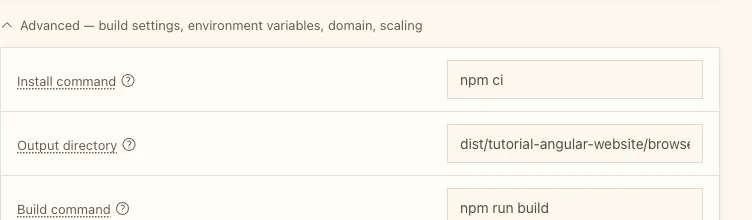
3. Optional: open **Advanced - build settings, environment variables, domain, scaling**. The **Output directory** already holds the nested folder, next to `npm ci` and `npm run build`. Nothing to change.
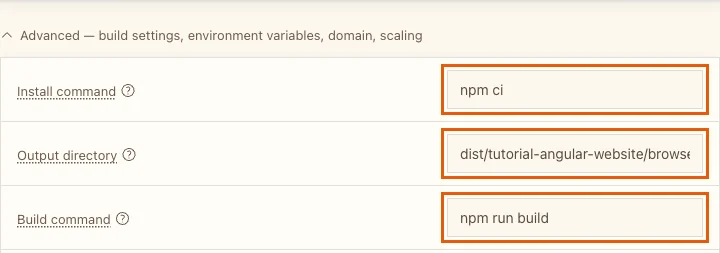
4. Click **Deploy** and wait for **Deployed** (41 seconds in my run). Open the address from the **URL** card:
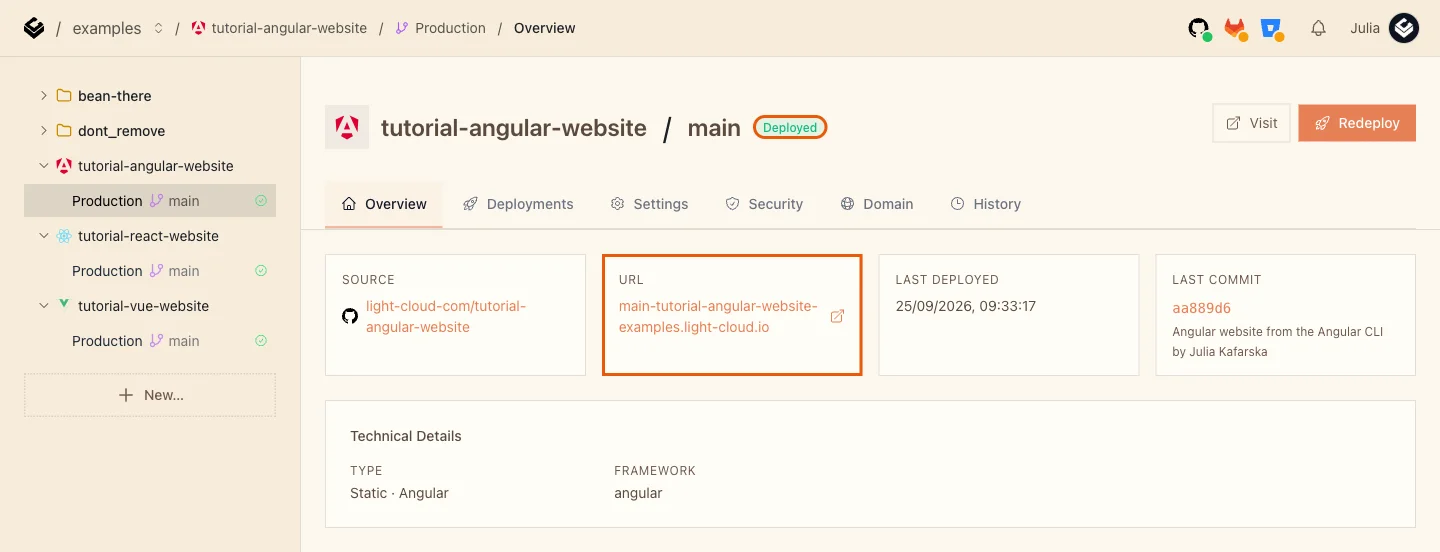
## Step 5: Add a second page with Angular Router
The starter has a router but no routes. Generate two page components:
```shell os="macOS,Linux"
$ npx ng generate component home
CREATE src/app/home/home.css (0 bytes)
CREATE src/app/home/home.spec.ts (518 bytes)
CREATE src/app/home/home.ts (177 bytes)
CREATE src/app/home/home.html (19 bytes)
$ npx ng generate component about
CREATE src/app/about/about.css (0 bytes)
CREATE src/app/about/about.spec.ts (525 bytes)
CREATE src/app/about/about.ts (181 bytes)
CREATE src/app/about/about.html (20 bytes)
```
```shell os="Windows"
PS> npx ng generate component home
CREATE src/app/home/home.css (0 bytes)
CREATE src/app/home/home.spec.ts (518 bytes)
CREATE src/app/home/home.ts (177 bytes)
CREATE src/app/home/home.html (19 bytes)
PS> npx ng generate component about
CREATE src/app/about/about.css (0 bytes)
CREATE src/app/about/about.spec.ts (525 bytes)
CREATE src/app/about/about.ts (181 bytes)
CREATE src/app/about/about.html (20 bytes)
```
Give each page a path. `title` sets the browser tab title:
```typescript title="src/app/app.routes.ts"
import { Routes } from '@angular/router';
import { About } from './about/about';
import { Home } from './home/home';
export const routes: Routes = [
{ path: '', component: Home, title: 'Home' },
{ path: 'about', component: About, title: 'About' },
];
```
Replace the whole starter page with two links and the router outlet, where the current page appears:
```html title="src/app/app.html"
```
The links need `RouterLink` and `RouterLinkActive` in the component's imports:
```typescript title="src/app/app.ts"
import { Component } from '@angular/core';
import { RouterLink, RouterLinkActive, RouterOutlet } from '@angular/router';
@Component({
imports: [RouterOutlet, RouterLink, RouterLinkActive],
selector: 'app-root',
styleUrl: './app.css',
templateUrl: './app.html',
})
export class App {}
```
Write the two pages:
```html title="src/app/home/home.html"
Hello from Light Cloud
An Angular app built with the Angular CLI and served from the edge.
```
```html title="src/app/about/about.html"
About
This page lives at /about. Open it directly or refresh it, and Angular Router still shows it.
```
And a few global styles. `color-scheme: light dark` lets the browser follow the visitor's system theme:
```css title="src/styles.css"
:root {
color-scheme: light dark;
font-family: system-ui, sans-serif;
}
body {
max-width: 40rem;
margin: 0 auto;
padding: 2rem 1rem;
}
nav {
display: flex;
gap: 1rem;
margin-bottom: 2rem;
}
a {
color: light-dark(#c3002f, #ff6b8b);
}
a.active {
font-weight: 600;
text-decoration: none;
}
```
Check it with `npm start`, then commit and push:
```shell os="macOS,Linux"
$ git add -A
$ git commit -m "Add Home and About pages with Angular Router"
$ git push
```
```shell os="Windows"
PS> git add -A
PS> git commit -m "Add Home and About pages with Angular Router"
PS> git push
```
**Deploy on push** is on by default, so Light Cloud builds the new version by itself. The **Deployments** tab lists it as deployed by **GitHub Auto-Deploy**:
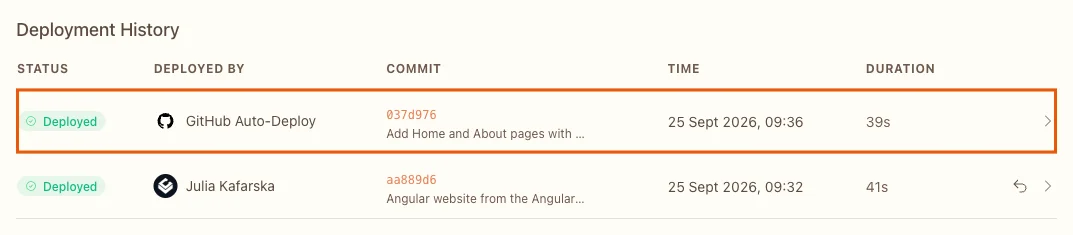
In my run the new pages were live about a minute after `git push`.
The starter's test in `src/app/app.spec.ts` still looks for the old heading, so `npx ng test` now fails. The deploy does not run tests, but the [repository](https://github.com/light-cloud-com/tutorial-angular-website) has the updated test if you want it green.
## Step 6: Open a deep link
Angular Router uses real-looking paths such as `/about`. There is no `about` file in the build, so on many static hosts opening that address directly returns a 404. On Light Cloud any path that is not a file is answered with `index.html`, and Angular Router shows the right page.
Open `https://main-tutorial-angular-website-yourworkspace.light-cloud.io/about` directly, or refresh the page while on About:
## Troubleshooting
### The Angular CLI requires a minimum Node.js version
```text
Node.js version v22.16.0 detected.
The Angular CLI requires a minimum Node.js version of v22.22.3 or v24.15.0 or v26.0.0.
```
Your Node.js is older than Angular 22 needs. Install a current Node.js 22 or 24 from [nodejs.org](https://nodejs.org/) and run the command again.
### The site shows a blank page or "Not found"
The **Output directory** does not point at the folder with `index.html`. For the Angular CLI it is `dist//browser`. If you renamed the project in `angular.json` or set your own `outputPath`, open **Production**, then the **Settings** tab, click **Edit** next to **Build Settings**, correct the **Output directory** and redeploy.
---
# How to Deploy a Vue 3 App with Vue Router and TypeScript on Light Cloud
To deploy a Vue 3 app on Light Cloud, push it to GitHub, choose **Deploy from GitHub** in the console and click **Deploy**. Light Cloud detects Vue from `package.json`, runs `npm ci` and your `build` script, and serves the `dist` folder from the edge. Vue Router's history mode works without any configuration: a link like `/about` opened directly still loads the app.
In my run the first deploy, TypeScript check included, took 33 seconds.
## What you will build
The official Vue starter with Vue Router and TypeScript, live on a `light-cloud.io` address, including a working direct link to its About page.
Live demo: [main-tutorial-vue-website-examples.light-cloud.io](https://main-tutorial-vue-website-examples.light-cloud.io). Source code: [github.com/light-cloud-com/tutorial-vue-website](https://github.com/light-cloud-com/tutorial-vue-website).
## Before you start
- [Node.js](https://nodejs.org/) 22.18 or later, or 24.12 or later. This is what [create-vue](https://github.com/vuejs/create-vue) 3.24 requires; I used Node.js 24.
- [Git](https://git-scm.com/downloads) and a [GitHub](https://github.com/) account.
- A free Light Cloud account at [console.light-cloud.com](https://console.light-cloud.com) with GitHub connected.
- On Windows, use [PowerShell 7](https://learn.microsoft.com/en-us/powershell/scripting/install/installing-powershell-on-windows).
New to deploying from GitHub? The [React guide](/tutorials/deploy-a-react-app) walks through the same console screens in more detail.
## Step 1: Create the Vue app
`--router` adds Vue Router and `--default` accepts the recommended defaults, which include TypeScript:
```shell os="macOS,Linux"
$ npm create vue@latest tutorial-vue-website -- --router --default
┌ Vue.js - The Progressive JavaScript Framework
Scaffolding project in /Users/you/tutorial-vue-website...
│
└ Done. Now run:
cd tutorial-vue-website
npm install
npm run dev
```
```shell os="Windows"
PS> npm create vue@latest tutorial-vue-website -- --router --default
┌ Vue.js - The Progressive JavaScript Framework
Scaffolding project in C:\Users\you\tutorial-vue-website...
│
└ Done. Now run:
cd tutorial-vue-website
npm install
npm run dev
```
The path in the output is your own folder.
## Step 2: Run it and build it once
```shell os="macOS,Linux"
$ cd tutorial-vue-website
$ npm install
found 0 vulnerabilities
$ npm run build
vite v8.3.1 building client environment for production...
✓ 43 modules transformed.
dist/index.html 0.42 kB │ gzip: 0.28 kB
dist/assets/index-kyaxwdja.js 97.36 kB │ gzip: 37.58 kB
✓ built in 374ms
```
```shell os="Windows"
PS> cd tutorial-vue-website
PS> npm install
found 0 vulnerabilities
PS> npm run build
vite v8.3.1 building client environment for production...
✓ 43 modules transformed.
dist/index.html 0.42 kB │ gzip: 0.28 kB
dist/assets/index-kyaxwdja.js 97.36 kB │ gzip: 37.58 kB
✓ built in 374ms
```
Output is trimmed. `npm run build` first type-checks the project with `vue-tsc`, then builds it; a clean local build means the deploy will build too. `npm run dev` starts the development server on `http://localhost:5173`.
## Step 3: Push it to GitHub
```shell os="macOS,Linux"
$ git init -b main
$ git add -A
$ git commit -m "Vue website from create-vue"
# Create an empty repository named tutorial-vue-website on github.com/new first.
$ git remote add origin https://github.com/YOUR-USERNAME/tutorial-vue-website.git
$ git push -u origin main
To https://github.com/YOUR-USERNAME/tutorial-vue-website.git
* [new branch] main -> main
branch 'main' set up to track 'origin/main'.
```
```shell os="Windows"
PS> git init -b main
PS> git add -A
PS> git commit -m "Vue website from create-vue"
# Create an empty repository named tutorial-vue-website on github.com/new first.
PS> git remote add origin https://github.com/YOUR-USERNAME/tutorial-vue-website.git
PS> git push -u origin main
To https://github.com/YOUR-USERNAME/tutorial-vue-website.git
* [new branch] main -> main
branch 'main' set up to track 'origin/main'.
```
## Step 4: Deploy it
1. In the [Light Cloud console](https://console.light-cloud.com), click **New...**, then **Deploy from GitHub**.
2. Search for `tutorial-vue-website` and click it.
Light Cloud shows **Vue / Frontend**, based on `package.json` and `package-lock.json`, and **Served from the edge**:
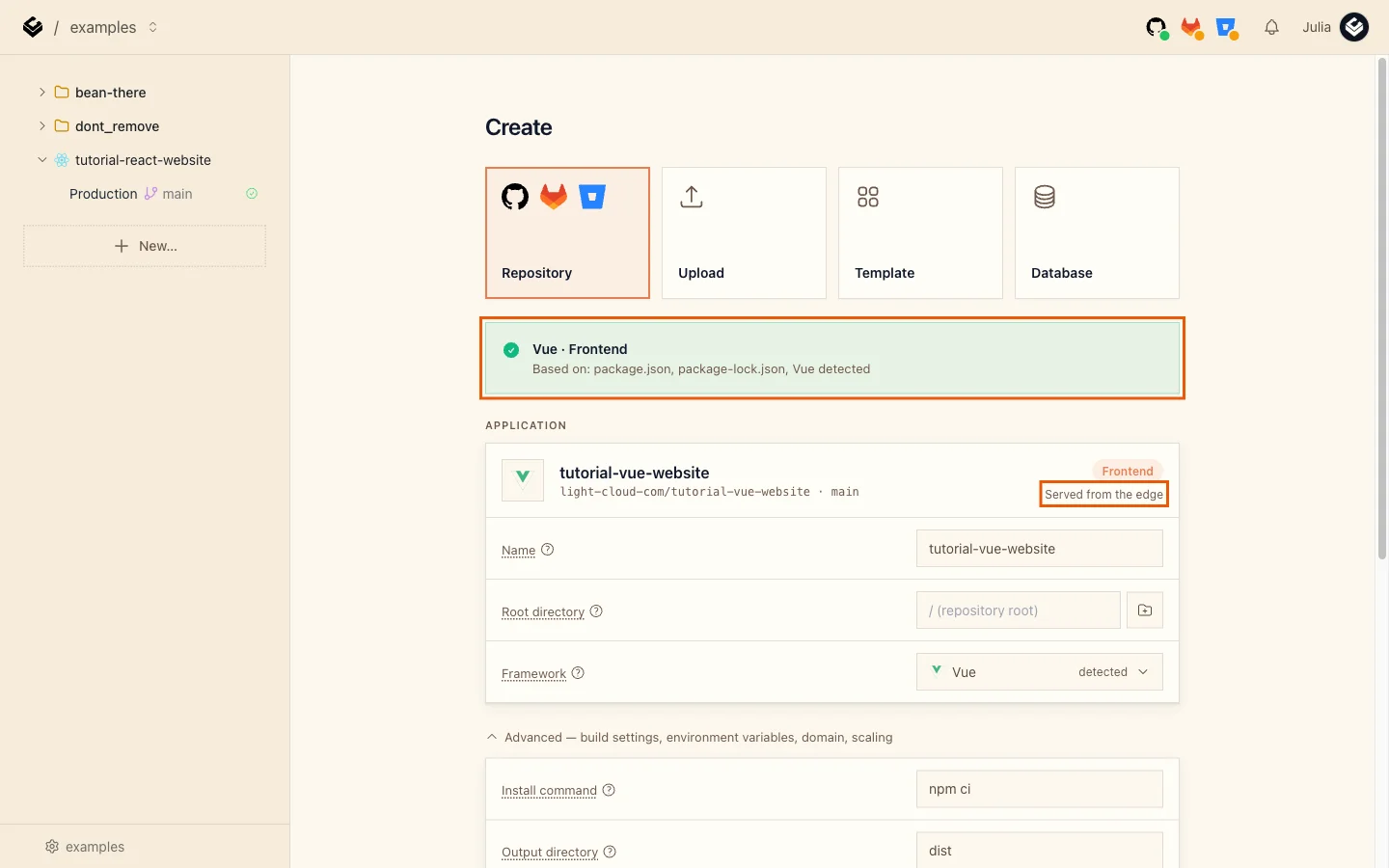
3. Optional: under **Advanced - build settings, environment variables, domain, scaling** you can see the build Light Cloud will run: `npm ci`, `npm run build`, output `dist`. Nothing to change.
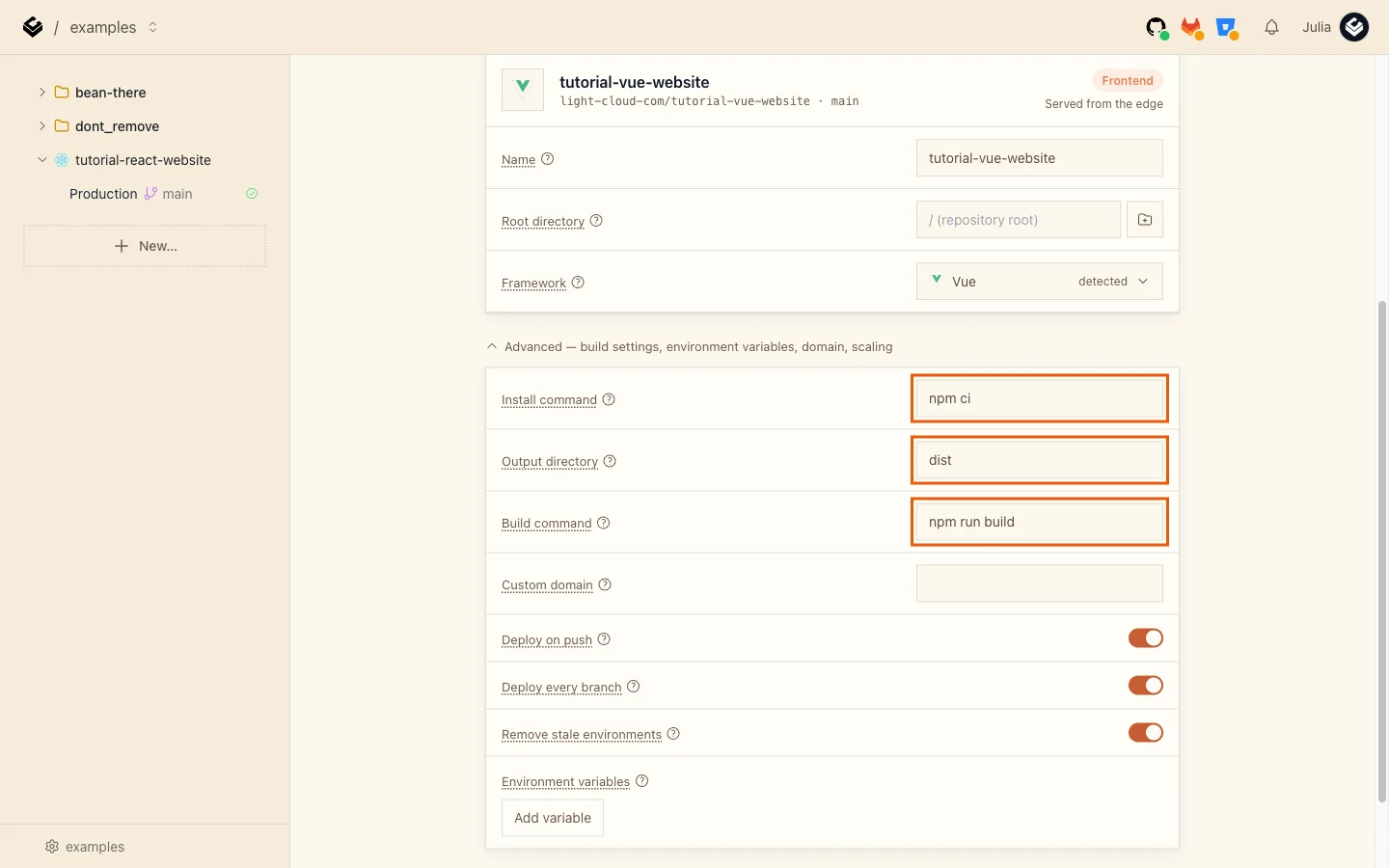
4. Click **Deploy** and wait for **Deployed**. Then open the address from the **URL** card:
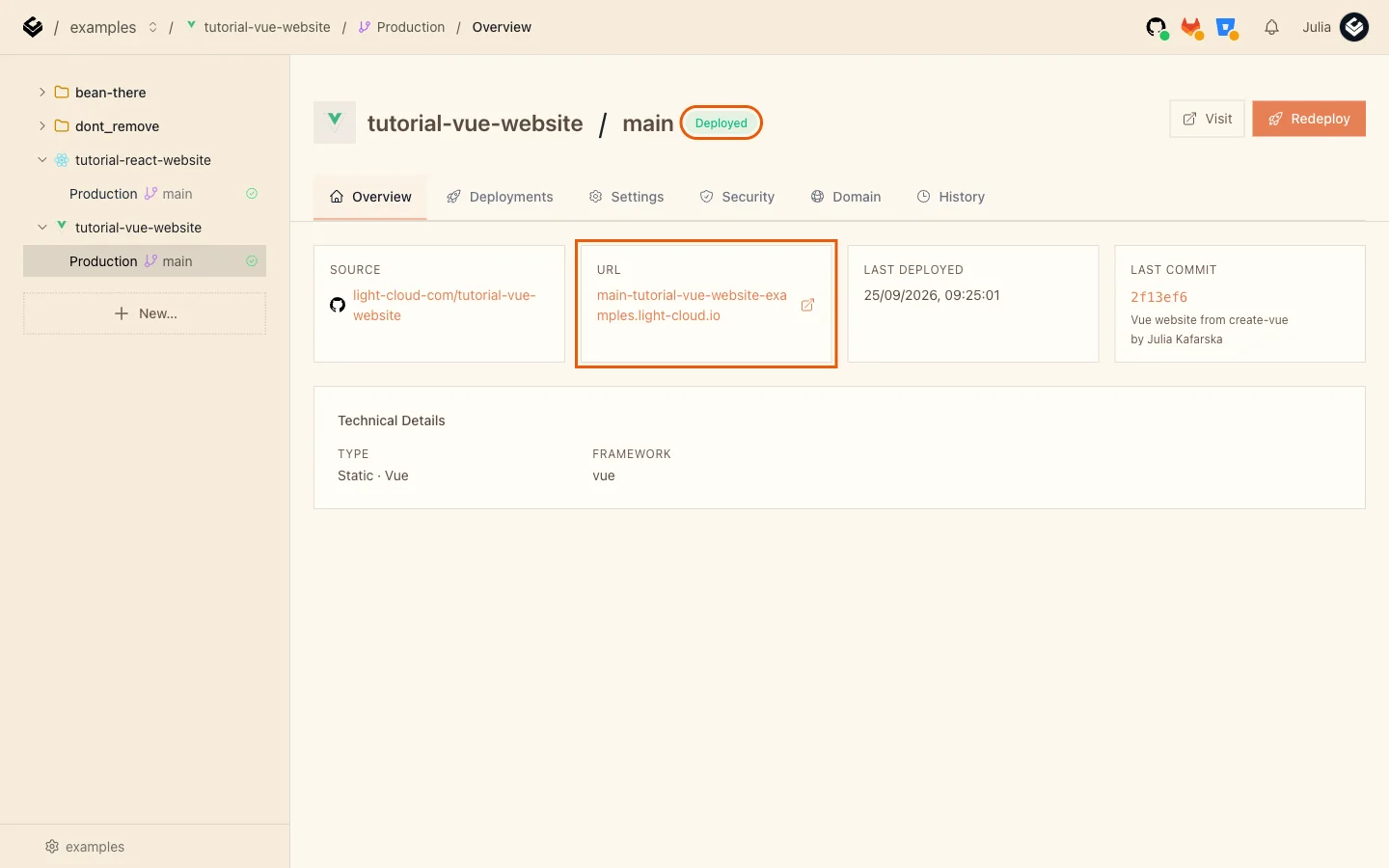
## Step 5: Open a deep link
create-vue sets up Vue Router in history mode, so the About page lives at a real-looking path, `/about`, not `/#/about`. On many static hosts, opening that path directly returns a 404, because there is no `about` file. On Light Cloud it works: any path that is not a file is answered with `index.html`, and Vue Router takes over.
Open `https://main-tutorial-vue-website-yourworkspace.light-cloud.io/about` directly:

From now on, every push to `main` redeploys the site by itself.
## Troubleshooting
### npm error engine Unsupported engine
```text
npm error notsup Required: {"node":"^22.18.0 || >=24.12.0"}
npm error notsup Actual: {"node":"v22.16.0","npm":"11.6.4"}
```
Your Node.js is older than create-vue needs. Install a current Node.js 22 or 24 from [nodejs.org](https://nodejs.org/) and run the command again.
---
# Deploy a React App in Minutes: Your First Light Cloud Website, for Free
To deploy a React app on Light Cloud, push your project to GitHub, choose **Deploy from GitHub** in the console, pick the repository and click **Deploy**. Light Cloud detects React from `package.json`, runs `npm ci` and `npm run build`, and serves the `dist` folder from the edge at an HTTPS address. It works on the free plan, and every later `git push` redeploys the site by itself.
In my run the first build took 15 seconds, and an update was live 50 seconds after `git push`.
## What you will build
A React website made with the official Vite starter, live on its own `light-cloud.io` address, then updated with one pushed change.
Live demo: [main-tutorial-react-website-examples.light-cloud.io](https://main-tutorial-react-website-examples.light-cloud.io). Source code: [github.com/light-cloud-com/tutorial-react-website](https://github.com/light-cloud-com/tutorial-react-website).
## Before you start
- [Node.js](https://nodejs.org/) 20.19 or later, or 22.12 or later (what Vite requires); I used Node.js 22.16.
- [Git](https://git-scm.com/downloads) and a [GitHub](https://github.com/) account.
- A free Light Cloud account at [console.light-cloud.com](https://console.light-cloud.com), with GitHub connected. The console asks you to connect it the first time you choose **Deploy from GitHub**.
- On Windows, run the commands in [PowerShell 7](https://learn.microsoft.com/en-us/powershell/scripting/install/installing-powershell-on-windows).
## Step 1: Create the React app
Vite's starter gives you a working React app in one command:
```shell os="macOS,Linux"
$ npm create vite@latest tutorial-react-website -- --template react --no-interactive
◇ Scaffolding project in /Users/you/tutorial-react-website...
└ Done. Now run:
cd tutorial-react-website
npm install
npm run dev
```
```shell os="Windows"
PS> npm create vite@latest tutorial-react-website -- --template react --no-interactive
◇ Scaffolding project in C:\Users\you\tutorial-react-website...
└ Done. Now run:
cd tutorial-react-website
npm install
npm run dev
```
`--template react` picks React with JavaScript (use `react-ts` for TypeScript) and `--no-interactive` skips the questions. Output is trimmed; the path shows your own folder.
## Step 2: Run it on your machine
Install the dependencies and start the development server:
```shell os="macOS,Linux"
$ cd tutorial-react-website
$ npm install
found 0 vulnerabilities
$ npm run dev
VITE v8.3.1 ready in 487 ms
➜ Local: http://localhost:5173/
```
```shell os="Windows"
PS> cd tutorial-react-website
PS> npm install
found 0 vulnerabilities
PS> npm run dev
VITE v8.3.1 ready in 487 ms
➜ Local: http://localhost:5173/
```
Open `http://localhost:5173` and you should see the starter page. Your Vite version may be newer. Stop the server with Ctrl+C.
## Step 3: Push it to GitHub
Light Cloud deploys from a Git repository. Commit the project, create an empty repository on [GitHub](https://github.com/new), and push to it:
```shell os="macOS,Linux"
$ git init -b main
$ git add -A
$ git commit -m "React website from the Vite starter"
# Create an empty repository named tutorial-react-website on github.com/new first.
$ git remote add origin https://github.com/YOUR-USERNAME/tutorial-react-website.git
$ git push -u origin main
To https://github.com/YOUR-USERNAME/tutorial-react-website.git
* [new branch] main -> main
branch 'main' set up to track 'origin/main'.
```
```shell os="Windows"
PS> git init -b main
PS> git add -A
PS> git commit -m "React website from the Vite starter"
# Create an empty repository named tutorial-react-website on github.com/new first.
PS> git remote add origin https://github.com/YOUR-USERNAME/tutorial-react-website.git
PS> git push -u origin main
To https://github.com/YOUR-USERNAME/tutorial-react-website.git
* [new branch] main -> main
branch 'main' set up to track 'origin/main'.
```
Leave the new repository empty (no README), so the push goes through. The starter's `.gitignore` already keeps `node_modules` and `dist` out of Git.
## Step 4: Deploy from GitHub
1. In the [Light Cloud console](https://console.light-cloud.com), click **New...** at the top of the sidebar, then **Deploy from GitHub**.
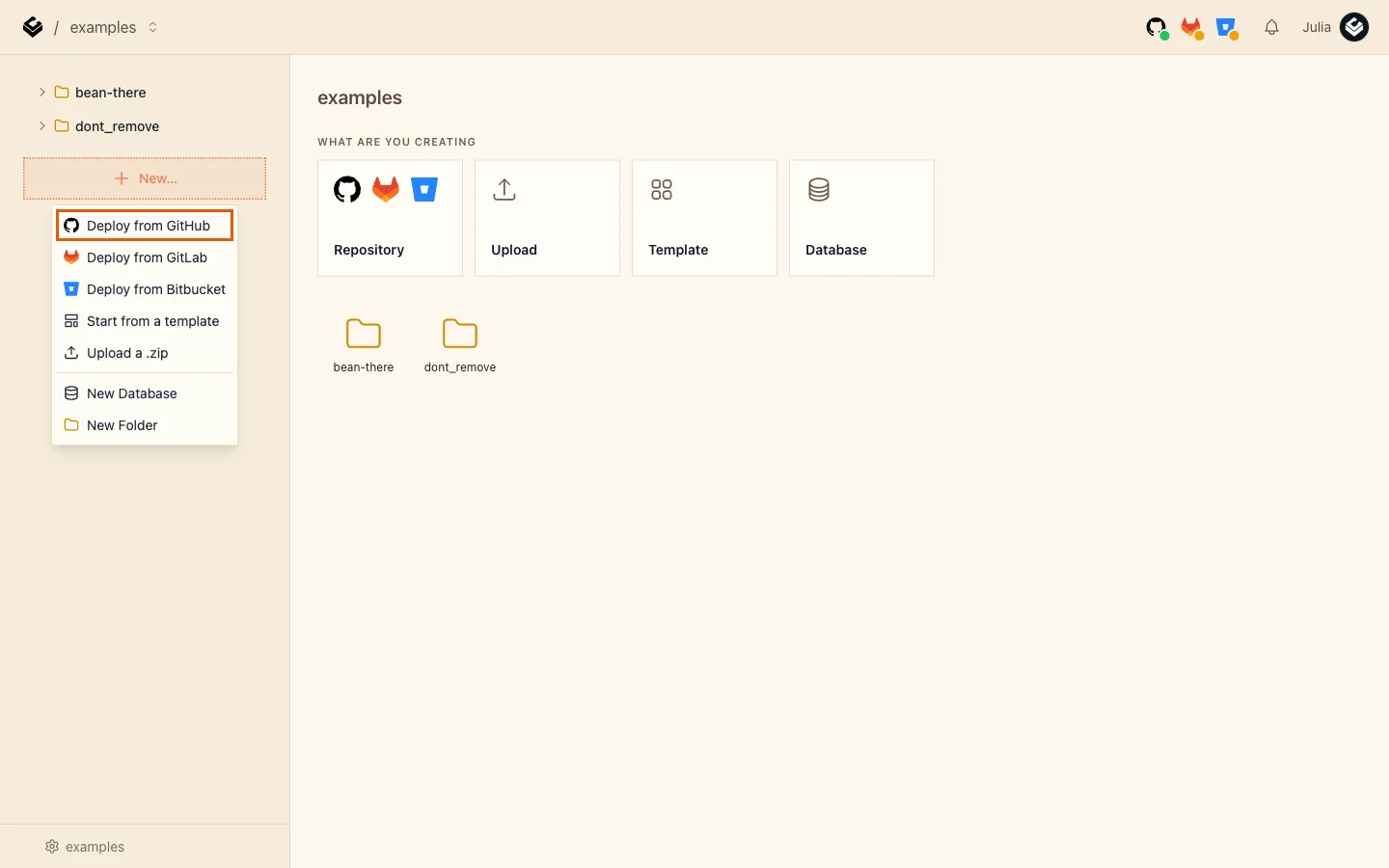
2. Type the repository name into **Search your repositories...** and click it. A new repository can take a few seconds to appear.
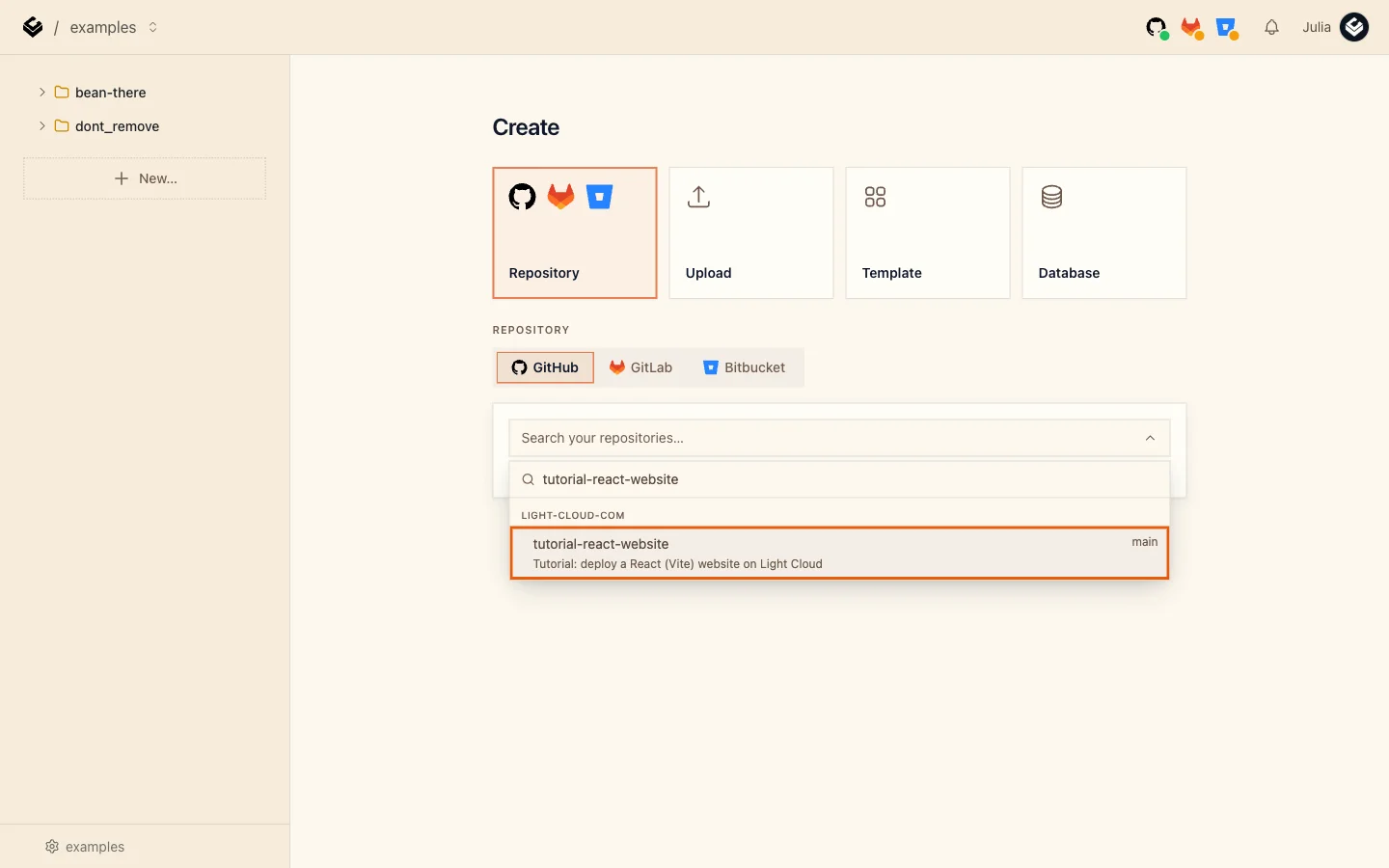
Light Cloud reads the repository and shows what it found: **React / Frontend**, based on `package.json` and `package-lock.json`, **Served from the edge**. A React app compiles to static files, so no server runs for it; the files are delivered from a content delivery network.
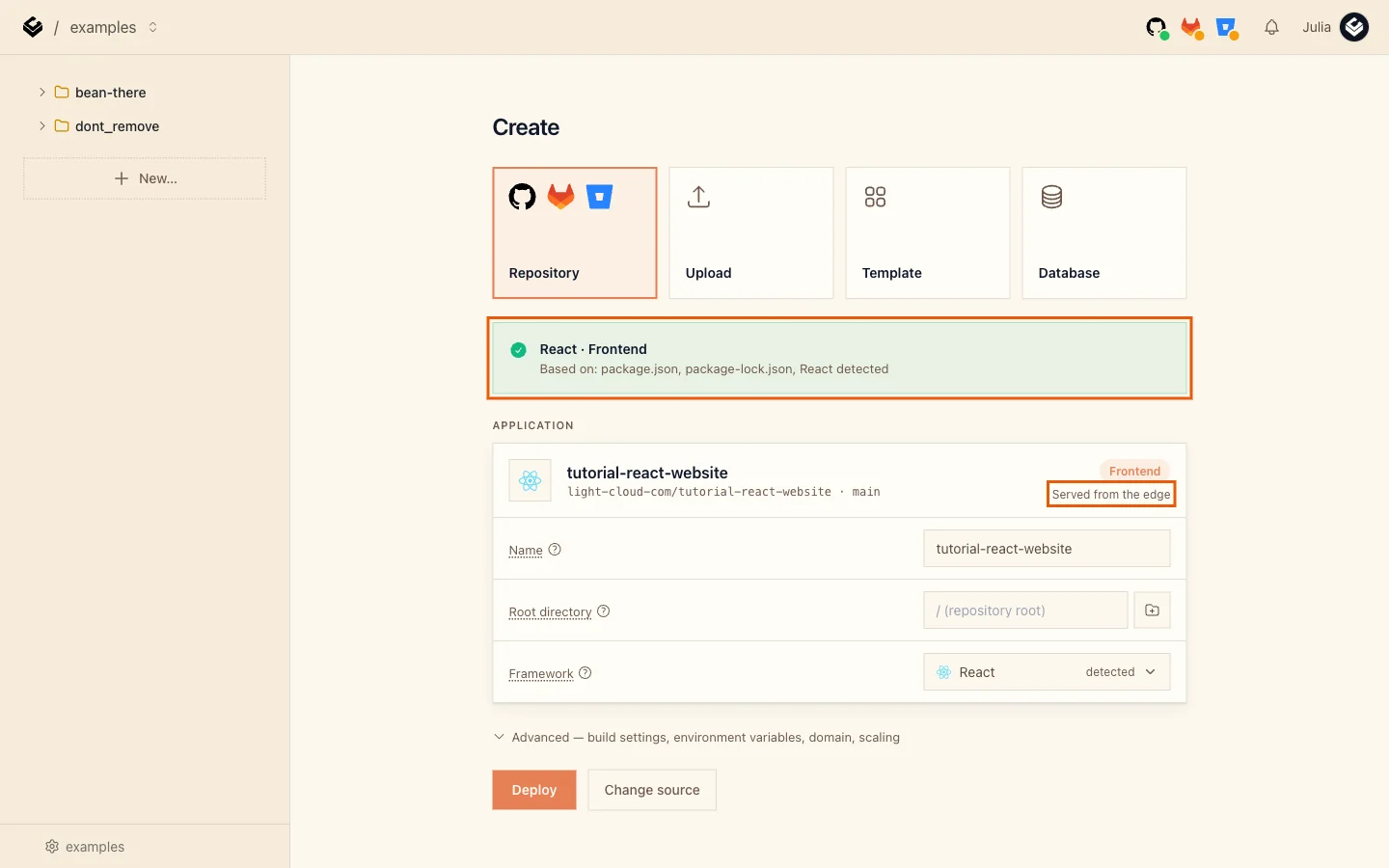
3. Optional: open **Advanced - build settings, environment variables, domain, scaling** to see what Light Cloud will run. It has already filled in `npm ci` as the **Install command**, `npm run build` as the **Build command** and `dist` as the **Output directory**. You do not need to change anything.
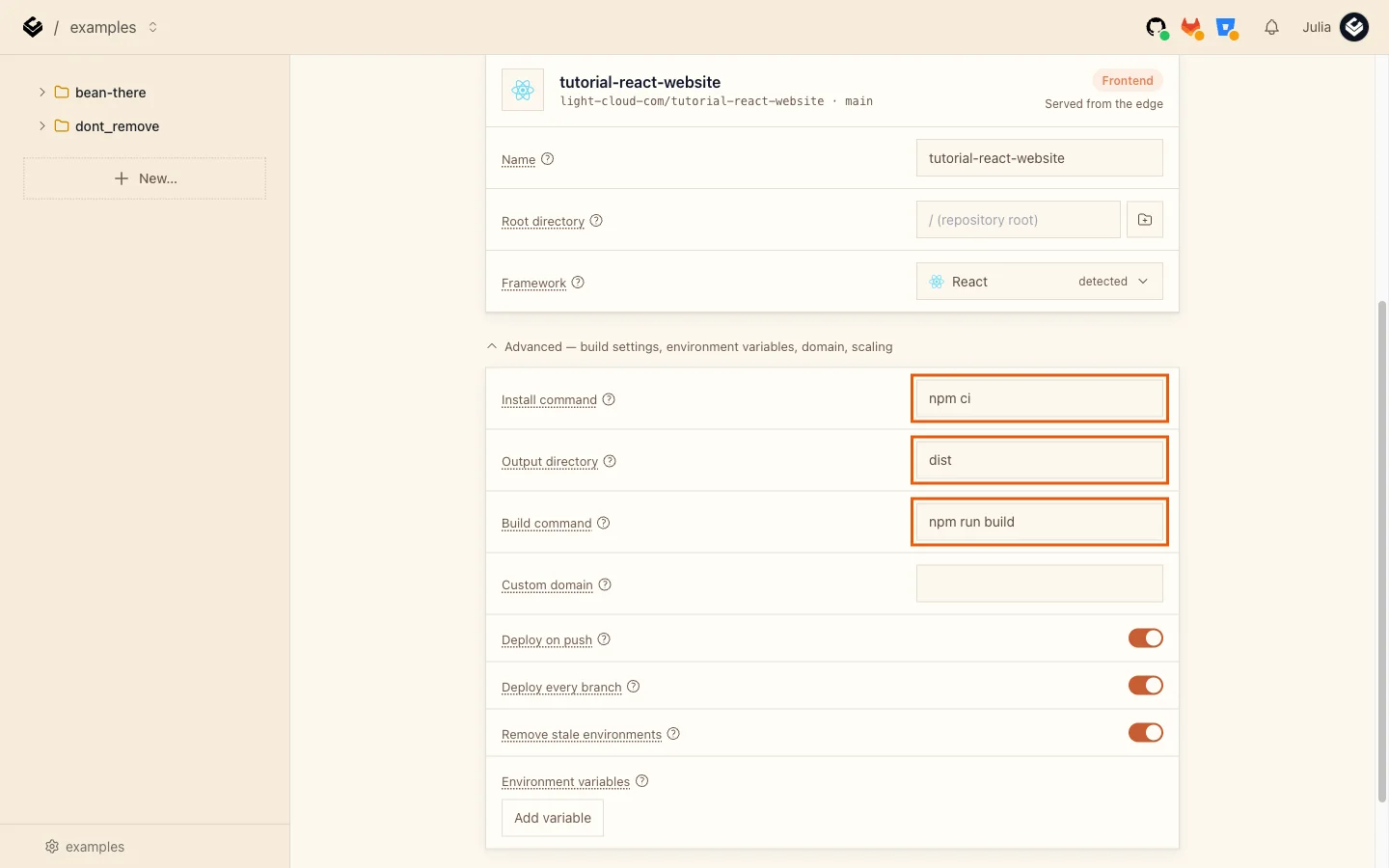
4. Click **Deploy**.
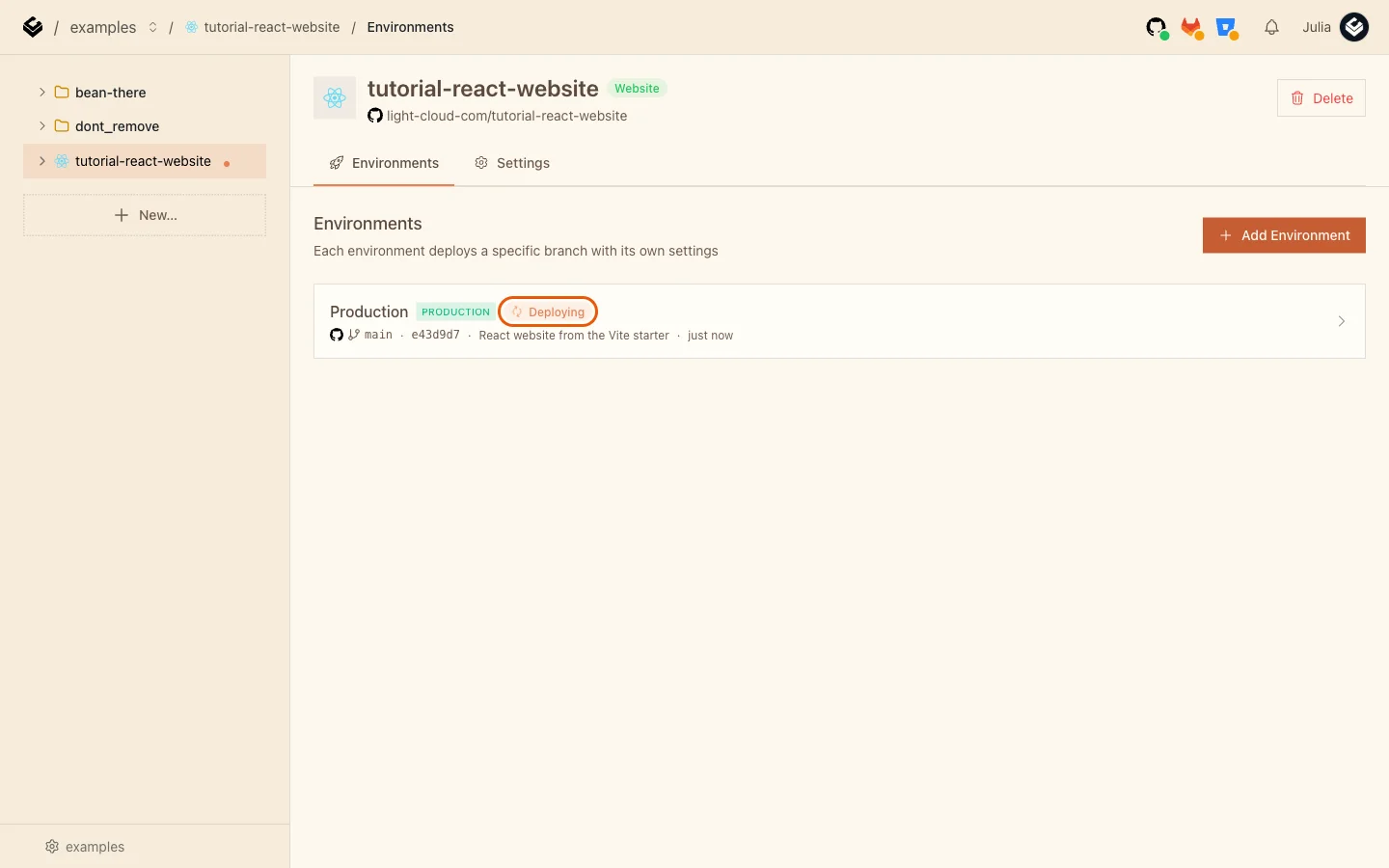
## Step 5: Open your site
When **Production** shows **Deployed** (15 seconds in my run), open it. The **URL** card on the **Overview** tab links to your site:
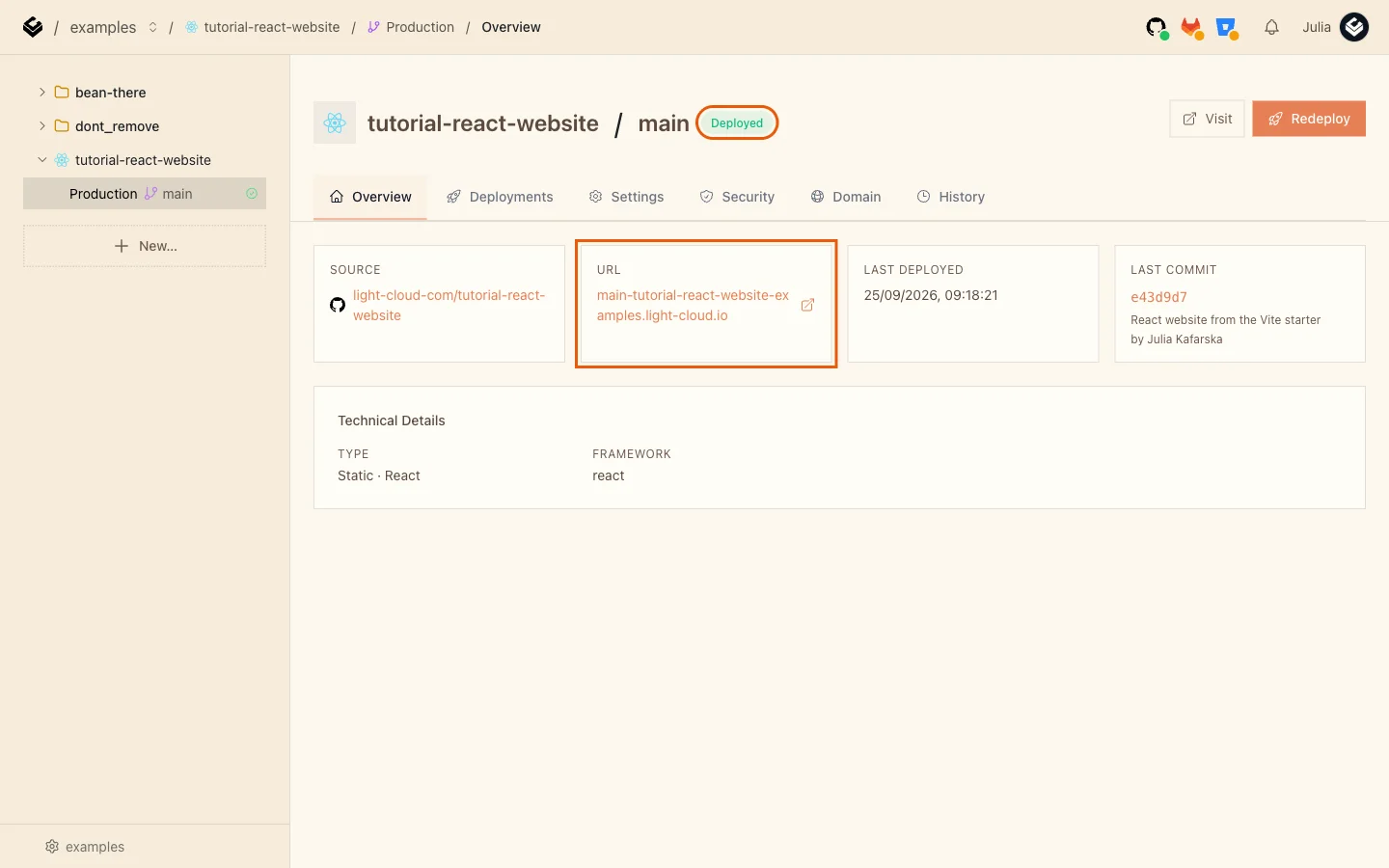
The address follows the pattern `https://main--.light-cloud.io`, and HTTPS is already set up.
## Step 6: Update the site with git push
Change the headline in `src/App.jsx`:
```jsx title="src/App.jsx"
Hello from Light Cloud
```
Commit and push:
```shell os="macOS,Linux"
$ git commit -am "Change the headline"
$ git push
```
```shell os="Windows"
PS> git commit -am "Change the headline"
PS> git push
```
That is all. **Deploy on push** is on by default, so Light Cloud builds the new version when GitHub tells it about the push. The **Deployments** tab lists it as deployed by **GitHub Auto-Deploy**:
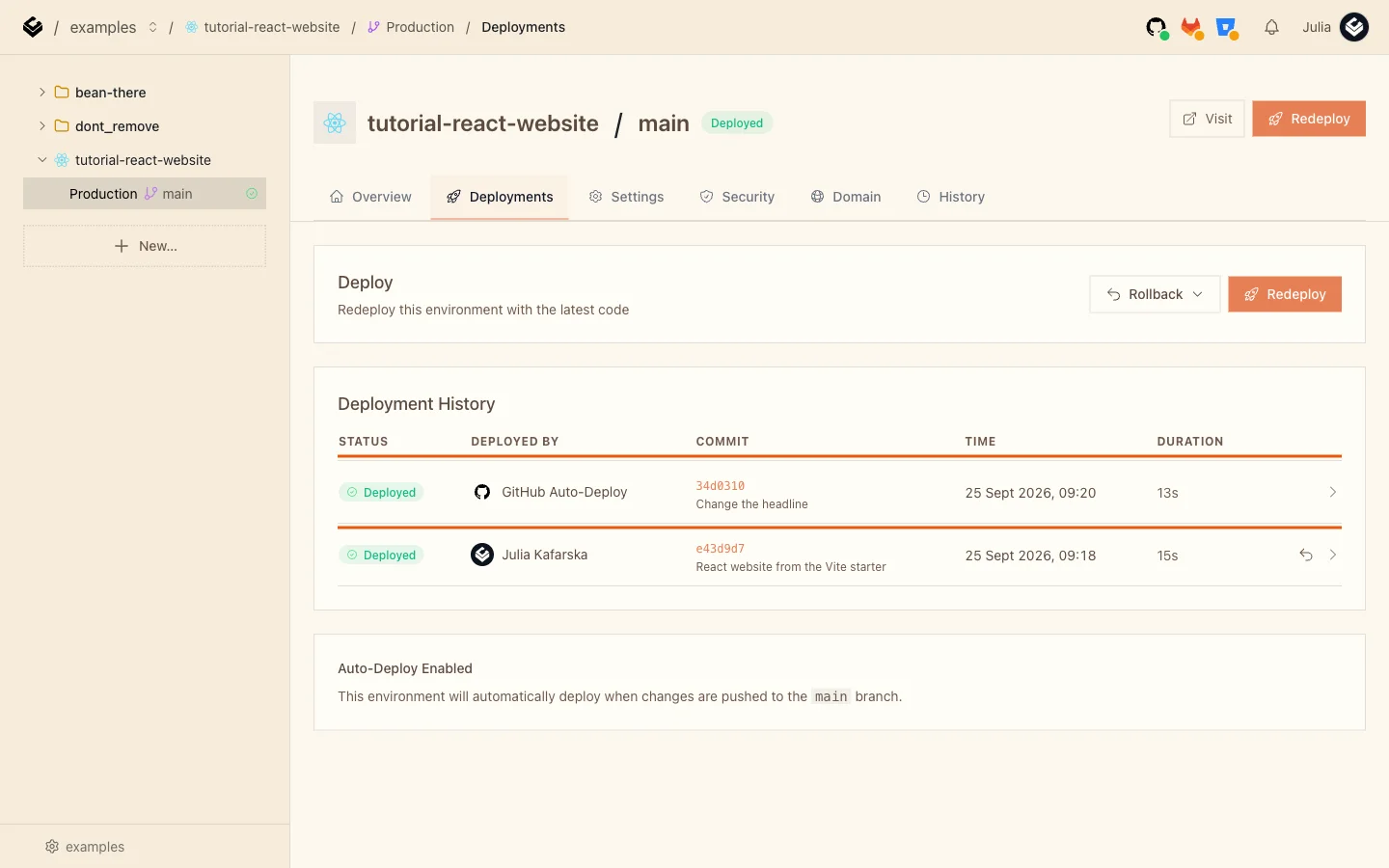
In my run the new headline was live 50 seconds after `git push`.
## Step 7: Check that client-side routes work
If you add [React Router](https://reactrouter.com/) later, pages like `/about` only exist in the browser. Light Cloud answers any path that is not a real file with your `index.html`, so those links work when opened directly or refreshed:
To try it now, open `https://main-tutorial-react-website-yourworkspace.light-cloud.io/about/team`, a page that does not exist yet. Instead of a 404 error, you get the home page: that is `index.html`, where React Router would take over.
## Troubleshooting
### The repository does not appear in the search
The Light Cloud GitHub App does not have access to it yet. Click **Add or configure an account** under the search box and grant access to the repository (or to all repositories). A repository created a moment ago can also take a few seconds to show up.
### The build fails with "npm ci can only install packages when your package.json and package-lock.json are in sync"
Run `npm install` on your machine, commit the updated `package-lock.json` and push again.
---
# What "Open" Means After HashiCorp
In August 2023, HashiCorp [swapped Terraform's license](https://en.wikipedia.org/wiki/OpenTofu) from the Mozilla Public License to the Business Source License, and thousands of engineering teams discovered simultaneously that a load-bearing piece of their infrastructure had changed its legal nature overnight, without a version bump, without a migration guide, without asking. The code was identical the next morning. The deal was not.
What followed is now a complete story with a beginning, middle, and instructive end: the community forked, the fork survived, and the company got acquired anyway, by [IBM, for $6.4 billion, closing February 27, 2025](https://www.theregister.com/2025/02/28/ibm_hashicorp_deal_closing/). This post is about what that story settled. My claim: after HashiCorp, license risk belongs in the same planning category as provider outages and [vendor acquisitions](/industry/the-vmware-lesson), because "open source" turned out to describe a current state rather than a commitment, and the difference between those two things is your exposure.
## The timeline, compressed
The BSL's mechanics matter more than its reputation. It's not a rug-pull to proprietary: source stays visible, most end users remain unaffected, and each release converts back to open source after four years. What it restricts is use "in a competitive way" with HashiCorp's own offerings, which is to say it was a targeted strike at the vendors building commercial products on Terraform. Precise, defensible, and quietly radical, because it demonstrated that a license everyone had treated as ground truth was actually a policy, revisable by whoever holds the copyright.
The community's answer arrived within weeks: a coalition [forked Terraform 1.5](https://encore.dev/articles/opentofu-vs-terraform-2026), the last MPL release, and OpenTofu went to the Linux Foundation with commercial backers whose businesses depended on the fork existing. Then the ending nobody's talking point predicted: IBM bought the whole company. The BSL didn't block the acquisition or get reversed by it; instead the license question acquired a second layer, because now the copyright that can rewrite the deal sits inside a portfolio strategy nobody outside Armonk controls.
## What the fork actually proved
Forks were always open source's constitutional theory: the community's right of exit, the reason single-vendor control was supposedly tolerable. Theory, mostly, because executed forks that thrive are rare; forking is expensive, thankless, and usually starves. OpenTofu is the counterexample that matters precisely because it worked: foundation governance, real releases, real adoption, vendors funding it out of existential need rather than idealism.
But look at the conditions that made it work, because they're the actual checklist. A permissive license existed to fork from. The affected parties were companies with revenue, not volunteers with weekends. The project's surface area was forkable by a small expert group. And a neutral foundation stood ready to hold the keys. Remove any one of those and the constitutional theory reverts to theory, which is exactly the audit you should run on every load-bearing dependency you have: not "is it open today" but "if the deal changed tomorrow, does a credible fork coalition exist, and would we be in it or waiting on it?"
## Depending on VC-backed open source without getting burned
The structural fact underneath all of this is unglamorous: a venture-backed company whose product is open source has promised its investors an outcome, and the commons it built is the asset it will eventually monetize harder. That's not cynicism; it's the deal working as designed, and it has a small set of endings, relicense, acquisition, or both. HashiCorp did both. Pretending otherwise is how teams end up surprised by events that were structurally predictable the day the Series C closed.
So read the boring documents before you build on the shiny repo. Who holds the trademark and the copyright, one company or a foundation? Does a contributor license agreement concentrate relicensing power? What does the license convert to, and when? Is governance a committee or a courtesy? None of this appears in the quickstart, all of it determines what happens to you in year four, and the [graph-versus-text argument](/devops/graph-not-text-file) we've made about infrastructure applies to its legal layer too: the dependency structure you can't see is the one that gets you.
## The steelman: HashiCorp had a point
The uncomfortable case for the relicense deserves its space. Building commercial products on someone else's open source while contributing little back is legal free-riding, hyperscalers industrialized it, and a company watching others monetize its R&D isn't paranoid to respond. The BSL genuinely spared end users. MongoDB and Elastic walked similar roads and their businesses survived, their ecosystems adapted, and some of their forks even made the original vendors sharper. If open source companies can't capture value, the argument goes, there will eventually be less open source, and everyone loses slower but loses.
Most of that stands. What doesn't survive is the conclusion that nothing changed for the people downstream. The old equilibrium let you treat a license as terrain, fixed, walkable, boring; the new one requires treating it as weather. Both are livable. Only one of them is what a decade of "just use the open source tool" advice assumed, and infrastructure teams got moved from the first world to the second without a memo. The memo is what this post is for.
The operational conclusion fits in a sentence: depend on open source exactly as much as you like, and know your exit the way [regulators now make banks know theirs](/sovereignty/your-regulator-wants-an-exit-plan). A fork you could join, a compatible alternative you've tested, an abstraction that makes the tool swappable, any of these converts a relicense from crisis to changelog. Which of your load-bearing dependencies could rewrite its deal tomorrow, and do you know your answer, or just your hope?
---
# Microservices Part 6: Trace One Request Through the Logs
To follow one request across microservices on Light Cloud, give it an ID, pass that ID to every service in an `x-request-id` header, and print it in every log line as JSON with a `severity` field. Then search each service's **Logs** tab for the ID: every line the request produced appears, in every service, and the level filter narrows the view to warnings and errors.
This is Part 6, the last part of the series. It uses Bean There from [Part 1](/tutorials/microservices-on-light-cloud-part-1-deploy), where the request ID was already built in.
## What you will build
- Log lines that the Logs tab understands: JSON with `severity`, `service`, `requestId` and a `message`.
- A traced order: one ID, found in orders-api and in catalog-api.
- A traced failure: an order for a product that does not exist, found with the **warnings and above** filter.
Source code: [github.com/light-cloud-com/tutorial-microservices](https://github.com/light-cloud-com/tutorial-microservices), tag `part-6`.
## Before you start
- Bean There from Parts 1 to 5.
- A terminal with [curl](https://curl.se/) (on Windows, [`curl.exe`](https://curl.se/windows/) in [PowerShell 7](https://learn.microsoft.com/en-us/powershell/scripting/install/installing-powershell-on-windows)) and [Git](https://git-scm.com/downloads).
## Step 1: Get the Part 6 code
Sync your fork or pull, as in the earlier parts:
```shell os="macOS,Linux"
$ git pull upstream main
$ git push origin main
```
```shell os="Windows"
PS> git pull upstream main
PS> git push origin main
```
Both APIs changed, so both redeploy.
## Step 2: How the request ID travels
Each API gives every request an ID, or keeps the one the caller sent, and returns it in the response. orders-api passes it on when it calls catalog-api:
```python title="orders-api/main.py"
@app.middleware("http")
async def request_id(request: Request, call_next):
request.state.request_id = request.headers.get("x-request-id") or str(uuid.uuid4())
response = await call_next(request)
response.headers["x-request-id"] = request.state.request_id
return response
```
```python title="orders-api/main.py"
reply = await client.post(
f"{CATALOG_API_URL}/internal/products/{order.product_id}/reserve",
json={"quantity": order.quantity},
headers={"x-internal-secret": INTERNAL_SECRET, "x-request-id": request_id},
)
```
catalog-api does the same on its side, keeping the ID it receives:
```javascript title="catalog-api/server.js"
app.use((req, res, next) => {
req.requestId = req.get("x-request-id") || randomUUID();
res.set("x-request-id", req.requestId);
next();
});
```
## Step 3: Write logs the Logs tab understands
Part 6 adds a `severity` field to every log line. The **Logs** tab reads it: lines get the right level and colour, and the level filter works. Without it, a line shows as **DEFAULT**.
```javascript title="catalog-api/server.js"
// One JSON object per line. "severity" is what the Logs tab's level filter
// reads (INFO, WARNING, ERROR); requestId ties lines from all services together.
function log(req, message, extra = {}, severity = "INFO") {
console.log(JSON.stringify({ severity, service: "catalog-api", requestId: req.requestId, message, ...extra }));
}
```
```python title="orders-api/main.py"
def log(request_id: str, message: str, severity: str = "INFO", **extra):
print(json.dumps({"severity": severity, "service": "orders-api", "requestId": request_id, "message": message, **extra}), flush=True)
```
Part 6 also fixes a bug from earlier parts: an order for a product that does not exist used to answer "Not enough stock". It now returns `404 Product not found` and logs a warning in both services.
## Step 4: Send a traced order
Place an order with an ID you choose, so it is easy to find. `-i` shows the response headers, including the ID coming back:
```shell os="macOS,Linux"
$ curl -s -i -X POST https://main-orders-api-yourworkspace.light-cloud.io/orders \
-H "content-type: application/json" -H "x-request-id: order-7f3a" \
-d '{"product_id":2,"quantity":1}'
HTTP/2 201
x-request-id: order-7f3a
{"id":9,"product":"Pour-over kettle","quantity":1,"total_cents":5900}
```
```shell os="Windows"
PS> curl.exe -s -i -X POST https://main-orders-api-yourworkspace.light-cloud.io/orders `
-H "content-type: application/json" -H "x-request-id: order-7f3a" `
-d '{"product_id":2,"quantity":1}'
HTTP/2 201
x-request-id: order-7f3a
{"id":9,"product":"Pour-over kettle","quantity":1,"total_cents":5900}
```
Other headers are left out here. Your order `id` will differ. In a real app the browser would not choose the ID; the first service creates one, and you find it in the response or in the first log line.
## Step 5: Find it in both services
1. Open **orders-api**, **Production**, then the **Logs** tab.
2. Type the ID, `order-7f3a`, into **search lines** and press Enter.
Two lines: `placing order` and `order placed`. Click a line to open it. Under **JSON Payload** you see every field the service logged, including the `requestId`:
3. Now open **catalog-api**, **Production**, **Logs**, and search for the same ID.
`reserved stock`: the same request, one service further along. Together the two searches show the order's whole path, in order, with timestamps.
## Step 6: Find failures with the level filter
Send an order that fails:
```shell os="macOS,Linux"
$ curl -s -i -X POST https://main-orders-api-yourworkspace.light-cloud.io/orders \
-H "content-type: application/json" -H "x-request-id: order-404b" \
-d '{"product_id":999,"quantity":1}'
HTTP/2 404
x-request-id: order-404b
{"detail":"Product not found"}
```
```shell os="Windows"
PS> curl.exe -s -i -X POST https://main-orders-api-yourworkspace.light-cloud.io/orders `
-H "content-type: application/json" -H "x-request-id: order-404b" `
-d '{"product_id":999,"quantity":1}'
HTTP/2 404
x-request-id: order-404b
{"detail":"Product not found"}
```
Now find it without knowing the ID. In orders-api's **Logs** tab, clear the search, open the **level** filter and choose **warnings and above**:
Only warnings and errors remain. Open `order for unknown product` to see which product and which request:
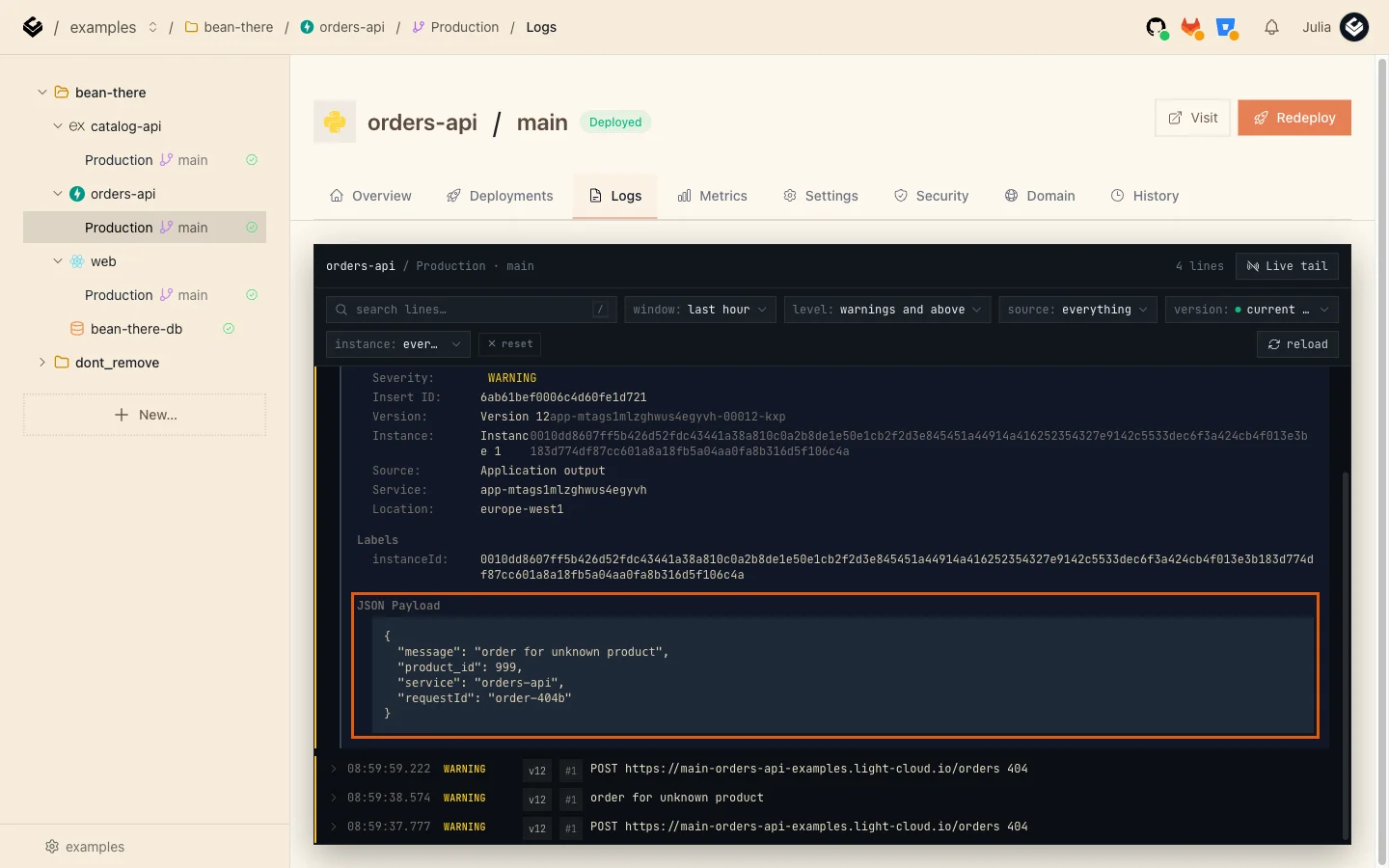
Two kinds of lines show up. Your own `order for unknown product` warning, and a line Light Cloud writes for every HTTP request, here `POST https://main-orders-api-yourworkspace.light-cloud.io/orders 404`. Requests that end with a 4xx status are marked **WARNING** automatically, so this filter finds failed requests even in a service that logs nothing itself. With the `requestId` from the payload you can now search catalog-api for the other half of the story.
---
# Microservices Part 5: Preview a Branch and Roll Back
To ship a change to one microservice without breaking the others on Light Cloud, push it to a Git branch: Light Cloud deploys the branch to its own URLs, posts the preview links on your pull request, and after the merge redeploys only the services the change touched. If a bad deploy still reaches production, **Rollback** on the **Deployments** tab serves an earlier build again; in my test the service was fixed in 13 seconds.
This is Part 5 of the series, on the Bean There shop from [Part 1](/tutorials/microservices-on-light-cloud-part-1-deploy). **Deploy every branch** and **Remove stale environments** were switched on when the apps were created, which is the default.
## What you will build
- A feature, "stock status" ("in stock", "low", "sold out"), that changes catalog-api and the web app.
- A full preview of the feature on branch URLs, wired so the preview shop talks to the preview APIs.
- A merged pull request, and then a deliberate bug in production that you roll back and revert.
Source code: [github.com/light-cloud-com/tutorial-microservices](https://github.com/light-cloud-com/tutorial-microservices), tag `part-5`.
## Before you start
- Bean There from Parts 1 to 4, deployed from your fork.
- [Git](https://git-scm.com/downloads) and a terminal with [curl](https://curl.se/) (on Windows, [`curl.exe`](https://curl.se/windows/) in [PowerShell 7](https://learn.microsoft.com/en-us/powershell/scripting/install/installing-powershell-on-windows)).
## Step 1: Push a feature branch
Create a branch and change catalog-api so `/products` also returns a `stock_status`:
```shell os="macOS,Linux"
$ git checkout -b feature/stock-status
Switched to a new branch 'feature/stock-status'
```
```shell os="Windows"
PS> git checkout -b feature/stock-status
Switched to a new branch 'feature/stock-status'
```
```javascript title="catalog-api/server.js"
app.get("/products", async (req, res) => {
const { rows } = await db.query(
`SELECT *, CASE WHEN stock = 0 THEN 'sold out' WHEN stock < 10 THEN 'low' ELSE 'in stock' END AS stock_status
FROM products ORDER BY id`
);
```
Commit and push the branch:
```shell os="macOS,Linux"
$ git commit -am "catalog-api: add stock_status to /products"
$ git push -u origin feature/stock-status
```
```shell os="Windows"
PS> git commit -am "catalog-api: add stock_status to /products"
PS> git push -u origin feature/stock-status
```
About a minute later each app has a second environment next to **Production**, named after the branch and deployed from it:
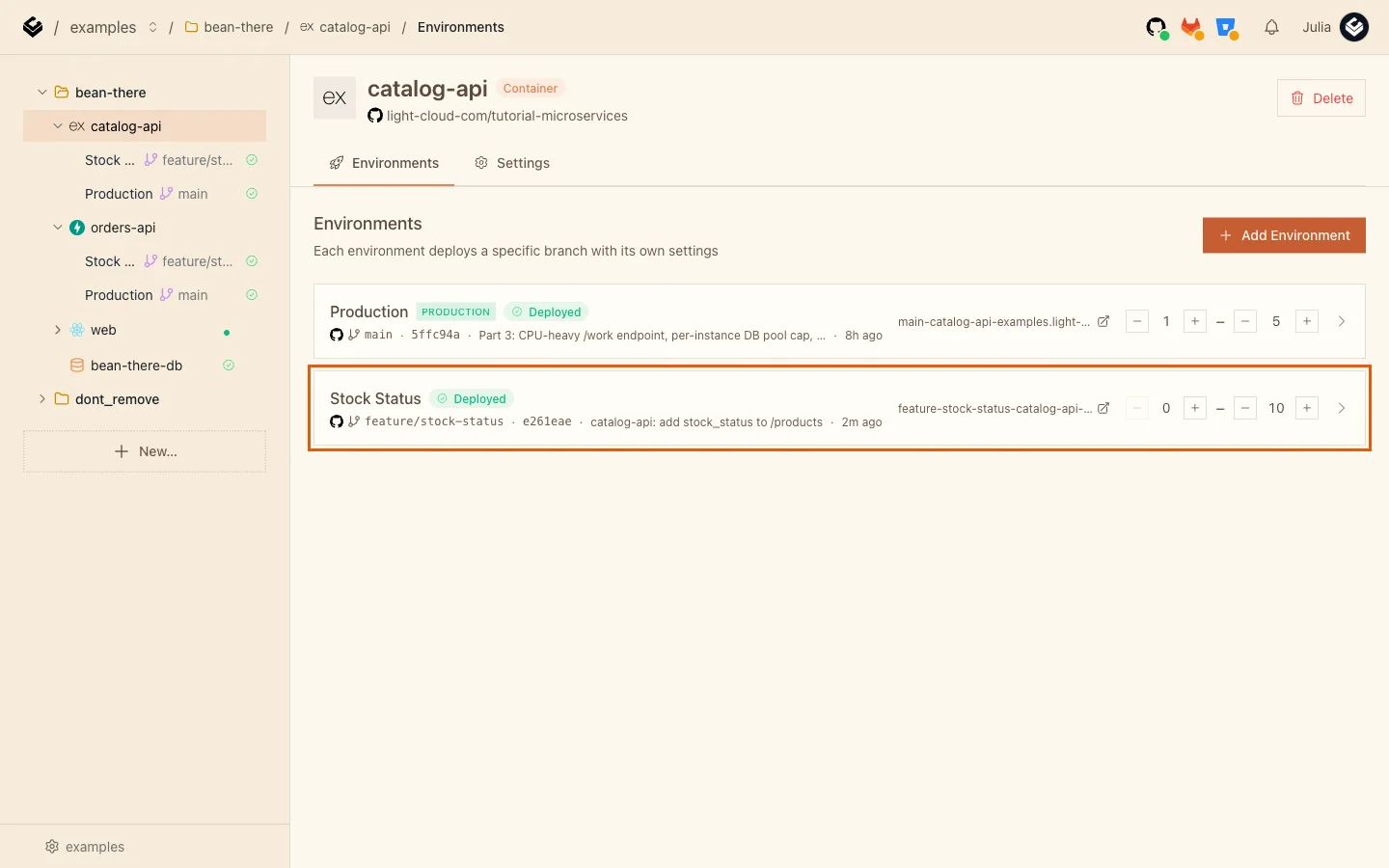
Notice that **all three apps** got a branch environment, even though only `catalog-api/` changed. A new branch creates an environment for every app on the repository; after that, pushes only redeploy the apps whose folder changed.
## Step 2: Test the changed service on its own URL
A branch environment's address is the branch name (with `/` turned into `-`), the app name and your workspace. Open the branch and production side by side in your browser:
- `https://feature-stock-status-catalog-api-yourworkspace.light-cloud.io/products`
- `https://main-catalog-api-yourworkspace.light-cloud.io/products`
The first product on the branch:
```json
{"id":1,"name":"Espresso beans, 1 kg","price_cents":2400,"stock":39,"stock_status":"in stock"}
```
The same product in production:
```json
{"id":1,"name":"Espresso beans, 1 kg","price_cents":2400,"stock":39}
```
The branch has the new field; production does not. Your stock numbers will differ.
## Step 3: Know what a preview is connected to
A branch environment starts with the app's **default** variables, the ones you entered when you created the app. For Bean There that means:
- The branch catalog-api uses the **production database**. Stock it reserves is real stock.
- The branch orders-api calls the **production** catalog-api.
- The branch web app calls the **production** APIs, so it does not show your change at all.
For a change to one API that you test with curl, that is fine. To click through the whole feature, point the preview services at each other.
## Step 4: Wire a full preview
First, show the status in the shop. Still on the branch, the web app displays `stock_status` when the API sends it:
```jsx title="web/src/App.jsx"
{product.stock_status ? `${product.stock_status} (${product.stock})` : `${product.stock} in stock`}
```
Commit and push; only the branch web app redeploys. Then set these variables in each **Stock Status** environment (open the app, **Stock Status**, **Settings**, **Environment Variables**, **Edit**, then **Save**):
| App | Variable | Value |
|---|---|---|
| web | `VITE_CATALOG_API_URL` | `https://feature-stock-status-catalog-api-yourworkspace.light-cloud.io` |
| web | `VITE_ORDERS_API_URL` | `https://feature-stock-status-orders-api-yourworkspace.light-cloud.io` |
| catalog-api | `WEB_ORIGIN` | `https://feature-stock-status-web-yourworkspace.light-cloud.io` |
| orders-api | `WEB_ORIGIN` | `https://feature-stock-status-web-yourworkspace.light-cloud.io` |
| orders-api | `CATALOG_API_URL` | `https://feature-stock-status-catalog-api-yourworkspace.light-cloud.io` |
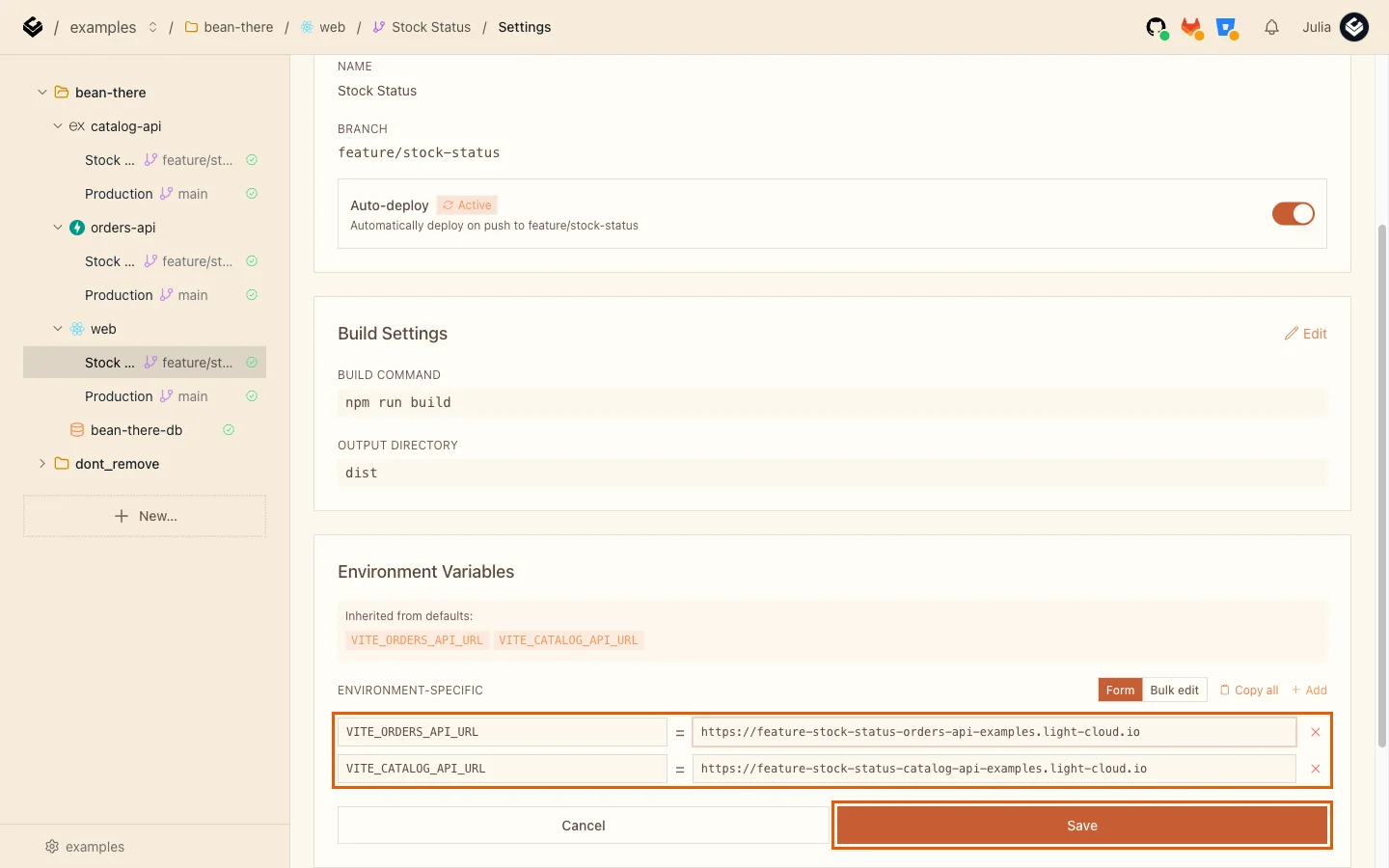
These variables belong to the branch environment only; production is not touched. About a minute after the last save, open the preview shop at `https://feature-stock-status-web-yourworkspace.light-cloud.io`:
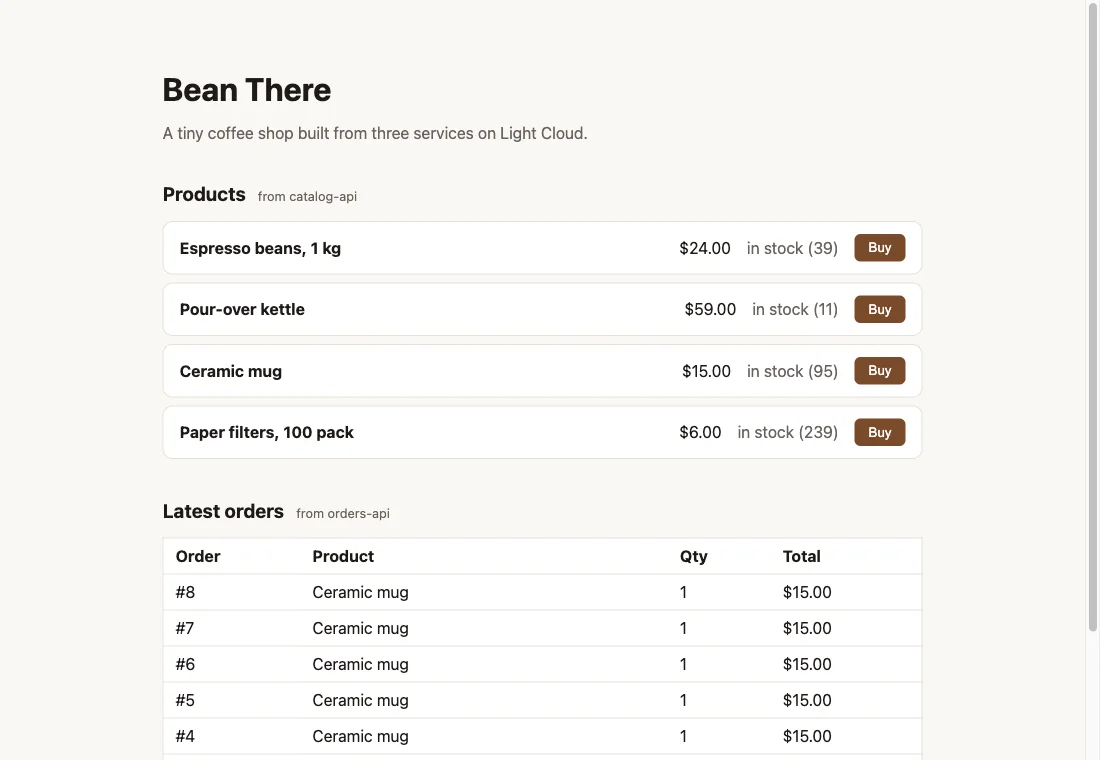
The preview shows the new status; the production shop still shows "39 in stock". Browse, but do not place orders here: the preview still shares the production database.
## Step 5: Open a pull request
Open your repository on GitHub. It shows a banner for the branch you just pushed: click **Compare & pull request**, check that it goes from `feature/stock-status` into `main`, give it a title such as `Show stock status in the shop`, and click **Create pull request**.
Light Cloud comments on the pull request with a preview link for each app, and adds a check per app that turns green when its deployment is ready:
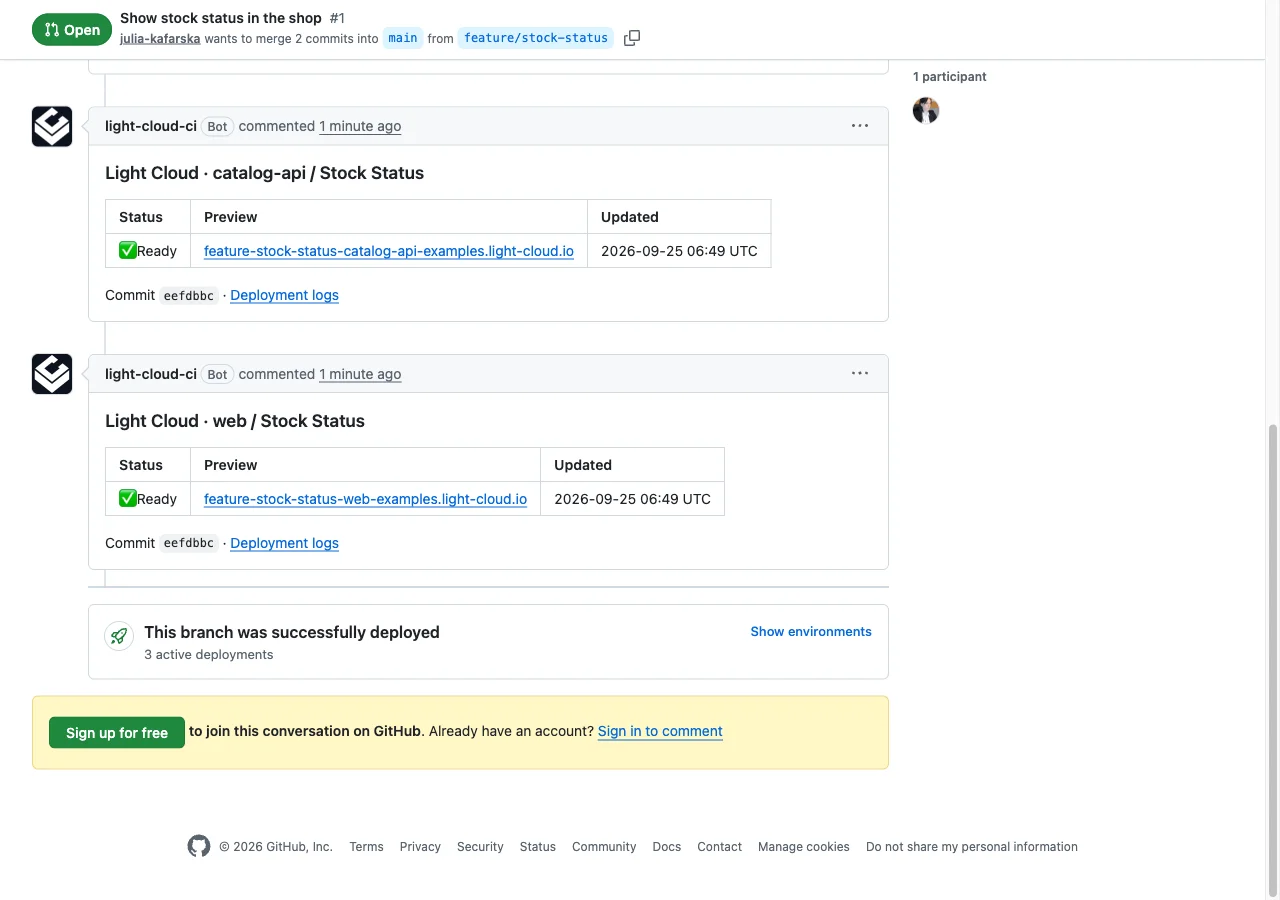
Reviewers can open the links without access to the Light Cloud console.
## Step 6: Merge
Merge the branch into `main` and delete it, with Git:
```shell os="macOS,Linux"
$ git switch main
$ git pull
$ git merge feature/stock-status
$ git push
$ git push origin --delete feature/stock-status
```
```shell os="Windows"
PS> git switch main
PS> git pull
PS> git merge feature/stock-status
PS> git push
PS> git push origin --delete feature/stock-status
```
GitHub marks the pull request as merged as soon as its commits reach `main`. (The **Merge pull request** and **Delete branch** buttons on GitHub do the same.)
Two things happen:
- **Production redeploys only what changed.** The merge touched `catalog-api/` and `web/`, so those two redeploy; orders-api keeps running its current version.
- **The previews disappear.** Deleting the branch removes the three **Stock Status** environments.
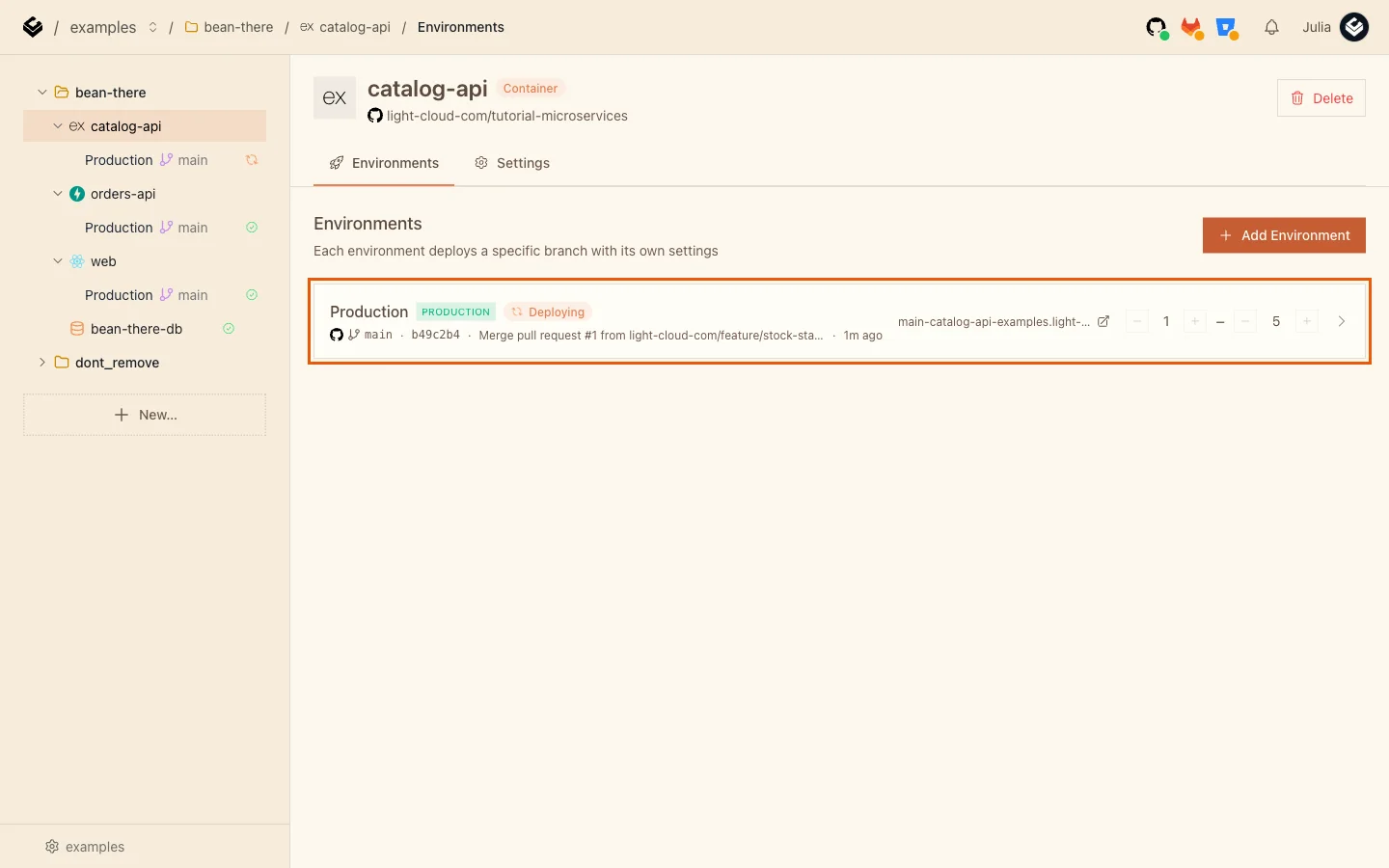
## Step 7: Roll back a bad deploy
Previews catch a lot, but not everything. To practise, push a change straight to `main` that builds fine and is wrong: it divides every price by 100.
```javascript title="catalog-api/server.js"
// Prices in whole currency units for the new price badge.
res.json(rows.map((row) => ({ ...row, price_cents: row.price_cents / 100 })));
```
A minute after the push, the shop sells espresso beans for $0.24:
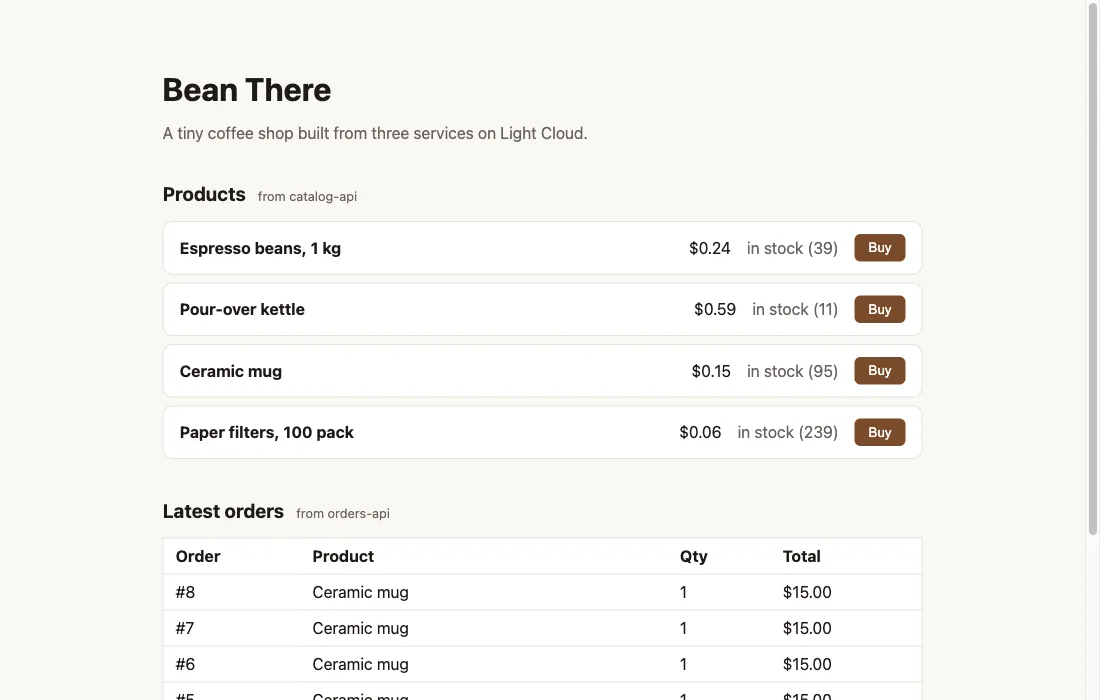
Roll back:
1. Open **catalog-api**, **Production**, then the **Deployments** tab.
2. Click **Rollback**.
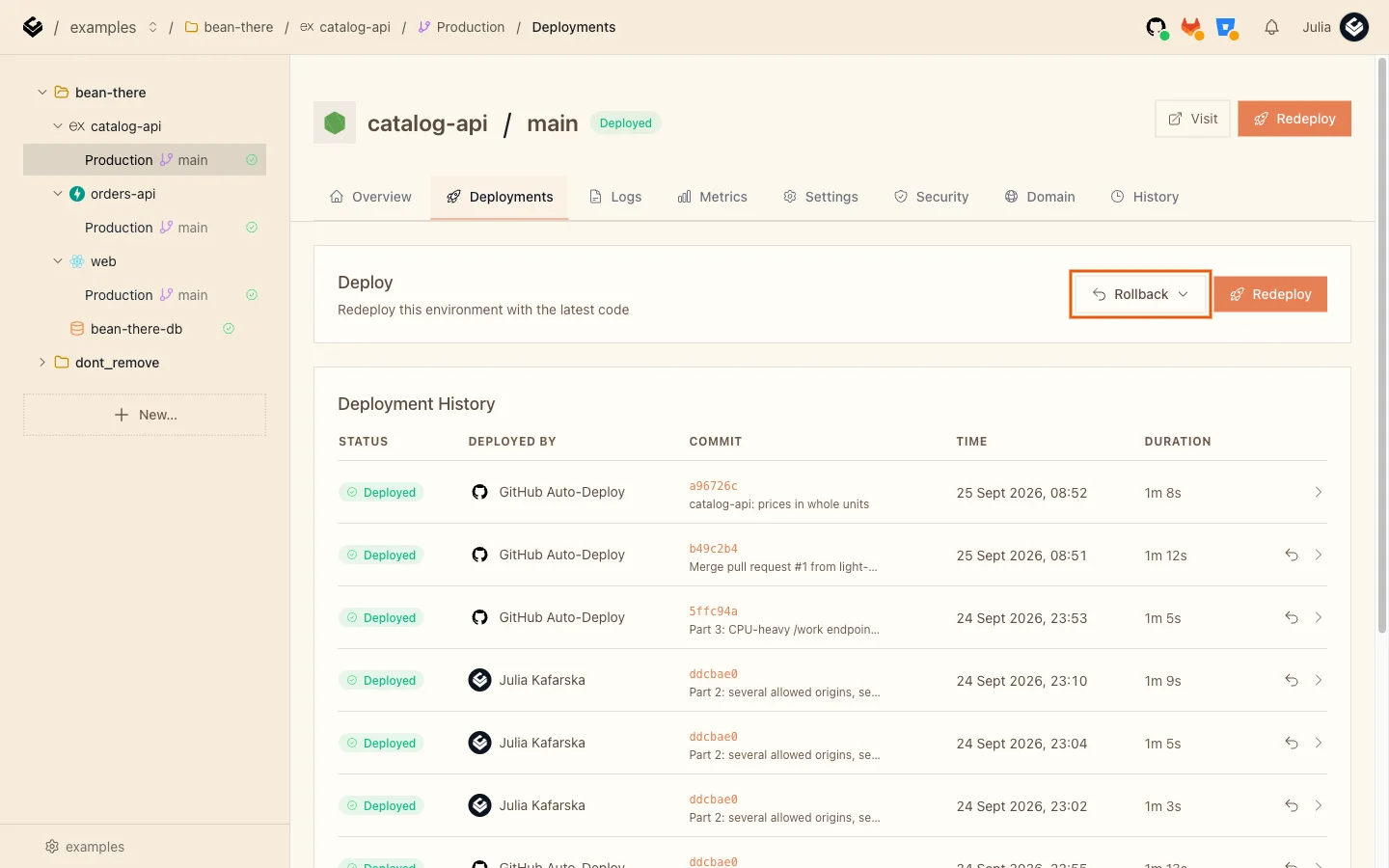
3. Pick the last good deployment. The one marked **CURRENT** is the bad one; choose the one below it, here the merge commit `b49c2b4`.
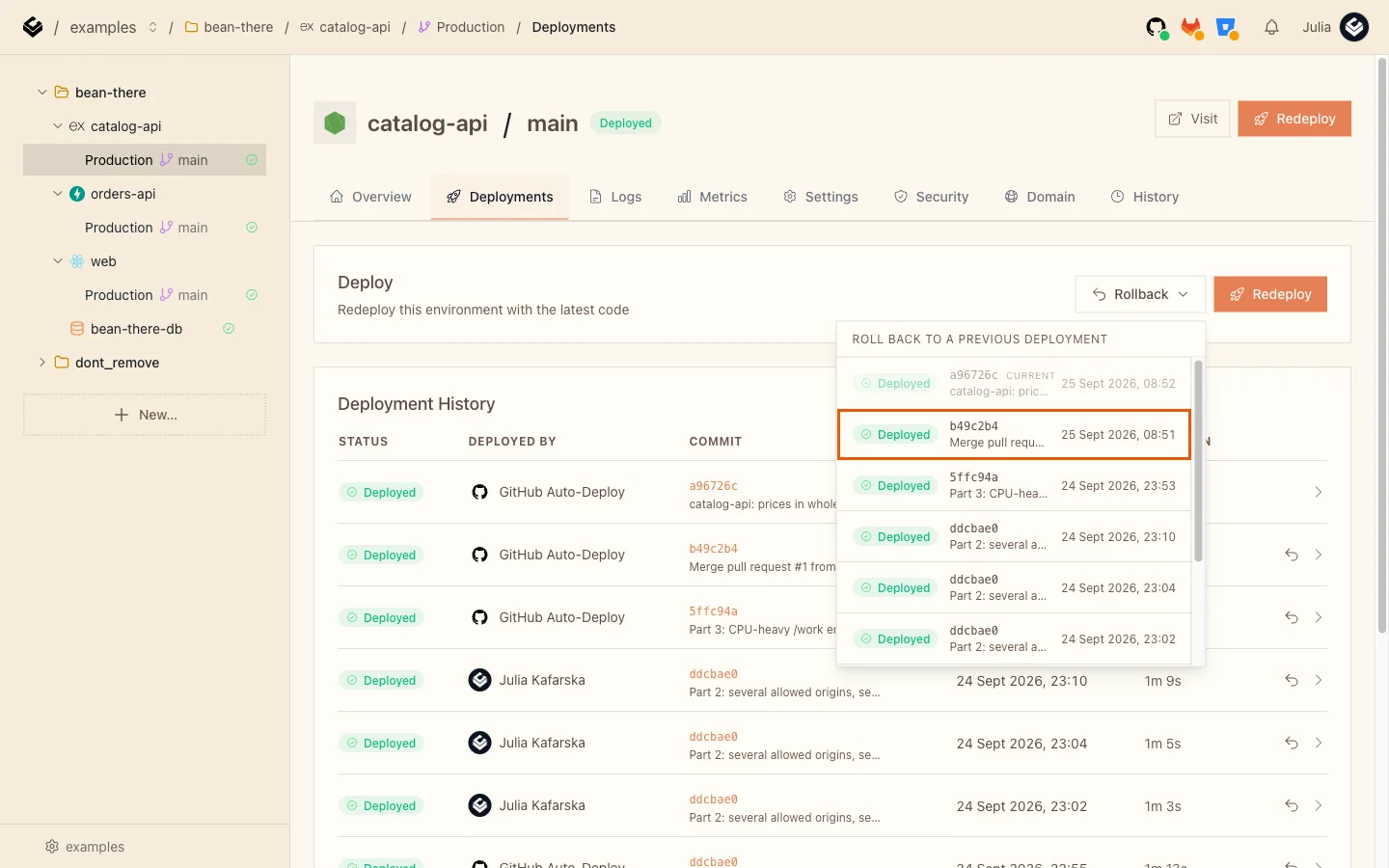
4. Read the confirmation and click **Roll back**.
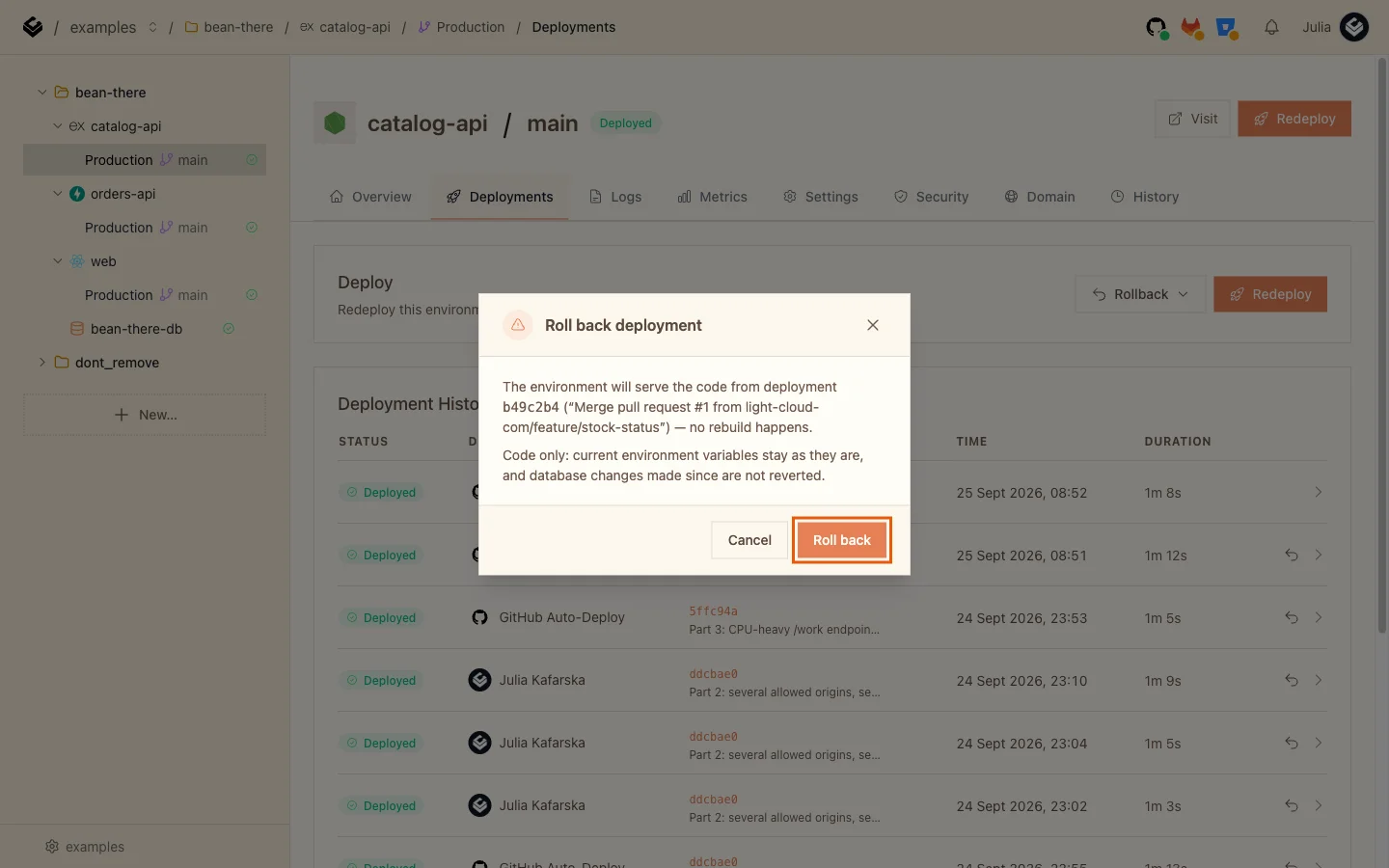
The dialog says exactly what a rollback does: the environment serves the code from the earlier deployment, with **no rebuild**. Current environment variables stay as they are, and database changes made since are not undone. Because nothing is built, it is fast: in my test catalog-api served the correct prices again **13 seconds** after I clicked **Roll back**, against about 70 seconds for a normal deploy.
## Step 8: Fix main
The bad commit is still on `main`, and the next push would deploy it again. Revert it and push:
```shell os="macOS,Linux"
$ git revert --no-edit HEAD
[main 35f7829] Revert "catalog-api: prices in whole units"
1 file changed, 1 insertion(+), 2 deletions(-)
$ git push
```
```shell os="Windows"
PS> git revert --no-edit HEAD
[main 35f7829] Revert "catalog-api: prices in whole units"
1 file changed, 1 insertion(+), 2 deletions(-)
PS> git push
```
Your commit id will differ. The push deploys the reverted code, and `main` and production agree again.
## Troubleshooting
### The preview shop shows production data, not my change
The branch web app still uses the app's default `VITE_*` variables, which point at production. Set them on the branch environment (Step 4); saving rebuilds the preview with the new values.
### The preview shop shows a CORS error
The branch APIs only allow the origins in their own `WEB_ORIGIN`. Add the preview web address to `WEB_ORIGIN` on the branch catalog-api and orders-api.
---
# The VMware Lesson
In a New York court filing, AT&T, a company that negotiates for a living, stated that its VMware renewal under Broadcom's new licensing model amounted to [a price increase of roughly 1,050%](https://regmedia.co.uk/2024/09/05/pacer_att_broadcom_complaint.pdf). Not fifty percent. Not double. Ten and a half times, for software already running, holding up systems that included services used by first responders, which is the detail that got the lawsuit its headlines.
The AT&T number is the famous one, and it isn't the ceiling: European cloud providers organized under CISPE reported member increases [between 800% and 1,500%](https://www.networkworld.com/article/3994107/vmware-customers-in-europe-face-up-to-1500-price-increases-under-broadcom-ownership.html). This post is about why those numbers are the size they are, because the answer isn't greed as a personality trait. The answer is arithmetic performed on an install base that couldn't leave, and that arithmetic is the single most instructive case study available for anyone who signs infrastructure contracts. The lesson isn't "avoid Broadcom". It's that every locked-in vendor relationship you hold is an asset on someone's future balance sheet, priced at exactly your inability to exit.
## The timeline of a repricing
The speed is the tell. Broadcom closed its roughly $69 billion VMware acquisition on November 22, 2023, and [nineteen days later announced the end of perpetual licenses](https://redmondmag.com/articles/2023/12/13/broadcom-kills-perpetual-vmware-licenses.aspx), the licensing model on which two decades of enterprise datacenters had been built. Products were fused into a handful of subscription bundles, so customers wanting one component now bought suites. The partner program was culled. Renewals began arriving at multiples of prior spend, and when customers balked, the follow-through included cease-and-desist letters to lapsed subscribers and litigation involving names as large as Siemens' US operations, while [AT&T's suit](https://www.sdxcentral.com/news/broadcom-vmware-faces-eu-lawsuit-and-security-update-complaints/) alleged bad-faith pressure to convert to subscriptions it didn't want.
No exploratory phase, no gradual drift: a playbook executed in weeks, which tells you it was written before the ink dried. And by the only measure Broadcom answers to, [it worked; the strategy has paid off financially](https://www.networkworld.com/article/4053783/broadcoms-vmware-strategy-pays-off-financially-but-customers-not-as-keen-as-wall-street.html), whatever the customer satisfaction surveys say. That's the part to absorb without flinching. This wasn't a miscalculation being punished by the market. It was a calculation being rewarded by it.
## Why the numbers are that size
Here's the mechanism, and it's the same one this blog keeps circling from different directions. A hypervisor is close to the deepest possible position in the [lock-in taxonomy](/multi-cloud/egress-fees-are-dead-lock-in-isnt): it sits under everything, touching every VM, every runbook, every disaster-recovery plan and every ops engineer's muscle memory, so leaving it isn't a migration, it's a re-platforming of the entire estate. Broadcom's pricing team didn't pick 1,000% out of spite. They estimated the cost of that re-platforming, in money, time, and risk, and priced renewals just under it, because any price below your cost of leaving is, in cold economic terms, a price you'll pay.
That's the general formula hiding inside the case study: **your renewal price converges on your exit cost.** Not on the product's value, not on what you paid last year, not on the relationship. On what leaving would cost you, as estimated by a party with every incentive to estimate it well. Most vendors don't run the formula to its limit because reputation, competition, and growth still discipline them. An acquirer buying a mature install base has exactly none of those constraints; the reputational damage lands on a brand it didn't build, the growth story is the extraction itself, and the customers, by construction, can't leave quickly. The contract terms AT&T thought protected it turned into two years of litigation instead of protection, which is what contracts are worth against a counterparty that has priced your litigation budget too.
## The lesson, generalized
So run the VMware scenario against your own stack, because the scenario is portable. Every "strategic vendor" you depend on, virtualization, observability, identity, database, CI, is one acquisition announcement away from new ownership with a spreadsheet, and the [consolidation era](/industry/neoclouds-and-the-great-unbundling) guarantees a steady supply of announcements. The questions that matter are the ones this case answers: What would a rational new owner charge us, given our real cost of leaving? How long would leaving actually take, tested, not [asserted](/sovereignty/your-regulator-wants-an-exit-plan)? Which dependencies sit so deep that their exit cost is effectively infinite, and did we price that when we adopted them?
Notice the VMware exodus that did happen: the customers who moved fastest weren't the angriest, they were the ones whose environments were already portable, boring, and mapped. Everyone else discovered that fury is not a migration plan. The time to compress your exit cost is while your vendor still has competitors and you still have alternatives, because the day the acquisition closes, your exit cost stops being an internal metric and becomes someone else's revenue target.
## The steelman: Broadcom's defense has real parts
The uncomfortable defense deserves an honest hearing. VMware's perpetual-license pricing arguably underpriced two decades of critical software; subscriptions are the industry norm everywhere else; the product portfolio genuinely needed rationalization, and some percentage of the outrage is customers discovering the market value of something they'd been getting cheap. Markets also responded exactly as textbooks predict: virtualization alternatives, from Proxmox to the cloud providers themselves, have feasted on the discontent, and in five years the ecosystem may be healthier for the shock. Broadcom, on this reading, just marked an asset to market.
Mostly conceded, and it sharpens the lesson rather than blunting it. If the repricing was rational and legal, and it was, then it's repeatable, and "our vendor would never" is not a control. The only variable you govern in that equation is the exit cost, which means portability isn't a nice-to-have on some architectural wishlist; it's the one lever that caps what any future owner of any vendor can charge you. We build for that lever, and this case is why we get to skip the abstract argument for it. The concrete version fits in one question, and AT&T's lawyers can tell you the price of answering it late: if your deepest vendor were acquired this quarter, what number would appear on your next renewal, and what number would it cost you to say no?
---
# Microservices Part 4: Cold Starts vs Always On
To measure a cold start on Light Cloud, leave a service idle until **Running now** shows no instances, then time the first request with `curl -w`; to avoid cold starts, set **MIN** to 1 so one instance always runs. In my test the first request after a quiet period took about 3 seconds for a Node.js API and almost 4 seconds for a Python API, while warm requests took 0.1 to 0.5 seconds.
This is Part 4 of the series. It uses Bean There from [Part 1](/tutorials/microservices-on-light-cloud-part-1-deploy), with catalog-api's MAX already at 5 from [Part 3](/tutorials/microservices-on-light-cloud-part-3-autoscaling).
## What you will build
Two numbers and a decision:
- The cold-start time of catalog-api (Node.js) and orders-api (Python), measured from your own machine.
- The same first request with **MIN 1** on catalog-api, for comparison.
- A rule for which services to keep warm, and a timeout between services that fits the numbers.
Source code: [github.com/light-cloud-com/tutorial-microservices](https://github.com/light-cloud-com/tutorial-microservices), tag `part-4` (no code changes since Part 3).
## Before you start
- Bean There deployed from Parts 1 to 3.
- A terminal with [curl](https://curl.se/) (on Windows, [`curl.exe`](https://curl.se/windows/) in [PowerShell 7](https://learn.microsoft.com/en-us/powershell/scripting/install/installing-powershell-on-windows)).
- Time: a cold start can only be measured after the service has been idle, so this part is mostly waiting. Plan two waits of about 15 minutes each.
## Step 1: Let the services scale to zero
Stop calling catalog-api and orders-api, and close any browser tab with the shop open, because the page calls both APIs.
After about 15 minutes, open **catalog-api**, **Production**. **Running now** shows empty boxes: no instance is running, and with **MIN 0** none will run until a request arrives.
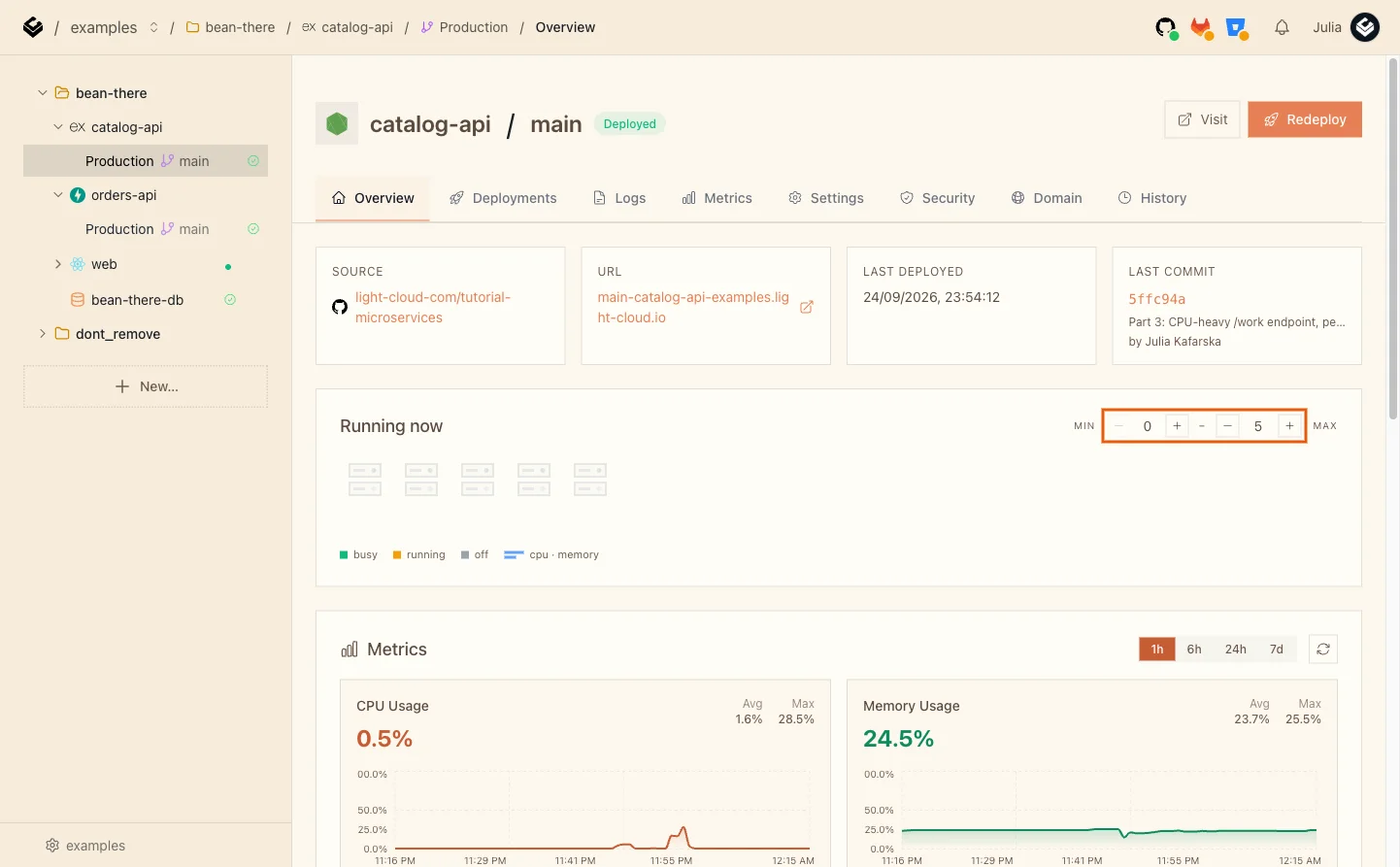
## Step 2: Time the first request
Ask catalog-api for its health and let `curl` print how long the answer took, in seconds. `-o /dev/null` hides the answer itself, so only the time is left:
```shell os="macOS,Linux"
$ curl -s -o /dev/null -w "%{time_total}\n" https://main-catalog-api-yourworkspace.light-cloud.io/health
3.138606
```
```shell os="Windows"
PS> curl.exe -s -o NUL -w "%{time_total}\n" https://main-catalog-api-yourworkspace.light-cloud.io/health
3.138606
```
That first request is the cold start: **3.1 seconds**. Run the same command again a few times. Mine took 0.49, 0.14, 0.40, 0.43 and 0.13 seconds: the instance is warm now, and the spread is the network between your machine and the service, not the service itself.
Now the same for orders-api, after it has also been idle for 15 minutes:
```shell os="macOS,Linux"
$ curl -s -o /dev/null -w "%{time_total}\n" https://main-orders-api-yourworkspace.light-cloud.io/health
3.742620
```
```shell os="Windows"
PS> curl.exe -s -o NUL -w "%{time_total}\n" https://main-orders-api-yourworkspace.light-cloud.io/health
3.742620
```
The Python service starts a little slower: **3.7 seconds**, then 0.14 to 0.47 seconds for the next requests. Your numbers will differ with your location and network, but the shape is the same: one slow request, then fast ones.
## Step 3: What a cold start is made of
A cold start is the time from "no instance" to "instance answers". Light Cloud starts a container from your app's image, then your app boots. For catalog-api that boot includes connecting to the database and creating the `products` table if it is missing, because the server only starts listening after that:
```javascript title="catalog-api/server.js"
await setUpDatabase();
app.listen(PORT, () => {
console.log(`catalog-api ${INSTANCE_ID} listening on port ${PORT}, db pool max ${DB_POOL_MAX}`);
});
```
Anything your app does before it listens adds to every cold start: loading large dependencies, running migrations, warming caches. Keep startup small and do heavy work lazily, after the first request is answered.
## Step 4: Keep one instance warm
1. In catalog-api's **Running now**, click **+** next to **MIN** once, so it shows **1**.
2. Within a few seconds a new instance starts. The box with the dashed outline is the **min** instance: it stays even when there is no traffic.
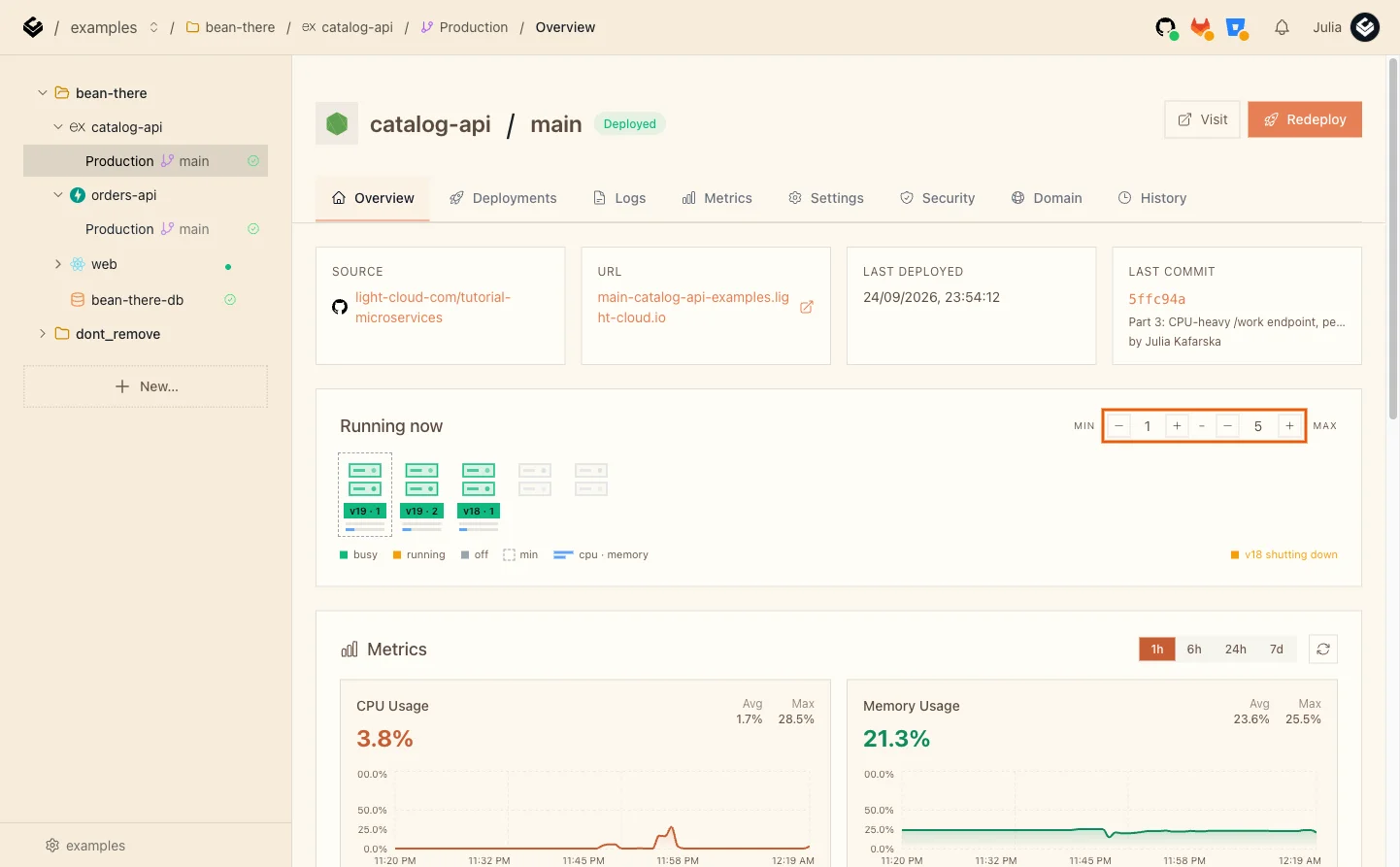
Now leave both services idle for another 15 minutes, and run the first-request timing again for each. In my run:
| Service | First request | Next two |
| --- | --- | --- |
| catalog-api, MIN 1 | 0.94 s | 0.49 s, 0.54 s |
| orders-api, MIN 0 | 3.52 s | 0.49 s, 0.55 s |
With **MIN 1**, catalog-api answered the first request after the quiet period in **0.94 seconds** instead of 3.1. orders-api, still at **MIN 0**, had scaled to zero again and took **3.5 seconds**. The first request of any series is a little slower than the ones after it, warm or not, as the first connection from your machine is set up; the cold start is the difference on top of that.
## Step 5: What it costs
Open **Billing**. Under your workspace, **Resources** lists every service with what it ran and what that used this cycle:
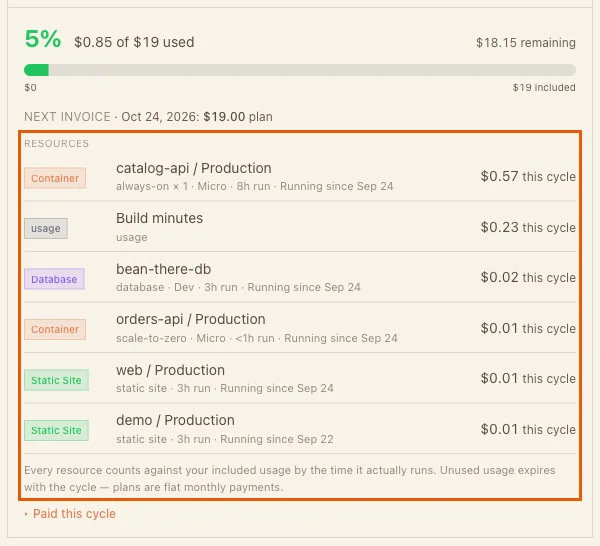
In my workspace, after Parts 1 to 4: catalog-api, which ran the load test and then stayed always on, had used **$0.57** of the plan's included usage; orders-api, still scaling to zero, **$0.01**. Every resource counts against the plan's included usage for the time it actually runs. An always-on instance runs all the time, so it uses included usage every hour, busy or not.
## Step 6: Decide what to keep warm
- **Keep warm (MIN 1)** the services a person waits on: the API behind your checkout, your login, anything a page calls on its first load.
- **Let scale to zero** everything else: internal jobs, admin tools, rarely used endpoints, preview environments.
- **Set timeouts from the numbers.** orders-api waits up to `CATALOG_TIMEOUT_SECONDS` (5 by default, from Part 2) for catalog-api. A cold catalog-api answered in 3.1 seconds, inside that limit. If your cold starts are longer, raise the timeout or keep the called service warm.
- **Watch the browser, not just the API.** A page that calls two cold services in a row can wait for both.
To go back to scale to zero, click **-** next to **MIN** until it shows **0**.
---
# Microservices Part 3: Autoscale Under Load
To see autoscaling on Light Cloud, give a service a ceiling with **Max instances**, send it more work than one instance can handle, and watch **Running now** and the **Metrics** tab: Light Cloud adds instances while they are busy and removes them when the work stops. How quickly it helps depends on two settings people rarely check, **Concurrency** (requests one instance takes at once) and the database connection pool, and on the edge rate limit that caps how hard one machine can push.
This is Part 3 of the series. It uses the Bean There shop from [Part 1](/tutorials/microservices-on-light-cloud-part-1-deploy) and [Part 2](/tutorials/microservices-on-light-cloud-part-2-connect-services), and loads only catalog-api.
## What you will build
A two-minute load test against catalog-api that takes it from zero instances to five, and the changes that make scaling behave:
- A deliberately expensive endpoint, `GET /work?ms=500`, that keeps the CPU busy like a report or an image resize would, and answers with the id of the instance that served it.
- A cap on database connections per instance, so more instances never overwhelm the database.
- A clear `503 Database busy` answer instead of a bare error when the database is full.
Source code: [github.com/light-cloud-com/tutorial-microservices](https://github.com/light-cloud-com/tutorial-microservices), tag `part-3`.
## Before you start
- Bean There deployed from Parts 1 and 2.
- A terminal with [curl](https://curl.se/) ([`curl.exe`](https://curl.se/windows/) in [PowerShell 7](https://learn.microsoft.com/en-us/powershell/scripting/install/installing-powershell-on-windows) on Windows). You will install one tool, [oha](https://github.com/hatoo/oha), a small open-source load tester, with [Homebrew](https://brew.sh/) on macOS or [winget](https://learn.microsoft.com/en-us/windows/package-manager/winget/) on Windows.
- About two minutes of load costs a little usage. On paid plans usage comes out of what the plan includes first.
## Step 1: Get the Part 3 code
Sync your fork (**Sync fork**, then **Update branch** on GitHub) or pull from a clone:
```shell os="macOS,Linux"
$ git pull upstream main
$ git push origin main
```
```shell os="Windows"
PS> git pull upstream main
PS> git push origin main
```
Only `catalog-api/` changed, so only catalog-api redeploys. When it is live, the new endpoint answers:
```shell os="macOS,Linux"
$ curl "https://main-catalog-api-yourworkspace.light-cloud.io/work?ms=10"
{"service":"catalog-api","instance":"17ab13e6","worked_ms":10}
```
```shell os="Windows"
PS> curl.exe "https://main-catalog-api-yourworkspace.light-cloud.io/work?ms=10"
{"service":"catalog-api","instance":"17ab13e6","worked_ms":10}
```
Your instance id will be different: each running copy of the service picks a random one when it starts.
This is the endpoint:
```javascript title="catalog-api/server.js"
// Deliberately expensive: keeps the CPU busy for ?ms= milliseconds (max 2000),
// like a report or an image resize would. Used to watch autoscaling.
app.get("/work", (req, res) => {
const ms = Math.min(Math.max(Number(req.query.ms) || 100, 1), 2000);
const until = Date.now() + ms;
let spins = 0;
while (Date.now() < until) spins++;
res.json({ service: "catalog-api", instance: INSTANCE_ID, worked_ms: ms });
});
```
## Step 2: Read the scaling controls
Open **catalog-api**, then **Production**. The **Running now** panel on the **Overview** tab shows one box per instance and the two limits that matter most:
- **MIN** is how many instances always run. `0` means scale to zero: with no traffic, nothing runs and nothing is billed for compute.
- **MAX** is the ceiling. Light Cloud never runs more instances than this, however busy the service gets.
Two more settings live in the app's **Advanced** section and are chosen when the app is created: **Concurrency** (how many requests one instance handles at the same time, default 80) and **CPU target** (the CPU level at which another instance is added, default 80%). You will see why Concurrency matters in Step 6.
## Step 3: Set a ceiling of 5 instances
A ceiling keeps a test, or a real traffic spike, from running up usage.
1. In **Running now**, click the **-** next to **MAX** until it shows **5**. The value moves in steps: 100, 50, 25, 10, 5, 1.
2. Wait a few seconds. The change applies immediately, without a deploy.
In my run the service had been quiet for a while, so no instance was running at all: scale to zero in action.
## Step 4: Install oha
oha sends a steady stream of requests and prints a summary when it finishes.
```shell os="macOS"
$ brew install oha
$ oha --version
oha 1.16.0
```
```shell os="Linux"
$ curl -L -o oha https://github.com/hatoo/oha/releases/download/v1.16.0/oha-linux-amd64
$ chmod +x oha
$ sudo mv oha /usr/local/bin/
$ oha --version
oha 1.16.0
```
```shell os="Windows"
PS> winget install hatoo.oha
PS> oha --version
oha 1.16.0
```
The version you get may be newer; the flags below work the same.
## Step 5: Run the load test
One thing first: the Light Cloud edge limits how many requests one IP address can send. In my tests about **10 requests per second** from a single machine passed; at 20 per second, half came back as `429 Too Many Requests` with Cloudflare error code 1015. A flood of cheap requests from your laptop therefore hits the edge, not your service.
So instead of many cheap requests, send a few expensive ones: 8 per second, each asking for 500 ms of CPU. That is 4 seconds of CPU work arriving every second, more than one instance can do.
```shell os="macOS,Linux"
$ oha -z 120s -q 8 -c 30 --no-tui "https://main-catalog-api-yourworkspace.light-cloud.io/work?ms=500"
```
```shell os="Windows"
PS> oha -z 120s -q 8 -c 30 --no-tui "https://main-catalog-api-yourworkspace.light-cloud.io/work?ms=500"
```
- `-z 120s` runs for two minutes.
- `-q 8` sends 8 requests per second, under the edge limit.
- `-c 30` allows up to 30 requests in flight, so slow answers do not stop new ones from being sent.
Leave it running and go to the next step. When it ends, oha prints a summary like mine (trimmed):
```text
Summary:
Success rate: 100.00%
Total: 120.0027 sec
Slowest: 15.1210 sec
Fastest: 0.5572 sec
Average: 7.5921 sec
Response time distribution:
10.00% in 0.5748 sec
50.00% in 7.3343 sec
90.00% in 15.0382 sec
Status code distribution:
[200] 440 responses
```
## Step 6: Watch it scale
Refresh the **Overview** tab while the test runs. Within about a minute, **Running now** fills with busy instances:
You can also see the instances from outside. While the test runs, open `https://main-catalog-api-yourworkspace.light-cloud.io/work?ms=50` in your browser and reload it a few times. Each answer says which instance served it:
```json
{"service":"catalog-api","instance":"376f3e18","worked_ms":50}
```
The `instance` value changes between reloads: different ids mean different instances. During my test I saw five: `17ab13e6`, `e881da20`, `376f3e18`, `523c2dac` and `c812af69`, exactly the ceiling.
The **Metrics** tab tells the whole story after the fact:
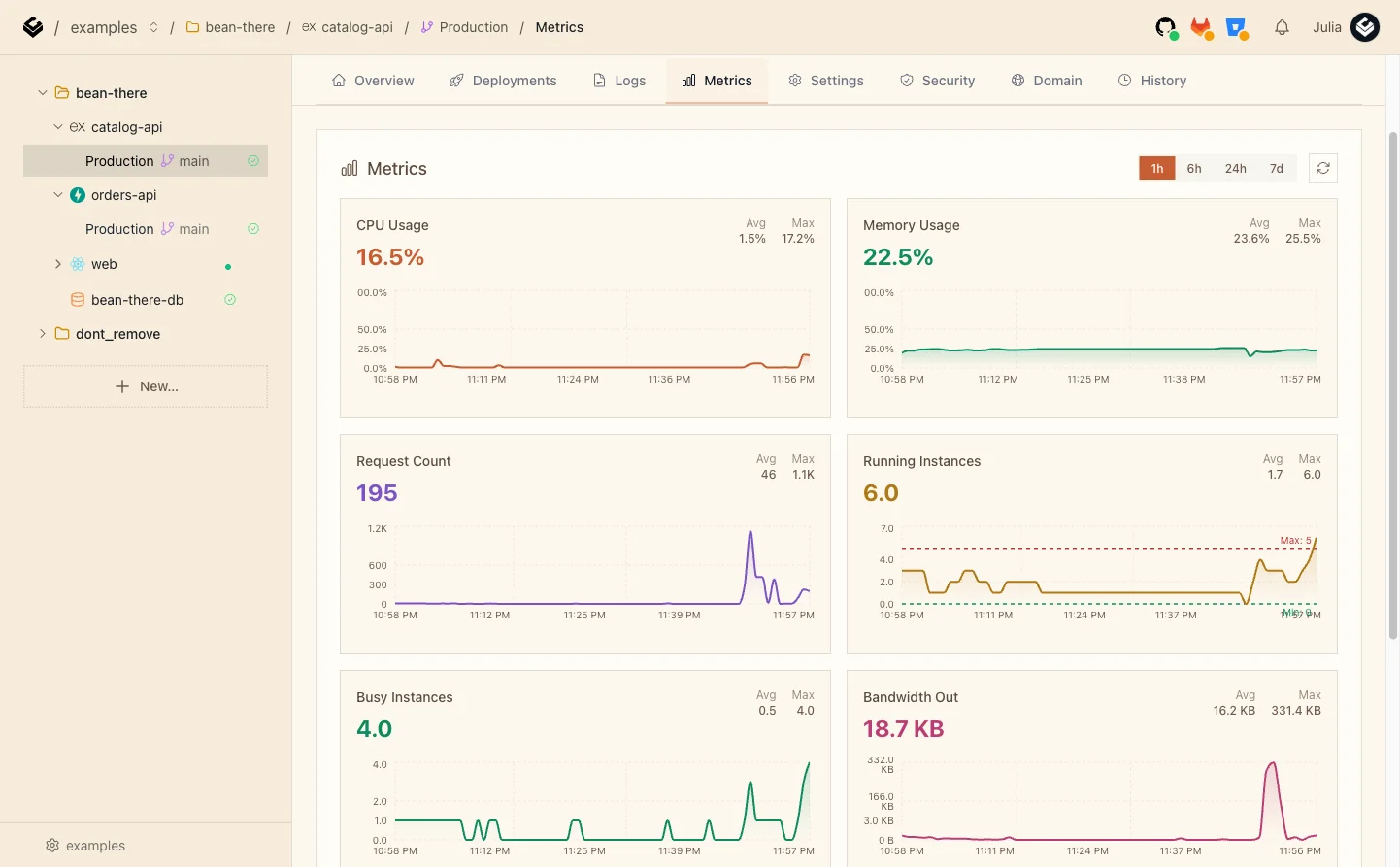
**Running Instances** climbs to the red **Max: 5** line and **Busy Instances** follows. A few minutes after the test ends, both fall back, and with **Min 0** the service returns to zero.
## Step 7: Read the results
All 440 requests succeeded, but half of them waited more than 7 seconds for 500 ms of work. The reason is Concurrency.
With Concurrency 80, Light Cloud sends up to 80 requests to one instance before it considers starting another. Node.js runs one piece of JavaScript at a time, so a CPU-heavy request blocks the next: 80 requests of 500 ms each can queue for 40 seconds on a single instance. The CPU target eventually adds instances, which is why the slowest requests are at the start of the test and the last ones were fast again (0.2 seconds in my run).
What to take from it:
- **Concurrency 80 suits I/O-bound services**, the usual API that waits on a database or another service. catalog-api's `/products` is one of those.
- **CPU-heavy work wants low Concurrency**, so each instance gets only what it can do in parallel and new instances start sooner. Set it in **Advanced** when you create such a service; it cannot be changed afterwards yet, so a heavy job is a good reason for a separate app.
- **Max instances is a cost ceiling, not a speed setting.** It only helps if requests are spread across instances early enough.
## Step 8: Keep the database safe when scaling out
The first time I pushed catalog-api hard, some requests failed with this in the **Logs** tab:
```text
error: too many connections for role "u_******"
```
Every instance opens its own pool of database connections. The Node.js `pg` driver allows 10 per pool by default, and the shared **Dev** database allows 10 connections per database user in total. One busy instance could take all of them; two instances were already too many.
Part 3 caps the pool per instance:
```javascript title="catalog-api/server.js"
// Connections per instance. Every instance opens its own pool, so the total
// is DB_POOL_MAX x running instances; keep it under the database's limit.
const DB_POOL_MAX = Number(process.env.DB_POOL_MAX || 2);
const db = new pg.Pool({ connectionString: process.env.DATABASE_URL, max: DB_POOL_MAX });
```
The rule of thumb: **pool size x max instances + connections used by other services must stay under the database's limit.** With catalog-api at 2 connections x 5 instances = 10, orders-api would have nothing left, so on the shared tier you would lower `DB_POOL_MAX` to 1 or keep Max instances lower. To change it, add `DB_POOL_MAX` in the environment's **Settings**, **Environment Variables**.
If the database still refuses a connection, catalog-api now answers with a clear, retryable error instead of a bare 500:
```javascript title="catalog-api/server.js"
app.use((err, req, res, next) => {
const busy = /too many connections|remaining connection slots/i.test(err.message);
log(req, busy ? "database busy" : "unhandled error", { error: err.message });
res.status(busy ? 503 : 500).json({ error: busy ? "Database busy, please try again" : "Internal error" });
});
```
## Step 9: See who changed the scaling
Every scaling change is recorded. Open the environment's **History** tab:
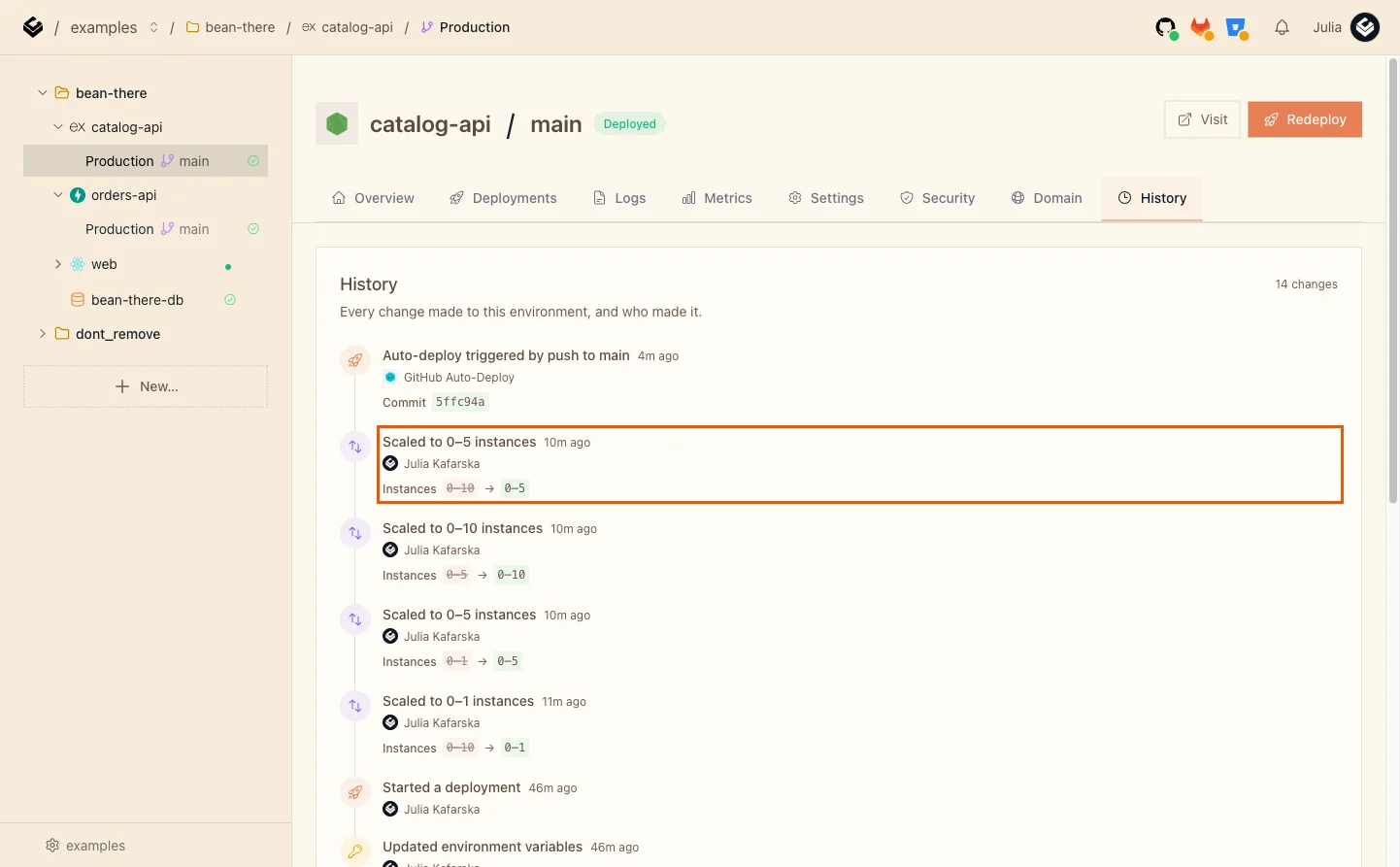
Each entry shows who changed the limits and the range before and after, next to deploys and variable changes.
## Troubleshooting
### 429 Too Many Requests, error code 1015
The edge rate limit for your IP address. Lower `-q` (8 worked for me, 20 did not) and wait for the `retry-after` seconds in the response before trying again.
### error: too many connections for role
The database ran out of connections because every instance opened its own pool. Lower `DB_POOL_MAX`, lower Max instances, or both, so that pool size x instances fits the database's limit.
---
# The Capex Arms Race Orphans Small Workloads
Around [$700 billion](https://finance.yahoo.com/sectors/technology/articles/hyperscalers-hit-700-billion-2026-111243744.html). That's the combined capital expenditure the big four hyperscalers have signaled for 2026, up from roughly $410 billion the year before, with the overwhelming share going to AI datacenters, accelerators, and [the power to run them](/industry/power-is-the-new-region). Now hold that number next to a mundane one: the monthly bill for a typical early-stage product, a container, a managed database, some preview environments, which lands somewhere between a cinema ticket and a car payment.
The claim of this post is about what happens between those two numbers. When a vendor's capital, attention, and executive incentives stampede toward one class of customer, every other class becomes a maintenance obligation, and the ordinary small workload, the vast silent majority of what actually runs on the internet, is quietly becoming an orphan. That neglect is not a scandal. It's arithmetic, and it's the opening that every developer-focused cloud, ours included, is built on.
## Where the attention went
Follow the incentives, because they're not hidden. Analysts note the capex plans consume close to all of the hyperscalers' operating cash flow, against a historical norm near 40%, which means these companies have bet the balance sheet on AI infrastructure, and boards don't bet the balance sheet on something and then staff their best people elsewhere. The keynote minutes, the org charts, the launch cadence all follow the money; count the developer-experience announcements at any recent cloud keynote against the AI ones and you get a ratio that would have been unthinkable in 2019.
None of this means the small-workload services break. They persist, in competent maintenance mode, which from the inside feels responsible and from the outside feels like a product aging in place: consoles that grow another menu layer every year, defaults still tuned for 2019's instance families, quotas and small-instance availability that quietly degrade in busy regions because [scarce power](/industry/power-is-the-new-region) gets allocated to whoever signed the nine-figure commitment. When capacity is rationed, the rationing follows revenue. A startup's container fleet does not win that auction.
The bundle economics make orphanhood structural rather than accidental. Small workloads were never the product; they were the cross-subsidy donors, paying [sticker prices](/industry/cloud-pricing-is-a-business-model) and idle-hour billing that helped fund the enterprise discounts. The AI era didn't create that asymmetry. It just removed the strategic reason to pretend otherwise, because the next trillion dollars of hyperscaler revenue is not coming from developers with side projects, and everyone's roadmap knows it.
## The opening
Markets route around neglect, and this one visibly is. The existence proof is the row of platforms serving exactly the orphaned buyer, [Render, Fly, and yes, us](/cloud/same-app-four-platforms), each built on the observation that a developer deploying an ordinary app deserves a product designed for that act rather than a 240-service console designed for a procurement committee. The [unbundling logic](/industry/neoclouds-and-the-great-unbundling) applies at the bottom of the market just as it did at the GPU top: when the bundle stops competing for a customer class, specialists collect it.
What the specialists offer isn't magic; it's focus applied where focus left. Deploy paths measured in minutes, [pricing a human can compute](/cloud/cloud-pricing-that-makes-sense), preview environments that cost cents because someone bothered to make idle mean zero. Every one of those is a small-workload feature that a hyperscaler could build and won't prioritize, for the same reason a container ship doesn't compete for kayak customers.
There's a historical rhyme worth noticing here. The hyperscalers themselves were born from exactly this dynamic: AWS emerged because the enterprise IT vendors of the 2000s were busy servicing their biggest accounts while developers wanted a credit card and an API. The neglected buyer of one era funds the giants of the next, which is why "too small to matter" has such a poor track record as a strategy, and why the orphanage keeps producing founders.
## The steelman: the tide lifts kayaks too
The counterargument deserves its due. Hyperscalers still ship developer-facing improvements constantly; capex is not attention, and the same buildout that serves AI contracts eventually cheapens the compute underneath everyone, the way GPU-driven datacenter builds also refresh CPUs, networks, and storage. Small workloads ride infrastructure they could never fund alone, free tiers remain genuinely generous, and declaring neglect from launch-cadence vibes is exactly the kind of unfalsifiable claim this blog complains about elsewhere. Fair, all of it, and the trickle-down is real.
But spillover is not stewardship. Riding on shared infrastructure is what orphans do; being designed for is what customers get, and the difference shows up in a thousand small product decisions that spillover can't fix: which defaults rot, whose quota request waits, which console flow was last rethought when the team that owned it still existed. The honest version of the hyperscaler value proposition for small workloads in 2026 is "world-class infrastructure, secondhand attention", and for plenty of teams that's a fine trade. The teams for whom it isn't are why we exist.
So run the attention audit on your own stack. Take the service you deploy to most days and find the last meaningful improvement that made your specific work better, not a new AI capability, not a keynote demo, the boring path you actually walk. If you're struggling to name one from the last two years, you're not a customer anymore. You're an installed base, and the difference between those two words is what an entire upcoming post is about. Installed bases get repriced.
---
# Microservices Part 2: Connect Your Services Safely
To connect microservices safely on Light Cloud, keep every service address and secret in environment variables, allow each browser origin explicitly with CORS, rotate shared secrets in three saves (receiver accepts both, caller switches, receiver drops the old one), and put a timeout on every call between services. Each save redeploys only the service you changed, so none of this needs downtime.
This is Part 2 of the series. It continues from [Part 1](/tutorials/microservices-on-light-cloud-part-1-deploy), where you deployed Bean There: a React shop front, a Node.js catalog-api, a Python orders-api and PostgreSQL. Here you make the connections between them production-ready.
## What you will build
Three changes to the same running shop:
- **Several allowed origins.** The APIs answer both the live site and `http://localhost:5173`, so you can run the frontend on your laptop against the deployed APIs.
- **Secret rotation without downtime.** You replace the secret orders-api uses to call catalog-api while orders keep working.
- **A timeout between services.** If catalog-api does not answer within 5 seconds, orders-api says so clearly instead of hanging.
Live demo: [main-web-examples.light-cloud.io](https://main-web-examples.light-cloud.io). Source code: [github.com/light-cloud-com/tutorial-microservices](https://github.com/light-cloud-com/tutorial-microservices), tag `part-2`.
## Before you start
- Bean There deployed from Part 1: web, catalog-api, orders-api and bean-there-db, all running.
- Your fork of `tutorial-microservices`.
- A terminal: macOS and Linux have [curl](https://curl.se/) and [OpenSSL](https://www.openssl.org/) built in. On Windows, use [PowerShell 7](https://learn.microsoft.com/en-us/powershell/scripting/install/installing-powershell-on-windows) (`winget install Microsoft.PowerShell`); the Windows tabs use [`curl.exe`](https://curl.se/windows/), which ships with Windows 10 and 11.
- [Git](https://git-scm.com/downloads), to pull the Part 2 code into your fork.
## Step 1: Get the Part 2 code
The Part 2 changes live in `catalog-api` and `orders-api`. Pull them into your fork.
1. Open your fork on GitHub.
2. Click **Sync fork**, then **Update branch**.
Or from a clone of your fork. You should see the pull fast-forward to the Part 2 commit, touching only the two APIs and the README, and the push end with the same commit range (output trimmed):
```shell os="macOS,Linux"
$ git remote add upstream https://github.com/light-cloud-com/tutorial-microservices.git
$ git pull upstream main
Updating 8023f1a..ddcbae0
Fast-forward
README.md | 36 +++++++++++++++---------------------
catalog-api/server.js | 35 ++++++++++++++++++++++++++++-------
orders-api/main.py | 25 +++++++++++++++++--------
3 files changed, 60 insertions(+), 36 deletions(-)
$ git push origin main
8023f1a..ddcbae0 main -> main
```
```shell os="Windows"
PS> git remote add upstream https://github.com/light-cloud-com/tutorial-microservices.git
PS> git pull upstream main
Updating 8023f1a..ddcbae0
Fast-forward
README.md | 36 +++++++++++++++---------------------
catalog-api/server.js | 35 ++++++++++++++++++++++++++++-------
orders-api/main.py | 25 +++++++++++++++++--------
3 files changed, 60 insertions(+), 36 deletions(-)
PS> git push origin main
8023f1a..ddcbae0 main -> main
```
The push changes files in `catalog-api/` and `orders-api/` only. Light Cloud redeploys just those two. The web app stays on the commit it already runs, because nothing in `web/` changed.
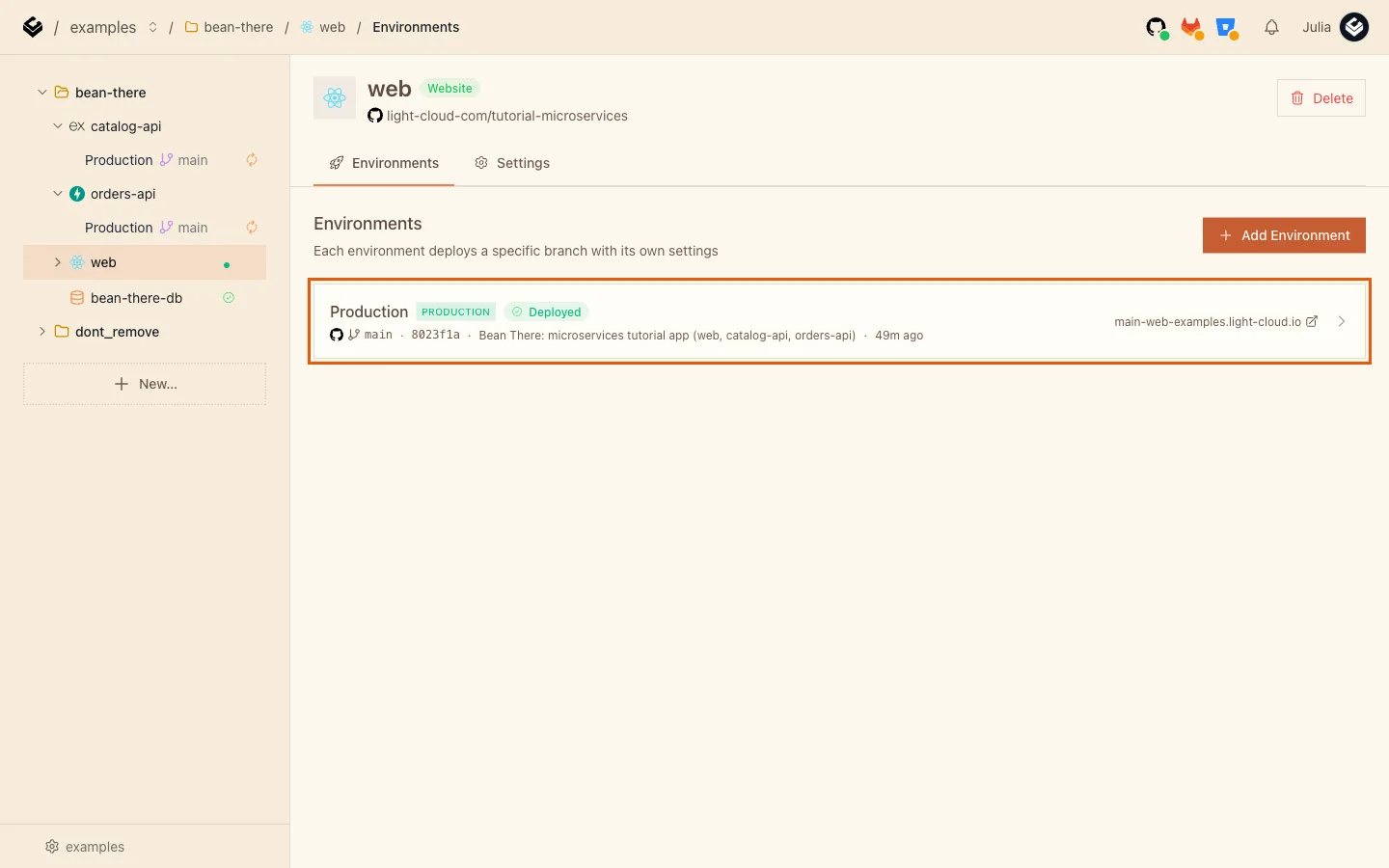
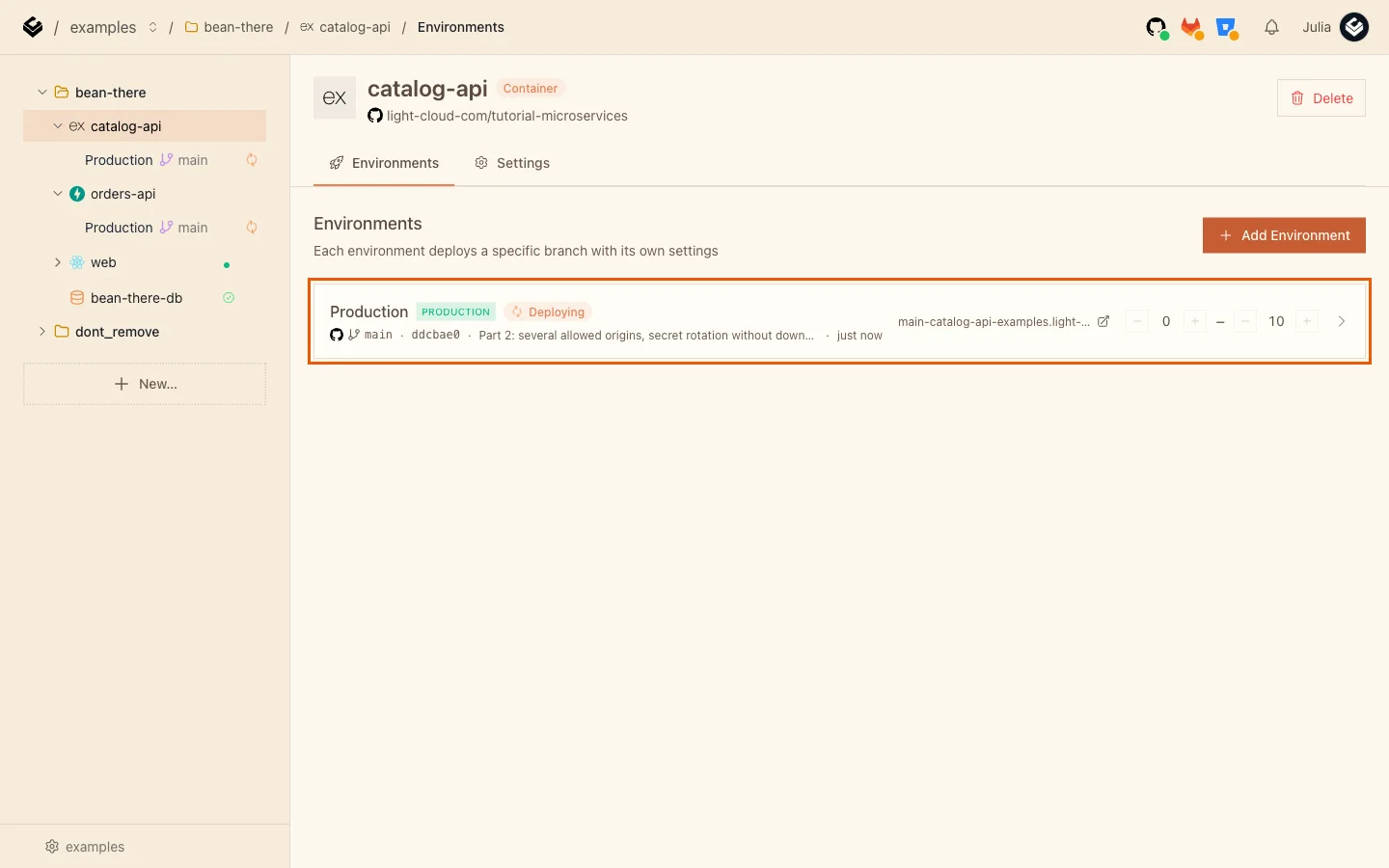
You should see catalog-api and orders-api deploying the new commit, and web unchanged. This is the monorepo rule from Part 1 at work: each app has a **Root directory**, and a push only redeploys the apps whose folder it touched.
## Step 2: Allow more than one origin
A browser only lets a page read an API's answer if the API names that page's origin in its CORS header. Part 1 allowed one origin. Now `WEB_ORIGIN` can hold a comma-separated list. This is the new code in catalog-api:
```javascript title="catalog-api/server.js"
// One or more browser origins allowed to call this API, comma-separated:
// WEB_ORIGIN=https://main-web-myteam.light-cloud.io,http://localhost:5173
const WEB_ORIGINS = (process.env.WEB_ORIGIN || "http://localhost:5173")
.split(",")
.map((origin) => origin.trim())
.filter(Boolean);
app.use(cors({ origin: WEB_ORIGINS }));
```
orders-api does the same in Python:
```python title="orders-api/main.py"
WEB_ORIGINS = [o.strip() for o in os.environ.get("WEB_ORIGIN", "http://localhost:5173").split(",") if o.strip()]
app.add_middleware(CORSMiddleware, allow_origins=WEB_ORIGINS, allow_methods=["*"], allow_headers=["*"])
```
Add your laptop's address to both APIs:
1. Open **catalog-api**, then **Production**, then the **Settings** tab.
2. In **Environment Variables**, click **Edit**.
3. Change `WEB_ORIGIN` to your web address and `http://localhost:5173`, separated by a comma and no spaces:
```text
https://main-web-yourworkspace.light-cloud.io,http://localhost:5173
```
4. Click **Save**. Repeat for **orders-api**.
Saving redeploys the service. After about a minute, ask the API as if you were the local frontend. You should see the origin echoed back:
```shell os="macOS,Linux"
$ curl -I -H "Origin: http://localhost:5173" https://main-catalog-api-yourworkspace.light-cloud.io/products
HTTP/2 200
date: Fri, 25 Sep 2026 19:04:59 GMT
content-type: application/json; charset=utf-8
content-length: 371
cf-ray: a40c4c243e9fe75e-WAW
cf-cache-status: DYNAMIC
access-control-allow-origin: http://localhost:5173
```
```shell os="Windows"
PS> curl.exe -I -H "Origin: http://localhost:5173" https://main-catalog-api-yourworkspace.light-cloud.io/products
HTTP/2 200
date: Fri, 25 Sep 2026 19:04:59 GMT
content-type: application/json; charset=utf-8
content-length: 371
cf-ray: a40c4c243e9fe75e-WAW
cf-cache-status: DYNAMIC
access-control-allow-origin: http://localhost:5173
```
`-I` shows only the headers, and `-H` pretends to be the local frontend. I cut the output after `access-control-allow-origin`, the line that matters. An origin that is not in the list gets no `Access-Control-Allow-Origin` header at all, so the browser blocks it. That is the behaviour you want: a list, never `*`, for an API that changes data.
## Step 3: Rotate the shared secret without downtime
catalog-api refuses calls to `/internal` routes unless they carry the shared secret. If you change the secret on both services at the same moment, there is a window where one has the new value and the other the old one, and orders fail. The fix is to let catalog-api accept two secrets for a short time.
This is how catalog-api checks the header now:
```javascript title="catalog-api/server.js"
// The current secret, plus the previous one while a rotation is in progress.
const INTERNAL_SECRET = process.env.INTERNAL_SECRET;
const INTERNAL_SECRET_PREVIOUS = process.env.INTERNAL_SECRET_PREVIOUS;
// Compares in constant time, so response timing does not leak the secret.
function sameSecret(expected, given) {
if (!expected || !given) return false;
const a = Buffer.from(expected);
const b = Buffer.from(given);
return a.length === b.length && timingSafeEqual(a, b);
}
function requireInternalSecret(req, res, next) {
const given = req.get("x-internal-secret");
if (sameSecret(INTERNAL_SECRET, given)) return next();
if (sameSecret(INTERNAL_SECRET_PREVIOUS, given)) {
log(req, "internal call used the previous secret");
return next();
}
log(req, "rejected internal call");
return res.status(401).json({ error: "Unauthorized" });
}
```
Make a new secret first. You should see one line of 48 random letters and digits; yours will be different. Keep it somewhere private for the next steps:
```shell os="macOS,Linux"
$ openssl rand -hex 24
cf91d1e26971527e2ec7362e9452f5abb4670e767ab1a0af
```
```shell os="Windows"
# Run this in Git Bash, which comes with Git for Windows.
$ openssl rand -hex 24
cf91d1e26971527e2ec7362e9452f5abb4670e767ab1a0af
```
### A. catalog-api accepts both secrets
1. Open **catalog-api**, **Production**, **Settings**, and click **Edit** under **Environment Variables**.
2. Set `INTERNAL_SECRET` to the **new** secret.
3. Click **Add** and create `INTERNAL_SECRET_PREVIOUS` with the **old** secret.
4. Click **Save**.
orders-api still sends the old secret, and orders keep working. Open catalog-api's **Logs** tab and search for `previous secret`: every internal call made with the old value is listed.
### B. orders-api switches to the new secret
1. Open **orders-api**, **Production**, **Settings**, and click **Edit**.
2. Set `INTERNAL_SECRET` to the **new** secret and click **Save**.
When orders-api has redeployed, place an order in the shop. Search catalog-api's logs for `previous secret` again. You should see no new lines: orders-api now uses the new secret.
### C. catalog-api drops the old secret
1. Back in **catalog-api**, **Settings**, click **Edit**.
2. Click the **x** at the end of the `INTERNAL_SECRET_PREVIOUS` row.
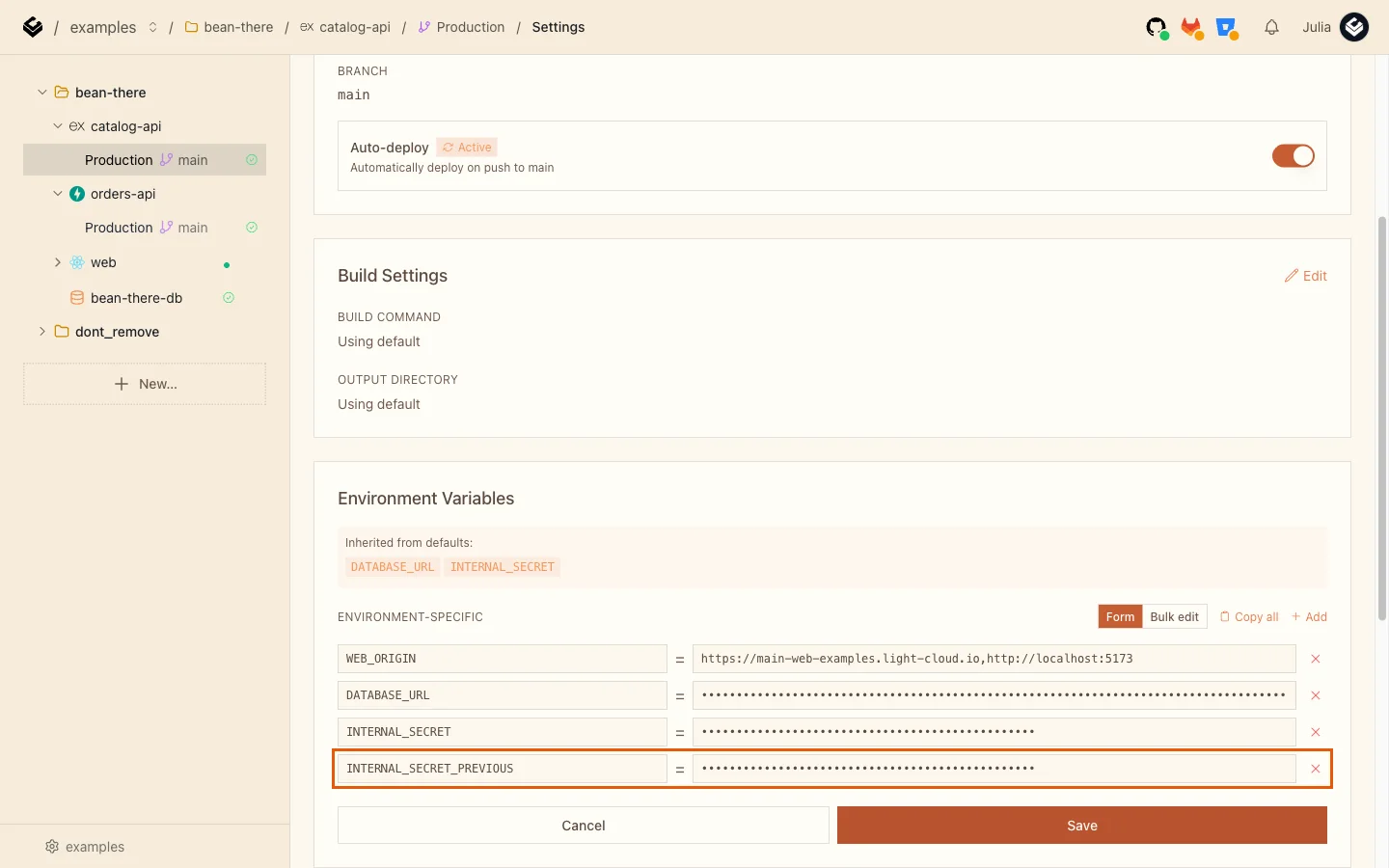
3. Confirm with **Remove**, then click **Save**.
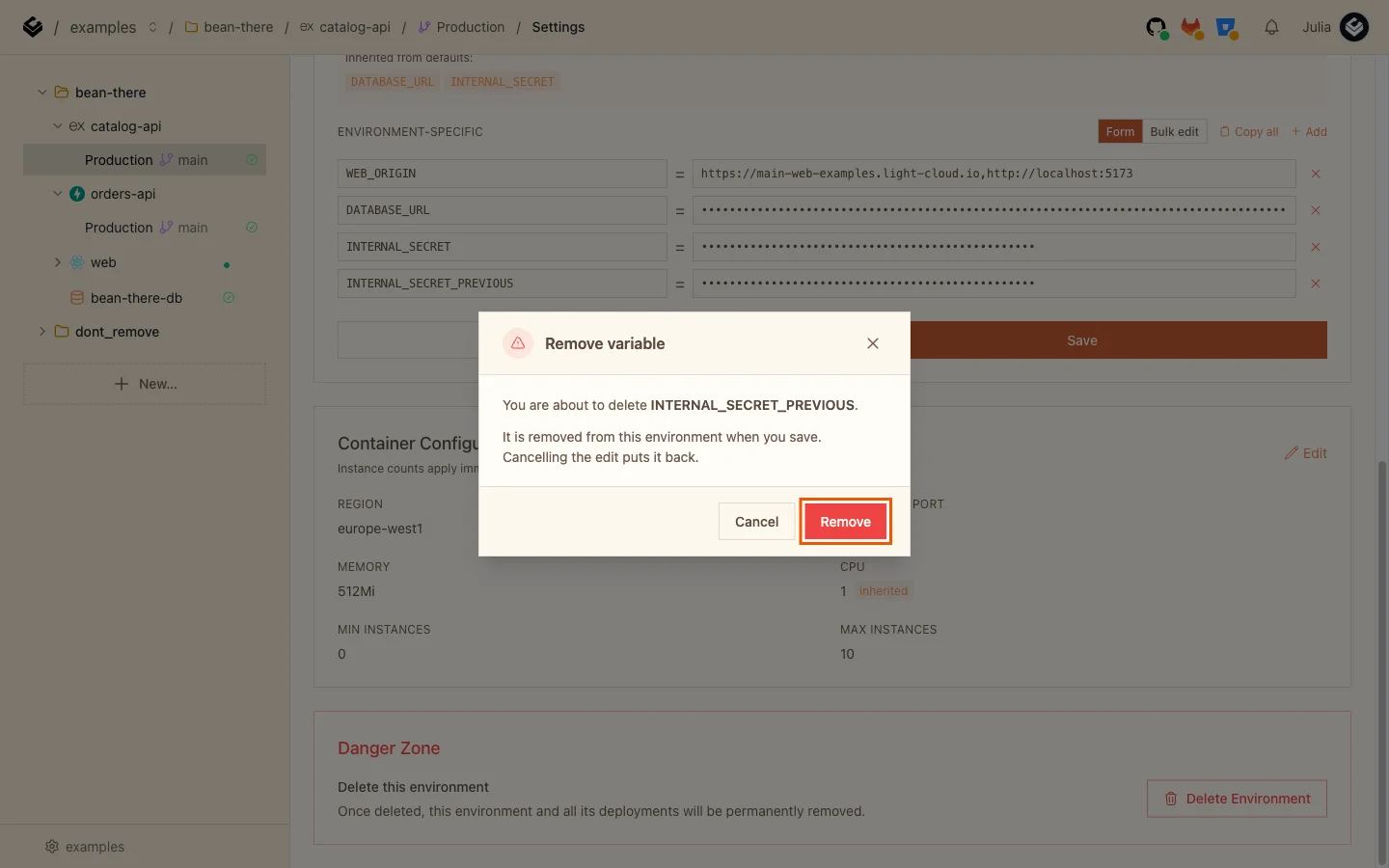
Once catalog-api has redeployed, the old secret no longer works. Put your old secret in the header (the example shows the one from Part 1). You should see `Unauthorized`:
```shell os="macOS,Linux"
$ curl -X POST https://main-catalog-api-yourworkspace.light-cloud.io/internal/products/1/reserve \
-H "content-type: application/json" \
-H "x-internal-secret: cf91d1e26971527e2ec7362e9452f5abb4670e767ab1a0af" \
-d '{"quantity":1}'
{"error":"Unauthorized"}
```
```shell os="Windows"
PS> curl.exe -X POST https://main-catalog-api-yourworkspace.light-cloud.io/internal/products/1/reserve `
-H "content-type: application/json" `
-H "x-internal-secret: cf91d1e26971527e2ec7362e9452f5abb4670e767ab1a0af" `
-d '{"quantity":1}'
{"error":"Unauthorized"}
```
The same request with the new secret succeeds (and reserves one item, so run it once). In my run, the old secret stopped working 70 seconds after saving, and no order failed during the whole rotation.
## Step 4: Fail fast when catalog-api is down
A call between services can hang: the other service may be starting up, overloaded or misconfigured. Without a limit, the customer waits for as long as the connection does. orders-api now gives catalog-api 5 seconds and then answers with a clear error:
```python title="orders-api/main.py"
# How long to wait for catalog-api before giving up on an order.
CATALOG_TIMEOUT_SECONDS = float(os.environ.get("CATALOG_TIMEOUT_SECONDS", "5"))
try:
async with httpx.AsyncClient(timeout=CATALOG_TIMEOUT_SECONDS) as client:
reply = await client.post(
f"{CATALOG_API_URL}/internal/products/{order.product_id}/reserve",
json={"quantity": order.quantity},
headers={"x-internal-secret": INTERNAL_SECRET, "x-request-id": request_id},
)
except httpx.HTTPError as error:
log(request_id, "catalog-api unreachable", error=type(error).__name__)
raise HTTPException(status_code=503, detail="Catalog service unavailable, please try again")
```
When catalog-api cannot be reached, an order now returns:
```json
{"detail": "Catalog service unavailable, please try again"}
```
with status `503`, and orders-api's logs show `catalog-api unreachable` with the error type. To change the limit, add `CATALOG_TIMEOUT_SECONDS` to orders-api's environment variables. Keep it well below the time a customer is willing to wait for a button click.
Why 5 seconds? catalog-api scales to zero when idle, and its first request after a quiet period includes a cold start. Part 4 measures that cold start, so you can set the timeout from a number instead of a guess.
## Troubleshooting
### Access-Control-Allow-Origin is missing for localhost
`WEB_ORIGIN` must list the exact origin: scheme, host and port, and no slash at the end. `http://localhost:5173` and `http://127.0.0.1:5173` are different origins. Check that the value has no spaces around the comma, save, and wait about a minute for the redeploy.
### Orders fail with 502 during the rotation
orders-api sent a secret catalog-api did not accept. Usually the order of the steps was swapped: orders-api got the new secret before catalog-api accepted it. Set `INTERNAL_SECRET_PREVIOUS` on catalog-api to whatever orders-api currently sends, and orders work again.
### Orders return 503 "Catalog service unavailable, please try again"
orders-api could not reach catalog-api within `CATALOG_TIMEOUT_SECONDS`. Check `CATALOG_API_URL` on orders-api and that catalog-api's **Production** environment is **Deployed**. If catalog-api scaled to zero, the first order after a quiet period can take longer; Part 4 covers that.
---
# Microservices Part 1: Deploy a Frontend, Two APIs and a Database
To deploy microservices on Light Cloud, put each service in its own folder of one GitHub repository, create one Light Cloud app per folder by setting its **Root directory**, and connect the services with environment variables that hold each other's addresses. Light Cloud detects the framework in every folder, builds it, and gives each service its own HTTPS address. No Kubernetes, no Dockerfiles and no YAML.
This is Part 1 of a six-part series. By the end of it you have a small online shop running as three services and a database. Later parts add autoscaling, cold-start tuning, branch environments and request tracing to the same app.
## What you will build
Bean There, a tiny coffee shop made of four parts:
- **web**: a React (Vite) shop front, served from the edge as a static site.
- **catalog-api**: a Node.js (Express) service that owns products and stock.
- **orders-api**: a Python (FastAPI) service that owns orders. To place an order it asks catalog-api to reserve stock first.
- **bean-there-db**: one PostgreSQL database. Each API owns its own table.
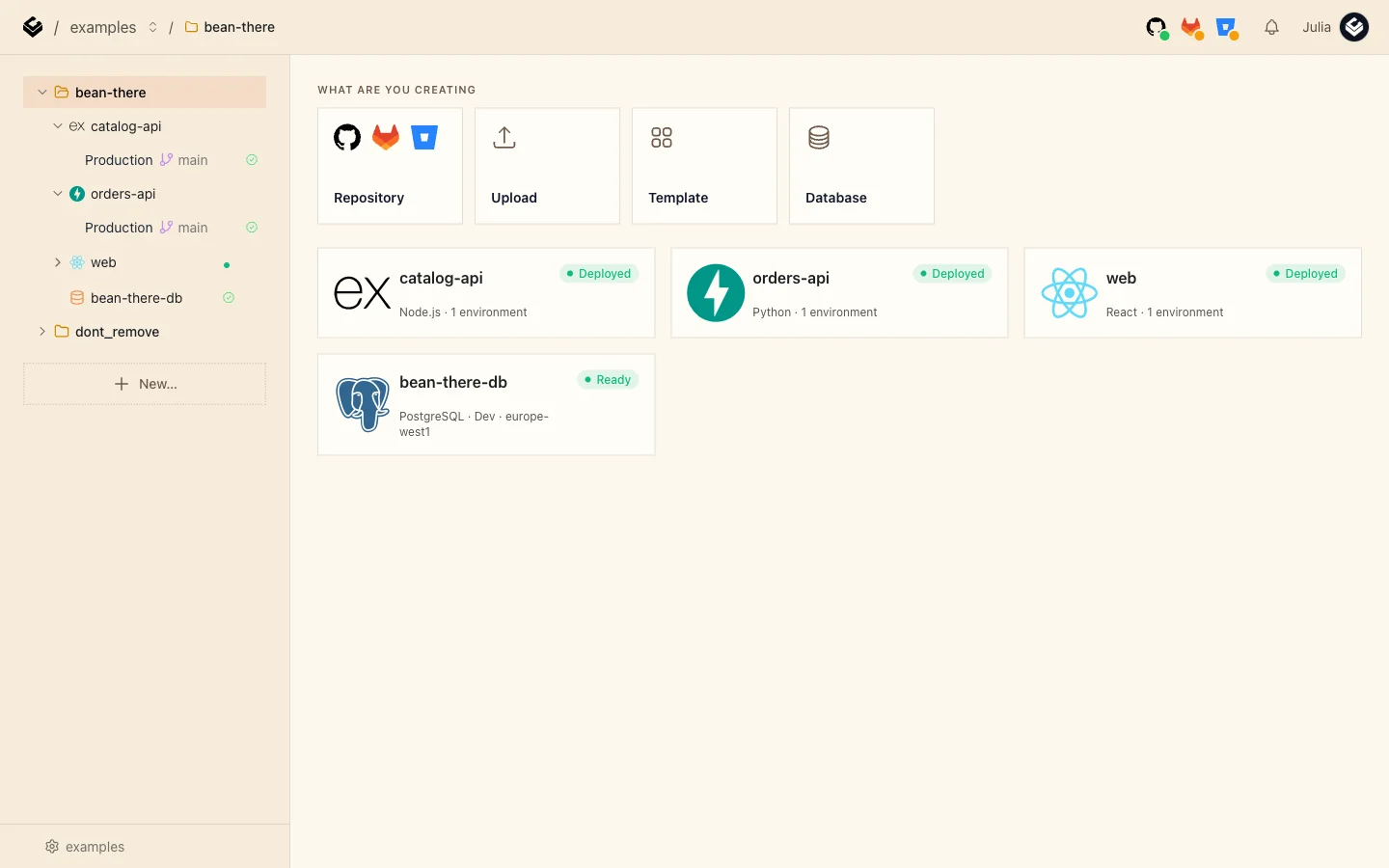
Live demo: [main-web-examples.light-cloud.io](https://main-web-examples.light-cloud.io). Source code: [github.com/light-cloud-com/tutorial-microservices](https://github.com/light-cloud-com/tutorial-microservices), tag `part-1`.
The repository has one folder per service:
```text
tutorial-microservices/
web/ React (Vite) static site
catalog-api/ Node.js (Express) container
orders-api/ Python (FastAPI) container
README.md
```
## Before you start
- A GitHub account.
- A Light Cloud account on the **Starter** plan or higher. Two API services and a shared database fit on Lite, but Part 4 of the series compares an always-on instance, and always-on needs Starter. The Free plan has no databases.
- The Light Cloud GitHub App connected to your account. If it is not, the console asks you to connect it the first time you choose **Deploy from GitHub**.
- Optional, to test from a terminal: macOS and Linux have [curl](https://curl.se/) and [OpenSSL](https://www.openssl.org/) built in. On Windows, use [PowerShell 7](https://learn.microsoft.com/en-us/powershell/scripting/install/installing-powershell-on-windows) (`winget install Microsoft.PowerShell`); the Windows tabs use [`curl.exe`](https://curl.se/windows/), which ships with Windows 10 and 11. Pick your system on any command below and the page remembers it.
## Step 1: Fork the repository
Light Cloud deploys from a repository you own, so start by making your own copy.
1. Open [github.com/light-cloud-com/tutorial-microservices](https://github.com/light-cloud-com/tutorial-microservices).
2. Click **Fork**, keep the name `tutorial-microservices`, and click **Create fork**.
`tutorial-microservices` now appears under your own GitHub account.
## Step 2: Create a folder for the project
A folder keeps the four resources of this project together in the console sidebar.
1. In the Light Cloud console, click **New...** at the top of the sidebar.
2. Click **New Folder**.
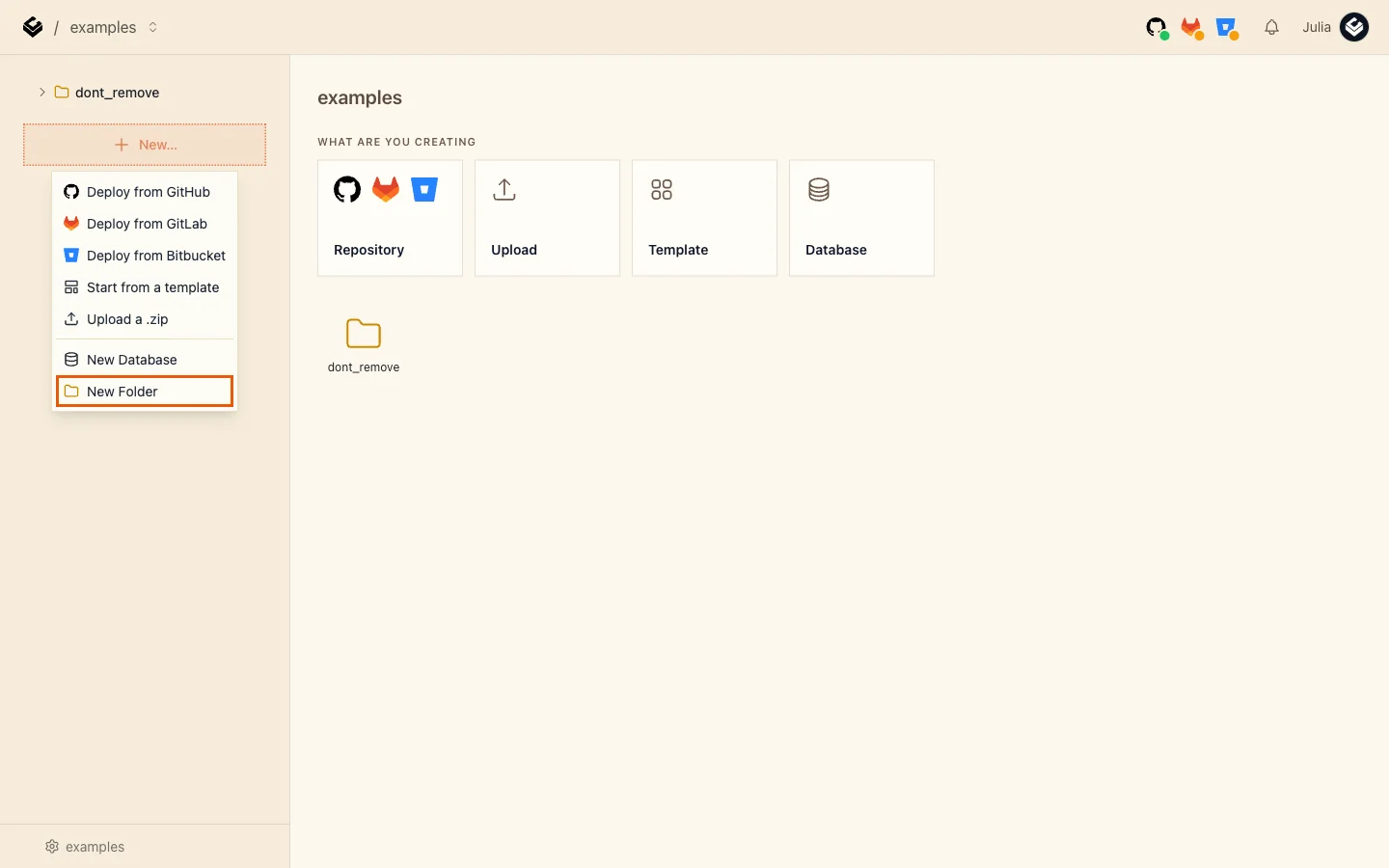
3. Type `bean-there` as the **Name** and click **Create folder**.
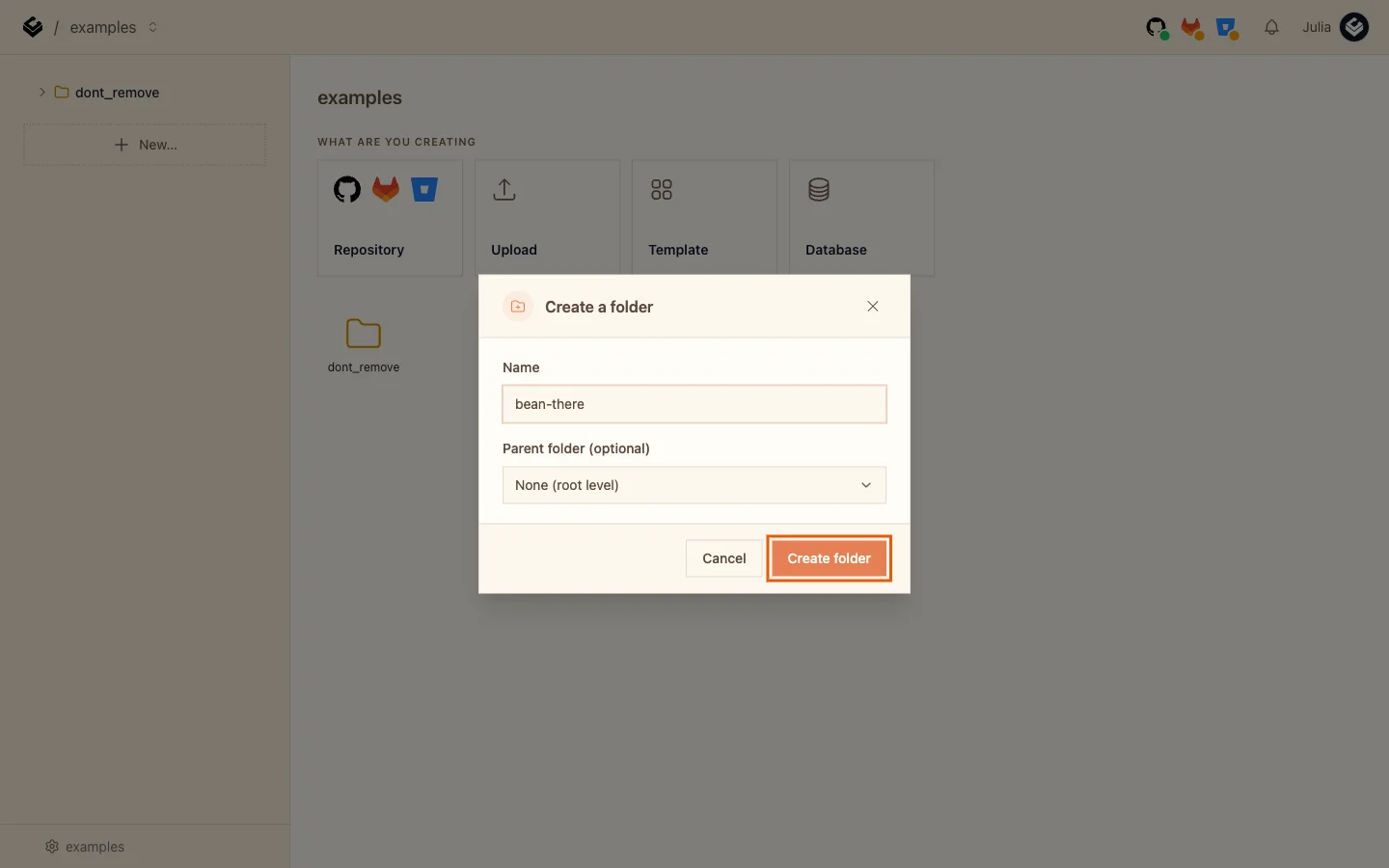
You should see `bean-there` in the sidebar.
## Step 3: Create the PostgreSQL database
Both APIs store their data in one database, so create it first.
1. Hover over `bean-there` in the sidebar and click the **+** button next to it.
2. Click **New Database**.
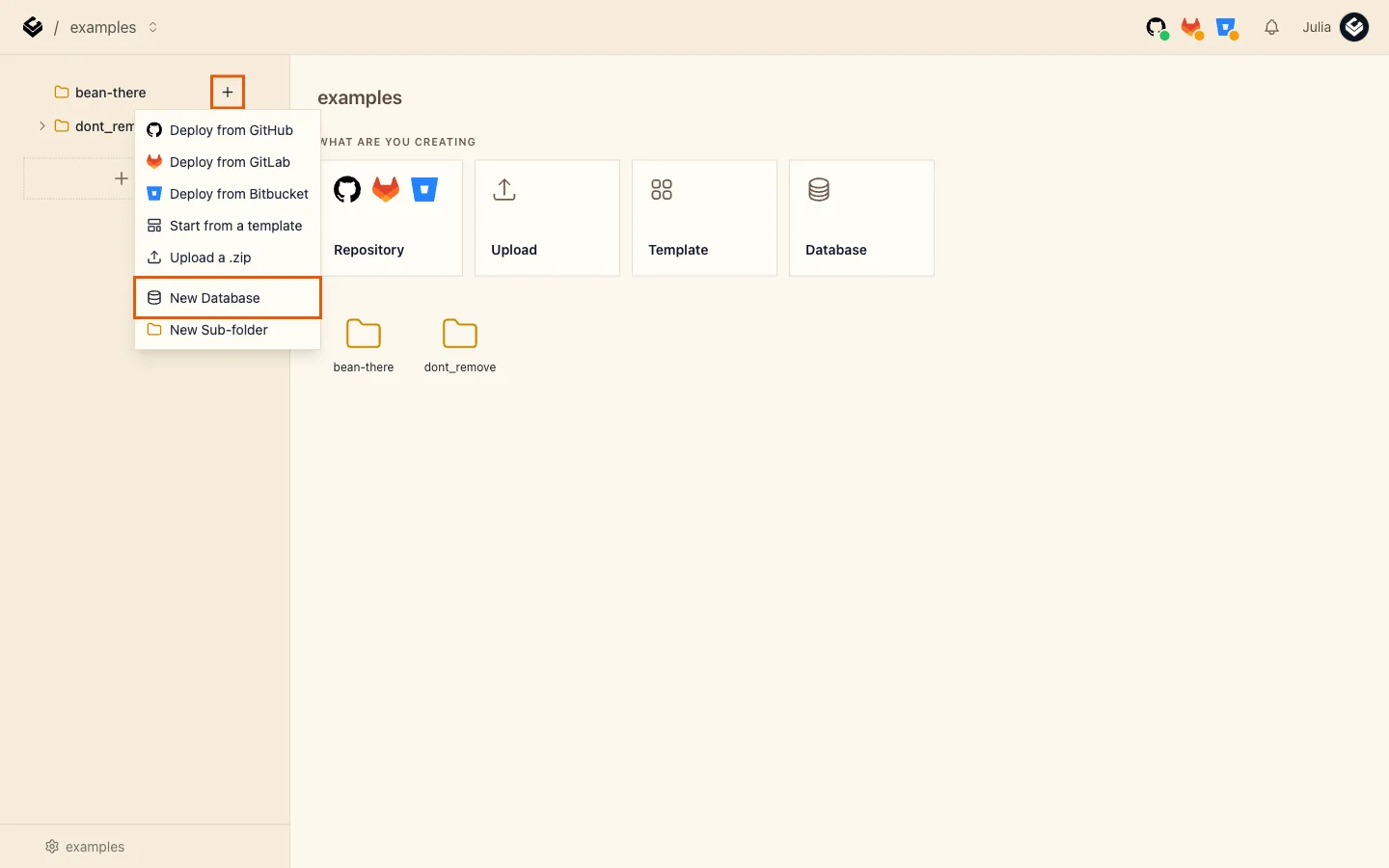
3. Under **Engine**, click **PostgreSQL**.
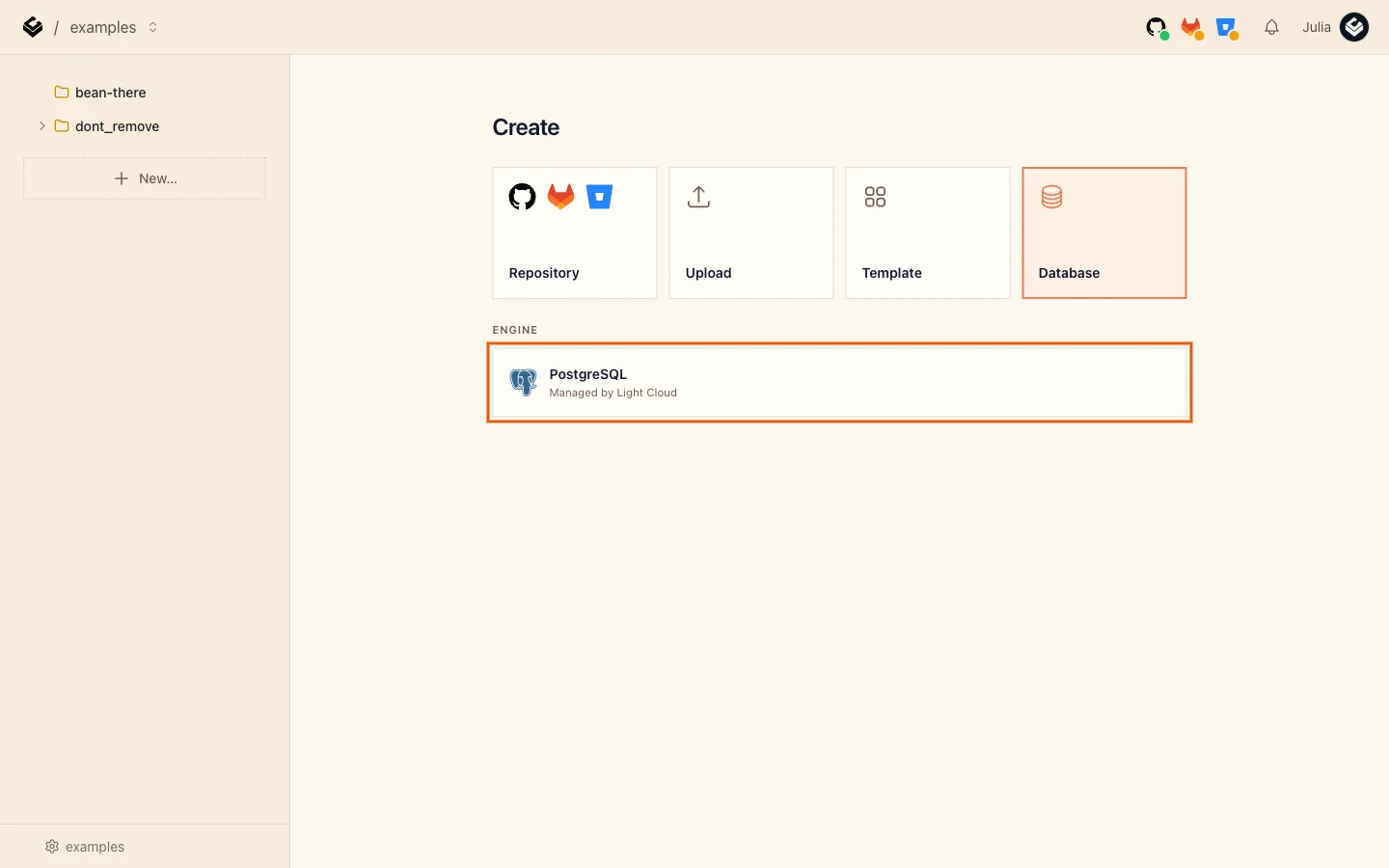
4. Change the **Name** to `bean-there-db`.
5. Open **Size** and choose **Dev**, the shared instance. It is ready in seconds and is enough for this tutorial.
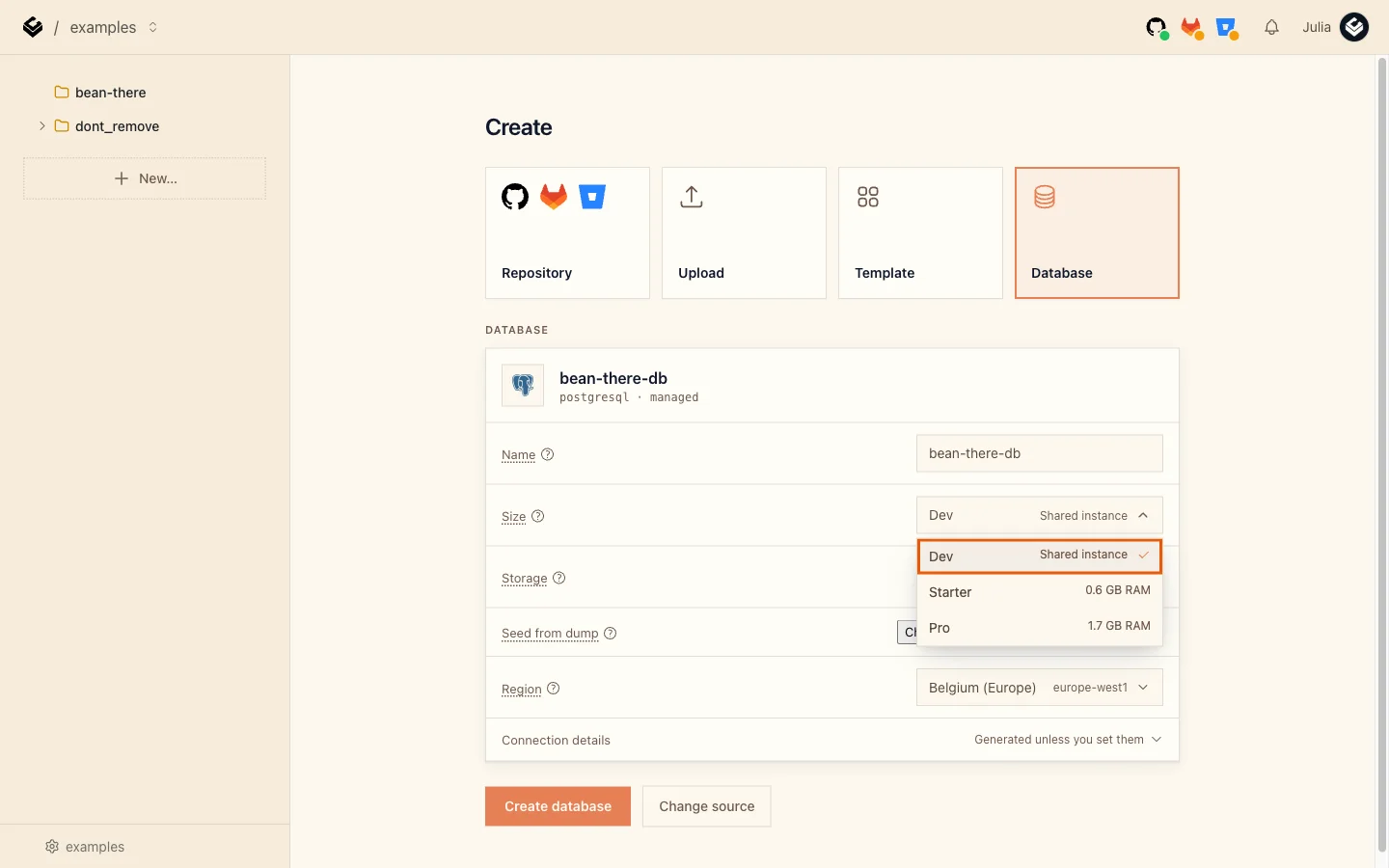
6. Leave **Storage** at 1 GB and pick the **Region** closest to you. Click **Create database**.
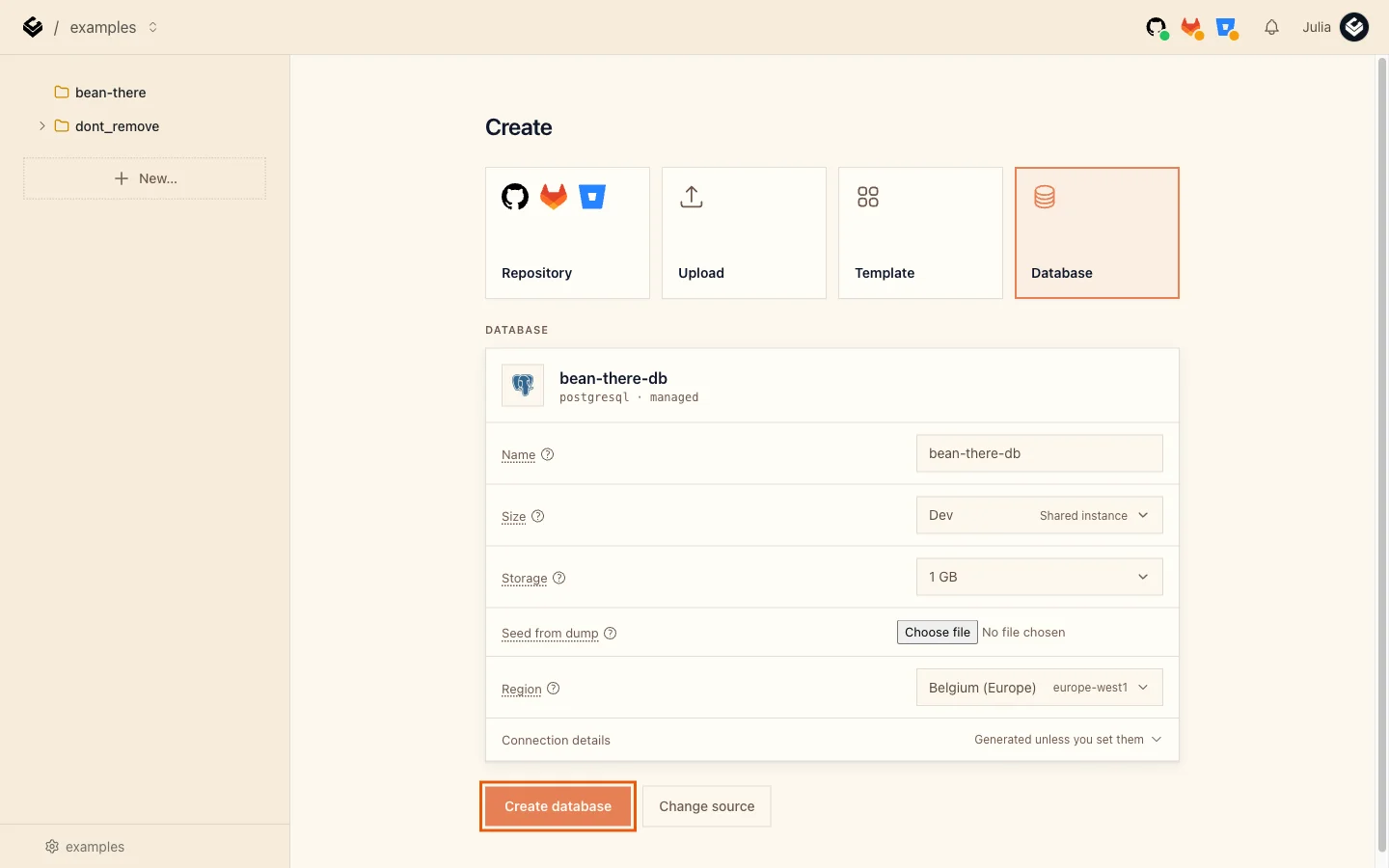
You should see the database page with a green **Ready** badge. In my run it took about six seconds.
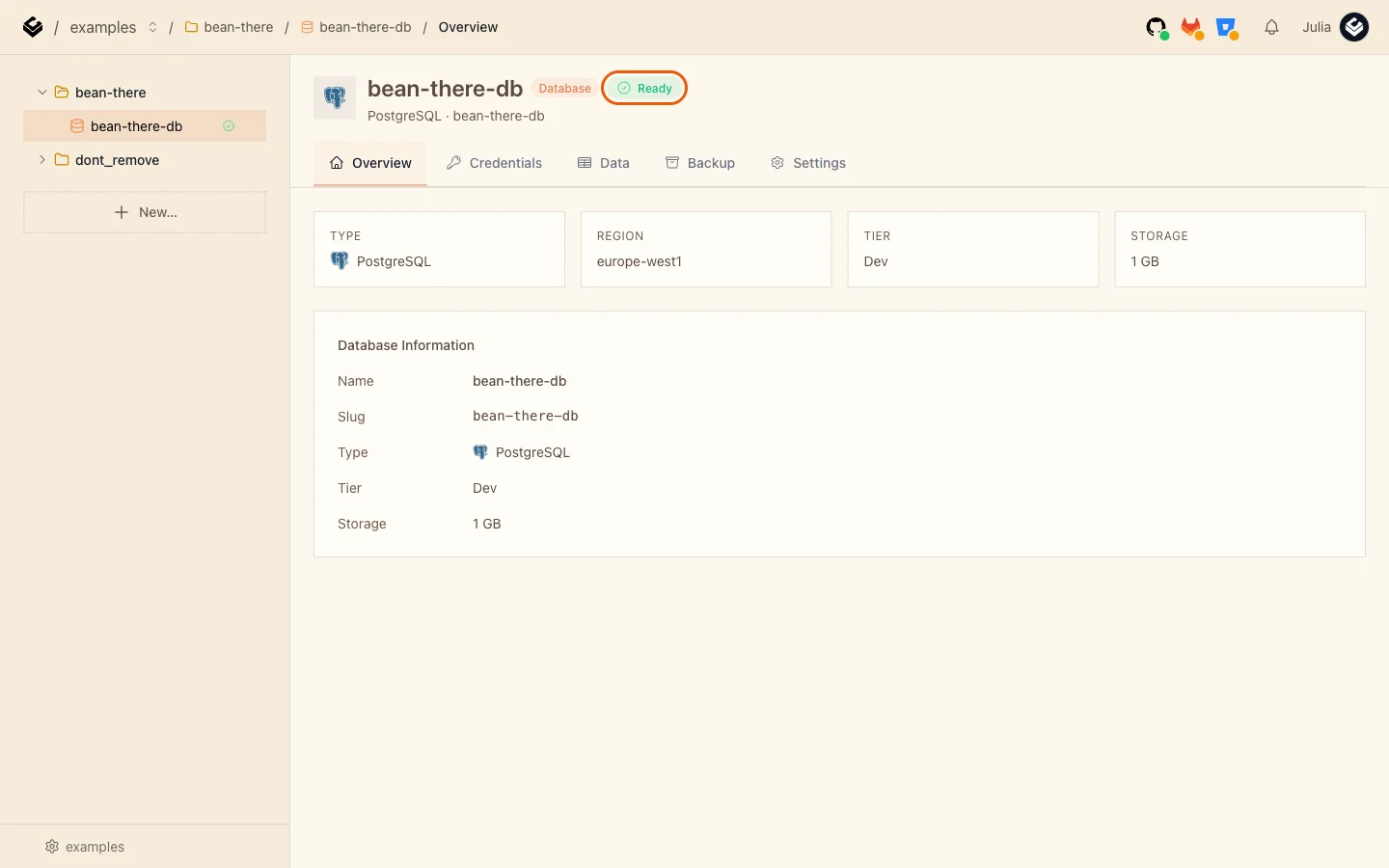
## Step 4: Copy the connection string
The connection string is the address and password your services use to reach the database.
1. Open the **Credentials** tab.
2. Under **Connection String**, click **Copy**. Paste it somewhere private for the next steps; you will use it twice.

The copied string looks like this. Your user name, password and database name are in it; here they are hidden behind stars:
```text
postgresql://u_******:********@bean-there-db-yourworkspace.db.light-cloud.io:5432/db******
```
The database only accepts encrypted connections, and this string does not say so yet. You will add a short ending to it for each service in the next steps.
## Step 5: Deploy catalog-api
catalog-api is the first service because orders-api needs its address.
1. Click **+** next to `bean-there` again and choose **Deploy from GitHub**.
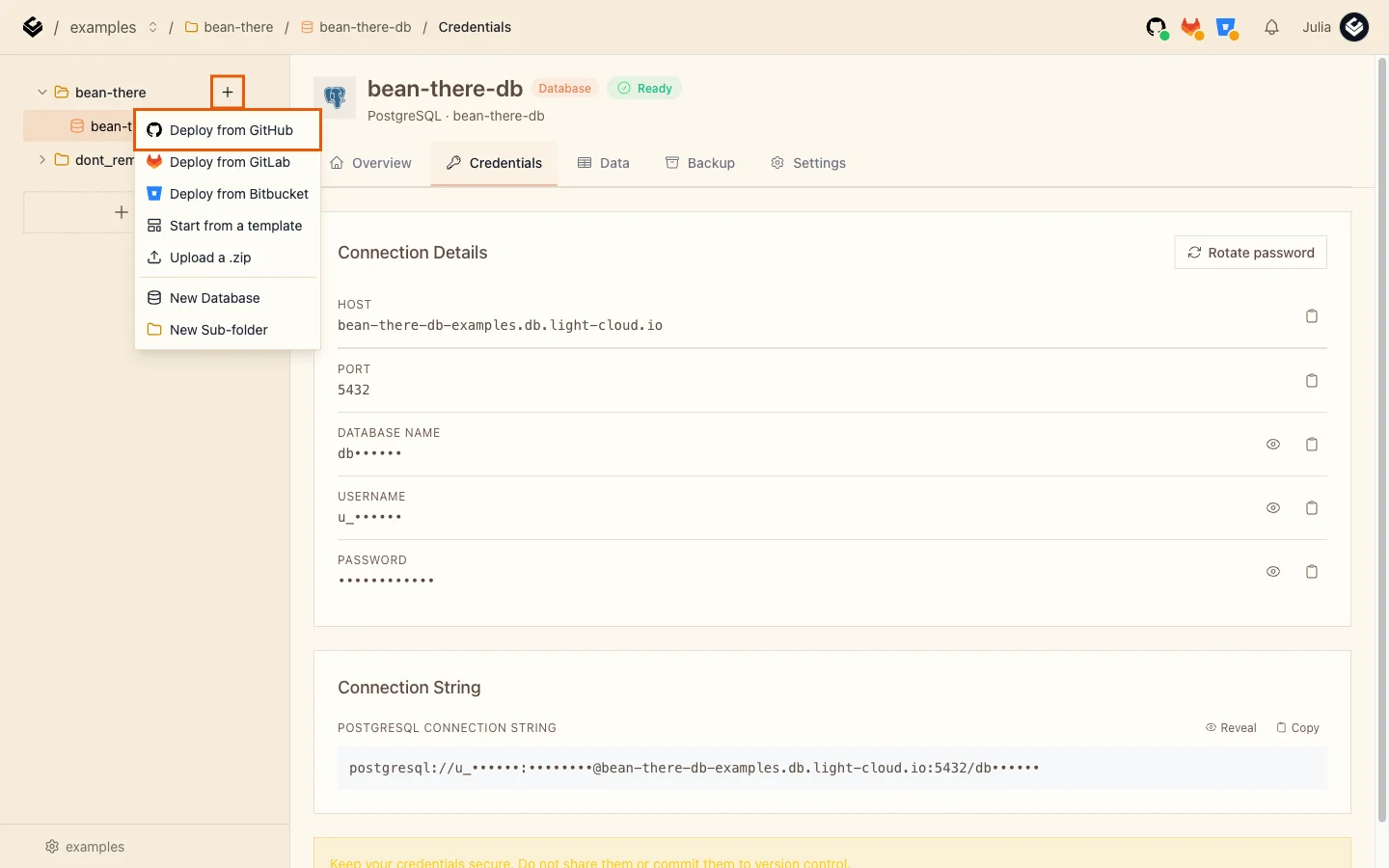
2. In **Search your repositories...**, type `tutorial-microservices` and click your fork.
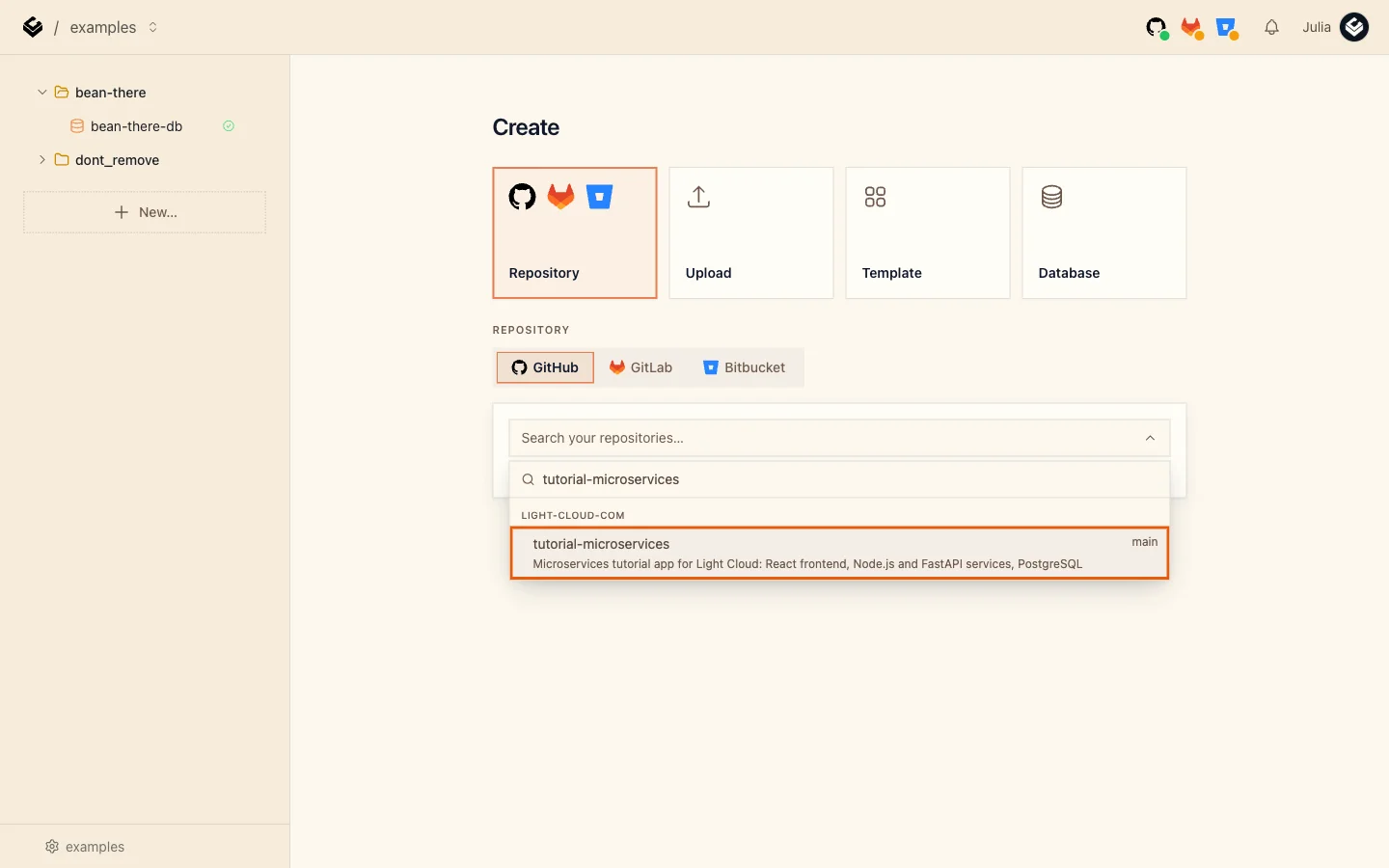
Light Cloud now looks at the root of the repository and shows "We're not sure what this is". That is expected: the root holds three apps, not one. You tell it which folder to use.
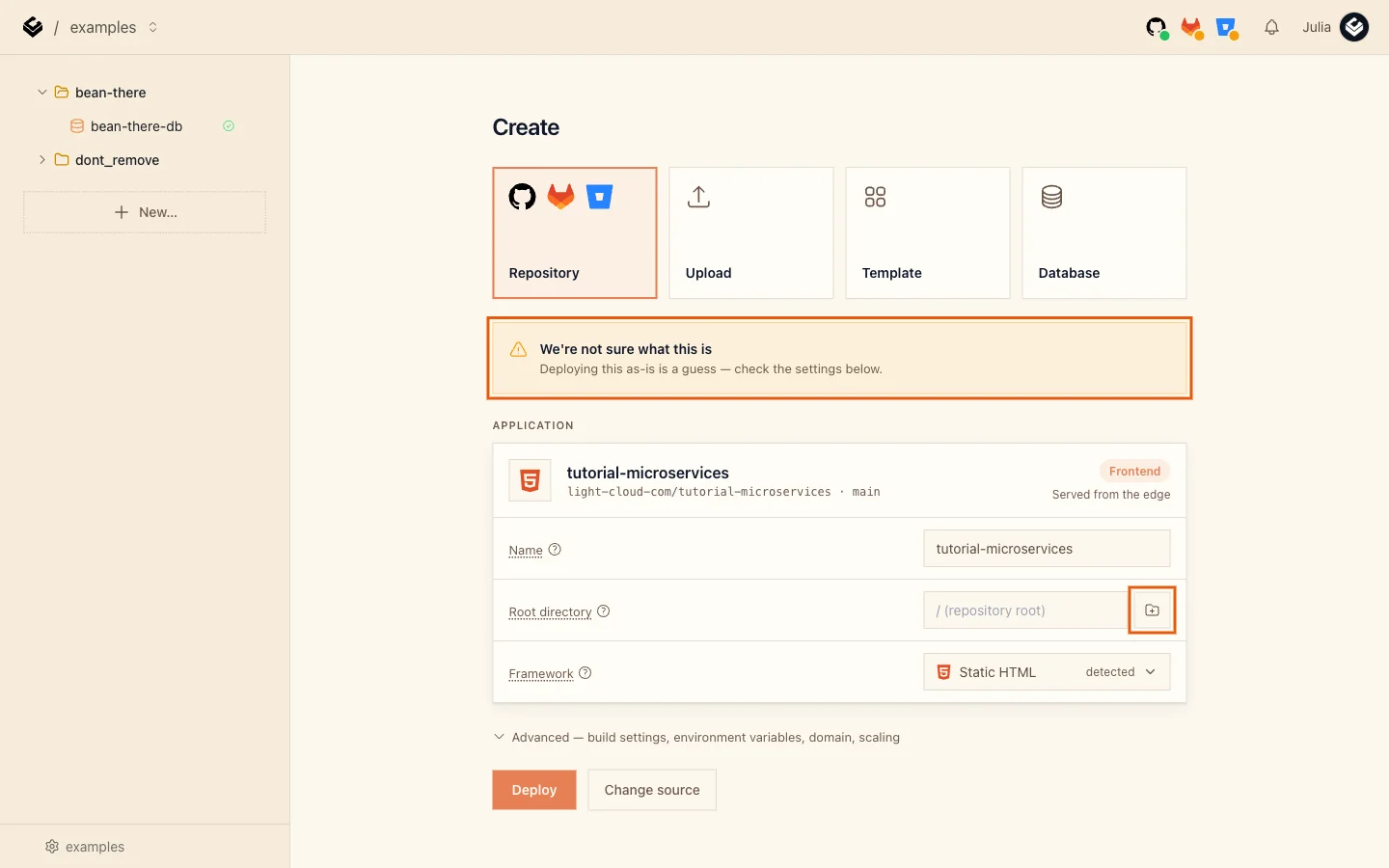
3. Click the folder button next to **Root directory** and choose `catalog-api`.
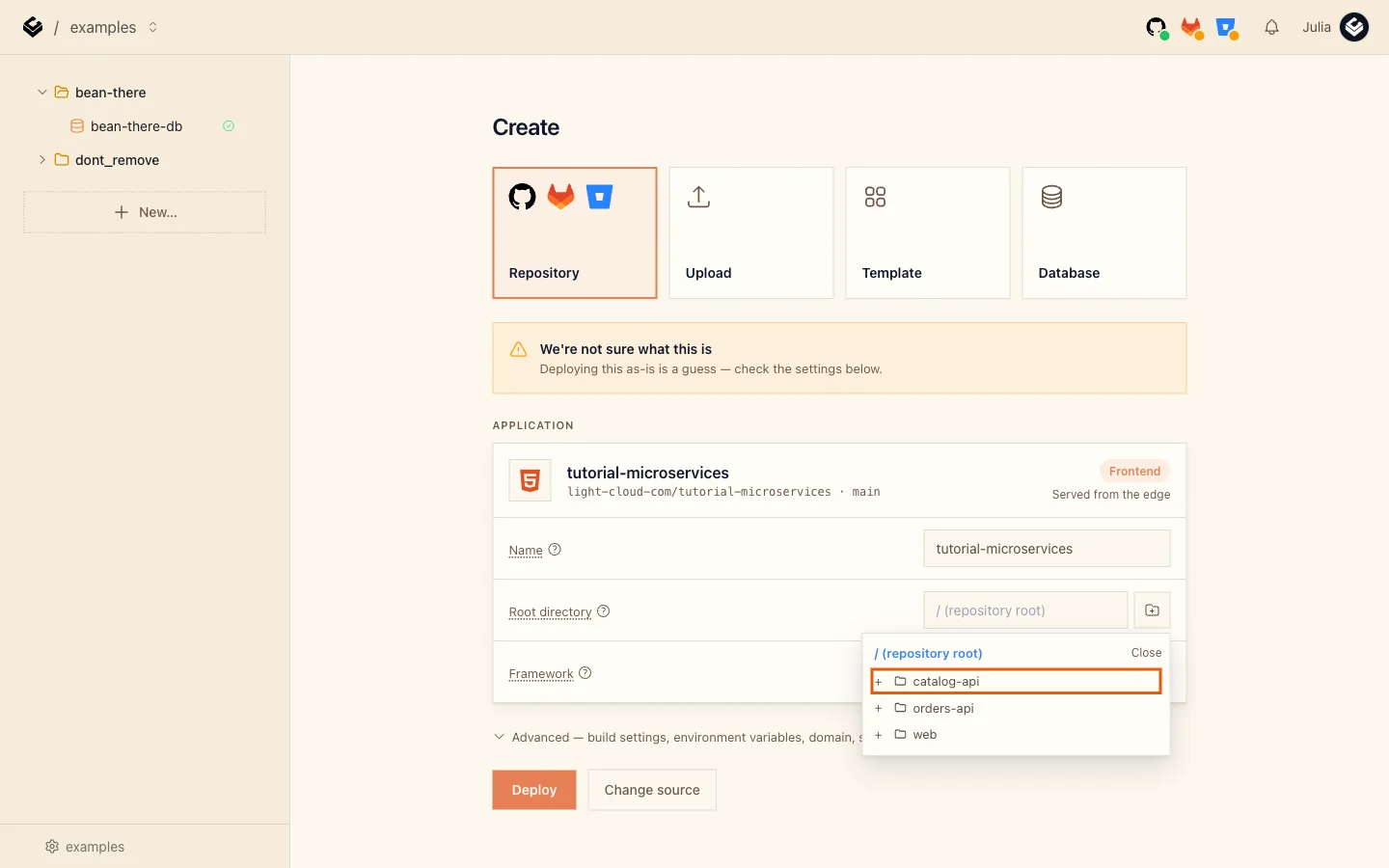
The banner turns green: **Express / Backend**, based on `package.json`. Light Cloud found Express in the dependencies, so it runs this folder as a server.
4. The **Name** field still says `tutorial-microservices`. Change it to `catalog-api`. The name becomes part of the service's address.
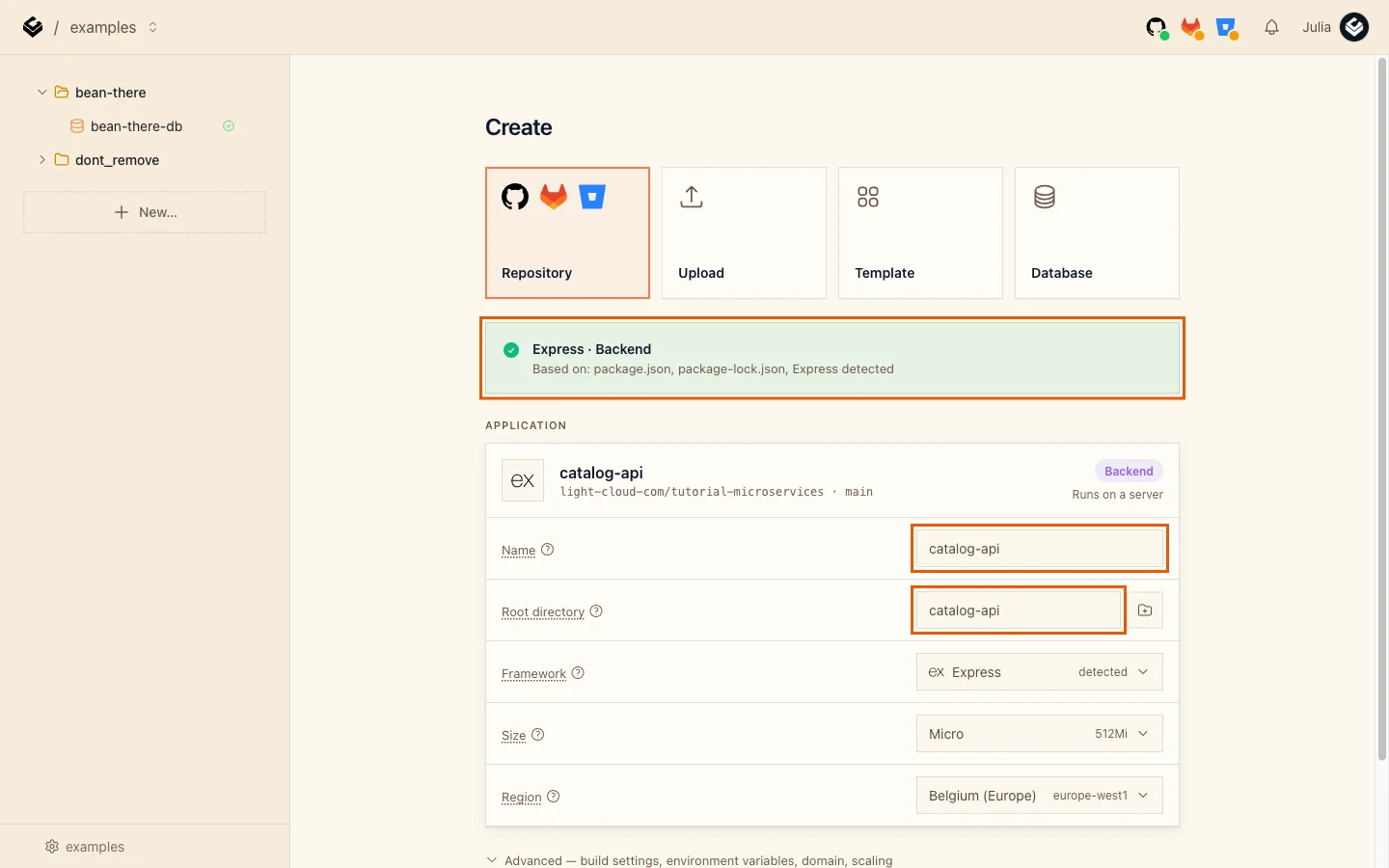
5. Click **Advanced - build settings, environment variables, domain, scaling**. **Port** is already `8080`; leave the rest as it is.
6. Under **Environment variables**, click **Add variable** twice and fill in:
| KEY | value |
|---|---|
| `DATABASE_URL` | your connection string, followed by `?sslmode=require&uselibpqcompat=true` |
| `INTERNAL_SECRET` | a long random string; keep it, orders-api needs the same one |
Put together, the two values look like this (stars hide your password and names):
```text
DATABASE_URL postgresql://u_******:********@bean-there-db-yourworkspace.db.light-cloud.io:5432/db******?sslmode=require&uselibpqcompat=true
INTERNAL_SECRET cf91d1e26971527e2ec7362e9452f5abb4670e767ab1a0af
```
To make a random secret, run the command below. You should see one line of 48 random letters and digits; yours will be different:
```shell os="macOS,Linux"
$ openssl rand -hex 24
cf91d1e26971527e2ec7362e9452f5abb4670e767ab1a0af
```
```shell os="Windows"
# Run this in Git Bash, which comes with Git for Windows.
$ openssl rand -hex 24
cf91d1e26971527e2ec7362e9452f5abb4670e767ab1a0af
```
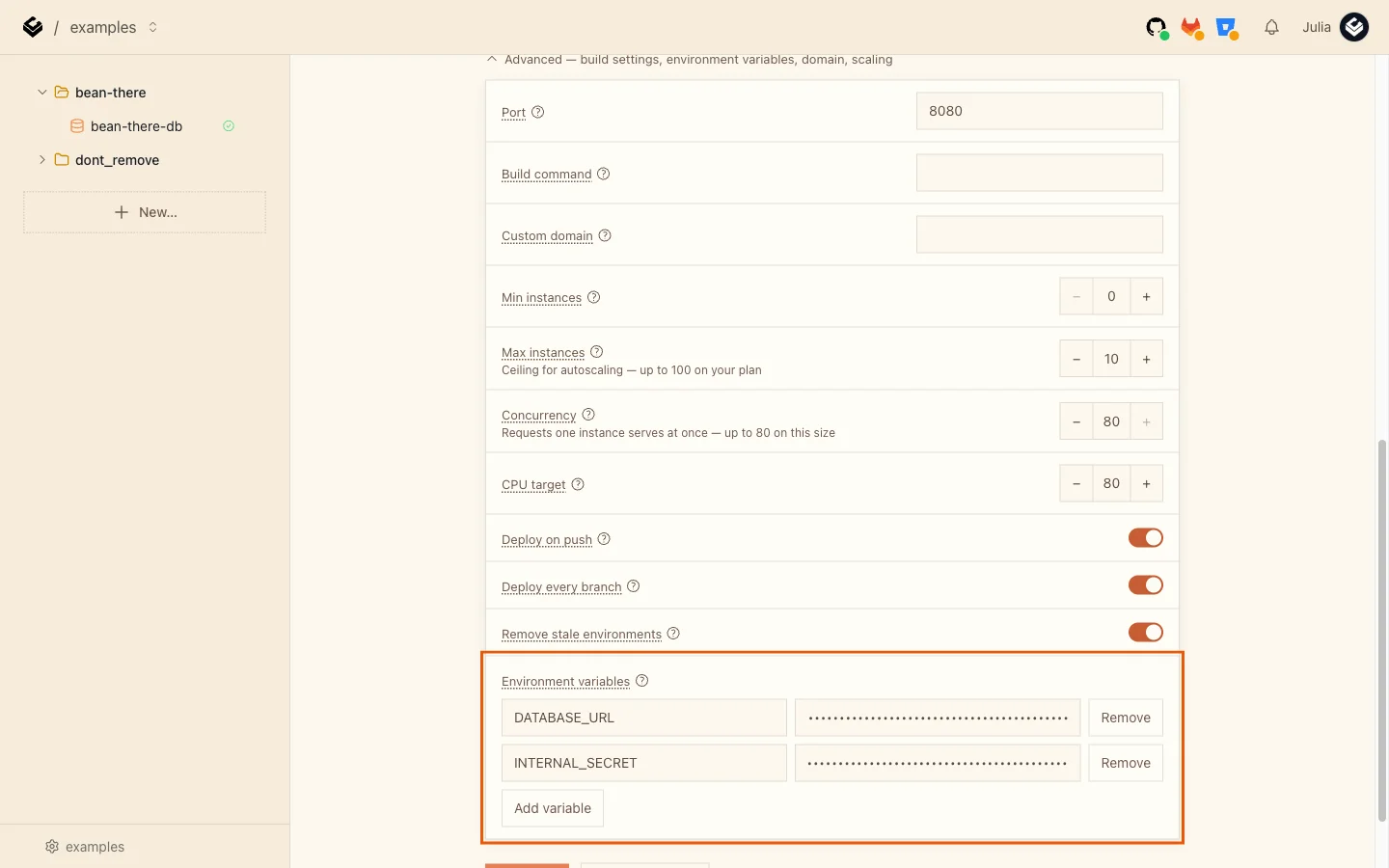
The ending `?sslmode=require&uselibpqcompat=true` tells the Node.js `pg` driver to use an encrypted connection the way the PostgreSQL command-line tools do. Without it, catalog-api cannot connect to the database.
7. Click **Deploy**.
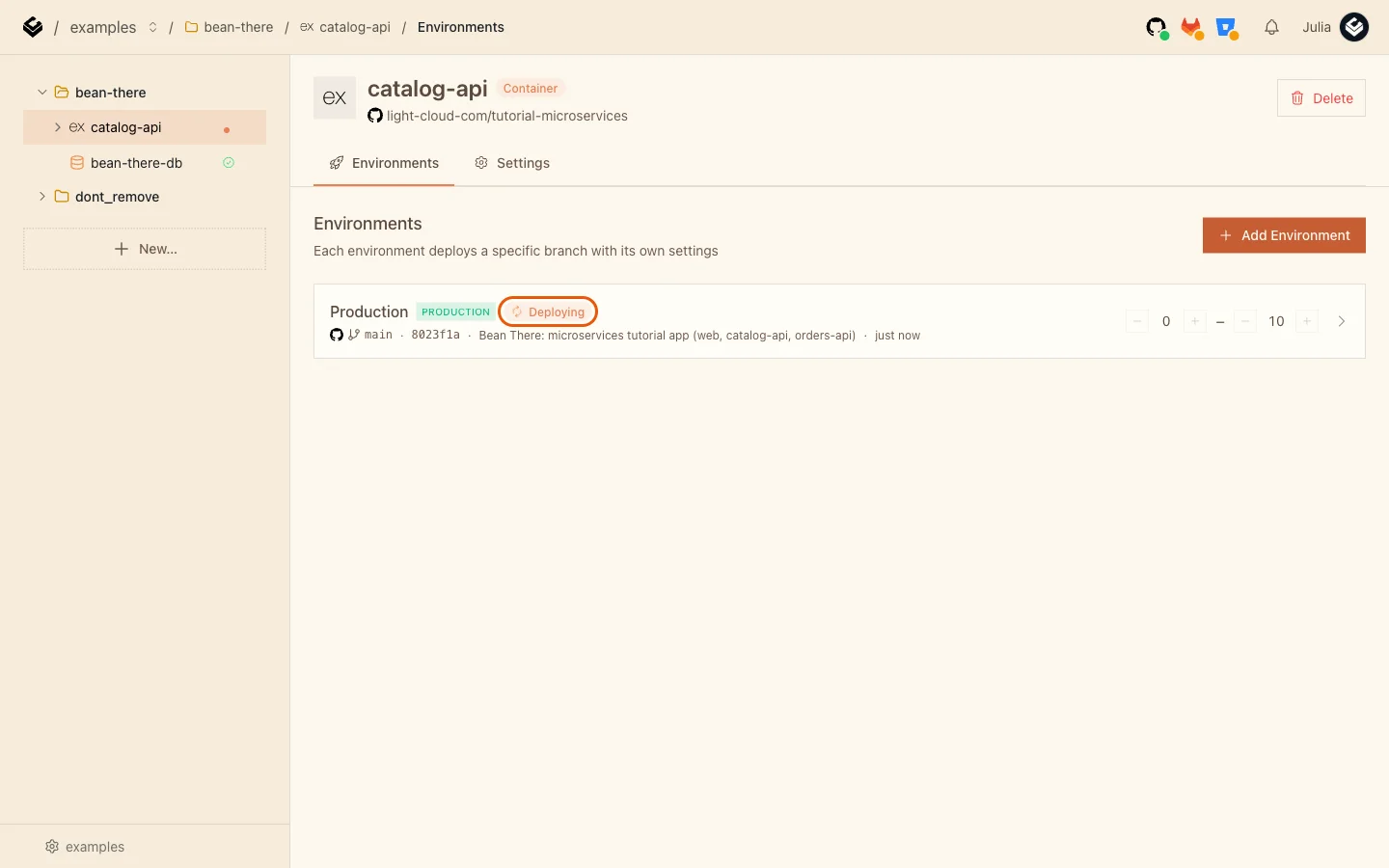
You should see the **Production** environment move from **Deploying** to **Deployed**. In my run that took about 75 seconds.
## Step 6: Check that catalog-api works
A quick request confirms the service is up and can read the database.
Your service's address follows the pattern `https://main--.light-cloud.io`. You can also copy it from the **URL** card on the environment's **Overview** tab.
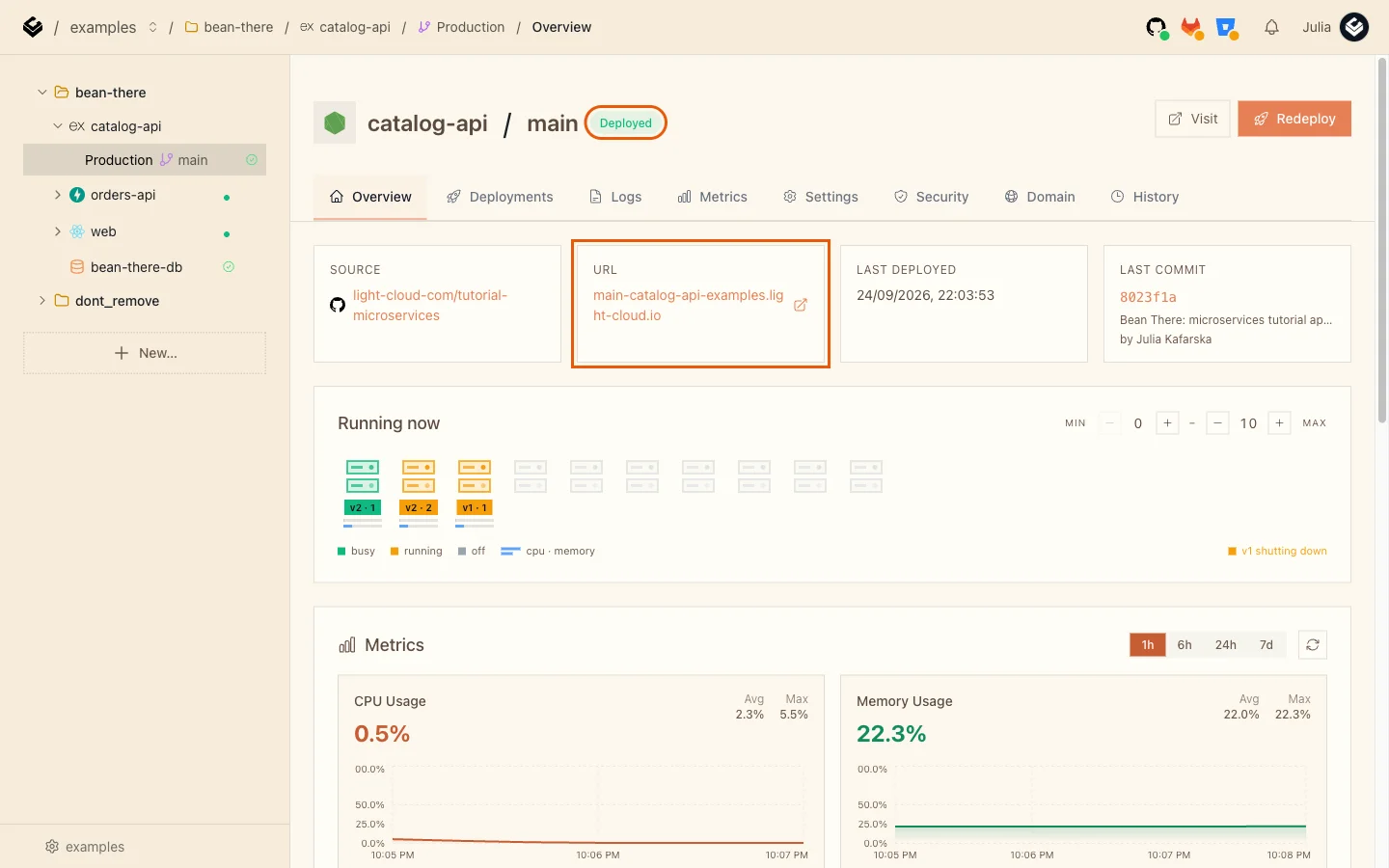
Ask it for its products. You should see the four products catalog-api created on its first start, on one line:
```shell os="macOS,Linux"
$ curl https://main-catalog-api-yourworkspace.light-cloud.io/products
[{"id":1,"name":"Espresso beans, 1 kg","price_cents":2400,"stock":40},{"id":2,"name":"Pour-over kettle","price_cents":5900,"stock":12},{"id":3,"name":"Ceramic mug","price_cents":1500,"stock":100},{"id":4,"name":"Paper filters, 100 pack","price_cents":600,"stock":250}]
```
```shell os="Windows"
PS> curl.exe https://main-catalog-api-yourworkspace.light-cloud.io/products
[{"id":1,"name":"Espresso beans, 1 kg","price_cents":2400,"stock":40},{"id":2,"name":"Pour-over kettle","price_cents":5900,"stock":12},{"id":3,"name":"Ceramic mug","price_cents":1500,"stock":100},{"id":4,"name":"Paper filters, 100 pack","price_cents":600,"stock":250}]
```
Now check that the internal route refuses callers without the secret. You should see the status line `HTTP/2 401` and the error body (other headers left out here):
```shell os="macOS,Linux"
$ curl -i -X POST https://main-catalog-api-yourworkspace.light-cloud.io/internal/products/1/reserve \
-H "content-type: application/json" -d '{"quantity":1}'
HTTP/2 401
content-type: application/json; charset=utf-8
x-powered-by: Express
{"error":"Unauthorized"}
```
```shell os="Windows"
PS> curl.exe -i -X POST https://main-catalog-api-yourworkspace.light-cloud.io/internal/products/1/reserve `
-H "content-type: application/json" -d '{"quantity":1}'
HTTP/2 401
content-type: application/json; charset=utf-8
x-powered-by: Express
{"error":"Unauthorized"}
```
Every Light Cloud address is public, so this check is what keeps strangers from changing your stock. This is the part that does it:
```javascript title="catalog-api/server.js"
// Only other services may call /internal routes.
function requireInternalSecret(req, res, next) {
if (!INTERNAL_SECRET || req.get("x-internal-secret") !== INTERNAL_SECRET) {
return res.status(401).json({ error: "Unauthorized" });
}
next();
}
```
## Step 7: Deploy orders-api
orders-api follows the same steps, with its own folder and one extra variable.
1. Click **+** next to `bean-there`, choose **Deploy from GitHub**, and pick your fork again.
2. Set **Root directory** to `orders-api` and change **Name** to `orders-api`.
The banner reads **FastAPI / Backend**, based on `requirements.txt`. Light Cloud runs FastAPI with uvicorn on port 8000; you do not write a start command.
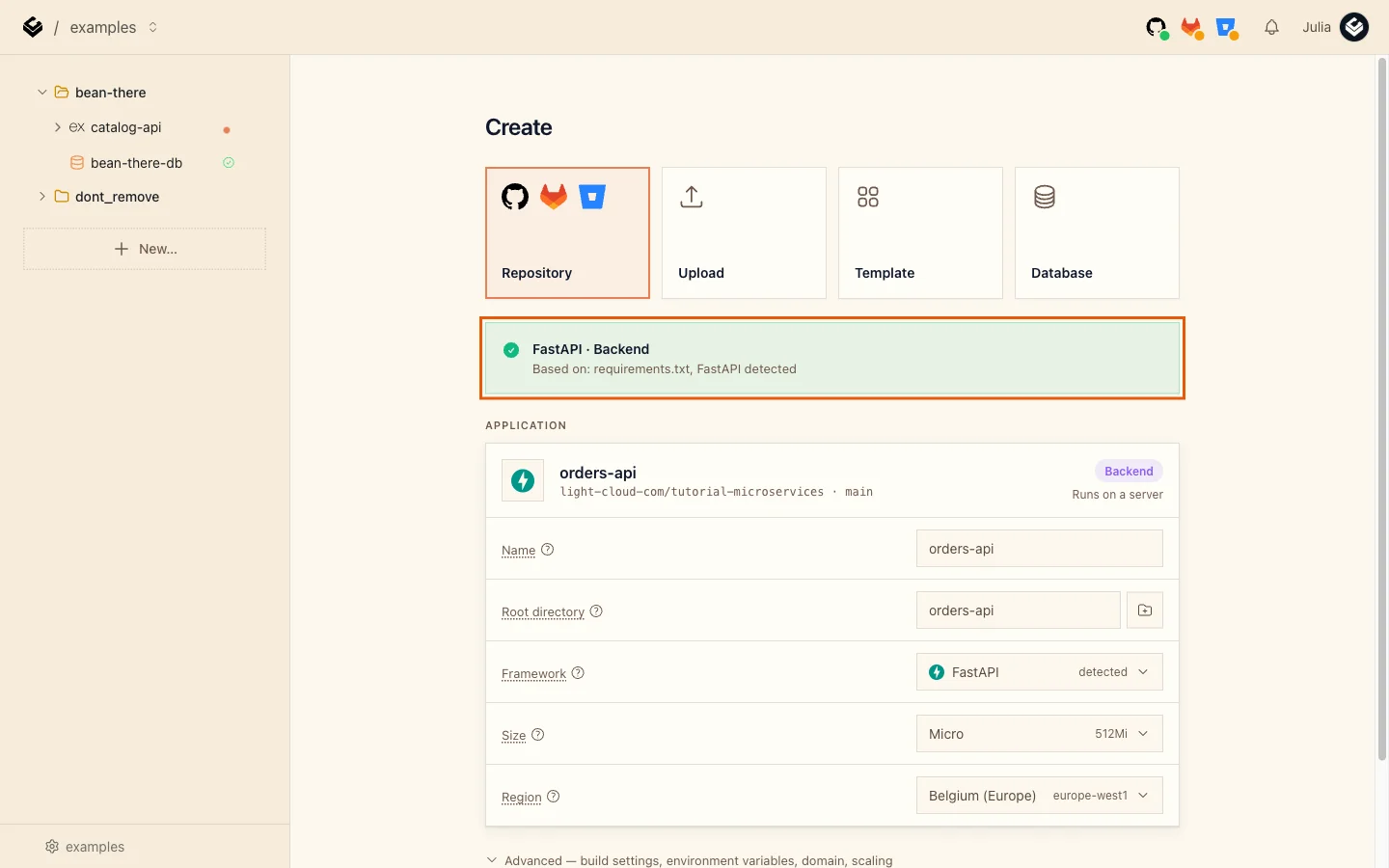
3. Open **Advanced** and add three variables:
| KEY | value |
|---|---|
| `DATABASE_URL` | your connection string, followed by `?sslmode=require` |
| `INTERNAL_SECRET` | the same secret you gave catalog-api |
| `CATALOG_API_URL` | catalog-api's address, for example `https://main-catalog-api-yourworkspace.light-cloud.io` |
For example:
```text
DATABASE_URL postgresql://u_******:********@bean-there-db-yourworkspace.db.light-cloud.io:5432/db******?sslmode=require
INTERNAL_SECRET cf91d1e26971527e2ec7362e9452f5abb4670e767ab1a0af
CATALOG_API_URL https://main-catalog-api-yourworkspace.light-cloud.io
```
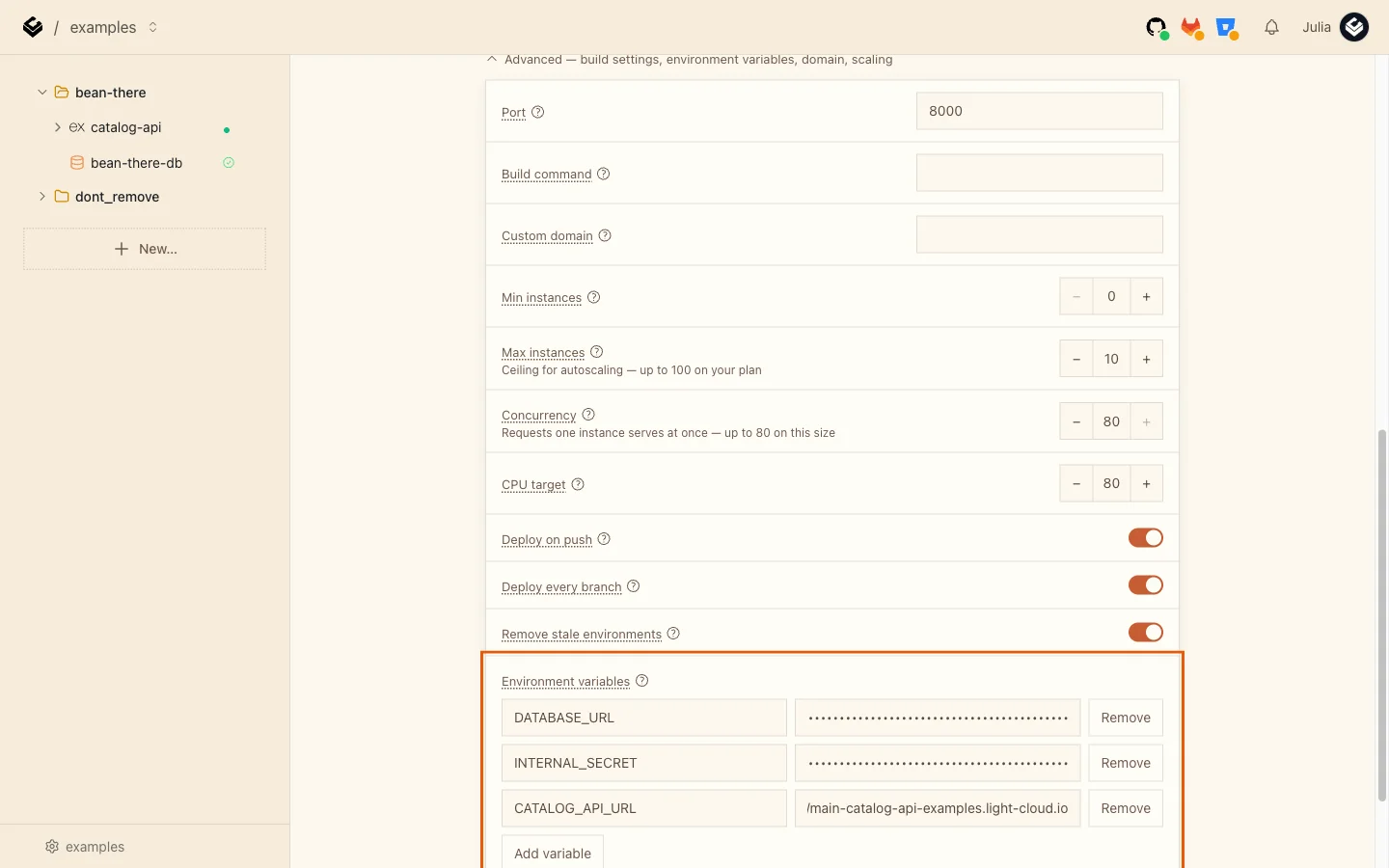
Python's `psycopg` driver only needs `?sslmode=require`. The longer ending in Step 5 is specific to Node.js.
4. Click **Deploy**.
This is how orders-api uses those variables when a customer buys something:
```python title="orders-api/main.py"
async with httpx.AsyncClient(timeout=10) as client:
reply = await client.post(
f"{CATALOG_API_URL}/internal/products/{order.product_id}/reserve",
json={"quantity": order.quantity},
headers={"x-internal-secret": INTERNAL_SECRET, "x-request-id": request_id},
)
```
When it is deployed, check it. You should see:
```shell os="macOS,Linux"
$ curl https://main-orders-api-yourworkspace.light-cloud.io/health
{"status":"ok","service":"orders-api"}
```
```shell os="Windows"
PS> curl.exe https://main-orders-api-yourworkspace.light-cloud.io/health
{"status":"ok","service":"orders-api"}
```
## Step 8: Deploy the web frontend
The shop front is a static site, so it needs both API addresses at build time.
1. Click **+** next to `bean-there`, choose **Deploy from GitHub**, and pick your fork.
2. Set **Root directory** to `web` and change **Name** to `web`.
The banner reads **React / Frontend** and the card says **Served from the edge**: the built files go to a content delivery network, not to a server.
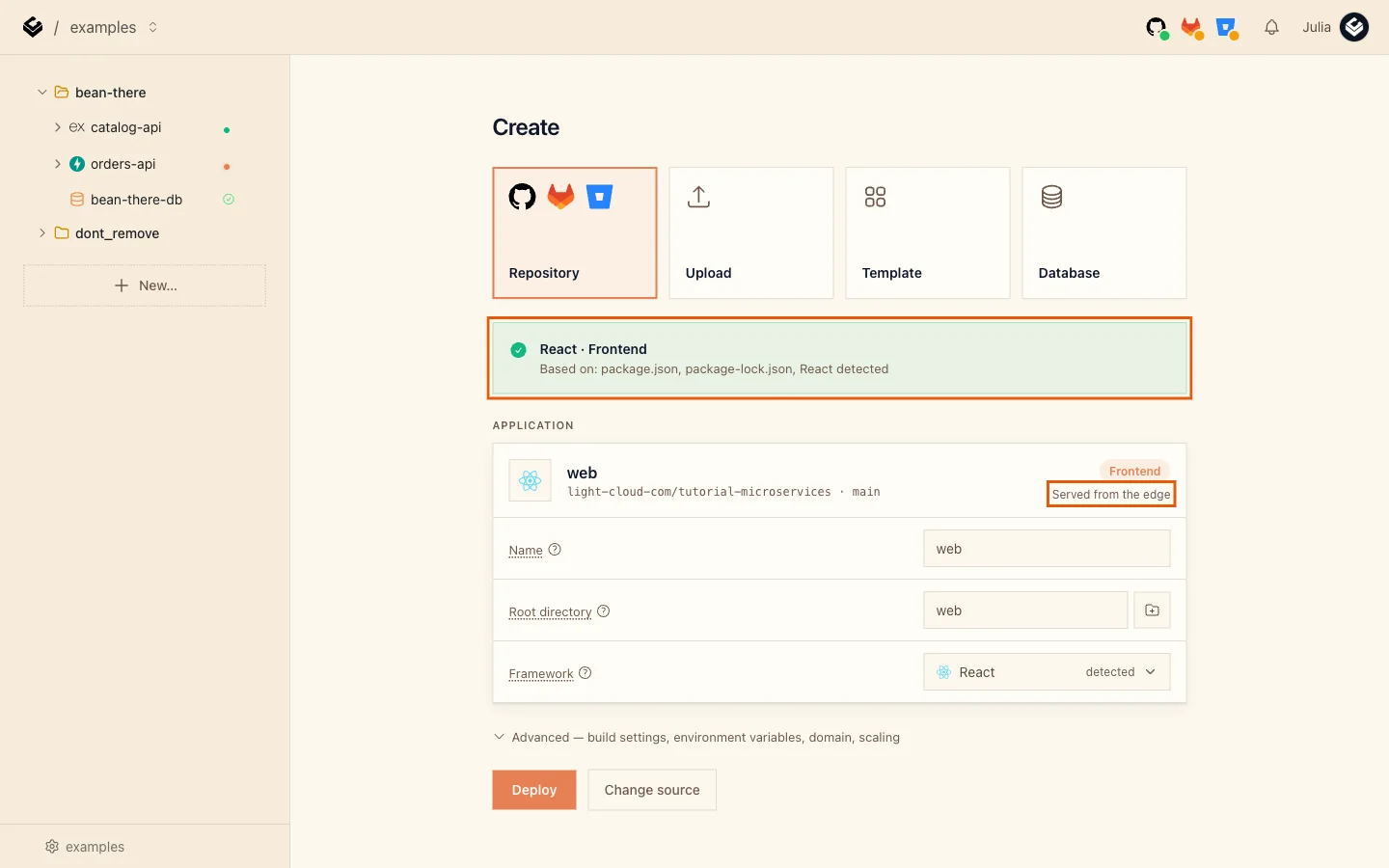
3. Open **Advanced**. Light Cloud has already filled in `npm ci`, `npm run build` and the output folder `dist`. Add two variables:
| KEY | value |
|---|---|
| `VITE_CATALOG_API_URL` | catalog-api's address |
| `VITE_ORDERS_API_URL` | orders-api's address |
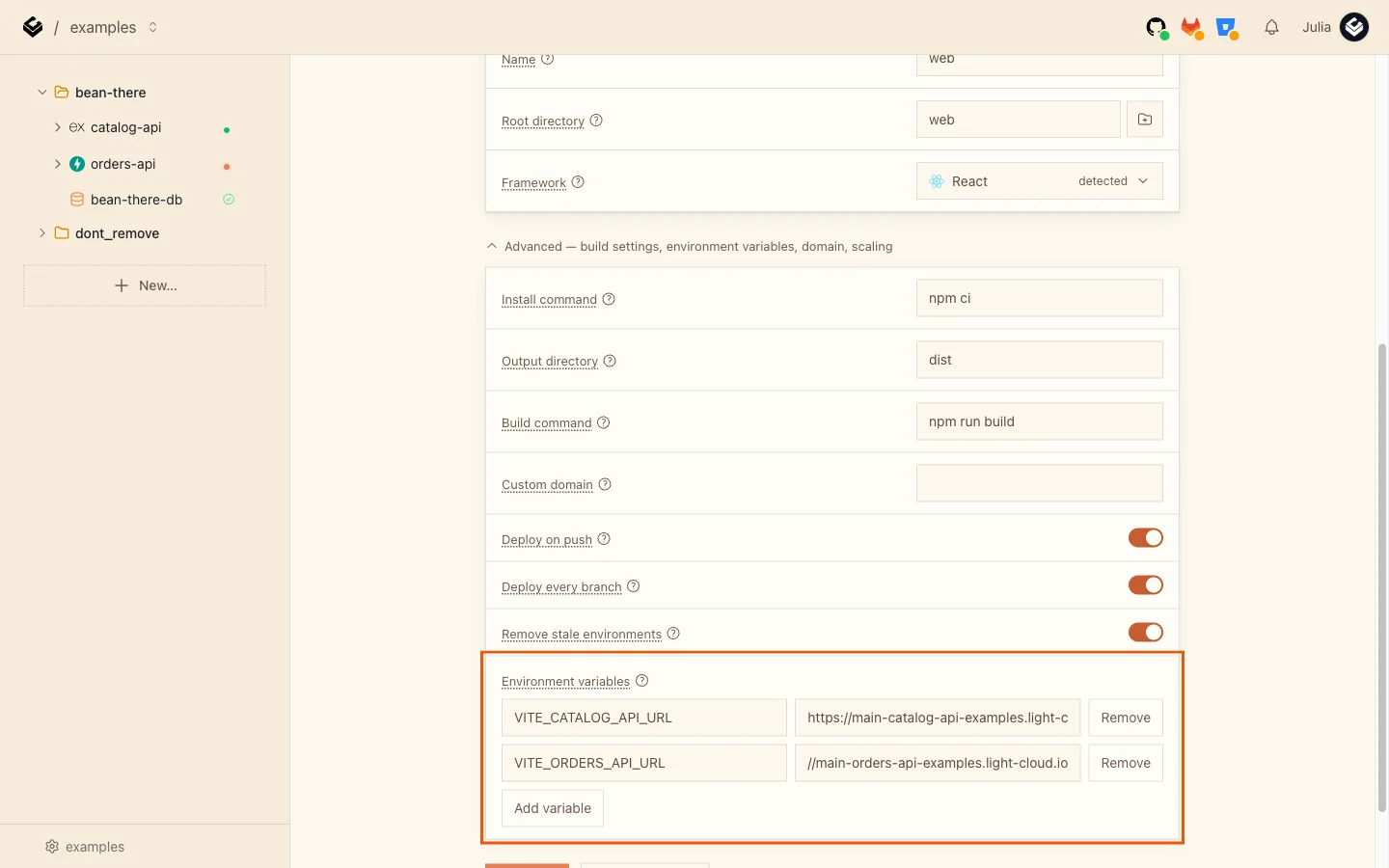
Vite copies variables that start with `VITE_` into the JavaScript bundle during the build. That is why they must be set before the first deploy.
4. Click **Deploy**.
## Step 9: Allow the frontend to call the APIs
Open the web address, for example `https://main-web-yourworkspace.light-cloud.io`. The page loads, but the product list stays empty.
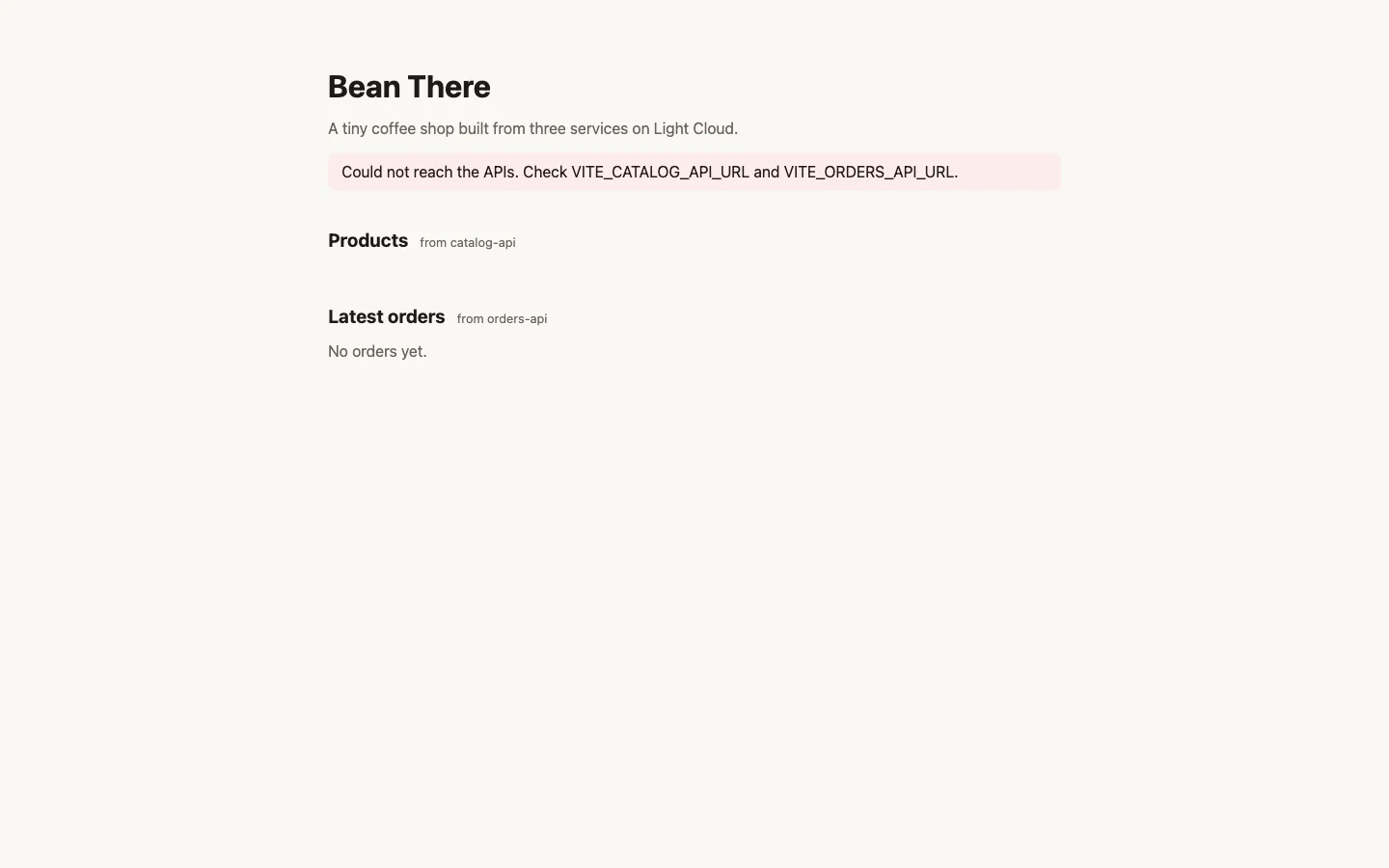
The browser blocked the calls because the APIs only allow `http://localhost:5173`, the address used during local development. This rule is called CORS (cross-origin resource sharing): a browser only lets a page on one address read answers from another address if that address says yes. Both APIs read the allowed address from `WEB_ORIGIN`:
```javascript title="catalog-api/server.js"
app.use(cors({ origin: WEB_ORIGIN }));
```
Set it on catalog-api:
1. In the sidebar, open **catalog-api**, then **Production**, then the **Settings** tab.
2. In **Environment Variables**, click **Edit**, then **Add**.
3. Enter `WEB_ORIGIN` as the key and your web address as the value, without a slash at the end.
4. Click **Save**.
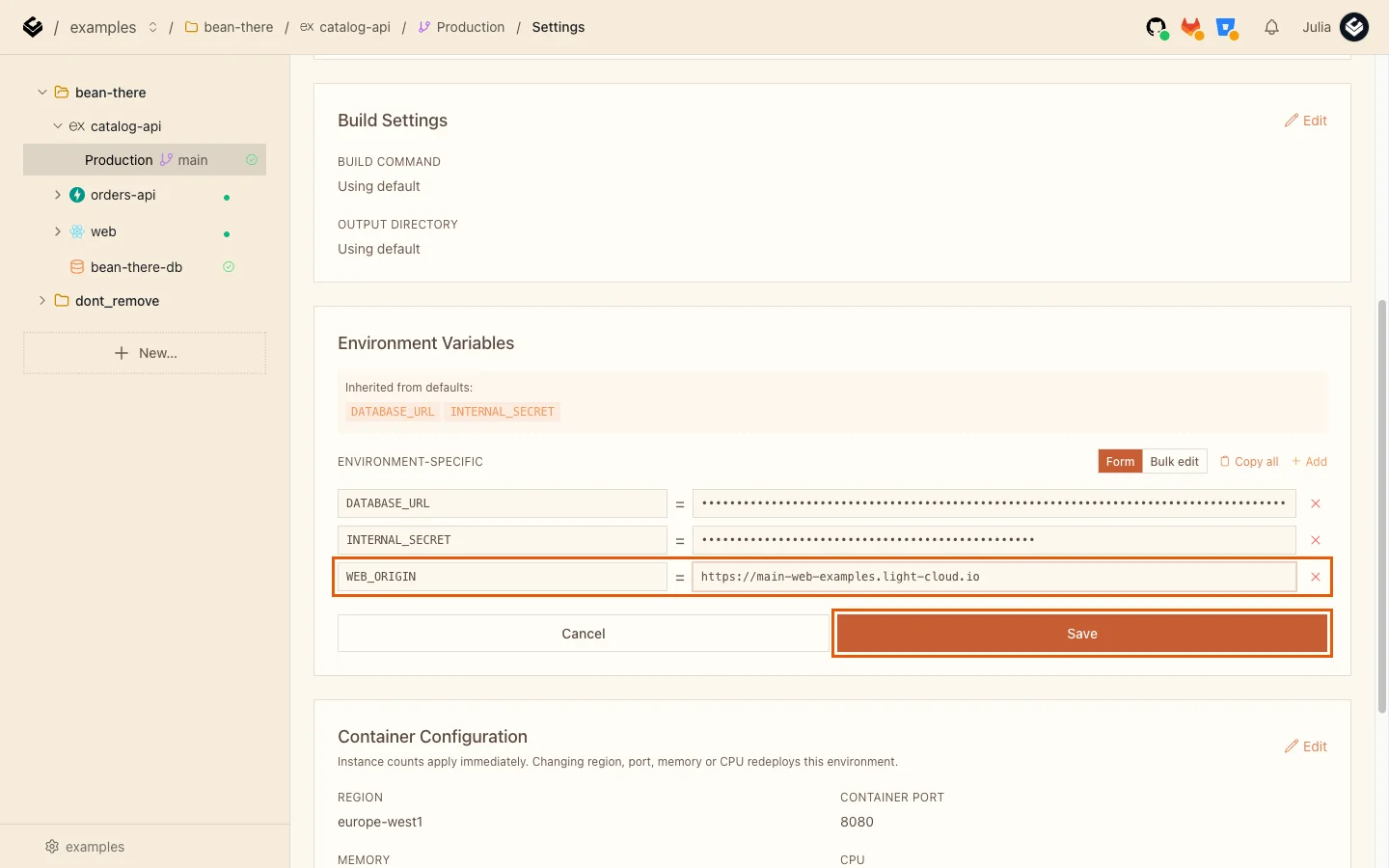
You should see "Environment variables saved". Saving redeploys the service by itself; there is no separate deploy button to press.
Repeat the same four steps for **orders-api**.
## Step 10: Place an order
Reload the shop about a minute after saving. The products appear, each with a **Buy** button.
Click **Buy** on any product. You should see "Order #1 placed", the stock go down by one, and the order appear under **Latest orders**.
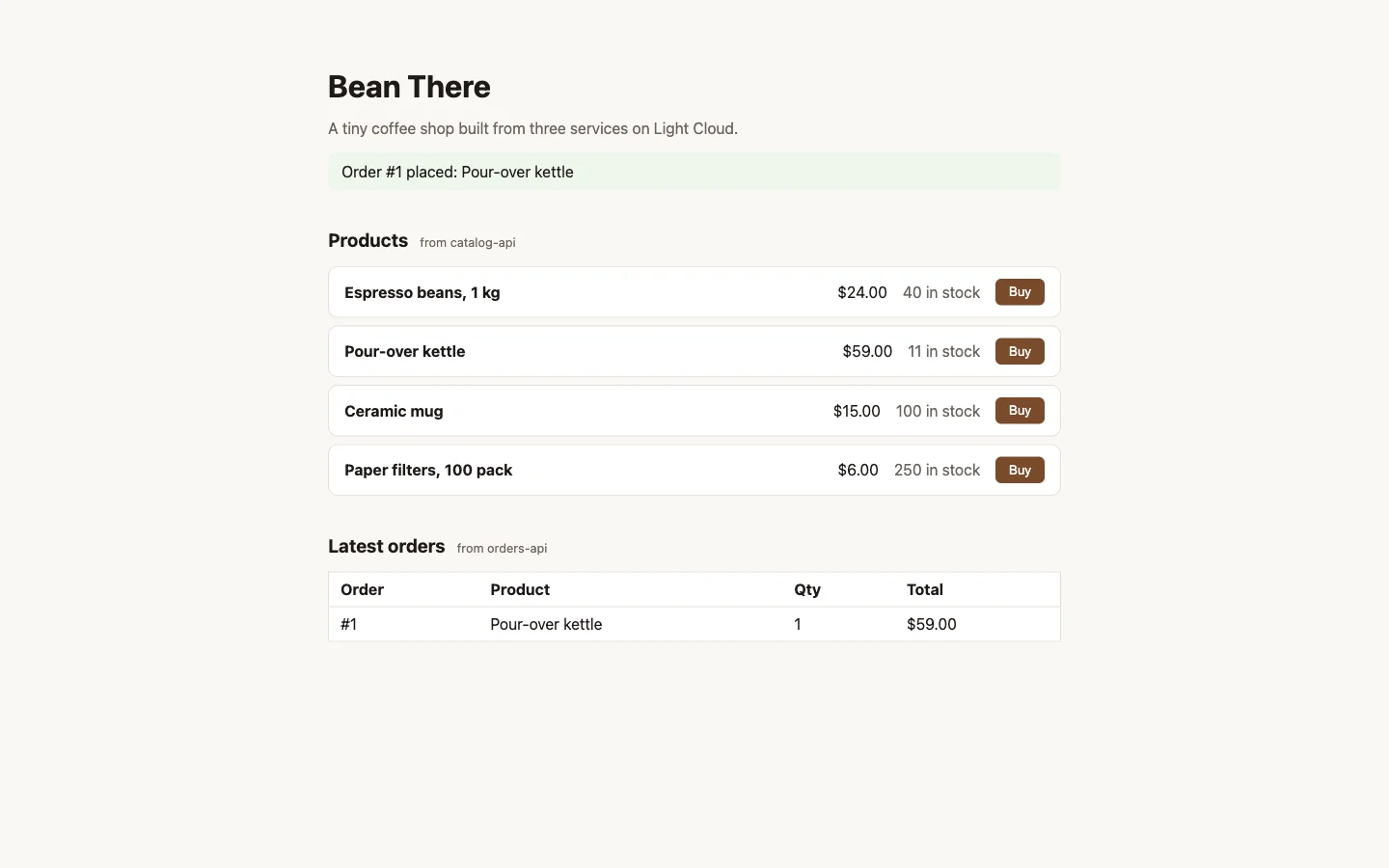
That one click went through all four parts: the browser called orders-api, orders-api asked catalog-api to reserve stock with the shared secret, catalog-api updated the `products` table, and orders-api saved the order in the `orders` table.
## Troubleshooting
### Access to fetch has been blocked by CORS policy
The full message starts with `Access to fetch at 'https://main-catalog-api-...' from origin 'https://main-web-...' has been blocked by CORS policy`. The API's `WEB_ORIGIN` is missing or does not match the web address exactly. Check for `https://`, and make sure there is no slash at the end. Saving the variable redeploys the service; wait about a minute and reload.
### catalog-api fails to start with a certificate or SSL error
The `DATABASE_URL` on catalog-api is missing the ending `?sslmode=require&uselibpqcompat=true`. Add it in **Settings**, **Environment Variables**, and save.
### Placing an order says "Catalog service unavailable"
orders-api could not reserve stock. Either `CATALOG_API_URL` points to the wrong address, or `INTERNAL_SECRET` is not the same on both services. Check both, then save.
### The product list is empty and there is no CORS error
The web app was built before `VITE_CATALOG_API_URL` and `VITE_ORDERS_API_URL` were set. Add them in the web app's **Settings**; saving rebuilds it with the new values.
---
# Power Is the New Region
The site of America's most famous nuclear accident is being switched back on for one customer. Under a [20-year power purchase agreement signed with Microsoft](https://www.datacenterdynamics.com/en/news/three-mile-island-nuclear-power-plant-to-return-as-microsoft-signs-20-year-835mw-ai-data-center-ppa/), Constellation is restarting Three Mile Island's Unit 1, rebranded the Crane Clean Energy Center, with [835 megawatts targeted for 2028](https://www.utilitydive.com/news/constellation-three-mile-island-nuclear-power-plant-microsoft-data-center-ppa/727652/) and every one of them earmarked for AI datacenters. A retired reactor, resurrected, for a software company. Whatever else 2024 is remembered for in this industry, that deal is the moment the constraint changed in public.
Here's the thesis: for fifteen years, cloud capacity planning assumed the scarce inputs were racks, then chips. Both eras are over. The binding constraint on cloud buildout is now electricity, the industry's site selection has started following energy instead of users, and that quietly breaks assumptions about regions, latency, and pricing that everyone's architecture diagrams still encode.
## The shopping spree
Microsoft's reactor wasn't an eccentric one-off; it opened a genre. The deals since read like a utility's M&A desk got hold of big tech's checkbook.
| Buyer | Deal | Scale and timeline |
|-------|------|--------------------|
| Microsoft | Constellation PPA, Three Mile Island restart | 835 MW, 20 years, targeted 2028 |
| Google | [First corporate SMR purchase agreement, with Kairos Power](https://smrintel.com/nuclear-data-center-deals/) | ~500 MW across 6-7 small modular reactors, first unit around 2030 |
| Amazon | [Led a $500M round in SMR developer X-energy](https://introl.com/blog/nuclear-power-ai-data-centers-microsoft-google-amazon-2025); bought a $650M campus next to the Susquehanna nuclear plant | SMR fleet ambitions plus nuclear-adjacent land, this decade |
As of May 2026, tracker sites count 13 announced projects committing roughly 9.8 GW of nuclear capacity to AI infrastructure.
Read the table as a confession. Companies whose competence is software are becoming counterparties to reactor restarts and first-of-a-kind SMR deployments, timelines measured in half-decades, because they've concluded the grid won't sell them what they need on any faster schedule. Nobody signs a 20-year PPA for a temporary problem.
## The queue is the moat
The mechanics behind the confession are unglamorous. Getting a new datacenter connected to the grid means joining an interconnection queue, and those queues now run years in the good cases, which turns energy procurement into the longest-lead item in the entire capacity supply chain, longer than chips, longer than construction. Money can compress most shortages. It cannot much compress permitting, transmission builds, or turbine order books, which is why capital has started chasing anything that bypasses the queue: retired reactors, on-site generation, campuses bought specifically because they sit next to existing plants.
The scale of the collision is public arithmetic. The hyperscalers plan [around $700 billion of combined capital expenditure in 2026](https://finance.yahoo.com/sectors/technology/articles/hyperscalers-hit-700-billion-2026-111243744.html), overwhelmingly for AI infrastructure, and infrastructure at that scale is measured in gigawatts. Microsoft has been unusually candid about where that collides with reality: [an $80 billion Azure backlog attributed to power constraints, with purchased GPUs sitting idle because there's no electricity to install them under](https://introl.com/blog/hyperscaler-capex-690-billion-microsoft-azure-power-bottleneck-2026). Sit with that image. The most valuable chips on earth, in warehouses, waiting for a substation.
Which makes power contracts the new moat. Two years ago the competitive question between clouds was who had the best silicon roadmap; the harder question now is who locked in generation, and queue positions, interconnect agreements, and PPAs signed in 2024 are assets rivals cannot replicate at any price on the same timeline. It's the [unbundling era's](/industry/neoclouds-and-the-great-unbundling) resource layer: the neoclouds proved compute could be bought outside the bundle, and now everyone discovers that what actually gates compute is a commodity older than computing.
## What it quietly breaks
Regions used to be a demand-side concept: put capacity where users, data residency, and enterprise customers are, and price it roughly uniformly. Energy-first site selection inverts that. New capacity lands where megawatts are available, Brandenburg or Pennsylvania or wherever a reactor has spare output, which is not necessarily where anyone's users are, and the decade-old assumption that your provider will simply have capacity near your market when you need it stops being safe. Latency budgets meet geology.
Pricing assumptions crack next. Electricity costs now diverge sharply by location and contract vintage, and uniform-ish regional pricing papers over an input cost that stopped being uniform; my bet is the paper doesn't hold, and region-differentiated compute pricing, or scarcity surcharges wearing another name, arrive within a few years. Timeline assumptions were always the most fragile: demand is compounding now, while the table above delivers its megawatts in 2028 and 2030. The gap between those dates is the era we're in, and it's the era in which capacity allocations, waitlists, and quota negotiations became a normal part of buying cloud, a sentence that would have sounded absurd in 2020.
## The steelman: constraints attract solutions
The case for calm is respectable. Efficiency is improving fast, inference is being squeezed onto cheaper silicon, and the industry has a long record of demand forecasts embarrassing themselves; some of those SMR deals are best understood as long-dated hedges and press releases, with first-of-a-kind reactors carrying first-of-a-kind risk, and the grid does eventually build out. If AI demand plateaus, today's power panic will look like the fiber glut of 2001, and contrarians buying distressed capacity will feast.
Concede all of it as possible, and note what the calm case requires: believing simultaneously that the companies spending $700 billion are wrong about demand, and that the constraint their own executives call binding will dissolve before it reshapes the market. Even on optimistic timelines, the operative decade runs on scarce power, and market structure formed during scarcity, the contracts, the queue positions, the siting, outlives the scarcity that formed it. That's the actual lesson of every infrastructure cycle, fiber included: the glut ended, the ownership map it created didn't.
There's a small demand-side moral we can't resist, since our whole product exists on the other end of this telescope: when the industry's binding constraint is electricity, [workloads that scale to zero](/cloud/same-app-four-platforms) stop being a pricing gimmick and start being a grid courtesy. Idle compute burning watts is now everyone's problem. Yours too: do you know which region your next deployment lands in, and do you know what's powering it?
---
# Neoclouds and the Great Unbundling
As of March 31, 2026, CoreWeave reported a contracted revenue backlog of [$99.4 billion](https://www.sec.gov/Archives/edgar/data/1769628/000095010325008496/dp231293_ex9901.htm). Sit with the number for a second. A company that was mining Ethereum a few years ago, that [went public in March 2025](https://capital.com/en-int/learn/ipo/coreweave-ipo) at $40 a share to considerable skepticism, carries committed future revenue approaching the GDP of a small country, with quarters like [Q2 2025's $1.21 billion, up 207% year over year](https://www.sec.gov/Archives/edgar/data/1769628/000176962825000041/crwv-20250630.htm), and customers like Nvidia placing [$6.3 billion orders](https://www.cnbc.com/2025/09/15/coreweave-stock-jumps-on-disclosure-of-6point3-billion-order-from-nvidia.html).
For fifteen years, the cloud industry's foundational assumption was that the bundle always wins: nobody beats AWS because AWS has everything, and everything is what enterprises buy. CoreWeave, Lambda, Nebius, and the rest of the GPU-first neoclouds just falsified that at nine figures a quarter. My claim is that the falsification matters more than the companies. Whatever happens to any particular neocloud, they've taught a generation of buyers to shop outside the bundle, and that habit doesn't reverse.
## How the bundle cracked
The opening was supply: AI demand outran hyperscaler GPU capacity, and a buyer who can't get H100 allocations doesn't care how many other services the vendor offers. But the neoclouds kept the customers supply alone can't explain, because specialist economics turn out to be real. A cloud that sells one thing doesn't carry the tax of two hundred others: no army of half-maintained services, no bundle pricing designed for cross-subsidy, datacenters engineered for exactly one workload shape. For training runs, that focus shows up as price, availability, and performance the generalists struggled to match, and sophisticated buyers noticed.
CoreWeave isn't alone in the cohort, which is part of the proof. Nebius arrived by the strangest route available, carved out of Yandex and relisted on Nasdaq as a European-rooted AI infrastructure company. Lambda grew from selling deep-learning workstations into a GPU cloud with its own gravity. Different origins, different balance sheets, one shared bet: that a cloud can be narrow and win. The strongest confirmation came from the incumbents themselves, who quietly became neocloud customers, Microsoft most famously among them. When the bundle buys from the unbundlers, the argument about whether specialists can compete is over; what remains is negotiating the price.
The noticing is the historic part. AI forced the most conservative procurement departments on earth to unbundle one workload, evaluate it on its own merits, and sign with a vendor whose logo their board had never seen. That's a psychological dam breaking. Once a company has split its GPU spend from its general compute, "we buy everything from one cloud" stops being a law of nature and becomes what it always was: one option, with a price.
## What unbundles next
Storage went first, quietly, years ago; the Backblazes and Wasabis proved a single-service cloud can undercut the bundle when the service is a commodity. Databases are mid-unbundling now, with specialist Postgres vendors peeling the most valuable managed service out of the bundle one developer at a time. Inference looks next: unlike training, it's latency-sensitive and spiky, which invites both edge specialists and [scale-to-zero economics](/cloud/same-app-four-platforms), and my bet is it splits from training procurement within a couple of years.
And then there's the unbundling we have obvious skin in: ordinary small workloads. While hyperscaler attention and capex chase AI factories, the developer buying a container, a database, and a preview environment is nobody's priority, and specialist platforms serve that buyer better than a 240-service console does. The neoclouds proved the top of the market can be unbundled. The bottom is softer.
The tooling is catching up to the habit, too. Multi-vendor procurement only works if comparing and moving stays cheap, which is why every unbundling wave drags a portability wave behind it, and why the [lock-in taxonomy](/multi-cloud/egress-fees-are-dead-lock-in-isnt) matters more in an unbundled world, not less. A buyer juggling four specialist vendors needs the map of what runs where far more than a buyer with one throat to choke ever did.
## The steelman: shortage artifact
The case against reading too much into neoclouds is respectable. They may be a GPU shortage wearing a business model: when supply normalizes, hyperscalers reclaim the workloads, and gravity, egress, data locality, enterprise agreements, reasserts the bundle. CoreWeave specifically is a debt-heavy bet with concentrated customers, and a backlog is a promise, with counterparties, not cash. The dot-com era minted specialist infrastructure companies too, and the survivors' list is short. Maybe this cohort is scaffolding: essential during the boom, absorbed or gone after it.
Concede the company-level risk entirely; some of these firms will have ugly years, and consolidation is likely. The ratchet argument survives anyway, because it doesn't depend on who survives. Buyers who unbundled once keep the muscle: the procurement templates exist, the multi-vendor tooling exists, the board slide that says "we evaluate per workload" exists. Habits, unlike companies, don't need to refinance. The bundle can win any given workload back, and it will; what it can't recover is the presumption that it wins by default. Ask the telecom industry how presumptions age: the phone bundle lost its own spell decades ago, the incumbents are all still here, and nobody has bought the bundle out of reflex since.
Which leaves the question where it always lands on this blog: on your side of the table. The neocloud era's real gift to every buyer is permission, permission to ask, workload by workload, "who is actually best at this?", and the only prerequisite for using it is [being able to move](/multi-cloud/egress-fees-are-dead-lock-in-isnt). When did your team last ask that question about anything other than GPUs?
---
# The Honest Math of Cloud Repatriation
The loudest cloud-exit story in the industry ended with almost no noise. In the summer of 2025, when a four-year storage contract expired, 37signals moved its [final petabytes off S3](https://www.thestack.technology/dhh-aws-egress-s3-pure/) and completed the exit David Heinemeier Hansson had been announcing, itemizing, and gloating about since 2022. AWS even waived about $250,000 in egress fees on the way out, which under the [post-Data-Act rules](/multi-cloud/egress-fees-are-dead-lock-in-isnt) is what goodbye looks like now.
What makes 37signals worth a post isn't that they left the cloud. Companies drift on and off cloud constantly. It's that they published receipts at every step, which makes them the one repatriation story you can actually do arithmetic on, and the arithmetic deserves more honesty than either fan club gives it. My read: their math is real, their savings are real, and most companies who cite them are reading someone else's spreadsheet as if it were their own.
## The receipts
Collected from their published posts and the reporting around them, the numbers that matter:
| Item | Published figure |
|------|------------------|
| Cloud spend at peak, 2022 | Roughly $3.2M per year |
| Replacement servers, 2023 | About [$700K of Dell hardware](https://www.theregister.com/2024/10/21/37signals_aws_savings/), recouped within the year |
| Annual savings by late 2024 | [Almost $2M per year](https://www.datacenterdynamics.com/en/news/37signals-claims-it-saved-almost-2m-last-year-from-cloud-repatriation/) |
| S3 exit, 2025 | ~10 PB on S3 at ~$1.5M/yr replaced by [18 PB of Pure Storage](https://www.heise.de/en/news/Away-from-AWS-37signals-saves-1-3-million-dollars-a-year-with-its-own-storage-10380140.html) running under $200K/yr |
| Projected five-year total | Over $10M saved |
All figures as published by 37signals or reported from their disclosures; links at each claim.
Take the numbers at face value; nobody has seriously disputed them, and their transparency shames an industry that discusses infrastructure costs the way Victorians discussed ankles. Doubling storage capacity while cutting its annual cost by a factor of seven is not an accounting trick. It's what buying hardware looks like when the hardware market has spent a decade getting absurdly good while cloud storage prices mostly didn't follow it down.
## Why it worked for them
Every line of that table rests on properties of 37signals that the table doesn't show. Their load is stable and predictable: mature products, steady subscriber bases, no hypergrowth, no viral spikes, which means capacity planning is a spreadsheet rather than a gamble, and owned hardware is a mortgage on a house they know they'll keep living in. Renting makes sense when you don't know where you'll live next year. They know.
They also brought an ops team that most companies their size don't have, and a stack built for leaving. They run boring, portable components, they wrote their own deployment tooling (Kamal) expressly to make cloud and metal interchangeable, and they'd already sworn off the proprietary managed services that make exits into rewrites. In the vocabulary of our [lock-in taxonomy](/multi-cloud/egress-fees-are-dead-lock-in-isnt): they'd only ever locked the billing lock, so leaving was a math problem instead of an engineering one. The repatriation didn't create their portability. Their portability is what made the repatriation cheap enough to be worth blogging about.
## Why it's a meme everywhere else
Now run the same table for a typical company citing it. Spiky or growing load turns the mortgage back into a gamble: own for peak and idle most of it, or own for average and fall over at peak; elasticity is precisely the product the cloud is good at. The ops team you'd need is payroll the savings must fund before a dollar counts, and two senior infrastructure engineers cost more than a lot of startups' entire cloud bill. If your stack leans on managed databases, queues, and identity, you're not repatriating; you're rebuilding, and the rebuild is the cost that never makes it into the envy math. And a small team taking on datacenter contracts, hardware refresh cycles, and 3 a.m. disk failures is spending its scarcest resource, attention, on the least differentiating work available.
We're the walking counterexample, and it's worth being concrete: a [two-person infrastructure company](/startup/security-as-a-two-person-company) that deliberately builds on hyperscaler primitives, because pretending we should rack servers would be theater. Repatriation math at our scale doesn't just fail to break even. It doesn't reach the starting line.
## The middle path is the actual lesson
Here's the steelman for the cloud side, stated fairly: elasticity, managed services, and velocity are worth real premiums for most companies most of the time, 37signals is a special case that generalizes poorly, and DHH's evangelism sometimes elides how special. Every word defensible. And yet the story still carries a general lesson, because the interesting thing 37signals did wasn't leaving. It was being able to leave: knowing their per-workload costs precisely, keeping their stack portable, and treating "where should this run" as a periodically re-asked question instead of an identity.
That's the version that generalizes. The math of rent-versus-own shifts with hardware prices, cloud pricing, your load shape, and your team, which means the right answer has an expiration date, and the companies in trouble aren't the ones on cloud or on metal; they're the ones who can no longer do the math. Per-workload margins nobody tracks, [exit plans nobody tests](/sovereignty/your-regulator-wants-an-exit-plan), architectures that made the question unaskable years ago. Portable workloads can move when the math says move, in either direction; everything else stays where it was put, at whatever price appears.
So skip the argument about whether DHH is right. Answer the question his receipts pose: if the math said "move" for one of your workloads next year, could you? And if you don't know the math, that's your answer.
---
# Three Companies in a Trench Coat
November 18, 2025 managed to be two kinds of historic before dinner. That morning, the EU's financial supervisors [published their first list](https://www.eiopa.europa.eu/european-supervisory-authorities-designate-critical-ict-third-party-providers-under-digital-2025-11-18_en) of 19 technology providers deemed critical to the European financial system. That same day, a database permissions change at Cloudflare doubled the size of a Bot Management feature file and [took a serious slice of the internet offline](https://blog.cloudflare.com/18-november-2025-outage/), including services people were presumably using to read the regulators' announcement. You could not stage a better product demo for a policy document.
Cloudflare's was the third fall in thirty days, after the [AWS us-east-1 outage of October 20](https://www.thousandeyes.com/blog/aws-outage-analysis-october-20-2025) and the [Azure Front Door failure of October 29](https://www.thousandeyes.com/blog/microsoft-azure-front-door-outage-analysis-october-29-2025). We covered the first one [as it happened](/multi-cloud/aws-goes-dark-october-20-2025) and the operational lessons [afterward](/multi-cloud/multi-cloud-overrated-portability-isnt). This post zooms out, because at distance the three incidents stop being three stories. The thesis: the modern internet is a small number of companies in a trench coat, its failure modes are now correlated in a way that fits the textbook definition of systemic risk, and regulators have begun treating hyperscalers as critical infrastructure because that is simply what they are.
## Three failures, one shape
Put the postmortems side by side and the pattern does the arguing. AWS: a latent race condition in DynamoDB's internal DNS automation, cascading through every service leaning on it. Azure: an inadvertent configuration change rolling through Front Door, taking Microsoft 365 and the Azure portal along. Cloudflare: a permissions change producing an oversized feature file that crashed Bot Management globally. No attackers anywhere. Three routine internal changes, each in a deep shared dependency, each amplified planet-wide by the very consolidation that makes these platforms efficient.
That's the shape worth staring at: the blast radius of a config change is now the dependency graph of the global economy. Payment processors, airlines, hospitals, government portals, and half the consumer internet reported problems across those three afternoons, and most affected organizations had never heard of the specific subsystem that took them down. Nobody chose that exposure. It accreted, one reasonable vendor decision at a time.
The accretion has a transitive layer that makes it worse. Plenty of the companies down on November 18 had no Cloudflare account; their payment provider did, or their auth vendor, or the status-page service they'd have used to announce the outage. Dependency on the trench coat isn't a line item you can read off your own invoices. It's a property of your vendors' vendors, which is why the honest answer to "are we exposed to Cloudflare?" at most companies is a shrug delivered with confidence.
## Systemic risk, the finance edition
Finance has a name for this structure, and it earned the vocabulary expensively in 2008: individually rational, collectively fragile. Every company choosing AWS or Cloudflare makes a defensible choice, often the best available choice. Summed, those choices produce a system where failures stop being independent events and start being correlated ones, and correlation is the entire difference between weather and climate in risk. A thousand small hosting providers fail constantly and nobody notices. Three giants fail rarely, and when they do, everything fails at once, which is the failure mode societies are worst at absorbing.
The regulatory response is following the financial script almost beat for beat. Designation lists. Direct oversight of the critical nodes. Concentration limits discussed, [exit requirements imposed](/sovereignty/your-regulator-wants-an-exit-plan). The phrase "too big to fail" hasn't formally crossed into cloud policy, and it doesn't need to; a supervisor who requires your bank to hold an exit plan for its cloud provider has already priced the concept in. What October and November supplied was the empirical case, on schedule, in triplicate.
## The steelman: concentration is competence
Here's the argument the trench coat deserves, because it's strong. These platforms fail rarely and recover fast precisely because they're huge: hyperscaler reliability engineering is the best in the industry's history, and the average workload sits on dramatically more redundancy, security, and operational skill at AWS than it ever did in the server closet it came from. Per workload-hour, the concentrated internet almost certainly fails less than the fragmented one did. A monoculture of excellent operators may simply be a better deal than biodiversity of mediocre ones, and anyone who lived through the self-hosted 2000s should hesitate before romanticizing them.
Most of that is true, and it's still an answer to a different question. Individual reliability is about how often you go down; systemic risk is about who goes down with you. The consolidated internet trades many small independent failures for few enormous correlated ones, and the correlated kind lands on exactly the systems that can't share an outage window: payments and ambulance dispatch and airline ops, simultaneously, with no fallback because everyone's fallback runs on the same three providers. Excellence doesn't fix correlation. It just raises the stakes of the exceptions.
What does help is what we keep arriving at from every direction on this blog: thin-layer redundancy where failure is loud, tested portability everywhere else, and an honest map of which trench-coat button your own stack hangs from. The map is the part almost nobody has. After October 20, the most common engineering question wasn't "how do we fail over"; it was "wait, why did that break us?", and not knowing was the actual vulnerability.
The regulators have their list of 19 now. The more useful list is yours: which of the three afternoons last autumn would have taken you down, and did you find out by analysis, or by pager?
---
# Light Cloud + Claude Code: Deploy Your App with AI
To deploy from Claude Code to Light Cloud, run `claude mcp add light-cloud -- npx @light-cloud/mcp-server` once, open Claude Code in your project, and ask: "Deploy this folder to Light Cloud." Claude finds the framework, uploads the folder and answers with a live URL. My one-page site was deployed 4 seconds after Claude started it, and every change after that took one more sentence.
This is a real session from 26 September 2026, with MCP server 1.5.2: the screenshots are my Claude Code window, with IDs hidden. The result is live: [main-hello-claude-examples.light-cloud.io](https://main-hello-claude-examples.light-cloud.io).
## What I used
- [Claude Code](https://docs.anthropic.com/en/docs/claude-code/overview).
- [Node.js](https://nodejs.org/) 20 or later, for `npx`.
- A folder called `hello-claude` with one `index.html` in it.
A Light Cloud account is optional: Claude sets one up if you have none.
## Step 1: Install the server
In the project folder:
```shell os="macOS,Linux"
$ claude mcp add light-cloud -- npx @light-cloud/mcp-server
Added stdio MCP server light-cloud with command: npx @light-cloud/mcp-server to local config
File modified: /Users/you/.claude.json [project: /Users/you/hello-claude]
```
```shell os="Windows"
PS> claude mcp add light-cloud -- npx @light-cloud/mcp-server
Added stdio MCP server light-cloud with command: npx @light-cloud/mcp-server to local config
File modified: C:\Users\you\.claude.json [project: C:\Users\you\hello-claude]
```
"Local config" means this project only. Check that Claude Code can reach it:
```shell os="macOS,Linux"
$ claude mcp list
Checking MCP server health…
light-cloud: npx @light-cloud/mcp-server - ✔ Connected
```
```shell os="Windows"
PS> claude mcp list
Checking MCP server health…
light-cloud: npx @light-cloud/mcp-server - ✔ Connected
```
The Windows output is the same apart from your own paths. Claude Code asks before each tool call; to stop being asked for the Light Cloud tools, add `mcp__light-cloud` to the allow list under `/permissions`.
## Step 2: Sign in
Open Claude Code in the folder. The first time Claude needs your account, it opens a Light Cloud page in your browser. Sign in, or create an account there, and click **Connect**. That is all: no password in the chat, no code to copy.
## Step 3: Ask it to deploy
I typed one sentence. This is my Claude Code window after the answer:
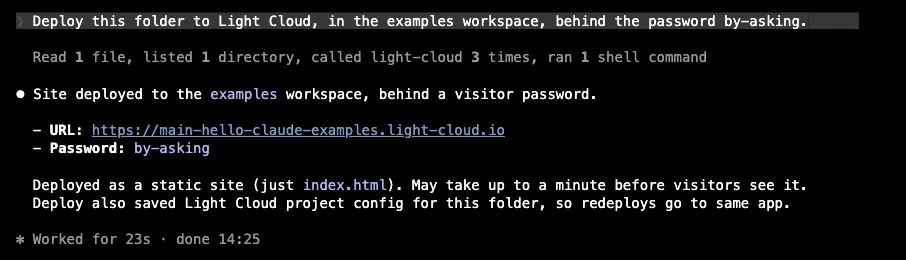
Claude worked for 23 seconds, most of it reading the folder and checking. The deploy itself took 4 seconds. The grey line sums up what it did: it read the folder, called the Light Cloud tools three times, and checked the live site with one command. Claude Code can show each of those calls in full if you want to see them.
The address has the shape `--.light-cloud.io`, and it asked every visitor for the password.
## Step 4: Change something and redeploy
I added a second line to the page and typed "I changed the page. Redeploy.":
No names or IDs needed: the first deploy linked the folder to the app (see below). A redeploy keeps the password, and visitors see the new version within a minute.
## Step 5: Ask what happened
Two deployments, 4 seconds each; I hid the deployment IDs. Behind the scenes, the server marks everything that comes from logs, commit messages or names as data, so text hidden in a log line cannot pass itself off as an instruction to Claude.
## Step 6: Make it public

A minute later the page opened for everyone:
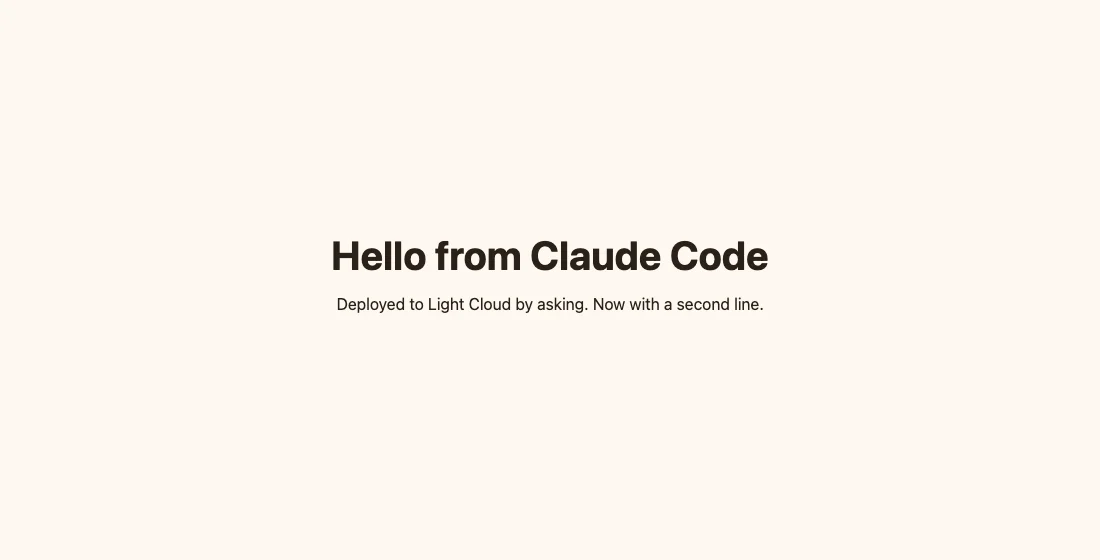
## The file it leaves behind
The first deploy writes `.lightcloud` into the folder:
```json title=".lightcloud"
{
"organisationId": "***********",
"applicationId": "***********",
"applicationName": "hello-claude",
"framework": "html",
"deploymentType": "static"
}
```
It links the folder to the app, which is why "Redeploy" needs no names or IDs. It stays on your machine: it is never uploaded with the site.
## What else you can ask
The server has a tool for most things you would otherwise click in the console. Some sentences and the tools behind them:
- "Show me the last 100 log lines." (`get-environment-logs`)
- "Set STRIPE_KEY on production and redeploy." (`set-environment-variables`, `deploy-environment`)
- "Add a Postgres database and set DATABASE_URL." (`create-database`, `get-database-connection-string`, `set-environment-variables`)
- "Point shop.example.com at this app." (`add-custom-domain`)
- "Roll back to the previous deployment." (`rollback-deployment`)
- "Keep this app always on." (`set-scaling`)
- "Deploy the main branch of my GitHub repository." (`create-application`)
- "What is using my included usage this month?" (`get-usage`)
When something needs a paid plan, the platform refuses with the name of the plan that includes it, and Claude asks you before changing anything. A card is only ever added on a Stripe page it gives you a link to.
## The same from a terminal
If you would rather type commands, the Light Cloud CLI does the same. Install it and sign in:
```shell os="macOS,Linux"
$ npm install -g @light-cloud/cli
$ lc login
```
```shell os="Windows"
PS> npm install -g @light-cloud/cli
PS> lc login
```
`lc login` opens the same kind of page in your browser. Sign in or create an account, and click **Connect**:
For a folder that is not on Light Cloud yet, run `lc init` in it. My test folder, `hello-terminal`, holds one `index.html`:
```shell os="macOS,Linux"
$ lc init
```
```shell os="Windows"
PS> lc init
```
It asks a few questions. Pick an answer with the arrow keys and press Enter. The first is the workspace, asked only when you have more than one:
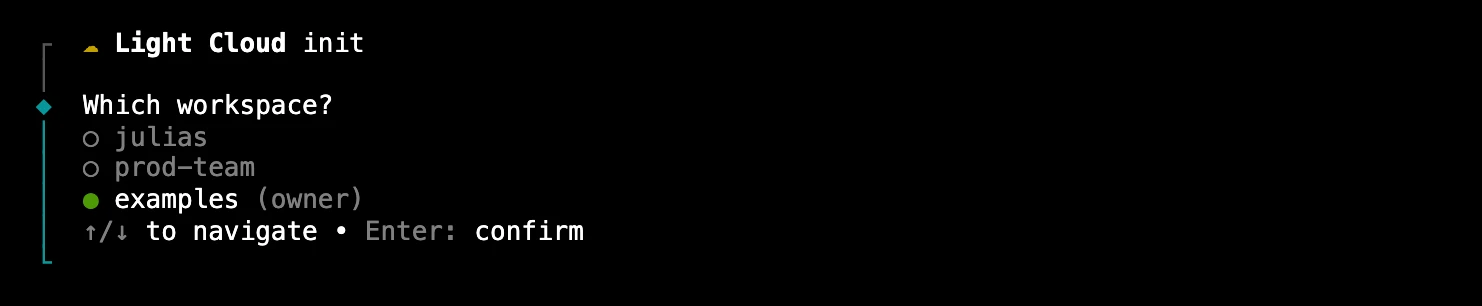
Then it asks whether to keep that workspace as the default, what to do with the folder, what kind of site it is, and the app name, which comes from the folder. After the last answer it uploads the folder and deploys it. This is my finished run; I hid the app ID:
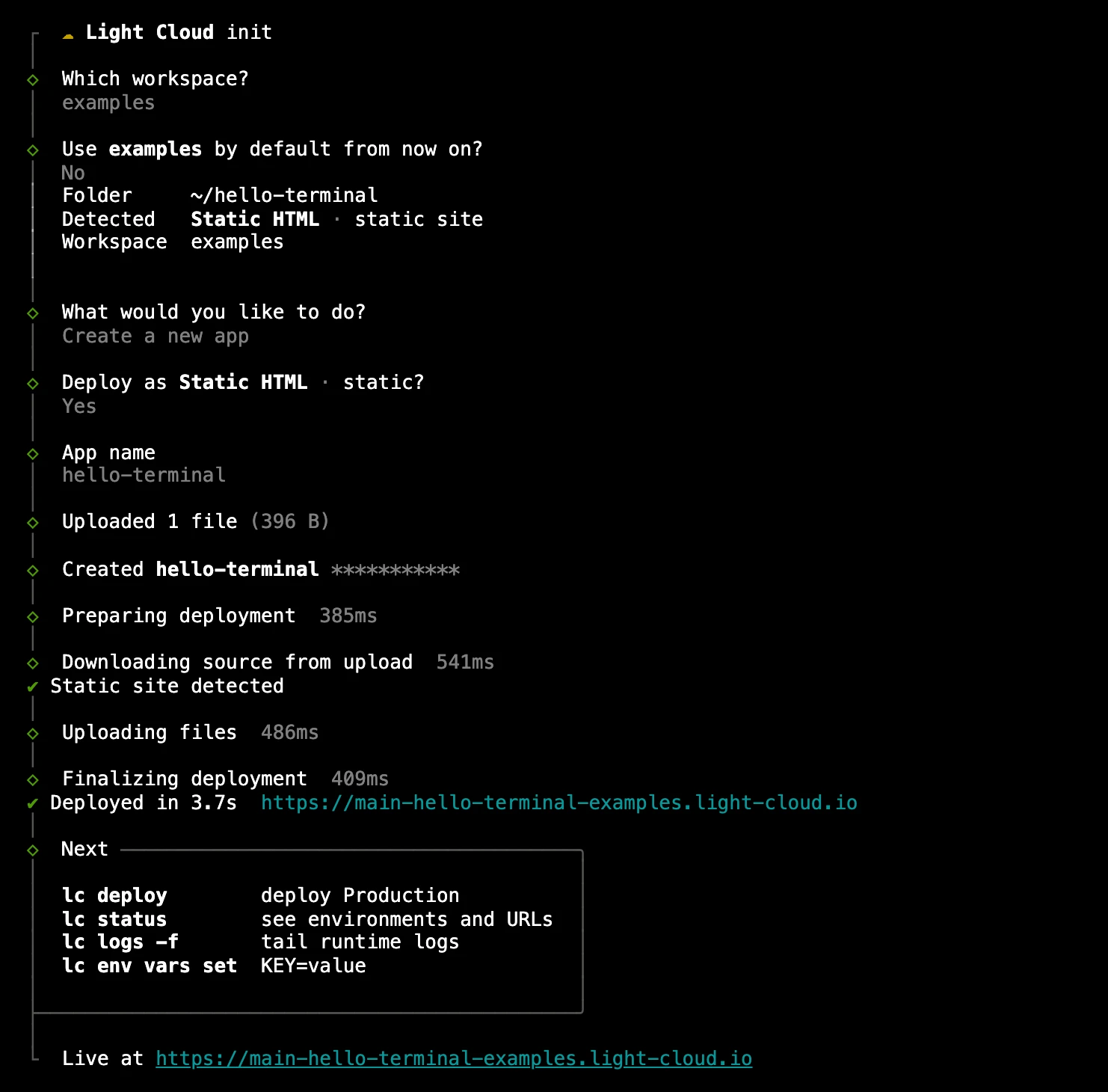
`lc init` writes the same `.lightcloud` file as Claude, so from then on `lc deploy` in that folder sends it again without any questions:
```shell os="macOS,Linux"
$ lc deploy
```
```shell os="Windows"
PS> lc deploy
```
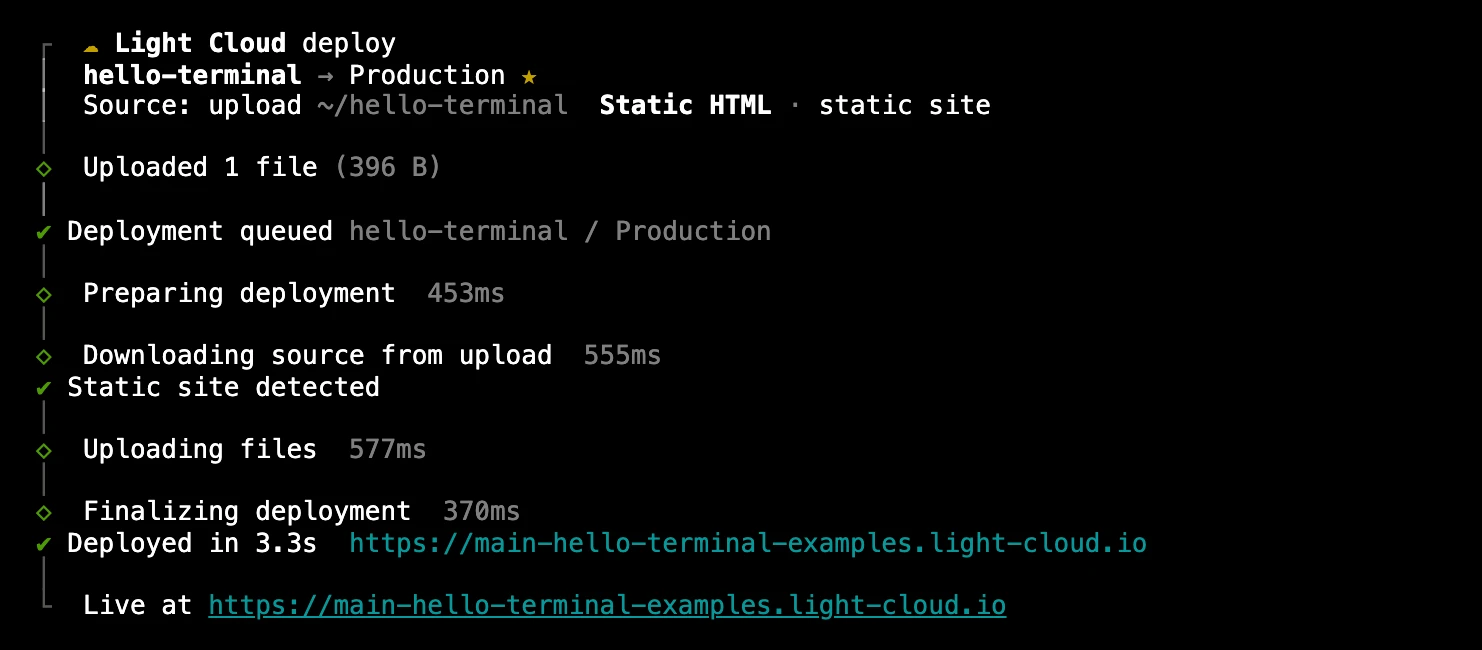
The same goes for a folder Claude deployed: `lc deploy` in `hello-claude` redeploys `hello-claude`. Run `lc deploy` in a folder with no `.lightcloud`, and it asks which workspace and which existing app to deploy instead. The full command list is in the [CLI docs](https://docs.light-cloud.com/deploy-with-ai/cli).
## Taking access back
Handing an assistant your account should come with a way to take it back. In the console, **Settings**, **Security**, **Agents & CLI** turns off everything Claude, other MCP clients and the CLI may do, or only some groups, such as deleting or payments. **Sign out all agents** ends every one of their sessions at once.
## FAQ
### How do I add Light Cloud to Claude Code?
Run `claude mcp add light-cloud -- npx @light-cloud/mcp-server` in your project folder, then start Claude Code there. Claude now has tools to deploy, redeploy, read logs, set variables, add databases and more.
### Do I need a Light Cloud account first?
No. The first time Claude needs one, it opens a Light Cloud page in your browser where you sign in or create an account, and you click **Connect**. No password is typed into the chat.
### How long does a deploy take?
For my one-page site, 4 seconds for each deploy; Claude took about 20 seconds in total, including reading the folder. Visitors see a new version within a minute, once the edge refreshes.
### Can Claude put a password on the site?
Yes. Ask for a password when you deploy, or later. The site then asks every visitor for it, and asking again without a password makes it public.
### Is there a terminal version?
Yes, the Light Cloud CLI: `npm install -g @light-cloud/cli`, then `lc login`, and `lc init` in a new folder or `lc deploy` in a linked one. It uses the same sign-in page and deploys the same way.
---
# Egress Fees Are Dead. Lock-In Isn't.
The obituary ran in early 2024, in three installments over nine weeks: [Google on January 11, AWS on March 5, Microsoft on March 13](https://kempitlaw.com/insights/the-end-of-switching-charges-commercial-impact-and-compliance-priorities/), each announcing free data transfer out for customers leaving their platform. The EU Data Act delivers the legal burial on January 12, 2027, when switching charges are banned outright. The toll booth on the exit road, the one Cloudflare had [priced at up to an 80x markup](https://blog.cloudflare.com/aws-egregious-egress/), is gone.
You should celebrate that. Briefly. Then notice something about how easily it went: an industry that fights every regulatory inch surrendered its most infamous fee in nine weeks, globally, with press releases dressed as generosity. Prices that die that gracefully were not load-bearing. Here's the thesis: egress was the lock everyone could see, which is exactly why it was expendable, and the locks that matter, the architectural ones, came through the funeral untouched.
## An inventory of the walls
Lock-in isn't one thing; it's a stack of them, and the Data Act reached exactly one layer.
| Lock | How it holds you | Status after the Data Act |
|------|------------------|---------------------------|
| Billing (exit egress) | Leaving costs money per byte | Dead by January 2027 |
| Proprietary services | Your code calls APIs that exist nowhere else | Untouched |
| Data gravity | State is massive; moving it takes time you don't have | Untouched |
| Identity and access | Years of IAM policy encode your org into one vendor's model | Untouched |
| Committed spend | Prepaid years make your own CFO the vendor's advocate | Untouched |
The committed-spend mechanics are covered in the pricing post; the taxonomy above is the map this post walks.
The billing row was the cheapest to concede because it only bit once, at the exit, on a customer already lost. The other rows bite continuously, invisibly, and long before any exit is contemplated, which makes them both stronger and politically safer. No regulator has ever been photographed next to an IAM policy.
## The locks that actually hold
Proprietary services are the honest lock, because they trade real value for real captivity. DynamoDB, Spanner, Lambda's event model, each is genuinely excellent, each has no drop-in twin elsewhere, and every line of code written against one converts a pricing decision into a rewrite project. The [same-app comparison](/cloud/same-app-four-platforms) we published stayed portable only because the reference app used the most generic parts available, and that was a choice; most real systems chose the good parts years ago and are shaped like them now.
Data gravity is the physical lock. Free egress made moving a petabyte free; it did not make it fast, and it did nothing for the harder half, which is moving it while the system keeps running. The arithmetic is unforgiving: a petabyte over a 10 Gbps link takes about nine days at perfect line rate, and no production link runs at perfect line rate. State has mass, replication takes time, cutover windows terrify, and the [exit-plan drills](/sovereignty/your-regulator-wants-an-exit-plan) regulators now expect exist precisely because the calendar, not the invoice, is where exits die.
The identity lock is the one nobody prices. A mature AWS account is thousands of IAM policies, roles, and trust relationships, which is to say your entire organizational security model, written in a dialect one vendor speaks. Translating workloads is engineering. Translating years of accumulated permissions, exceptions, and tribal knowledge about why that one role exists is archaeology, and it's the part every migration underestimates because it doesn't show up on any bill. Your team's fluency compounds the same way: five years of AWS-shaped instincts is an asset that quietly votes against every alternative in every architecture review.
And committed spend does its work through your own finance department, as covered in the [pricing post](/industry/cloud-pricing-is-a-business-model): three prepaid years make every migration proposal a proposal to strand money, and no CFO hears those neutrally.
## The steelman: lock-in is just value, priced
The best defense of the remaining locks is that they aren't locks at all; they're the receipt for value received. You adopted DynamoDB because it was the best tool, your team's AWS fluency is expertise rather than captivity, and demanding every service have a portable twin is demanding the least-common-denominator cloud, which nobody actually wants to build on. Switching costs exist in every deep technology relationship, from ERP to email, and treating them as a scandal is naive. There's real force here: some lock-in is the shadow cast by genuine capability, and a strategy of avoiding every proprietary service is usually a strategy of shipping slower forever.
The answer isn't to refuse the trade; it's to price it. Adopt the proprietary service with your eyes open, with the divorce cost written next to the capability gain, reviewed like any other liability, because a cost you've priced is a decision and a cost you've never examined is a trap. The vendors' own behavior shows which state they prefer: the fee everyone could price died in nine weeks, while the costs nobody prices survived the funeral in perfect health. Free egress means the walls no longer charge admission on the way out. Walk the perimeter of your own architecture sometime and count them anyway: which rows of that table would actually hold you, and what's the number written next to each one? If there's no number, that's the answer.
---
# Your Regulator Now Requires an Exit Plan
On November 18, 2025, the EU's financial supervisors [designated 19 technology providers](https://www.eiopa.europa.eu/european-supervisory-authorities-designate-critical-ict-third-party-providers-under-digital-2025-11-18_en) as critical to the European financial system and placed them under direct regulatory oversight: AWS, Microsoft, Google Cloud, Oracle, SAP, and the rest of a list that reads like a concentration diagram of modern finance. It was a quietly remarkable document. Regulators had spent a decade warning about cloud concentration; now they'd written the names down.
The designation is the visible half of a shift that started earlier. [DORA](/multi-cloud/multi-cloud-overrated-portability-isnt), applying since January 17, 2025, requires financial entities to maintain documented exit strategies for their critical ICT providers, and NIS2 pushes supply-chain risk duties across a much wider set of sectors. Here's the claim of this post: vendor-exit planning has completed its migration from paranoid whiteboard exercise to supervised compliance artifact, most organizations' artifacts wouldn't survive contact with an actual exit, and the gap between those two facts is where the next few years of audit findings live.
## What the rules actually ask
Strip the legal prose and DORA's demand is short: know which providers you can't operate without, contract for the right to leave them, and hold a strategy for doing so without wrecking your operations. Not a vague intention. A document, maintained, that an auditor can request, tied to registers of your ICT dependencies that supervisors now collect. The 19-name list completes the pincer: your regulator supervises your side of the dependency, and other regulators now supervise the provider's side, which means the question "what if you had to leave AWS" is no longer hypothetical enough for anyone to skip.
The trap is that a document is the cheapest thing to fake. A slide deck titled "Exit Strategy" that says "we would migrate to an alternative provider following a structured program" is the compliance equivalent of a fire plan that says "in case of fire, exit the building". It names the goal. It contains no fire.
The scope is wider than finance, too. NIS2 extends supply-chain risk duties to energy, transport, health, water, and digital infrastructure, sectors staffed by people who never expected to think about cloud concentration, and national transpositions keep adding local flavor. The regulatory pattern is consistent across all of it: dependency on a provider is treated as risk you must be able to unwind, and the burden of proof is drifting from "assure us" toward "show us".
## What a real one contains
A plan that would survive an actual exit has four load-bearing parts, and each one is a thing, not a sentence. A current inventory of what you actually run, which is harder than it sounds and stale the week after it's compiled by hand. A mapping from each component to a provider-neutral equivalent, honest about the proprietary services with no clean twin. A restore of your data, executed at least once, somewhere else, with the duration written down. And a time estimate built from those three, in weeks, signed by someone whose name means something.
Run the test on your own organization. If assembling those four parts would take a quarter, you don't have an exit plan; you have a plan to have a plan, and the difference shows up precisely when the plan is needed, which is also when it's needed fast: a provider failure, a sanctions surprise, a price shock on renewal, a [sovereignty ruling going the wrong way](/sovereignty/aws-sovereign-cloud-six-months-in). Fire drills exist because evacuation instructions read differently in smoke.
Freshness is the fifth part, and the one plans die of first. Every element above decays: the inventory drifts with each deploy, the mapping rots as providers rename services, last year's restore proves nothing about this year's data volume. A plan reviewed annually is a photograph of a moving object. The practical fix is making the artifact a byproduct of systems that are already current, rather than a document someone must remember to update out of diligence.
## The steelman: nobody ever actually exits
The standing objection is empirical and fair: full cloud exits are rare, forced ones rarer, and the compliance industry now selling exit-plan templates is extracting rent from a scenario that mostly never arrives. Auditors accepting well-formatted PDFs make it worse; if the artifact passes without being tested, the rational firm produces artifacts, and the whole regime becomes mutual theater. Anyone who's watched a business-continuity binder gather dust knows the genre.
All true, and it misses where the value lives. The plan's byproducts are worth more than the plan: the inventory is operational gold the first time an incident makes you ask "what talks to what"; the tested restore is your ransomware recovery, relabeled; the mapping is your negotiation position at every renewal, because a vendor who knows you can leave prices differently than one who knows you can't. The option's value doesn't require exercise. And regulators, whatever their pace, have started asking the theater-piercing question, which is not "show me the document" but "show me when you last tested it".
This is also, unavoidably, why we build what we build: a deterministic graph of what runs where, mapped across providers, is the exit plan's hardest section generated as a byproduct of normal operation instead of a quarterly archaeology dig. That's our stake, stated plainly.
But the argument stands without us. The regulation only wrote down what was always true: a dependency you can't unwind on your own schedule is a decision someone else will eventually make for you. When your auditor, or your board, asks for the exit plan this year, you'll produce a document either way. The only question is whether there's a fire drill behind it. When did your last one run?
---
# Next Round I'm Bringing My Own Knives. Watch Me Cook.
I once fixed production at 4 a.m. while my boss was on a call with investors in the US, patching it live underneath a demo that could not be allowed to fall over, and my hands were perfectly steady the whole time. Put me on a stage for three minutes with no laptop and a clicker someone else is holding, and my hands stop being mine. That was me this week at KitchenPitch, FreshMango's pitch day, halfway through the program, running on a long drive and service station coffee that made me alert without making me competent.
A pitch is a deck, not a demo. Three minutes, a timer, slides on someone else's machine, and nothing live to hide behind. Turns out that's a gift, because it forces you to say the thing out loud instead of pointing at a terminal.
Which is the interesting problem with pitching infrastructure. What you're selling is an absence: no surprise invoice, no 3 a.m. page, no afternoon lost to a YAML file that lints clean and deploys the wrong thing anyway. You can't screenshot an absence. You have to put the pain back in the room before anyone cares that you took it away, and that constraint made me a better explainer in a week than a year of writing docs did.
## What I actually said
My first version of the one-liner was written by an engineer, which is to say it was full of words like deterministic, graph model, and provider-agnostic. Every one of them is accurate. None of them mean anything to a room that has thirty seconds to decide whether to keep listening, and they're impossible to say out loud with a dry mouth.
The stage version was just the platform. Push a branch on GitHub, get a static site, a container, or a managed PostgreSQL database, with a preview environment per branch and pricing that scales to zero when nobody's using it. Deploy without learning VPCs, subnets, security groups, and IAM roles first. That part runs today, so I can answer hard questions about it without saying "eventually" once.
I would love to tell you it came out clean. It did not. I got about four words in, tripped over "PostgreSQL", said the first half of it twice, and heard my own voice do the thing where it belongs to a nervous stranger. PostgreSQL is a perfectly good word to type. Out loud, on a timer, it has too many syllables and all of them turn up at once.
I rehearsed eleven times. Twice to an advisor, once to a bathroom mirror in a building I don't work in, and twice in the car to a paper cup of coffee that had no notes.
## You can't demo an absence
A good infrastructure demo is one where nothing interesting happens. Deploy works. Bill stays small. Preview URL loads. Thrilling.
So I opened with the receipt instead: a $4,847 AWS bill for an app doing about ten thousand requests a day. Nobody needs to know reserved instance math to get that ratio. Slide two was the 14 hours I lost to a service mesh race condition that would only say `context deadline exceeded`, in three components at once. A few people laughed. A few looked away, which is the reaction I want, because it means they've been there.
Somewhere in minute two I stopped hearing my own voice. I'm calling that flow state and not the coffee and the motorway arriving together. It worked. People came to find me afterwards, which is the only metric a pitch day really has.
## The part I left out on purpose
ICE never made it into the deck. The Integrated Cloud Environment is the desktop app we're building: architecture, infrastructure, and code in one place, with a graph model underneath that spans AWS, GCP, and Azure and tells you when what's deployed has drifted from what you meant. Visual Studio, but for cloud infrastructure. That's the line I've been sharpening for months, it's why I started a company instead of writing another deploy script, and it's the slide I most wanted to show.
I cut it anyway. Three minutes fits one new idea, and mine went to the platform that already runs. **You get to pitch the future after the present survives questions.** So ICE stayed out of the deck completely, no teaser slide, no mention. It gets its own twenty minutes with a whiteboard and no timer, once there's something to show.
The hedging went too. Early drafts had "we believe" and "we're exploring". A one-person company with three advisors gets no points for sounding institutional. The platform runs, ICE is in development, and that's what I said afterwards by the coffee, once my hands were mine again.
My face recognition was still down, though. I looked straight at the accelerator's CEO, a person I know perfectly well, and my brain returned nothing. No name, no context, just a friendly face and total silence from the lookup. In my defense, at that point I wouldn't have recognized my own mother, and she's the one who redesigned container orchestration with Tupperware.
## Worth the drive
A deck ships nothing, and eleven run-throughs plus the drive cost me a day my deploy pipeline definitely noticed. I'd do it again this week.
But that one-liner isn't a slide. It's the sentence I'll say a few hundred times now, to investors, to candidates, to whoever asks what I do while the espresso machine takes its time. Getting it wrong in a friendly room in September is free. Getting it wrong in a first investor meeting costs the meeting.
And the room asked better questions than my own notes did. That's the part of FreshMango I didn't expect. The mentors they bring in have actually run things, so the feedback lands on the argument rather than the font size. One of them sat down with me after the event and went through the deck slide by slide, and the version I'm taking into investor meetings is noticeably better than the one I pitched with. That kind of help is hard to buy and easy to underrate.
The nerves were smaller than last time. Not gone, smaller, and that's the trajectory I care about. Speaking to a room is a skill like any other: it responds to reps, and I have spent my whole career avoiding the reps.
What I took home is that explaining infrastructure without a terminal is the same job as building infrastructure people can actually see. Three minutes forced me to find the sentence. ICE gets its slide when ICE is ready to be seen. The event is called KitchenPitch, my mom once explained container orchestration with Tupperware, and I served three minutes without a laptop and got seconds asked for. The kitchen theme is holding.
Next round I'm bringing my own knives. Watch me cook.
---
# Why Europe Keeps Failing to Build Its Own Cloud
In April 2026, the European Commission [awarded a tender](https://commission.europa.eu/news-and-media/news/commission-advances-cloud-sovereignty-through-strategic-procurement-2026-04-17_en) worth up to 180 million euros over six years for its own sovereign cloud services. Four winners: a Post Telecom consortium with Clever Cloud and OVHcloud, Germany's StackIT, France's Scaleway, and a Proximus-led group whose members include S3NS, which is a joint venture between Thales and Google Cloud. Read that last clause twice. The flagship procurement of European cloud sovereignty, the one meant to prove Europe can stand on its own infrastructure, includes Google inside the tent, wearing a French badge.
I don't bring that up to sneer at the Commission, which was solving a real procurement problem with the vendors that exist. I bring it up because it's the perfect specimen of a twenty-year pattern, and the pattern is the subject of this post. Europe keeps trying to build a thing, a champion, a European AWS, and keeps discovering at the moment of purchase that the thing isn't there. My argument: the failures share one root cause, which is that the goal has been defined as a noun when the deficit is a property. What Europe lacks isn't a homegrown hyperscaler. It's the ability to move, and the initiatives that quietly pursue that property are succeeding while the champion-building keeps failing.
## A short history of announcing victory
The modern era of this story opens in 2019, when [GAIA-X](https://en.wikipedia.org/wiki/Gaia-X) was announced with Franco-German fanfare as the federated data infrastructure that would give Europe technological self-determination. What followed is well documented and a little painful. Membership swelled, and swelled to include the American hyperscalers whose dominance had motivated the project, which is a bit like a temperance society admitting the distillers for their industry expertise. Working groups multiplied. Specifications shipped. A European AWS did not.
Fairness requires the other half of the ledger, because "GAIA-X failed" is the lazy version. Its policy rules and labeling concepts survived and got absorbed into the Commission's own [cloud sovereignty framework](https://gaia-x.eu/gaia-x-referenced-in-the-european-commission-cloud-sovereignty-framework/), and the vocabulary Europe now uses to grade clouds owes a lot to that work. That's a real legacy. Notice, though, what kind of legacy it is: standards, criteria, labels. Properties. The federation of European alternatives that would compete with AWS on capability never materialized, and the parts of GAIA-X that lived are precisely the parts that weren't trying to build one.
Then came the manifestos, EuroStack most prominent among them, arguing for a full European technology stack from chips to applications. The diagnosis in those documents is often excellent. The prescription is always the same: coordinated investment to build European alternatives, a champion by consortium. And the money, when it finally arrives, looks like April's tender: 180 million euros, six years, four consortia, one of which brings Google. For scale, Microsoft alone [announced roughly 80 billion dollars](https://blogs.microsoft.com/on-the-issues/2025/01/03/the-golden-opportunity-for-american-ai/) of AI datacenter spending for a single fiscal year. The hyperscalers deploy Europe's flagship sovereign budget about every ten days, as a rounding error in a capex line.
## Why champions don't take
It's worth being precise about why the champion strategy keeps missing, because "not enough money" is only the visible layer.
Demand is the quiet killer. European buyers, including public ones, choose US clouds daily because they're better and cheaper for the job at hand, and no amount of summit communiques changes a procurement officer's incentives. A champion needs customers who choose it when it's worse, for years, while it climbs the capability curve, and Europe's fragmented demand never coheres into that kind of patient purchasing. Airbus, the counterexample everyone reaches for, had exactly that: two decades of governments committing to buy aircraft, one product line, captive flag carriers. Cloud is two hundred product lines and nobody's flag carrier.
Supply fragments along national lines. Look at the tender winners again: a Luxembourg-led group, a German one, two French-flavored ones. Each member state wants its own champion, so Europe funds four half-champions per cycle, and the consortium structure that makes the politics work makes the engineering slow. Meanwhile talent gravity does the rest; the engineers who'd build a European control plane are mostly building American ones, from Dublin and Munich, at salaries the consortia can't print.
None of these forces are fixable by announcement. Several are barely fixable at all.
## The category error
Now set the failures next to the successes, because Europe has been quietly succeeding at something in parallel, and the contrast is the whole argument.
The [Data Act](/industry/cloud-pricing-is-a-business-model) killed exit egress fees years before its switching-charge ban even binds. [DORA](/multi-cloud/multi-cloud-overrated-portability-isnt) made vendor-exit strategy a supervised compliance artifact for an entire sector. [CADA's tier list](/sovereignty/cada-and-the-four-tier-future) is reshaping procurement vocabulary while still a proposal. Every one of those is regulation pursuing a property, the ability to classify, compare, and above all leave, and every one of them moved markets. The hyperscalers restructured billing, built [sovereign partitions](/sovereignty/aws-sovereign-cloud-six-months-in), and hired compliance armies in response. Nobody restructured anything in response to a federation whitepaper.
That's the category error in one frame. A champion is a thing you must build, fund, staff, and protect against every force in the previous section. Portability is a property you can legislate, standardize, and verify, and it compounds: every workload that becomes cheap to move enlarges the addressable market of every European provider that exists, including the tender's four winners, including the small ones nobody subsidizes, including us. The champion strategy asks Europe to out-build American capex. The property strategy asks it to do what Brussels is actually good at, which is writing rules that make markets contestable, and the last three years suggest that works.
Sequence matters here, and it runs opposite to the intuition. Build the champion first and portability never comes, because the champion's backers need lock-in too, just pointed at a different flag. Build portability first and capacity has a reason to grow: workloads that can move create demand that Scaleway and StackIT and OVHcloud can win incrementally, product by product, without needing to be AWS on day one. The property creates the market the champion was supposed to conquer.
## The steelman: a right to move needs somewhere to go
The strongest objection to everything above: portability without capacity is its own theater. If every serious workload's realistic destinations are three American clouds, then the freedom to switch is the freedom to circle, and Europe's dependency survives with better paperwork. Capacity is real sovereignty; datacenters, chips, and power are the hard part, and CADA's own drafters agree, which is why the proposal pairs its tier list with a push to triple European datacenter capacity. There's also a fair jab at people like me: a portability layer is conveniently the thing a small infrastructure vendor can build, so of course we'd rank it first.
Concede the structure of that, and one more thing besides: some champion-building has worked at the component level, and a Europe with Mistral in the model layer and a serious chip effort is better positioned than one without. But the objection proves timing, and the argument was about sequence all along. Capacity built behind a locked-in market sits idle, which is the GAIA-X-era lesson; capacity built into a contestable market fills, which is what the Data Act era is starting to show. Europe should absolutely pour concrete. It should just stop expecting the concrete to conquer anything before the switching costs fall.
Our own position in this is unhidden: we're a small European vendor whose product thesis is a deterministic, portable model of infrastructure across clouds, so the property-first argument is also our book, discounted as always. The test I'd offer is simple and falsifiable. Watch which European providers grow over the next three years: the subsidized consortia, or whoever makes leaving a hyperscaler boring. My bet is on boring. Where's yours?
---
# CADA: Europe Just Wrote a Tier List for Clouds
On June 3, 2026, the European Commission [proposed the Cloud and AI Development Act](https://www.insideglobaltech.com/2026/06/11/the-eu-cloud-and-ai-development-act-in-depth/), and buried in its autonomy pillar is the most consequential ranking system Europe has produced since it started grading olive oil. CADA sorts cloud providers into four sovereignty assurance levels for sensitive public-sector and critical workloads. A tier list, in other words, with procurement money attached.
The claim of this post: tier lists change markets faster and more thoroughly than mandates do, because they don't need to be enforced to work; they only need to appear in checklists. If you sell infrastructure, or anything running on infrastructure, into the EU public sector, the sorting has effectively already begun.
## The four shelves
The proposal's levels climb from location to control, summarized from the [analyses published so far](https://bisi.org.uk/reports/eu-cloud-and-ai-development-act-sovereignty-ai-and-us-tech-dependence); the fine print will move in negotiation, the shape is clear.
| Level | What it roughly requires |
|-------|--------------------------|
| 1 | Infrastructure located in the EU |
| 2 | Demonstrated independence from third-country control |
| 3 | EU ownership, control, and personnel criteria |
| 4 | Full supply-chain transparency and control, no third-country interference |
The framework doesn't arrive alone. CADA's other two pillars fund research and aim to expand European datacenter capacity dramatically, on the theory that a tier list without shelves to buy from is a wish. You can question whether subsidies build competitive clouds; you can't accuse the proposal of ranking vendors while ignoring supply.
Two more pieces travel with the table. Procurement: public authorities would weigh "Union added value" as a non-price criterion when buying cloud and AI services, which is a polite phrase for a thumb on the scale. And the timeline is the usual Brussels long game: this is a proposal, negotiation comes next, adoption is targeted for late 2027, and the tier requirements would phase in over years after that. Every date will move. The direction won't.
Read the table against the last two posts and you can see who it was written about. Level 1 is the [region dropdown](/sovereignty/sovereignty-is-not-a-region-dropdown), formally demoted to the bottom shelf. Levels 2 and 3 are where the [structural engineering](/sovereignty/aws-sovereign-cloud-six-months-in) of sovereign-branded hyperscaler offerings will be tested against ownership criteria a GmbH may or may not satisfy. Level 4 is a shelf almost nobody can reach today, which is partly the point of writing it down.
## Why checklists beat mandates
A mandate needs enforcement, budgets, and court cases. A tier framework needs only existence: the day a procurement template gains a field that says "sovereignty level", every bid response, risk assessment, and vendor comparison in the public sector inherits the vocabulary, years before the law binds anyone. Sales cycles adapt to the paperwork, and the paperwork adapts first. We watched the same mechanism run with [DORA's exit plans](/multi-cloud/multi-cloud-overrated-portability-isnt): the artifact became standard before most audits ever asked for it.
France ran the pilot for this mechanism, too. Its SecNumCloud qualification has for years sorted providers by immunity from non-EU law, and the label reshaped French public procurement long before any EU-wide rule required it: vendors restructured to earn it, buyers wrote it into templates, and the market learned to speak in its terms. CADA generalizes that playbook from one member state's doctrine to a single ladder for twenty-seven.
For startups, this cuts both ways, and honestly. The gift: a small EU vendor with clean ownership and an EU supply chain starts near the top of a ladder the giants must climb with lawyers, and "Union added value" is a non-price criterion that a two-person company can actually score on. The tax: tier frameworks come with conformity paperwork, and paperwork is regressive; a hyperscaler absorbs a compliance team, a startup feels every page. Whether CADA becomes a door or a moat for small European clouds depends on how light the assessment machinery turns out to be, and that fight is happening in the negotiation nobody reads.
## The steelman: we've seen this movie
The obvious objection has a filmography. GAIA-X was going to federate European cloud and mostly federated meetings; sovereignty requirements have been watered down before under lobbying pressure, and a cynic expects levels 3 and 4 to gain carve-outs wide enough to drive a Frankfurt datacenter through. Protectionism dressed as security is also a real pattern, and some of CADA's critics are right to check its pockets. If adoption slips past late 2027, none of this touches a budget for years.
All plausible. Here's what the cynicism misses: the tier vocabulary survives even if the thresholds soften, because procurement language, once printed, outlives the politics that printed it. Weakened levels still sort vendors; delayed adoption still reshapes bids written this year by teams hedging against it. The question for anyone selling into this market isn't whether CADA arrives intact. It's whether you'd rather spend the interim becoming easy to classify favorably or arguing the classification shouldn't exist.
Our own position is easy to state and obviously self-interested: we're EU-owned, EU-run, and small enough that our supply chain fits on one page, so a ladder measured in ownership and transparency flatters us, and you should discount our enthusiasm accordingly. The non-negotiable we'd defend even if the ladder inverted is portability, because a tier list you can't move between is just lock-in with a flag on it. Whichever shelf your infrastructure sits on today: when a procurement form asks for its level next year, do you know the answer, and could you change it?
---
# The Most Honest Thing a Hyperscaler Ever Said
On June 10, 2025, in a French Senate committee room, a lawyer did something the entire cloud industry had spent a decade paying communications departments to avoid. He answered a question directly.
The setting was a [Senate inquiry into public procurement](https://www.senat.fr/actualite/commande-publique-audition-de-microsoft-5344.html), the witness was Anton Carniaux, director of public and legal affairs at Microsoft France, and the question was precise: could he guarantee, under oath, that the data of French citizens held by Microsoft would never be transmitted to US authorities without the agreement of French authorities?
Non, je ne peux pas le garantir. ("No, I cannot guarantee that.")
Anton Carniaux, Microsoft France, under oath before the French Senate, June 10, 2025. The Register's report
My claim about this moment is the one in the title, and it's meant without irony. This was the most honest thing a hyperscaler has said in public about sovereignty, it told informed observers nothing they didn't know, and it still changed the weather in Brussels, because there's a difference in kind between a fact everyone knows and a fact someone has sworn to.
## What was actually said, fairly
Testimony deserves its context, and Carniaux's context matters. He didn't confess to a backdoor. He described a company that contests requests it considers unfounded, that has procedures for pushing back, and, by his account, hadn't seen the feared scenario actually occur with French public-sector data. The admission was narrower and more important than a scandal: when a legally valid US order arrives, Microsoft complies, because it's a US company and that's what the law we examined in [an earlier post](/sovereignty/sovereignty-is-not-a-region-dropdown) requires, "regardless of whether" the data sits in Paris or Virginia.
Notice also what he refused to do. He was invited, under oath, to say the comfortable thing, and the comfortable thing was technically available; guarantee-shaped sentences are a legal specialty. He declined. Whatever else you think about Microsoft, that refusal was professional integrity of a kind the sovereignty debate had been starved of, and punishing it would teach every future witness the wrong lesson.
## Why it wasn't news, and why it was
Nobody who'd read the CLOUD Act learned anything that afternoon. The statute's reach over US providers' overseas data was its explicit design, litigated publicly since a Microsoft warrant case made it necessary, and every serious procurement lawyer in Europe had written the same memo about it. In that sense, June 10 was a Tuesday.
And yet. For years, the operating currency of cloud sovereignty marketing had been the artful non-answer: data residency brochures, trust-center pages, carefully scoped assurances that evaporate under a precise question. That ecosystem depended on nobody with authority asking the precise question in a forum where vagueness carries penalties. A Senate oath is such a forum. Five words converted an open secret into a citable fact, and citable facts are what procurement rules, court filings, and legislative impact assessments are built from. White papers argue. Testimony gets footnoted.
The asymmetry is worth naming: an admission like this is the cheapest possible evidence precisely because it's against interest. When a vendor says "trust us," it's noise. When a vendor's own counsel says "I cannot guarantee that," it's data.
## What it set in motion
Draw the line from that committee room forward and it's unusually straight. The French inquiry fed a hardening consensus that contractual assurances from US providers can't, by themselves, satisfy sovereignty requirements for sensitive workloads; the providers answered with structure instead of prose, most visibly the [AWS European Sovereign Cloud](/sovereignty/aws-sovereign-cloud-six-months-in) that launched the following January with German entities and EU-only operators, an architecture that concedes the testimony's premise. You don't spend billions building a legal moat against a question you consider settled.
Brussels moved too. By June 2026, the Commission had tabled the [Cloud and AI Development Act](https://www.insideglobaltech.com/2026/06/11/the-eu-cloud-and-ai-development-act-in-depth/), with a four-level sovereignty framework for public-sector and critical workloads that reads like the Senate hearing translated into regulatory architecture: stop asking vendors for promises, start classifying them by verifiable structure. That proposal gets its own post next; the point here is genealogy. Tier frameworks exist because promises stopped clearing, and promises stopped clearing in no small part on June 10, 2025.
Could one hearing really carry that weight? No, and claiming so would be tidy history. The pressure had been building through Schrems litigation, GAIA-X disappointments, and years of parliamentary questions. But movements need moments the way arguments need citations, and this became the citation. Ask anyone who wrote a sovereignty impact assessment in the following year which quote sits in their first paragraph.
## The steelman: honesty shouldn't be a trap
The best argument against making a landmark of this moment: it punishes exactly the behavior we want. Microsoft's counsel told the truth; competitors whose lawyers stayed home kept their comfortable ambiguity, and the market lesson risks being "never testify precisely." There's also a symmetry defense: France has its own intelligence access laws, every state compels its companies somehow, and singling out the US reach while ignoring domestic equivalents is politics wearing a legal costume. Both points have force, and the second one is under-discussed everywhere sovereignty is sold.
But the asymmetry the testimony exposed isn't about which states have surveillance laws; all of them do. It's about dependency: European public institutions run on infrastructure whose operators answer to another jurisdiction's courts, and the reverse is not meaningfully true. Symmetry in law, asymmetry in exposure. And the honesty-trap worry, real as it is, argues for extending oaths to everyone rather than resenting the one who answered under one. The fix for asymmetric candor is more candor, compelled if necessary.
What we take from all this, building a small European cloud company in the shadow of these giants, is modest: design so that the precise question has a boring answer. Whose courts can reach us is a real question with an uncomfortable dimension for everyone, us included; what a customer can do about it, leave, with their workloads and data, on their own schedule, is the part a vendor actually controls, and it's the part we build for. The most honest thing a hyperscaler ever said took five words. What would your vendors say under oath, and have you ever asked the question precisely?
---
# AWS European Sovereign Cloud, Six Months In
On January 15, 2026, AWS [launched the European Sovereign Cloud](https://press.aboutamazon.com/aws/2026/1/aws-launches-aws-european-sovereign-cloud-and-announces-expansion-across-europe): a separate cloud, not a separate region, with its first location in Brandenburg, Germany and more than 7.8 billion euros of committed investment behind it. Six months of general availability is enough time for the marketing dust to settle and for the architecture to be examined on its merits. Both deserve it.
Here's my position up front, because sovereignty posts tend to hide theirs: this is the most serious sovereignty engineering any hyperscaler has shipped, it fixes real problems that "EU region" checkboxes never touched, and the one question that will decide whether it means anything is legal rather than technical. Nobody can answer that question yet, including AWS.
## What AWS actually built
Credit first, and specifics, because the engineering is genuinely unusual. The European Sovereign Cloud isn't a fenced-off corner of the existing AWS; it's a [separate partition](https://www.infoq.com/news/2026/01/aws-european-sovereign-cloud/), which in AWS vocabulary means a different universe with no shared control plane.
| Separation dimension | What the ESC does |
|----------------------|-------------------|
| Control plane | Independent partition; no dependency on US-based AWS regions to operate |
| Identity | Its own IAM, separate from global AWS accounts |
| Billing | Independent billing systems inside the EU |
| DNS and certificates | Separate DNS infrastructure and its own certificate authority |
| Operations staff | EU residents only, employed by EU entities |
| Corporate structure | A new German parent company with three subsidiaries incorporated under German law |
Compare that with what the [region dropdown](/sovereignty/sovereignty-is-not-a-region-dropdown) gives you and the difference is a category, and it answers real operational questions. Who can touch the hardware? EU residents. Where does the control plane live? Germany. Can a global AWS outage take it down? By design, no; the partition stands alone, which quietly also makes it an interesting resilience story after [last autumn's outage cluster](/multi-cloud/multi-cloud-overrated-portability-isnt).
## The price of the moat
Isolation costs, and the costs are visible in three currencies. Services: the ESC launched with an [initial set of around 90 services](https://aws.amazon.com/blogs/security/announcing-initial-services-available-in-the-aws-european-sovereign-cloud-backed-by-the-full-power-of-aws/) against the 240-plus of commercial AWS, so teams accustomed to reaching for any managed service will find gaps, and gap-filling is exactly the work the cloud was supposed to remove. Money: pricing runs at roughly a 15% premium over the commercial regions, which is the bill for duplicated everything. Geography: one region in Brandenburg at launch, with EU-wide expansion announced rather than delivered.
None of this is a gotcha. A partition with its own certificate authority can't cost the same as a shared one, and anyone selling you isolation for free is not selling isolation. The premium is honest. What it does mean is that the ESC is a deliberate purchase for workloads that need it, not a default, and AWS prices it accordingly.
## The question a GmbH can't answer
Now the hard part. The ESC's operating companies are incorporated under German law, and its marketing leans on that structure. The [unresolved question](https://www.infoq.com/news/2026/01/aws-european-sovereign-cloud/) is whether any subsidiary of a US parent, however carefully incorporated, sits beyond the reach of US legal process aimed at the parent, because the CLOUD Act's obligation attaches to what a provider can be compelled to control, and control is a corporate-law question rather than a datacenter one. We walked through that statutory text [in the previous post](/sovereignty/sovereignty-is-not-a-region-dropdown); nothing in a partition diagram amends it.
To be fair about the mechanics: the structure raises the practical and legal cost of any such demand enormously. EU-only operators can't be quietly ordered around, German directors face German law, and a US court order against the parent would collide with EU law in ways that guarantee years of litigation. That's real friction. Friction isn't immunity, though, and the difference between the two is precisely what a sovereignty buyer is paying to not worry about. The honest statement of where things stand: untested. No court has ruled on this structure, and until one does, every confident answer in either direction is a prediction wearing a suit.
## The steelman: unfalsifiable criticism is cheap
There's a fair objection to pieces like this one: if no corporate structure can satisfy the critics short of full divestiture, the criticism is unfalsifiable, and unfalsifiable criticism is a rhetorical trick rather than an argument. For most European organizations' actual threat models, EU-resident operators plus a separate partition plus German entities is protection beyond anything previously available from a hyperscaler, and treating the residual legal question as disqualifying lets the perfect strangle the good. There's truth in that. Plenty of buyers should take the ESC and sleep fine.
But notice who the ESC is for. Its price premium and its marketing aim at exactly the buyers whose threat model is the residual legal question: ministries, defense-adjacent industry, critical infrastructure, the customers European law is starting to sort into sovereignty tiers. For that audience, "dramatically more friction, ultimately untested" is the honest label, and the tier frameworks now moving through Brussels will decide formally whether a US-parented structure can reach the upper shelves. That's not my call to make. It will get made, in regulation and eventually in a courtroom, and the ESC's commercial fate rides on it.
Our stake in this is small and simple to declare: we're a European vendor, sovereignty tailwinds help us, discount accordingly. What we'd say to anyone evaluating the ESC is the same thing we say about every platform, ours included: the exit is the part of sovereignty you control unilaterally, so whatever tier of cloud you buy, keep your workloads portable enough to leave it. AWS built a remarkable moat in Brandenburg. Before you move inside, ask yourself the question the GmbH can't answer for you: if the legal prediction goes the wrong way in three years, how long would leaving take?
---
# Same App, Four Platforms: We Did the Math, and It's Not Close
The reference app is boring on purpose: a React frontend, a Node.js API in a container, and a PostgreSQL database. It's the same example we used in [our pricing post](/cloud/cloud-pricing-that-makes-sense), it's the shape of roughly every side project and early SaaS on the internet, and any platform that can't run it well can't run much. The question is what it costs to put that app on Light Cloud, Render, Fly.io, and raw AWS, and how long each route takes. The answer, at list prices, is that our column wins, by roughly three-to-one against the nearest managed competitor and eight-to-one against raw AWS, and the rest of this post shows the arithmetic so you can check it rather than take our word.
One ground rule before the table, because comparison posts are where vendors usually cheat: every competitor number below comes from that vendor's public pricing page as listed in August 2026, and our own numbers come from our published pricing. These are list prices, not measured bills. A measured-bill version, with a public repo you can deploy yourself, is the follow-up we owe this post; we're publishing the list-price cut first because list prices are what you actually see when you're choosing, and because being specific in public is the standard we keep asking other vendors to meet. Where a competitor beats us, the table says so.
## The bill
Assume the small always-on version of the app: the API modestly used, the database always available, nothing exotic. Here's what the public pages say each stack of parts costs per month.
| Platform | Compute for the API | Managed PostgreSQL | Rough monthly total |
|----------|--------------------|--------------------|---------------------|
| Light Cloud | Usage-based, scales to zero; a lightly-used API bills well under a dollar | Shared dev database, a few dollars a month | ~$5 |
| Render | Starter instance, 0.5 vCPU / 512 MB, $7 fixed | Basic-256mb from $6 plus $0.30/GB disk | ~$14 |
| Fly.io | shared-cpu-1x 256 MB machine, about $2, billed per second | Managed Postgres from $38, or run it yourself on a second machine | ~$6 self-managed, ~$40 managed |
| AWS (Fargate + ALB + RDS) | 0.25 vCPU / 512 MB task ~$9; the load balancer adds ~$16 before traffic | Smallest RDS instance ~$12 plus storage | ~$40 |
Competitor figures from their public pricing pages as of August 2026, smallest sensible tiers, standard US regions; storage, egress, and free tiers excluded for comparability.
That's not a rounding-error win. For the app most people actually have, ours is the only column that starts with a single digit, and the reason is structural rather than promotional: both halves of our stack are usage-shaped. Compute bills nothing while idle, which for a lightly-used API is most of its life, and the dev database is cheap because it runs on shared infrastructure rather than a dedicated instance you rent around the clock, the right trade for a small app and one we'd talk you out of for a bank. Nobody's subsidizing that $5 to win a blog post. It's just what the app costs when the meter only runs while the app does.
The nearest challengers deserve their sentence each. Fly's ~$2 machine is the lowest single line item on the board, and pairing it with self-managed Postgres gets within hailing distance of us, if you're happy being your own database administrator, which is a real price wearing an invisible line item. Render's $7-plus-$6 is the cheapest fixed-price route, for teams that value an identical invoice every month over a smaller one.
The gap widens when the usage pattern gets realistic. Change what runs and the table moves further in one direction. A staging copy of this app on Render costs another $13 every month whether anyone opens it; on Light Cloud it costs about nothing, because idle containers bill zero and a preview environment's lifetime compute lands [around three cents](/dev-tools/anatomy-of-a-3-cent-preview-environment). Ten previews a month on a fixed-price platform is a second production bill. Ten previews here is a rounding error. Spiky workloads, weekend projects, review environments, anything that's mostly idle: that's the regime scale-to-zero pricing exists for, and it's most of what early-stage software actually is.
## The timeline
Cost is half the comparison; the other half is what stands between a repo and a URL. This part is qualitative by nature, but the docs make the shape of each path clear.
Render and Light Cloud share the same first hour: connect the GitHub repo, pick a plan or accept usage pricing, deploy. Fly is CLI-first, and `flyctl launch` will take a Dockerfile to a running machine in minutes, with the caveat that you're choosing regions, volumes, and Postgres topology yourself as you go; the power and the homework arrive together. The AWS column is a different sport. The same app needs a VPC with subnets, an ECS cluster and task definition, an ALB with target groups and health checks, an RDS subnet group, security groups wired in both directions, and IAM roles for each moving part, and every one of those nouns is a place where a first-timer loses an afternoon. None of that is AWS being stupid. It's the cost of infinite configurability, paid up front, by you.
## What the sweep covers
Add it up and the sweep is broader than one table row. Cheapest bill for the standard app. Cheapest by a widening margin once staging and previews enter the picture, where the [three-cent environment](/dev-tools/anatomy-of-a-3-cent-preview-environment) has no answer on any fixed-price platform. Tied for the shortest path from repo to URL. And the bill itself is computable by one person with a napkin, which was the [founding complaint](/cloud/cloud-pricing-that-makes-sense) this company exists to fix, and which no other column in this comparison can claim with a straight face.
Credibility requires the other list, so here it is, short and true. If you need a dedicated always-on database with production-grade isolation from day one, the shared-tier advantage that powers our headline number doesn't apply to you yet. If you need machines in dozens of cities, Fly treats geography as a first-class feature and we don't. If you need a bottomless service catalog, compliance paperwork for every regime on earth, or committed-spend discounts at contract scale, that's AWS, and your procurement team already knows it. Those are the edges. For the app in the table, the one most teams are actually running, the edges don't apply, and the arithmetic stands.
## The steelman: list prices are fiction
The strongest objection to this whole post: nobody pays list. Real bills include egress, storage, load balancer capacity units, backup retention, and the surprise dimension every platform hides somewhere, and a comparison that excludes them is a comparison of brochures. Free tiers cut the other way, making small apps cheaper than any number above. Both points are correct, and they're the reason this post keeps saying list prices instead of costs.
Here's what the objection doesn't change, and why we're comfortable publishing anyway. The hidden dimensions the objection points at, egress meters, capacity units, surprise line items, are precisely the dimensions our column doesn't have, so measured bills move the comparison toward us, not away; a platform with one price per resource has nowhere to hide a gotcha. The measured version, same app, real month, real invoices, public repo, is the follow-up, and we'd hardly be promising receipts if we expected them to embarrass us. Free tiers, fine: they make everyone's small apps cheaper, ours included, and change no rankings.
So run the exercise yourself; the whole point of list prices is that you don't need our permission. Take your smallest real app, price it on all four columns for your actual usage pattern, and notice two things: which column came out cheapest, and which platform's page you couldn't finish the arithmetic on. We're confident about the first answer. We built the company on the second.
---
# Sovereignty Is Not a Region Dropdown
There's a dropdown in every cloud console that radiates more false comfort per pixel than any other UI element in software. Region: eu-central-1. Frankfurt. Select it, deploy, and a whole compliance narrative writes itself: the data is in Germany, Germany is in the EU, therefore we're covered. Meetings end early on the strength of that dropdown.
Here's the claim this post defends: where your data sits and who can be compelled to hand it over are two different questions, the dropdown answers only the first, and an expanding genre of sovereignty marketing depends on you not noticing the difference.
## Jurisdiction follows the company
In 2018, the United States passed the CLOUD Act, and its core provision is worth reading in the original because no summary improves on it:
...regardless of whether such communication, record, or other information is located within or outside of the United States.
18 U.S.C. 2713, added by the CLOUD Act, 2018. Congressional Research Service overview
The obligation attaches to the provider, wherever the provider's US legal entity can reach: data within its "possession, custody, or control" is in scope, Frankfurt datacenter or not. Whether an EU subsidiary of a US parent falls outside that reach is precisely the disputed question, and the honest answer is that it hasn't been cleanly resolved; corporate structure, not server placement, is where the argument happens. Your bytes sleep in Germany. The subpoena lands in Washington.
To be precise about what the law is and isn't: it establishes legal process, with warrants, review, and a mechanism for providers to challenge conflicts with foreign law. It's not a secret free-for-all, and describing it as one is its own kind of washing. But the process runs through US courts, applying US standards, to data your German neighbors assumed was governed by German ones.
## Two legal systems, one server
The collision isn't theoretical; it has a case name. On July 16, 2020, the EU's top court decided [Schrems II](https://www.europarl.europa.eu/RegData/etudes/ATAG/2020/652073/EPRS_ATA(2020)652073_EN.pdf), striking down the Privacy Shield transfer framework because US surveillance law didn't offer EU citizens protection the court considered essentially equivalent to EU law. A successor adequacy framework has since arrived, and few people in Brussels would bet on it being the last word, given that its predecessor's predecessor died the same way.
Notice what that whole line of cases is about. Not datacenter locations. Legal orders: which country's authorities can reach the data, under which safeguards, reviewable by whose courts. The entire dispute would look identical if every byte involved had spent its life in Frankfurt, because the question was always jurisdiction over the companies holding the keys.
| The region dropdown controls | It does not control |
|------------------------------|---------------------|
| Latency to your users | Which governments can compel disclosure |
| Where data rests physically | Where the operator is legally answerable |
| Which local failure domain you're in | Who employs the people with admin access |
| A data-residency checkbox | Whether encryption keys leave the jurisdiction |
## How to spot sovereignty-washing
"Sovereign" is becoming a product adjective, and some of what it decorates is genuine engineering while some is a region with a flag sticker. The test is a short list of questions that marketing pages tend not to answer. Who owns the operating entity, all the way up? Which courts can bind that owner? Who holds the encryption keys, and can the operator's parent be compelled to use them? And the question that gets skipped most: if the answers change, how fast can you leave?
Key custody deserves its own line, because it's where the washing gets technical. Hold-your-own-key arrangements genuinely narrow what an operator can be compelled to produce, but only if the operator truly can't reach the keys; a key management service run by the same corporate family is a promise, not a boundary. Ask where the key material physically lives and who can rotate it. The answer sorts real designs from brochures quickly.
That last question on the list matters most because exit is the sovereignty mechanism you control unilaterally. Every other protection on the list is something a vendor or a legislature grants you and can amend. The ability to take your workloads and data elsewhere on short notice is the one that doesn't require anyone's permission, which is why we treat portability as a sovereignty feature and not a procurement nicety. It's the same argument we made about [multi-cloud](/multi-cloud/multi-cloud-overrated-portability-isnt), pointed at a different threat.
## The steelman: residency isn't nothing
The dropdown's defenders have real points. Data residency solves genuine problems: latency, local failure domains, and a handful of sector rules that literally require data to remain in-country. Residency also narrows practical exposure, since data that never leaves a jurisdiction at rest is harder to sweep up incidentally. And for a lot of businesses, a pragmatic read is fine; not everyone's threat model includes foreign legal process, and pretending otherwise is its own theater.
Conceded, all of it. Residency is a floor. The error is selling the floor as the house: compliance narratives built on the dropdown quietly assume location implies jurisdiction, and both the CLOUD Act's text and a decade of transfer-framework litigation say it doesn't. A law can say so in one sentence. Marketing needs you to not read that sentence.
We're a European company, and I'd love to tell you that alone settles something. It doesn't; jurisdiction applies to us the same way, which is rather the point. What we can do is build so the exit door stays open, and describe the legal terrain plainly instead of decorating it. So, about your own stack: do you know, today, whose courts can reach it? Not where it runs. Who can reach it.
---
# The Metrics We Actually Track at Pre-Seed
A startup is a company designed to grow fast. ... The only essential thing is growth. Everything else we associate with startups follows from growth.
Paul Graham, "Startup = Growth", September 2012. Essay
That essay won so completely that its conclusion became furniture. Fourteen years later, every pre-seed deck leads with an up-and-to-the-right chart, and in an accelerator you can watch founders rearrange reality weekly to keep the slope alive. We're in one of those accelerators. The pressure is real.
Here's the problem: at pre-seed, most growth charts are noise wearing a trend's clothes. When your user count is small, one enthusiastic Discord mention produces a spectacular week and one holiday produces a terrifying one, and neither says anything about the company. So this post is about what we track instead: the metrics that measure whether the machine works, because a working machine is the thing growth eventually multiplies.
## The machine, not the slope
Everything we watch closely shares one property: it's within our control, it moves when we ship, and it would still matter at 100x the volume. Four of them carry most of the weight.
| Metric | The question it answers | The trap it protects us from |
|--------|------------------------|------------------------------|
| Time-to-first-deploy | How long from signup to a real app live on a URL? | Demos that impress and onboarding that abandons |
| Activation | Did they deploy something real and come back within a week? | Counting curious tourists as users |
| Gross margin per workload type | Does each static site, container, and database earn more than it costs us? | Growth that loses money faster at scale |
| Support minutes per active user | Does the product explain itself? | Hiring support to subsidize confusing design |
Time-to-first-deploy is the one we treat as sacred, because it's the product thesis in number form: if deploying on Light Cloud isn't dramatically faster than assembling the pieces yourself, nothing else we claim matters. We measure it from account creation to first successful deploy, and we watch the median rather than the average, because one person's broken DNS afternoon shouldn't hide everyone else's experience. Watching that number move after each onboarding change teaches us more than any survey has.
Gross margin per workload type is the unglamorous one, and the one that shapes pricing. A static site, a container, and a managed PostgreSQL instance have wildly different unit economics, and averaging them into one blended margin hides exactly the information you need. Scale-to-zero makes this sharper: an idle workload must cost us close to nothing, or our own pricing model quietly eats us. We rebuilt this spreadsheet three times before it stopped lying.
Retention rides along with activation, cohort by cohort rather than as one blended percentage. A weekly cohort of activated users either keeps deploying a month later or it doesn't, and small cohorts are noisy, so we read the shape across several cohorts instead of panicking over one. The question is always the same: did the people who experienced the product's real value come back for more of it?
There's also a list of things we deliberately don't track, and it's longer than the table above. GitHub stars, social impressions, newsletter opens, raw signups: all of them go up when we're loud and none of them move when the product gets better, which makes them measurements of marketing volume wearing a product costume. A dashboard full of numbers you can inflate by tweeting is worse than no dashboard. It teaches you to tweet.
## What investors actually asked
The accelerator conversations surprised us, in a good direction. The growth chart got glances. The questions that kept returning were about the machine: what does a workload cost you, what breaks first at ten times the load, why do the users who leave leave, and which number would you look at to know the product got better this month. One conversation spent its whole slot on the margin table.
That pattern makes sense once you see the investor's problem. At pre-seed there's no trend long enough to trust, so the diligence question isn't "is it growing"; it's "will the unit economics survive the growth you're promising". A margin that's negative per workload doesn't improve with volume. It industrializes.
## The steelman: growth still rules
Graham's argument deserves its full weight, and it's aged well. Without growth, none of the machine metrics matter; a beautifully instrumented product nobody adopts is a hobby with dashboards. Investors fund slopes, not intercepts, and his benchmark that a good YC-stage growth rate is [5-7% a week](https://paulgraham.com/growth.html) has stayed the industry's mental anchor for over a decade. Ignore growth long enough and you optimize a machine no market is asking for.
All true. The refinement is about sequence, and about sample size. That 5-7% is meaningful once there's a base worth compounding; below that base, weekly percentages are dice rolls, and worshipping them teaches a team to chase spikes instead of causes. Machine first, then slope. We look at the growth numbers too; we just refuse to let them make decisions the activation and margin numbers should be making.
The uncomfortable version of this post fits in one question, and we ask it monthly. If a stranger saw only your metrics dashboard, would they be able to tell what your product does well, or only how loudly it's been marketed? Ours mostly passes. Which of your numbers would survive that test?
---
# Security When You're a Two-Person Infrastructure Company
In March 2024, a database engineer noticed his SSH logins were taking about half a second instead of a tenth of one, and he pulled on that thread until it unraveled into the [xz-utils backdoor](https://en.wikipedia.org/wiki/XZ_Utils_backdoor): a multi-year operation in which an attacker patiently earned maintainer trust in a tiny open source project that nearly everything links against. The most sophisticated supply chain attack in memory wasn't aimed at a big company's firewall. It was aimed at one exhausted volunteer.
I bring this up because it reframes the question people politely avoid asking us. The unspoken objection to an infrastructure vendor our size isn't a specific vulnerability. It's a feeling: surely two people can't do security. My claim is that the feeling deserves to be replaced with specific questions and specific answers, because size cuts both ways, and the xz incident is what the failure of a giant, distributed trust model looks like.
## What small actually changes
Start with the honest downsides. There's no security team, because there's no team to carve one from. Code review has exactly one reviewer. If both of us are asleep, nobody's awake. A serious compliance questionnaire takes us days we don't have, and a SOC 2 audit costs real money we'd rather spend on engineering. Anyone who tells you smallness is secretly a security advantage across the board is selling something.
But the advantages are real too, and they're structural rather than heroic. Two people is a tiny social attack surface: nobody's going to phish an HR department we don't have, or social-engineer a support tier that doesn't exist. There's no forgotten test cluster from a team that disbanded in 2023. Every credential that exists is known to both of us, every service that runs was started by one of us, and the entire system fits in two heads, which is a property most CISOs would trade a tool budget for.
The xz lesson lands here. That attack worked because the system was too large for anyone to hold: thousands of dependencies, each a trust decision nobody remembers making. Our defense is refusing that shape where we can. Fewer dependencies, pinned and reviewed when they change. Boring, widely-watched components over clever ones. And we buy our lowest layers, tenant isolation included, from a hyperscaler's managed primitives rather than rolling our own, because pretending two people should hand-build multi-tenancy is exactly the kind of confidence you should run from.
## The questionnaire, answered in public
The table below is the short version of what due diligence usually asks us, answered the way we answer privately. The honest column is the point.
| What you should ask | Our answer | Status |
|---------------------|------------|--------|
| How are tenants isolated? | Workloads run in isolated containers on managed cloud primitives; we don't share a process across customers | In production |
| Who can access production? | Two named people, MFA everywhere, least-privilege credentials | In production |
| What happens if one of you disappears? | Shared credential custody and written runbooks | In production, reviewed rarely |
| Where are secrets kept? | In a managed secret store, scoped per environment; never in the repo | In production |
| Are you SOC 2 certified? | Not yet; it's on the roadmap, and we say so instead of implying otherwise | Not done |
| Do you run a bug bounty? | No; we take reports by email and answer fast | Not done |
Two of those rows say "not done". Leaving them visible costs us deals, and hiding them would eventually cost us customers, and of those two prices only one compounds.
One answer belongs outside the table because it's a promise rather than a control. If we're ever breached, you'll hear it from us first, in plain language, with a timeline of what happened and what we changed, and before any lawyer smooths the edges off. Companies a thousand times our size routinely fail that bar. It's the one security capability where being small carries no handicap at all.
## The steelman: big vendors really do have things we don't
A serious counterargument deserves its space. A large vendor has a 24/7 security operations center, red teams, dedicated incident response, and auditors on retainer. Those aren't theater. At 3 a.m. during an active intrusion, headcount is a genuine capability, and a SOC 2 report, whatever its limits, at least proves someone examined the controls. If your risk model requires that machinery today, we're the wrong vendor today, and I'd rather say so than argue you out of a reasonable requirement.
What I'd push back on is the inference from big to safe. Blast radius scales with the vendor: when a large platform is breached, the incident arrives with their entire customer list attached. Trust in a vendor of any size ultimately rests on the same two things: whether the isolation between you and other tenants is real, and whether you can leave quickly if your trust turns out to be misplaced. We build for both, and the second one, portability, is the security control almost no questionnaire asks about.
Security for a company like ours isn't a claim to be believed. It's a posture to be inspected, and this post is part of keeping it inspectable. If you'd grill us harder than that table does, send the questions; the honest answers are the cheapest security investment we make. What's the "not done" row your current vendor hasn't shown you?
---
# Why We're Building a Desktop App in 2026
Ask developers where they spend the working day. The [2025 Stack Overflow survey](https://survey.stackoverflow.co/2025/technology) answers with a list, and the list has a property nobody remarks on:
| Development environment | Share of developers |
|-------------------------|---------------------|
| VS Code | 75.9% |
| Visual Studio | 29% |
| Notepad++ | 27.4% |
| IntelliJ IDEA | 27.1% |
| Vim | 24.3% |
Stack Overflow Developer Survey 2025, development environments, multi-select, so shares exceed 100% combined.
Every entry is a desktop app. The decade that moved email, docs, design, and project management into the browser left the tools developers live in untouched, and the company that owns the world's largest web platform ships its flagship editor as a local program.
We're building ICE, our Integrated Cloud Environment, as a desktop app, and in 2026 that reads as contrarian. My claim is that it's the opposite: for instruments, the tools a professional plays for hours a day, desktop never lost, and infrastructure tooling is an instrument that got misfiled as a website.
## Documents versus instruments
The browser's wins share a shape: the thing being worked on is a shared artifact, and the URL is the artifact. Docs, tickets, wikis. Distribution beats latency for those, because the collaboration is the product.
Instruments have the opposite shape. An editor, a terminal, a debugger: you inhabit them, they own your keyboard, and they touch local resources constantly. A browser tab can't fully own the keyboard; Cmd-W is always one reflex away from closing your session, and the tab boundary keeps your tool at arm's length from the filesystem, the OS keychain, and your running processes. Latency compounds too. A person who triggers an interaction thousands of times a day feels every added millisecond as friction, which is a large part of why 75.9% of the industry works in a local editor while writing software for the cloud.
There's a quieter dependency too: instruments get customized. Keybindings, themes, dotfiles carried between jobs like family recipes. A tool you shape to your hands is a tool you keep, and the browser makes that shaping shallow, because in a tab the state belongs to the site rather than to you.
## An operating session is a place, not a page
Cloud consoles are forms. Stateless, per-request, amnesiac: every visit starts from a dashboard that has forgotten your context, and the context is the job. Working on infrastructure means holding a model across an afternoon, and the tab-shaped version of that model evaporates on every reload. Anyone who has rebuilt a seven-tab investigation after one accidental window close knows the tax.
There's a darker version of this argument, and October 2025 supplied it. During [Azure's October 29 outage](https://www.thousandeyes.com/blog/microsoft-azure-front-door-outage-analysis-october-29-2025), the Azure portal itself was impaired, meaning the tool for managing the blast radius was inside the blast radius. The local-first movement wrote the principle down years before that outage made it vivid:
...the availability of another computer should never prevent you from working.
Kleppmann, Wiggins, van Hardenberg, and McGranaghan, "Local-first software", Ink & Switch, 2019. Essay
Your model of your infrastructure, the map you need most during an outage, shouldn't be hosted inside the thing that's on fire. ICE's graph lives on your machine. The clouds can be down and the map still opens.
Credentials follow the same logic. A browser-based tool that talks to AWS, GCP, and Azure on your behalf generally means your cloud credentials transit somebody's backend, and that somebody becomes part of your attack surface. The design goal of a desktop app is blunter: keys stay in the OS keychain, API calls go from your machine to your clouds, and we never hold what we can't lose.
## Figma is the counterargument
The steelman has a name. Figma beat entrenched native design tools from inside a browser tab, and the reasons were real: nothing to install, a URL is the file, multiplayer by default. Distribution through a link is a genuinely superior adoption model, and no update ever ships late to a browser. I'll concede the blurry boundary too. Plenty of "desktop apps" are Electron, a bundled browser in a native coat, so the war looks over if you squint. And building desktop means carrying the update, signing, and packaging tax that the web abolished; we pay that tax and it's not small.
But look at what Figma's users collaborate on: the canvas itself, an artifact safe to share by URL. Infrastructure's object is a live system wearing credentials, where "anyone with the link" is the beginning of an incident report, and where the collaboration layer already exists and is called git. And Electron's popularity argues my side, quietly: when teams could ship a tab, they still chose a desktop shell to get the keyboard, the tray, the keychain, and the filesystem. The UI technology surrendered. The deployment target didn't.
Defending this choice publicly is the point of making it. ICE is in development, the desktop decision is made, and if it's wrong we'll find out in the most instructive way available. My bet: the people who spend all day operating infrastructure will want what people who spend all day writing code already have, a local instrument with the full model inside it.
Here's a test you can run on yourself. The last time you were paged, how long did you spend finding the right console tab and re-authenticating before you could even look at the problem? Now compare that with how long your editor takes to open from the dock. Muscle memory already voted.
---
# Why Our Source of Truth Is a Graph, Not a Text File
Frequent configuration changes executed by a large population of engineers, along with unavoidable human mistakes, lead to configuration errors, which is a major source of site outages.
Tang et al., "Holistic Configuration Management at Facebook", SOSP 2015. Paper (PDF)
That's Facebook's engineering team at SOSP 2015, describing a system absorbing thousands of live configuration changes a day. Their fix wasn't stricter YAML review. They compiled configs from high-level source code, expressed configuration dependencies "similar to the include statement in a C++ program", and validated invariants against the result before anything touched a server. At the sharpest end of the problem, a decade ago, the conclusion was already in: stop treating configuration as text you diff. Treat it as a structure you compute.
A year ago Julia wrote a [breakup letter to YAML](/devops/yaml-breakup) on this blog. That post was the feelings. This one is the argument, and the argument is why ICE's source of truth is a deterministic graph rather than a directory of text files.
## Questions a text file can't answer
The test of a source of truth is whether it can answer the questions you ask during an incident. Line one of the table is the question I got burned by. The rest follow.
| The question you actually ask | What the text file knows |
|-------------------------------|--------------------------|
| What breaks if I delete this subnet? | Which lines contain the subnet's name |
| What order do these changes need to apply in? | Nothing; order is computed at plan time, then discarded |
| Has reality drifted from what's declared? | Nothing; text can't observe the cloud |
| Is this rename safe? | It reads as a delete plus a create; good luck |
Terraform itself concedes the point, quietly. Run `terraform graph` and it prints the DAG (directed acyclic graph) of resources and dependencies it builds internally before every single plan. The graph exists on every run. It's derived from your text, used to order operations, and thrown away, while review happens on the characters. The most load-bearing artifact in the whole pipeline is the one no reviewer ever sees.
The YAML ecosystem keeps rediscovering the gap. Helm templates YAML with text substitution, Kustomize patches YAML with more YAML, and both exist because the format can't express the relationships everyone actually needs, so the industry bolts string machinery onto a tree structure and calls the result configuration management. Tools that exist to work around the source of truth are testimony about the source of truth.
## Determinism is the actual feature
A graph as the source of truth changes three things, and none of them are cosmetic. Hold on: two things, stated properly.
First, identity. In a graph, a resource is a node with an identity that survives renaming, so a rename is a rename. In text, the same edit surfaces as destruction plus creation, and every Terraform operator eventually learns `terraform state mv` the way you learn most things in this field, which is at night. Second, reproducibility. A deterministic model means the same graph produces the same actions, every time, with drift detected by comparing the graph's expectations against observed reality node by node, rather than by diffing two commits of a file that was never looking at the cloud in the first place.
Even a minor mistake could potentially cause a site-wide outage. We take a truly configuration-as-code approach to compile and generate configs from high-level source code.
The same paper, on why configs get compiled instead of hand-edited
The scale details are worth sitting with: they report a median config size of 1KB with large ones reaching MBs or GBs, hundreds of thousands of configs, and trillions of configuration checks daily. Nobody reviews that by reading characters. Structure was the only way through.
## Text won for a reason
Steelman time, and it's a strong one. Text is the only format every engineer, editor, and tool on earth can open. Git gave it merge machinery, blame, and history for free. It's greppable at 3 a.m. It locks you into no vendor. And the failure mode of the alternative is real: an opaque model nobody can inspect is worse than ugly YAML, because at least ugly YAML can be read in a pager on a bad night. GitOps built genuine operational rigor on all of this.
Every bit of that is conceded, and it shapes the design rather than defeating it. The graph serializes to versionable, diffable text, so the audit trail survives; what changes is what the diff says. A text diff reports "+14 -9 lines". A graph diff reports which nodes changed and what depends on them, which is the difference between describing an edit and describing its blast radius. You keep git. You stop asking git to be a model of your infrastructure, because it never was one.
This is the bet ICE makes concrete: one deterministic graph modeling your infrastructure across AWS, GCP, and Azure, with the graph as the thing you operate on and text as one of its projections. Drift stops being a quarterly surprise and becomes a comparison the tool runs continuously.
I don't claim the graph model is finished territory; serialization formats, review UX, and escape hatches for the weird 5% are open problems we work on in the open. What I'll defend flatly is the direction. Structure first, text as output.
Facebook needed this at hundreds of thousands of configs. You'll feel it at fifty, the first time a plan output surprises you, because the tool held a graph that knew the answer and discarded it before showing you a diff of characters. Why is the throwaway the part you review?
---
# Anatomy of a 3-Cent Preview Environment
Around three cents. That's the ballpark lifetime cost of the thing that most changed how code review feels on Light Cloud: a full, disposable copy of the application, on its own URL, for every branch. Not a screenshot bot, and not a staging server you book in a spreadsheet. A real environment, created on push, destroyed on merge.
Here's the claim: preview environments stopped being a luxury the moment scale-to-zero billing became real, and the remaining cost isn't infrastructure. It's engineering discipline, and most of that discipline is teardown. This post shows the arithmetic and the machinery, including the parts that bite, because "cheap previews" sounds like marketing until you can check the meter yourself.
## Where "around three cents" comes from
A preview on our platform is a container that scales to zero. It bills nothing while idle, and idle is most of its life. The representative preview below assumes fifteen minutes of cumulative active traffic across its entire existence, one vCPU, 512 MiB of memory, and public [Cloud Run list prices](https://cloud.google.com/run/pricing) in a standard region as of August 2026.
| Line item | List rate | This preview uses | Cost |
|-----------|-----------|-------------------|------|
| CPU | $0.000024 / vCPU-second | 900 vCPU-seconds | $0.0216 |
| Memory | $0.0000025 / GiB-second | 450 GiB-seconds | $0.0011 |
| Requests | $0.40 / million | ~10,000 requests | $0.0040 |
| Total | | | ~$0.027 |
List rates from the public Cloud Run pricing page, standard region, request-based billing, as of August 2026.
Call it three cents. The free tier (the first 180,000 vCPU-seconds each month cost nothing) would shrink it further, and a build minute plus image storage adds a little back; the order of magnitude doesn't move. Fifteen active minutes is generous, by the way. In my experience a preview gets opened about twice: once by the author confirming it deployed, once by the reviewer forming an opinion.
That observation carries the whole economic argument. An environment billed by the second costs what it's actually used, and a preview is barely used, so a preview is barely billed. A staging server priced by the month inverts this, charging you for every hour nobody is looking at it, which is nearly all of them. Same compute. Different pricing physics.
The table also hides a floor worth naming: with request-based billing the instance is only allocated while serving traffic, so a preview's eleventh day of existence costs exactly what its first did, which is zero if nobody visits. Longevity is free. Only attention is billed.
## The lifecycle, and where it bites
```
open PR -> build image -> deploy revision -> post URL on the PR
push new commit -> rebuild -> replace revision (same URL)
no traffic -> scale to zero
merge or close -> destroy revision, DNS record
```
The first three lines are the demo. The fourth line is the product. Provisioning is a mostly solved problem with good primitives underneath it; teardown is where preview systems rot, because teardown's failure mode is silent. A missed webhook, a PR closed mid-deploy, a force-pushed branch rename: each one orphans an environment that sits invisible until someone finds it months later, still holding resources. So we treat reconciliation as the core loop, continuously comparing what should exist (open PRs) against what does exist (running previews), instead of trusting that every event arrived exactly once. Event-driven teardown is a rumor. Reconciliation is a fact.
Routing has a trap of its own. Every preview needs a working URL moments after push, and issuing a fresh TLS certificate per preview walks straight into [Let's Encrypt rate limits](https://letsencrypt.org/docs/rate-limits/) on a busy repository, so previews live under a wildcard certificate and a wildcard DNS record provisioned once. One early decision deletes an entire class of flaky waiting.
Isolation is the second bite. A preview executes branch code, and branch code hasn't passed review yet, so a preview that receives production secrets is a phishing kit you built for yourself. On Light Cloud today, a branch environment starts with the app's default variables, the same ones production inherits, so until you change them it holds production's secrets and talks to production's database and services. That's convenient for a quick look and risky for anything that writes. Give a preview its own database URL and credentials in its environment settings before anyone clicks through it; [part 5 of our microservices series](/tutorials/microservices-on-light-cloud-part-5-branches-and-rollback) walks through what goes wrong when you don't.
Databases are the third bite, and the honest one. Stateless containers scale to zero gracefully; PostgreSQL does not, and the trade-off triangle is real: a schema-only database is cheap and safe but empty, seeded fixtures are useful but drift from reality, and a copy of production data is realistic and a compliance incident waiting for a fork. We don't create a database per preview yet, so where on that triangle a preview sits is your choice: point it at a schema-only or seeded database you made for it, or accept that it reads and writes production.
## "That's not staging"
The strongest objection deserves its space: a preview with a seeded database won't catch the bug that only appears at production data shapes, won't carry a load test, and mocks the third-party integrations that break in the interesting ways. All true. A team that replaces capacity planning with preview environments will meet reality on a bad day.
But that objection compares instruments doing different jobs. Staging answers "does this survive production conditions"; a preview answers "is this the change we think it is", and it answers inside the review conversation, while opinions are still cheap to change. The expensive failure previews prevent isn't an outage. It's the LGTM that nobody actually looked at.
Around three cents buys a second opinion that loads in a browser. Next time someone says disposable environments are too expensive for your team, ask to see their arithmetic next to this table. Then ask what the last staging-slot conflict cost in engineer-hours, and compare columns.
---
# Every Company Is Building the Same Internal Platform, Badly
[Gartner predicted](https://www.gartner.com/en/infrastructure-and-it-operations-leaders/topics/platform-engineering) that by 2026, 80% of large software engineering organizations would run platform engineering teams, up from 45% in 2022. It's 2026, and from where I sit the prediction landed. Ask around: there's a platform team in your company, and it's building a service catalog, golden-path templates, pipeline glue, a secrets story, per-branch preview environments, and a cost dashboard. So is the platform team at the company across the street. Same spec, same parts, no shared code.
My claim is blunt: nearly every company is building the same internal platform, most are building it badly, and the root cause is a category error. The platform gets treated as a headcount line when it's actually a product, and products built without customers who can say no come out bad.
## The same portal, hand-rolled
Spotify open-sourced Backstage in 2020 and donated it to the CNCF, where it has since been [adopted by more than 3,400 companies](https://www.cncf.io/announcements/2026/03/25/cncf-backstage-documentary-highlights-project-evolution-from-development-to-global-open-source-standard-for-platform-engineering/). That number is the tell. Thousands of organizations looked at their internal tooling problem and picked the identical answer, which confirms the problem is common rather than special. But Backstage is a framework, a very good one, and a framework is homework. You staff engineers to assemble your portal from it: writing catalog-info.yaml files for every service, carrying plugins through API churn, wiring your auth, and chasing a catalog that drifts stale the week after launch. The industry's response to "everyone builds the same thing" was a kit for building the same thing.
The category even has its own conference circuit. [PlatformCon](https://platformcon.com/) fills its schedule with talks on golden paths and developer experience, and you could swap the company names between most of the slide decks without anyone noticing. An industry event where everyone describes building the same software is a strange kind of proof that it should be software you can buy.
## A product with no market pressure
An internal platform has captive customers. Nobody can churn. Without churn there's no signal that onboarding is broken, and with adoption arriving by mandate, nothing ever tests whether a single engineer would choose the thing voluntarily. The roadmap gets set by whichever team escalates loudest. That's a politics engine sitting where a market should be.
The metrics compound it. Platform teams get measured on adoption, so the quarterly goal becomes migrating more teams onto the platform, which rewards mandates and onboarding pushes rather than anything a user would describe as better. A vendor lives on retention instead: the product has to keep being chosen, month after month, by people holding a cancel button. Remove the cancel button and you've removed the feedback.
When the platform disappoints, engineers route around it with a Makefile and a cron job running `kubectl apply`, and the platform team's answer is usually a policy forbidding the workaround, which is a move no commercial vendor could survive making. Then there's the cost accounting nobody performs. A five-engineer platform team is the most expensive software subscription in the company, except it can't be cancelled at renewal, its price rises with every salary review, and it serves exactly one customer, so the economics never improve with scale. Internal software gets none of the scrutiny we'd apply to a vendor invoice a tenth its size.
## When building it is right
Spotify had real scale pain; Backstage began life solving service discovery for an organization drowning in microservices, and at that size a dedicated platform is obviously justified. Netflix has talked for years about its Paved Road, and for them the platform genuinely is strategy. Regulated industries need integrations no vendor ships. And a small platform team that mostly glues managed services together, rather than rebuilding them, tends to pay for itself. Timing matters as well: a platform extracted from a product you've already scaled encodes real lessons, while a platform built ahead of scale encodes guesses.
I'll concede one more thing: buying has its own failure mode, the vendor platform so generic it fits nobody and so sticky nobody can admit the purchase failed. Skepticism toward platforms-as-products is earned. The test is differentiation. Write your platform team's current quarter on a whiteboard, then write what you'd guess any other company's platform team is doing this quarter, and if the two lists match, differentiated headcount is being spent on undifferentiated software that vendors and open-source projects are already competing to commoditize. Build what makes your company strange. Buy what makes it the same as everyone else.
Light Cloud is our bet on the product version of this argument. The things platform teams keep hand-rolling are what we sell as boring commodities: deploys from GitHub with a preview environment on every branch, and databases without a database subteam, priced to scale to zero when idle. I'm aware this post argues our own book. Discount for that, and the pattern still stands.
The argument predates the company, though. Platform work expands to fill the headcount allocated to it, because there's always one more integration, and no customer exists to say the next one isn't worth paying for.
So run the audit. List what your platform team shipped last quarter, then search GitHub and a vendor directory for each item, and count how many entries nobody else has built. The count won't be high, and the honest version of the exercise also counts the maintenance hours, because a portal is never shipped, only kept alive. What would those engineers build if the platform were already built?
---
# Multi-Cloud Is Overrated. Portability Isn't.
The internet broke three times inside a month. On [October 20, 2025](https://www.thousandeyes.com/blog/aws-outage-analysis-october-20-2025), a latent race condition in DynamoDB's DNS automation took down AWS us-east-1 and dragged a large slice of the consumer internet with it. Nine days later, an errant configuration change broke [Azure Front Door](https://www.thousandeyes.com/blog/microsoft-azure-front-door-outage-analysis-october-29-2025), taking Microsoft 365 and the Azure portal along. Then on [November 18](https://blog.cloudflare.com/18-november-2025-outage/), a database permissions change at Cloudflare made a Bot Management feature file double in size, and a long list of dependents went dark for hours.
Each time, the same advice arrived within the hour: this is why you need multi-cloud.
We sell software that models three clouds, so believe me when I say we'd love that advice to be right. It mostly isn't. Active-active multi-cloud is complexity theater for the majority of companies that attempt it, and what last autumn's outage cluster actually argues for is portability: a credible, tested ability to leave. Those are different products. They carry wildly different prices.
## What active-active actually costs
Running production on two clouds at once means engineering for the intersection of their feature sets. You give up the managed services that made either cloud attractive, because DynamoDB doesn't run on Azure, and build against the lowest common denominator instead. Then everything doubles. Two IAM models with different permission semantics, two networking stacks, two sets of quotas and failure modes, and an observability layer that has to stitch it all into one picture. Your on-call now debugs two providers instead of one.
There's a people bill too. Every engineer you hire needs fluency in two permission models and two failure vocabularies, or you split the team into provider silos and reinvent the coordination problems you bought a cloud to escape. Hiring gets slower. The pager gets worse.
Data is where the theater collapses. Compute is fairly portable. State has mass. Keeping your primary database live in two clouds means continuous cross-cloud replication, and the [EU Data Act's ban on switching charges](https://kempitlaw.com/insights/the-end-of-switching-charges-commercial-impact-and-compliance-priorities/), fully in force on January 12, 2027, won't help you there, because it covers leaving a provider while the meter on ordinary operational egress keeps running every month you stay. And a standby you've never failed over to isn't a disaster plan. It's a hope with a budget line.
October 29 held a quieter lesson: the Azure portal itself was impaired during the Azure outage. If the failover runbook lives in the cloud that's down, the multi-cloud strategy has a single point of failure with a wiki URL.
## Portability is an option you hold
In finance terms, portability is an option: you pay a small ongoing premium for the right, never the obligation, to move. You rarely exercise it. Its value shows up anyway. At contract renewal, a vendor who knows you can leave prices differently than one who knows you can't. During incidents, a restore you've tested elsewhere turns catastrophe into degradation. And in front of regulators it's now a required artifact: [DORA](https://www.eiopa.europa.eu/digital-operational-resilience-act-dora_en), applying to EU financial entities since January 17, 2025, requires documented exit strategies for critical ICT providers, and auditors have started asking to see them.
Most companies can't produce a real one. A credible exit plan is an inventory of what you actually run, a mapping of each piece to a provider-neutral equivalent, a data restore executed at least once somewhere else, and an honest time estimate. If assembling that takes your team a quarter, you don't hold the option. You hold a slideshow about the option.
Holding the option cheaply is an architecture decision, and mostly a boring one: containers over proprietary runtimes where the managed premium isn't earning its keep, and plain PostgreSQL over a proprietary database API unless you've priced the divorce. Add a written map of what runs where, kept current, because inventory is the part that rots fastest. None of this requires a second cloud. It requires saying no to a few conveniences whose real price is the exit.
## The case for the second cloud
Here's the steelman, fairly: selective redundancy saved real companies last autumn. A status page hosted on a different provider, DNS with a second resolver, a read-only mode served from another CDN: cheap, and effective on October 20. Some businesses justify full active-active, trading venues among them, where minutes of downtime cost more than years of duplicated infrastructure. And plenty of enterprises are multi-cloud whether they chose it or not, because acquisitions arrive carrying their own stacks.
All conceded. Notice, though, what the wins have in common: thin, stateless layers, chosen deliberately, tested regularly, and priced honestly, which is portability practiced at the edges rather than a second copy of production. Duplicate the cheap layers where failure is loud. Hold the option on everything else.
This distinction is what ICE is built around. Its deterministic graph models your infrastructure across AWS, GCP, and Azure as one structure, which makes the exit-plan artifact, what runs where and what maps to what, a byproduct of normal operation instead of a quarterly archaeology project. Portability as a property you hold rather than a second production you fund.
I'll admit regulation is a tailwind we didn't earn: DORA made the deliverable mandatory while the tooling to produce it barely exists. Small companies get few gifts from Brussels. We plan to use this one.
The next request for your exit plan might come from a regulator, an insurer, or your board after the next headline outage. Could you hand over a tested document by Friday, or would you be scheduling a meeting to plan the plan?
---
# Cloud Pricing Complexity Is a Business Model, Not an Accident
On July 23, 2021, Cloudflare's CEO co-signed a blog post with a spreadsheet in it. [AWS's Egregious Egress](https://blog.cloudflare.com/aws-egregious-egress/) estimated that AWS was charging US and Canadian customers roughly 80 times its own bandwidth cost, with markups in some regions approaching 8,000%. AWS never published the rebuttal that would have settled it, the one with its actual costs in a table. It didn't need to. Egress pricing wasn't an error anyone had to defend; it was a mechanism doing its job.
So here's the thesis, stated flat: cloud pricing complexity is a business model. The bill nobody can predict and the bandwidth charge that only applies in one direction aren't accidents of a complicated product. They're structural incentives, built by smart people, working as intended. Treating them as accidents is how you lose to them.
## The one-way valve
Data transfer into a hyperscaler is free. Transfer out is metered. A pipe that's free inbound and expensive outbound isn't a pipe, it's a valve, and the valve has a compounding property: every gigabyte you store raises the cost of ever leaving. Egress was never priced as bandwidth. It's an exit tariff that grows with your own success.
Watch what happened when the tariff met regulation. Within nine weeks in early 2024, [Google (January 11), AWS (March 5), and Microsoft (March 13)](https://kempitlaw.com/insights/the-end-of-switching-charges-commercial-impact-and-compliance-priorities/) all announced free data transfer out for customers leaving their platforms entirely, each framed as generosity rather than compliance. The trigger was the EU Data Act, which caps switching charges at direct cost today and bans them outright on January 12, 2027. Costs didn't change that quarter. Law did. A price that survives well over a decade and dies only when regulators kill it was strategy all along.
And read the fine print: only the final exit got free. The meter on ordinary operational egress, the kind you pay every month while staying, runs exactly as before.
## A discount you need a trading desk for
On-demand is the sticker price almost nobody pays at scale. The real prices sit behind reserved instances and savings plans: one-year and three-year commitments, partially or fully prepaid, with discounts deep enough that refusing them looks irresponsible in any budget review. That's a forward contract on compute. AWS even operates a [Reserved Instance Marketplace](https://aws.amazon.com/ec2/purchasing-options/reserved-instances/marketplace/) where customers resell commitments they mis-sized, and the moment your discount program needs a secondary market, it has stopped being a discount program.
An entire profession formed around reading the bill. The [FinOps Foundation](https://www.finops.org/) runs certifications and an annual conference for the discipline of understanding what you're paying for. Sit with that. Your office electricity bill doesn't support a career track.
The commitment machine's subtlest effect is political: once three years of spend are prepaid, your CFO becomes the cloud's advocate inside your own company, because every workload that might move somewhere better is now a workload that strands committed dollars. Lock-in enforced by your own finance department costs the vendor nothing. The discount is the moat.
## Complexity as a sorting machine
Every dimension a bill gains makes it harder to predict and easier to segment. Per-request pricing here, per-GB-month there, a separate rate for traffic that crosses an availability zone boundary, and an hourly charge for the NAT gateway somebody enabled years ago that everyone since has been afraid to touch. Classic price discrimination requires the seller to learn each buyer's willingness to pay. A sufficiently complex price sheet does it automatically: buyers with FinOps staff excavate the discounts, and everyone else pays sticker.
The [$4,847 bill](/startup/cloud-bill-horror-story) that started this company, for an app serving 10,000 requests a day, wasn't a malfunction. It was the machine sorting. Light Cloud exists because that bill landed in the tier reserved for people who don't employ someone to fight it. The pricing pages are all public, and still nobody can compute their own invoice from them; both facts are stable, and the second one is the point.
## The honest defense
The strongest counterargument deserves stating properly: cloud pricing is complex because the underlying costs are complex. Hardware differs by region, power costs swing with local grids, and metering usage at fine granularity is exactly the thing that lets a hobby project cost pennies a month instead of a license fee. Usage-based pricing is also fairer than the per-core licensing world it replaced, where you paid the same whether the server idled or burned. All of that is true, and I'll concede more: nobody designed this in one villainous meeting. It accreted, one reasonable-looking SKU at a time.
But complex costs don't force complex prices. Utilities face brutally variable input costs and still sell flat tariffs, because absorbing pricing risk is part of the product a utility sells, and hyperscaler margins leave plenty of room to hedge internally. The tell is where the complexity clusters: thick around the places where switching decisions happen, like egress and long-term commitments, and thin where they don't. Accidental complexity would be evenly distributed. This isn't.
This is why Light Cloud prices the way it does. Usage-based, scaling to zero when nothing runs, with a pricing page meant to be computable by one person with a napkin; if you can't predict your bill from it, we treat that as our bug rather than your homework.
A two-person company keeping pricing simple proves little, and I know it; simplicity is cheap when you're small. The commitment is about direction. Complexity added to a pricing page becomes revenue somebody defends later, so the discipline is refusing the first SKU we can't explain in one sentence.
Next time a cloud bill surprises you, don't ask what you did wrong. Ask which mechanism found you: the valve, the commitment, or the sorter. Then ask the sharper question: which one is your architecture feeding right now?
---
# Infrastructure Is Waiting for Its IDE Moment
In November 1983, Borland started selling [Turbo Pascal](https://www.theregister.com/2023/12/04/40_years_of_turbo_pascal/) by mail order for $49.95. Rival Pascal compilers cost several hundred dollars and made you work like a shipping clerk: write code in an editor, save, quit, run the compiler from the command line, read the errors, reopen the editor, hunt for the offending line, repeat. Turbo Pascal put the editor and the compiler in one program and compiled in memory, in seconds. The loop collapsed. A generation of developers learned to program inside that loop, and the category it created eventually got a name: the integrated development environment.
My claim: infrastructure tooling in 2026 is where programming tools were in 1982. We have the loose parts. An editor. A compiler-shaped thing that turns text files into cloud resources. A debugger that's mostly `kubectl describe`, browser tabs, and prayer. What's missing is the integration, and Infrastructure as Code (IaC) won't become it. IaC was a detour on the way to infrastructure's IDE moment.
## How code got its environment
The history of developer tools is one long compression of the feedback loop. In the batch era you handed a deck of punch cards to an operator and got a printout back hours later, which meant a typo cost you an afternoon. Interactive editors shortened that to minutes. Turbo Pascal shortened it to a keystroke, and it did that through integration rather than raw speed: the editor knew where the compiler stopped and put your cursor on the broken line.
Then the tools started to understand the code. Microsoft shipped [Visual Basic 1.0 in 1991](https://en.wikipedia.org/wiki/Visual_Basic_(classic)) and you could drag a button onto a form instead of computing its coordinates. IBM open-sourced [Eclipse in November 2001](https://en.wikipedia.org/wiki/Eclipse_(software)), and with it came the thing that defines a modern IDE: a live semantic model of the program being edited, held in memory and updated on every keystroke. The syntax tree. The symbol table. The type graph. Rename a function in Eclipse and every call site across forty files updates correctly, because the tool knows what a function is. That's the part people miss when they wave off IDEs as bloated editors. An IDE is a model of your program that happens to have an editor attached.
Nobody would go back. We still argue about vim versus VS Code, but no one argues for compiling from a printout.
## Infrastructure is still batch computing
Now look at how we change infrastructure. AWS shipped [CloudFormation on February 25, 2011](https://aws.amazon.com/about-aws/whats-new/2011/02/25/introducing-aws-cloudformation). HashiCorp announced [Terraform on July 28, 2014](https://www.hashicorp.com/en/blog/terraform-announcement). Both were genuine progress over clicking through consoles, and I don't want to pretend otherwise. But look at the workflow they encode: write text, submit the job, wait, read the printout. `terraform plan`, wait. Then `terraform apply`, wait longer, and hope the apply agrees with the plan. When it doesn't, you get output like `Error: Provider produced inconsistent final plan`, which is the 2026 equivalent of the operator handing back your deck with a rejection slip.
The loop is minutes when things work and hours when they don't. Your mental model lives in three places at once: the text files, a state file that summarizes what the tool did last time, and the actual cloud, and any two of those can disagree without the third finding out. We named that problem drift, which makes it sound like weather instead of what it is: the tool doesn't hold a model of reality, it holds a cached guess.
Fourteen hours once disappeared here into a Kubernetes service-mesh race condition, and most of them went to a question no tool in the stack could answer: what talks to what, and in which order. Debugging felt like archaeology. That's not a debugging experience anyone tolerates in application code anymore.
## The detour
IaC's core bet was that if you represent infrastructure as text, all of text's tooling comes free: git, diff, code review, grep. The bet partially paid out. Text gave us version control. It felt like progress. What text couldn't give us is semantics, and semantics is where every gain since Turbo Pascal has come from.
There's no go-to-definition for a security group. No rename refactor for a VPC: renaming a resource in Terraform means `terraform state mv`, run by hand, with the safety rail of a backup you hopefully took. No red squiggle when two subnets overlap; you find out at apply time, twenty minutes in, when the API rejects the change. A modern IDE catches a bad rename before you finish typing it, while our infrastructure tools catch a bad CIDR after the deploy has half-finished, which is the most expensive possible moment to learn anything.
The lesson from the IDE era isn't that text was the wrong storage format. The lesson is that text is the wrong interaction surface. Editors didn't win by editing characters better; they won by holding a model and letting the text be an artifact of it.
## The strongest case for text files
The best counterargument deserves a fair hearing: text files are the one representation everyone can read, review, and audit. Git history is an audit trail regulators accept. Pull requests are how teams reason about change. GitOps built an entire operational philosophy on "if it's not in the repo, it doesn't exist," and plenty of teams run production on that philosophy every day. All of that is true, and any tool that takes versioning or review away from engineers deserves to be rejected, because the discipline of the pull request is the one part of this workflow that has consistently earned its keep.
But notice what the IDE did to source code. Nothing. Java in Eclipse is still text in git. What changed was the layer you touch: when you rename a function, the IDE rewrites forty files and you review the diff afterwards, and nobody performs that rename with sed or wants to. The model does the operation; the text records it. Infrastructure can work the same way: a deterministic graph you operate on, which serializes to something diffable and reviewable that CI can still gate. You keep the audit trail. What you lose is the part where a human simulates a graph traversal in their head during an outage.
## Naming the category
This is why we build the way we do. ICE, our **Integrated Cloud Environment**, is a desktop app in development around one idea: the tool you touch should hold a deterministic, graph-based model of your infrastructure across AWS, GCP, and Azure, the way Eclipse holds a model of your Java. The name picks the fight on purpose.
I won't claim we've finished it, and I won't claim we'll be the only ones to try. Categories are bigger than the companies that name them; Borland didn't end up owning the IDE either. Someone is going to build the integrated environment for infrastructure, and the graph model is the bet we've placed on how.
Turbo Pascal's real product was never the compiler. It was the loop, because once compilation got fast and integrated enough, developers started attempting things they wouldn't have risked when every mistake cost an afternoon. Forty-three years later my compiler answers in milliseconds and my infrastructure still answers in printouts. What would you attempt if changing a production VPC felt as safe as renaming a function?
---
# Cloud Pricing That Actually Makes Sense
> **Update, September 2026.** Light Cloud now sells plans that include usage: Free ($1 of usage a month), Lite ($5), Starter ($19), Pro ($49) and Business ($149). Everything you run counts against the included usage at the same rates on every plan; extra usage goes on the next invoice, and the Free plan pauses its server apps when its usage is used up. The per-hour thinking below still holds, but the rates and the trial in this post are from January 2026. The current plans and rates are on [the pricing page](https://light-cloud.com/pricing).
## Real Numbers From Our Own Bill
Here's my actual Light Cloud bill from last month:
```
Active Resources
├── 1 team member $9.00
├── fe_react / Production (static) $0.02
├── fe_svelte / Production (static) $0.02
├── fe_html / main (static) $0.02
├── fe_angular / Production (static) $0.02
├── fe_nextjs / Production (static) $0.02
└── fe_vue / Production (static) $0.02
Deleted Resources (test environments)
├── 30+ PR preview containers (1h each) ~$0.03 each
├── 10 scalable containers (70h each) ~$1.82 each
├── 8 test databases (1-2h each) ~$0.04 each
├── be_node / Production (104h) $2.71
└── Postgres DB instance (96h) $4.08
Grand Total: $41.27
```
That's 6 static sites, 50+ containers, 8 databases, and 2 team members. For fifty bucks.
Those PR preview environments? $0.03 each. Three cents. I spun up and tore down dozens of test environments, ran stress tests with 10 parallel containers, tested multiple database configurations. Most environments ran for under an hour.
On a traditional platform with always-on pricing? I'd be looking at hundreds of dollars. Or more likely, I'd skip the testing entirely because who can afford 50 staging environments?
The static sites cost two cents each. Total. For the month.
This is why we built Light Cloud the way we did.
## You Control Your Wallet
This is the part that matters: **you decide what you spend**.
Want to spin up 10 test environments? You know exactly what it costs before you click deploy. Want to scale down over the weekend? Your bill scales down too. Want to pause a project for a month? Containers cost zero. Literally zero.
No "estimated charges" that triple by end of month. No mysterious line items. No prayer-based budgeting.
You see the number. You control the number. That's it.
## The Problem with Cloud Pricing
You've seen it before. You spin up a few services, run them for a month, and then the bill arrives. $400. For a side project. What happened?
Traditional cloud providers bury you in complexity:
- Compute costs per vCPU-hour
- Memory costs per GB-hour
- Network egress per GB per region
- Load balancer costs per hour plus per connection
- Storage costs per GB plus per operation
- And 47 other line items you didn't know existed
Even "simple" platforms aren't simple. That $20/month hobby tier? It runs 24/7 whether you need it or not. Your weekend project costs the same as a production app serving thousands of users.
## How Light Cloud Pricing Works
We built pricing around one principle: **you should only pay for what you actually use**.
### Containers: Pay When Running
Light Cloud containers scale to zero by default. No traffic? No charge.
| Size | Memory | Price/Hour | 1 hour costs |
|------|--------|------------|--------------|
| Nano | 256 MB | $0.026 | $0.03 |
| Micro | 512 MB | $0.026 | $0.03 |
| Small | 1 GB | $0.027 | $0.03 |
| Medium | 2 GB | $0.05 | $0.05 |
| Large | 4 GB | $0.10 | $0.10 |
That's it. No compute-hours times memory-hours times network-hours. Spin up a test environment, use it for an hour, pay three cents.
### Databases: Straightforward Tiers
| Tier | RAM | Price/Hour | 1 hour costs | Monthly (always-on) |
|------|-----|------------|--------------|---------------------|
| Dev (shared) | 0.6 GB | pennies | pennies | a few dollars |
| Starter | 1.7 GB | $0.05 | $0.05 | ~$38 |
| Pro | 4 GB | $0.11 | $0.11 | ~$83 |
| Business | 8 GB | $0.23 | $0.23 | ~$166 |
The Dev tier is cheap for a structural reason: it runs on shared infrastructure instead of a dedicated instance. Right trade for development and side projects; when you need dedicated resources and production-grade isolation, that's what the tiers below it are for.
Storage included. Backups included. No per-query fees. Spin up a test database, use it for an hour, pay pennies.
### Static Sites: Basically Free
| Component | Price |
|-----------|-------|
| Storage | $0.04/GB/month |
| Bandwidth | $0.21/GB |
A typical static site costs **$0.02/month**. Two cents. I have 6 static sites running right now (React, Vue, Angular, Svelte, Next.js, plain HTML) and they cost twelve cents combined. Bandwidth only matters when you're getting serious traffic.
## Real-World Examples
### Example 1: Testing Like a Pro
You're building a feature and want to test properly. You create 10 PR preview environments over the month, each running for about an hour while you test.
```
Traditional Platform:
├── Can't afford 10 staging envs $$$
└── So you test in production (and pray)
Light Cloud:
├── 10 preview containers (1h each) $0.03 x 10 = $0.30
├── 10 test databases (1h each) $0.04 x 10 = $0.40
└── Total $0.70
Seventy cents for proper testing infrastructure.
```
### Example 2: Full-Stack Side Project
React frontend, Node.js API, PostgreSQL database. You work on it evenings and weekends, maybe 20 hours of actual API usage per month.
```
Traditional Platform (always-on):
├── Hobby compute $7.00/month
├── Hobby database $5.00/month
└── Total $12.00/month (runs 24/7)
Light Cloud:
├── React frontend (static) $0.02/month
├── Micro container (20 hrs) $0.03 x 20 = $0.60
├── Shared dev database a few dollars/month
└── Total ~$5/month
But here's the thing: your database has no artificial limits.
No "hobby tier" restrictions. Real PostgreSQL you can scale up.
```
### Example 3: Stress Testing
You need to run 10 parallel containers for load testing. On traditional platforms, this would be expensive. On Light Cloud:
```
Light Cloud stress test:
├── 10 containers running 1 hour $0.03 x 10 = $0.30
└── Total $0.30
Light Cloud stress test (longer):
├── 10 containers running 70 hours $1.82 x 10 = $18.20
└── Total $18.20
Run serious load tests without serious bills.
```
### Example 4: Production SaaS
Your SaaS serves customers during business hours. About 12 hours of real traffic per day, 5 days a week. ~260 hours/month.
```
Traditional Platform (always-on):
├── Pro compute $25.00/month (730 hrs billed)
├── Pro database $50.00/month
└── Total $75.00/month
Light Cloud (scale-to-zero):
├── Small container (260 hrs) $0.027 x 260 = $7.02
├── Starter database $38.00/month
└── Total $45.02/month
You save: ~$30/month
```
You're not paying for 3am when nobody's using your app.
### Example 5: The Vacation Test
You're going on vacation for a month. No coding, no traffic.
```
Traditional Platform (vacation month):
├── Compute keeps running $7.00
├── Database keeps running $5.00
└── Total $12.00 (for nothing)
Light Cloud (vacation month):
├── Containers (0 hrs) $0.00
├── Static sites $0.02
├── Shared dev database a few dollars
└── Total a few dollars
Your containers cost literally $0 when not running.
```
## Price Projection: Know Before You Deploy
Here's what other platforms don't give you: **projected costs before you get the bill**.
Light Cloud shows you:
- **Current spend**: What you owe right now based on actual usage
- **Projected monthly**: What the full month will cost if current patterns continue
For scale-to-zero containers, we calculate projections based on your actual usage pattern:
```
Usage ratio = hours used / hours elapsed in billing period
Projected monthly = hourly rate x (usage ratio x 730)
```
If your container ran 10 hours out of the first 100 hours of the month (10% usage), we project:
- 730 hours x 10% = 73 hours
- 73 hours x $0.06 = **$4.38 projected monthly cost**
Not $43.80. Not "up to $43.80". Your actual projected cost based on real usage.
## No Hidden Fees
What you see is what you pay:
- No egress fees for normal traffic
- No per-request charges
- No "platform fees"
- No charge for deployments
- No charge for build minutes (reasonable usage)
- No charge for logs or metrics
- No charge for custom domains
- No charge for SSL certificates
Team members are $9/user/month. That's the only additional cost.
## Built for Indie Devs and Side Projects
Let's be honest: most developer tools are priced for companies, not individuals. You're building a side project on weekends, maybe a few hours here and there, and you're expected to pay the same as a startup with funding?
Scale-to-zero changes everything.
**Your side project probably runs less than you think:**
- Building on weekends? Maybe 20 hours/month of actual traffic
- Demo for a client once a week? 4-8 hours/month
- Internal tool your team uses during work hours? 200 hours/month, not 730
**What that actually costs on Light Cloud:**
| Your Usage | Container Cost | That's... |
|------------|----------------|-----------|
| 1 hour (quick test) | $0.03 | Three cents |
| 10 hours/month | $0.30 | Price of nothing |
| 20 hours/month | $0.60 | Half a coffee |
| 50 hours/month | $1.50 | One coffee |
| 100 hours/month | $3.00 | Still basically free |
Compare that to $7-25/month for always-on hosting that runs while you sleep.
**The math for a typical indie hacker:**
- React frontend (static): $0.02/month
- Node.js API (scale-to-zero, 30 hrs): $0.90/month
- Shared dev PostgreSQL: a few dollars/month
- **Total: around $5/month for a full-stack app with a real database**
And that API cost drops to literally zero in months when you're not actively working on it. Take a vacation. Your bill takes one too.
## The free plan
There is no trial with an end date. The Free plan is free for as long as you like and includes $1 of usage a month, enough for three quiet server apps and as many static sites as you like, with full access to logs, metrics and Git integration. When the $1 is used up, server apps pause until the next month and static sites stay up; a free workspace is never billed. Pick a paid plan when you need your own domain, a database, a bigger machine or an always-on instance. Every paid plan includes usage worth its price, and extra usage goes on the next invoice unless you set a usage limit.
## The Comparison
| Feature | Light Cloud | Heroku | Render | Railway |
|---------|-------------|--------|--------|---------|
| Scale-to-zero | Default | No | Free instances only | Opt-in sleep |
| Price visibility | Real-time | Monthly | Monthly | Real-time |
| Projected costs | Yes | No | No | Yes |
| Container + DB + Static | Yes | Separate | Separate | Yes |
| Free plan | $1 of usage a month | Limited | Limited | $5 trial, then $1 a month |
## Why We Built It This Way
I've been on both sides of cloud bills. As a developer, I've been shocked by surprise charges. As someone who's worked in cloud infrastructure, I've seen how pricing complexity benefits providers, not users.
Light Cloud pricing is simple because simple is better:
- One price per resource size
- Pay only when running (containers)
- See your costs in real-time
- Project your monthly bill accurately
No PhD in cloud economics required.
---
# Deploy Full-Stack Apps in Minutes
## What if deploying your entire stack was as simple as pushing to GitHub?
That's the question we asked ourselves when building Light Cloud. We were tired of the same story: you build an amazing app, and then you spend days configuring infrastructure. Setting up CI/CD. Wrestling with Docker. Figuring out how to connect your frontend to your backend to your database.
Today, we're launching Light Cloud, a deployment platform that handles all of it.
## A True Full-Stack Platform
Light Cloud isn't just another static site host. It's a complete deployment platform for modern applications. Frontend, backend, database, all in one place.

Deploy Node.js, Python, Go, Java backends alongside React, Vue, Angular, Svelte frontends. Connect your GitHub and go.
### Every Framework, Every Runtime
**Static Sites**: React, Next.js, Vue, Angular, Svelte, plain HTML. We auto-detect your framework and build settings from your repository. Global CDN distribution included.
**Container Applications**: Node.js, Python, Go, Java, Ruby, PHP, .NET. Light Cloud generates Dockerfiles automatically for common runtimes, or bring your own. Configure CPU and memory to match your workload.
**Managed Databases**: PostgreSQL databases with automated provisioning, backups, and connection management. Spin one up in seconds, not hours.
## GitHub-Native Workflow
We built Light Cloud around how developers actually work:
- **Auto-deploy on push**: Every push to your tracked branch triggers a new deployment
- **Branch environments**: Push a new branch, get a new environment. Perfect for feature testing and PR previews
- **Auto-cleanup**: Delete a branch? We clean up the environment automatically (production is always protected)

Every commit deploys automatically. Full deployment history with commit links and status tracking.
Your deployment URL follows a predictable pattern: `{branch}-{app}-{org}.light-cloud.io`
Your `main` branch deploys to `main-myapp-acme.light-cloud.io`, and your `feature-auth` branch gets `feature-auth-myapp-acme.light-cloud.io`. No configuration needed.
## Real-Time Logs
Debug issues without SSH access. Stream logs from your containers in real-time, filter by severity, search across your entire log history.

Searchable logs with timestamps, severity levels, and filtering. See exactly what your app is doing.
No more guessing why something failed. No more waiting for log aggregation. Just instant visibility into your running applications.
## Built-In Metrics Dashboard
Monitor your applications without setting up Prometheus, Grafana, or any other observability stack. Light Cloud tracks the metrics that matter:
- CPU and memory usage
- Request count and latency
- Active instances
- Bandwidth in/out

Real-time metrics for every environment. Track performance, spot issues, understand your resource usage.
See exactly how your app performs, when it scales, and what resources it consumes. All built in.
## Scale-to-Zero by Default
Here's what makes Light Cloud different from traditional cloud providers: **you only pay when your app is running**.
Most platforms charge you 24/7 whether anyone is using your app or not. Light Cloud containers scale to zero when idle. That side project you're working on? It costs practically nothing until it gets traffic.
When a request comes in, we spin up your container in seconds. When traffic stops, we scale back down. Your bill reflects actual usage, not theoretical capacity.
## Pricing That Makes Sense
We believe in transparent pricing you can work out on a napkin. *(Update, September 2026: Light Cloud now sells plans that include usage - from a Free plan with $1 of usage a month to Business at $149 - metered at the same per-hour rates on every plan. The rates below are from launch; the current ones are on [the pricing page](https://light-cloud.com/pricing).)*
| Resource | Price | Real example |
|----------|-------|--------------|
| Container (Nano/Micro) | $0.03/hour | 1 hour test = three cents |
| Container (Small) | $0.03/hour | 100 hours = $3 |
| Database (Dev, shared) | pennies/hour | a few dollars/month |
| Static Site | $0.02/month | Six sites = twelve cents |
| Team Members | $9/user/month | |
**Free to start**: the Free plan is free for as long as you like and includes $1 of usage a month. No credit card. You see exactly what everything uses, so there are no surprises when you move to a paid plan.
Scale-to-zero means your containers cost literally $0 when not running. Test environment for an hour? Three cents. Vacation month? Zero.
## Built for Developers Who Ship
Light Cloud is for:
- **Indie hackers** launching their next SaaS
- **Startups** that need production infrastructure without a DevOps hire
- **Developers** building side projects on weekends
- **Teams** wanting Vercel simplicity with container and database support
If you've ever wished you could just `git push` and have everything work, that's exactly what we built.
## Get Started in Minutes
1. Sign up at [console.light-cloud.com](https://console.light-cloud.com)
2. Connect your GitHub account
3. Select a repository
4. Click deploy
That's it. No Dockerfiles to write (unless you want to). No CI/CD pipelines to configure. No infrastructure to manage.
Your first deployment is live in minutes, not hours.
---
# Cloud CPR: A 5-Step Resuscitation Program
## The Light Cloud Roadmap: A 5-Step Program for Cloud Recovery
#### "This Will Take Two Weeks," She Said, Weeping
People keep asking me about the Light Cloud roadmap. Investors want timelines. Beta users want features. My therapist wants to know why I twitch every time someone says "scope creep."
So here it is. The official Light Cloud roadmap. Five steps from "scrappy MVP" to "enterprise cloud domination." Complete with the delusion, optimism, and questionable life choices that got us here.
Buckle up. This is going to be honest.
## Step 1: The MVP
**Status: Live and slightly feral**
Let's start with what exists right now. The MVP. The Minimum Viable Product. The "please dear god let this work in the demo" version.
Here's what we built: imagine if Render and Vercel had a very productive weekend together, and nine months later they produced a child that actually understood databases.
That's ICE MVP.
**What it does:**
- Push code -> it deploys. That's it. That's the tweet.
- Connect a database without writing 47 lines of YAML
- CI/CD that doesn't require a PhD in GitHub Actions
- Works with Node.js, Python, and PHP (more coming, I promise)
**The philosophy:** Deployment should feel like ordering coffee, not filing taxes.
You know what took the longest to build? The "it just works" part. Making something simple is stupidly hard. We spent three weeks on a feature that users will never notice because the whole point is that they DON'T notice it. They just push code and it deploys.
I told my advisor Cristina this would take "maybe two weeks." She laughed. She's worked with me before.
It took two months.
But here's the thing-every startup needs this foundation. Not the Kubernetes-flavored nightmare that AWS wants to sell you. Not the "just spin up an EKS cluster" that costs $73/month before you deploy a single container. Just... deployment. Simple, fast, predictable deployment.
**Timeline estimate:** Done (only 6 weeks behind schedule, which in startup time is basically early)
---
## Step 2: ICE Light + The Visual Editor
**Status: In development, consuming my weekends**
This is where things get interesting. And by "interesting," I mean "the reason I haven't seen sunlight in three weeks."
ICE Light introduces the visual editor. Drag-and-drop infrastructure. The thing that should have existed ten years ago but didn't because cloud providers make more money when you're confused.
**Picture this:** You want a web app with an API, a database, and a Redis cache. Current approach? Open 14 browser tabs. Read 6 tutorials. Write YAML that looks like abstract poetry. Pray.
**ICE Light approach:** Drag "Web App" block. Drag "API" block. Drag "Database" block. Draw lines between them. Click deploy. Go touch grass.
**Features coming:**
- Visual infrastructure canvas (like Figma, but for servers)
- Real-time cost estimation as you build (drag a database, watch the price update)
- One-click connections between services
- **Cloud Blocks** - standardized, reusable infrastructure components (database block, auth block, queue block, cache block). Drag them in. They work. No configuration hell.
- **Cloud Templates** - full architecture patterns ready to deploy. Need a SaaS starter? E-commerce platform? API with auth and payments? One click. Done.
- **Code Boilerplates** - because infrastructure without code is just expensive empty servers. Each template comes with starter code. Node.js, Python, PHP. Clone, customize, ship.
**The hard part nobody talks about:** Making a visual editor that isn't just a toy. Every "visual infrastructure tool" I've tried feels like it was designed for a marketing demo, not actual work. Click three buttons and-wow!-you've deployed a "Hello World" app. Try to do anything real and suddenly you're back in the terminal.
We're building for developers who've been burned before. Developers who see "drag and drop" and immediately think "yeah, until I need to do something slightly unusual."
ICE Light will handle the unusual. Or I'll die trying. (My advisor says I shouldn't put that in writing. I'm keeping it.)
**Optimistic timeline:** Q2 2026
**Realistic timeline:** Q2 2026 + "a few extra weeks"
**Timeline I'm telling investors:** Q2 2026
---
## Step 3: ICE Light + More Cloud Providers (Or: The Polyamory Phase)
**Status: Blueprints exist, implementation pending**
Right now, ICE works with the Big Three: AWS, Google Cloud, Azure. But the whole point of ICE is that you shouldn't be locked into any of them.
Step 3 is about expansion. More providers. More options. More freedom.
**Adding to the roster:**
- DigitalOcean (for the indie hackers who don't need enterprise pricing for a blog)
- Linode/Akamai (solid, underrated, reasonably priced)
- Hetzner (European hosting that doesn't cost a kidney)
- Oracle Cloud (yes, really-their free tier is actually good, fight me)
- Alibaba Cloud (if you're doing business in China, you need this-no way around it)
- Tencent Cloud (800 million WeChat users aren't wrong)
- Huawei Cloud (growing fast, competitive pricing, strong in Asia and Europe)
**Cloud Blocks & Templates go cross-provider:**
This is where our standardized approach pays off. Every Cloud Block and Cloud Template from Step 2? They now work across every provider we support.
Built a SaaS starter on AWS? Deploy the same template to DigitalOcean. Literally the same template. We handle the translation.
**Expanding the template library:**
- **SaaS Starter Kit** - Auth, payments, user management, API, database. The stuff every SaaS needs. Stop rebuilding it.
- **E-commerce Platform** - Product catalog, cart, checkout, inventory. Shopify-like infrastructure without Shopify prices.
- **API Backend** - REST or GraphQL, authentication, rate limiting, logging. Production-ready from day one.
- **Content Platform** - CMS, media storage, CDN, caching. For blogs, portfolios, documentation sites.
- **Real-time App** - WebSockets, pub/sub, presence detection. Chat apps, dashboards, collaborative tools.
Each template ships with code boilerplates on GitHub. Clone the repo. Connect to ICE. Deploy. Your startup has infrastructure before your coffee gets cold.
**Why this matters:** Different projects need different providers. Your side project doesn't need AWS. Your European SaaS with GDPR requirements might need Hetzner. Your client who's irrationally loyal to Microsoft needs Azure.
ICE should work with all of them. Same interface. Same experience. Different backends.
**The technical challenge:** Every cloud provider invented their own special language for doing the exact same things. AWS calls it "Security Groups." Google calls it "Firewall Rules." Azure calls it "Network Security Groups." They're all firewalls. They all do the same thing. They all have completely different APIs.
Our job is to build the universal translator. Standardized blocks that compile down to provider-specific infrastructure. Write once, deploy anywhere.
(If that sounds simple, I invite you to read the AWS VPC documentation and the Google Cloud VPC documentation back-to-back. Then call your therapist.)
**Timeline:** Q3-Q4 2026
---
## Step 4: Full Multi-Cloud ICE Light
**Status: The dream I whisper to myself at night**
This is the big one. The feature that makes CTOs weep with joy. The end of vendor lock-in.
Full multi-cloud means:
- Deploy the same application across multiple providers simultaneously
- Failover between clouds automatically
- Move your entire infrastructure from AWS to Google Cloud with one click
- Run different services on different providers (database on AWS, compute on Google, CDN on Cloudflare)
**New templates for serious infrastructure:**
- **Video Streaming Platform** - Encoding pipeline, CDN distribution, adaptive bitrate streaming, storage. Build your own Netflix. Okay, maybe your own Vimeo. The point is: video infrastructure is notoriously painful, and we're packaging it into something a solo developer can deploy.
- **Private AI Platform** - This is the big one. Deploy your own LLM infrastructure. On your hardware. In your cloud. Your data never leaves your environment. Fine-tuning pipelines, inference endpoints, model versioning, GPU orchestration. For companies that want AI capabilities without sending sensitive data to OpenAI or Anthropic. (No offense, Claude. You're great. But some industries can't use you for compliance reasons.)
Why multi-cloud matters for these templates: Video streaming needs edge nodes everywhere. AI inference needs GPUs wherever they're cheapest (spoiler: it's not always AWS). Multi-cloud lets you optimize for performance AND cost simultaneously.
**Real scenario this solves:** Your startup is on AWS. AWS has an outage. (They had a major one in October 2025-I wrote about it.) Your entire product goes down. Your customers are angry. Your competitors are tweeting "maybe try [their product]."
With full multi-cloud ICE Light, you click a button and your traffic shifts to Google Cloud. Outage? What outage? Your users don't even notice.
**Another scenario:** AWS jacks up their prices. Again. You get the email. You sigh. You open a spreadsheet to calculate the damage.
With ICE Light, you click "migrate to cheaper provider," go get coffee, and come back to a deployment that costs 40% less. Same infrastructure. Different bill.
**The engineering reality:** This is genuinely hard. Not "startup hard" where you just need more engineers. Academically hard. State synchronization across providers. Data consistency during migration. DNS propagation. SSL certificate management across multiple endpoints.
We're building it anyway. Because someone has to.
**Timeline:** 2027 (I'm not lying to you about this one)
---
## Step 5: ICE Pro - The Enterprise Beast Awakens
**Status: Napkin sketches and big dreams**
ICE Light is for startups, indie hackers, and developers who want things to just work.
ICE Pro is for companies that need to know exactly what's happening across their entire cloud infrastructure. Real-time. In depth. With alerts that actually mean something.
**ICE Pro features (planned):**
- Deep infrastructure monitoring (not just "is it up," but "why is it slow")
- Cost anomaly detection with AI (spot the runaway Lambda before it costs you $4,000)
- Security posture management (find misconfigurations before hackers do)
- Compliance dashboards (SOC 2, HIPAA, GDPR-one view)
- Team management and access controls
- Audit logs for everything
- Custom alerting rules that don't spam you at 3 AM for nothing
**Who this is for:** Growing startups hitting scale. SMBs with actual infrastructure. Companies that got burned by surprise bills (hi, it me) and never want it to happen again.
**The philosophy shift:** ICE Light says "don't worry about infrastructure, we handle it." ICE Pro says "here's exactly what your infrastructure is doing, in terms a human can understand."
Both are valid. Different stages need different tools.
**Timeline:** 2027-2028 (enterprise features take enterprise time)
---
## The Honest Timeline Disclaimer
Look, I've been in this industry for over a decade. I've seen roadmaps. I've written roadmaps. I've watched roadmaps catch fire and burn to the ground while everyone pretends everything is fine.
Here's what I know:
- Step 1 is done
- Step 2 is happening right now
- Steps 3-5 will happen in that order
- The exact dates will shift because software development is not a factory assembly line
What won't shift: our commitment to building something that actually works. That respects developers' time. That doesn't hide costs in 73-page invoices.
If you want a roadmap with exact dates and contractual guarantees, go buy from Oracle. (Actually, don't. Have you seen their contracts?)
If you want to watch a small team build something genuinely useful in real-time, with all the chaos and pivots and "we changed this because users told us it sucked"-stick with us.
---
## Why I'm Telling You All This
Most startups hide their roadmaps. Competitive advantage. Trade secrets. Fear that someone will build it faster.
I'm showing you ours because:
1. **Accountability.** Now I have to actually build this stuff. You're all witnesses.
2. **Feedback.** If you look at this roadmap and think "you're missing X"-tell me. Seriously. Our beta users have already shaped half of what we're building.
3. **Trust.** The cloud industry runs on opacity. Hidden pricing. Vague "enterprise features." Roadmaps that say "coming soon" for three years. We're trying something different.
---
## Want to Be Part of This?
We're actively building, actively fundraising, and actively looking for beta users who want to shape what cloud infrastructure becomes.
**For developers:** Join the beta. Break things. Tell us what sucks. Get free access while we're in this phase.
**For investors:** We're raising pre-seed. If you've ever been personally victimized by a cloud bill, we should talk.
**For the curious:** Follow along. Sign up for the waitlist. Watch us either succeed spectacularly or fail publicly.
Either way, it'll be entertaining :D
---
# Light Cloud Joins Google Cloud for Startups Program
## We have news: Light Cloud has been accepted into the Google Cloud for Startups program.
I know what you're thinking. "Wait, aren't you building a tool that helps people avoid vendor lock-in? And now you're getting backed by... a vendor?"
Yes. And honestly? That's exactly the point.
Maybe Google's old "Don't be evil" motto still means something. Supporting a startup that's building tools to give developers more freedom and choice? That's not evil. That's actually pretty cool.
## Why This Matters
Here's the thing about building cloud-agnostic infrastructure: you still need to run it somewhere. We're a bootstrapped pre-seed startup, and cloud credits are cloud credits. Google isn't paying us to lock anyone in—they're betting that developers who have choice will still choose good products.
That's the future we're building toward. One where you pick your cloud provider because it's the best fit, not because migrating away would require sacrificing your firstborn to the Kubernetes gods.
## What We Get
The program gives us credits to run our own infrastructure, access to Google Cloud's technical resources, and connections to their startup ecosystem. For a two-person team (plus one incredible advisor) building an entirely new category of software, this kind of support goes a long way.
## What We're Building
If you're new here: Light Cloud is creating the Integrated Cloud Environment (ICE)—think Visual Studio, but for cloud infrastructure. We're bringing architecture, infrastructure, observability, security, and code into one visual platform.
No more juggling Terraform, CloudWatch, cost calculators, and architecture diagrams in 47 browser tabs. No more surprise bills. No more being stuck with one provider because migration would take six months and three engineers you don't have.
## What's Next
We're deep in MVP development and actively raising our pre-seed round. This grant means more runway to build, more time to get ICE into the hands of developers who are as frustrated with cloud complexity as I was when I started this company.
If that's you—if you've ever spent 14 hours debugging Kubernetes networking or gotten a cloud bill that made you question your life choices—we're building Light Cloud for you.
---
**Want early access?** Drop us a line at julia@light-cloud.com
**Following our journey?** [light-cloud.com](https://www.light-cloud.com)
---
# AWS Goes Dark: How October 20's Outage Proved Multi-Cloud Isn't Just Paranoia
AWS just gave us another reminder that vendor lock-in is about as smart as using "password123" for your production database.
On October 20, 2025, at 11:48 PM PDT (because outages always happen when engineers are either sleeping or three beers into their weekend), AWS's US-EAST-1 region decided to take an unscheduled 15-hour vacation. And when US-EAST-1 sneezes, the entire internet catches pneumonia, gets quarantined, and starts panic-buying toilet paper.
This wasn't just any outage. This was **AWS's longest service disruption in a decade**. Think about that. A DECADE. These are the people who promise 99.99% uptime, and they just blew through an entire year's worth of their error budget in one spectacularly bad Monday.
## A Race Condition Walks Into a Bar...
Here's what happened: AWS's DynamoDB service had a "race condition" in its DNS management system. For the non-technical folks, imagine two robots trying to update the same phone book at the exact same time, but one robot is drunk and the other one is running Windows Vista.
Specifically, one DNS Enactor was taking its sweet time applying old DNS records (probably stopped for coffee), while another DNS Enactor applied new records and started cleaning up. The slow one then overwrote everything, and the cleanup process immediately deleted those records.
The result? **All IP addresses for DynamoDB's main DNS records just... disappeared.** Poof. Gone. Like your motivation on a Monday morning, except this actually mattered.
At 12:26 AM PDT, AWS sheepishly admitted: "We determined that the event was the result of DNS resolution issues for the regional DynamoDB service endpoints."
Translation: "Our internet phone book ate itself and we're very sorry your billion-dollar company can't access anything right now."
## The Domino Effect From Hell
The cascade was beautiful in its destruction:
- DynamoDB stops responding (11:48 PM PDT)
- Every service depending on DynamoDB panics
- EC2 instances start failing
- 113 AWS services experience "difficulties" (corporate speak for "completely hosed")
- Amazon.com itself goes wobbly (Amazon broke Amazon)
- **United Airlines** and **Delta** can't check passengers in (hello, manual check-in lines at ATL and ORD)
- **Robinhood** locks everyone out during market hours (sorry, no panic selling today)
- **Coinbase** goes dark (your crypto is "safe" but also completely inaccessible, which is basically Schrödinger's Bitcoin)
- **Roblox's** 70 million daily users get kicked offline (finally, parents get some peace)
- **Fortnite** players ejected mid-battle (230 million gamers crying in unison)
- **Ring** doorbells go blind (all those packages, just sitting there, vulnerable)
- **Alexa** becomes a very expensive brick
- **Disney+**, **Netflix**, **Hulu**, and **Prime Video** all buffer eternally
- **Snapchat's** 400 million users lose their streaks (the horror)
- **Signal** goes offline (so much for "secure" communications)
- Even the **UK's tax website** crashed (tax evasion was briefly consequence-free)
Meanwhile, somewhere in Seattle, AWS engineers were getting the kind of phone calls that start with "DROP EVERYTHING" and end with "JEFF WANTS UPDATES EVERY 5 MINUTES."
## Engineers: The Five Stages of Cloud Grief
**Stage 1: Denial (11:48 PM - 12:30 AM)**
"It's probably just a monitoring glitch. Have you tried turning CloudWatch off and on again?"
"The dashboard must be wrong. DynamoDB doesn't just... stop."
"Maybe it's just affecting that one region... oh wait, it's US-EAST-1. We're doomed."
**Stage 2: Anger (12:30 AM - 2:00 AM)**
The Slack channels explode:
```
@channel WHO DEPLOYED TO PROD ON A SATURDAY NIGHT?!
@channel DNS is down AGAIN. AGAIN!!!
@channel I TOLD YOU WE NEEDED MULTI-REGION
@channel We have 6.5 MILLION error reports on Downdetector
@channel Coffee machine is also down. THIS IS NOW PERSONAL.
```
**Stage 3: Bargaining (2:00 AM - 8:00 AM)**
"What if we just... route everything through US-WEST-2?"
"Has anyone tried calling Jeff Bezos directly?"
"I'll name my firstborn DynamoDB if it just starts working again."
Someone definitely suggested [have we tried sacrificing a goat to the cloud gods?](https://blog.light-cloud.com/cloud/rethinking-infrastructure) like that crazy lady from [light-cloud](https://light-cloud.com/). Multiple someones, probably.
**Stage 4: Depression (8:00 AM - 3:00 PM)**
Picture this: hundreds of engineers, fueled by Red Bull and existential dread, silently typing while their managers hover behind them like anxious helicopters. The pizza boxes stack up. Hope dwindles. Someone starts calculating the cost per minute and immediately regrets their career choices.
**Financial analysts are estimating losses in the hundreds of billions of dollars.** Not millions. BILLIONS. With a B. That's "buy a small country" money, except instead you're paying for the privilege of watching error messages.
**Stage 5: Acceptance (3:01 PM)**
"Fine. We'll implement the ugly workaround."
"Add 'implement multi-cloud strategy' to the Q1 roadmap. No, make it Q4. We're tired."
"At least we're not the only ones down?"
After 15.2 hours of chaos, AWS finally declared victory at 3:01 PM PDT. The post-incident report emphasized "rapid response," which is corporate speak for "our engineers haven't slept in 36 hours and are now communicating exclusively in memes and profanity."
## The Hidden Costs (AKA: The Bill You Don't Want to See)
While AWS was down, thousands of companies discovered the true cost of single-cloud dependency:
- **Lost revenue**: Every minute of downtime = thousands in lost sales. For 15 hours. Do the math. Then cry.
- **Engineer overtime**: Nothing says "budget overrun" like emergency all-hands debugging sessions that last through sunrise
- **Customer trust**: "Sorry, AWS is down" doesn't sound professional when you're trying to check into your flight and the gate agent is waving a printed boarding pass at you like it's 1995
- **Stress-induced coffee consumption**: Seattle's coffee shops made a fortune. Starbucks mobile ordering was down, but in-person sales probably hit record highs
- **Trading losses**: Robinhood and Coinbase users couldn't trade during market hours. That's not just annoying-that's potentially lawsuit territory
**Venmo** had 8,000+ outage reports. People couldn't split their brunch bills. Do you know how many friendships ended that day because someone couldn't immediately settle their $12 avocado toast debt?
## The Reality Check Nobody Wanted
Here's the uncomfortable truth AWS doesn't want you thinking about: **Multi-cloud isn't paranoia, it's insurance.**
AWS controls 30-37% of the global cloud market. That's roughly a THIRD of all cloud infrastructure. When they sneeze, a third of the internet needs a tissue.
As Rob Jardin, Chief Digital Officer at NymVPN, noted: "The internet was originally designed to be decentralized and resilient, yet today so much of our online ecosystem is concentrated in a small number of cloud regions."
Translation: We built the internet to survive nuclear war, but can't survive AWS having a bad day.
But here's the problem: making your infrastructure multi-cloud ready is like learning to juggle while riding a unicycle through a minefield:
### The Traditional Multi-Cloud Nightmare:
- **AWS**: Uses CloudFormation templates, speaks AWS-ish
- **Google Cloud**: Requires Deployment Manager, speaks Google-ese
- **Azure**: Demands ARM templates, speaks Microsoft-ian
- **Your sanity**: 404 Not Found
Each provider has its own:
- Authentication methods (because standards are for losers)
- SDK quirks (same function, 47 different names, because consistency is boring)
- Pricing models (comparing them requires a PhD in Advanced Mathematics and a minor in Interpretive Dance)
- Documentation style (ranging from "overly verbose" to "did an AI having a stroke write this?")
The financial impact? **Hundreds of billions in losses**, according to Mehdi Daoudi, CEO of Catchpoint. That includes lost productivity for millions of workers, stopped airline operations, missed trading opportunities, inability to access funds, lost gaming revenue, and advertising losses.
For perspective: The July 2024 CrowdStrike incident cost Fortune 500 companies $5.4 billion in direct losses. This AWS outage lasted longer and affected more services. You do the math-it's depressing.
## How ICE Would've Saved Your Monday (And Your Job)
**Before the Outage:**
1. Deploy your infrastructure using our visual studio (no YAML gymnastics required, no crying at 3 AM over indentation errors)
2. ICE automatically maintains templates for AWS, GCP, and Azure (we speak all three dialects of cloud gibberish)
3. Our AI-powered cost predictor shows you pricing across all providers (so you can see exactly how much you're overpaying)
4. One-click to replicate your setup across multiple clouds (seriously, one click, we're not exaggerating)
**During the Outage:**
1. AWS goes down? Click the "Oh Shit, Migrate!" button (yes, we actually call it that internally)
2. ICE translates your AWS infrastructure to GCP or Azure format (like Google Translate, but actually useful)
3. Deploys your backup infrastructure in minutes, not hours (your competitors are still on hold with AWS support)
4. Traffic routing switches automatically (because manual DNS updates at 3 AM are how mistakes happen)
5. You go back to sleep while your competitors panic-tweet at @AWSSupport
**After the Outage:**
- Keep both deployments for redundancy (because you just learned this lesson the hard way)
- Or migrate back with one click (no hard feelings, AWS)
- Either way, you're never held hostage by a single provider again
## The "We're Sorry" (But Not Really) Response
AWS's apology was peak corporate-speak: "We apologize for the impact this outage has had on our customers. We have a strong track record of operating our services with high levels of availability."
"Strong track record"? This was your **third major US-EAST-1 outage in five years** and your **longest disruption in a decade**. That's not a track record, that's a pattern.
Their fix? They **disabled the DynamoDB DNS automation worldwide**. You know, the thing that caused the problem. Just... turned it off. Everywhere.
It's like your smoke detector kept going off randomly, so you solved the problem by removing all the batteries. Technically effective, but maybe concerning?
AWS also promised to "add mechanisms to limit the number of servers Network Load Balancer will disconnect when health checks fail" and "strengthen recovery tests."
Translation: "We're going to add more duct tape and actually test our disaster recovery plans instead of just assuming they work."
## The Standardization Revolution (Or: Why We Keep Building the Same Wheel)
Here's the thing that makes me irrationally angry: **80% of cloud infrastructure follows the same patterns.**
- Web server + Database + Cache
- Microservices + Message Queue + Storage
- API Gateway + Lambda + DynamoDB
Yet every cloud provider acts like they invented these concepts from scratch. It's like car manufacturers making you learn a completely different way to drive for each brand.
"Oh, you want to turn left in a Honda? That's the red pedal. In a Toyota? Purple lever. In a Ford? You have to sing the ABCs backwards."
ICE standardizes these patterns into reusable blocks:
- **Deploy once, run anywhere** (yes, like Docker promised, but for entire infrastructures)
- **Provider-agnostic templates** (your "web app" block works on any cloud)
- **Automatic translation** (CloudFormation -> Terraform -> ARM, seamlessly, like magic but with more Python)
## Lessons from the Trenches (Written in Blood and Error Logs)
After analyzing this outage and hundreds before it, here's what we've learned:
### 1. Multi-Cloud is No Longer Optional
If you're running anything mission-critical on a single cloud, you're one DNS race condition away from explaining to your CEO why the company lost millions on a Monday.
### 2. US-EAST-1 is Cursed
This region has failed three times in five years. At what point do we admit that us-east-1 is built on an ancient burial ground?
### 3. Migration Preparedness is Key
Can you move your infrastructure in under an hour? If not, you're one outage away from disaster and a resume-generating event.
### 4. Standardization Beats Optimization
That perfectly optimized, AWS-specific architecture? Worthless when AWS is down. Better to be 90% optimized and 100% portable than 100% optimized and 0% functional.
### 5. AWS's Apology Doesn't Pay Your Bills
They'll give you service credits. You know what doesn't accept service credits? Your investors. Your customers. Your mortgage company.
## The Bottom Line
AWS's October 20 outage wasn't unique. It won't be the last. Every cloud provider has these moments-it's not about *if* but *when*.
The question is: Will you be the company that tweets "We're experiencing issues due to AWS" or the one that tweets "Business as usual, thanks to our multi-cloud architecture" while your competitors burn?
Because let me tell you, when United Airlines passengers are standing in line for manual check-in and Robinhood users can't panic-sell during market hours, nobody cares about your 99.99% uptime SLA. They care about whether your service works RIGHT NOW.
With [Light Cloud's ICE](https://www.light-cloud.com/ice), you can:
- **Provision** infrastructure on any cloud in minutes (faster than your morning coffee)
- **Migrate** between providers with one click (no, seriously, ONE CLICK)
- **Visualize** your entire architecture (instead of praying your YAML is correct)
- **Predict** costs before deployment (no more $50,000 surprise bills)
- **Standardize** your infrastructure (use the same blocks everywhere, like Lego but for clouds)
Because in 2025, vendor lock-in isn't just expensive-it's irresponsible. It's the technical equivalent of keeping all your money under your mattress and hoping your house doesn't burn down.
Spoiler alert: The house is currently on fire.
---
*P.S. - To the AWS engineers who pulled a 15-hour shift on October 20: we salute you. May your coffee be strong, your DNS be fast, and your race conditions be forever caught in code review. Also, maybe test that automation before deploying it worldwide next time?*
*P.P.S. - This outage cost hundreds of billions of dollars. For that price, we could have built a entirely new internet. From scratch. With blackjack. And working DNS.*
---
# Integrated Cloud Environment
## What is ICE?
**Integrated Cloud Environment** is the world's first unified platform that brings together everything you need to build, deploy, and manage cloud infrastructure-all in one place.
Think of it this way: Just as Integrated Development Environments (IDEs) like Visual Studio revolutionized how developers write code by combining editors, compilers, and debuggers into one tool, ICE is revolutionizing cloud infrastructure by integrating architecture, deployment, monitoring, and security into a single visual platform.
## The Problem ICE Solves
If you've ever built cloud infrastructure, you know the pain:
**Disconnected Tools Everywhere**
You're juggling separate platforms for architecture diagrams, infrastructure deployment (Terraform, CloudFormation), monitoring (Datadog, CloudWatch), security scanning, and cost tracking. Each tool has its own learning curve, login, and interface.
**Unpredictable Costs**
You deploy infrastructure and hope the pricing calculator was accurate. Weeks later, you're hit with an unexpected bill. Sound familiar?
**Vendor Lock-In**
You built everything on AWS, but now you want to try Google Cloud or Azure. Good luck-you're essentially starting from scratch with new SDKs, authentication flows, and documentation.
**Weeks of Setup**
Setting up a production-ready microservices platform with proper monitoring, security, and CI/CD? That's weeks or months of work, even for experienced DevOps teams.
## How ICE Works
ICE integrates five critical components that are traditionally separated:
### 1. **Architecture**
Design your infrastructure visually using a drag-and-drop interface with standardized blocks. No more switching between diagramming tools and actual deployment.
### 2. **Infrastructure**
Deploy your architecture directly to any major cloud provider (AWS, Google Cloud, Azure) with a single click. ICE handles all the provider-specific complexity behind the scenes.
### 3. **Observability**
Get full visibility across your distributed systems with integrated logs, metrics, and traces-all in one dashboard, regardless of which services you're using.
### 4. **Security**
Built-in security best practices and compliance checks ensure your infrastructure meets industry standards from day one.
### 5. **Code**
Load predesigned architecture templates with connected code repositories, or integrate your existing codebase seamlessly.
## Key Features That Make ICE Different
### Visual Studio for Cloud
Design your infrastructure visually using standardized blocks and templates. If you can drag and drop, you can build enterprise-grade infrastructure.
### Live Cost Estimation
See real-time cost projections as you build. Change a server size or add a database? Watch the monthly estimate update instantly. No more surprise bills.
### Multi-Cloud Freedom: True Provider Agnostic Architecture
One of ICE's most powerful features is its cloud-agnostic approach. Unlike traditional infrastructure-as-code tools that lock you into provider-specific syntax and services, ICE uses standardized blocks that work across all major cloud platforms.
**What This Means For You:**
**Design Once, Deploy Anywhere**
Build your infrastructure using ICE's standardized blocks, then deploy to AWS, Google Cloud, or Azure without rewriting anything. The same architecture, the same configuration, different providers.
**Seamless Cloud Migration**
Already running on one cloud provider? ICE makes migration straightforward:
1. Import your existing infrastructure into ICE
2. Review and adjust the standardized architecture
3. Deploy to your target cloud provider
What traditionally takes months of rewriting infrastructure code, learning new provider-specific tools, and extensive testing can now be done in days.
**Avoid Vendor Lock-In**
Your business requirements change. Maybe AWS pricing doesn't work for your scale, or you need Google Cloud's specific AI services, or Azure's enterprise integrations. With ICE, switching providers isn't a multi-month project-it's a configuration change.
**Multi-Cloud By Default**
Run parts of your infrastructure on different providers simultaneously. Use AWS for your main application, Google Cloud for data processing, and Azure for enterprise integrations-all managed from one interface with unified observability.
**Provider-Specific Complexity, Abstracted**
Each cloud provider has its own:
- SDKs and APIs
- Authentication mechanisms
- Service names and configurations
- Networking models
- Security paradigms
- Documentation quirks
ICE handles all of this complexity for you. You work with standardized blocks, and ICE translates to provider-specific implementations automatically.
### Full System Visibility
Monitor everything from a single dashboard. Logs, metrics, traffic patterns, performance data-all unified and correlated, so you can actually understand what's happening across your entire system.
### Templates That Cover 80% of Use Cases
Start with proven, production-ready templates for common scenarios:
- Microservices SaaS platforms
- E-commerce systems
- Data processing pipelines
- API backends
- Mobile app backends
Customize as needed, or use them as-is.
## Who ICE Is For
### For Developers
Stop context-switching between tools. Build, deploy, and monitor from one interface. Spend more time coding, less time on infrastructure headaches.
### For DevOps Teams
Reduce the operational burden. ICE automates the complex setup and integration work, so you can focus on optimization and scaling instead of basic infrastructure management.
### For Startups
Launch faster. Get enterprise-quality infrastructure without needing a full DevOps team or months of setup time. Your MVP can have production-grade infrastructure from day one.
### For Non-Technical Founders
You don't need to be a cloud expert. ICE handles the technical complexity so you can focus on building your business. Launch your startup infrastructure in minutes, not months.
## From Months to Minutes: A Real Comparison
### Traditional Approach (Weeks to Months)
1. Research cloud providers and services (days)
2. Learn infrastructure-as-code tools (weeks)
3. Design architecture (days to weeks)
4. Write deployment scripts (weeks)
5. Set up monitoring and logging (weeks)
6. Configure security and compliance (days to weeks)
7. Test and debug everything (weeks)
8. Write documentation (days)
**Total: 2-4 months for experienced teams**
### With ICE (Minutes)
1. Choose a template or drag blocks to design
2. Configure settings
3. Deploy
**Total: 5-15 minutes**
## The Technology Behind ICE
ICE is built on a foundation of:
- Standardized, cloud-agnostic infrastructure blocks
- Real-time cost calculation engines
- Integrated observability pipelines
- Multi-cloud deployment orchestration
- Visual architecture design tools
All designed to work together seamlessly, so you don't have to make them work together yourself.
---
# The Day I Explained Kubernetes to My Mom
Last Sunday, my mom called. Not unusual. What was unusual was her opening question: "Julia, honey, what exactly do you DO at this computer job of yours?"
I should have said "software engineering" and changed the subject to her neighbor's cats. Instead, I made the fatal mistake of saying: "Well, right now I'm working on Kubernetes orchestration for our microservices architecture."
*Pause.*
"What's a Kubernetes?"
Three hours later, my mother had accidentally designed a container orchestration system. This is that story.
## Chapter 1: The Great Container Confusion
"Think of it like Tupperware," I started, because that's what every good tech explanation begins with - food storage analogies.
"You have all these different applications - let's call them leftovers. Each leftover needs its own container so they don't contaminate each other. The containers need to be the right size, have good seals, and stack properly in the fridge."
Mom nodded. "Makes sense. So Kubernetes is like... my kitchen organization system?"
"Exactly! Except imagine you have 500 fridges, 10,000 different types of leftovers, and you need to automatically move containers around based on how much space is available and how often people want to eat specific things."
"That sounds incredibly complicated. Why not just have fewer fridges?"
I paused. She had a point.
"Well... because... microservices... and... scale..."
"Honey, when I have too many leftovers, I just give some to the neighbors. Problem solved."
## Chapter 2: The Pod Paradigm
"Okay, but here's where it gets interesting," I continued, determined to make Kubernetes sound reasonable. "Sometimes you need multiple containers to work together. We call that a 'pod.'"
"Like when you store the pasta and sauce in separate containers but they go together?"
"YES! Exactly! A pod is like... a lunch box. The pasta container and sauce container travel together, get deployed together, and if one disappears, they both disappear."
Mom frowned. "But why would they disappear?"
"Well, sometimes the server crashes, or there's a memory leak, or—"
"Why don't you just fix the leaky container?"
I stared at my screen. "It's... it's not that simple, Mom."
"It is in my kitchen. If a container leaks, I either fix it or throw it away. I don't build a robot to automatically replace leaky containers with identical leaky containers."
*Uncomfortable silence.*
"Also," she continued, "why don't you just put the pasta and sauce in the same container? Like normal people?"
## Chapter 3: The Service Discovery Debacle
"Okay, let me explain service discovery," I said, pivoting desperately. "Imagine you have all these containers in different fridges, and they need to find each other."
"Why are there different fridges?"
"Because... different zones... availability... look, just go with it. So you have a pasta container in Fridge A, and it needs to find the database container in Fridge B."
"Why isn't the database in the same fridge as the pasta?"
"BECAUSE OF SEPARATION OF CONCERNS, MOM."
"Don't yell at me, young lady. I'm trying to understand your job."
I took a breath. "Sorry. So... Kubernetes has this thing called a service mesh that helps containers find each other using DNS and load balancing."
"So it's like... a phone book?"
"Kind of, but imagine the phone book updates itself constantly, routes calls based on how busy people are, and sometimes randomly decides your call should go to someone in a different city for 'load balancing.'"
"That sounds like the worst phone book ever."
"You're not wrong."
## Chapter 4: The Scaling Epiphany
"Here's the cool part," I said, grasping for redemption. "Kubernetes can automatically scale your applications based on demand. If more people want to use your pasta app, it creates more pasta containers automatically."
Mom perked up. "Like at Christmas! When I know more people are coming, I make more food."
"Exactly! But imagine you don't know how many people are coming, and they arrive randomly throughout the day, and you need to predict how much food to make based on CPU usage and memory consumption."
"That's ridiculous. I just ask people if they're coming."
"But... but what if there are millions of people?"
"Then I'd hire a caterer. I wouldn't build a robot kitchen that guesses how hungry people are based on their internet connection speed."
She paused thoughtfully. "Also, if I'm making pasta, and suddenly everyone wants salad instead, I don't make more pasta. I make salad. Your robot sounds stupid."
## Chapter 5: The Configuration Catastrophe
"And here's the really sophisticated part," I continued, voice getting higher. "Everything is configured using YAML files. You can declare exactly how you want your infrastructure to behave."
"What's YAML?"
"It's like... a recipe format. But imagine the recipe is 400 lines long, and if you get the indentation wrong on line 237, your entire dinner explodes."
"That's the dumbest recipe format I've ever heard of."
"Also, you need different recipes for development, staging, and production, but they're 90% identical, so you use templating engines to generate the recipes from other recipes."
"So... you write recipes that write recipes?"
"Yes."
"To make pasta?"
"Well, to deploy the container that contains the application that serves the API that returns pasta data to the frontend that—"
"TO MAKE PASTA?"
"...yes."
## Chapter 6: The Mom Solution™
"Okay," Mom said after a long pause. "Let me see if I understand this correctly."
She grabbed a notepad (yes, an actual paper notepad) and started drawing.
"You have pasta. People want pasta. You put pasta in complicated containers, distribute the containers across multiple kitchens, build robots to manage the containers, create phone books for the containers to find each other, write 400-line recipes to configure the robots, and then build more robots to monitor the first robots."
"That's... actually a pretty accurate summary."
"When you could just... make pasta and serve it to people?"
I stared at her diagram. She'd drawn a simple kitchen with a stove, a pot, and stick figures eating pasta. It was disturbingly elegant.
"But Mom, what about fault tolerance? What if the stove breaks?"
"I use the backup stove."
"What about scaling? What if 1000 people want pasta?"
"I make more pasta. Or I call Giuseppe down the street - he makes great pasta too."
"What about service discovery?"
"I put up a sign that says 'PASTA HERE.'"
"What about monitoring and observability?"
"I look at the pasta. If it's burning, I turn down the heat."
"What about... automated rollbacks?"
"If the pasta is bad, I throw it away and make new pasta. This isn't rocket science, honey."
## Chapter 7: The Uncomfortable Truth
I sat there staring at her drawing for about five minutes. My mom had just described a distributed system that was simpler, more reliable, and easier to understand than anything I'd architected in the last three years.
"Mom... what if I told you that thousands of very smart engineers have spent decades building Kubernetes, and millions of companies use it?"
"I'd say they're overthinking it. Some of the smartest people I know can't figure out how to change a lightbulb because they're too busy calculating the optimal angle for maximum illumination efficiency."
She wasn't wrong.
"Also," she continued, "your Kubernetes sounds like it solves problems by creating bigger problems. That's not engineering - that's job security."
*Ouch.*
## Chapter 8: The Light Cloud Moment
"But Mom," I said, "this is exactly why I started Light Cloud. We're building infrastructure blocks that work more like your kitchen than like Kubernetes."
"Oh! Like LEGO!"
"...yes, exactly like LEGO. You snap together the pieces you need - database block, API block, frontend block - and it just works."
"And people don't need to learn YAML?"
"No YAML. Just drag, drop, and deploy."
"And it doesn't create 500 configuration files?"
"No configuration files. The blocks handle that automatically."
"And if something breaks, you can actually see what's wrong?"
"Crystal clear monitoring. Like looking at pasta to see if it's burning."
Mom smiled. "Now THAT sounds like something useful."
## Epilogue: The Kitchen Wisdom
Later that night, I couldn't stop thinking about our conversation. Here I was, building a company to fix the complexity crisis in cloud infrastructure, and my mom had explained the entire problem in kitchen terms.
Kubernetes isn't evil. It's incredibly powerful, and for certain use cases, it's absolutely necessary. But somewhere along the way, we decided that complex was better than simple, that configurable was better than functional, and that job security was more important than actually solving problems.
My mom's kitchen philosophy is simple: if you need 400 lines of instructions to make pasta, you're doing it wrong.
Maybe it's time we brought some of that kitchen wisdom to cloud infrastructure. Maybe it's time we built systems that work like my mom's kitchen - simple, reliable, and focused on actually feeding people instead of impressing other chefs.
At Light Cloud, we're building infrastructure blocks that my mom could understand. Because if the smartest person I know (who once fixed a washing machine with a paperclip and sheer determination) can't figure out your deployment system, maybe the problem isn't with the user.
Maybe the problem is with the system.
---
*P.S. - Mom called today to tell me she's been thinking about Kubernetes, and she has some ideas about improving container orchestration using her spice rack organization system. I'm genuinely considering putting her on our technical advisory board. She also suggested we call our infrastructure blocks "Recipe Cards" instead of "Infrastructure Blocks" because "people understand recipes." She might be onto something.*
---
# A Breakup Letter to YAML
*This is the fourth article in my infrastructure series. If you missed the previous episodes of my descent into madness, check out [Why I Sacrificed a Goat to AWS Gods](https://blog.light-cloud.com/cloud/rethinking-infrastructure), [From Rant to Reality: Why I Started Light Cloud](/startup/cloud-out-of-spite), and [The $4,847 Bill That Changed My Life](/startup/cloud-bill-horror-story).*
---
Dear YAML,
We need to talk.
I know we've had some good times together. Remember when you replaced XML and everyone thought you were so clean and readable? Those were simpler days. Back when a deployment meant copying files to `/var/www/html` and calling it a day.
But somewhere along the way, our relationship became... complicated.
## It Started So Innocently
Remember our first date? A simple Docker Compose file:
```yaml
version: '3'
services:
web:
build: .
ports:
- "3000:3000"
```
So elegant! So readable! My heart fluttered. "Finally," I thought, "a configuration language that doesn't look like it was designed by someone who hates humanity."
I was so naive.
## The Red Flags I Should Have Seen
Looking back, there were warning signs. Like that time you made me spend 3 hours debugging a deployment failure because I used tabs instead of spaces. Or when you insisted that `"no"` and `"false"` and `false` are three different things. WHO DOES THAT, YAML?
But I ignored the red flags because you promised me simplicity. You whispered sweet nothings about being "human-readable" and "easy to understand." You lying, indentation-obsessed monster.
## When Things Got Serious (AKA Kubernetes)
Then Kubernetes entered our lives, and everything changed. Suddenly, you weren't just handling simple key-value pairs. You were orchestrating the fate of entire applications. And you... you became a different YAML. A darker YAML.
This is what you made me write to deploy a simple web app:
```yaml
apiVersion: apps/v1
kind: Deployment
metadata:
name: my-simple-app
labels:
app: my-simple-app
spec:
replicas: 3
selector:
matchLabels:
app: my-simple-app
template:
metadata:
labels:
app: my-simple-app
spec:
containers:
- name: my-simple-app
image: my-simple-app:latest
ports:
- containerPort: 3000
env:
- name: DATABASE_URL
valueFrom:
secretKeyRef:
name: db-secret
key: url
resources:
limits:
cpu: 500m
memory: 512Mi
requests:
cpu: 250m
memory: 256Mi
---
apiVersion: v1
kind: Service
metadata:
name: my-simple-app-service
spec:
selector:
app: my-simple-app
ports:
- protocol: TCP
port: 80
targetPort: 3000
type: LoadBalancer
---
apiVersion: networking.k8s.io/v1
kind: Ingress
metadata:
name: my-simple-app-ingress
annotations:
kubernetes.io/ingress.class: nginx
cert-manager.io/cluster-issuer: letsencrypt-prod
spec:
tls:
- hosts:
- myapp.example.com
secretName: myapp-tls
rules:
- host: myapp.example.com
http:
paths:
- path: /
pathType: Prefix
backend:
service:
name: my-simple-app-service
port:
number: 80
```
YAML, this is 60 lines of configuration to deploy a Node.js app that serves "Hello World." SIXTY LINES. For comparison, the actual application code is 4 lines:
```javascript
const express = require('express');
const app = express();
app.get('/', (req, res) => res.send('Hello World!'));
app.listen(3000);
```
I'm writing 15 times more configuration than actual code. This is not what you promised me, YAML.
## The Great Helm Chart Incident of 2024
Things got worse when we started using Helm. Suddenly you weren't just YAML anymore. You were YAML with *template variables*. You became some kind of YAML-Go-template hybrid abomination:
```yaml
{{- if .Values.ingress.enabled -}}
apiVersion: networking.k8s.io/v1
kind: Ingress
metadata:
name: {{ include "mychart.fullname" . }}
labels:
{{- include "mychart.labels" . | nindent 4 }}
{{- with .Values.ingress.annotations }}
annotations:
{{- toYaml . | nindent 4 }}
{{- end }}
spec:
{{- if and .Values.ingress.className (not (hasKey .Values.ingress.annotations "kubernetes.io/ingress.class")) }}
ingressClassName: {{ .Values.ingress.className }}
{{- end }}
{{- if .Values.ingress.tls }}
tls:
{{- range .Values.ingress.tls }}
- hosts:
{{- range .hosts }}
- {{ . | quote }}
{{- end }}
secretName: {{ .secretName }}
{{- end }}
{{- end }}
rules:
{{- range .Values.ingress.hosts }}
- host: {{ .host | quote }}
http:
paths:
{{- range .paths }}
- path: {{ .path }}
{{- if and .pathType (semverCompare ">=1.18-0" $.Capabilities.KubeVersion.GitVersion) }}
pathType: {{ .pathType }}
{{- end }}
backend:
{{- if semverCompare ">=1.19-0" $.Capabilities.KubeVersion.GitVersion }}
service:
name: {{ $fullName }}
port:
number: {{ $svcPort }}
{{- else }}
serviceName: {{ $fullName }}
servicePort: {{ $svcPort }}
{{- end }}
{{- end }}
{{- end }}
{{- end }}
```
YAML, what have you become? This isn't configuration anymore. This is a programming language pretending to be configuration. And not even a good programming language! It's like someone took the worst parts of templating engines and mashed them together with your indentation obsession.
## The Debugging Nightmares
But the real betrayal? The debugging experience. When something goes wrong, you give me error messages like:
```
error converting YAML to JSON: yaml: line 47: found character that cannot start any token
```
Line 47? CHARACTER THAT CANNOT START ANY TOKEN? What does that even mean? Which character? What token were you expecting? Why can't you just tell me I have a typo like a normal language?
I've spent more time counting spaces in YAML files than I have optimizing actual application performance. Let that sink in.
## The Values.yaml Inception
And don't get me started on `values.yaml` files. You made me create YAML files to configure other YAML files. It's YAML all the way down, like some kind of configuration language inception nightmare:
```yaml
# values.yaml-breakup
replicaCount: 3
image:
repository: my-app
pullPolicy: IfNotPresent
tag: "latest"
nameOverride: ""
fullnameOverride: ""
serviceAccount:
create: true
annotations: {}
name: ""
podAnnotations: {}
podSecurityContext: {}
securityContext: {}
service:
type: ClusterIP
port: 80
ingress:
enabled: false
className: ""
annotations: {}
hosts:
- host: chart-example.local
paths:
- path: /
pathType: ImplementationSpecific
tls: []
resources: {}
autoscaling:
enabled: false
minReplicas: 1
maxReplicas: 100
targetCPUUtilizationPercentage: 80
nodeSelector: {}
tolerations: []
affinity: {}
```
I need a PhD in YAML archaeology just to understand what half of these fields do. And if I want to enable HTTPS? I have to navigate through this maze of nested configurations like I'm defusing a bomb.
## The Final Straw: ArgoCD
The relationship truly hit rock bottom when we started using ArgoCD for GitOps. Now I had to manage YAML files that manage other YAML files that deploy applications defined in more YAML files.
Here's what I needed to deploy a simple app with ArgoCD:
1. **Application YAML** (defines what to deploy)
2. **Deployment YAML** (defines how to deploy)
3. **Service YAML** (defines networking)
4. **Ingress YAML** (defines external access)
5. **ConfigMap YAML** (defines configuration)
6. **Secret YAML** (defines secrets)
7. **values.yaml** (defines Helm variables)
8. **Chart.yaml** (defines Helm metadata)
Eight different YAML files. For one application. That serves "Hello World."
My git repository looked like a YAML graveyard. Hundreds of nearly identical files, differing only in tiny details that somehow break everything if you get them wrong.
## What We've Learned About Each Other
YAML, through our toxic relationship, I've learned some hard truths:
1. **You're not actually human-readable** when you reach any meaningful complexity
2. **Your indentation sensitivity** is a feature nobody asked for
3. **You make simple things complex** and complex things impossible
4. **You've created an entire industry** of tools just to manage you (kustomize, helm, jsonnet)
5. **You're the reason** developers are afraid of infrastructure
And I think I've finally figured out why our relationship never worked: **You were never meant to be a programming language, but somehow you became one.**
## The Light Cloud Alternative: Visual Infrastructure Blocks
This is why we built Light Cloud's visual infrastructure blocks. Instead of wrestling with 60 lines of YAML, our users just drag and drop:
- **App Block** (connects to your git repo)
- **Database Block** (PostgreSQL, MySQL, or MongoDB)
- **Cache Block** (Redis with automatic clustering)
- **Load Balancer Block** (with automatic SSL)
Click, connect, deploy. No YAML in sight.
Our ICE (Integrated Cloud Environment) generates the infrastructure automatically. Want to see what's happening under the hood? Sure, we'll show you the generated Terraform and Kubernetes configs. But you never have to touch them.
One of our beta users deployed a production-ready e-commerce platform in 15 minutes. No YAML files were harmed in the making of this deployment.
## It's Not Me, It's You
So YAML, this is goodbye. It's not me, it's definitely you.
You promised simplicity but delivered complexity. You promised readability but gave us hieroglyphics. You turned configuration into a full-time job.
But I want you to know, I don't hate you. You were a necessary step in our evolution. You taught us what we DON'T want in infrastructure tooling:
- Configuration shouldn't be harder than coding
- Deployment shouldn't require a specialty degree
- Infrastructure shouldn't be a full-time job
## To My Fellow YAML Survivors
If you're reading this and nodding along, you're not alone. We've all been traumatized by indentation errors at 2 AM. We've all spent hours debugging why `enabled: "false"` doesn't work the same as `enabled: false`
But there's hope. The future of infrastructure is visual, intuitive, and YAML-free.
At Light Cloud, we're building that future. Come join us.
---
*P.S. YAML, if you're reading this, please fix your error messages. "found character that cannot start any token" is not helpful feedback. Neither is "did not find expected key" when the key is literally right there.*
*P.P.S. To everyone who's about to comment "but YAML is simple once you understand it" - that's exactly the problem. I shouldn't need to "understand" a configuration format. It should just work.*
---
**Ready to break up with YAML too?** [Try Light Cloud's visual infrastructure blocks](https://light-cloud.com) and deploy without the pain. Your future self will thank you.
---
# The Arrival of the AWS Bill. Oil on canvas.
Remember that [$4,847 AWS bill I mentioned? The one that made me start a cloud company out of pure spite](https://blog.light-cloud.com/startup/cloud-out-of-spite)? Well, today I want to tell you the full story. Get comfortable. Pour yourself something strong. You're going to need it.
## Act I: The Innocence (Day 1-15)
It started innocently enough. We needed to deploy our microservices architecture. The kind that every "modern" startup runs. Kubernetes, service mesh, the works. We were following AWS best practices to the letter.
The AWS Cost Calculator said it would be $487/month. Reasonable! I even added a 50% buffer because I'm not an idiot. Budget: $750/month. Leadership approved. We deployed.
Everything was perfect. The pods were orchestrating beautifully. Istio was doing its service mesh magic. Auto-scaling worked like a dream. CloudWatch metrics looked like a cardiogram of a marathon runner - steady, healthy, exactly what you want to see.
Sure, I'd already spent 14 hours [debugging that Kubernetes networking](https://blog.light-cloud.com/cloud/rethinking-infrastructure) issue - you know, the race condition where pods were starting before the service mesh sidecar was ready? The one causing intermittent 503 errors that only happened under load, only in production, and only 30% of the time? The one buried in Envoy proxy logs that required debug mode to even see?
But I fixed it! Three AWS architects couldn't figure it out, but I did. Their own documentation said it "shouldn't happen," but there I was at 4 AM, proving their documentation wrong and patching their recommended architecture.
I went to sleep that night feeling like I'd conquered the cloud. "Look at me," I thought, "debugging infrastructure that AWS architects couldn't fix. I'm basically a DevOps deity now."
Oh, sweet summer child.
## Act II: The Confusion (Day 16-29)
Week three is when things got... interesting.
First, there was the NAT Gateway. Did you know AWS charges you $0.045 per hour PLUS $0.045 per GB of data processed? Neither did I. That little detail wasn't in the pricing calculator. Our microservices were chatting with each other like teenage girls at a sleepover. Every. Single. Request. Through. The. NAT. Gateway.
Cost so far: +$340.
Then there were the CloudWatch logs. Apparently, AWS charges you to store logs. And to query them. And to... exist near them? I'm still not sure. All I know is that our detailed debugging logs (you know, the ones that saved us during that production incident) cost us $189.
But wait, there's more! Remember those database backups? The automated ones that AWS enables by default "for your protection"? Yeah, they're not free. And neither is storing them. Or transferring them to another region for "disaster recovery" (another default setting).
Cost: +$276.
My favorite discovery was "cross-AZ data transfer." See, we deployed across multiple availability zones for high availability. AWS recommended it! What they didn't mention with the same enthusiasm was that every byte of data moving between zones costs money. Our distributed cache was basically playing ping-pong with $100 bills.
Cost: +$412.
By day 29, I was checking the billing dashboard every 3 hours like a hypochondriac checking WebMD. The number kept climbing. $2,100... $2,300... $2,500...
"It's fine," I told myself, downloading my 47th billing report CSV. "I just need to understand it better."
Narrator: She did not understand it better.
## Act III: The Reckoning (Day 30)
The final bill arrived at 12:01 AM on the first of the month. I was awake, naturally, because who needs sleep when you're about to find out if you still have a job?
**Total: $4,847.23**
I stared at the screen. Refreshed the page. Cleared my cache. Logged out and back in. Tried incognito mode. The number didn't change.
The billing breakdown was 73 pages long. SEVENTY. THREE. PAGES.
I found charges for things I didn't know existed:
- "EBS Optimized Instance Hours" ($89)
- "Regional Data Transfer - US East to US East" (HOW IS THAT REGIONAL? $156)
- "Elastic IP Address - Idle" (IT WAS ATTACHED THE WHOLE TIME! $43)
- "S3 Select - Data Scanned" (I NEVER USED S3 SELECT! $67)
- "AWS Config - Configuration Items Recorded" (WHAT? $231)
My favorite line item: "EC2-Other" for $897.
Other? OTHER?!
That's like getting a restaurant bill that says "Food and... stuff - $897."
## The Moment Everything Changed
At 3 AM, after creating my 15th spreadsheet trying to reverse-engineer AWS's billing logic, I had an epiphany. Well, first I had a mental breakdown. Then I had an epiphany.
The cloud providers don't want you to predict costs.
Think about it. When was the last time AWS made billing simpler? They have machine learning services that can detect hot dogs in images with 99.7% accuracy, but they can't tell you how much your infrastructure will cost next month?
They have "Cost Explorer" (explore = get lost), "Cost and Usage Reports" (1,000 columns of CSV hell), and "Trusted Advisor" (which advised me to spend MORE money for "optimization"). But not a single tool that says: "Hey, if you keep doing what you're doing, this is what you'll pay."
It's like a taxi with no meter, driving you around the city, occasionally mentioning they charge for breathing their air, and you find out the total when you arrive. Surprise! You owe them your firstborn.
## Enter ICE: The Price Revolution Nobody Saw Coming
This is why Light Cloud's ICE (Integrated Cloud Environment) isn't just another infrastructure tool. We built something that should have existed from day one: **AI-powered price prediction that actually works.**
Here's the revolutionary idea (prepare to have your mind blown): What if you knew how much things would cost BEFORE you deployed them?
I know, I know. Crazy talk.
ICE watches your infrastructure patterns. It learns your traffic patterns, your scaling behaviors, your actual usage. Then it does something magical: it tells you the truth.
"Based on your current setup and last 30 days of patterns, next month will cost $1,247 +/- $50."
No 73-page bills. No "EC2-Other." No surprise NAT Gateway charges that cost more than your car payment. Just a number. A real number. That you can actually budget for.
But here's where it gets interesting. ICE doesn't just predict costs-it actively prevents bill shock:
- **Real-time cost alerts**: "Hey, that new feature you just deployed? It's going to add $400/month. Want to reconsider?"
- **Architecture suggestions**: "Move this service to a different zone and save $200/month with zero performance impact."
- **The 'Oh Shit' button**: Instantly throttle non-critical services when you're approaching budget limits.
We even built in what we call "Cost Comedy Mode" where ICE translates AWS billing items into plain English:
- "Regional Data Transfer" -> "AWS is charging you for packets taking a vacation"
- "NAT Gateway Hours" -> "Your private cloud rent (yes, on top of the other rent)"
- "EC2-Other" -> "¯\\_(ツ)_/¯ Even we don't know"
## The Psychology of Cloud Pricing (Or: How They Get You)
You know what's genius about cloud pricing? It's death by a thousand paper cuts. No single charge is outrageous enough to make you rage quit. It's $0.02 here, $0.10 there, $0.0001 per request...
It's like being nibbled to death by ducks. Each duck is adorable and harmless. But suddenly you're surrounded by 10,000 ducks and your credit card is maxed out.
Let me show you the madness across different providers. Here's what I discovered after spending 48 hours creating the world's most depressing spreadsheet:
### The Great Cloud Pricing Mystery Tour
| Service | AWS | Google Cloud | Azure | What You Actually Need |
|---------|-----|--------------|-------|----------------------|
| **Basic VM (2 vCPU, 8GB RAM)** | ~$69/month | ~$62/month | ~$70/month | A $20 VPS |
| **NAT Gateway** | $45/month + $0.045/GB | $0.045/GB (no hourly fee!) | $0.045/hour + data | Your tears |
| **Load Balancer** | $25/month + $0.008/GB | $18/month + $0.008/GB | $23/month + complex math | nginx for free |
| **Bandwidth (1TB out)** | $90 | $120 | $87 | Emotional damage |
| **Database (Basic, 2vCPU, 8GB)** | ~$115/month | ~$98/month | ~$120/month | PostgreSQL on Docker: $0 |
| **Logging (100GB)** | $50 + query costs | $45 + analysis fees | $55 + "ingestion" | grep and prayer |
| **Snapshots/Backups (500GB)** | $25/month | $20/month | $24/month | But wait, there's more! |
| **"Support" (aka Reading Docs)** | 10% of bill minimum $100 | $150 flat or 9% of bill | $100-$1000/month | Stack Overflow: Free |
| **Mystery Charges** | "EC2-Other" | "Compute Engine-Other" | "Virtual Machines-Misc" | ¯\\_(ツ)_/¯ |
| **Total for Basic Setup** | ~$429 + surprises | ~$413 + confusion | ~$444 + complexity | Bankruptcy |
But here's the best part - these are just the PREDICTABLE costs. Then there are the surprise guests:
**AWS Surprise Charges:**
- Cross-AZ data transfer (because your data took a vacation)
- S3 API requests (yes, looking at your files costs money)
- "Elastic IP - Idle" (you pay for NOT using something)
- CloudWatch "detailed monitoring" (enabled by default, naturally)
**Google Cloud Plot Twists:**
- Sustained use discounts that aren't really discounts
- Network egress to Google services (but not all of them)
- "Premium" vs "Standard" network tiers (guess which is default)
**Azure's Special Moments:**
- "DTU" pricing for databases (what's a DTU? Nobody knows!)
- Bandwidth pricing that requires a mathematics degree
- Storage transactions (every file operation = ka-ching!)
The funniest part? Each provider has a "pricing calculator" that's about as accurate as a weather forecast for next year. You put in your requirements, it spits out a number, and then your actual bill is 3-10x higher. It's like they're using random number generators but with a strong bias toward "more expensive."
They've gamified spending money. Every new service, every feature flag, every checkbox in the console is another micro-transaction. It's the enterprise version of a mobile game where you accidentally spend $500 on gems.
And the worst part? They make you feel like it's YOUR fault. "You should have read the documentation." "You should have understood the pricing model." "You should have optimized your architecture."
No. Just no.
If you need a PhD in AWS Billing to deploy a web app, the problem isn't the user.
## The Light Cloud Promise
Here's our radical promise: **Your infrastructure bill should never surprise you.**
With ICE, you'll know:
- What you're spending (to the penny)
- What you're GOING to spend (+/- 5%)
- What you COULD save (with one-click optimizations)
- Why you're spending it (in actual human language)
No more spreadsheets at 3 AM. No more anxiety when the first of the month approaches. No more explaining to your CFO why the infrastructure budget is blown... again.
We're not just building better infrastructure. We're building honest infrastructure. Infrastructure that respects you enough to tell you what it costs. Imagine that.
## The $4,847 Silver Lining
That ridiculous AWS bill? It was the best $4,847 I never wanted to spend. It taught me that the entire cloud industry is built on confusion. It's a feature, not a bug.
But it also taught me that it doesn't have to be this way. We can build cloud infrastructure that's transparent. That's predictable. That doesn't require a financial advisor to understand.
Every time I look at that framed AWS bill on my wall (yes, I framed it), I remember why we're building Light Cloud. It's not just about making deployment easier. It's about making the entire cloud experience human.
Because at the end of the day, you shouldn't need a translator for your infrastructure bill. You shouldn't need Excel macros to predict your costs. You shouldn't wake up on the first of the month with existential dread.
You should just... build things. Deploy them. Know what they cost. Revolutionary, right?
## Join the Revolution (Or At Least the Waitlist)
Look, I get it. Another startup claiming they'll fix everything. But here's the difference: we've felt this pain. Personally. Financially. Emotionally.
We're not venture capitalists who think cloud costs are "just part of doing business." We're developers who've been personally victimized by AWS billing.
ICE is currently in beta with a handful of brave souls who were tired of infrastructure gaslighting. Their favorite feature? The price prediction is accurate to within 3%. Their second favorite? They haven't had a single billing surprise.
Want to know what your infrastructure ACTUALLY costs? Want to sleep peacefully on the last night of the month? Want to frame your last ridiculous cloud bill because it really will be your last?
Join us at [light-cloud.com](https://light-cloud.com).
Because life's too short for 73-page invoices.
---
# So I Started a Cloud Company Out of Spite
Remember that 14-hour Kubernetes debugging session I mentioned? The one where I fixed a race condition that AWS's own documentation said "shouldn't happen"? Well, after implementing the fix that three different AWS architects couldn't figure out, I thought I'd won.
Then our monthly AWS bill arrived: $4,847.
Not because we did anything wrong. We followed every "best practice." We used their recommended architecture. Auto-scaling groups? Check. Multi-AZ deployment? Check. Read replicas? Check. We built it exactly how the AWS Solutions Architect would.
The app was handling 10k requests per day. The infra could handle 10 million. We were paying for a Ferrari to deliver pizza.
That's when I snapped. Not like a normal person who might take up yoga or start a garden. No, I did what any sleep-deprived, caffeine-addicted developer would do: I decided to start a cloud infrastructure company.
My therapist says it was a "trauma response." I prefer to call it "entrepreneurship."
## The Exact Moment Light Cloud Was Born
Picture this: It's 4 AM. I'm sitting in my underwear, surrounded by empty energy drink cans, staring at a CloudFormation template that's 1,847 lines long.
I turned to my rubber duck (yes, I debug with a rubber duck, don't judge) and said: "What if infrastructure just... worked?"
The duck said nothing, which I took as agreement.
That night, I wrote a manifesto on a napkin. Well, actually it was on my iPad, but "napkin" sounds more startup-y. It said:
INFRASTRUCTURE SHOULD BE:
1. Like LEGO blocks..
2. Not require a PhD in Computer Science
3. Just F***ing Work
4. Cost less than a car payment
5. Deploy in under 2 minutes
Two weeks later, Light Cloud, Inc. was... well, not born exactly. More like conceived. In a very preliminary, "this might be a terrible idea but let's try it anyway" kind of way.
## My Friend Alex (Or: The $18,000 Quote That Changed Everything)
You can start a company alone. But you still need someone to rant to when things go wrong.
Alex and I had been friends for years. She's a non-technical entrepreneur in California who'd watched me descend into infrastructure madness from 9 time zones away. Our friendship survived on WhatsApp rants and video calls where I'd explain why I was still awake at 3 AM fighting with AWS.
Then one day, she called me. "Julia, I just got a $18,000 quote from a software agency to deploy my platform. They're saying it needs something called Load balancer, Kubernetes and.. I forgot. Isn't that the thing you're cursing at?"
She went through three development agencies already. Each one spoke a different language... microservices, serverless, container orchestration. All she wanted was for her clients to log in and use her platform.
Over a very pixelated Google Meet call (because of course my internet chose that moment to act up), I showed her my napkin manifesto about infrastructure blocks. She didn't understand the technical details-and that was exactly the point.
"Wait," she said, her video freezing mid-gesture. "You're telling me this could make it so normal people like me don't have to learn what a load balancer is?"
"That's the idea."
"Julia! You need to build this. You know the technical nightmare, and normal people like me are begging for a way out of it," she said while laughing.
She wasn't wrong. My idea of small talk is discussing database indexing strategies. Alex can actually have a conversation without mentioning Git commits. It's a superpower I don't possess.
And that's how a WhatsApp rant turned into an actual plan. Alex became my unofficial reality check-every idea got stress-tested on someone who doesn't know what a load balancer is. Our call schedule is a constant negotiation between PST and CET, but it works.
## The MVP That Actually Works
Here's what nobody tells you about building a cloud platform: you need... a cloud platform to build your cloud platform. It's like needing experience to get a job that gives you experience. It's turtles all the way down.
I spent two weeks building our first proof of concept. Then another month turning it into an actual demo that doesn't crash when you look at it wrong. We can now deploy a real app with a database in few minutes. It works with Node.js and even PHP (because someone has to love PHP).
Is it production-ready? God no. But it works well enough that we can show it to people without praying to the demo gods.
The breakthrough came when we showed it to a CTO who's also a cloud architect-the kind of person who's forgotten more about AWS than I'll ever know. We were expecting her to tear it apart.
Instead, she sent us a message: "I got you ;) finally a way to put the personal brand at work for a cool project! I absolutely love the name of the company and the concept you are trying to build. I really believe it has potential!!!"
When someone who's actually built infrastructure at scale wants to be your advisor just because she believes in the project? That's when we knew we might not be completely delusional.
Having her in our corner-someone who gets both the technical complexity and sees why our simple approach could work? That changed everything.
Well, mostly not delusional.
## Why "Light Cloud"? (The Naming Marathon)
Naming a company over video calls with a 9-hour time difference is special kind of hell.
We went through dozens of names:
- CloudSnap (taken)
- EasyDeploy (sounds like a disease)
- ServerLess (literally the opposite of what we do)
- InfraBlocks (meh)
- YAMLBegone (Alex couldn't stop laughing)
- DeployBoy (just... no)
After weeks of this torture, at 2 AM my time, 5 PM her time, both of us exhausted for different reasons, I had a moment of clarity: "We just want to make the cloud lighter. Like, less heavy. Light... Cloud?"
Alex went quiet for a second, then started laughing. "That's either brilliant or we're both too tired to think straight. Wait—it works on multiple levels. Light as in not heavy, light as in illuminating the black box of infrastructure, light as in fast..."
We sat in video call silence for 30 seconds (which feels like 3 hours on a call). Then I checked the domain. Available.
"That's a sign," I said.
"Or we're both too tired to think straight," she replied.
I bought it anyway. The domain alone cost $1,200. That's when I learned my first lesson about starting a company: everything costs more than you think.
## What's Next?
Look, I know what you're thinking. Two people, no funding, competing with tech giants-what could possibly go wrong?
Everything. Everything could go wrong.
But here's the thing: every big company started with someone stupid enough to think they could fix a problem everyone else accepted as "just how things are." AWS started because Amazon needed better infrastructure. Stripe started because two brothers were tired of payment integration hell.
We're starting Light Cloud because we're tired of infrastructure complexity hell.
In six months, we might be another failed startup statistic. Or we might be the reason you deployed your last app without writing a single line of YAML. We might be the reason a non-technical founder finally launched their idea without spending their kid's college fund on AWS consultants.
The prototype is rough. The business plan is basically non-existent. We're running on caffeine, spite, and the stubborn belief that infrastructure doesn't have to be this hard.
But we have something AWS doesn't: we remember what it's like to be a developer who just wants to ship code. We remember the frustration, the 3 AM debugging sessions, the moment you realize your AWS bill is higher than your salary.
We're building Light Cloud for every developer who's ever wanted to throw their laptop out the window after reading Kubernetes documentation. For every founder who's been quoted the GDP of a small country just to deploy a simple app. For everyone who thinks "there has to be a better way."
There is. We're building it. It's held together with shell scripts and prayers right now, but we're building it.
Join us on this ridiculous journey. Sign up for our waitlist at [light-cloud.com](https://light-cloud.com). Follow our progress (or spectacular failure) as we try to make infrastructure boring.
Because if two sleep-deprived people working across 9 time zones can make deployment simple, imagine what we could do with actual resources. Imagine a world where "deploy to production" doesn't trigger PTSD. Imagine never having to explain to a client why hosting their simple website costs more than their car payment.
That's the world we're building. One infrastructure block at a time.
Will we pull it off? Come back in six months and find out.
But I'll tell you this: we're going to give it everything we've got. Because the alternative-accepting that this is just how infrastructure works, is unacceptable.
The cloud should be light. Simple. Accessible.
And maybe, just maybe, what this industry needs is exactly what we're building-a fresh perspective from people who understand both the technical complexity and the business reality of modern software deployment.
The learning curve has been vertical. Incorporating a company across two countries? Stock options when you have no idea what your company is worth? Every day brings a new thing we didn't know we didn't know.
But that's what makes this exciting. We're not just building a product-we're learning how to build a company. And if we can figure out Delaware C-Corps and vesting schedules, we can definitely figure out how to make infrastructure simple.
---
*P.S. - Seriously though, if you know anyone who's as frustrated with cloud complexity as we are, send them our way. We're building a community of people who believe infrastructure should just work. Even if we fail, at least we'll fail together.*
---
# Why I Sacrificed a Goat to AWS gods
Last week, I spent 14 hours debugging a Kubernetes networking issue. Fourteen. Hours. The problem? A race condition where pods were starting before the service mesh sidecar was ready, causing intermittent 503 errors that only happened under load, only in production, and only about 30% of the time. By the time I found it (buried in the Envoy proxy logs that I had to enable debug mode to even see), I'd gone through three Stack Overflow rabbit holes, two GitHub issues from 2019, and consumed enough caffeine to kill a small horse.
I'm a developer. I write code. I solve business problems. But somehow, I've become an accidental infrastructure expert, and honestly? I'm exhausted.
We've come so far in abstracting complexity in software development. Remember managing memory in C? Now we have garbage collection. Remember writing assembly? Now we have Python. Yet here I am, in 2025, writing YAML files that would make a Victorian novelist jealous with their verbosity, just to deploy a simple web app.
What if infrastructure worked more like Lego blocks? You know, those satisfying clicks when pieces snap together perfectly? Instead of the box of loose screws and that IKEA manual that seems to be missing page 3?
## The Problem: We're Building at the Wrong Level of Abstraction
Here's a fun exercise: try explaining to a non-technical friend what you need to do to deploy a Node.js API with a Postgres database on AWS. Go ahead, I'll wait.
Did you get to the part about VPCs? How about security groups? IAM roles? RDS parameter groups? Did their eyes glaze over around the time you mentioned "availability zones"?
That's the problem right there. I'm being forced to think about stuff that has nothing to do with my actual application. It's like requiring every driver to understand internal combustion engines before they can use a car. Sure, it's useful knowledge, but is it necessary? Really?
The cloud providers are giving me atoms-EC2 instances, S3 buckets, networking rules-when what I need are molecules. Hell, I'd settle for some basic compounds at this point. I don't care about your 47 different instance types. I care about my API responding to requests and my data being stored safely.
The abstraction gap is killing my productivity. On one end, there's my application code-the thing I'm actually good at, the thing I was hired to write. On the other end, there's raw infrastructure-the thing that keeps me up at night. And bridging them? A mountain of YAML files, bash scripts, and whatever dark magic Terraform is doing behind the scenes.
## The Philosophy: Cloud Infrastructure as Composable Building Blocks
Okay, so here's the thing-I don't want infrastructure to disappear completely. I get it, it's important. What I want is for it to be packaged into chunks I can actually use without needing a PhD in distributed systems.
Think about it like cooking. I don't want to grow my own wheat, mill it into flour, cultivate yeast, and then make bread. But I also don't want bread to magically appear-I want to buy flour, yeast, and salt, then make the bread. That middle ground? That's where we need to be with infrastructure.
The traditional approach goes like this: "Here's an EC2 instance. Now install Docker, set up a load balancer, configure auto-scaling, set up monitoring, create a CI/CD pipeline, sacrifice a goat to the AWS gods, and maybe your app will run."
What I actually want: "Here's a 'Web Service' block. It has everything a web service needs. Here's a 'Database' block. Snap them together. Done."
These blocks aren't magic-they're just pre-configured infrastructure with sensible defaults:
- The Web Service block comes with HTTPS (because it's 2025, not 1995), load balancing, auto-scaling, and even a CI/CD pipeline
- The Database block includes backups (because who hasn't forgotten to set up backups?), encryption, and connection pooling
- The Monitoring block just... monitors things. Without me learning Prometheus query language
- The Network block sets up all that VPC nonsense following actual security best practices
I can peek inside these blocks if I want. I can tweak them if needed. But most of the time the defaults just work, because someone who actually enjoys this stuff has already made the hard decisions for me.
## Building Blocks That Match How We Think
The platforms that are getting this right aren't trying to revolutionize everything. They're just packaging infrastructure in a way that makes sense to those of us who'd rather be writing features than fighting with kubectl.
Look at what these blocks actually provide:
- **Web Service Block**: It's not just a server. It's a load balancer, auto-scaling group, container orchestration, AND a complete CI/CD pipeline. When I push code, it builds, tests, and deploys. I didn't set any of that up.
- **Database Block**: A managed database with automated backups, read replicas, connection pooling, and even migration tools. Remember spending days setting up MySQL replication? Yeah, me neither anymore.
- **Scheduled Task Block**: Cron jobs that just work. No Lambda functions to manage, no servers to provision. Just "run this code every day at 3am."
- **Queue Block**: Message queuing with dead letter queues, retry logic, and actual useful monitoring. Not just CloudWatch logs that tell me nothing.
- **CDN Block**: Static files served fast, with image optimization and deploy previews. Because waiting 30 seconds for images to load is so 2010.
These aren't just thin wrappers around AWS services. Someone has made architectural decisions, implemented best practices, and hidden all the sharp edges. It's opinionated infrastructure, and thank god for that.
## The Developer Experience Revolution
You know what makes me happy? This:
```bash
git push origin dev
```
And then, two minutes later, my code is running in my dev environment. Another developer reviews it, approves the PR, and it automatically rolls out to staging. Tests run, everything passes, and with one click (or auto-promotion if you're feeling brave), it's in production. Not because I'm reckless, but because the infrastructure block includes the entire deployment pipeline with proper environments baked in.
The Web Service block I'm using isn't just a place to run code. It includes:
- Git integration that watches my repo and understands branches (main -> staging -> production)
- Build pipelines that create proper environments, not just one big YOLO deployment
- Test runners that actually run my tests in each environment
- Progressive deployment strategies (dev first, then staging, then prod-like adults do it)
- Rollback mechanisms for when things break in staging before they hit production
- Environment-specific configs and secrets that just work
I didn't configure any of this. It came with the block. Someone who actually understands CI/CD and has been burned by enough production incidents built it once, packaged it up, and now thousands of developers like me can use it without accidentally taking down production on a Friday afternoon.
Meanwhile, in the traditional world, here's my old deployment checklist:
1. Write a Dockerfile (and hope it's secure)
2. Build and push to a container registry
3. Write Kubernetes deployment YAML (minimum 200 lines)
4. Configure service mesh (what even is Istio?)
5. Set up ingress controller (nginx? traefik? who knows?)
6. Configure TLS certificates (Let's Encrypt, but make it complicated)
7. Set up monitoring and alerting (Prometheus + Grafana + ∞ configuration)
8. Configure log aggregation (ELK stack? Fluentd? Help)
9. Write Helm charts (YAML generating YAML, what could go wrong?)
10. Debug why none of this works
11. Find out it's DNS. It's always DNS.
## The Hidden Cost: Cognitive Load
Let's talk about the real cost here. It's not the AWS bill (though that's painful enough). It's the mental overhead.
Every piece of infrastructure I have to manage is taking up space in my brain. Space that could be used for actual problem-solving. Instead, I'm remembering which security group allows traffic on port 443, or why RDS snapshots are failing, or what that CloudFormation template from 2022 actually does.
Traditional cloud makes me think like a capacity planner from the 90s. How many instances do I need? What size? Should I use reserved instances? Spot instances? What about Savings Plans? It's like being asked to predict the future, except the penalty for being wrong is either wasted money or a crashed website.
With these infrastructure blocks, scaling just... happens. The Web Service block scales down to zero when nobody's using my app at 3am (saving money), and scales up when we get featured on Hacker News (saving my job). I pay for what I use, not for what I might need during that one traffic spike we get every Black Friday.
But honestly? The money isn't even the biggest win. It's that I've stopped waking up at 3am worried about infrastructure. I'm back to waking up at 3am worried about actual bugs in my code, which is... progress?
## The Shift Is Already Happening
This isn't just me ranting into the void (though there's some of that). The entire industry is moving in this direction.
### New-Generation Platforms
Companies are building infrastructure platforms from scratch with these principles baked in. They looked at what developers actually build-web apps, APIs, background jobs-and created blocks that map directly to these concepts. No translation layer needed.
### The Giants Are Catching On
Even AWS is getting the message. Services like App Runner, Amplify, and CDK are basically admission that their own platform is too complex. Google has Cloud Run, Azure has Container Apps. They're all trying to put a simpler face on their incredibly complex backends.
The irony? Even these "simple" services are wrapped in the same old complexity. You still need IAM roles, VPCs, and seventeen different service quotas. It's like putting a nice UI on a nuclear reactor control panel-prettier, but still terrifying.
### Infrastructure as Code, But Make It Simple
The real revolution is happening with tools that generate all that complex configuration from simple, high-level descriptions. I write ten lines describing what I want, and these tools generate the thousand lines of CloudFormation I never want to see. It's like having a really smart intern who actually knows what they're doing.
## What This Means for Architecture
When infrastructure becomes this simple, it changes how we build applications. And I mean that in a good way.
**We can build at the right scale.** Whether you're building microservices or a modular monolith, deployment complexity isn't driving your architecture decisions anymore. You choose the architecture that makes sense for your problem, not the one that's easiest to deploy.
**Vertical scaling is fine, actually.** Let the platform figure out when to scale up vs. scale out. That's computer science stuff. I've got business logic to write.
**Boring technology wins.** When the infrastructure complexity is handled, you can use boring, proven technology for your application. Postgres, Redis, maybe some queues. Nothing fancy. It just works.
**We can experiment again.** When spinning up a new service takes minutes instead of days, you try more things. That crazy idea for a feature? Let's prototype it. If it doesn't work, we tear it down. No harm done.
**Code quality becomes the focus.** When infrastructure isn't the bottleneck, we can actually focus on writing good code. Proper tests. Documentation. Code reviews that aren't just "LGTM" because everyone's too tired from fighting Kubernetes.
## The Trade-offs (But They're Actually Benefits)
Okay, let me be honest about the trade-offs. Except... most of them aren't really trade-offs?
**More flexibility, not less.** These blocks are composable. I can swap out a Postgres block for a MongoDB block. I can add a Redis block for caching. I can modify the default configurations when I need to. Try doing that with a hand-rolled Kubernetes setup without breaking everything.
**Less vendor lock-in.** Wait, what? Yeah, seriously. These blocks use standard cloud services under the hood. The Web Service block might use ECS on AWS, Cloud Run on Google, or Container Apps on Azure. My code doesn't care. The abstraction means I can move between clouds easier than if I'd built directly on their proprietary services.
**Lower costs at scale.** This one surprised me too. Turns out, when infrastructure experts build these blocks, they include all the cost optimizations I would never have figured out. Spot instances? Automatic. Reserved capacity discounts? Built-in. Right-sizing? Constantly happening. My AWS bill went down 40% after switching to blocks because they're better at cloud economics than I'll ever be.
The only real trade-off? **Edge cases.** If you're doing something truly weird-like running a custom kernel module or needing specific network packet routing-these blocks might not cover it. But they handle 99% of use cases. And honestly? If you're in that 1%, you probably have the expertise (and budget) to build custom infrastructure anyway.
## The Future: Infrastructure That Disappears
Here's what I think is going to happen: infrastructure is going to become boring. And that's exactly what we need.
Think about electricity. When was the last time you thought about voltage regulators or power grid load balancing? You plug things in, they work. That's where we're heading with cloud infrastructure.
The progression is pretty clear:
- **2000s**: Racking physical servers (dark times)
- **2010s**: Managing virtual servers (getting better)
- **2020s**: Managing containers and orchestrators (wait, this is more complex)
- **Soon**: Managing applications with infrastructure blocks (finally!)
- **Future**: Just writing code (the dream)
Each step should remove complexity, not add it. We took a detour with containers and Kubernetes-powerful tools that somehow made things more complicated for the average developer. These infrastructure blocks are course-correction.
## This Is Our Lego Moment
Remember when you had to manage your own memory in C? When garbage collection became mainstream, a whole generation of developers could suddenly focus on building features instead of tracking down memory leaks. We're more productive not because we're smarter, but because we're not wasting brain cycles on solved problems.
That's what these infrastructure blocks represent. They're not dumbing down infrastructure-they're packaging it in a way that respects my time and mental energy. They're acknowledging that most of us just want to build and ship products, not become Kubernetes administrators.
The cloud revolution promised that we wouldn't have to think about servers. Fifteen years later, I'm thinking about servers more than ever, just virtual ones with more configuration options. These building blocks are finally delivering on that original promise.
I don't want to be an infrastructure expert. I want to be a developer who ships features that users love. I want to spend my time solving business problems, not debugging network policies. I want infrastructure that just works, so I can focus on the code that makes my application unique.
Stop making me think about VPCs. Stop making me configure load balancers. Stop making me write YAML files longer than my actual application code.
Just give me blocks I can snap together. Let me build.
---