A Preview URL for Every Branch, Posted on Your Pull Request
Push a branch, open a pull request, and a bot comments with a live link 16 seconds later. Merge it and the preview cleans itself up.



On this pageShowHide
To get a preview URL for every branch on Light Cloud, push the branch and open a pull request. With the default settings Light Cloud deploys the branch to its own address, reports it as a GitHub check, and the light-cloud-ci bot comments on the pull request with the link. When you merge and delete the branch, the preview is removed. There is no workflow file to write.
In my run the preview was live 16 seconds after git push.
What you will build
A pull request with a live preview link that reviewers can click, a passing check, and automatic cleanup after the merge:
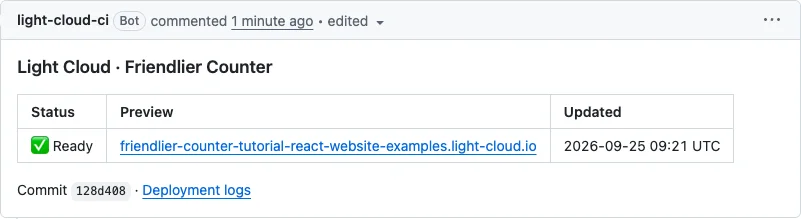
The pull request from this guide is light-cloud-com/tutorial-react-website#1.
Before you start
- A site deployed on Light Cloud from a GitHub repository. Deploy a React app in minutes makes one; this guide continues from it.
- Git.
Step 1: Check the branch settings
Open the app (not an environment) and its Settings tab. Four switches control previews, and all four are on by default:
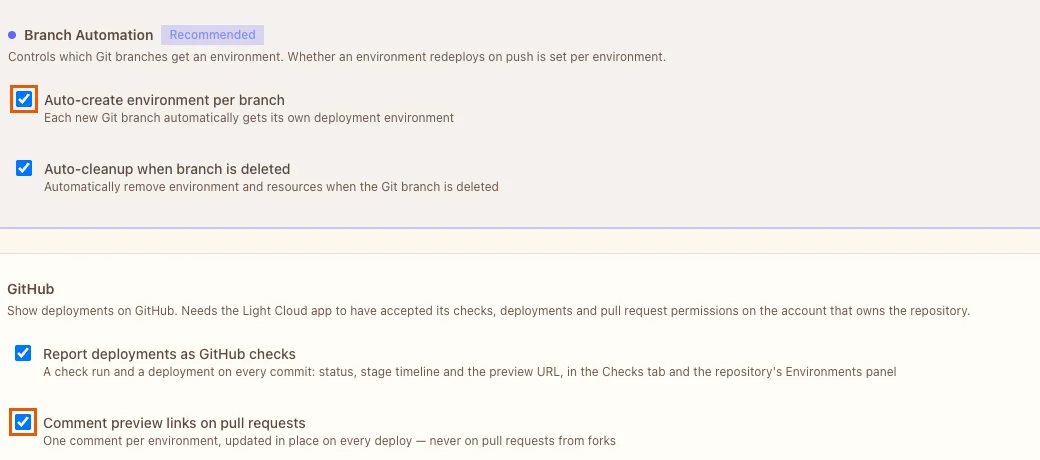
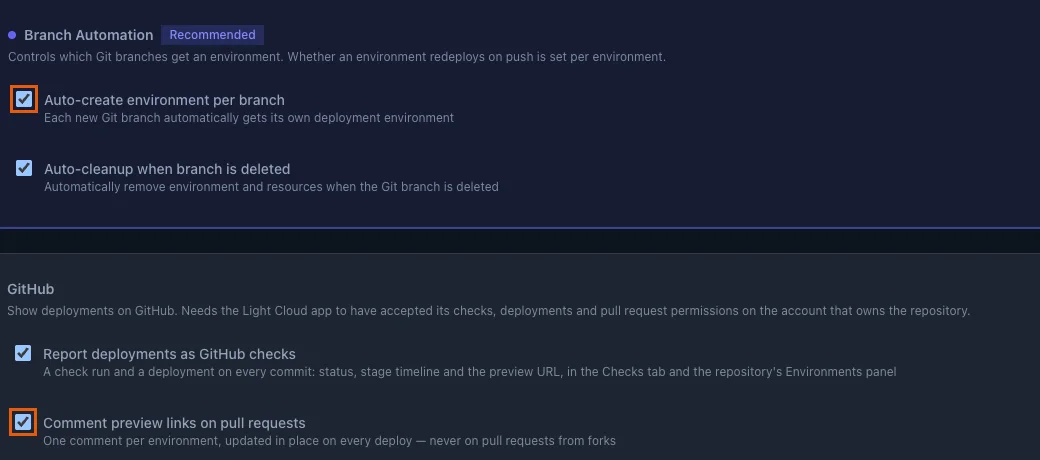
- Auto-create environment per branch: every new branch gets its own environment and address.
- Auto-cleanup when branch is deleted: the environment goes away with the branch.
- Report deployments as GitHub checks: each commit gets a check with the build steps and the preview link.
- Comment preview links on pull requests: one comment per environment, updated in place on every deploy.
The GitHub options need the Light Cloud GitHub App to have the checks, deployments and pull request permissions; the console says so if they are missing.
Step 2: Push a branch and open a pull request
Make a change on a new branch. Here the counter button in src/App.jsx gets a friendlier label:
Clicked {count} times
$ git checkout -b friendlier-counter
$ git commit -am "Friendlier counter label"
$ git push -u origin friendlier-counterPS> git checkout -b friendlier-counter
PS> git commit -am "Friendlier counter label"
PS> git push -u origin friendlier-counterNow open your repository on GitHub. It shows a banner for the new branch: click Compare & pull request, then Create pull request.
Step 3: Open the preview
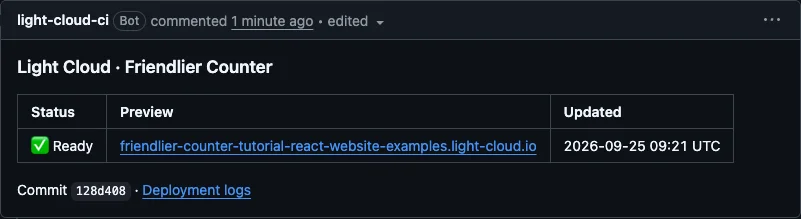
Within seconds the bot comments on the pull request with Building, then edits the same comment to Ready with the link (the screenshot at the top). In my run that took 16 seconds from the push.
The address follows https://<branch>-<app>-<workspace>.light-cloud.io. The preview has the change; production does not have it yet:
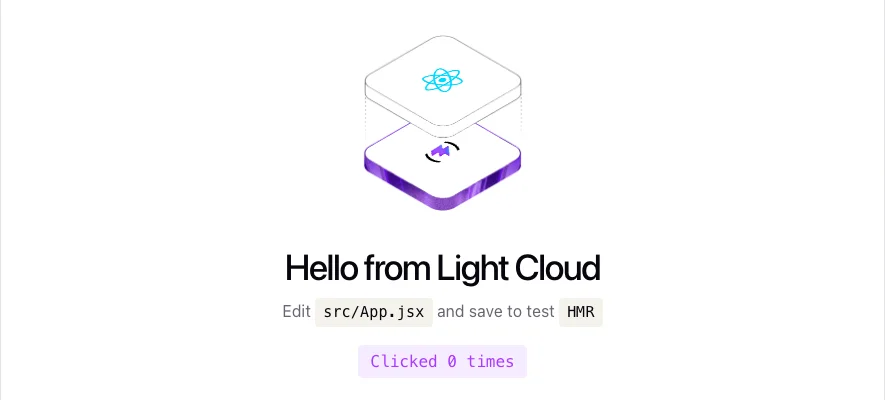
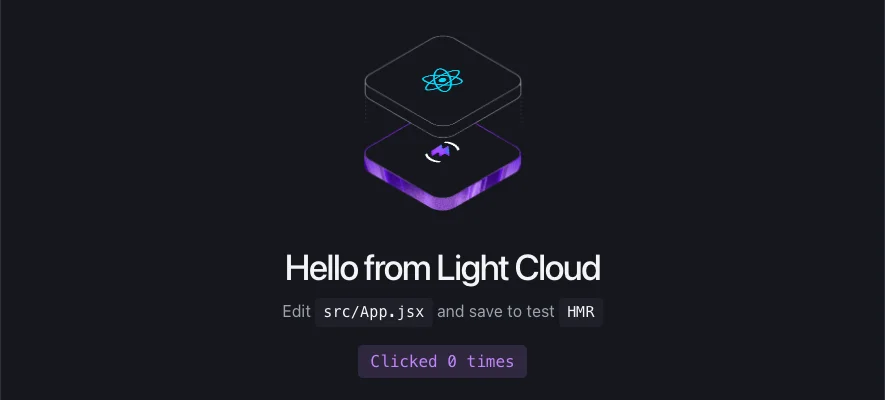
Every new commit on the branch redeploys the preview, and the bot updates its comment instead of adding a new one.
Step 4: Read the check
The Checks tab of the pull request has a Light Cloud CI check for each environment. It shows the preview address, the commit, the build time and each build step:
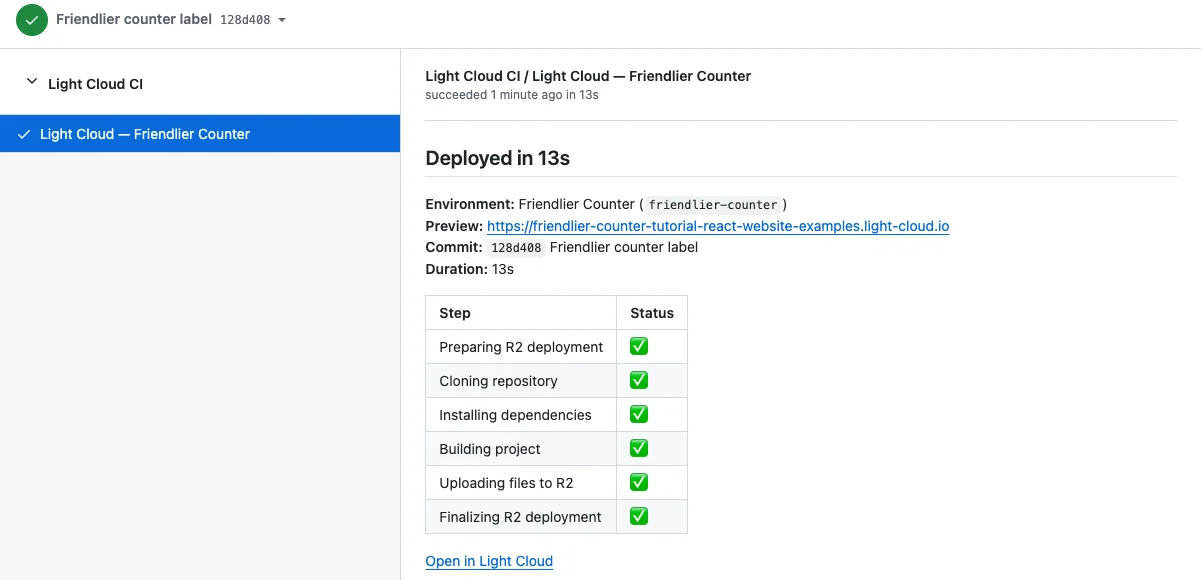
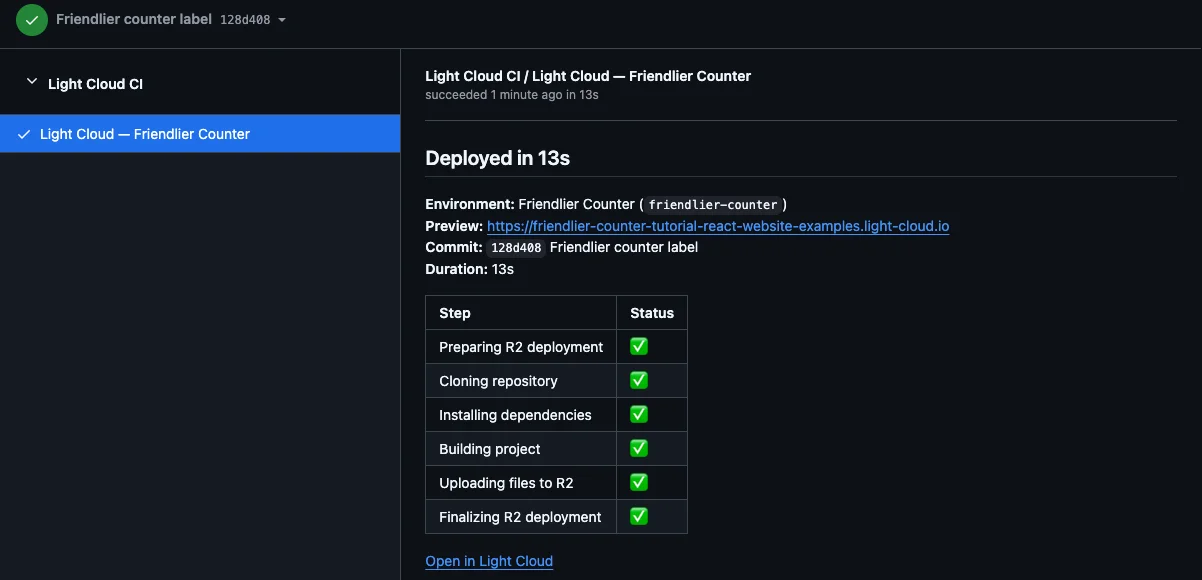
Open in Light Cloud leads to the deployment and its build log in the console.
Step 5: Merge and let it clean up
Merge the branch into main and delete it, with Git:
$ git switch main
$ git pull
$ git merge friendlier-counter
$ git push
$ git push origin --delete friendlier-counterPS> git switch main
PS> git pull
PS> git merge friendlier-counter
PS> git push
PS> git push origin --delete friendlier-counterGitHub marks the pull request as merged as soon as its commit reaches main. (The Merge pull request and Delete branch buttons on GitHub do the same.)
Two things follow by themselves:
- The merge is a push to
main, so production redeploys. In my run the change was live in production about 70 seconds after the merge. - Deleting the branch removes its environment. My preview address answered
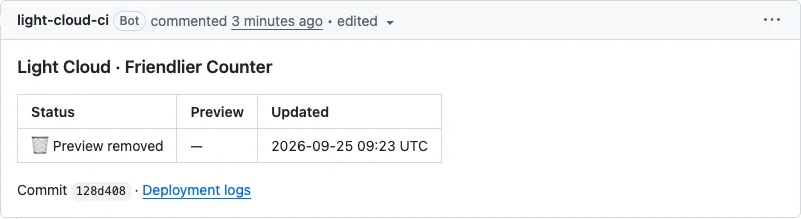
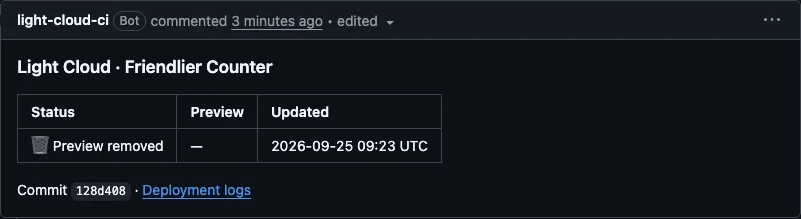
404within seconds, and the bot changed its comment to Preview removed:
More tutorials


Put a Password on a Staging Site Before the Client Sees It
Password-protect a staging site on Light Cloud: a branch gets its own environment and URL, a password in the Security tab locks it at the edge, and production stays public. No code, no .htaccess, no auth middleware.
 Julia
Julia

Deploy a React App in Minutes: Your First Light Cloud Website, for Free
Create a React app with Vite, push it to GitHub and deploy it on Light Cloud's free plan: detected automatically, built in 15 seconds, updated on every git push.
Julia

FastAPI in Production: From main.py to a Public URL
Deploy a FastAPI app to Light Cloud without a Dockerfile: requirements.txt and main.py are enough, uvicorn is started on the right port, and the Swagger docs at /docs are live in about 90 seconds.
Julia