How to Deploy a Vue 3 App with Vue Router and TypeScript on Light Cloud
create-vue, a push to GitHub and one click: the site builds with its type check, serves from the edge, and deep links like /about just work.



On this pageShowHide
To deploy a Vue 3 app on Light Cloud, push it to GitHub, choose Deploy from GitHub in the console and click Deploy. Light Cloud detects Vue from package.json, runs npm ci and your build script, and serves the dist folder from the edge. Vue Router's history mode works without any configuration: a link like /about opened directly still loads the app.
In my run the first deploy, TypeScript check included, took 33 seconds.
What you will build
The official Vue starter with Vue Router and TypeScript, live on a light-cloud.io address, including a working direct link to its About page.
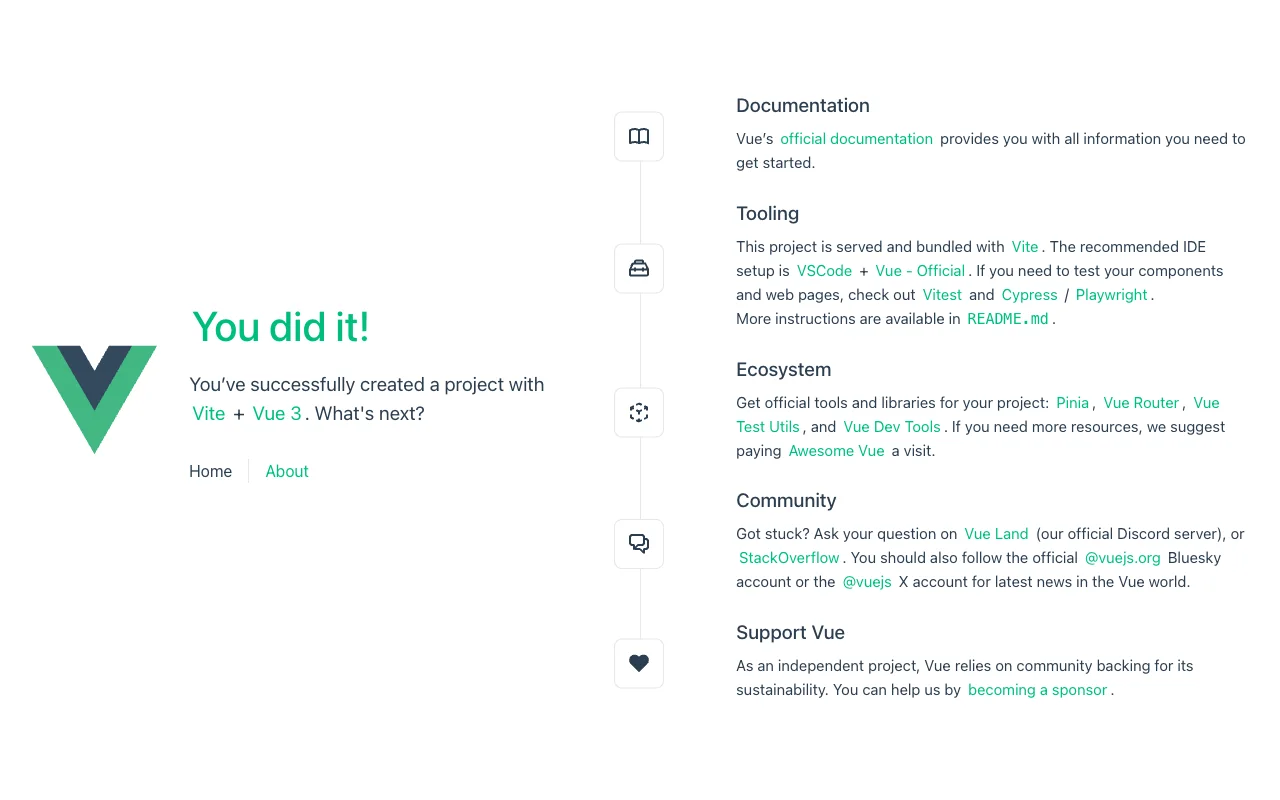
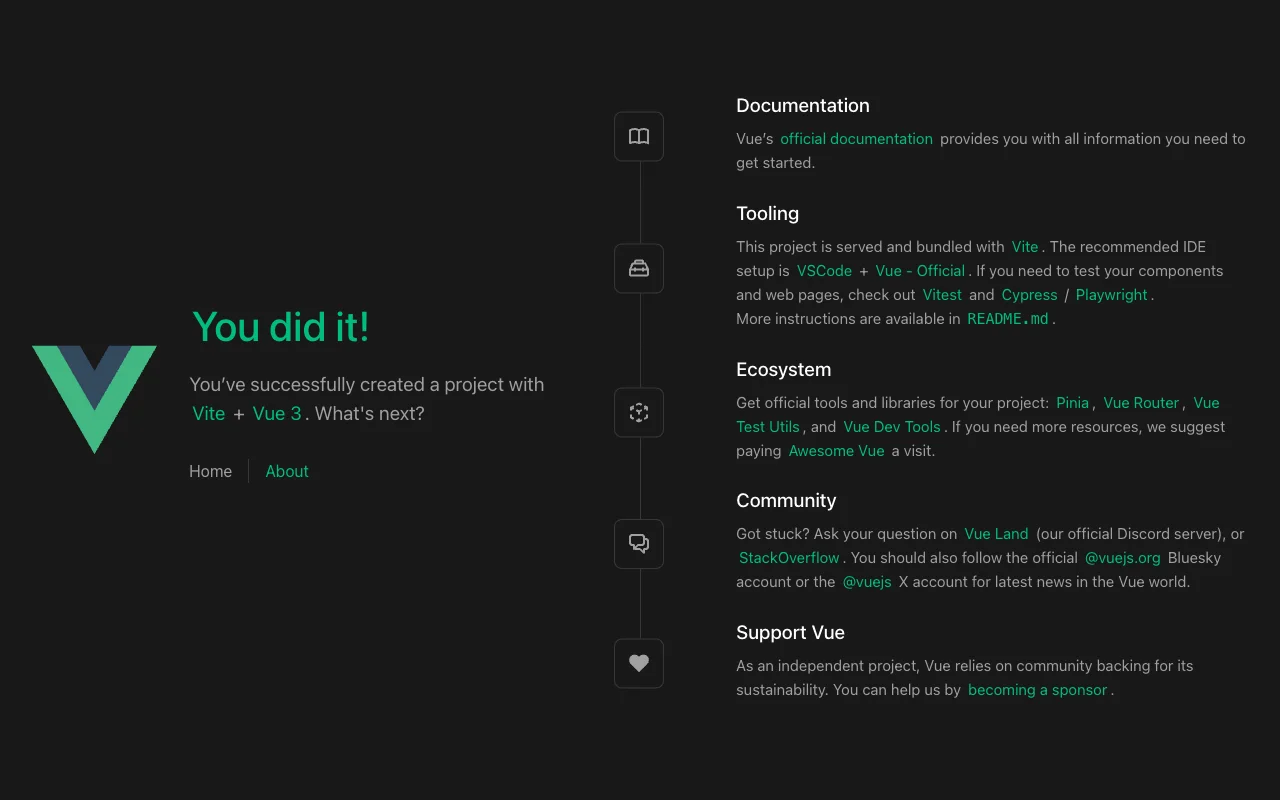
Live demo: main-tutorial-vue-website-examples.light-cloud.io. Source code: github.com/light-cloud-com/tutorial-vue-website.
Before you start
- Node.js 22.18 or later, or 24.12 or later. This is what create-vue 3.24 requires; I used Node.js 24.
- Git and a GitHub account.
- A free Light Cloud account at console.light-cloud.com with GitHub connected.
- On Windows, use PowerShell 7.
New to deploying from GitHub? The React guide walks through the same console screens in more detail.
Step 1: Create the Vue app
--router adds Vue Router and --default accepts the recommended defaults, which include TypeScript:
$ npm create vue@latest tutorial-vue-website -- --router --default
┌  Vue.js - The Progressive JavaScript Framework

Scaffolding project in /Users/you/tutorial-vue-website...
│
└  Done. Now run:

   cd tutorial-vue-website
   npm install
npm run devPS> npm create vue@latest tutorial-vue-website -- --router --default
┌ Vue.js - The Progressive JavaScript Framework
Scaffolding project in C:\Users\you\tutorial-vue-website...
│
└ Done. Now run:
cd tutorial-vue-website
npm install
npm run devThe path in the output is your own folder.
Step 2: Run it and build it once
$ cd tutorial-vue-website
$ npm install
found 0 vulnerabilities
$ npm run build
vite v8.3.1 building client environment for production...
✓ 43 modules transformed.
dist/index.html                      0.42 kB │ gzip:  0.28 kB
dist/assets/index-kyaxwdja.js       97.36 kB │ gzip: 37.58 kB
✓ built in 374msPS> cd tutorial-vue-website
PS> npm install
found 0 vulnerabilities
PS> npm run build
vite v8.3.1 building client environment for production...
✓ 43 modules transformed.
dist/index.html 0.42 kB │ gzip: 0.28 kB
dist/assets/index-kyaxwdja.js 97.36 kB │ gzip: 37.58 kB
✓ built in 374msOutput is trimmed. npm run build first type-checks the project with vue-tsc, then builds it; a clean local build means the deploy will build too. npm run dev starts the development server on http://localhost:5173.
Step 3: Push it to GitHub
$ git init -b main
$ git add -A
$ git commit -m "Vue website from create-vue"
# Create an empty repository named tutorial-vue-website on github.com/new first.
$ git remote add origin https://github.com/YOUR-USERNAME/tutorial-vue-website.git
$ git push -u origin main
To https://github.com/YOUR-USERNAME/tutorial-vue-website.git
 * [new branch]      main -> main
branch 'main' set up to track 'origin/main'.PS> git init -b main
PS> git add -A
PS> git commit -m "Vue website from create-vue"
# Create an empty repository named tutorial-vue-website on github.com/new first.
PS> git remote add origin https://github.com/YOUR-USERNAME/tutorial-vue-website.git
PS> git push -u origin main
To https://github.com/YOUR-USERNAME/tutorial-vue-website.git
* [new branch] main -> main
branch 'main' set up to track 'origin/main'.Step 4: Deploy it
- In the Light Cloud console, click New..., then Deploy from GitHub.
- Search for
tutorial-vue-websiteand click it.
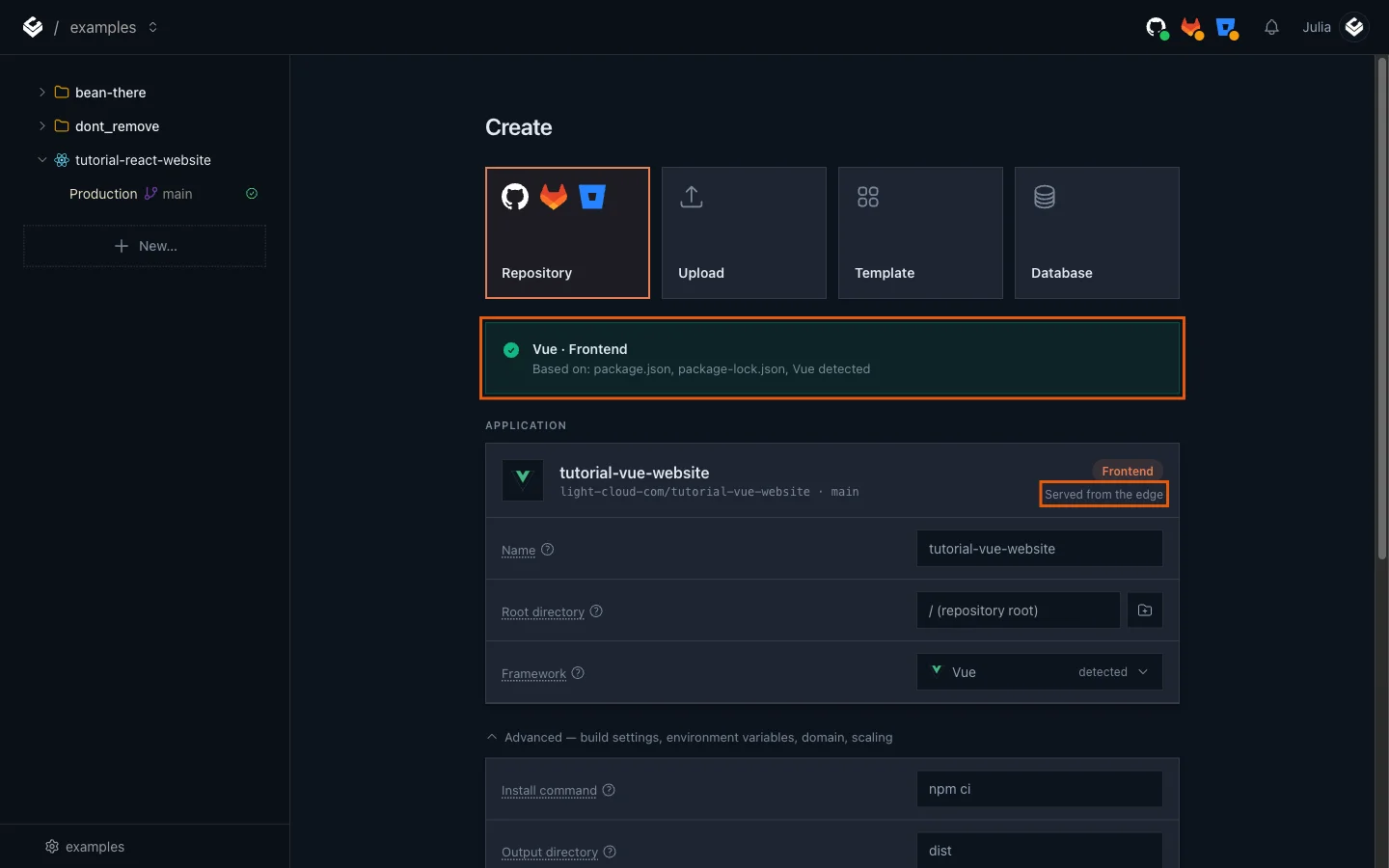
Light Cloud shows Vue / Frontend, based on package.json and package-lock.json, and Served from the edge:
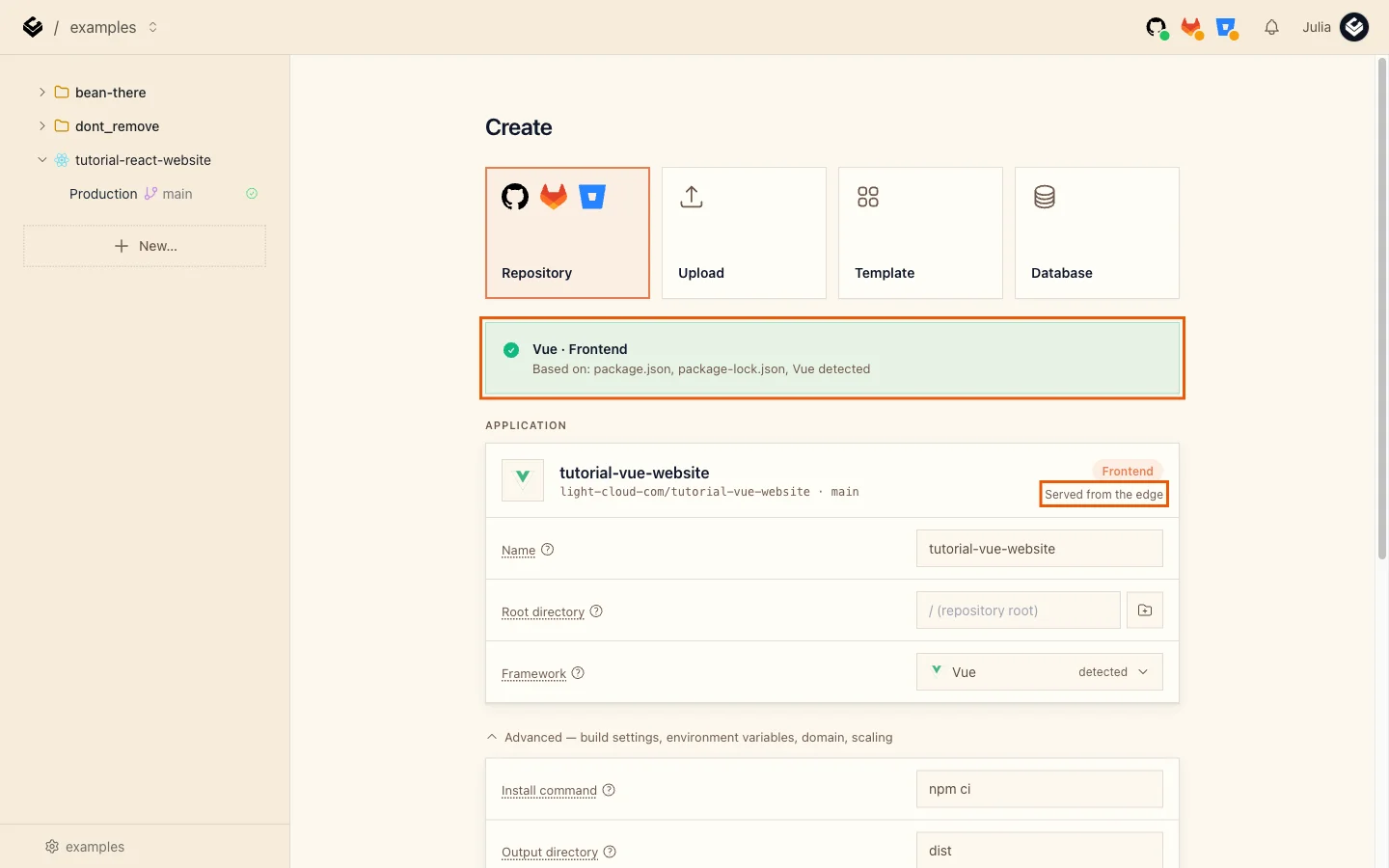
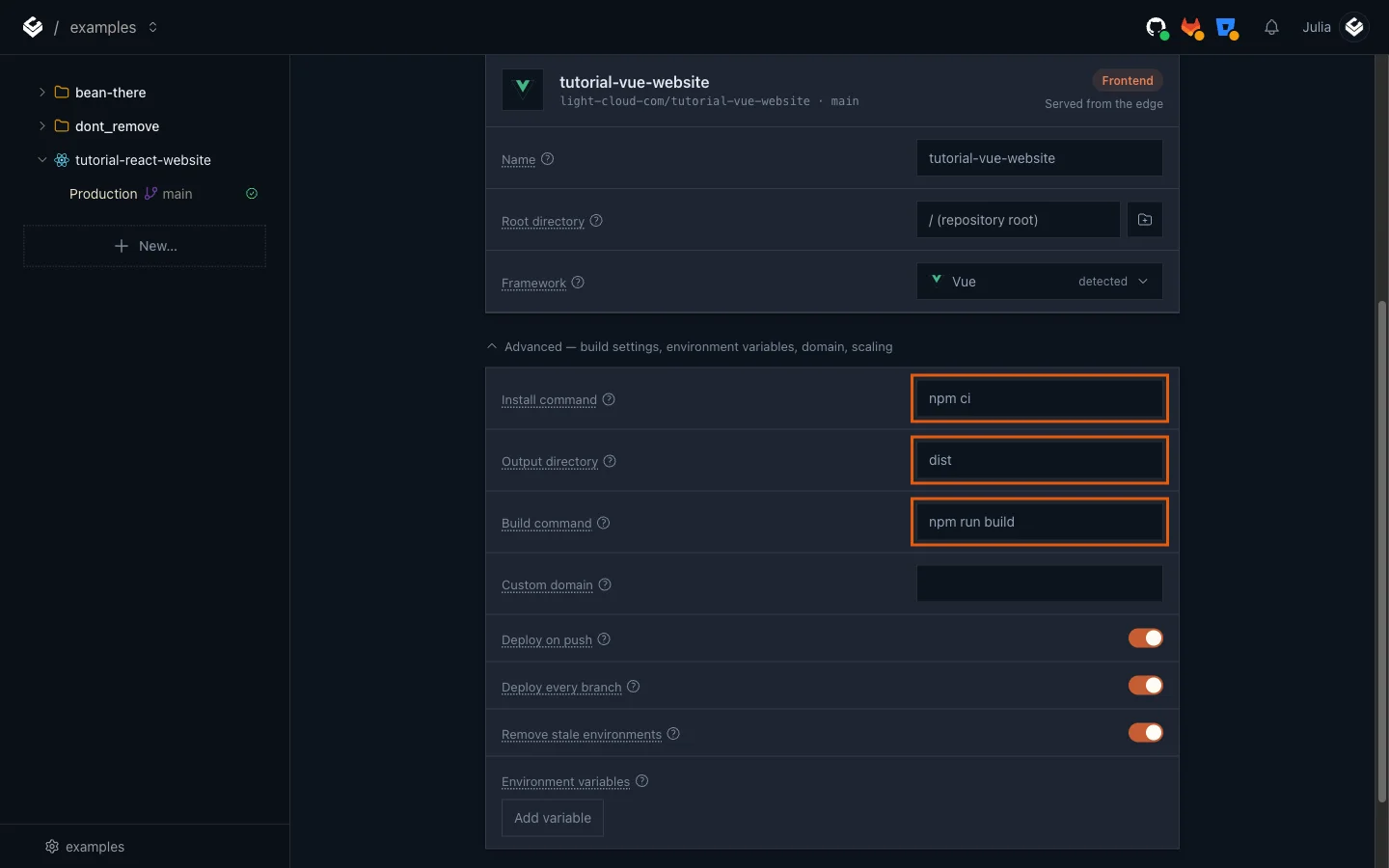
- Optional: under Advanced - build settings, environment variables, domain, scaling you can see the build Light Cloud will run:
npm ci,npm run build, outputdist. Nothing to change.
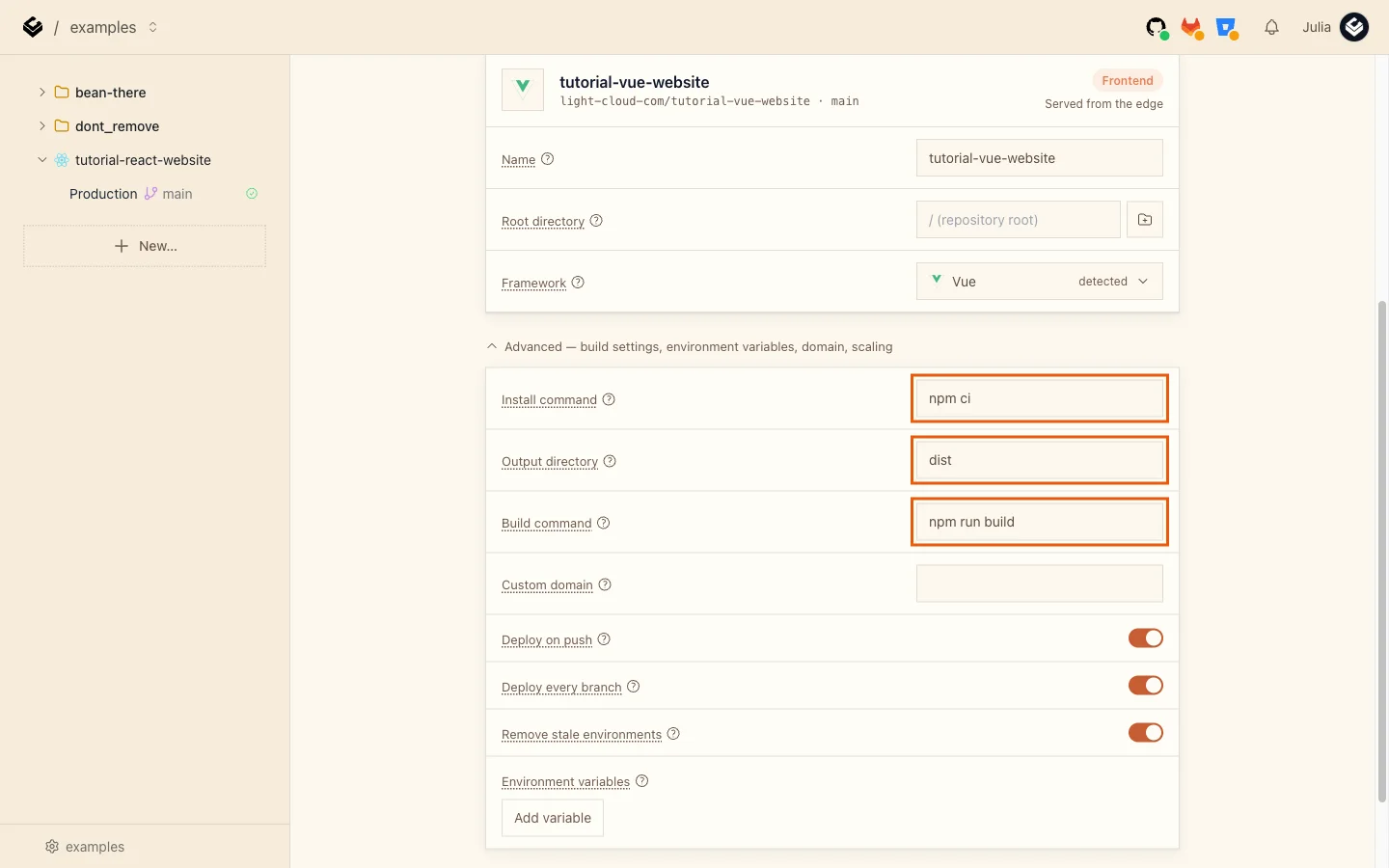
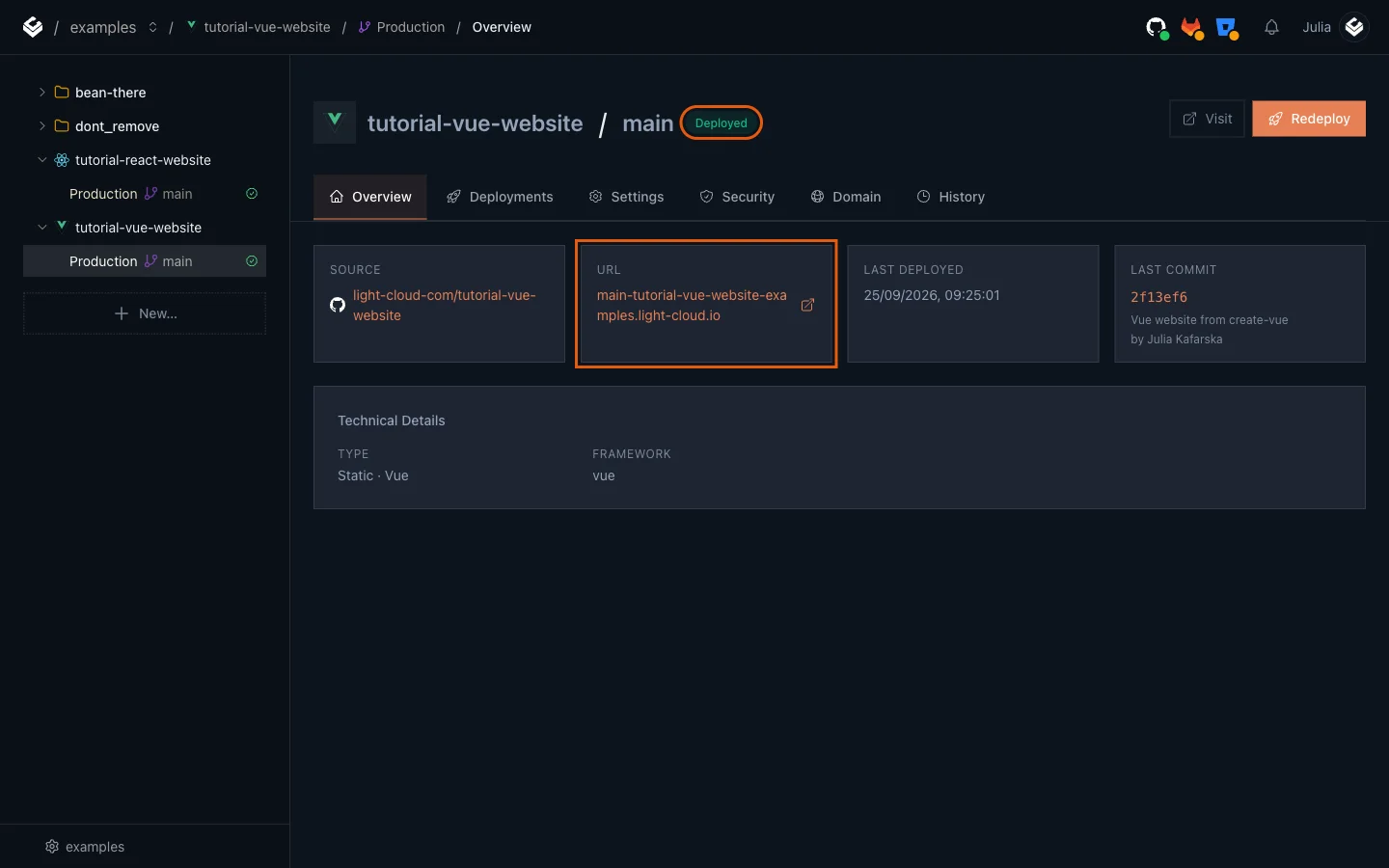
- Click Deploy and wait for Deployed. Then open the address from the URL card:
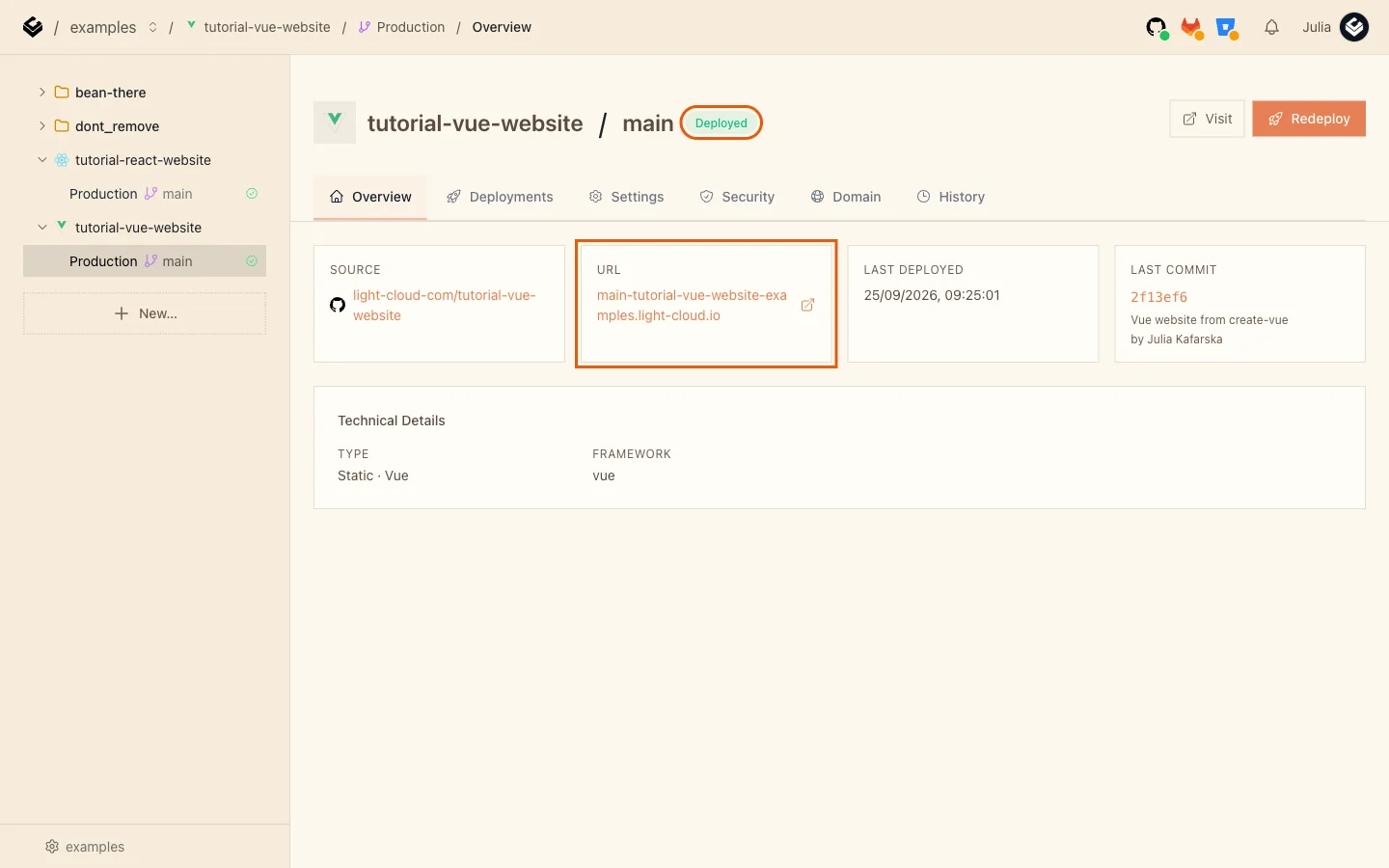
Step 5: Open a deep link
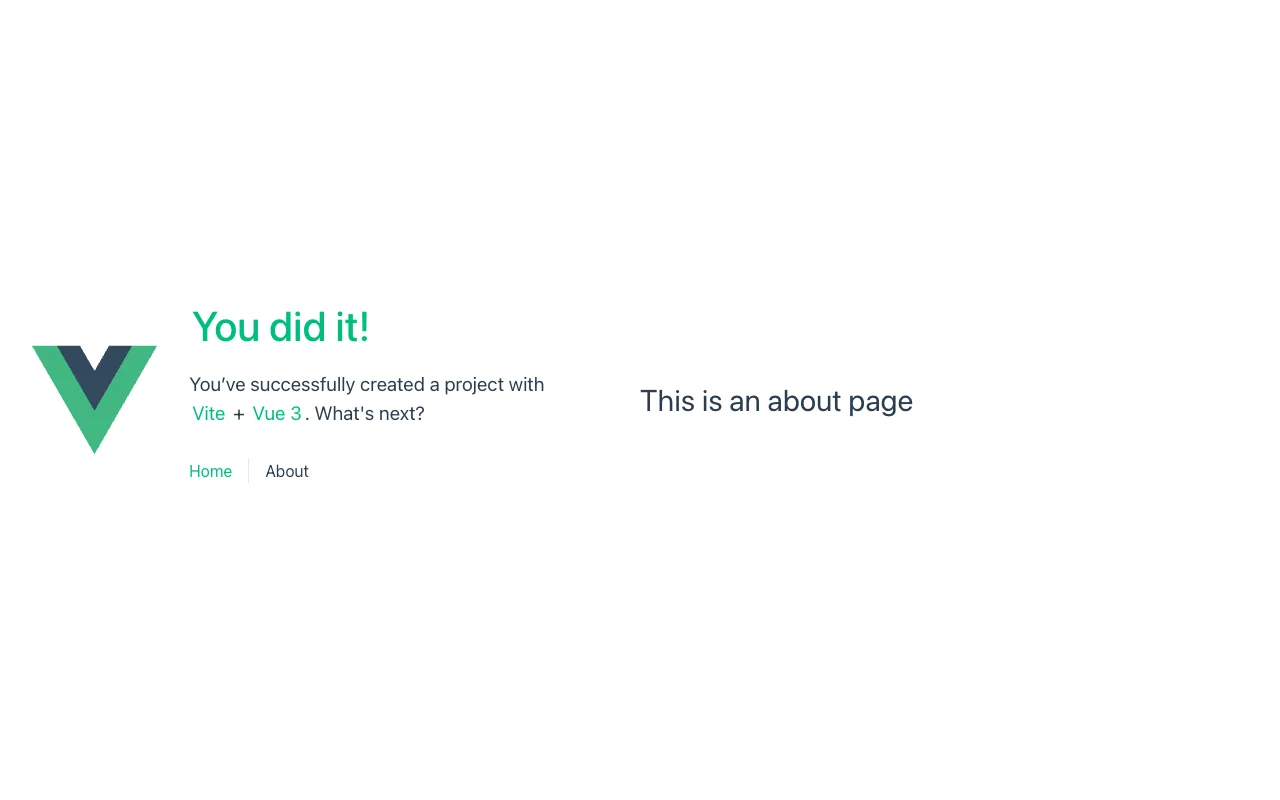
create-vue sets up Vue Router in history mode, so the About page lives at a real-looking path, /about, not /#/about. On many static hosts, opening that path directly returns a 404, because there is no about file. On Light Cloud it works: any path that is not a file is answered with index.html, and Vue Router takes over.
Open https://main-tutorial-vue-website-yourworkspace.light-cloud.io/about directly:

From now on, every push to main redeploys the site by itself.
Troubleshooting
npm error engine Unsupported engine
npm error notsup Required: {"node":"^22.18.0 || >=24.12.0"}
npm error notsup Actual:   {"node":"v22.16.0","npm":"11.6.4"}
Your Node.js is older than create-vue needs. Install a current Node.js 22 or 24 from nodejs.org and run the command again.
More tutorials


Deploy a React App in Minutes: Your First Light Cloud Website, for Free
Create a React app with Vite, push it to GitHub and deploy it on Light Cloud's free plan: detected automatically, built in 15 seconds, updated on every git push.
 Julia
Julia

Microservices Part 1: Deploy a Frontend, Two APIs and a Database
Deploy a React frontend, a Node.js API, a Python FastAPI API and PostgreSQL from one GitHub monorepo on Light Cloud, step by step, with every screen shown.
Julia