Microservices Part 6: Trace One Request Through the Logs
Part 6 of Microservices on Light Cloud. Give every request an ID, write logs as JSON with a severity, and find any order, good or failed, across services in seconds.



On this pageShowHide
To follow one request across microservices on Light Cloud, give it an ID, pass that ID to every service in an x-request-id header, and print it in every log line as JSON with a severity field. Then search each service's Logs tab for the ID: every line the request produced appears, in every service, and the level filter narrows the view to warnings and errors.
This is Part 6, the last part of the series. It uses Bean There from Part 1, where the request ID was already built in.
What you will build
- Log lines that the Logs tab understands: JSON with
severity,service,requestIdand amessage. - A traced order: one ID, found in orders-api and in catalog-api.
- A traced failure: an order for a product that does not exist, found with the warnings and above filter.
Source code: github.com/light-cloud-com/tutorial-microservices, tag part-6.
Before you start
- Bean There from Parts 1 to 5.
- A terminal with curl (on Windows,
curl.exein PowerShell 7) and Git.
Step 1: Get the Part 6 code
Sync your fork or pull, as in the earlier parts:
$ git pull upstream main
$ git push origin mainPS> git pull upstream main
PS> git push origin mainBoth APIs changed, so both redeploy.
Step 2: How the request ID travels
Each API gives every request an ID, or keeps the one the caller sent, and returns it in the response. orders-api passes it on when it calls catalog-api:
@app.middleware("http")
async def request_id(request: Request, call_next):
    request.state.request_id = request.headers.get("x-request-id") or str(uuid.uuid4())
    response = await call_next(request)
    response.headers["x-request-id"] = request.state.request_id
    return response
reply = await client.post(
    f"{CATALOG_API_URL}/internal/products/{order.product_id}/reserve",
    json={"quantity": order.quantity},
    headers={"x-internal-secret": INTERNAL_SECRET, "x-request-id": request_id},
)
catalog-api does the same on its side, keeping the ID it receives:
app.use((req, res, next) => {
  req.requestId = req.get("x-request-id") || randomUUID();
  res.set("x-request-id", req.requestId);
  next();
});
Step 3: Write logs the Logs tab understands
Part 6 adds a severity field to every log line. The Logs tab reads it: lines get the right level and colour, and the level filter works. Without it, a line shows as DEFAULT.
// One JSON object per line. "severity" is what the Logs tab's level filter
// reads (INFO, WARNING, ERROR); requestId ties lines from all services together.
function log(req, message, extra = {}, severity = "INFO") {
  console.log(JSON.stringify({ severity, service: "catalog-api", requestId: req.requestId, message, ...extra }));
}
def log(request_id: str, message: str, severity: str = "INFO", **extra):
    print(json.dumps({"severity": severity, "service": "orders-api", "requestId": request_id, "message": message, **extra}), flush=True)
Part 6 also fixes a bug from earlier parts: an order for a product that does not exist used to answer "Not enough stock". It now returns 404 Product not found and logs a warning in both services.
Step 4: Send a traced order
Place an order with an ID you choose, so it is easy to find. -i shows the response headers, including the ID coming back:
$ curl -s -i -X POST https://main-orders-api-yourworkspace.light-cloud.io/orders \
  -H "content-type: application/json" -H "x-request-id: order-7f3a" \
  -d '{"product_id":2,"quantity":1}'
HTTP/2 201
x-request-id: order-7f3a

{"id":9,"product":"Pour-over kettle","quantity":1,"total_cents":5900}PS> curl.exe -s -i -X POST https://main-orders-api-yourworkspace.light-cloud.io/orders `
-H "content-type: application/json" -H "x-request-id: order-7f3a" `
-d '{"product_id":2,"quantity":1}'
HTTP/2 201
x-request-id: order-7f3a
{"id":9,"product":"Pour-over kettle","quantity":1,"total_cents":5900}Other headers are left out here. Your order id will differ. In a real app the browser would not choose the ID; the first service creates one, and you find it in the response or in the first log line.
Step 5: Find it in both services
- Open orders-api, Production, then the Logs tab.
- Type the ID,
order-7f3a, into search lines and press Enter.
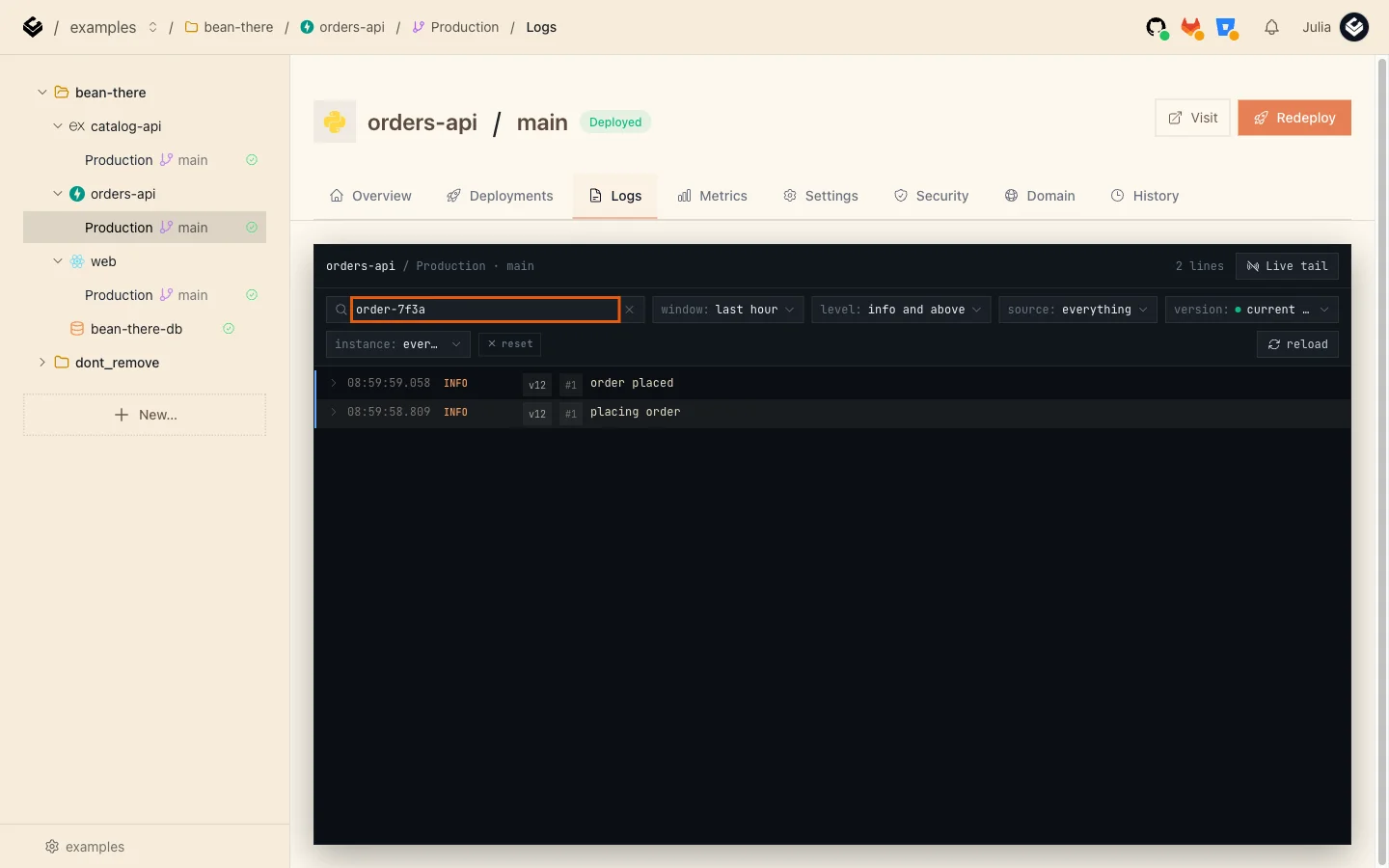
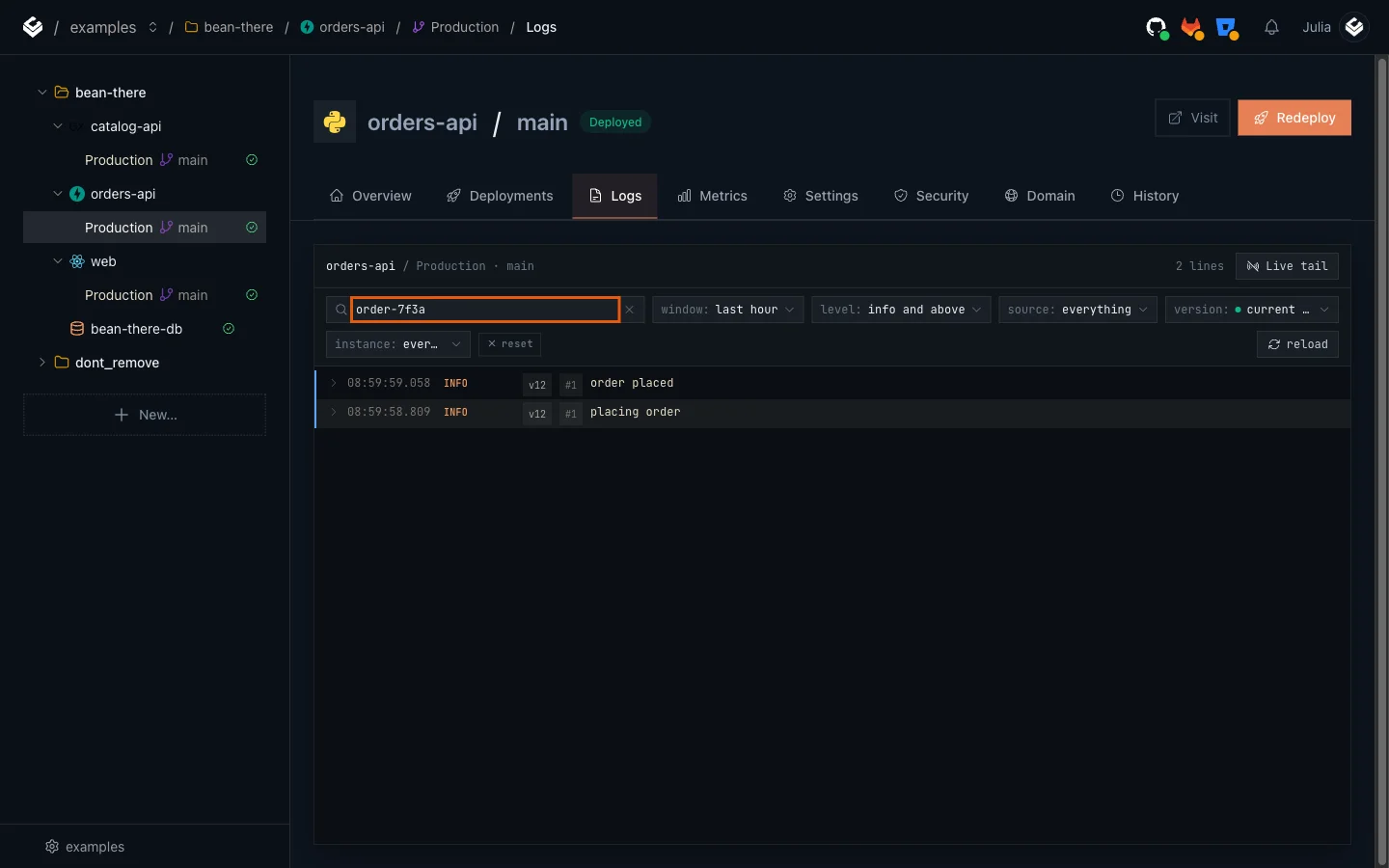
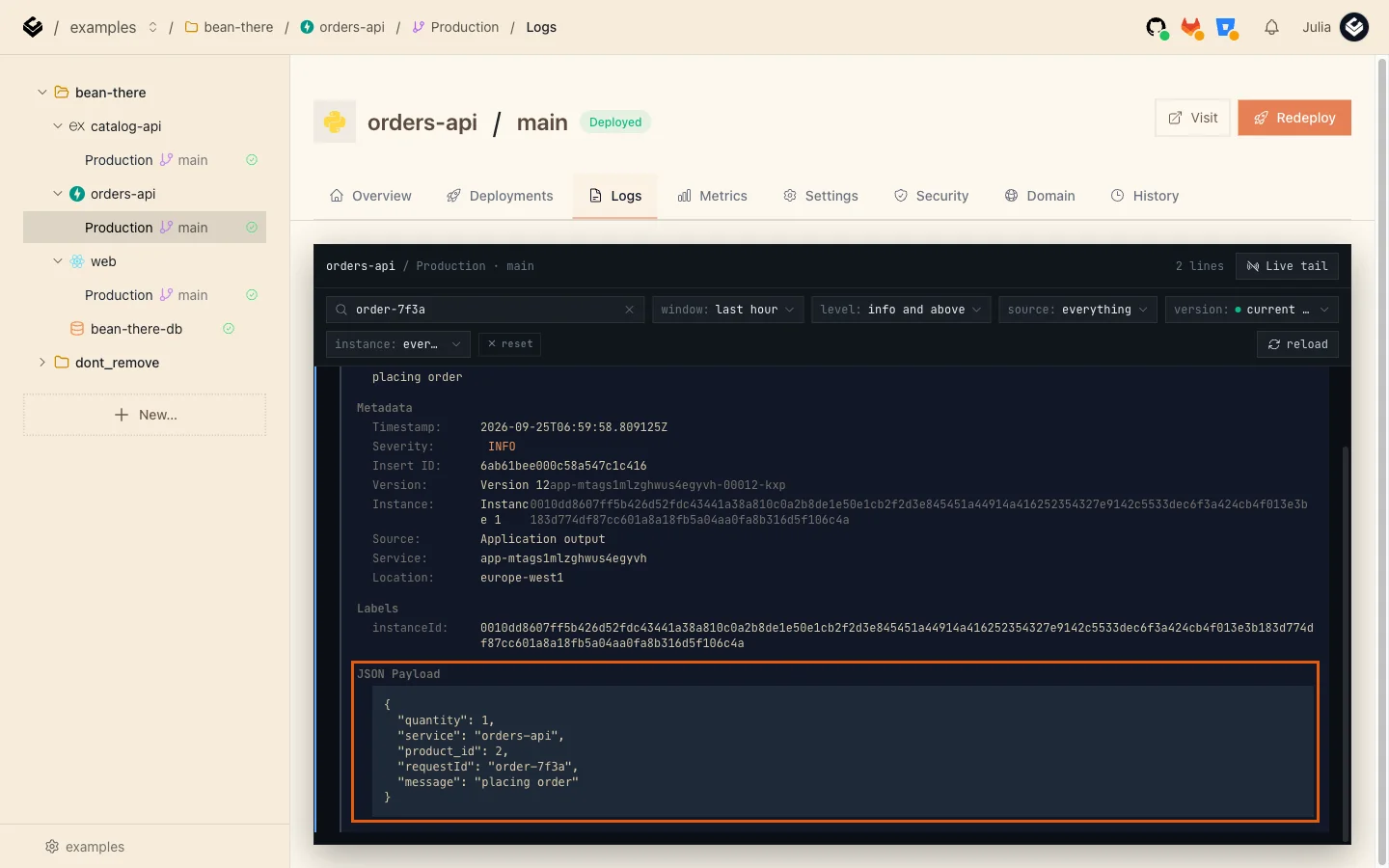
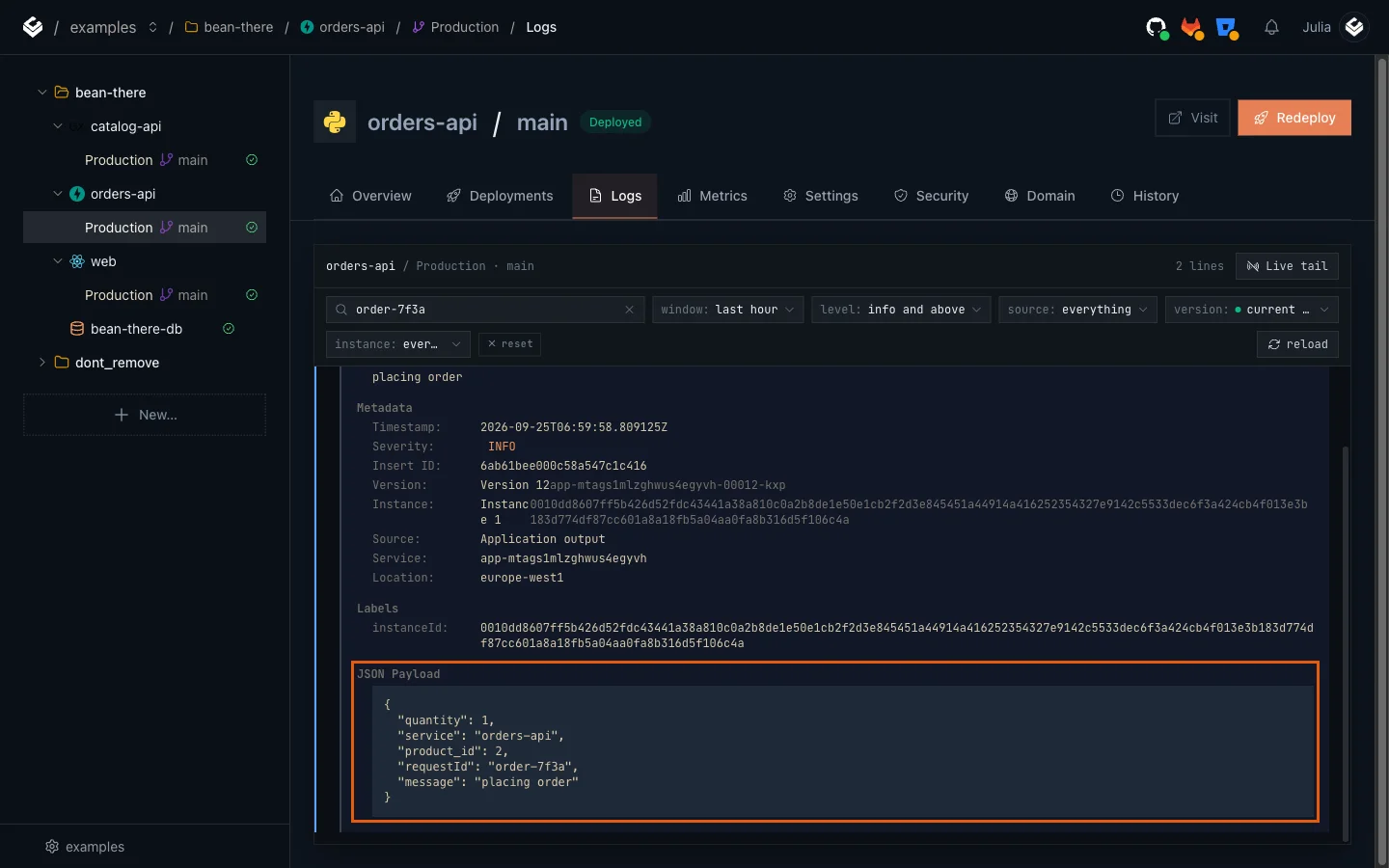
Two lines: placing order and order placed. Click a line to open it. Under JSON Payload you see every field the service logged, including the requestId:
- Now open catalog-api, Production, Logs, and search for the same ID.
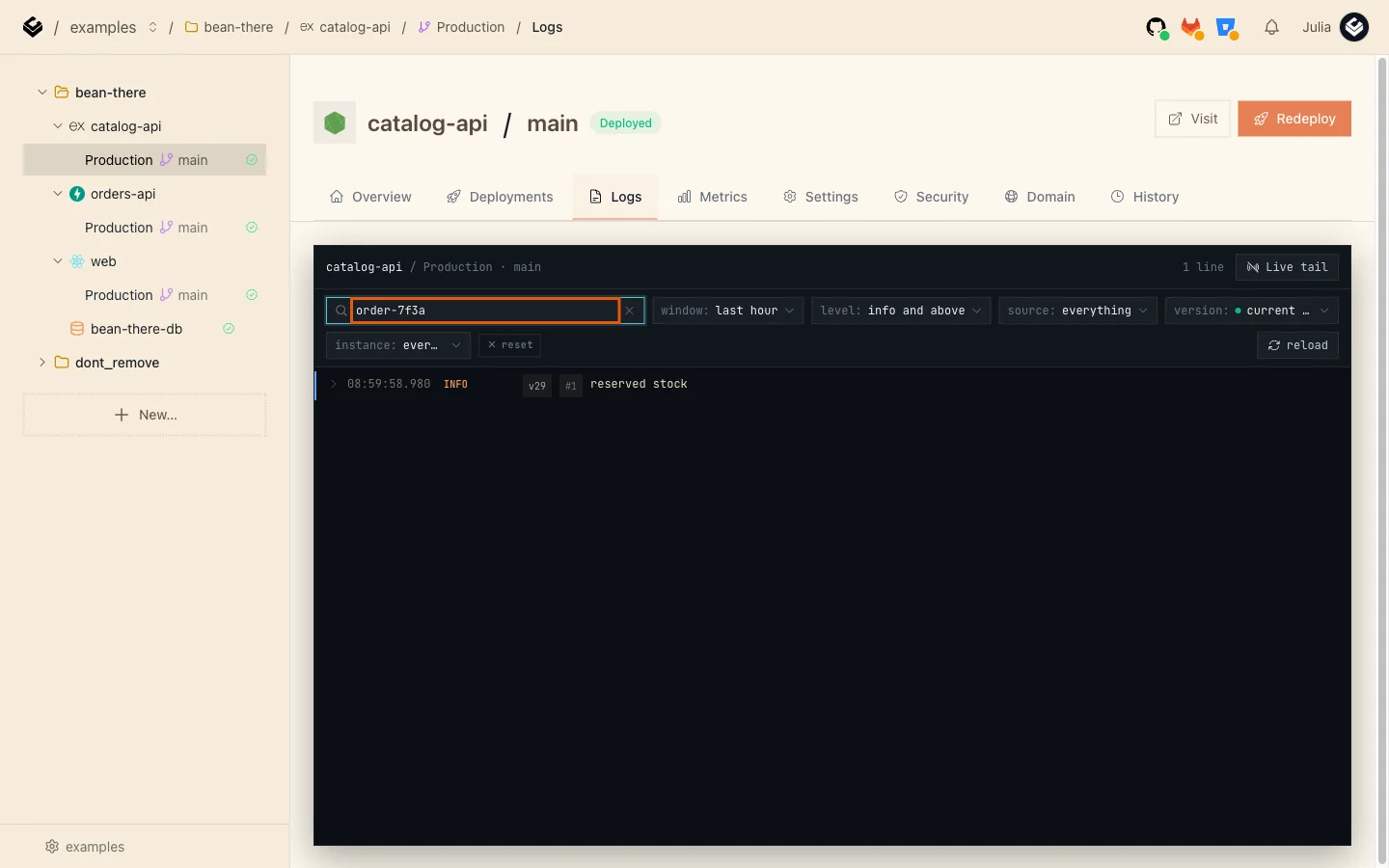
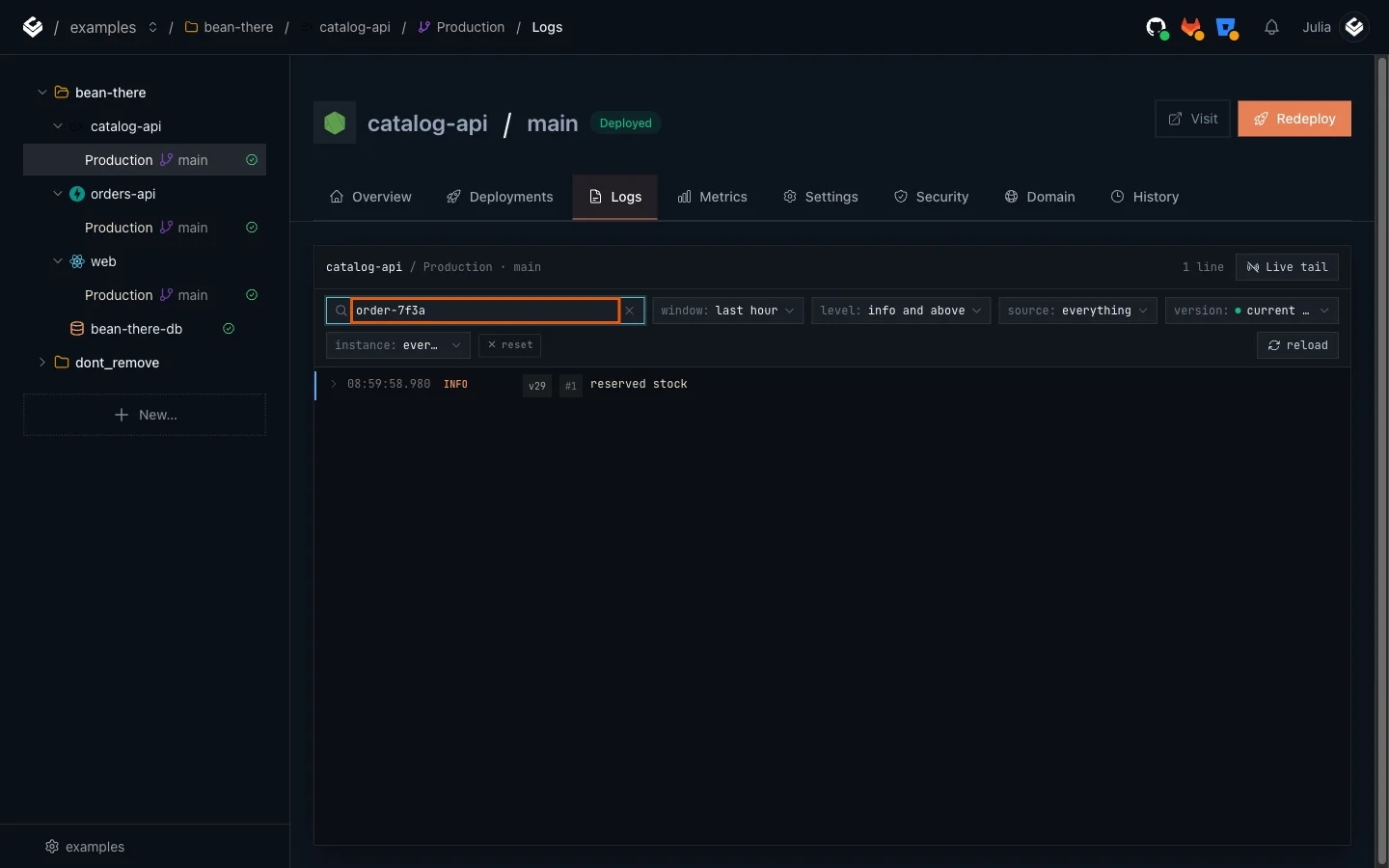
reserved stock: the same request, one service further along. Together the two searches show the order's whole path, in order, with timestamps.
Step 6: Find failures with the level filter
Send an order that fails:
$ curl -s -i -X POST https://main-orders-api-yourworkspace.light-cloud.io/orders \
  -H "content-type: application/json" -H "x-request-id: order-404b" \
  -d '{"product_id":999,"quantity":1}'
HTTP/2 404
x-request-id: order-404b

{"detail":"Product not found"}PS> curl.exe -s -i -X POST https://main-orders-api-yourworkspace.light-cloud.io/orders `
-H "content-type: application/json" -H "x-request-id: order-404b" `
-d '{"product_id":999,"quantity":1}'
HTTP/2 404
x-request-id: order-404b
{"detail":"Product not found"}Now find it without knowing the ID. In orders-api's Logs tab, clear the search, open the level filter and choose warnings and above:
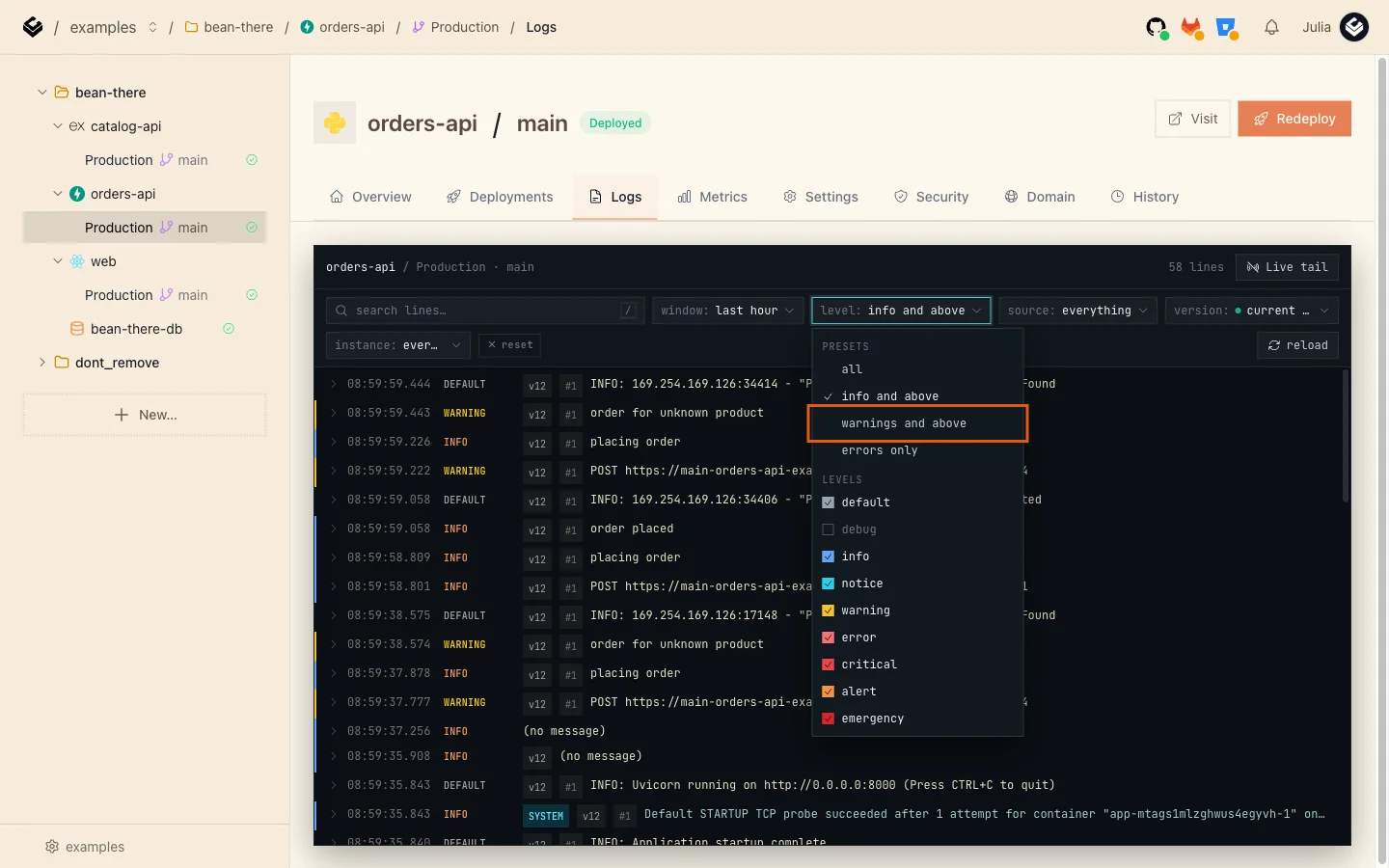
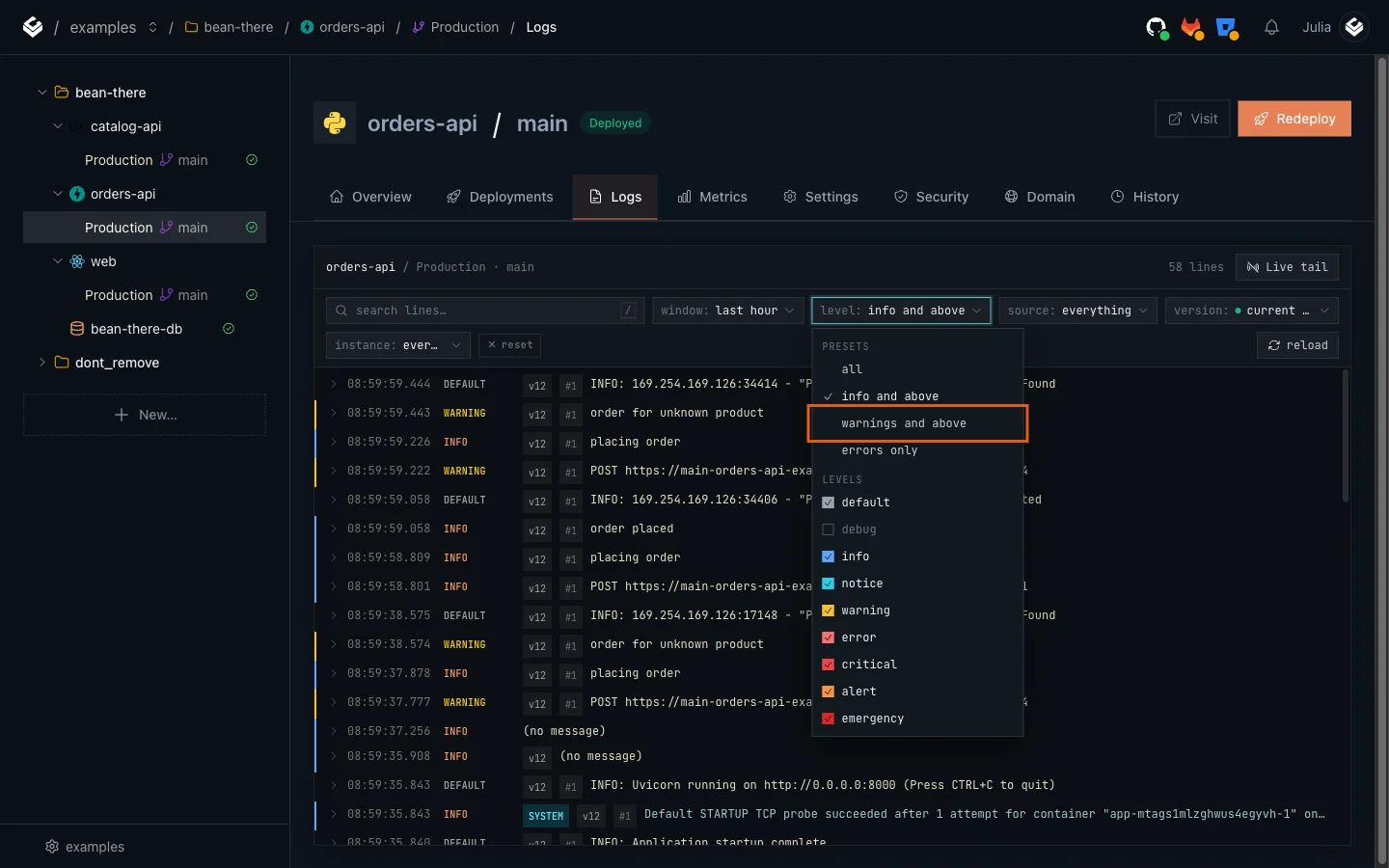
Only warnings and errors remain. Open order for unknown product to see which product and which request:
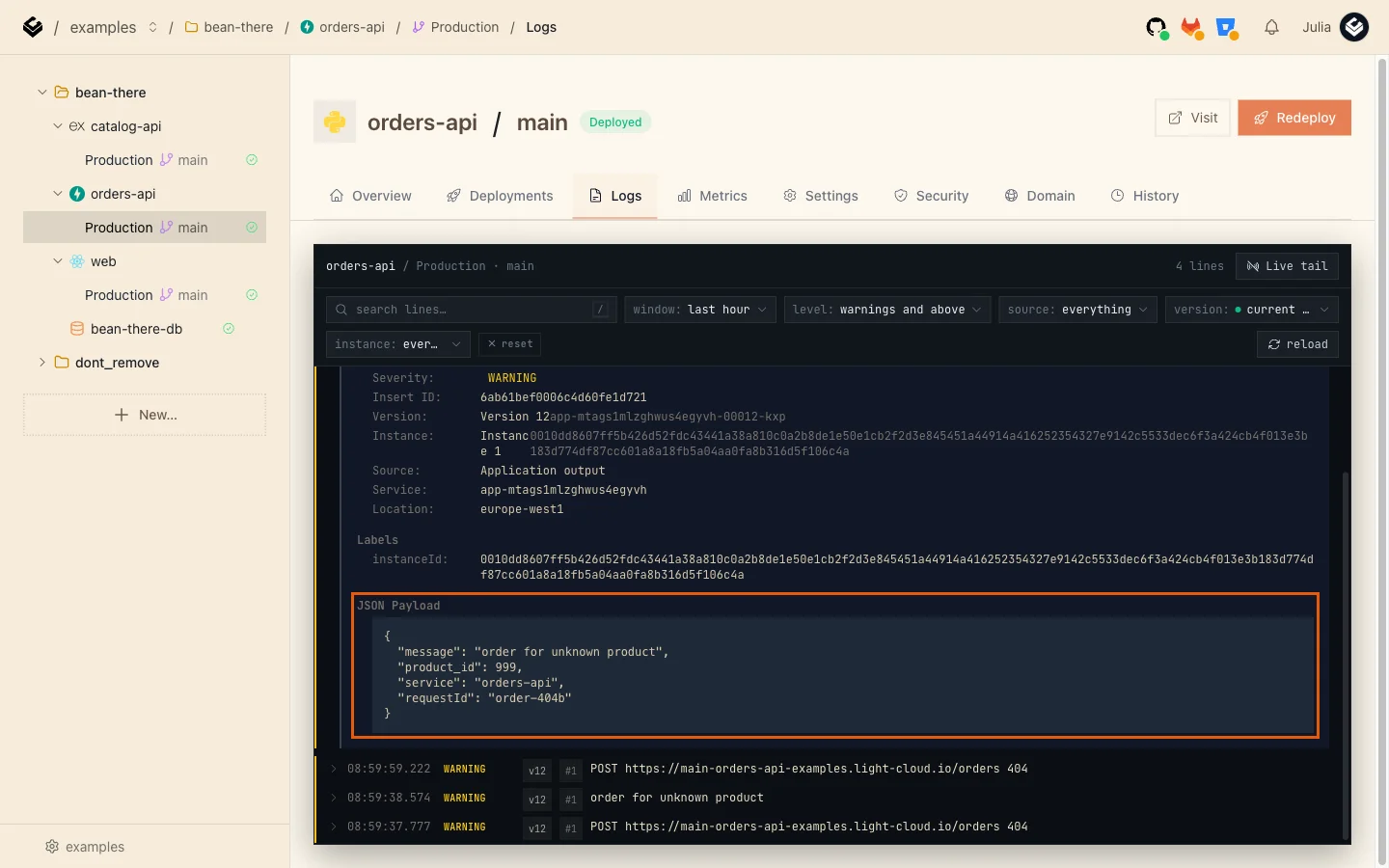
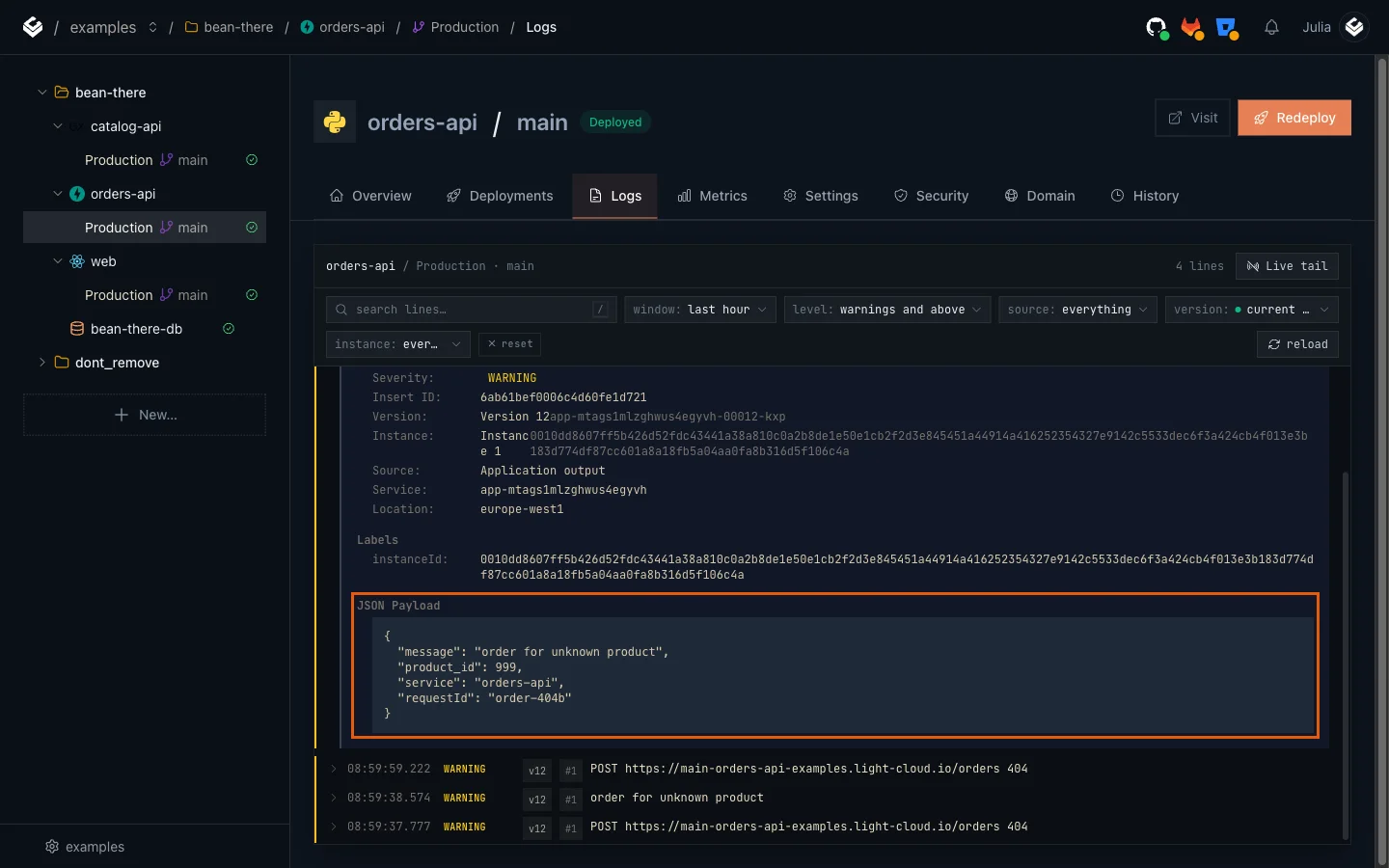
Two kinds of lines show up. Your own order for unknown product warning, and a line Light Cloud writes for every HTTP request, here POST https://main-orders-api-yourworkspace.light-cloud.io/orders 404. Requests that end with a 4xx status are marked WARNING automatically, so this filter finds failed requests even in a service that logs nothing itself. With the requestId from the payload you can now search catalog-api for the other half of the story.